One Block Map MCPE Latest
 Go to files
One Block is a void game like skyblock, but there is only 1 block to survive. If this block is destroyed, a new block will appear with a certain rarity.
How to play:
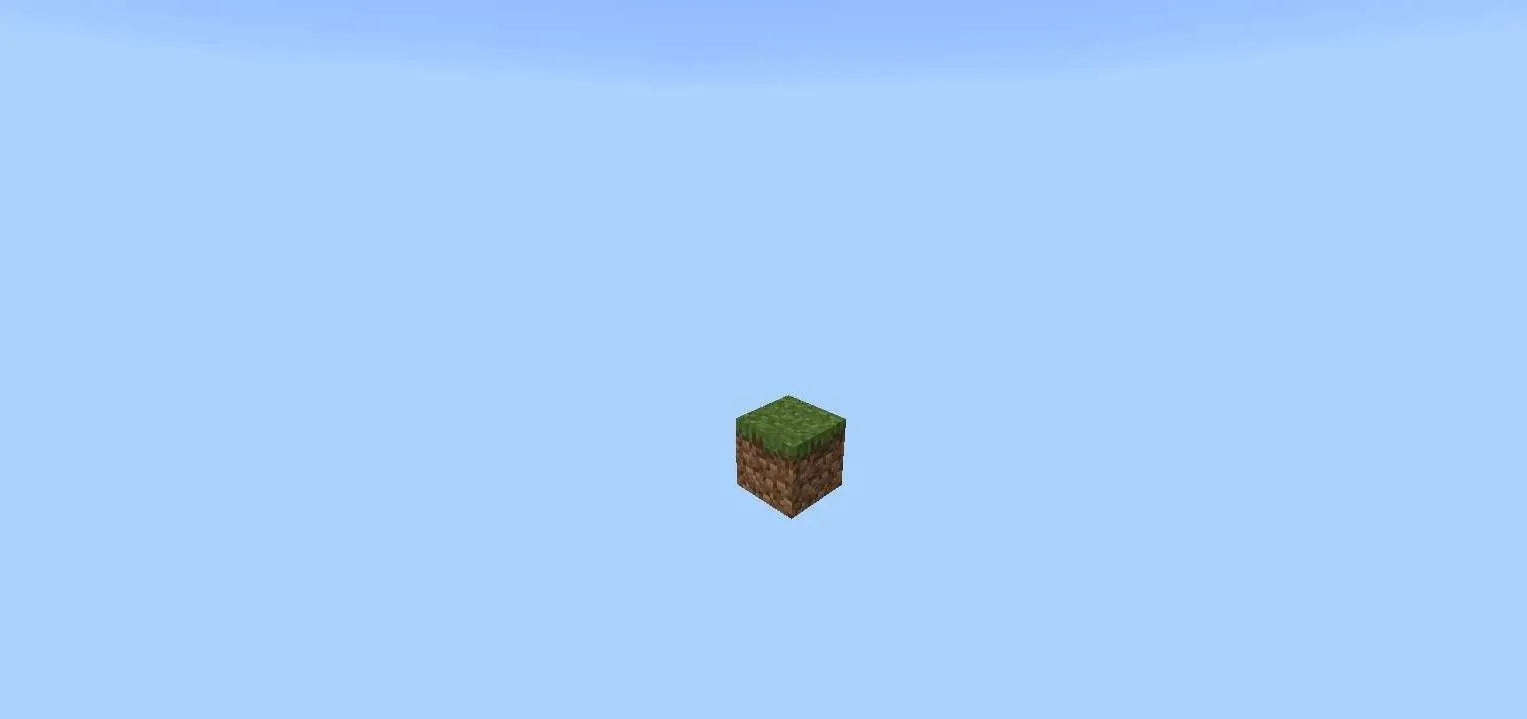
First, you will spawn on a block. To start the game, destroy the block and it will automatically be replaced with another block continuously. As you destroy blocks, there will be mobs that appear, and there are rare blocks such as chests that contain items that may be useful for starting a civilization.
Increase Levels:
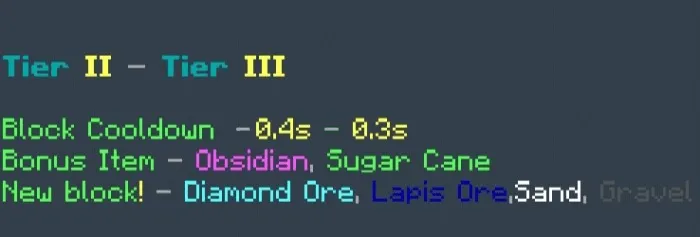
To increase the level you have to destroy certain blocks, there are 11 phases available with different levels of difficulty. The higher the block level, the faster the block regenerates.
- Forest
- Cave
- Frostlands
- Ocean
- Wild Jungle
- Red Desert
- The Nether
- Sky Isles
- Stronghold
- The End
- ???
Screenshots:
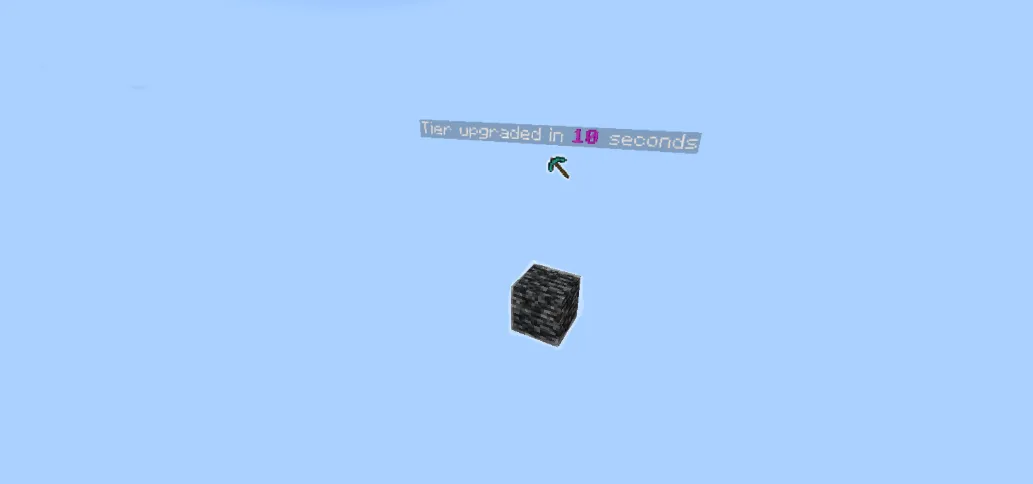
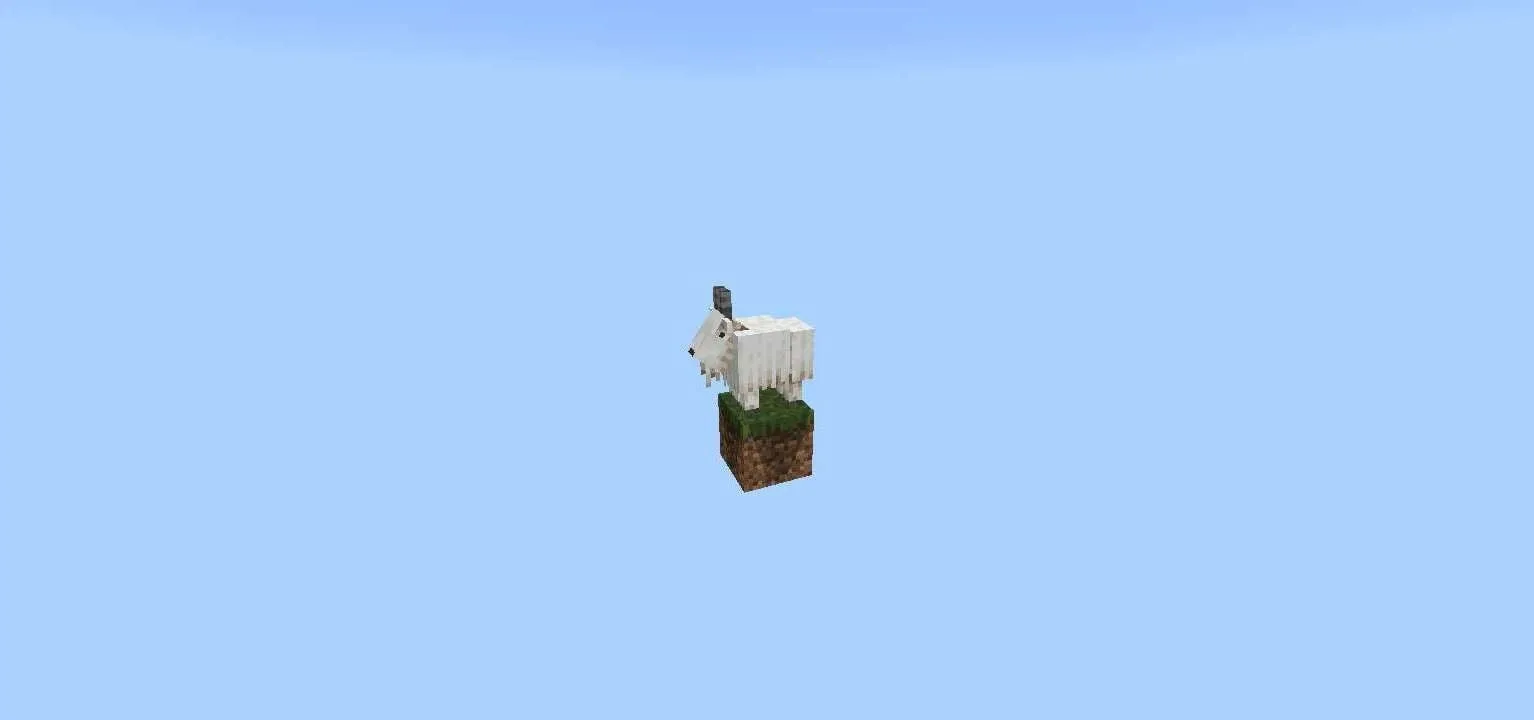
Are you ready to turn a single block into an entire world?
Supported languages:
English Indonesian Russian Japanese Chinese Spanish
Installation Guide
- Download the .mcworld file and open it — Minecraft PE will launch and import the map automatically.
- Once the message "World successfully imported" appears, go to Play and start OneBlock.
Download now below!
Map Changelog – Version 2.0.4
- Added support for Russian, Chinese, Japanese, and Spanish languages.
- Fixed various phase-related issues.
- Added new blocks.
- Introduced mob raid feature.
Updated on December 31, 2025
- Bug fixes.


![Thumbnail: 𝖴𝗅𝗍𝗂𝗆𝖺𝗍𝖾 𝖲𝗄𝗒𝖡𝗅𝗈𝖼𝗄 V4.2 (Marketplace, Cave, Adventure and More!) [1.21.50+] Quality 𝖀𝖕𝖉𝖆𝖙𝖊!](/uploads/posts/2024-08/0927e10ff3_ultimate-sky-block-map-cover.webp)