


PELABURED Shader
 Go to files
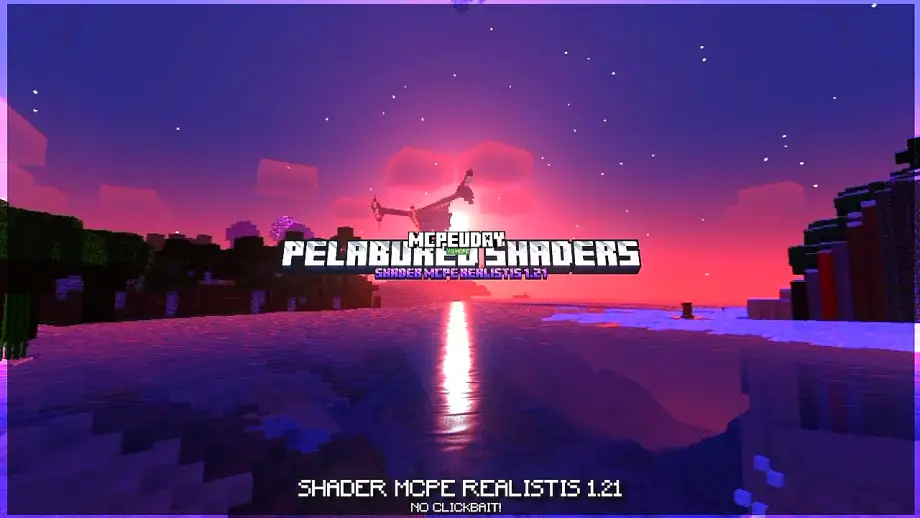
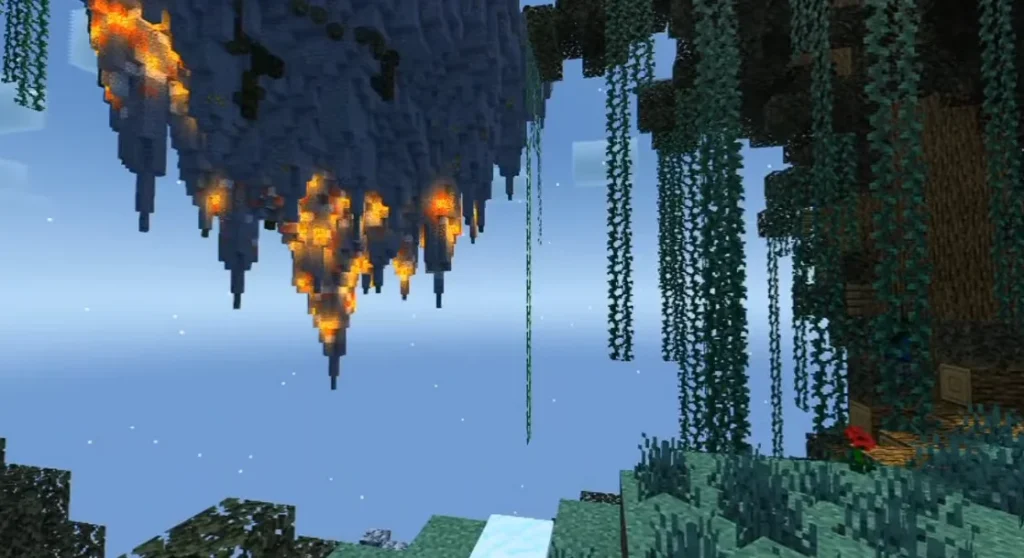
Minecraft graphics can feel simple, but shaders completely change the experience. PELABURED Shader is a powerful shader pack designed to improve lighting, shadows, water reflections, and overall atmosphere while maintaining smooth performance. It is perfect for players who want realistic visuals without sacrificing FPS.

This shader works great for survival, creative builds, and cinematic gameplay, making Minecraft look modern and visually stunning.
Table Of Contents
- ✨ Key Features of PELABURED Shader
- Screenshots:-
- 📱 Compatibility & Requirements
- 📥 How to Install PELABURED Shader (Step-by-Step)
- ✅ Why Choose PELABURED Shader?
- 🏆 Comparison with Other Shader Packs
- 🔚 Final Conclusion
- ❓ FAQ – PELABURED Shader
- – PELABURED Shader DOWNLOAD –Download Shader
✨ Key Features of PELABURED Shader
🌞 Realistic Lighting System
PELABURED Shader introduces natural sunlight, soft moonlight, and smooth light transitions that make day and night cycles feel realistic.
🌊 Enhanced Water Reflections
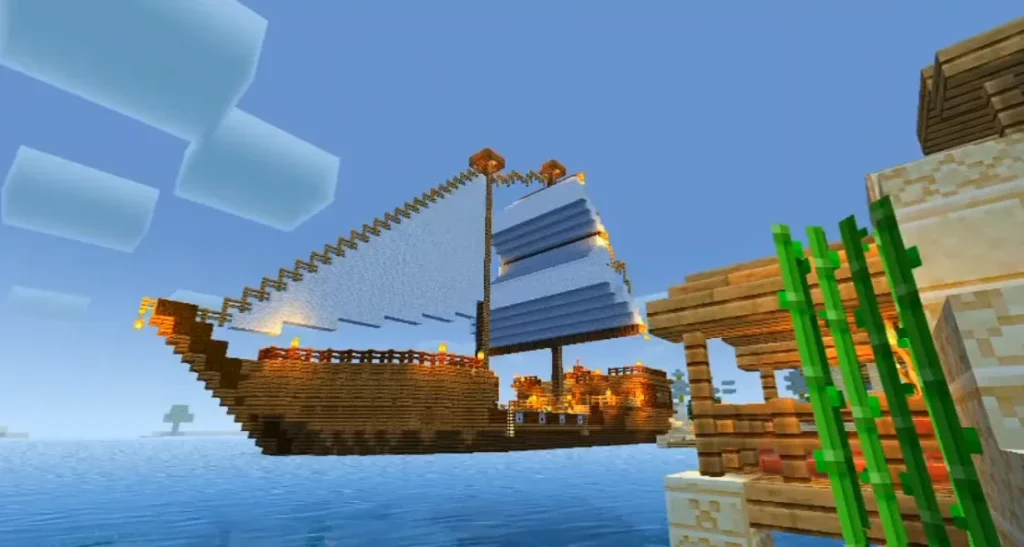
Water surfaces reflect the sky, clouds, and surroundings beautifully, adding depth to oceans, rivers, and lakes.
🌳 Improved Shadows & Depth
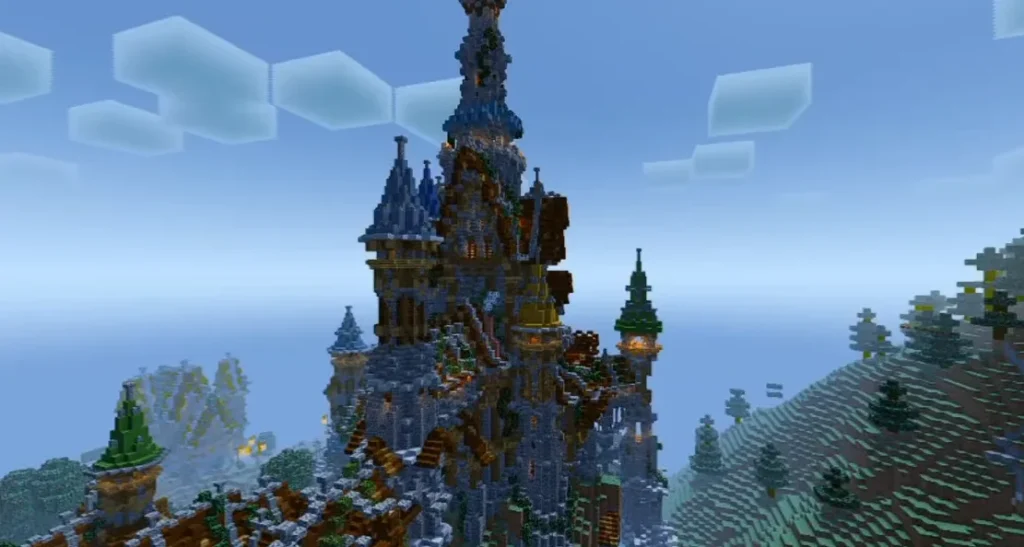
Dynamic shadows react to moving objects and sunlight direction, giving your world a realistic sense of depth.
☁️ Volumetric Clouds & Sky
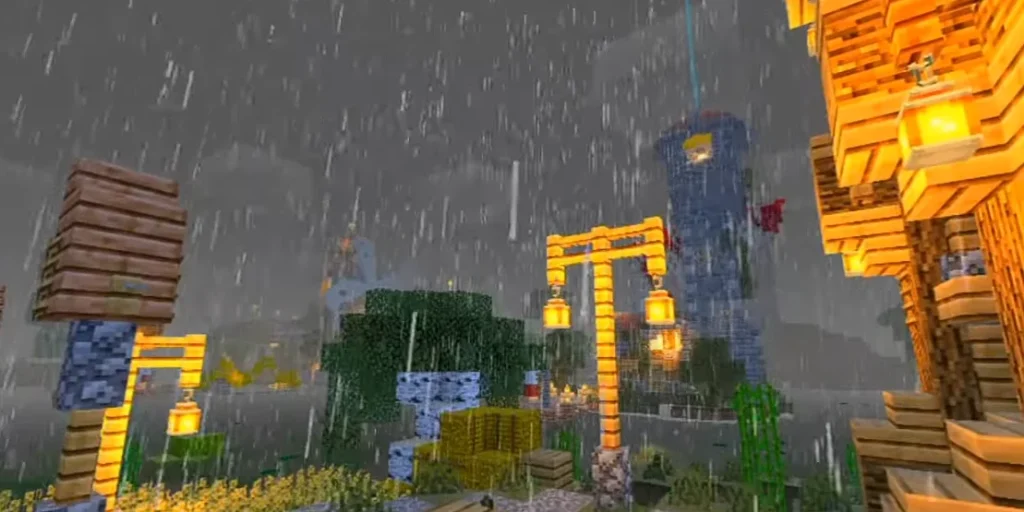
The shader enhances the sky with smooth clouds, realistic colors, and immersive weather effects.
⚙️ Optimized Performance
Unlike heavy shader packs, PELABURED Shader is optimized to run smoothly on low-end and mid-range PCs.
🎮 Smooth Gameplay Experience
Balanced visual quality ensures minimal lag, making it suitable for long gameplay sessions.
Screenshots:-

📱 Compatibility & Requirements
Supported Versions
- Minecraft Java Edition
- Compatible with most modern versions
Requirements
- OptiFine or Iris Shader Loader
- OpenGL supported GPU
- Works on low, medium, and high-end PCs
📥 How to Install PELABURED Shader (Step-by-Step)
- Download and install OptiFine or Iris Shader
- Open Minecraft and go to Options > Video Settings > Shaders
- Click Shaders Folder
- Paste the PELABURED Shader file into the folder
- Select PELABURED Shader and click Done
- Enjoy enhanced Minecraft graphics 🎉
✅ Why Choose PELABURED Shader?
- Lightweight and performance-friendly
- Clean and realistic visuals
- Easy to install and configure
- Perfect balance between beauty and FPS
- Ideal for builders, survival players, and YouTubers
🏆 Comparison with Other Shader Packs
Compared to heavy shaders like SEUS or Continuum, PELABURED Shader focuses on smooth gameplay with beautiful visuals, making it a smart choice for players who don’t want lag.
🔚 Final Conclusion
If you are looking for a shader pack that enhances Minecraft’s visuals without destroying performance, PELABURED Shader is an excellent choice. It delivers realistic lighting, stunning water effects, and smooth shadows while staying optimized for most systems.
This shader proves that you don’t need an ultra-high-end PC to enjoy beautiful Minecraft graphics.
❓ FAQ – PELABURED Shader
Q1. Is PELABURED Shader free to use?
Yes, PELABURED Shader is completely free and safe to use.
Q2. Does PELABURED Shader work on low-end PCs?
Yes, it is optimized for low and mid-range systems.
Q3. Is OptiFine required for PELABURED Shader?
Yes, you need OptiFine or Iris Shader Loader to use it.
