


NEWB X STARS Shader for Minecraft 1.21+
 Go to files
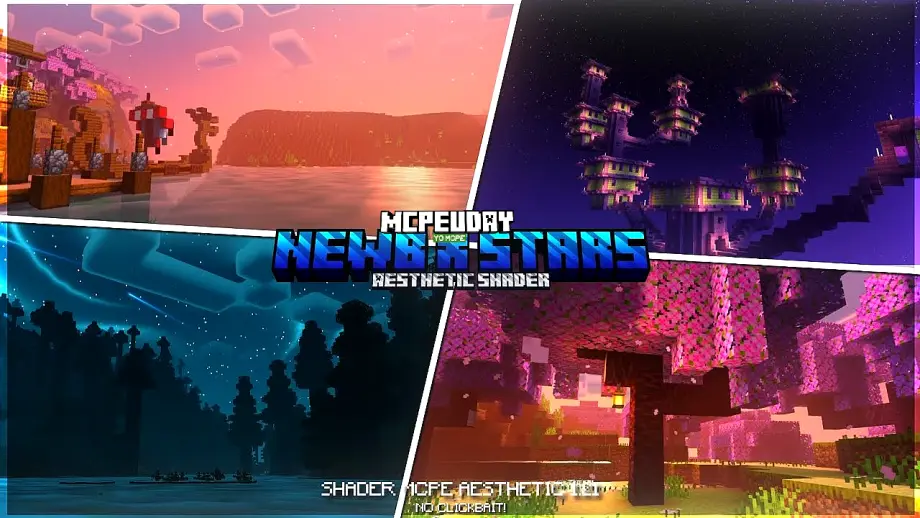
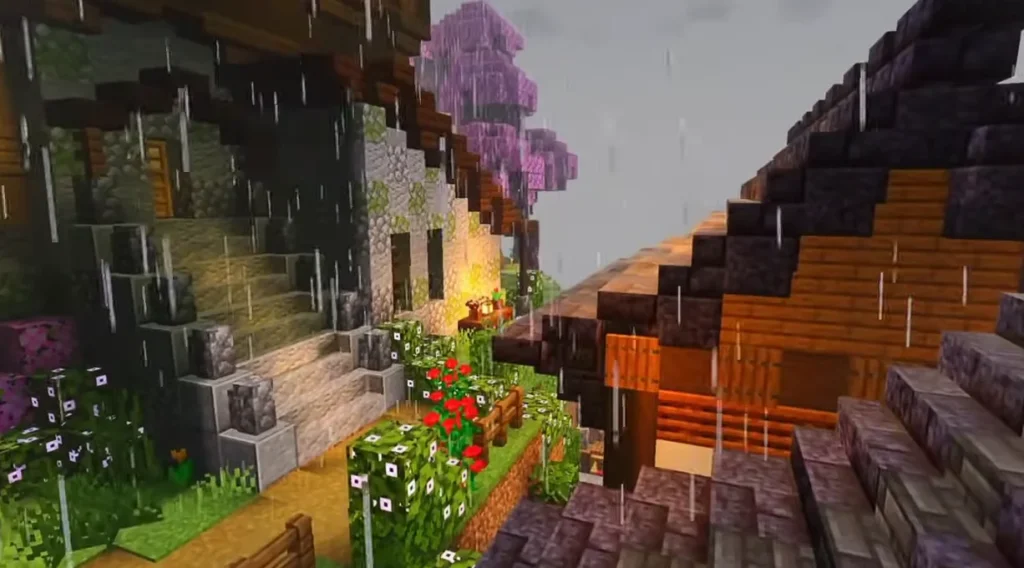
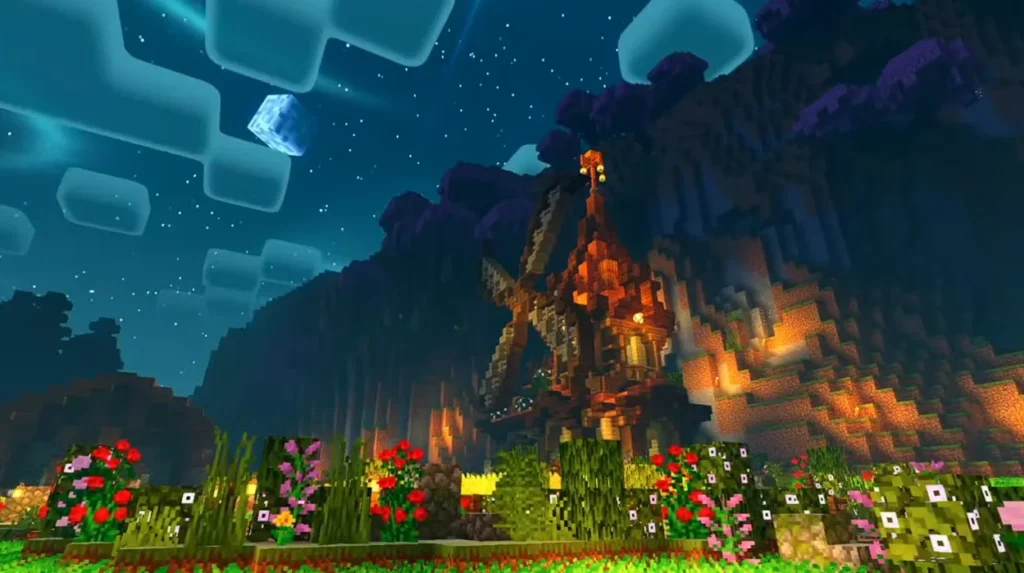
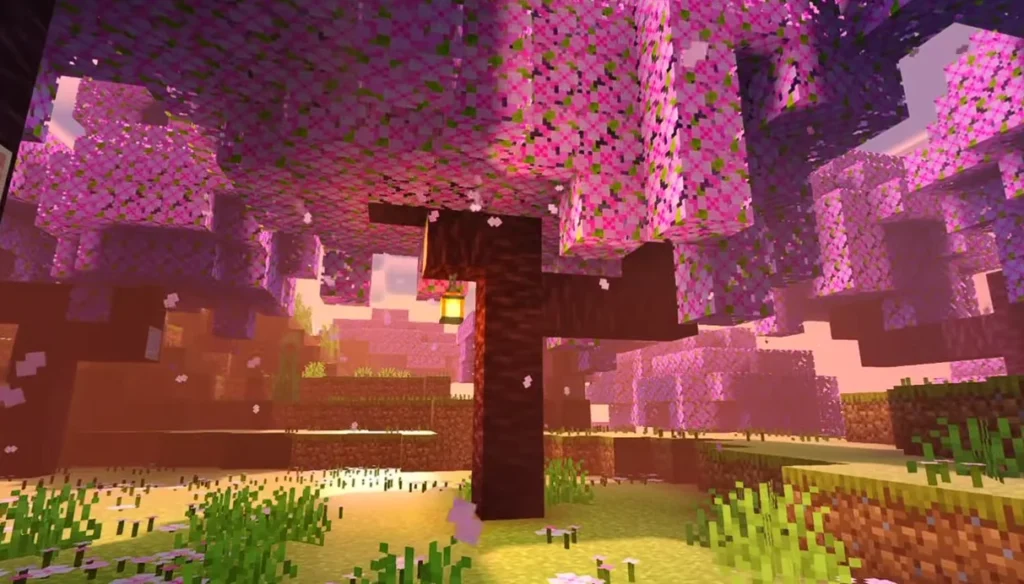
NEWB X STARS Shader enhances Minecraft PE with realistic lighting, glowing stars, soft shadows, and optimized visuals for smooth performance on mobile devices.
🌌 What is NEWB X STARS Shader?
NEWB X STARS Shader is a high-quality Minecraft PE shader designed to improve the game’s visuals without heavy lag. It focuses on beautiful night skies, realistic ligh
ting, soft shadows, and enhanced colors, making Minecraft more immersive and enjoyable.

This shader is perfect for players who want cinematic graphics while still keeping the game smooth on most Android and iOS devices.
✨ Features of NEWB X STARS Shader
Here are the standout features that make this shader special:
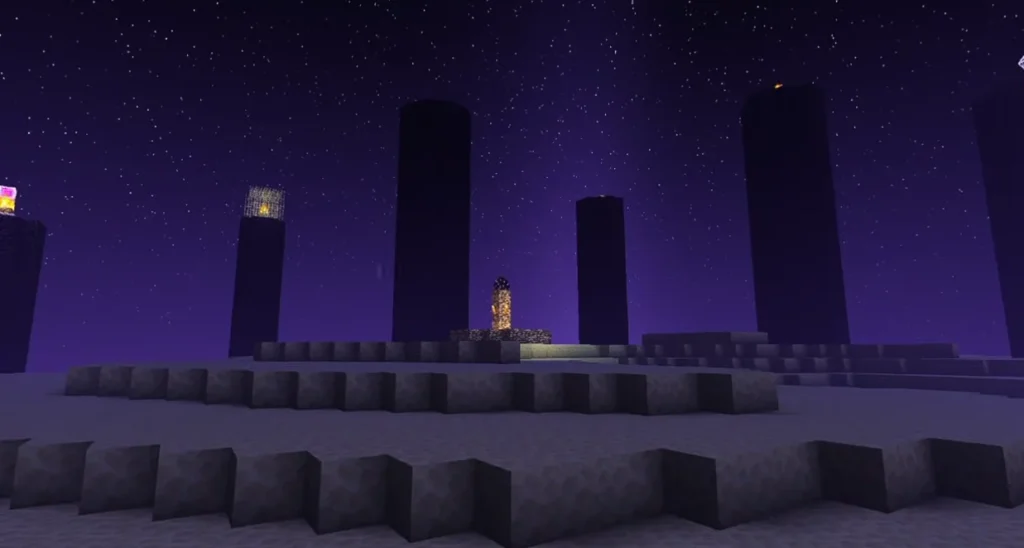
- 🌠 Glowing Starry Night Sky – Bright stars that look realistic and beautiful
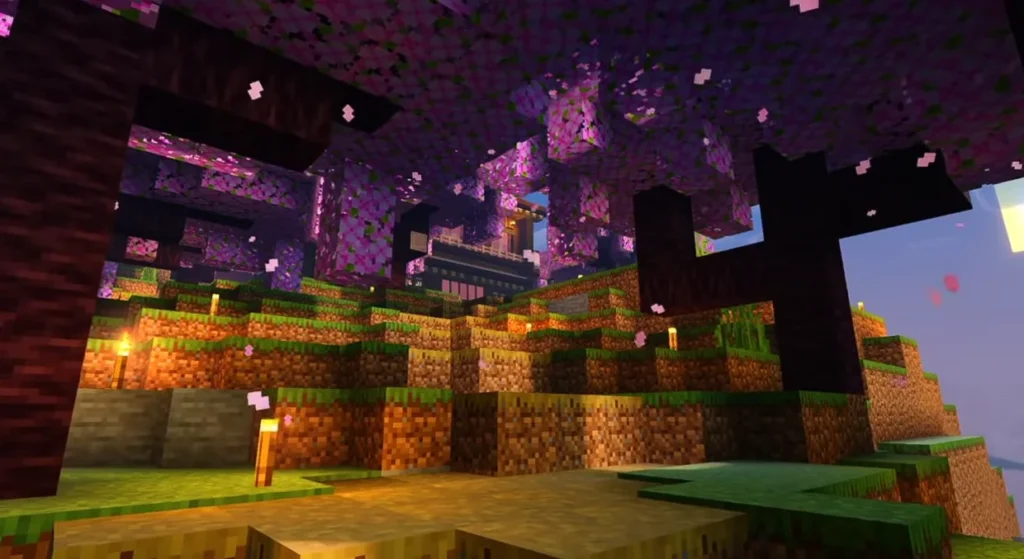
- 💡 Enhanced Lighting System – Natural sunlight and moonlight
- 🌊 Improved Water Reflections – Clean and smooth water visuals
- 🌤 Better Sky Colors – Realistic sunrise and sunset effects
- 🌑 Soft Shadows – Balanced shadows without extreme darkness
- ⚡ Lag-Free Performance – Optimized for low and mid-end devices
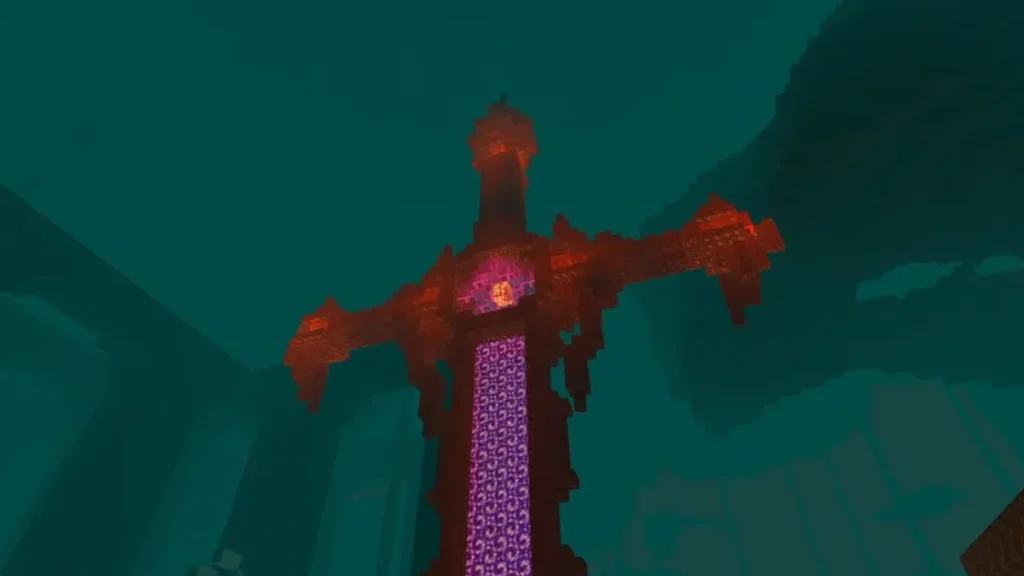
Screenshots:-
🎮 Why Use NEWB X STARS Shader?
If you want your Minecraft world to look realistic but smooth, this shader is an excellent choice. Unlike heavy shaders, NEWB X STARS Shader focuses on visual beauty with performance balance.
- Survival gameplay
- Creative builds
- Roleplay worlds
- Minecraft screenshots & videos
📱 Supported Minecraft Versions
- Minecraft PE (Bedrock Edition)
- Android & iOS
- Works best with latest MCPE versions
Note: Shader support may vary depending on your device and Minecraft version.
⚙️ How to Install NEWB X STARS Shader in Minecraft PE
Follow these simple steps:
- Download the NEWB X STARS Shader (.mcpack) file
- Tap the file to open it with Minecraft
- Minecraft will import the shader automatically
- Go to Settings → Global Resources
- Activate NEWB X STARS Shader
- Restart your world and enjoy!
🔐 Is NEWB X STARS Shader Safe?
Yes ✅
The shader is safe to use if downloaded from a trusted source. It does not modify core game files and works as a visual enhancement only.
📊 Performance & Device Compatibility
- ✅ Smooth on low-end devices
- ✅ No overheating issues
- ✅ Minimal FPS drop
- ❌ Extreme realism like RTX is not included (to maintain performance)
📝 Conclusion
NEWB X STARS Shader is one of the best shaders for Minecraft PE if you want a beautiful starry sky, realistic lighting, and smooth gameplay. It enhances visuals without ruining performance, making it perfect for everyday Minecraft players.
If you love shaders that look amazing and run smoothly, this shader is definitely worth trying.
❓ Frequently Asked Questions (FAQ)
❓ Is NEWB X STARS Shader free?
Yes, it is completely free to use for Minecraft PE players.
❓ Does this shader work on low-end phones?
Yes, it is optimized to run smoothly on low and mid-range devices.
❓ Does NEWB X STARS Shader support RTX?
No, it is not an RTX shader. It focuses on performance-friendly realism.
