


Neub X Brightforge Sun Shader
 Go to files
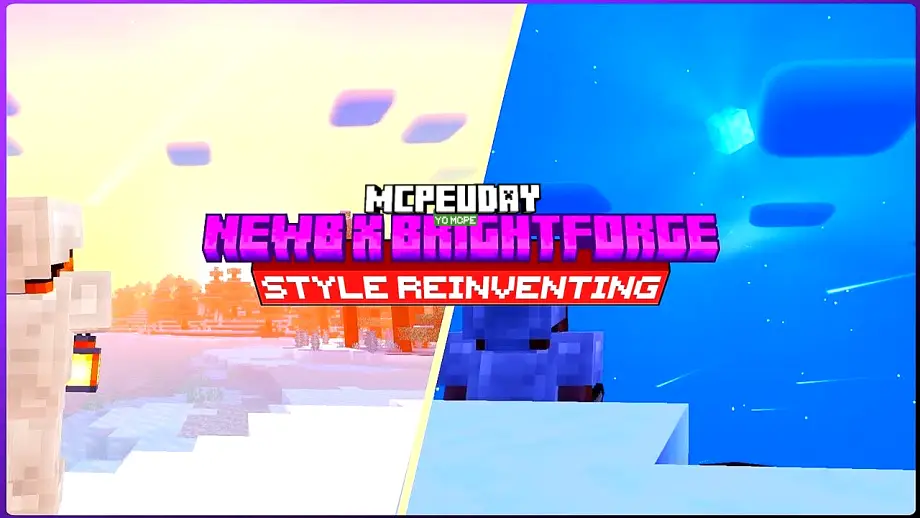
Minecraft is an amazing sandbox game, but its default lighting can feel flat and unrealistic. This is where Neub X Brightforge Sun Shader comes in. This shader pack is specially designed to enhance sunlight, shadows, and overall atmosphere, giving Minecraft a cinematic and immersive look.

Unlike heavy shaders that require high-end PCs, Neub X Brightforge Sun Shader focuses on realistic sun lighting, smooth color balance, and optimized performance. Whether you are exploring mountains, oceans, or villages, this shader makes every moment visually stunning.
Table Of Contents
- ✨ Key Features of Neub X Brightforge Sun Shader
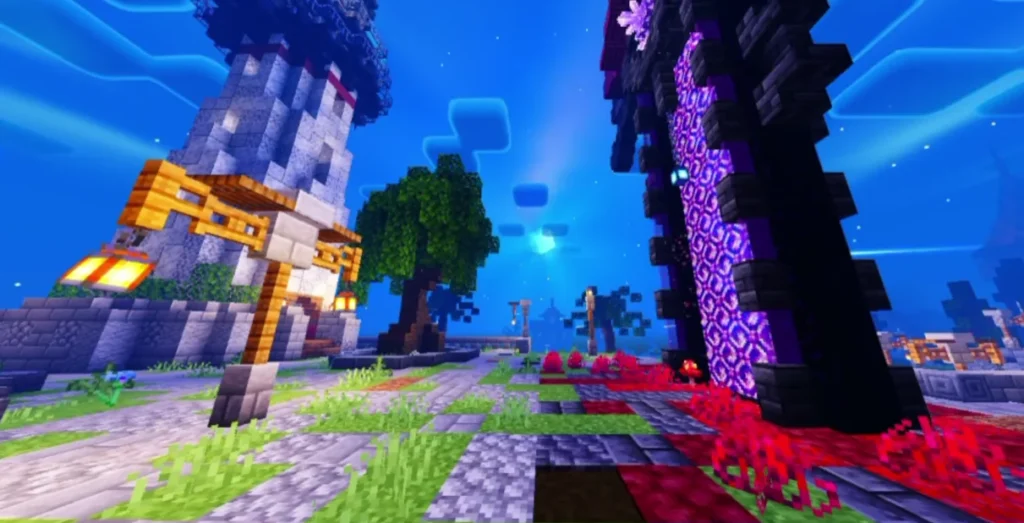
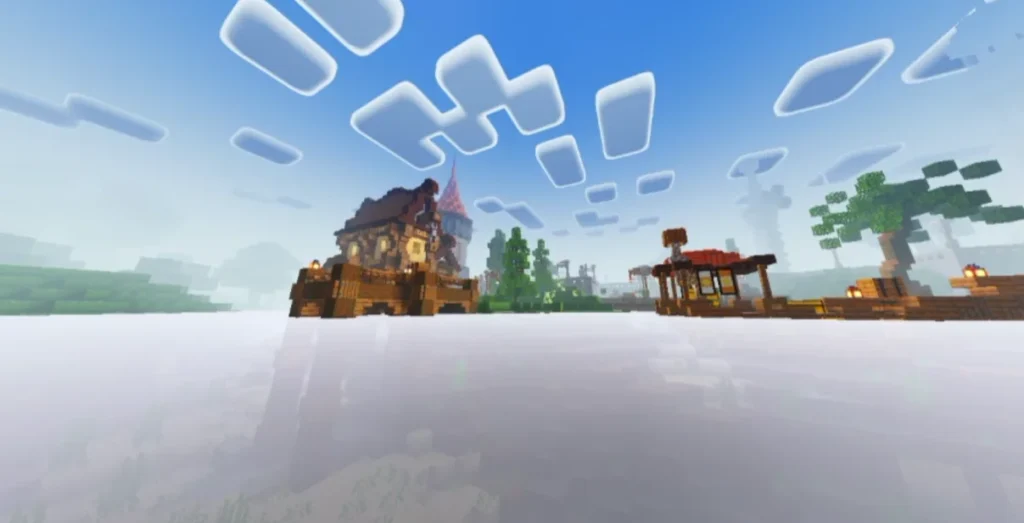
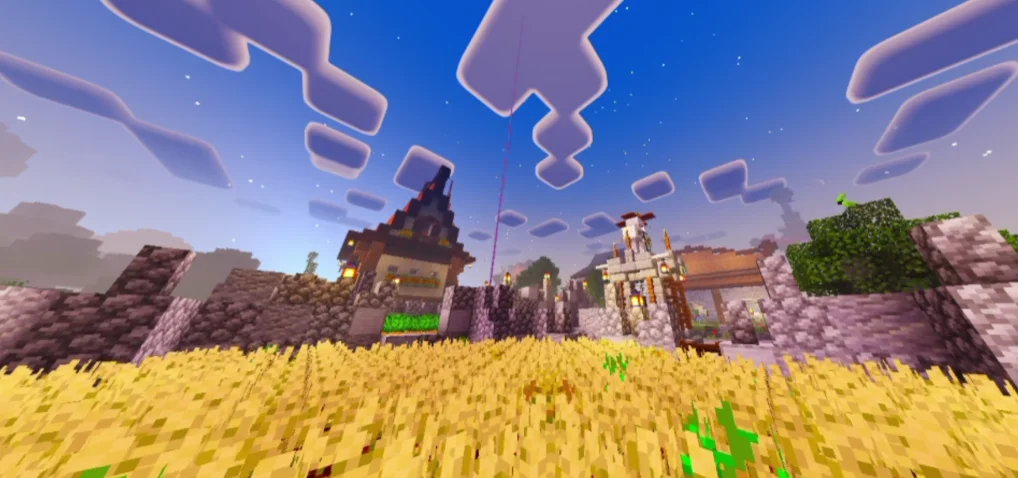
- Screenshots:
- 🖥️ Compatibility & Requirements
- 📥 How to Install Neub X Brightforge Sun Shader
- 🎮 Why Choose Neub X Brightforge Sun Shader?
- 🔚 Conclusion
- ❓ Frequently Asked Questions (FAQ)
- – Neub X Brightforge Sun Shader DOWNLOAD –Download Shader
✨ Key Features of Neub X Brightforge Sun Shader
☀️ Realistic Sun Lighting
The shader introduces bright, natural sunlight that reacts dynamically to the time of day. Sunrise and sunset look warm and cinematic, while midday lighting feels crisp and vibrant.
🌄 Enhanced Shadows
Soft and smooth shadows add depth to landscapes, buildings, and trees. Shadows change naturally as the sun moves across the sky.
🌈 Improved Color Balance
Colors feel more alive but not over-saturated. Grass looks fresh, water reflects sunlight beautifully, and skies appear more realistic.
🌊 Better Water Reflections
Water surfaces reflect sunlight and surroundings, making oceans, rivers, and lakes visually appealing without excessive glare.
⚙️ Optimized Performance
Compared to many heavy shaders, Neub X Brightforge Sun Shader is optimized for mid-range devices, offering good FPS while still improving visuals.
Screenshots:
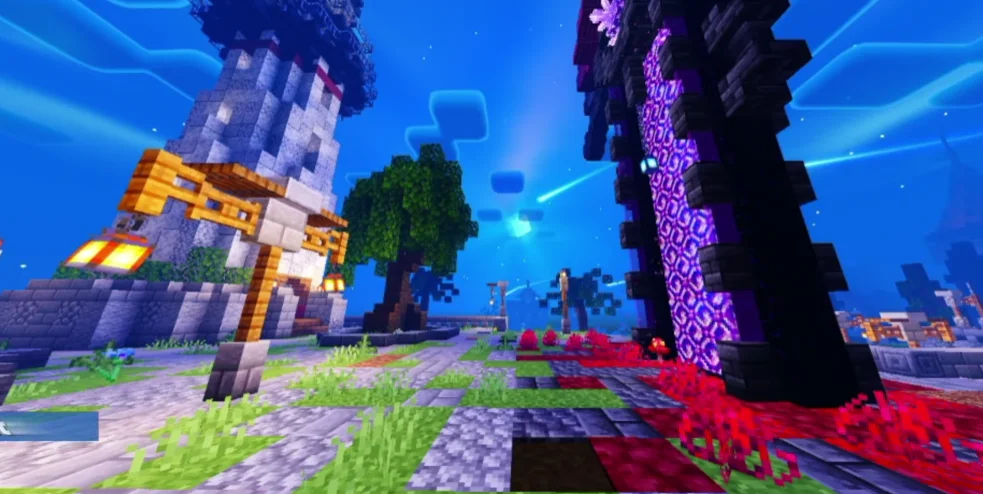
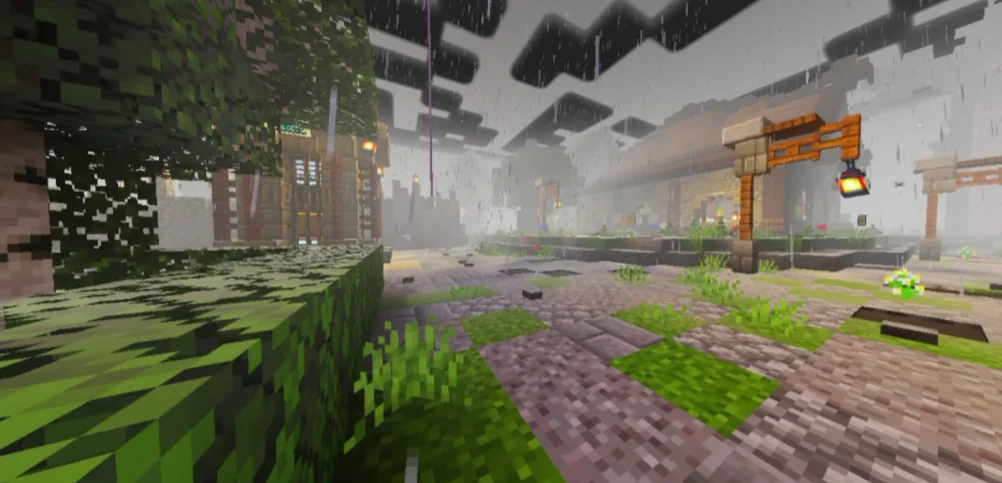
🖥️ Compatibility & Requirements
- Minecraft Version: Java & Bedrock (depends on shader build)
- Shader Loader: OptiFine / Iris Shader / RenderDragon supported versions
- Device: PC or supported mobile devices
- RAM: Minimum 4GB recommended
- Graphics: Works well on low to mid-end GPUs
📥 How to Install Neub X Brightforge Sun Shader
For Minecraft Java Edition:
- Install OptiFine or Iris Shader Loader
- Download the Neub X Brightforge Sun Shader file
- Open Minecraft → Options → Video Settings → Shaders
- Click Shaders Folder and paste the shader file
- Select the shader and apply
- Enjoy realistic sunlight 🌞
For Minecraft Bedrock / MCPE:
- Download the shader pack (.mcpack)
- Open it with Minecraft
- Go to Settings → Global Resources
- Activate the shader
- Start your world
🎮 Why Choose Neub X Brightforge Sun Shader?
- Perfect for builders, YouTubers, and survival players
- Enhances visuals without extreme lag
- Ideal for screenshots and cinematic videos
- Easy to install and use
- Makes Minecraft feel fresh and modern
If you love realism but don’t want to sacrifice performance, this shader is a great choice.
🔚 Conclusion
Neub X Brightforge Sun Shader is an excellent shader pack for players who want realistic sunlight, smooth shadows, and immersive visuals without heavy system requirements. It upgrades Minecraft’s atmosphere beautifully while keeping gameplay smooth and enjoyable. Whether you’re exploring, building, or recording content, this shader will elevate your Minecraft experience.
❓ Frequently Asked Questions (FAQ)
Q1. Is Neub X Brightforge Sun Shader free to use?
Yes, most versions of this shader are free, but always download from trusted sources.
Q2. Does this shader work on low-end PCs?
Yes, it is optimized and runs well on low to mid-range systems compared to heavy shaders.
Q3. Is OptiFine required?
For Java Edition, yes. You can also use Iris Shader Loader as an alternative.
