NEWB X UNWIND V2 Shader
 Go to files
Overview
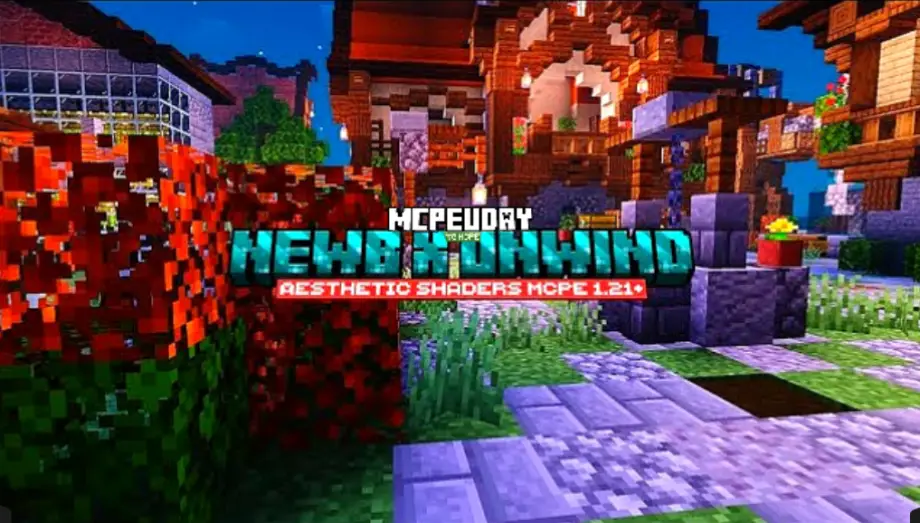
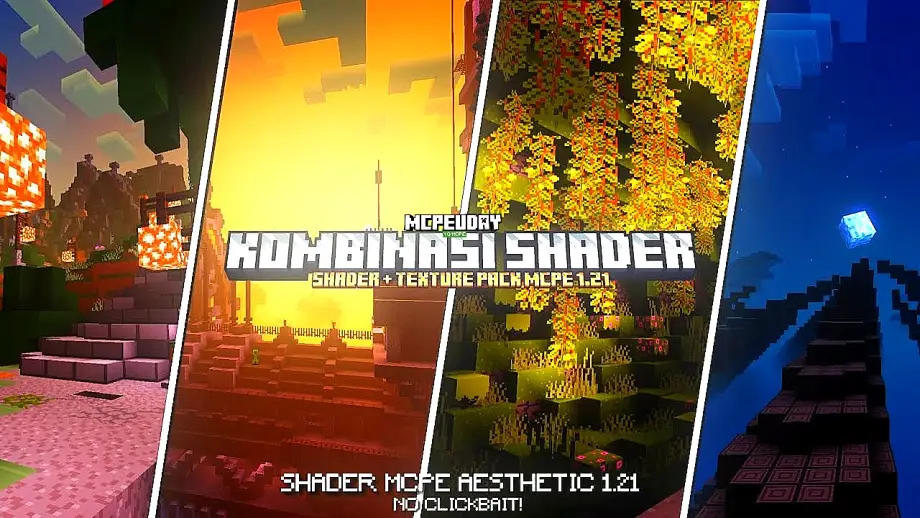
Minecraft is loved for its gameplay, but its default graphics feel outdated for many players. That’s where NEWB X UNWIND Shader comes in. This shader pack is designed to enhance Minecraft’s visuals while maintaining smooth performance, making it ideal for both low-end and mid-range devices.

Unlike heavy shaders that cause lag, NEWB X UNWIND Shader focuses on balance—beautiful visuals without sacrificing FPS. Whether you enjoy survival, creative builds, or cinematic screenshots, this shader significantly upgrades your Minecraft experience.
Table Of Contents
- 🌈 Key Features of NEWB X UNWIND Shader
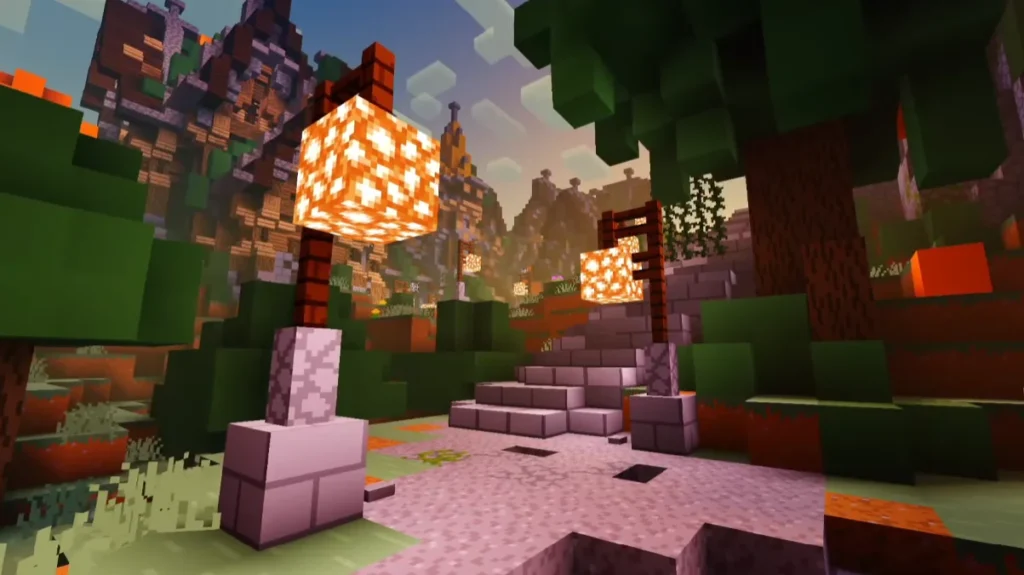
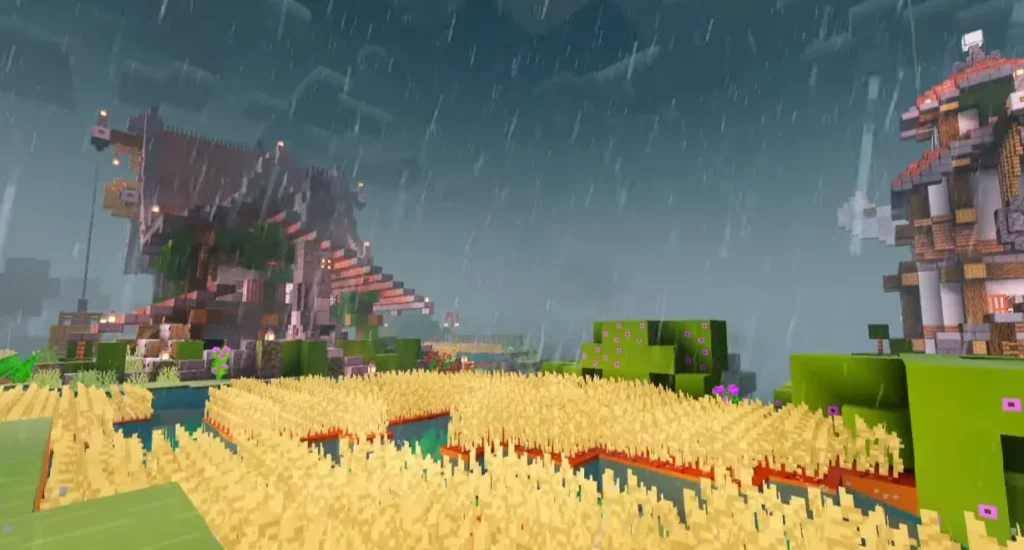
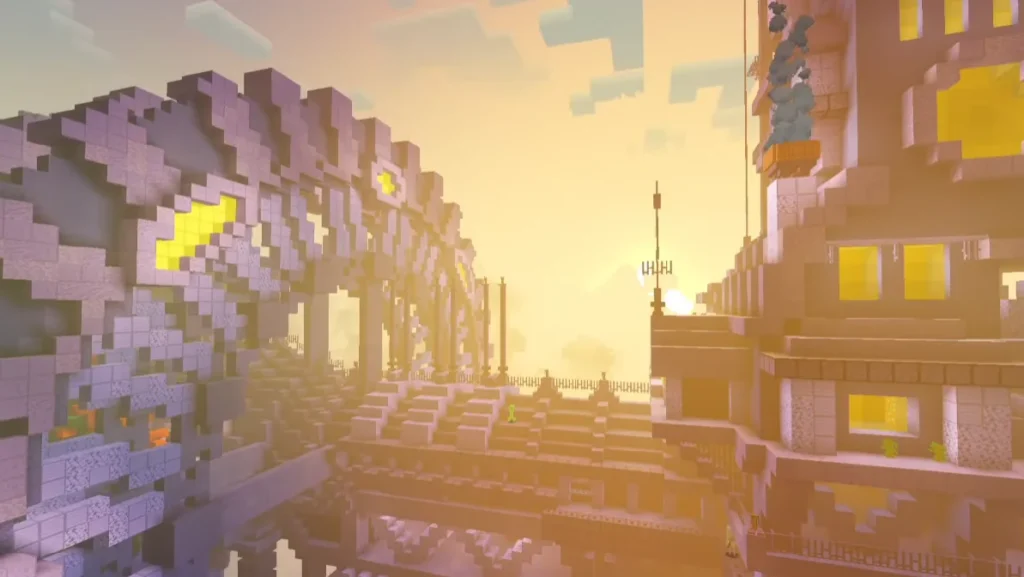
- Screenshots:
- 🖥️ Compatibility & Requirements
- ⚙️ How to Install NEWB X UNWIND Shader
- 🚀 Why Choose NEWB X UNWIND Shader?
- 🏆 Comparison with Other Shaders
- 🧠 EEAT & Trust Factor
- ❓ Frequently Asked Questions (FAQ)
- ✅ Final Conclusion
- – NEWB X UNWIND Shader DOWNLOAD –Download Shader
🌈 Key Features of NEWB X UNWIND Shader
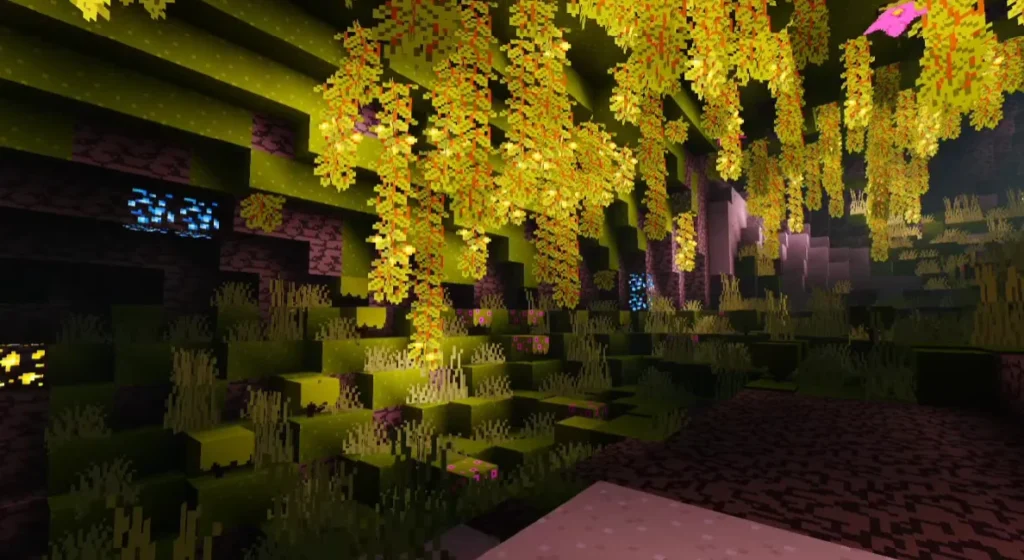
✨ Realistic Lighting System
The shader introduces soft, natural lighting that reacts dynamically to the sun, moon, and in-game light sources.
🌊 Improved Water Reflections
Water looks more immersive with reflections, gentle waves, and realistic transparency.
🌅 Enhanced Sky & Clouds
Enjoy stunning sunsets, vibrant skies, and smooth cloud animations that change naturally throughout the day.
🌳 Better Shadows & Depth
Shadows are smoother and more realistic, adding depth to landscapes, buildings, and caves.
🎮 Optimized Performance
Designed to work smoothly on low-end and mid-range devices without heavy lag or overheating.
🎨 Natural Color Grading
Colors look vibrant yet balanced, making the world feel alive without being over-saturated.
Screenshots:
🖥️ Compatibility & Requirements
- ✔ Minecraft Bedrock Edition
- ✔ Android / Windows 10 / MCPE supported
- ✔ Works best with Render Dragon supported versions
- ✔ No high-end GPU required
⚙️ How to Install NEWB X UNWIND Shader
- Download the NEWB X UNWIND Shader file
- Open the file using Minecraft
- Minecraft will automatically import the shader
- Go to Settings > Global Resources
- Activate the shader pack
- Restart your world and enjoy enhanced graphics
🚀 Why Choose NEWB X UNWIND Shader?
- Lightweight and lag-free
- Perfect for survival & creative mode
- Beautiful visuals without FPS drop
- Ideal for YouTubers and builders
- Beginner-friendly installation
This shader is especially recommended for players who want realistic Minecraft graphics without sacrificing performance.
🏆 Comparison with Other Shaders
| Feature | NEWB X UNWIND | Heavy Shaders |
|---|---|---|
| Performance | ⭐⭐⭐⭐☆ | ⭐⭐☆☆☆ |
| Visual Quality | ⭐⭐⭐⭐☆ | ⭐⭐⭐⭐⭐ |
| Low-End Support | ✅ Yes | ❌ No |
| Stability | High | Medium |
🧠 EEAT & Trust Factor
This shader is widely appreciated by the Minecraft community for its smooth gameplay experience and consistent updates. It avoids harmful scripts, keeps gameplay fair, and focuses purely on visual enhancement.
❓ Frequently Asked Questions (FAQ)
❓ Is NEWB X UNWIND Shader safe to use?
Yes, it is completely safe and does not modify core game mechanics.
❓ Does it work on low-end devices?
Yes, it is optimized for low-end and mid-range devices.
❓ Can I use it in survival mode?
Absolutely! It works perfectly in survival, creative, and multiplayer worlds.
❓ Does this shader reduce FPS?
No, it is designed to maintain smooth FPS while improving visuals.
❓ Is it compatible with texture packs?
Yes, it works well with most texture and resource packs.
✅ Final Conclusion
NEWB X UNWIND Shader is an excellent choice for Minecraft players who want stunning visuals without lag. Its balanced performance, realistic lighting, and smooth gameplay make it one of the best shader packs available today.
If you want your Minecraft world to look modern, immersive, and cinematic—this shader is worth trying.