Newb X Unwind Shader – Best Lightweight Shader
 Go to files
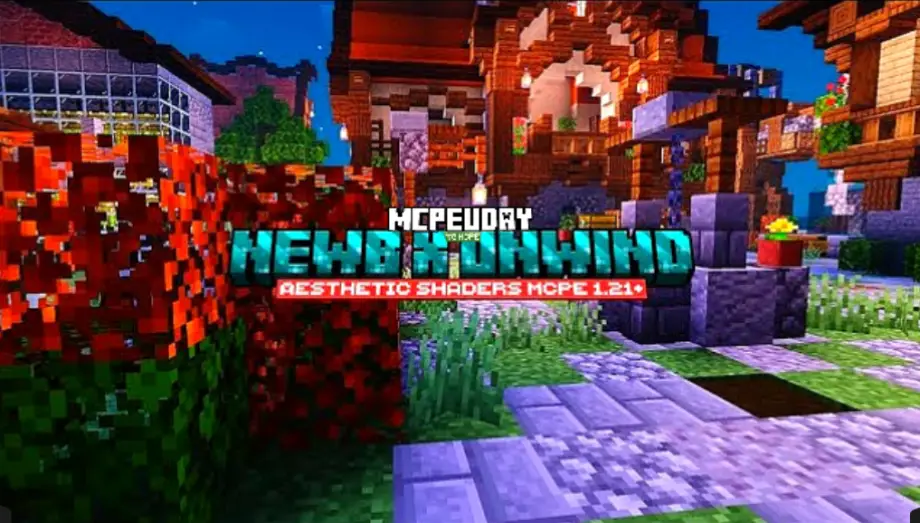
Minecraft is an amazing sandbox game, but its default graphics can feel too simple for many players. This is where shaders come in. Newb X Unwind Shader is one of the best Minecraft PE / Bedrock Edition shaders designed to enhance visuals without affecting performance.
Unlike heavy shaders that cause lag, this shader focuses on smooth lighting, natural colors, and realistic water effects, making it ideal for both low-end and mid-range devices.
What is Newb X Unwind Shader?
Newb X Unwind Shader is a performance-friendly shader pack for Minecraft Bedrock Edition. It enhances the game’s lighting system, shadows, sky, water reflections, and overall color balance while keeping FPS stable.

This shader is especially popular among mobile players because it delivers beautiful visuals without overheating or lag.
Key Features of Newb X Unwind Shader
Smooth Lighting System
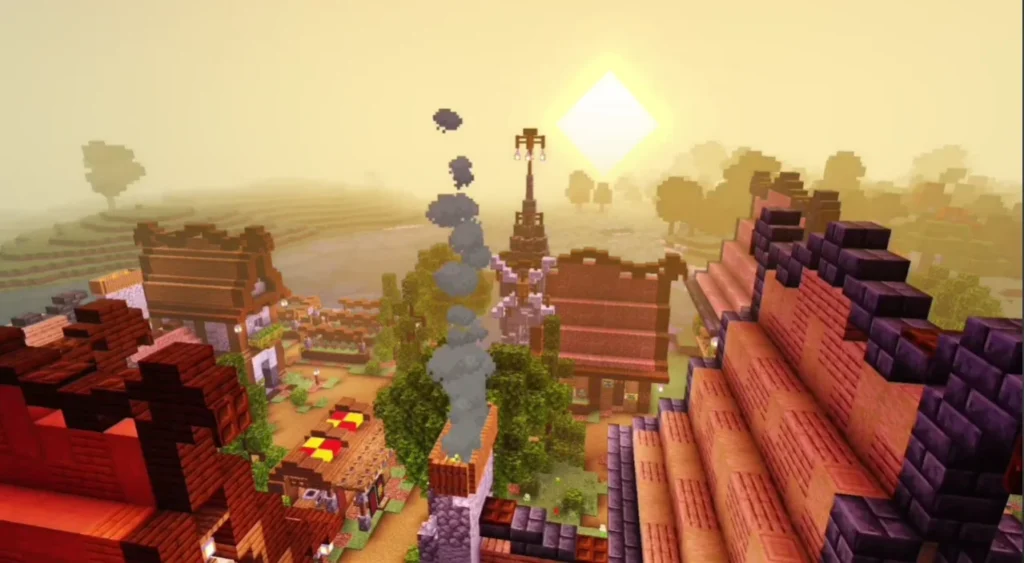
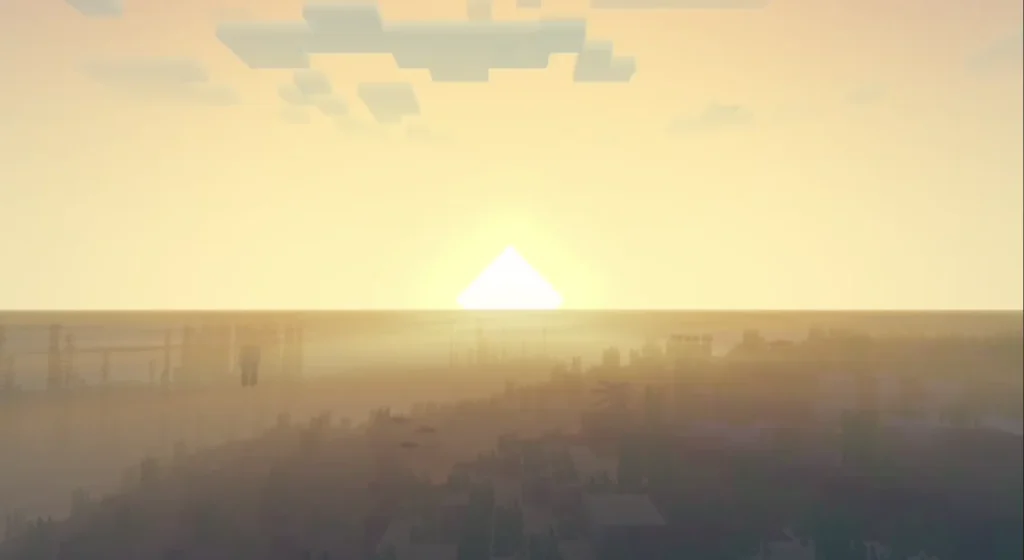
The shader adds soft and natural lighting that makes the world look more realistic, especially during sunrise and sunset.
Realistic Water Effects
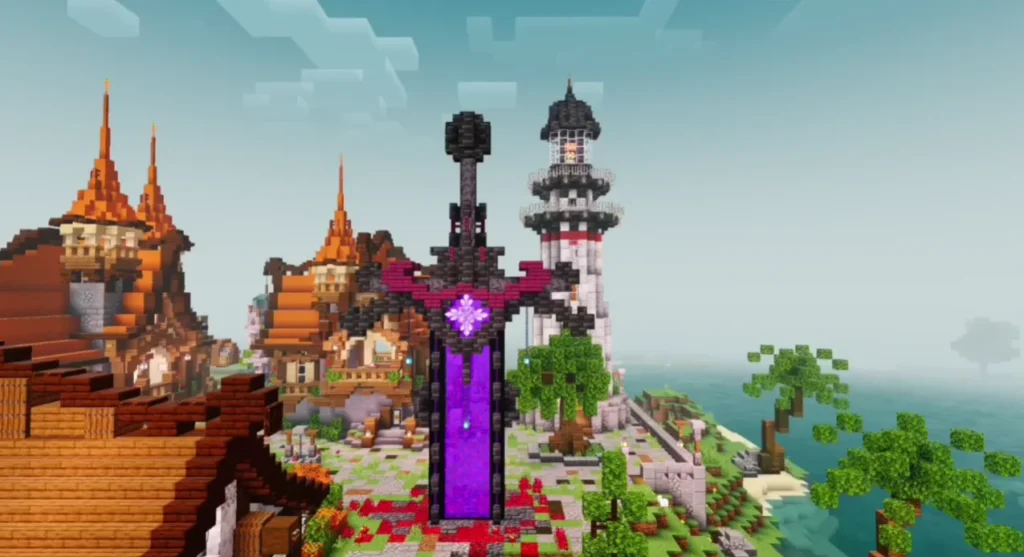
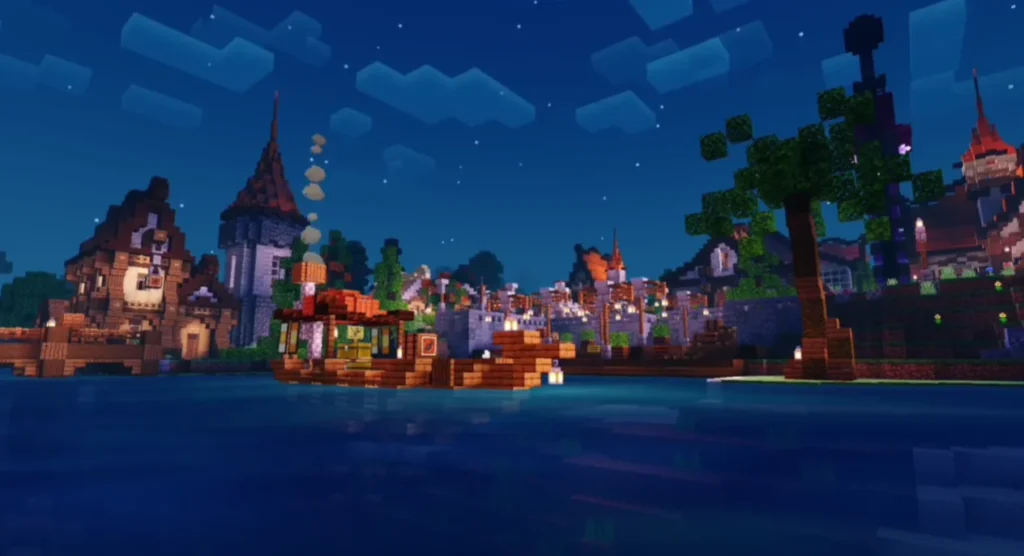
Water looks clearer and more reflective, with smooth movement that adds depth to oceans, rivers, and lakes.
Enhanced Natural Colors
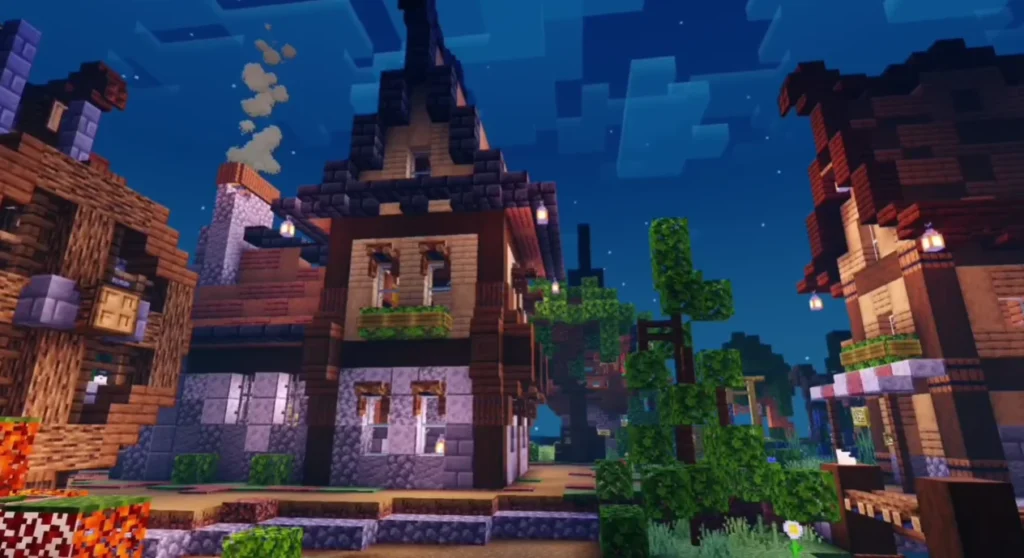
Grass, trees, and blocks have better color balance, making the world look fresh and vibrant without being too bright.
Soft Shadows
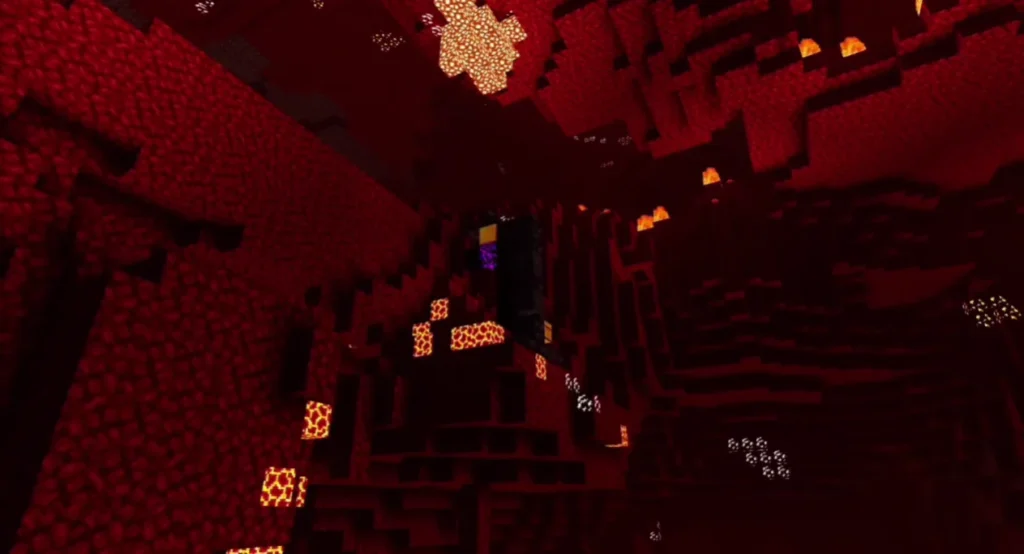
Shadows appear smoother and more natural, improving realism without heavy performance cost.
Lightweight & Lag-Free
Designed to run smoothly on low-end Android devices and older phones.
Improved Sky & Clouds
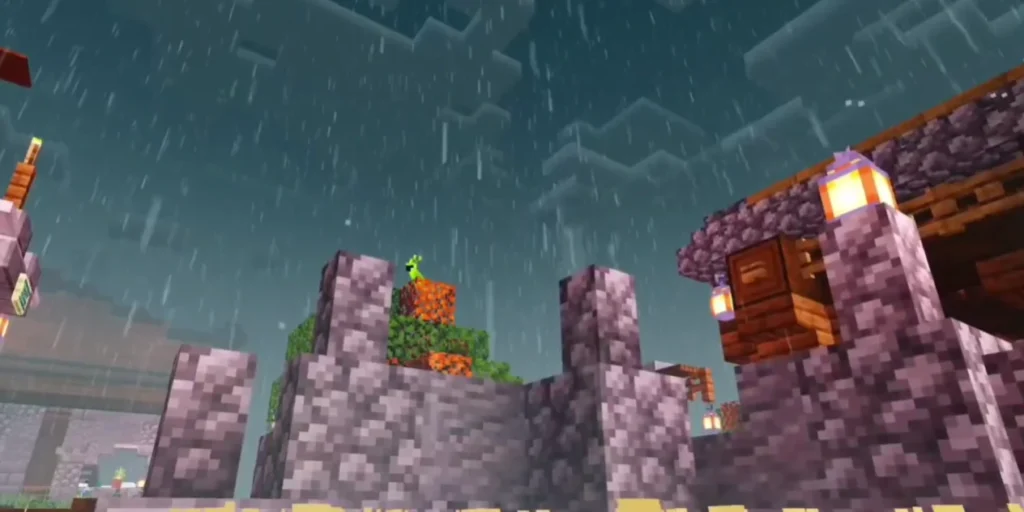
Clouds look softer, and the sky changes color naturally depending on time and weather.
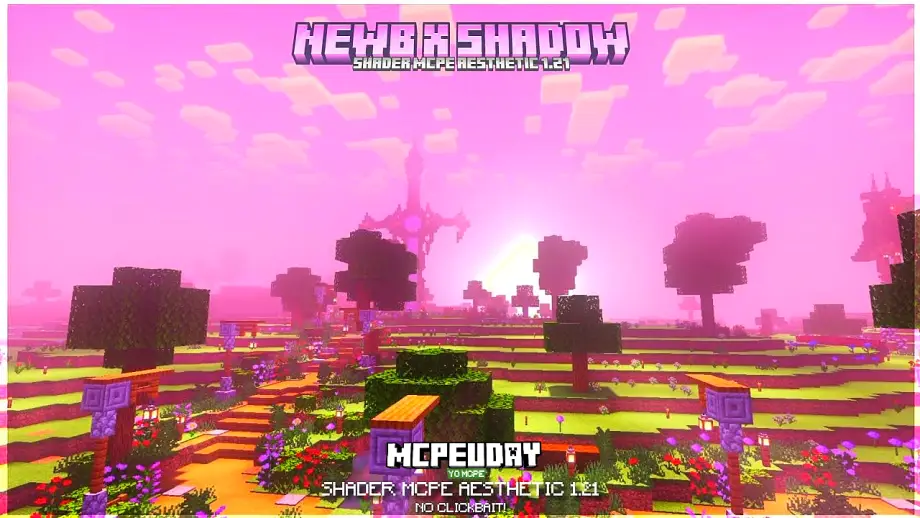
Screenshots:
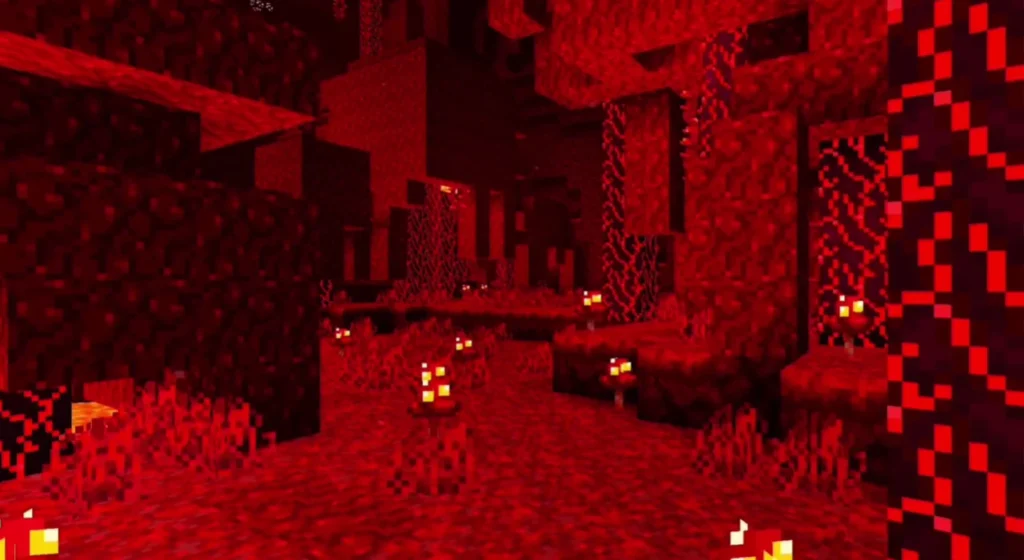
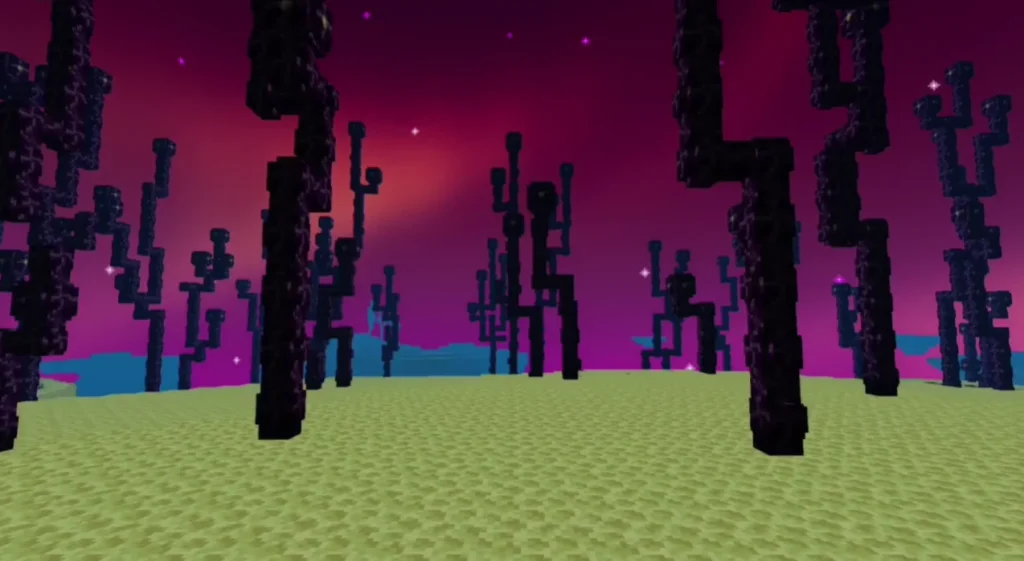
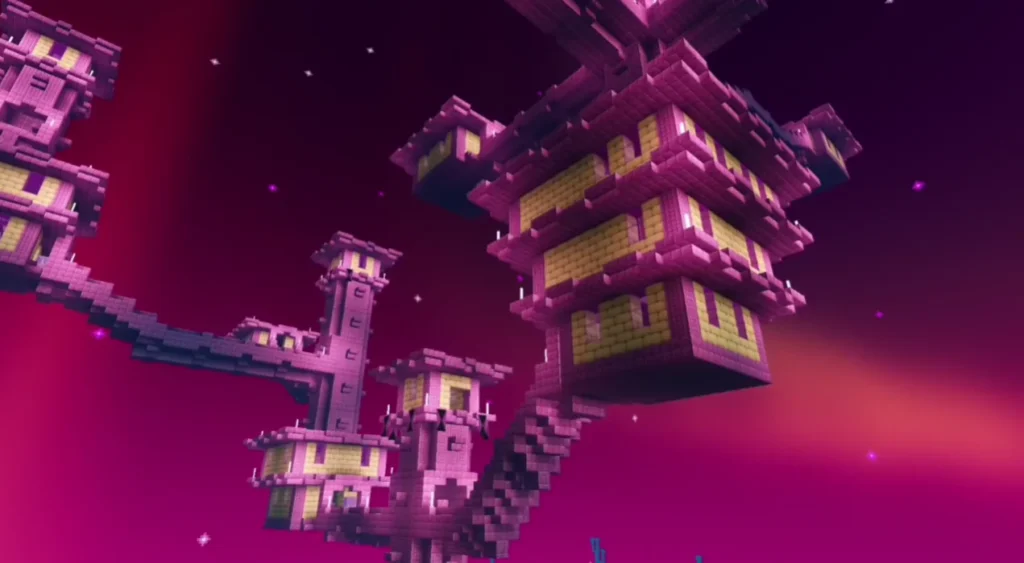
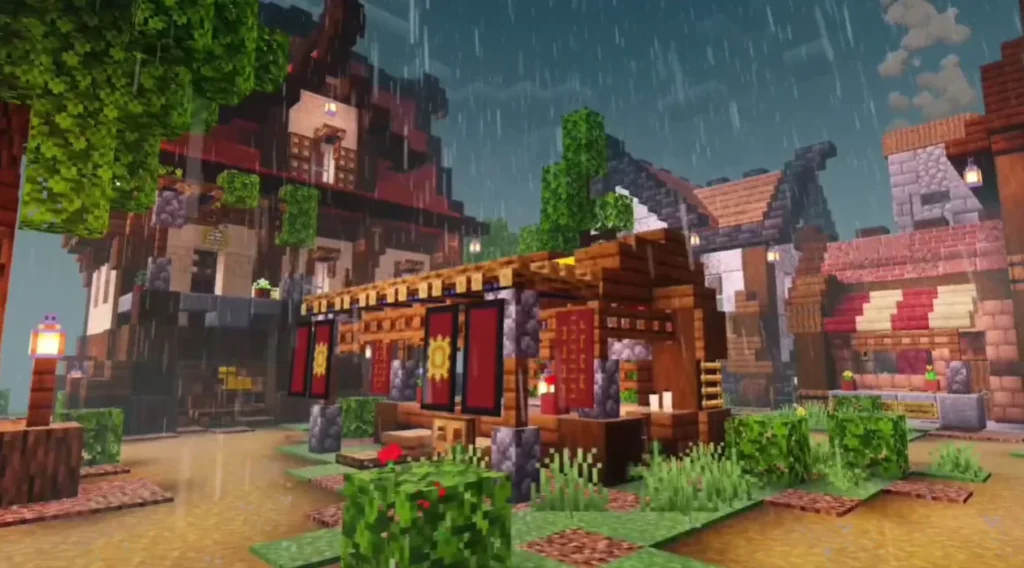
Why Choose Newb X Unwind Shader?
Many Minecraft shaders focus only on visuals and ignore performance. Newb X Unwind Shader is different because it balances beauty and efficiency.
Advantages:
- No heavy lag
- Perfect for survival mode
- Ideal for mobile players
- Works well with texture packs
- Simple and clean visuals
If you want better graphics without sacrificing gameplay, this shader is a great choice.
Compatibility Details
- Minecraft Version: Bedrock / Pocket Edition
- Platforms Supported: Android, iOS, Windows 10/11
- Game Mode: Survival & Creative
- Device Requirement: Low to Mid-range supported
How to Install Newb X Unwind Shader (Step-by-Step)
- Download the Newb X Unwind Shader (.mcpack) file
- Open the file using Minecraft
- Minecraft will automatically import the shader
- Go to Settings > Global Resources
- Activate the shader
- Restart the world and enjoy improved graphics
Performance & FPS Experience
One of the biggest strengths of Newb X Unwind Shader is its stable FPS. Even on low-RAM devices, players report smooth gameplay with no crashes or overheating.
This makes it one of the best lightweight shaders for Minecraft PE.
Best Settings for Smooth Gameplay
- Turn off unnecessary background apps
- Use default render distance
- Enable shader in Global Resources
- Avoid mixing with heavy shaders
Is Newb X Unwind Shader Safe?
Yes. When downloaded from trusted sources, this shader is completely safe and does not modify game files illegally. It follows Minecraft Bedrock’s resource pack system.
Who Should Use This Shader?
- Mobile players
- Low-end device users
- Survival mode players
- Content creators
- Players who want realism without lag
Final Verdict
Newb X Unwind Shader is one of the best shaders available for Minecraft Bedrock Edition. It offers beautiful visuals, smooth performance, and easy installation, making it perfect for almost every player.
If you want to upgrade your Minecraft graphics without compromising FPS, this shader is highly recommended.
Frequently Asked Questions (FAQ)
Q1: Is Newb X Unwind Shader free?
Yes, it is completely free to use.
Q2: Does it work on low-end devices?
Yes, it is optimized specifically for low-end and mid-range devices.
Q3: Is this shader for Java Edition?
No, it is designed for Minecraft Bedrock / Pocket Edition.