AZUKE X Shader
 Go to files
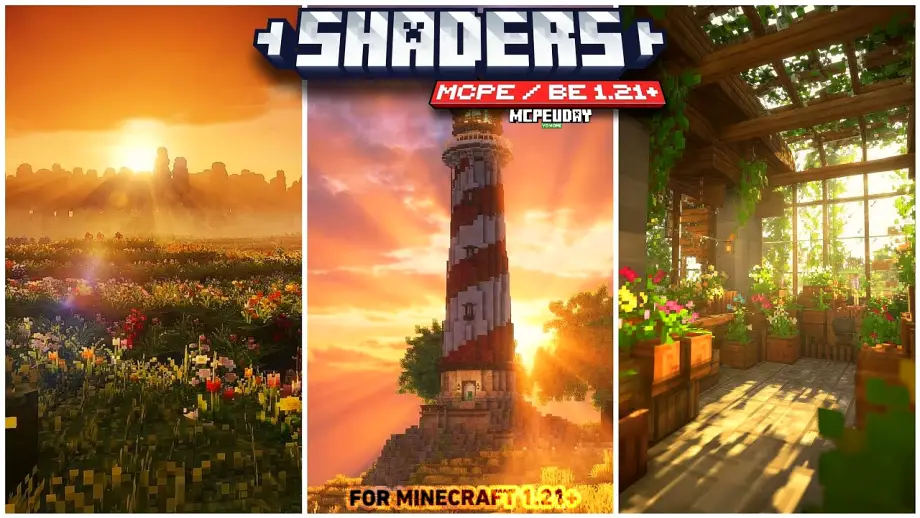
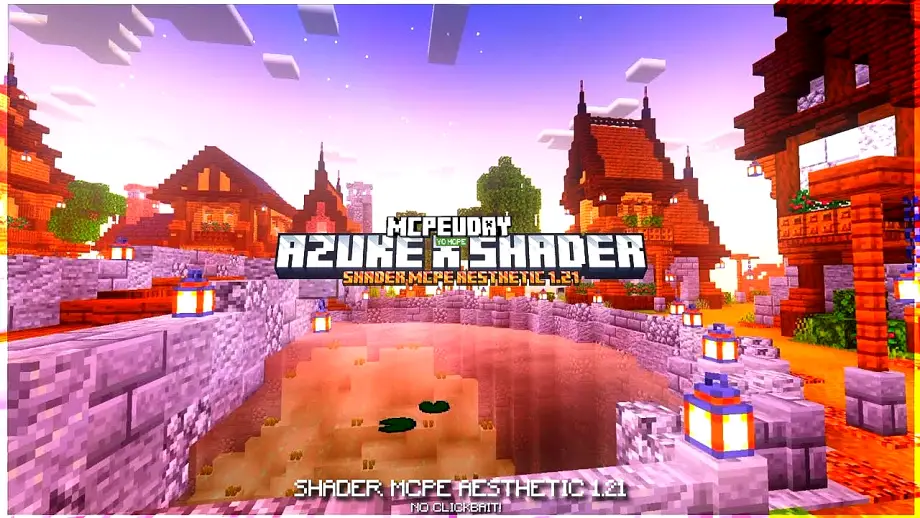
Minecraft PE is fun, but its default graphics can feel simple. AZUKE X Shader completely changes that by adding realistic lighting, dynamic shadows, improved water effects, and smoother visuals. This shader is specially optimized for Minecraft Bedrock / Pocket Edition, giving your world a premium look without killing performance.

Whether you love survival, creative builds, or cinematic gameplay, AZUKE X Shader makes Minecraft feel more immersive and alive.
What is AZUKE X Shader?
AZUKE X Shader is a lightweight yet powerful shader pack designed for Minecraft PE and Bedrock Edition. It enhances the game’s visual quality while keeping FPS stable, even on low-end devices.
Unlike heavy shaders that cause lag, AZUKE X Shader focuses on balance — beauty with performance.
Key Features of AZUKE X Shader
🌅 Realistic Lighting
- Natural sunlight and moonlight
- Smooth brightness transitions
- Better day and night visuals
🌊 Enhanced Water Effects
- Clear and reflective water
- Smooth wave animation
- More realistic underwater look
🌿 Improved Shadows
- Soft and dynamic shadows
- Better depth perception
- Enhanced block realism
🔥 Optimized Performance
- Runs smoothly on most devices
- Minimal lag compared to heavy shaders
- Perfect for survival gameplay
🌈 Vibrant Colors
- Natural color tone
- Better grass, trees, and sky
- No over-saturation
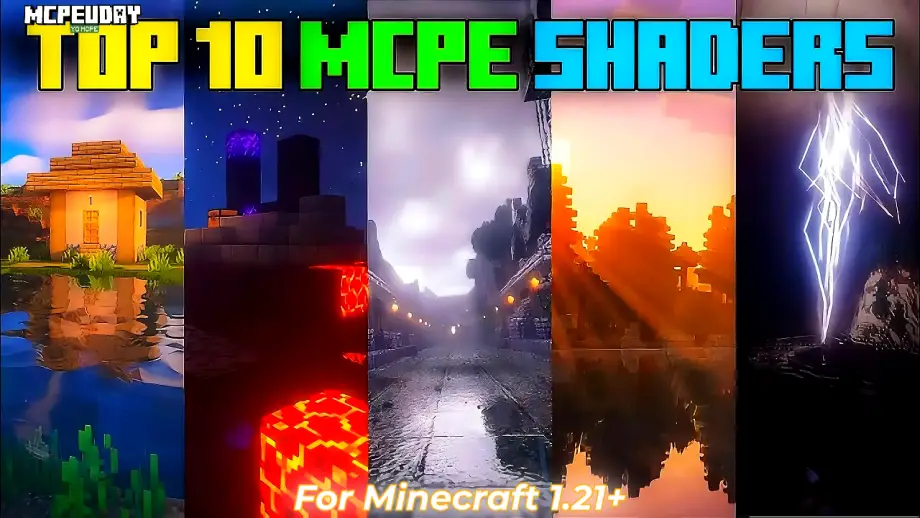
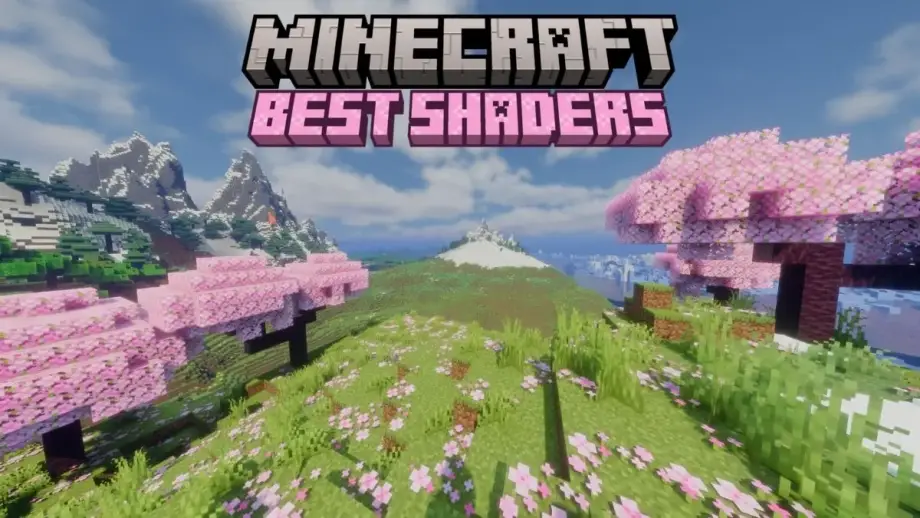
Screenshots:-


Why Choose AZUKE X Shader?
AZUKE X Shader is perfect for players who want realistic graphics without sacrificing FPS. It works great on both low-end and high-end Android devices and delivers consistent performance.
 a7.ruAdВексель А7 для§бизнеса!Узнать больше
  jetour-ru.comAdКроссовер JETOUR Dashing от 2 39 900 ₽!Узнать больше
  a7-agent.ruAdРасчеты с Узбекистаном с комиссией 0,3%Узнать больше
  calltouch.ruAd•16+Calltouch — Сервис развития бизнесаСкидка 100% на Скоринг клиентов до 28 февраляУзнать больше
  shadowhint.comAd•16+ИИ-помощник для собеседованийУзнать больше
If you want a shader that looks beautiful, feels smooth, and doesn’t crash your game, AZUKE X Shader is a smart choice.
Compatibility & Requirements
- Minecraft Version: Bedrock / Pocket Edition
- Supported Platforms: Android (Some versions may work on iOS)
- Render Dragon Support: Limited (depends on MC version)
- Device Requirement: Low to Mid-range devices supported
How to Install AZUKE X Shader (Step-by-Step)
- Download the AZUKE X Shader file (.mcpack)
- Open the file using Minecraft
- Minecraft will automatically import the shader
- Go to Settings → Global Resources
- Activate AZUKE X Shader
- Restart your world and enjoy enhanced graphics
Best Settings for Smooth Performance
- Turn off extra graphic options if FPS drops
- Use medium render distance
- Close background apps on mobile
These settings help maintain smooth gameplay with realistic visuals.
Is AZUKE X Shader Safe?
Yes, AZUKE X Shader is safe to use if downloaded from a trusted source. It does not modify core game files and works as a visual enhancement only.
Final Verdict
AZUKE X Shader is one of the best shaders for Minecraft PE if you want realistic visuals, smooth FPS, and an immersive experience. It’s lightweight, beautiful, and easy to install — perfect for everyday gameplay.
FAQ – AZUKE X Shader
Q1. Is AZUKE X Shader free to use?
Yes, AZUKE X Shader is completely free to download and use.
Q2. Does AZUKE X Shader support Minecraft Bedrock Edition?
Yes, it is designed for Minecraft Bedrock and Pocket Edition.