Copy link
custom background menu
 Go to files
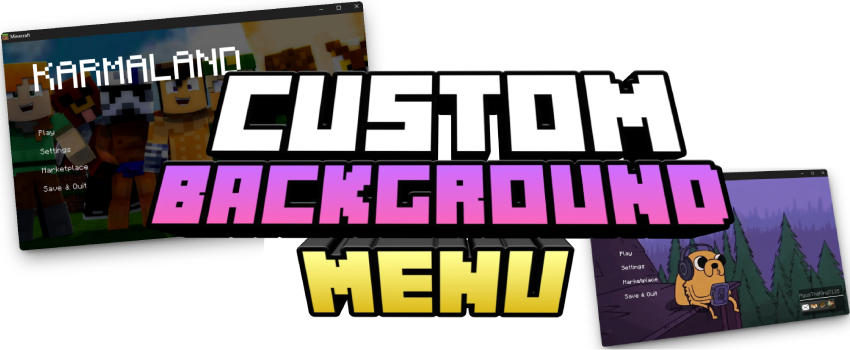
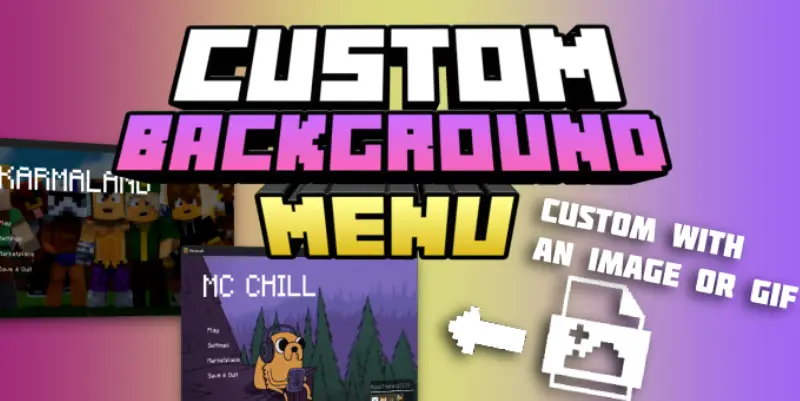

This is a powerful tool that allows you to fully customize the Minecraft Bedrock start screen. Through the TRMC ADDON web editor, you can add custom images or animated GIFs as your main menu background.
Instantly change the look of your game with your own designs and enjoy a unique experience every time you open Minecraft.
Main Features
- Custom Backgrounds: Replace the boring default panorama with any image (landscapes, fanart, etc.).
- GIF Support: Want a moving background? Upload a GIF and the editor will automatically process the frames to create a smooth animation in-game.
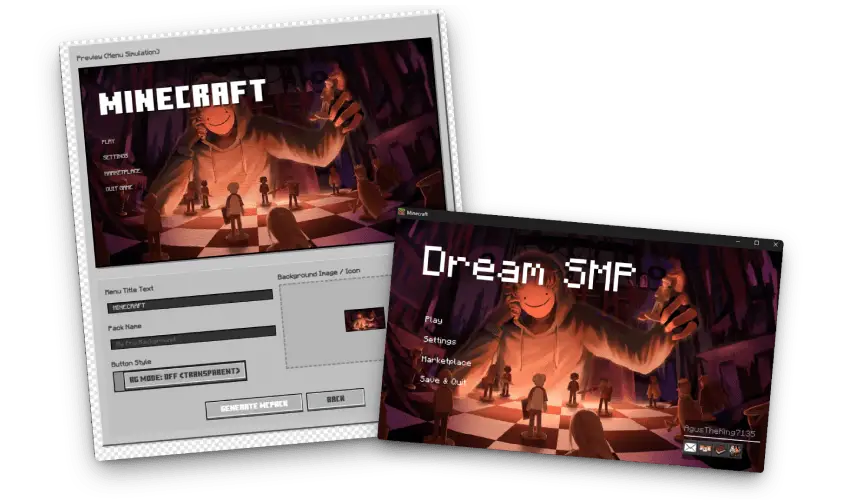
- Real-Time Simulator: Preview how the buttons will look over your image to ensure perfect visibility and a professional finish.
💡 Creative Ideas
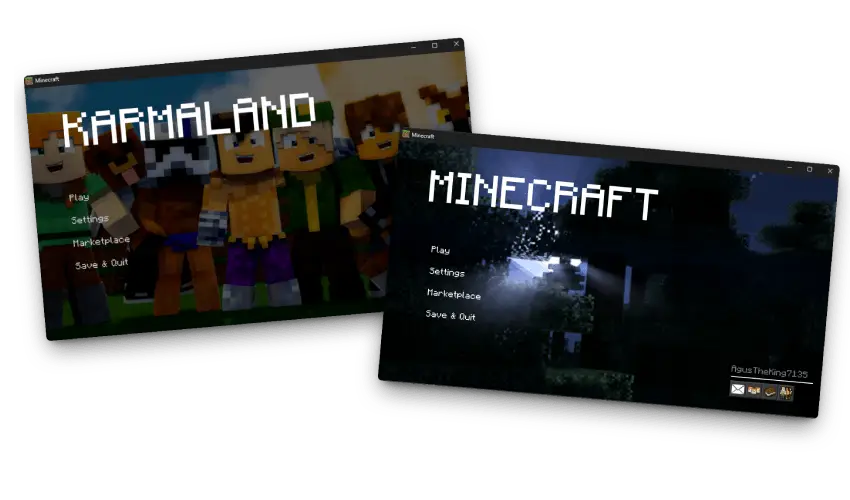
- Branding: Create a unique look for your Realm or Server with a custom logo or thematic background.
- Aesthetics: Match your menu with your texture pack for a fully "Aesthetic" experience.
- Memories: Set a photo of your technical survival base or a group shot with friends as your start screen.
📥 How to Download
Since this is a fully custom generator, you must create your pack using the web editor. Upload your images or GIFs, and the tool will generate a unique .mcpack file just for you.
📖 TUTORIAL: How to use the Editor https://www.trmc-addons.com/cb-menu

- Start Your Project: Click "Create New Project" to upload an image/GIF, or use "Import" to update an existing pack.
- Configure the Look: Use the "BG Mode" toggle to switch between transparent or solid button styles.
- Preview: Check the simulator to see how the animation looks and how the buttons fit.
- Final Settings: Change the Minecraft title name and the filename for the exported pack.
- Export: Click "Export". The editor will compile the textures and JSON files into an
.mcpack. Just install it and enjoy!
Info & FAQ
- Global Resources: This addon works as a Resource Pack. Once exported, just double-click the file to install it and activate it in your "Global Resources" settings.
- No Mods Needed: It doesn't require experimental features or scripts, making it compatible with almost any version.
Download links




![Thumbnail: Newb X Memories Shader | Supports RenderDragon [Update 6.0]](/uploads/posts/2024-11/newb-x-memories-shader-6-0-cover.webp)