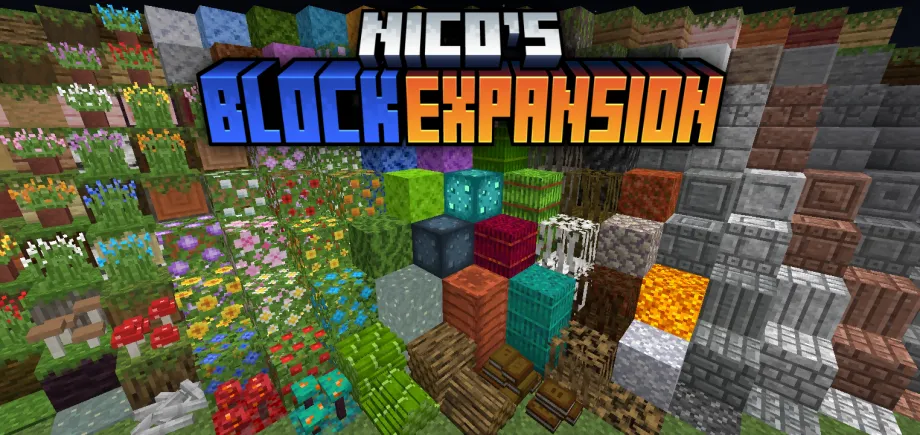

Random Additions Classic v2.3.1
 Go to files
Random Additions is a unique Add-On that brings tons of new features into Minecraft, that feel fresh and exciting, while also blending into the Vanilla Minecraft very well because of their design!
NOTES:
- All Information about every Feature in the Add-On can be found in the Guidebook!
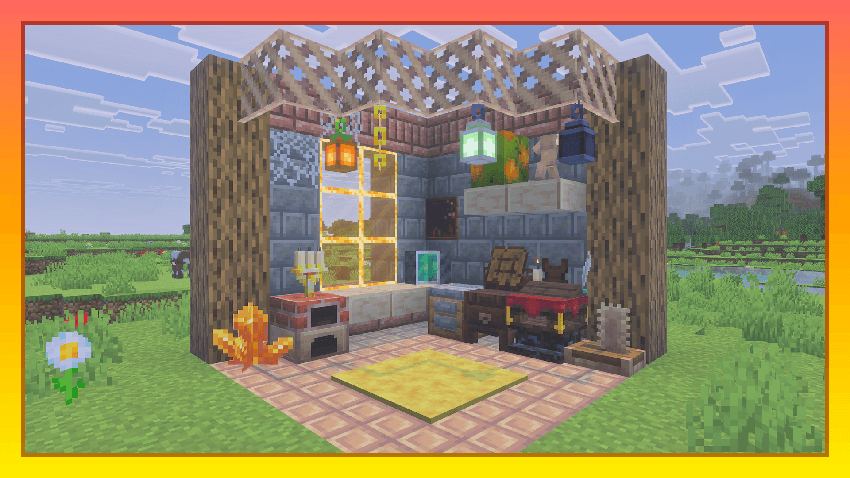
Random Additions brings you a great variaety of Building Blocks, Vegetation, Decorative Blocks, and even some Work Stations...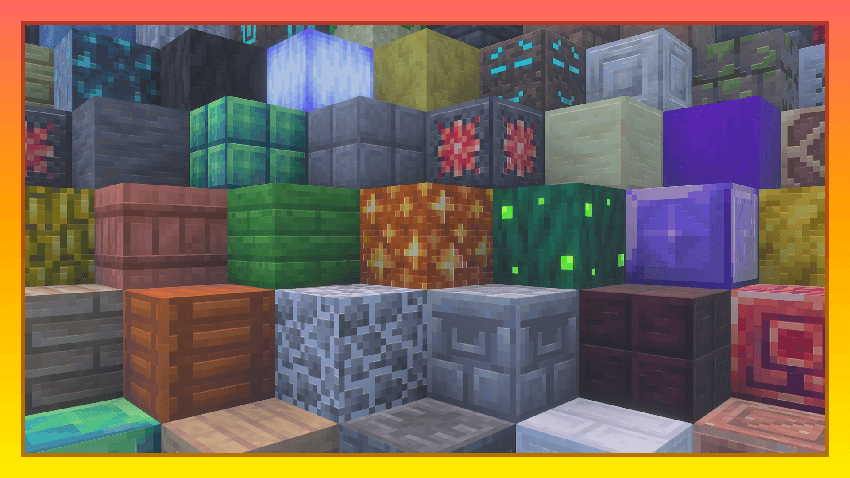
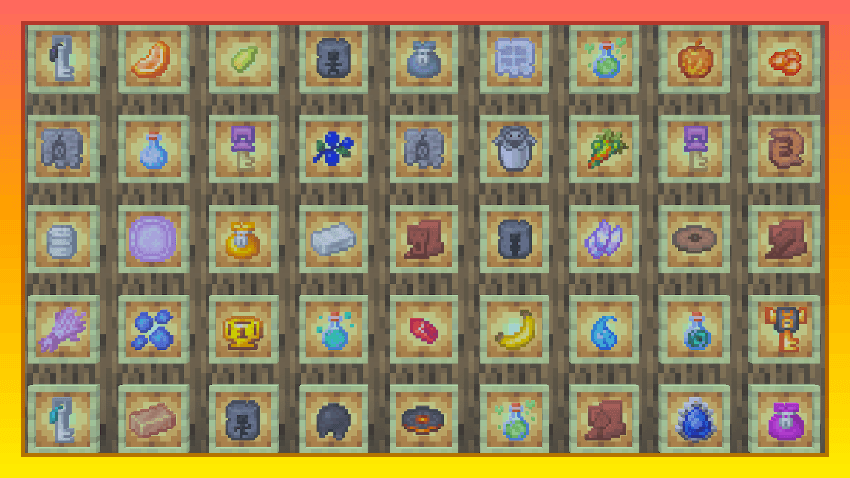
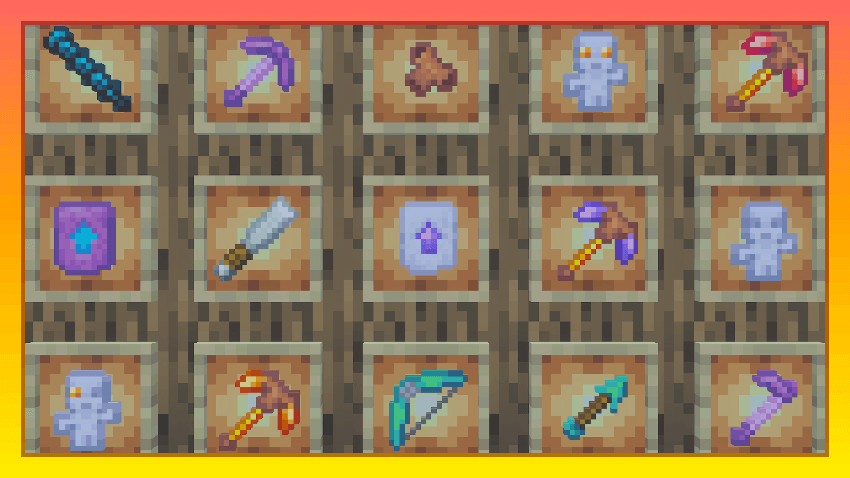
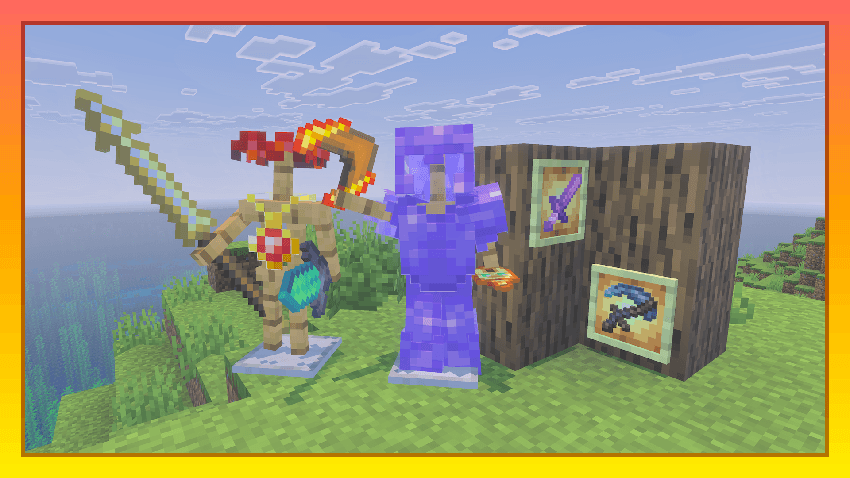
Lots of interesting Items, like Foods, Keys, different Artifacts, Weapons, Tools, some Armor and more...
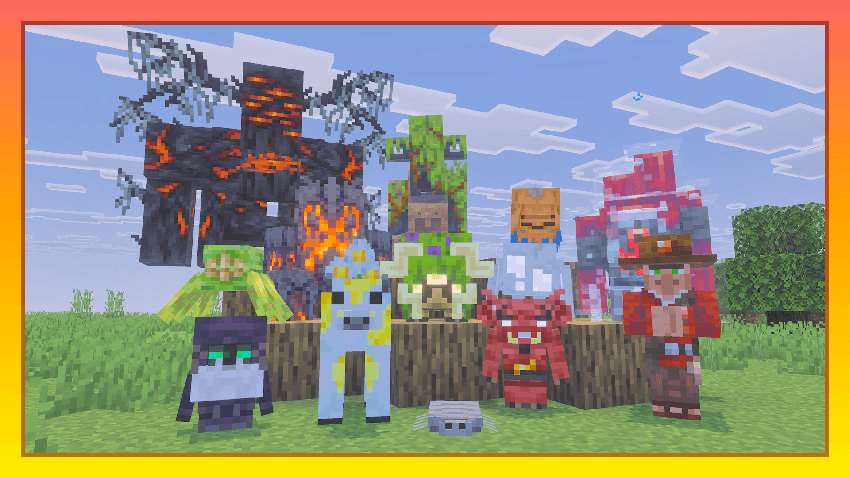
Many unique Mobs are introduced in Random Additions, such as cute Muppet, helpful Follower, deadly Crackling, and many more...
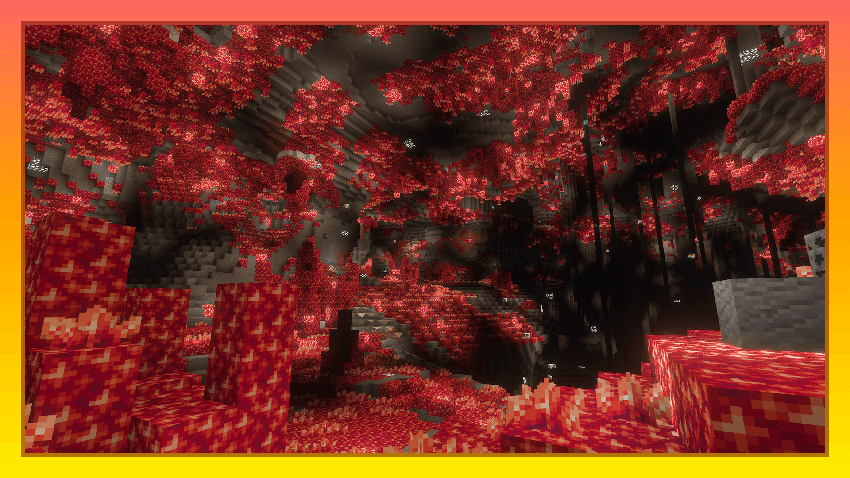
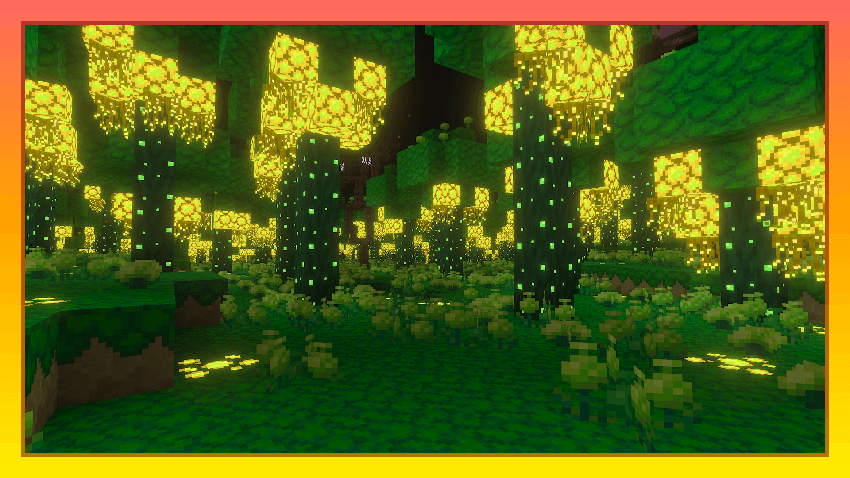
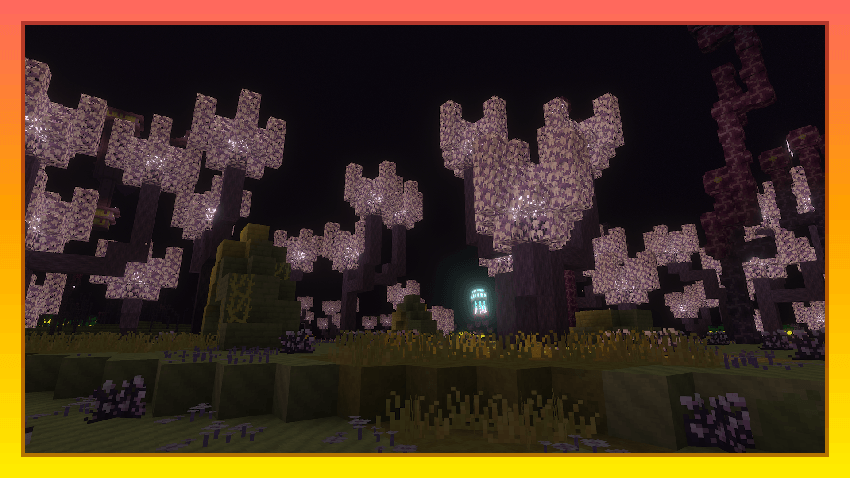
New Biomes in the Overworld and in the End, such as Luminous and Garnet Caves in the Overworld, and Papylloume Forest and Perennial Chorus Fields in the End...
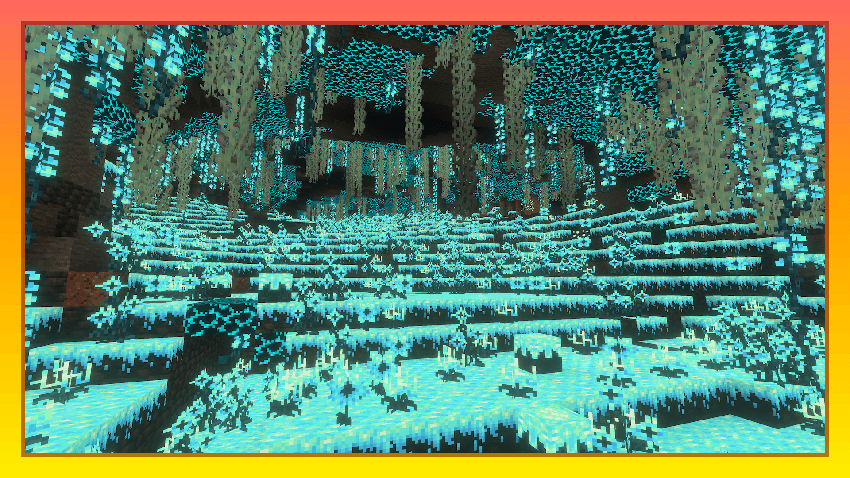
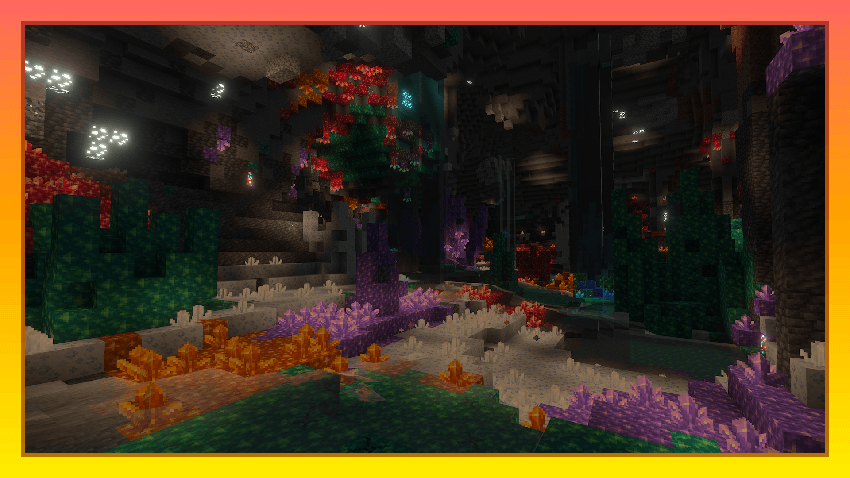
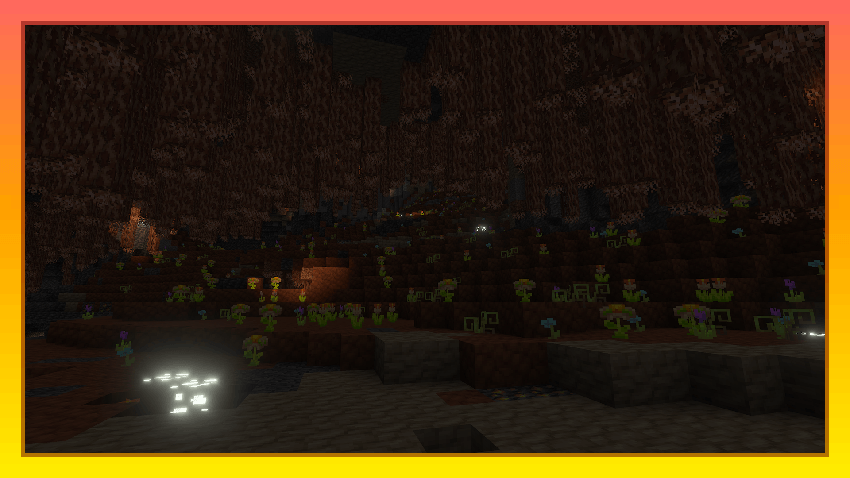
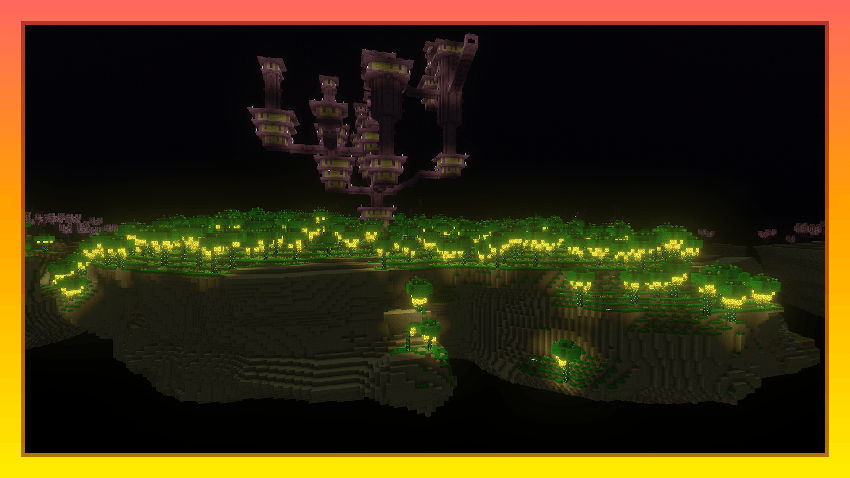
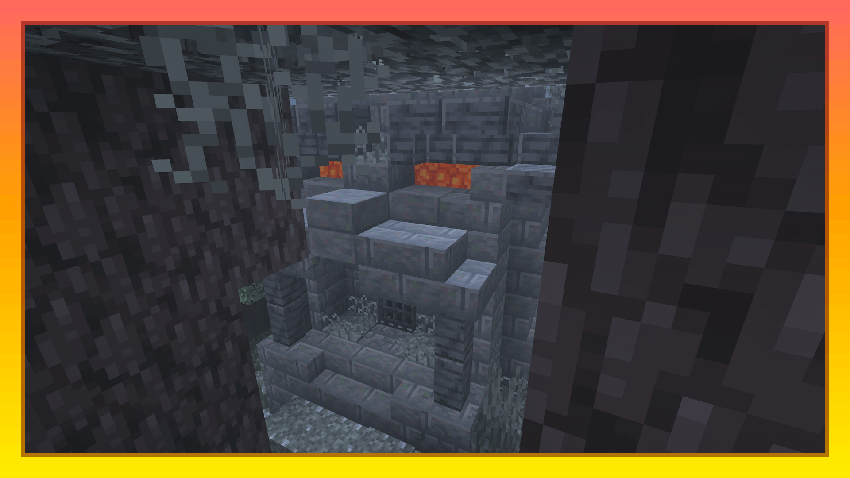
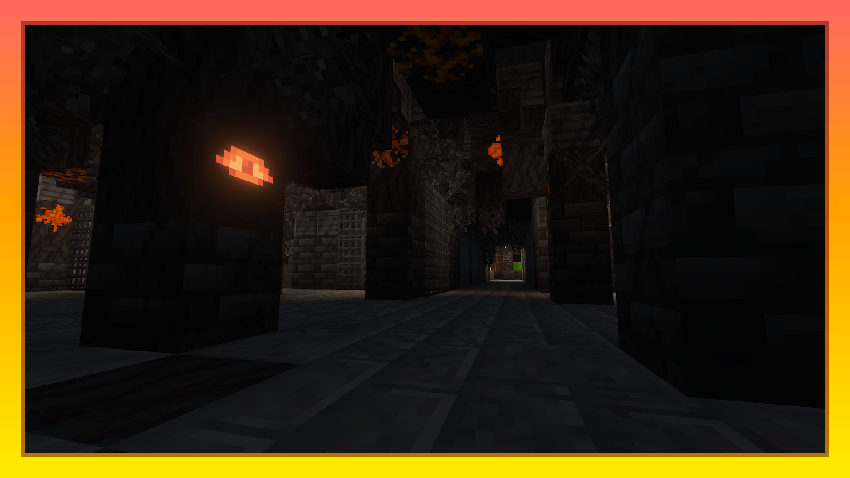
Lots of Ambient and Challenging new Structures in all Minecraft Dimensions, such as Pale Bunker, Crystal Cell, Blaze Tower, Shulker Shelter, and many other Structures...
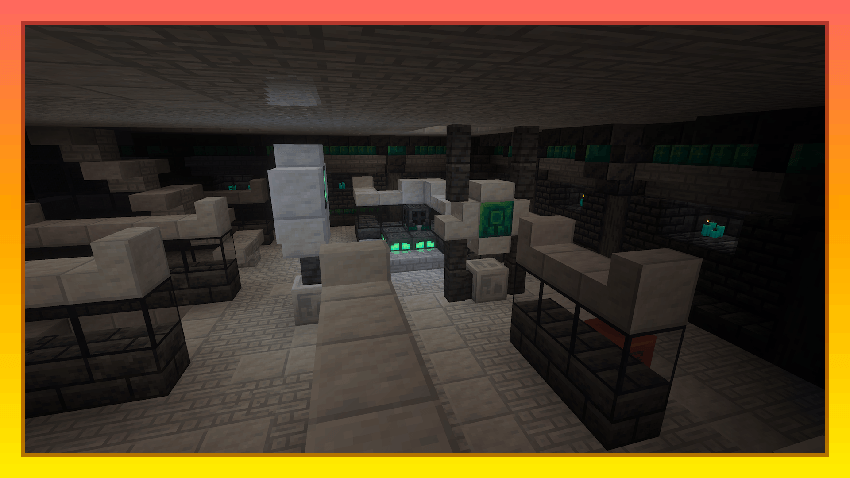
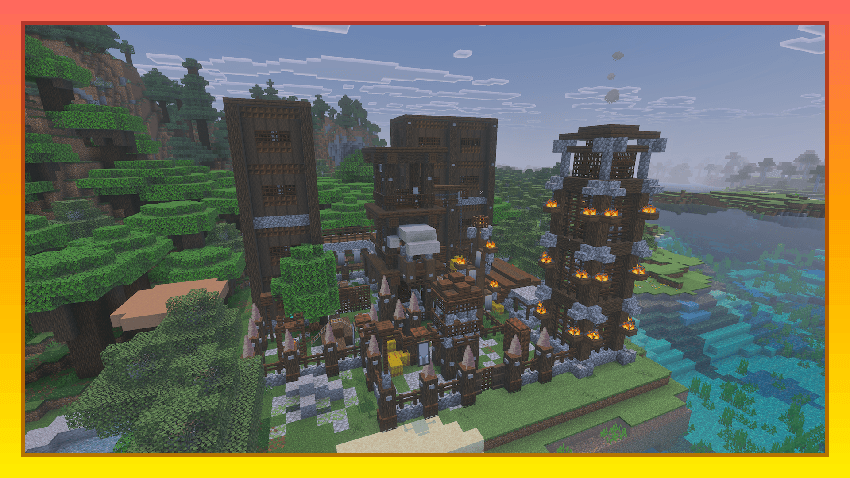
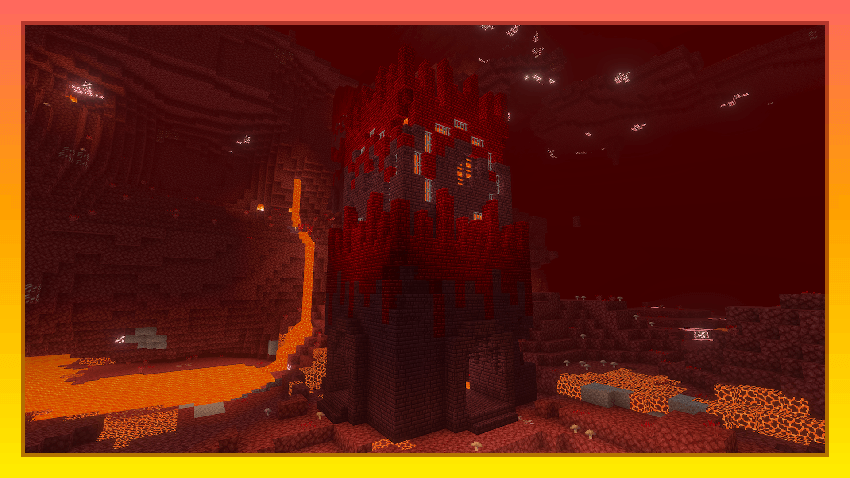
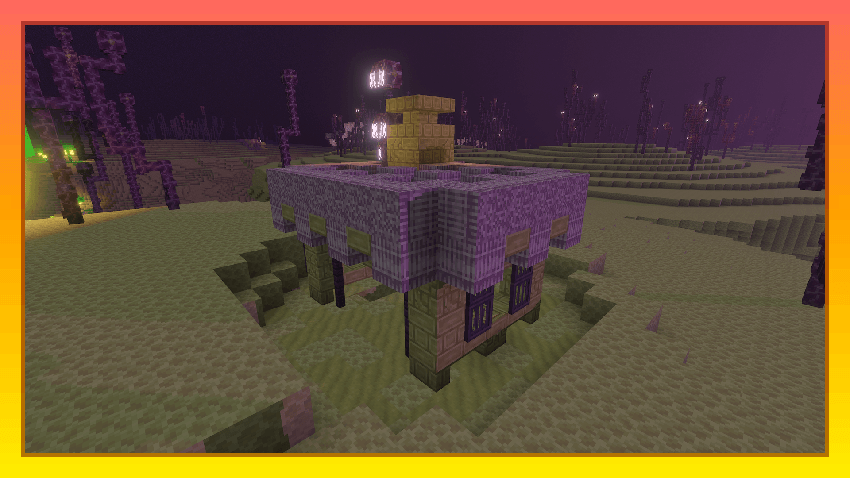
Several new World Generation Features, like new Ores, Cave Archeology, updates to all Nether Biomes, Endslate and End Moss in the End, and more...
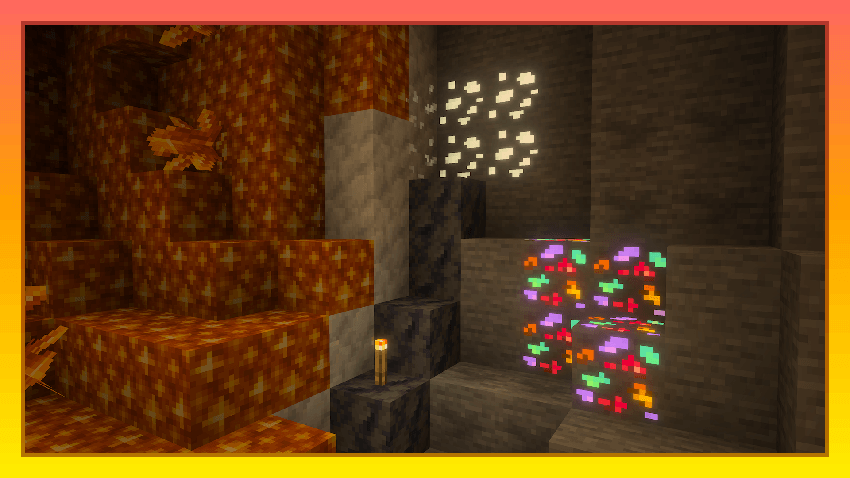
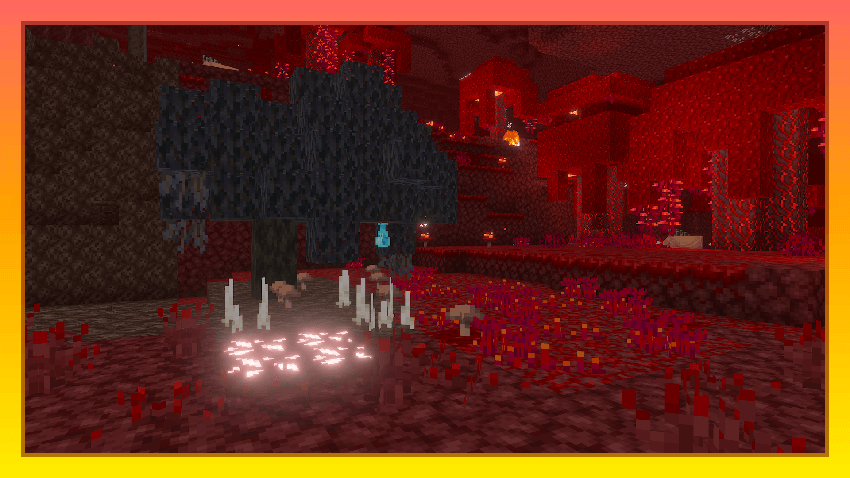
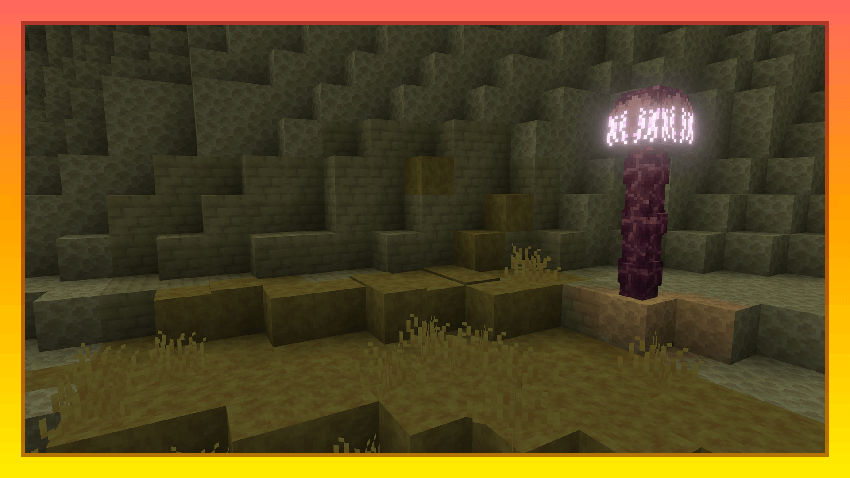
And so, so, so much more for you to discover with Random Additions!
Random Additions Unknown Block Remover
Throught the Random Additions Updates, we have changed many Block IDs, which, if you're a Long-Term Random Additions Add-On Player and always Update to the nwe Versions, causes some Blocks to turn into Dirt Blocks with "?", which are the Unknown Blocks. These "Unknown Blocks" are the Blocks which IDs were changed in the Update, so the Block that existed in the Previous Version no longer exists in the new Version. To help you remove these Blocks quite conveniently, we're introduing you Random Additions Unknown Block Remover!
- Download the Add-On and Apply it to the World that has Unknown Blocks caused by new Random Additions Version
- When you'll enter the World, you'll recieve the Pack Settings Item. Use the Item, and the Settings UI will appear. You can change the X, Y, and Z Values of the Radius around
- You will get the Pack Settings every time you enter the World with this Pack, even if you already have the Pack Settings Item, in case you lose the Item somehow
- Blocks in the Radius around you that you've specified will turn into Air every second, so you have to walk around a bit and clean up these Blocks
- Note, Maximum Block Amount that can be Removed is 32768 Block
- This Pack will only remove Unknown Blocks that are from Random Additions Add-On
- Be sure to remove the Add-On from the World once you're done, to not put more loads on the world
Download the Pack by this link and clean up your worlds: Random Additions Unknown Block Remover Add-On
HOW TO DOWNLOAD THE ADD-ON
- Click the Download Button.
- When Add-On has downloaded, find it in your file explorer.
- Open file in Minecraft.
- Note: The Add-On doesn't require any experimental toggles!
- Add BP and RP to your world, and create world!
- Enjoy! =)