
zorrocraft

upd:
Copy link
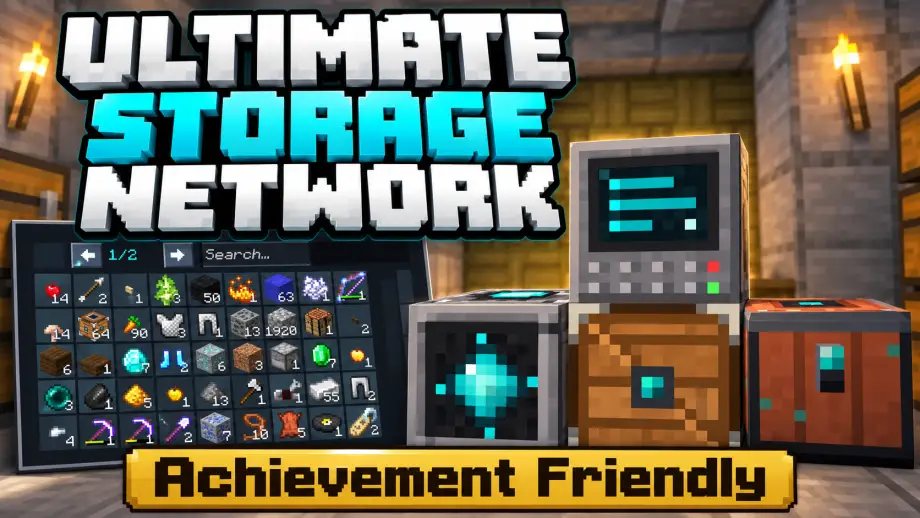
Ultimate Storage Network [Achievement Friendly]
 Go to files
Check this video
(for better understanding)
⚙️ How to Setup:
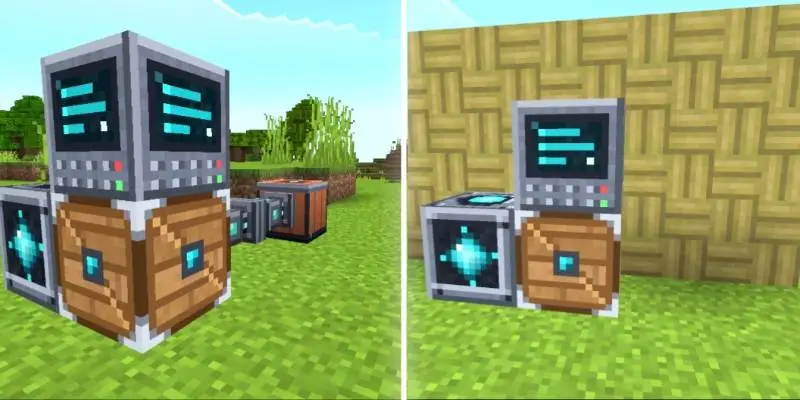
- Place Cargo Box
- Place Storage Terminal on Cargo Box
- Place Storage core Side Of Cargo Box
- Use Storage Cable Or Cable Connect blocks to attach any containers/ Simple Storage Chest.
- Link Remote/Direct access
📦 Bigger Storage
Simple Storage Chests give you 260 slots for your items.
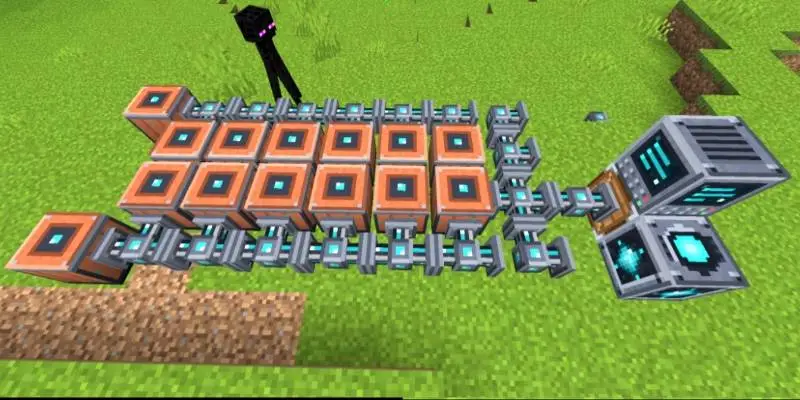
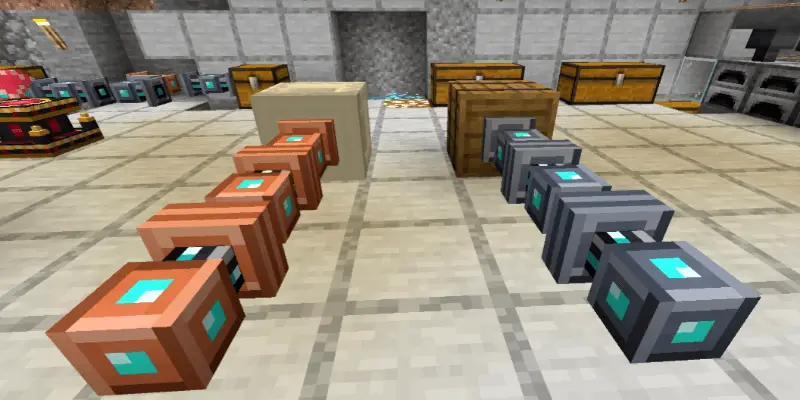
🔗 Connected Chests
Use Storage Cables and Cable Connect blocks to link chests, barrels, and shulker boxes.
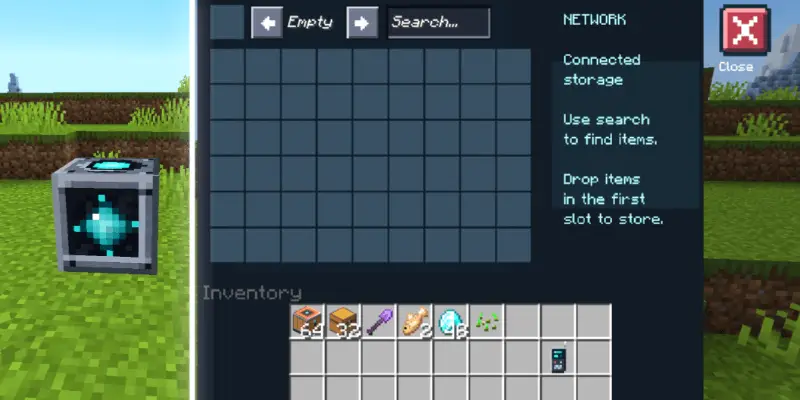
🖥️ Storage Menu
Open your connected storage through a Storage Core. Search for items and easily deposit or collect them.
🛠️ Crafting Terminal
Craft using materials from your connected storage.
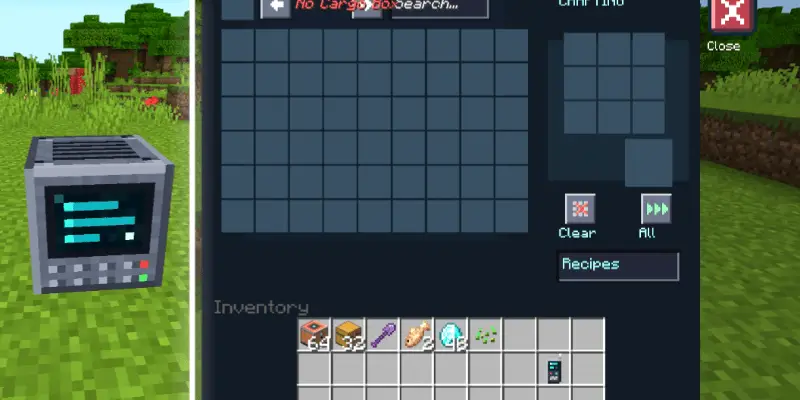
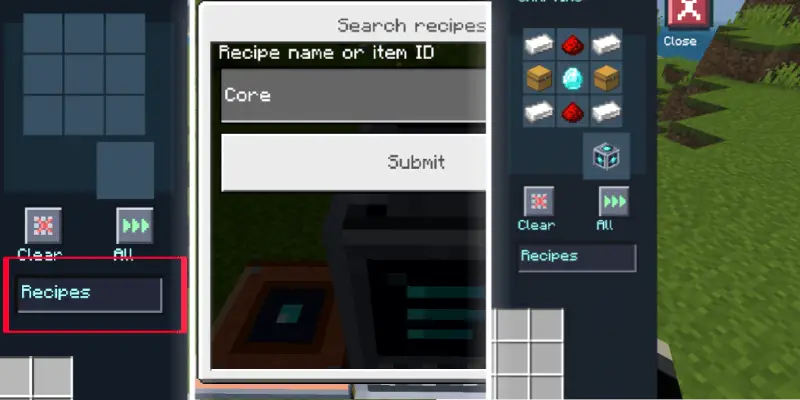
📖 Quick Craft
Browse and search recipes. Select a recipe to automatically fill the crafting grid with available materials. Missing ingredients appear as red slots.
📡 Storage Remotes
Access your network without returning to your storage room. The basic remote works within 128 blocks in the Overworld.
The advanced remote supports access across dimensions when the linked terminal is loaded.
Updated on November 14, 2026
- 📦 𝗦𝘁𝗼𝗿𝗮𝗴𝗲 𝗦𝗹𝗼𝘁 𝗖𝗼𝘂𝗻𝘁𝗲𝗿 shows used and total slots at the top of your storage.
- 🏷️ 𝗜𝘁𝗲𝗺 𝗡𝗮𝗺𝗲 𝗧𝗼𝗼𝗹𝘁𝗶𝗽𝘀 now pop up when you tap any item.
- 🛠️ 𝗙𝗶𝘅𝗲𝗱 𝗧𝗼𝗽 𝗧𝗲𝘅𝘁 overlapping on the terminal screen.
Download links
Supported versions
Tags