


15 Best Minecraft Building Mods
 Go to files
Building is one of the most loved features in Minecraft, but creating large or detailed structures can take hours or even days. That’s why many players use Minecraft building mods to save time, improve accuracy, and unlock powerful building tools.
In this article, we’ll explore the best Minecraft building mods that every builder should try, whether you play in Creative mode or Survival mode.
1. Quark (The Essential Builder Upgrade)
Download Mod
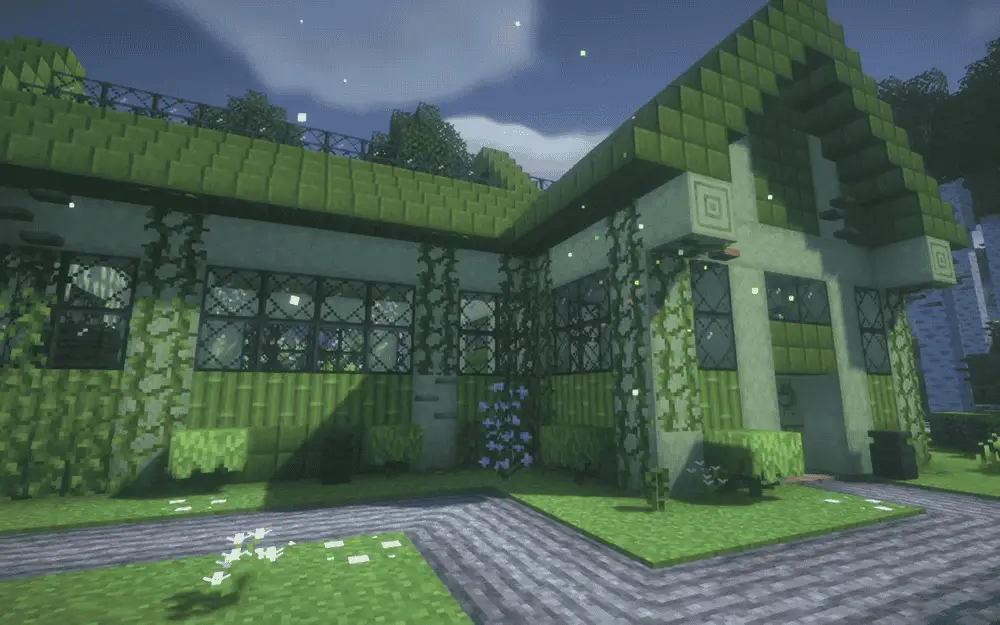
Quark is the first mod every builder should install.
It is a modular mod, meaning you can enable or disable features individually.
What it Adds
- Vertical slabs
- More wood variants
- Bookshelf variants
- Ladders and chests in different styles
- Easier block placement
- Randomized path blocks
- Builder-friendly tweaks
The best part:
It feels completely vanilla-friendly.
You won’t feel like you’re playing modded Minecraft — you’ll feel like you’re playing Minecraft 2.0.
Supported: Forge / NeoForge
2. Chisels & Bits (Unlimited Custom Blocks)
Download Mod
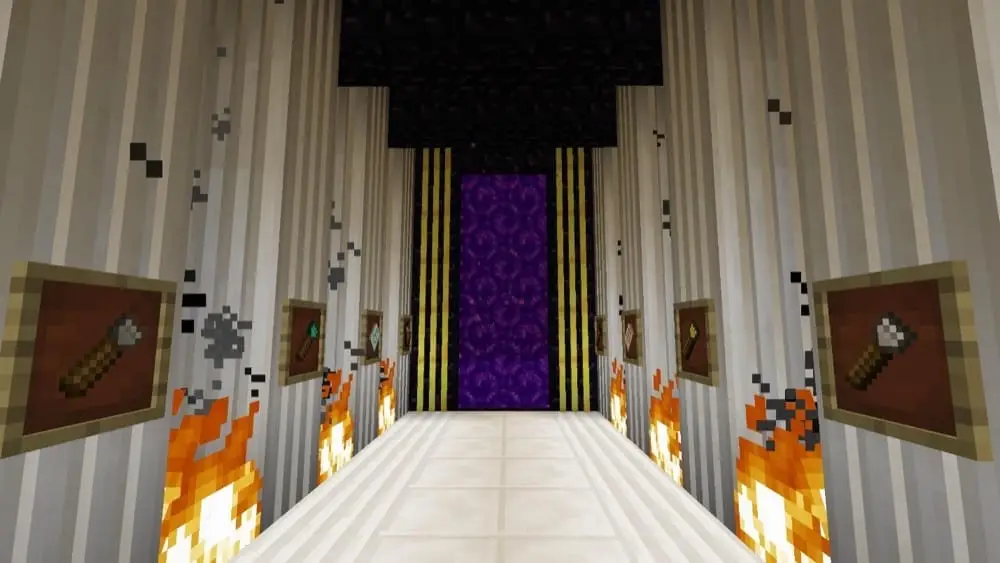
This mod completely removes Minecraft’s building limitation.
It lets you:
break a block into tiny pieces (bits) and rebuild it.
You can literally sculpt blocks.
What You Can Build
- custom pillars
- curved roofs
- furniture
- statues
- railings
- trims
- detailed windows
You can even combine textures from multiple blocks.
This is the mod that YouTubers use to make insanely detailed builds.
3. Macaw’s Fences & Walls
Download Mod
One of the most underrated Best Minecraft Building Mods.
Vanilla fences are extremely limited.
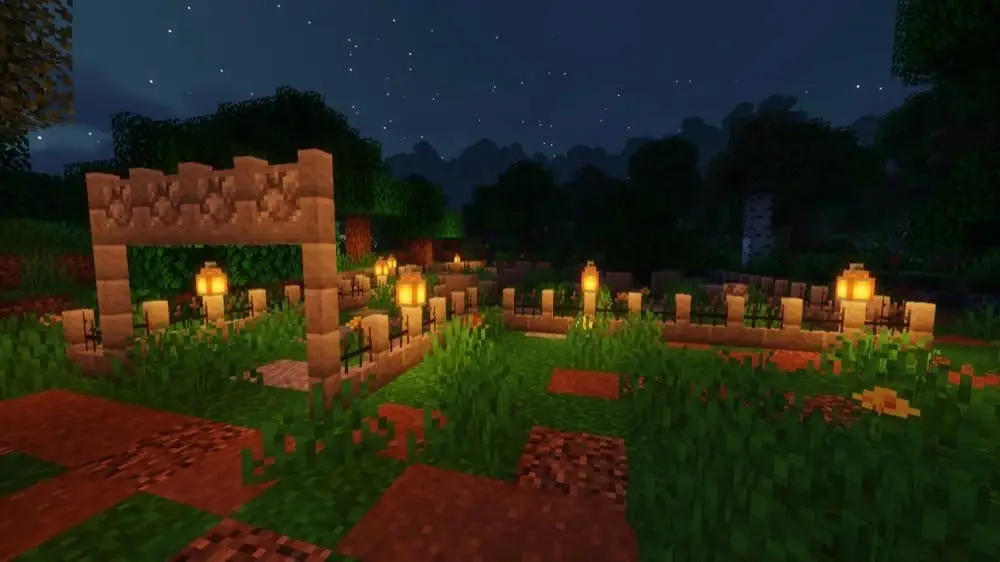
This mod adds:
- wooden fence styles
- stone fence styles
- pillar walls
- decorative gates
- wire fences
Your gardens, castles and villages instantly look realistic.
This mod is a builder’s dream.
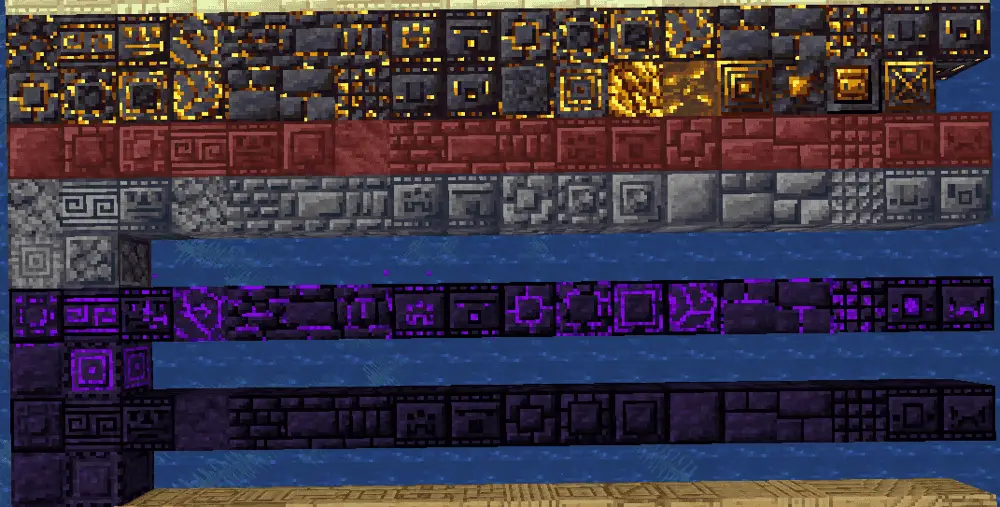
4. Chipped (11,000+ Block Variants)
Download Mod
It adds over 11,000 block variations.
Yes — eleven thousand.
Instead of replacing blocks, it lets you convert normal blocks using special worktables.
Perfect for:
- castle walls
- roof tiles
- floors
- interiors
- themed builds
5. Rechiseled
Download Mod
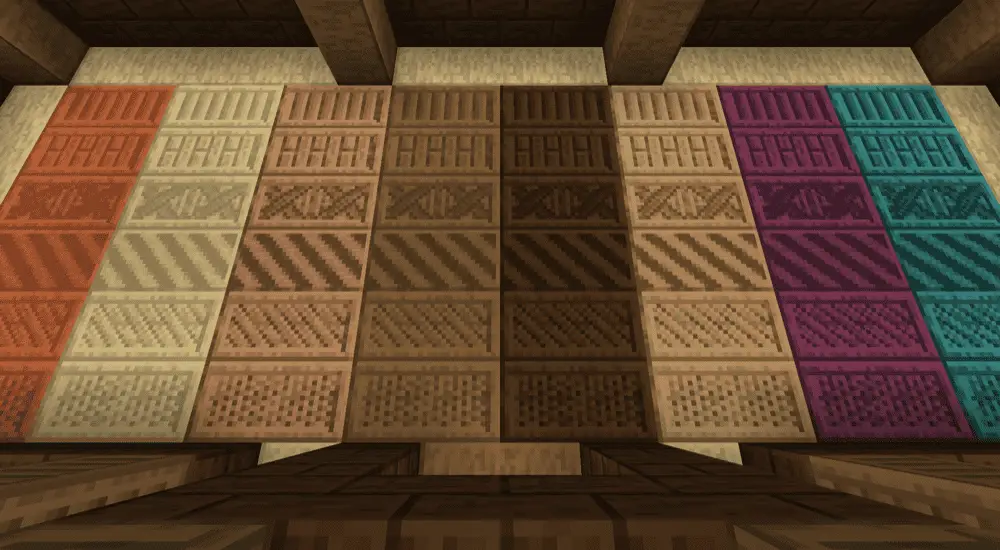
Rechiseled adds 600+ decorative block styles.
You craft a chisel, right-click a block, and choose a pattern.
Features:
- connected textures
- smooth repeating patterns
- multi-block designs
- unlimited durability chisel
It’s perfect for builders who want detail without complexity.
6. FramedBlocks
Download Mod
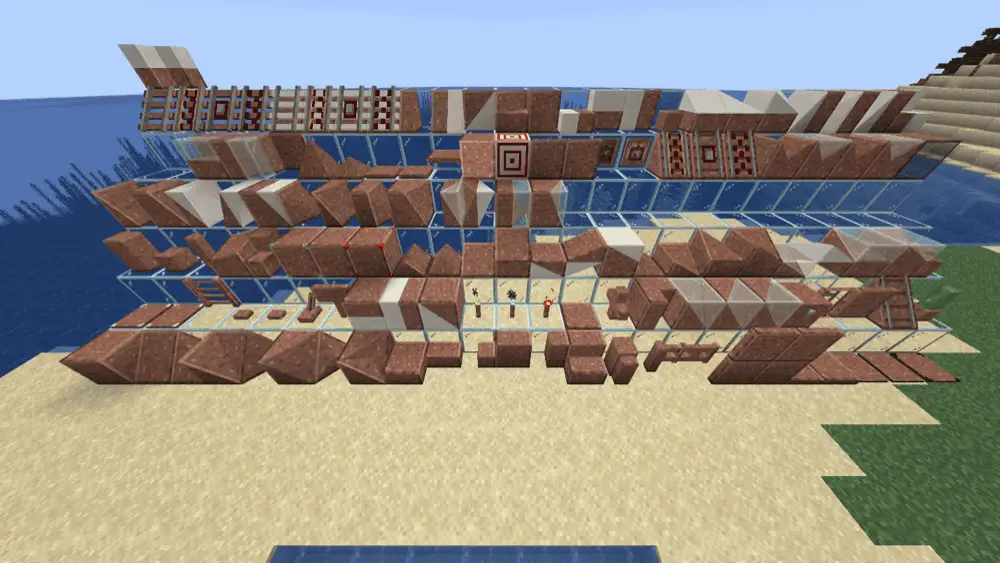
This is one of the most powerful building mods ever made.
It adds:
- slopes
- corners
- vertical slabs
- custom stairs
- panels
- beams
Then you apply any block texture onto them.
Meaning:
You can create shapes Minecraft never allowed.
Example:
Stone slopes, wood triangles, smooth roofs.
7. Chisel Mod
Download Mod
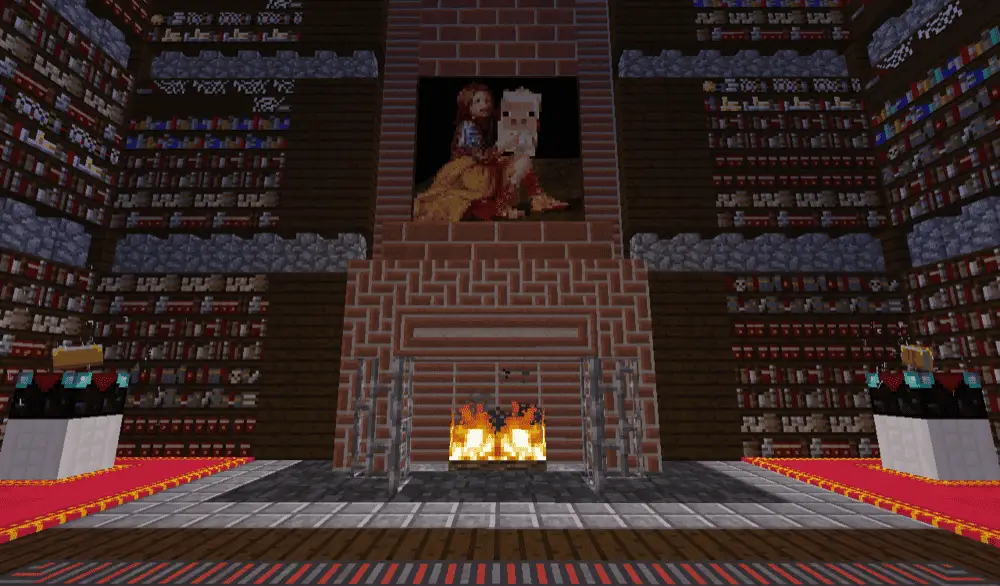
A classic decoration mod.
You insert a block → choose texture → convert instantly.
Adds dozens of patterns for:
- stone
- bricks
- marble
- metal
- factory builds
Also includes a tool to shift patterns across multiple blocks.
8. Domum Ornamentum
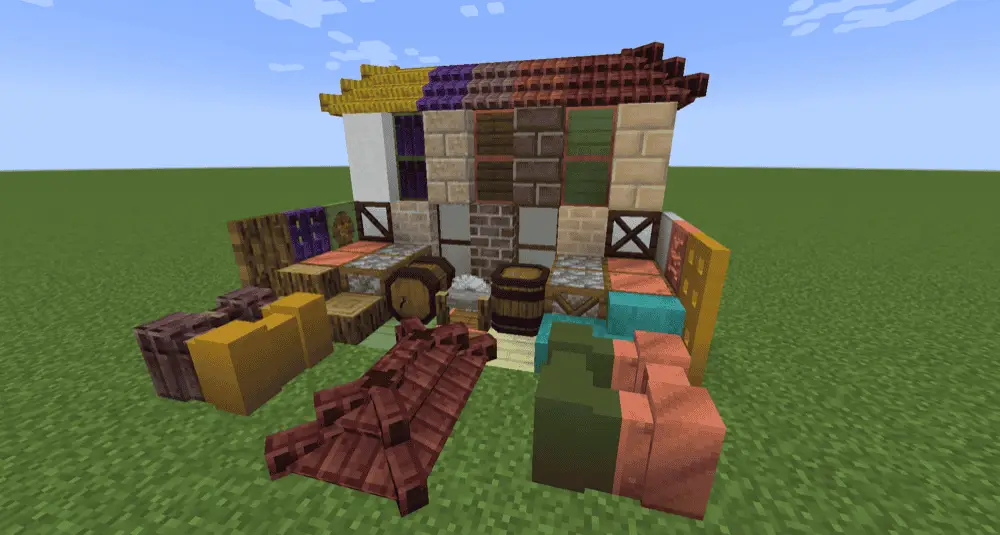
Download Mod
This mod lets blocks take the appearance of other materials.
You don’t need 20 versions of stairs anymore.
Just:
- Craft Architect Cutter
- Insert material
- Choose shape
You get matching blocks instantly.
Perfect for organized builders.
9. Building But Better
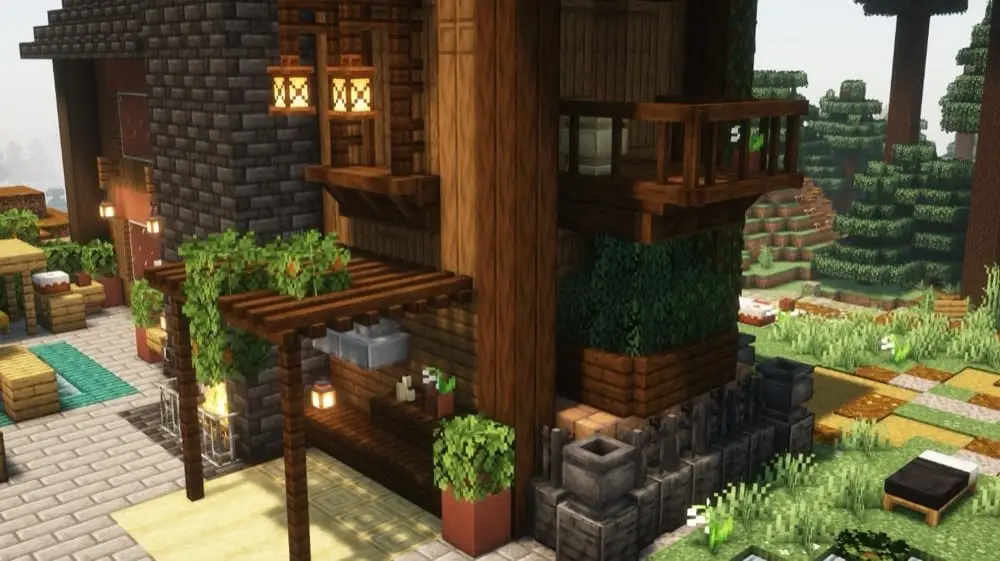
Download Mod
Adds more building shapes and interactive blocks.
You can adjust how blocks connect directly in-game.
Good for advanced builders who like control.
10. Create Mod (The Living Build Mod)
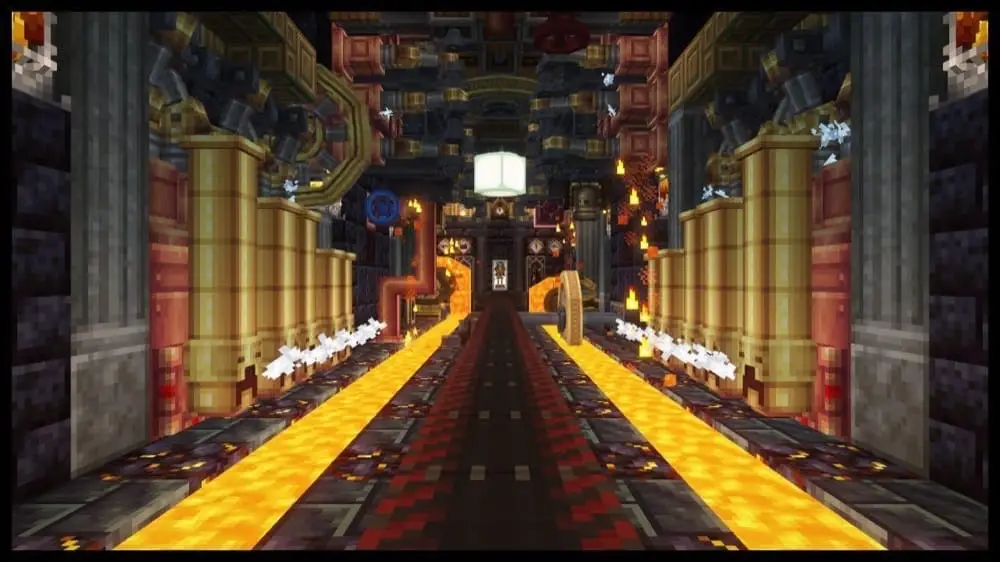
Download Mod
Many people think Create is a tech mod.
Builders know the truth.
It’s actually one of the Best Minecraft Building Mods.
It allows you to build:
- moving doors
- elevators
- windmills
- rotating displays
- factories
Your builds become alive.
11. Architect’s Palette
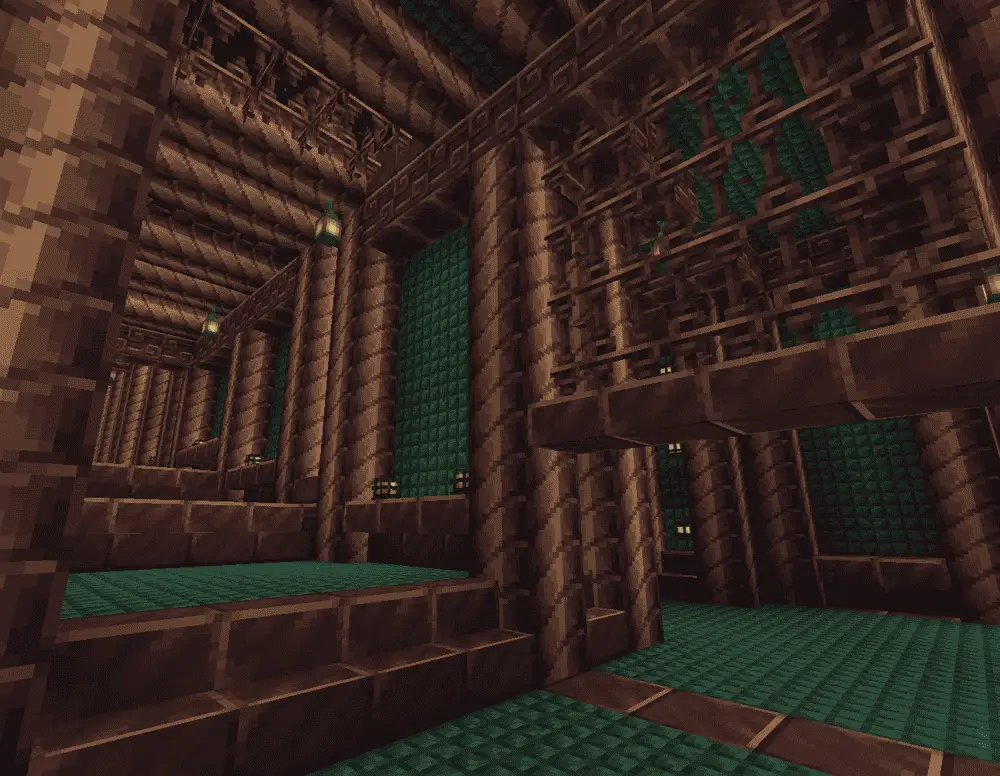
Download Mod
Adds new themed blocks for multiple aesthetics:
- castles
- ruins
- icy builds
- workshops
It expands color variety while staying vanilla styled.
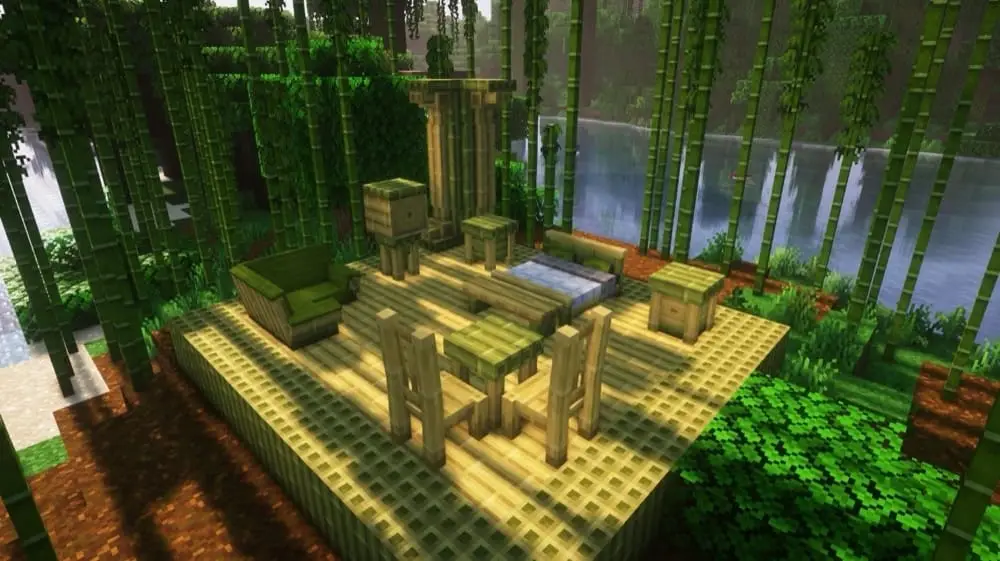
12. Handcrafted (Furniture Mod)
Download Mod
Adds 250+ furniture items:
- chairs
- tables
- desks
- benches
Finally your houses feel lived-in.
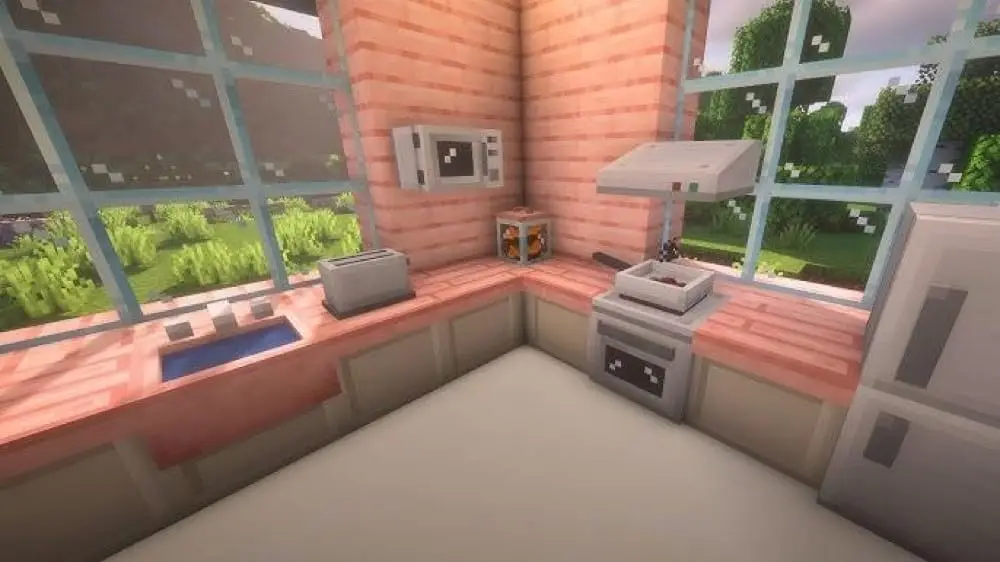
13. MrCrayfish Furniture Mod (Refurbished)
Download Mod
The most realistic furniture mod.
Adds:
- appliances
- lights
- computers
- delivery system
- electricity
Your base becomes a real modern home.
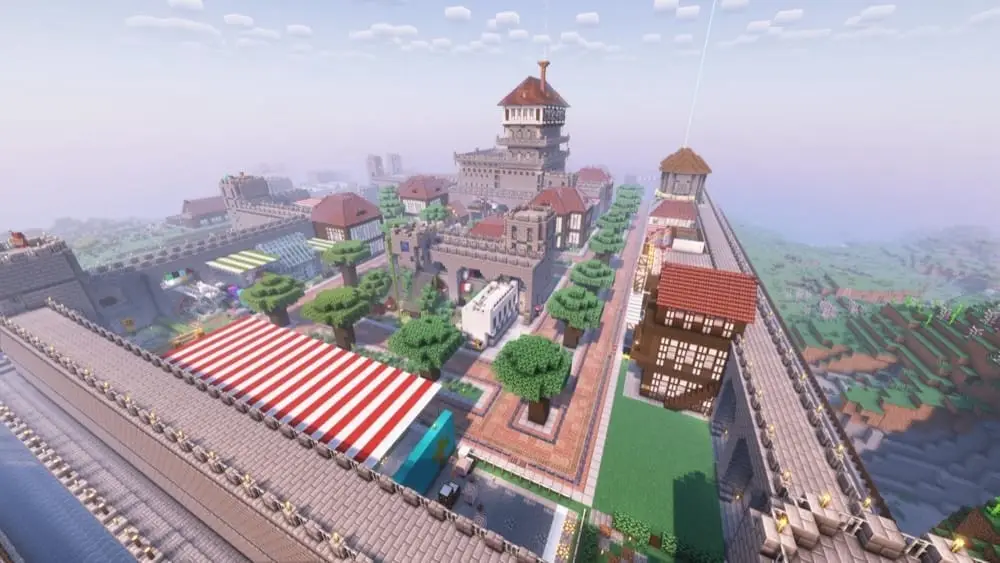
14. MineColonies
Download Mod
You build a town…
and NPC villagers build it for you.
Workers:
- mine
- craft
- farm
- defend
You manage the colony like a mayor.
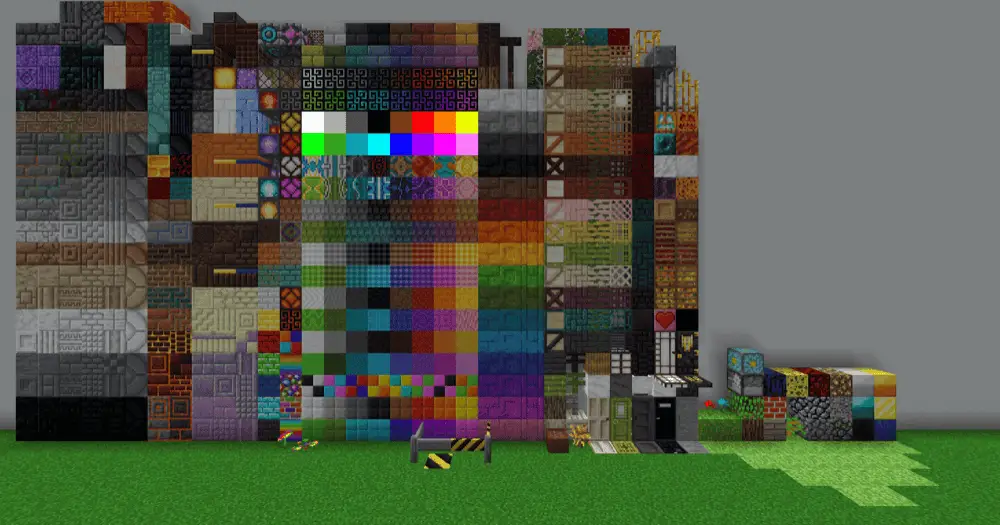
15. Blockus
Download Mod
Adds many vanilla-style building blocks:
- marble
- limestone
- tiles
- hedges
- patterned wool
- glass variants
Perfect for survival builders.
How to Install Minecraft Mods (Step-by-Step)
Method 1 — CurseForge App
- Open CurseForge
- Select Minecraft
- Create a profile
- Choose Forge/Fabric
- Click “Add More Content”
- Install mods
- Play
Method 2 — Manual Installation
- Install Forge or Fabric
- Run Minecraft once
- Download mod .jar file
- Go to
.minecraft/mods - Paste file
- Launch game
Mods Folder Locations
- Windows:
%AppData%\\.minecraft\\mods - macOS:
~/Library/Application Support/minecraft/mods
Common Problems & Fixes
Missing Recipes
Install JEI / REI / EMI.
Mod Not Loading
Wrong loader version (Forge vs Fabric).
Game Crash
Install missing dependency libraries.
Blocks Invisible
Install connected-texture libraries (CTM).
Server Join Error
Mods must exist on both server and client.
Final Thoughts
If you want your builds to look:
- realistic
- detailed
- unique
- professional
You don’t need to become a better builder.
You need better tools.
And these Best Minecraft Building Mods are exactly that — tools for creativity.
Once you install even 3–4 of them, vanilla Minecraft will feel incomplete.




![Thumbnail: More Armor Weapons Tools and Swords Items Mod! – 𝗠𝗶𝗻𝗲𝗰𝗿𝗮𝗳𝘁 𝗙𝗼𝗿𝘁𝗶𝗳𝘆 𝗥𝗲𝘄𝗼𝗿𝗸𝗲𝗱 [v1.0.2] [New Mods New Addons Update!] [Compatible with any Addon!]](/uploads/posts/2025-02/b0534b5772_minecraft-fortify-cover.webp)
