
upd:
Copy link

RieeMoteX V2.1

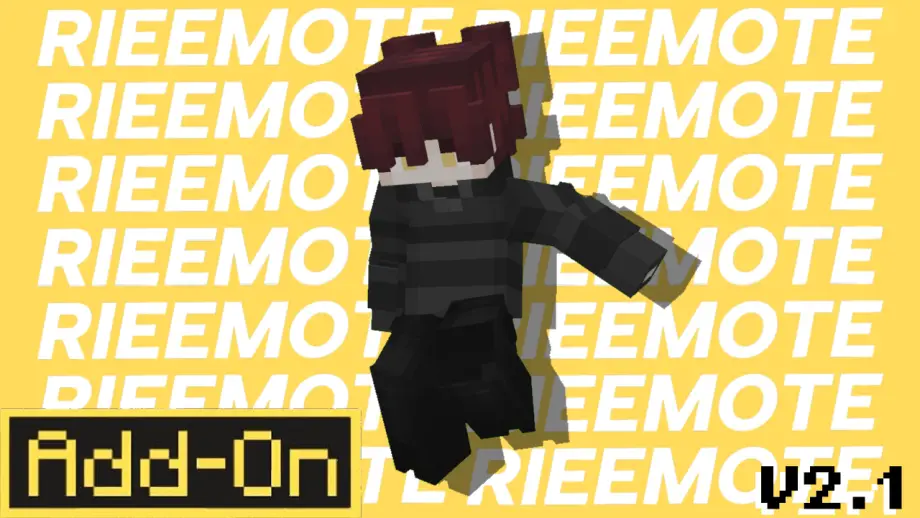
Thumbnail: RieeMoteX V2.1 Go to files

This add-on for Minecraft Bedrock adds 200+ depth emotes, freecam, 3D player skins, and smoother player animations for expressive screenshots, cinematics, and roleplay.
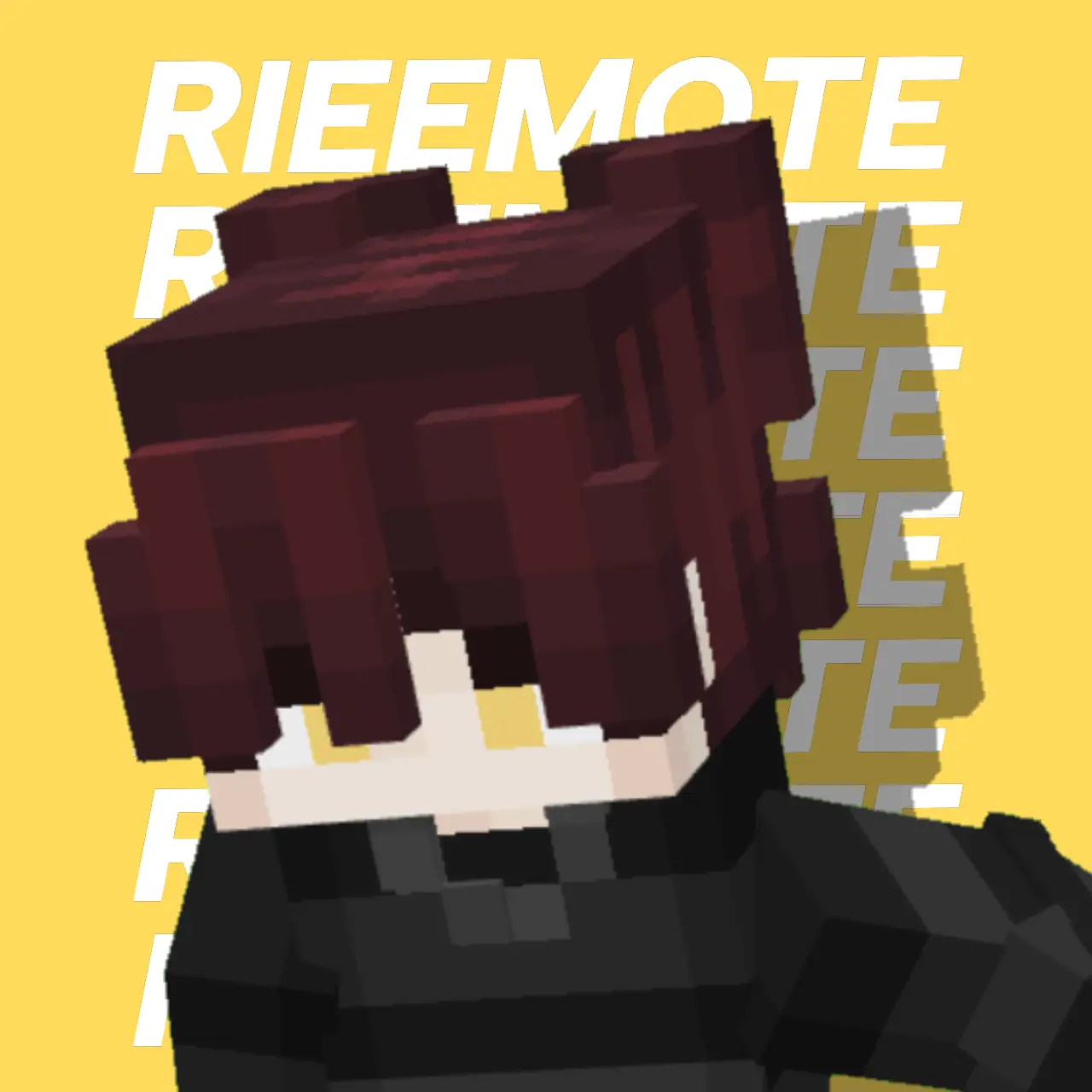
Blocky character with maroon hair posing boldly.  

Features

  • 200+ emotes and 3D skin poses for expressive animations
  • Freecam support for screenshots and cinematics
  • Smooth, improved player animations
  • Perfect for roleplay, screenshots, and expressive multiplayer

Tutorial

Install the add-on as usual.

Go to your inventory item section, look for an item called rieemote, then right-click the item, select the emote you want to use and you will see your skin change position as shown in the item image.

Emote Categories

  • Stand: purple
  • Sit: yellow
  • Dance: red
  • Sleep: green
  • Couple: blue
  • Random: white

Owner: Ariee

Updated on July 6, 2026

  • Added 5 dance emotes:
    • Scuba
    • Griddy
    • Brazil Dance 1
    • Brazil Dance 2
    • Big Guy
Changelog for June 4, 2026 / Old Update
  • Added 11 new emotes
  • Fixed various bugs
Download links
RieeMoteX v2.1[mcaddon, 6.72 Mb] / Downloads: 3145
Supported versions
26.10 1.21.132 1.21.130
Tags
24 826
27 comments
Cancel
  1. Bang gimana download nya
  2. No avatar image
    Ariee Guest
    Maap ini di dia continue. Sorry this is discontinue
  3. How do I install it?
  4. No avatar image
    Albi Guest
    Ini cara download ya bagaimana bg?
  5. Mana bang gak bisa di download
  6. No avatar image
    Guest Hann Guest
    Gimana cara download nya ndah
  7. No avatar image
    Jsz Guest
    Gimna dowload ny
  8. No avatar image
    Fikri Guest
    Lah download nya gmn njir
  9. No avatar image
    zarnn Guest
    ini gimana download nya bang?
  10. No avatar image
    Screeet shhhhh Guest
    pencet apa ini? 🗿
  11. cara dowload gmn
  12. No avatar image
    Fanfanfan Guest
    Ini download gmn njir
  13. No avatar image
    Iksanmc Guest
    Ni cara download gimana dah
  14. No avatar image
    LeonMC Guest
    Ini gmn cara downloadnya
  15. Gak ada go to files nya ji