Emissive Blocks Add-on
 Go to files
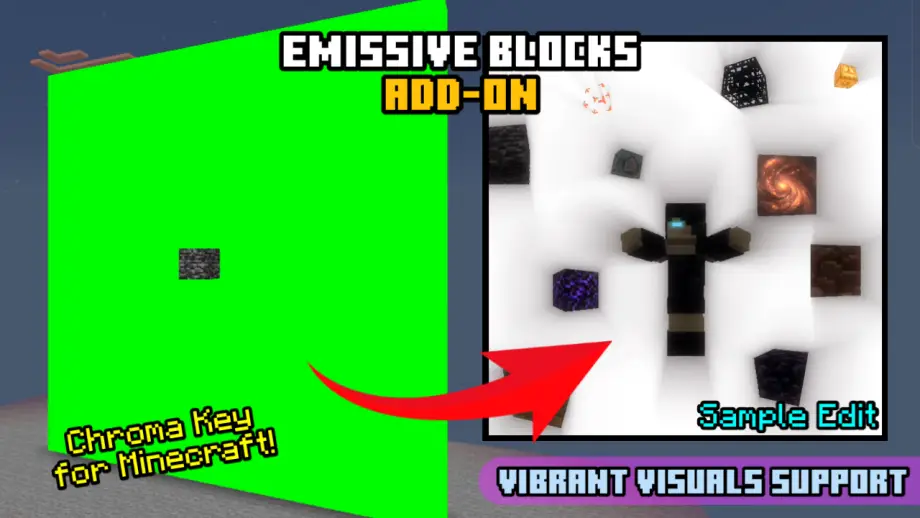
Adds glowing chroma-key emissive blocks with multiple colors for use as background elements in Minecraft edits; achievement friendly.
Features

Emissive Blocks - is a standalone solid block that has multiple chroma key color variants when toggling it.
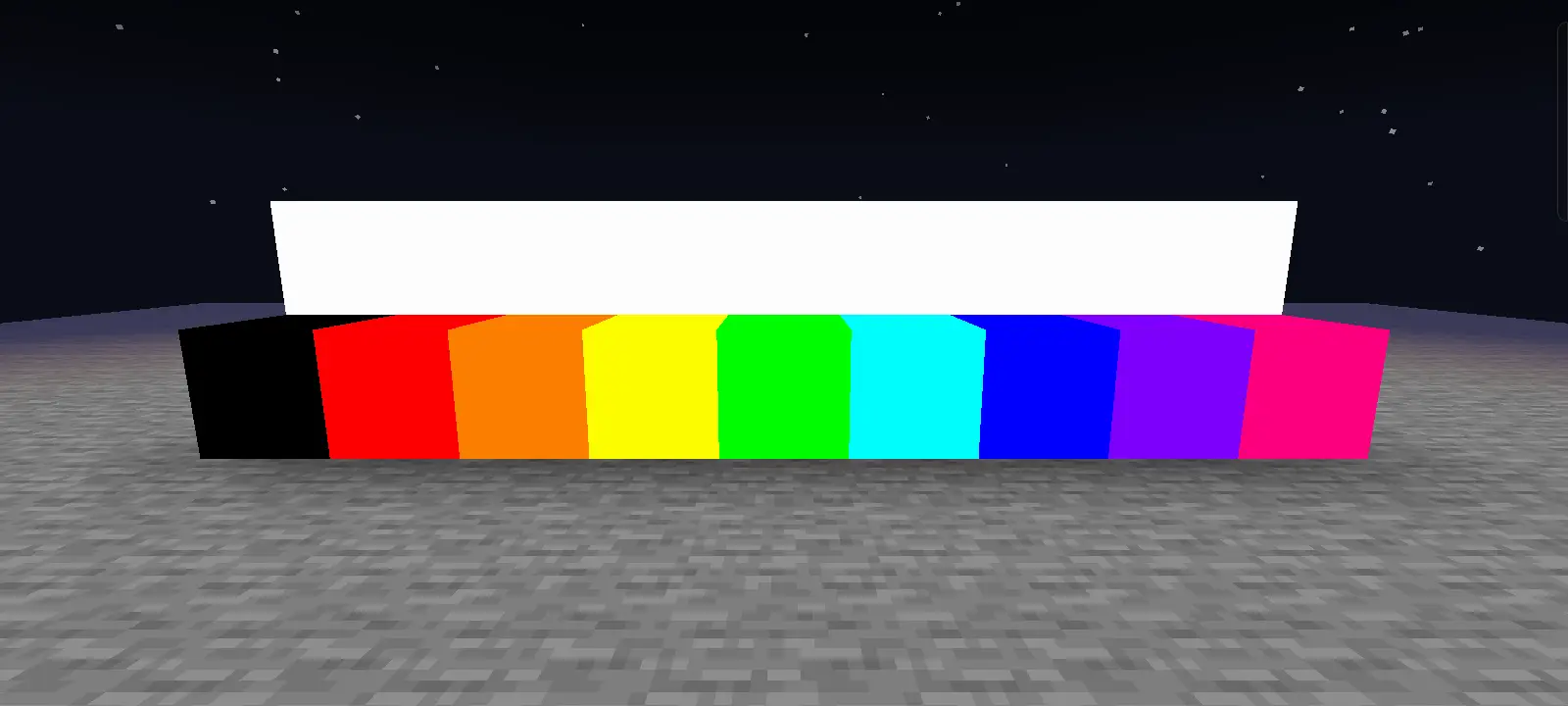
- The default color of the block when placed is White (Color Index 0).
- The block has a light emission of 15. (light source)
- The block itself does not render any form of shadow (solid color). Blocks nearby unless a light source will cast a shadow from Emissive Blocks.
Emissive Block toggle; switches color index when crouching then right-clicking on it. To toggle it without crouching, run the /toggleemissive (Operator) command then interact. Running the command will invert its boolean value.
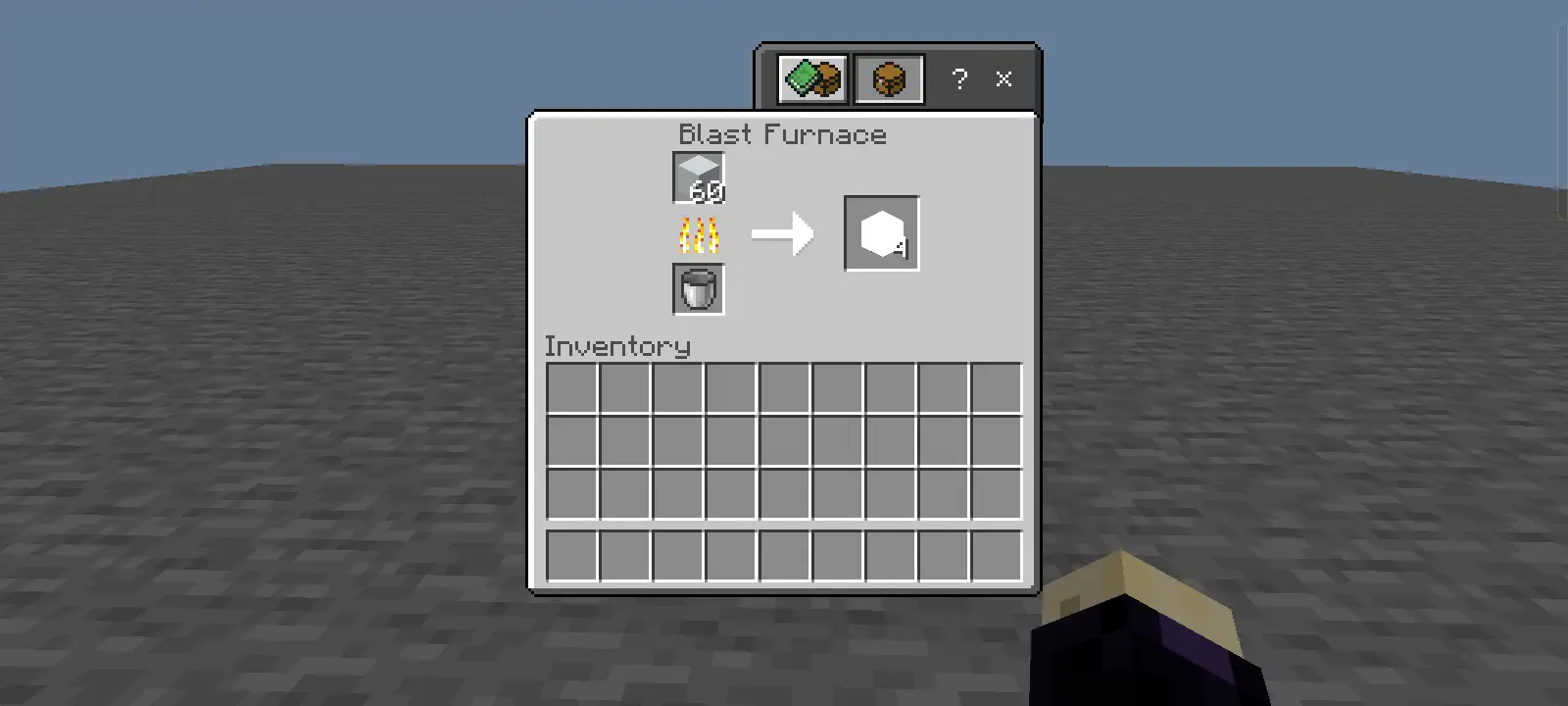
Renewable Emissive Blocks, this can be done by smelting (blasting) White Concrete in a Blast Furnace to renew Emissive Blocks.

Pack Settings
Emissive Blocks render as solid static glowing color in Simple and Fancy rendering mode. Vibrant Visuals and other PBR/Ray Tracing packs utilize texture sets for rendering blocks. To deal with the other rendering mode, the settings provide a MERS option and adjust how Emissive Blocks' emissivity renders.
Here is a window style comparison of how MERS rendering differs.
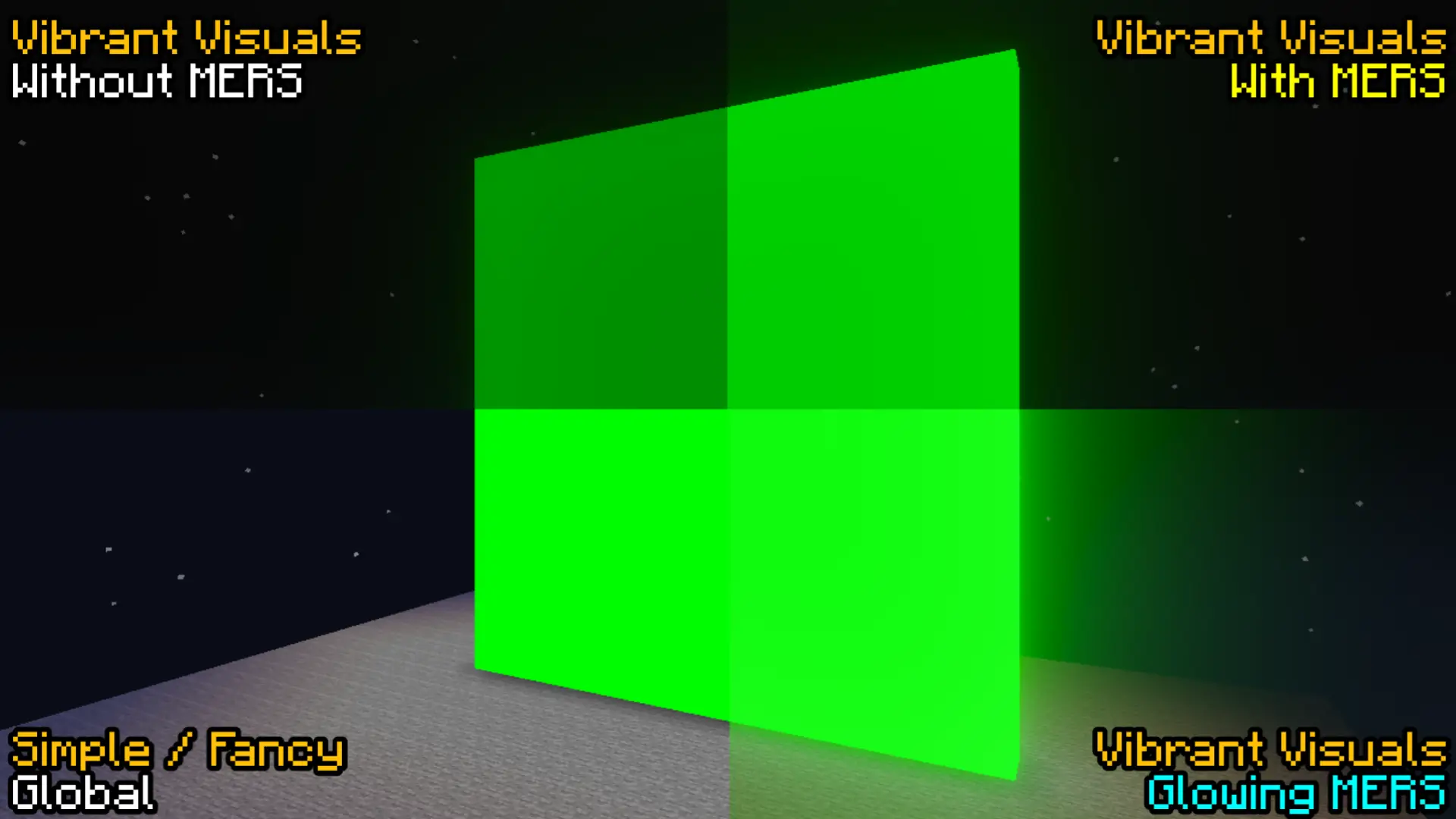
NOTE: Other PBR/Ray Tracing packs can have different rendering design and this affects how Emissive Blocks render its MERS.
Known Issues
- HUD affects the emissivity of any blocks in general (idk why). This also affects Emissive Blocks.
- Blocks nearby unless a light source will cast a shadow from Emissive Blocks.

- Facing an Emissive Block unable you to place a block, because the
onPlayerInteract()method overrides the default place block interaction. Therefore, crouching is the only option to place blocks facing Emissive Blocks. - Emissive Blocks can cause HDR blowout in some cases because of their emissivity.
Installation
To download and import this add-on to your world, navigate to Download links and select an add-on version.
- Download the
.mcaddonfile. - After downloading the file, navigate where the file is stored.
- Click the file then select Open with Minecraft (Method may vary).
- If the add-on is imported successfully, activate the add-on to your world and enjoy!
NOTE: Minecraft packs use Universally Unique Identifier (UUID) to identify every pack stored locally in Minecraft. When the add-on failed to import because of "Duplicate pack detected" even when no match is found, it is most likely caused by a matching UUID with the other packs.
License
Emissive Blocks Add-on - Chroma Key for your next video!
Copyright (C) 2026 EditorOne XI
This program is free software: you can redistribute it and/or modify
it under the terms of the GNU General Public License as published by
the Free Software Foundation, either version 3 of the License, or (at your option) any later version.
This program is distributed in the hope that it will be useful,
but WITHOUT ANY WARRANTY; without even the implied warranty of
MERCHANTABILITY or FITNESS FOR A PARTICULAR PURPOSE. See the
GNU General Public License for more details.
You should have received a copy of the GNU General Public License along with this program. If not, see <https://www.gnu.org/licenses/>.
NOT AN OFFICIAL MINECRAFT PRODUCT. NOT APPROVED BY OR ASSOCIATED WITH MOJANG OR MICROSOFT.

![Thumbnail: More Armor Weapons Tools and Swords Items Mod! – 𝗠𝗶𝗻𝗲𝗰𝗿𝗮𝗳𝘁 𝗙𝗼𝗿𝘁𝗶𝗳𝘆 𝗥𝗲𝘄𝗼𝗿𝗸𝗲𝗱 [v1.0.2] [New Mods New Addons Update!] [Compatible with any Addon!]](/uploads/posts/2025-02/b0534b5772_minecraft-fortify-cover.webp)
![Thumbnail: More Armor, Weapons, Battleaxe, and Tools Glowing Obsidian Addon! (𝟭.𝟮𝟬.𝟲𝟮 𝗕𝗶𝗴 𝗨𝗽𝗱𝗮𝘁𝗲!) [Compatible with Any Addon!] ](/uploads/posts/2024-03/glowing-obsidian-equipment-v2-1-cover.webp)