Better Days Played
 Go to files


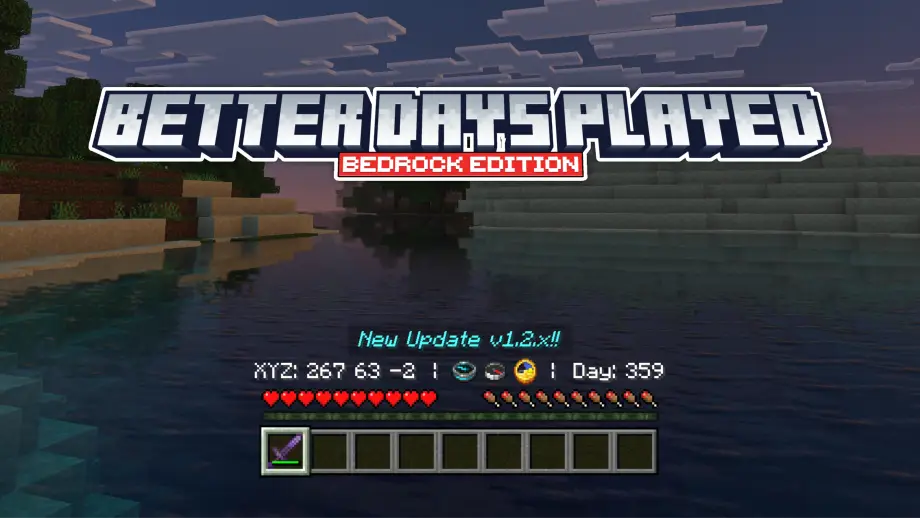
Exactly, with this resource pack the display of days played and coordinates looks better — you don’t need to look at the top left to check days played or coordinates :v.
How to use: Install the resource pack as usual and make sure you enable Show Days Played and Show Coordinates in the game settings. See the sections below for additional options.
Showcase Video
Watch if you don't understand or want to know how it works!
Other Things
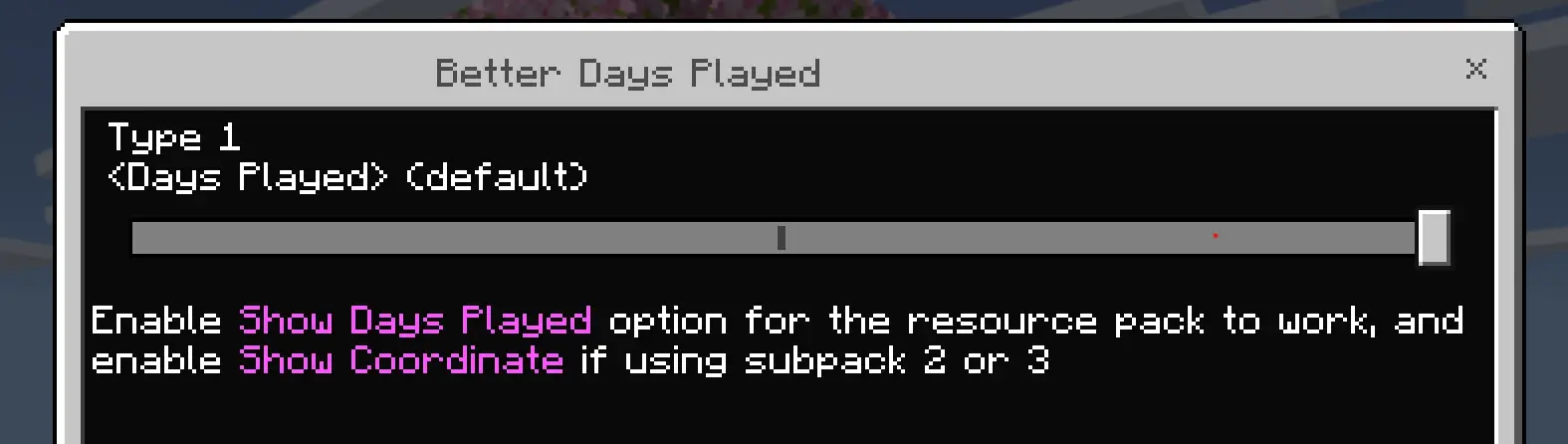
Setting options that must be enabled
Required settings
- Show Days Played
- Show Coordinates

Subpacks
Subpacks (press Settings in the resource pack): you can change the display. Tip: use subpack 2 and use coordinates/days played only for the display in the middle.
Customization
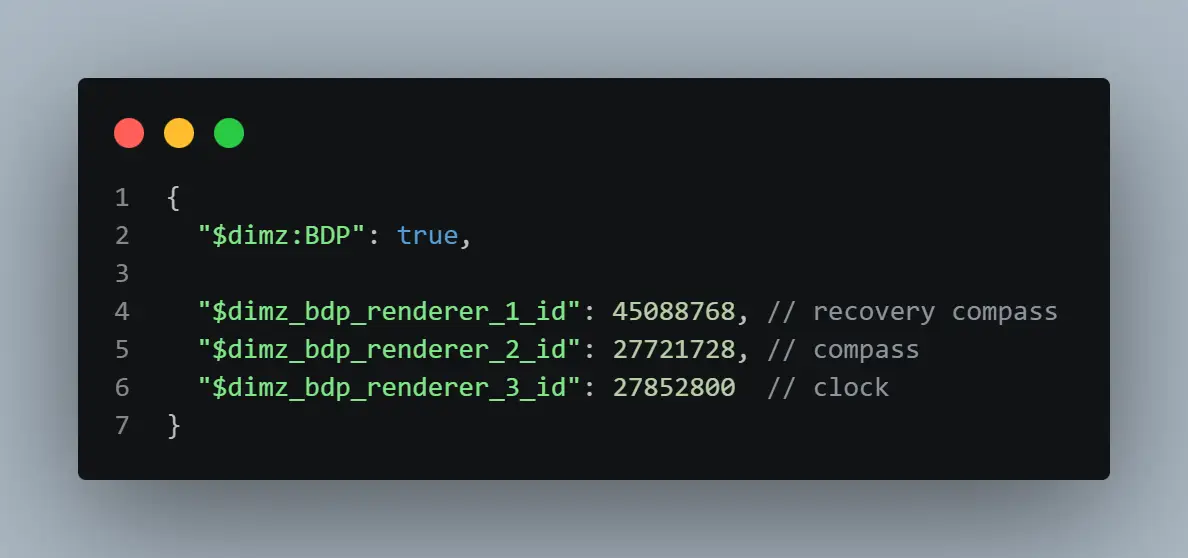
If you are familiar with coding: if a compass changes to another item ID due to an addon, change the compass ID in the pack to the new compass id.
Known issues
Known issue: If you use an addon with custom items, the compass renderer may error (recommended to use subpack type 2). Also, if you use it on a server that does not enable Days Played or Show Coordinates, the resource pack will not work.
Join Our Community
Discussions, submit suggestions, report bugs and more