Copy link
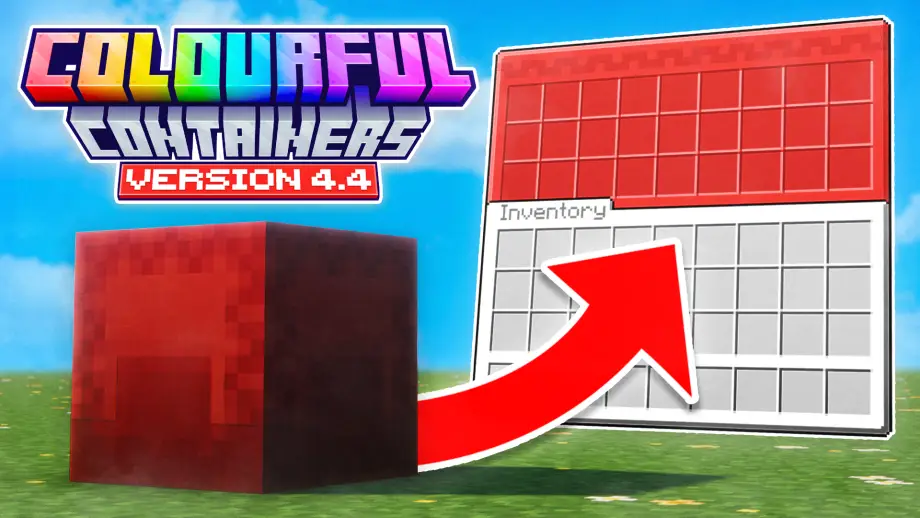
Colourful Container BE: Christmas Chests [Addon]
![Thumbnail: Colourful Container BE: Christmas Chests [Addon]](/uploads/posts/2025-12/a7cb9d2af5_colourful-container-be-christmas-chests-addon-cover.webp) Go to files
Go to files
Spread the festive cheer with Christmas-themed chests and GUI textures! Requires Colourful Containers BE.
A Christmas addon to Colourful Containers BE
It introduces changes to chests and other textures to make them all Christmassy!
Requirements
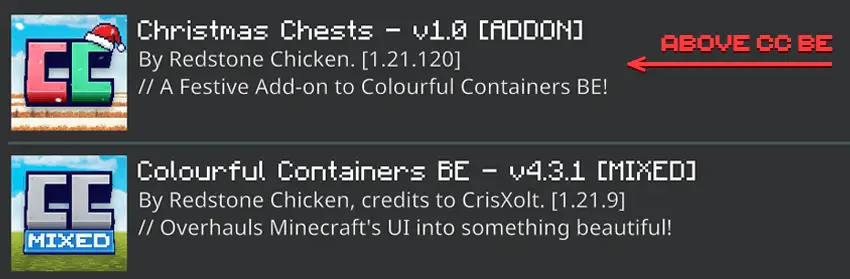
This pack is an expansion for the original Colourful Containers BE resource pack. Place this addon above the Colourful Containers BE resource pack in your settings.

Compatibility
This pack supports most working versions of Colourful Containers BE and aims to support future versions. Some features may be supported or unsupported depending on the base pack version — check the feature list below.
Installation (Quick)
- Place the pack above the Colourful Containers BE resource pack in your settings.
- Make sure to switch the cogwheel mode to DARK or LIGHT depending on your Colourful Containers settings.
Features
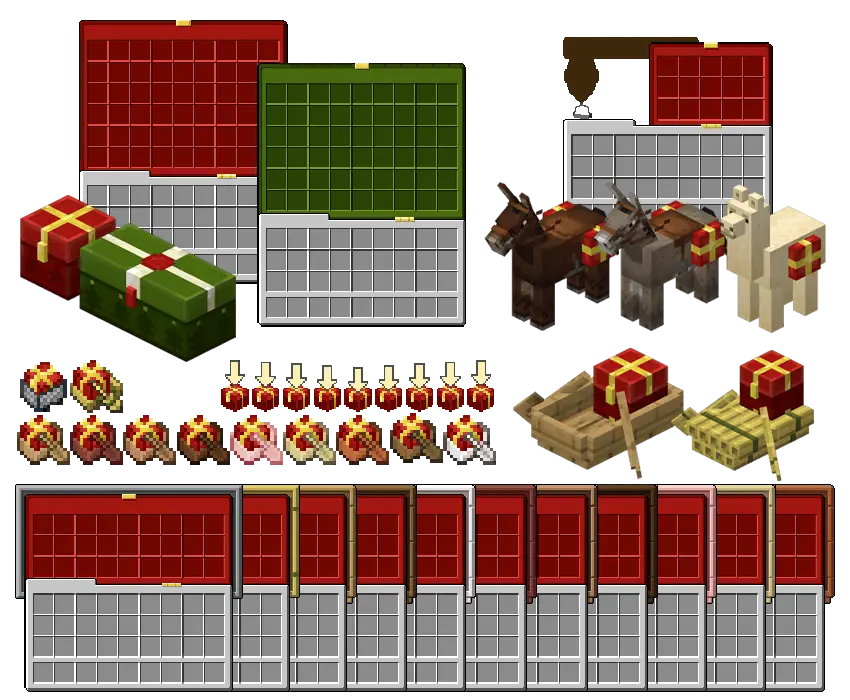
Below is the list of all textures that are replaced with Christmas textures.
UI
- Small Chest (& Trapped)
- Large Chest (& Trapped)
- Horses / Mules / Donkey / Llamas
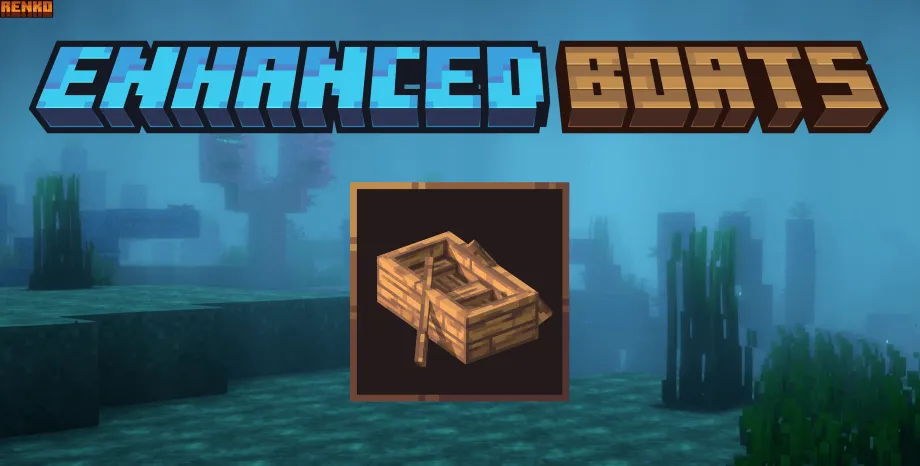
- Chest Boats / Raft (with wood variants - only supported on v4.4+)
- Minecart with Chest
- World Save Animation
Blocks
- Small & Large Chests
- Small & Large Trapped Chests
Entities
- Horses / Mules / Donkeys / Llamas
- Chest Boats / Raft
- Minecart with Chest
Items
- Chest Boats / Raft
- Minecart with Chest
How to install
- Double-click or open the .mcpack file and it should open Minecraft to install the pack.
- Apply it in Global Resources / Settings.
- To apply dark mode: click the cog icon underneath the pack and slide it to Dark mode.
- If the settings did not apply, restart Minecraft.

Terms of Use
You may:
- Use the pack in your own worlds and servers.
- Showcase the pack in videos as long as you credit Xeno and CrisXolt with the link to this page.
- Edit the pack for private use.
You cannot:
- Share the pack with your own download links.
- Edit the pack and claim it as your own.
- Share the edited pack without permission.

Troubleshooting
- Make sure your 'gui' settings are set to 'Classic' (NOT 'POCKET').
- If dark mode is not working, try restarting the game after activating the subpack.

Credits
- Java pack by XENO.
- This pack was possible because of CrisXolt.
- Original chest boat and minecart textures by Vi_Tul.
(All used with permission)
Supported versions
Tags