NEWB X LINETT Shader
 Go to files
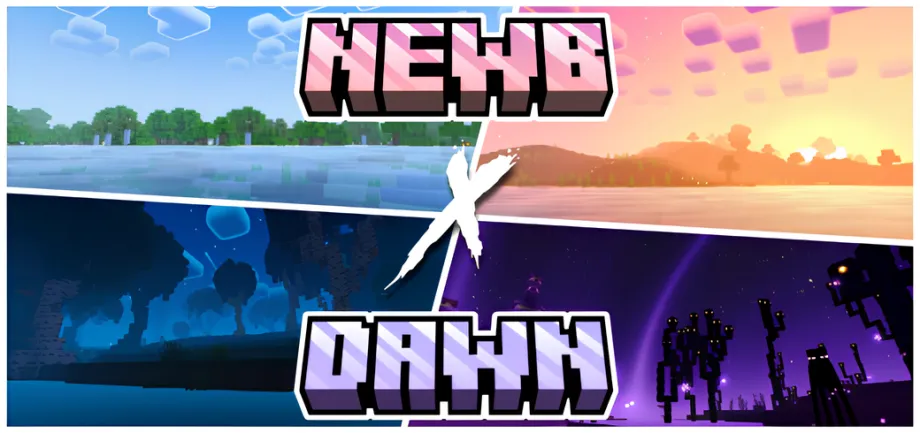
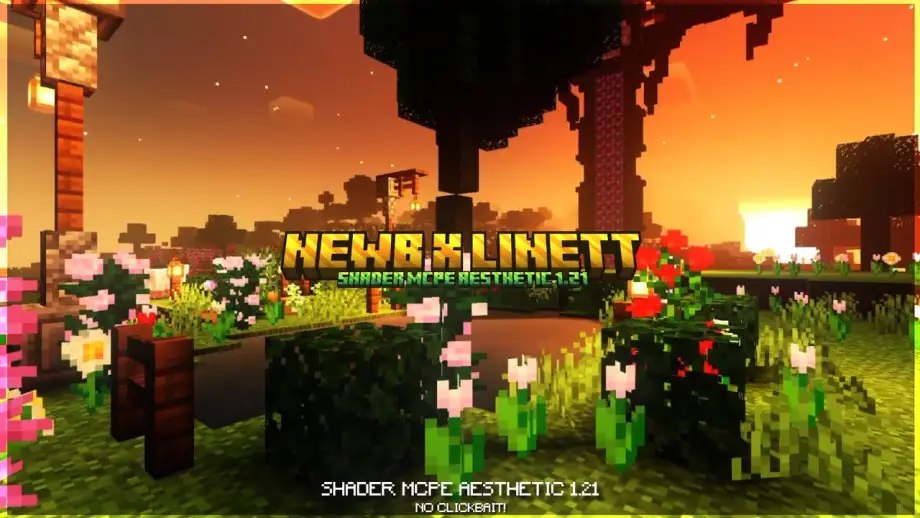
NEWB X LINETT Shader transforms Minecraft with realistic lighting, dynamic shadows, improved water, and vibrant colors while maintaining smooth performance on low and high-end devices.
NEWB X LINETT Shader LINK- SCROLL DAWN
If you are looking to upgrade your Minecraft visuals without losing performance, NEWB X LINETT Shader is one of the best shaders available for Minecraft PE and Bedrock Edition. This shader is specially designed to improve lighting, shadows, water effects, and overall realism while keeping gameplay smooth. Whether you play survival or creative mode, this shader makes your world feel more alive and immersive.
Features of NEWB X LINETT Shader
🌞 Realistic Lighting
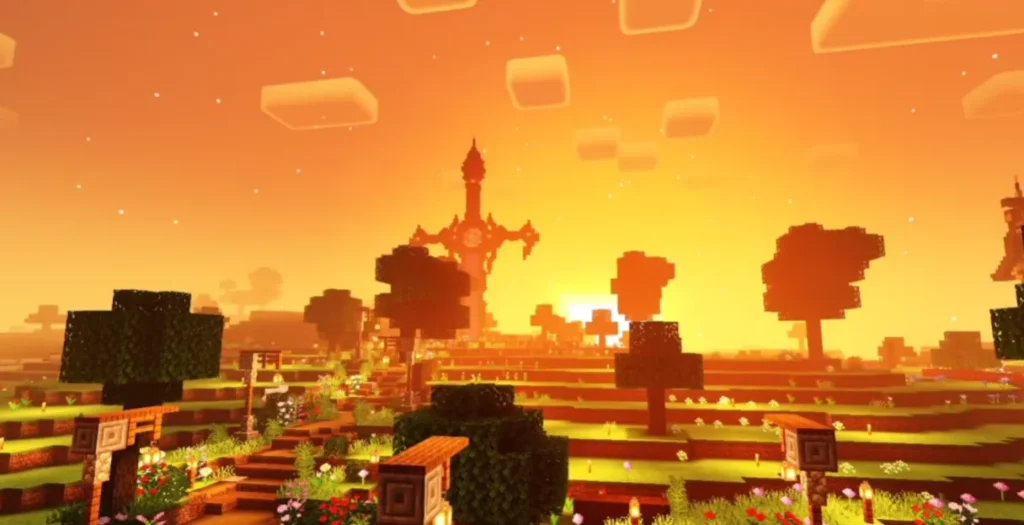
The shader introduces natural sunlight, smooth light transitions, and enhanced brightness that makes daytime and nighttime feel more realistic.
🌊 Improved Water Effects
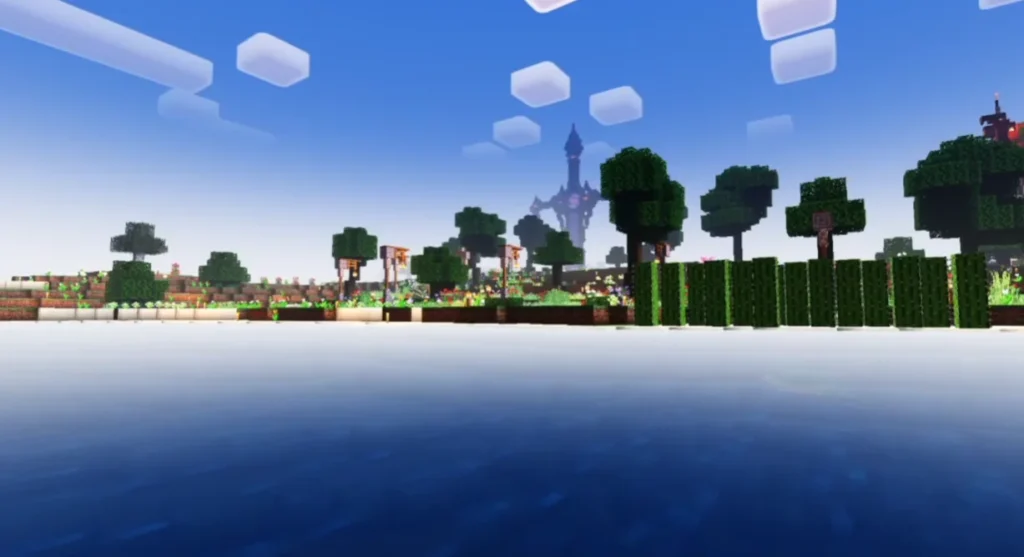
Water looks clearer with realistic reflections, gentle waves, and improved transparency, making oceans, rivers, and lakes visually stunning.
🌴 Enhanced Colors & Textures
Blocks, grass, trees, and skies appear more vibrant and detailed without over-saturation.
🌑 Dynamic Shadows
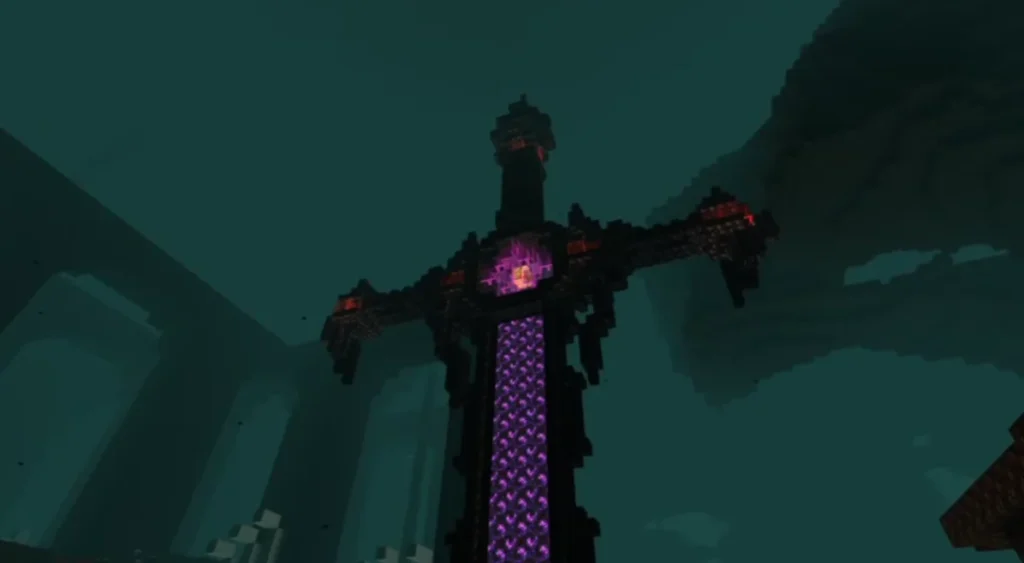
Soft and smooth shadows are applied to blocks and entities, improving depth and realism.
📱 Optimized Performance
NEWB X LINETT Shader works well on low-end and high-end devices, ensuring stable FPS.
🌌 Beautiful Sky & Clouds
Enjoy improved skies, realistic clouds, and smooth sunsets and sunrises.
Screenshots:
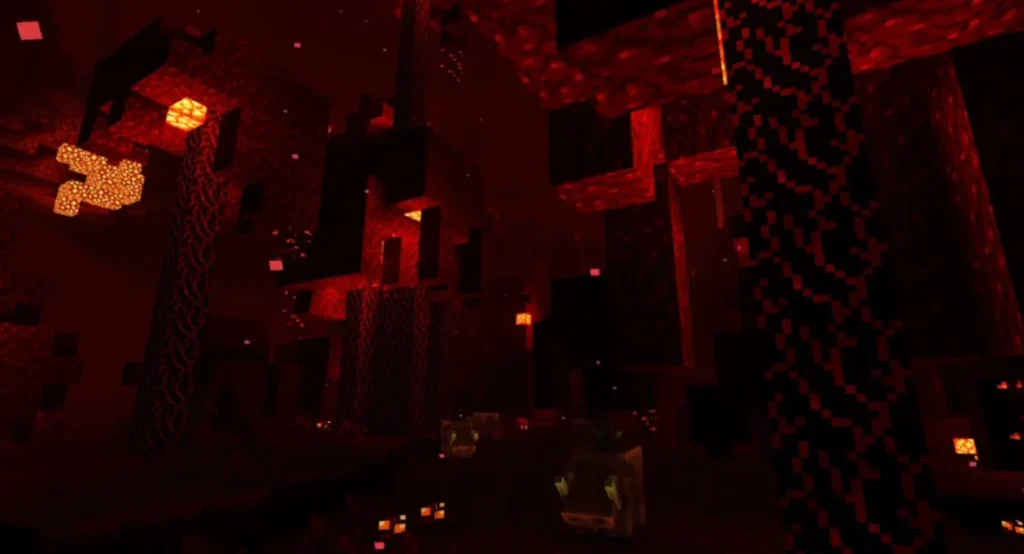
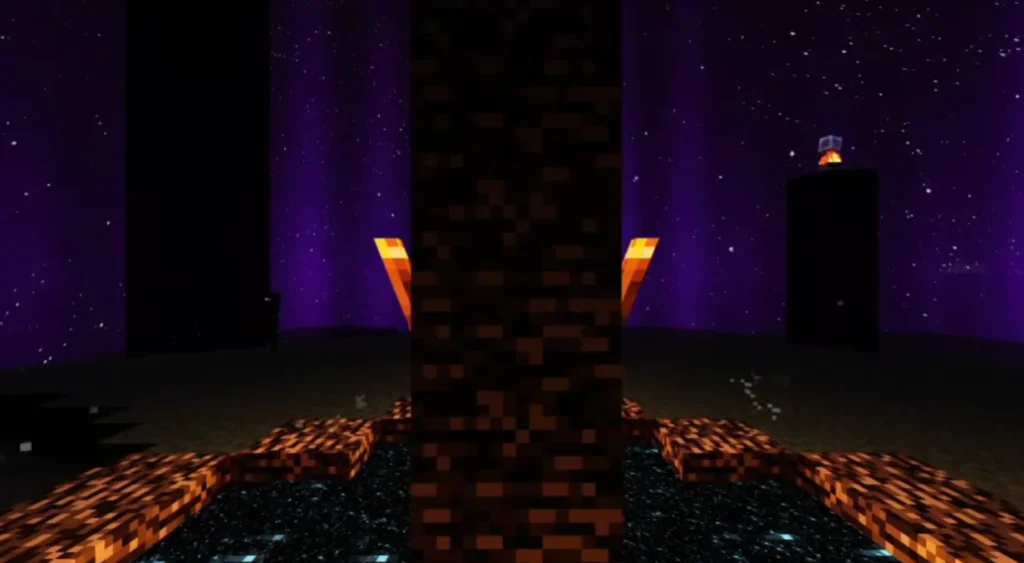
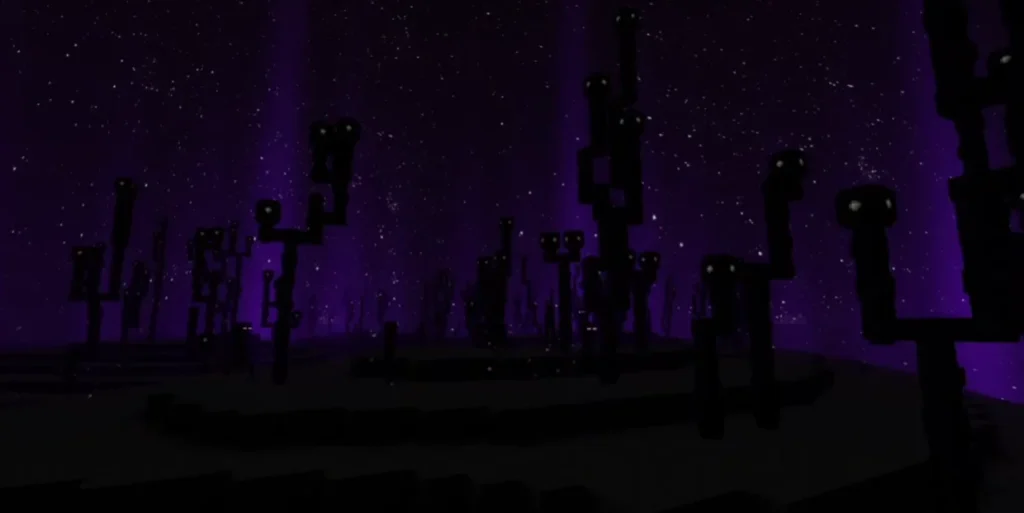
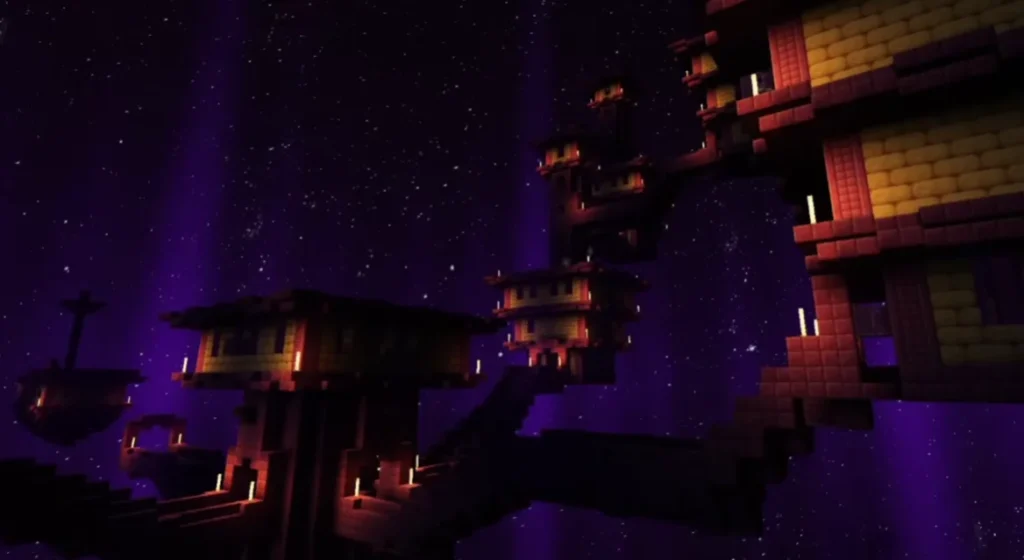
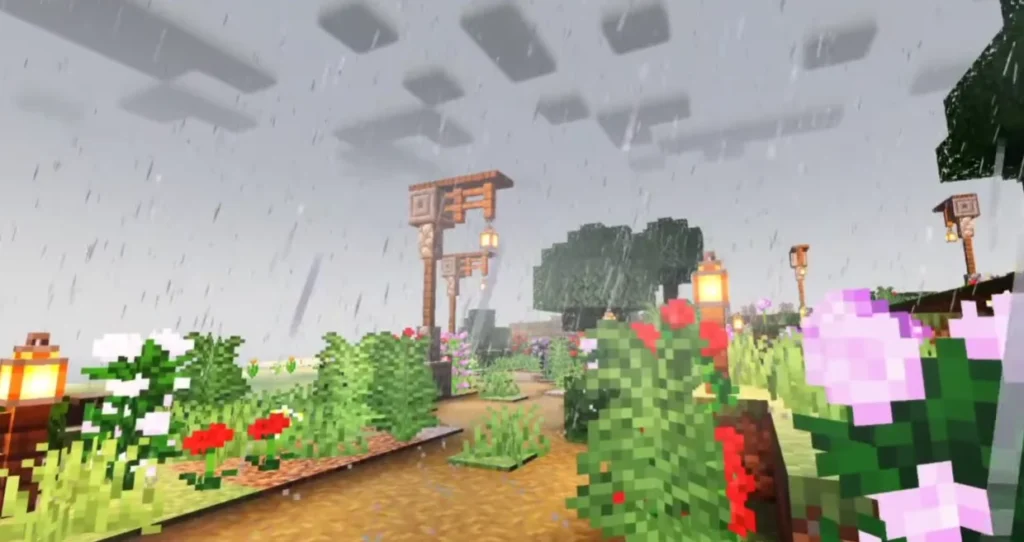
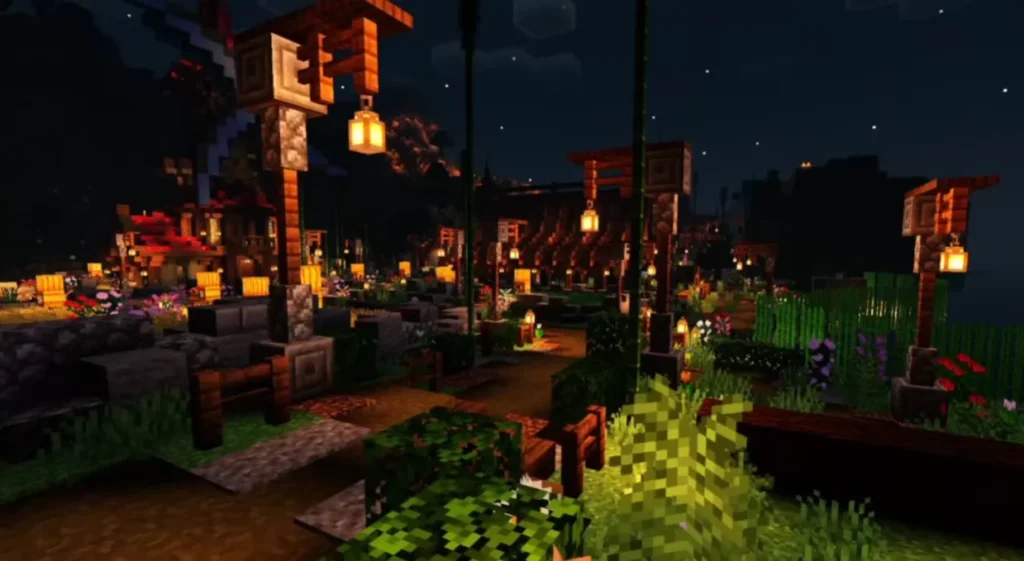
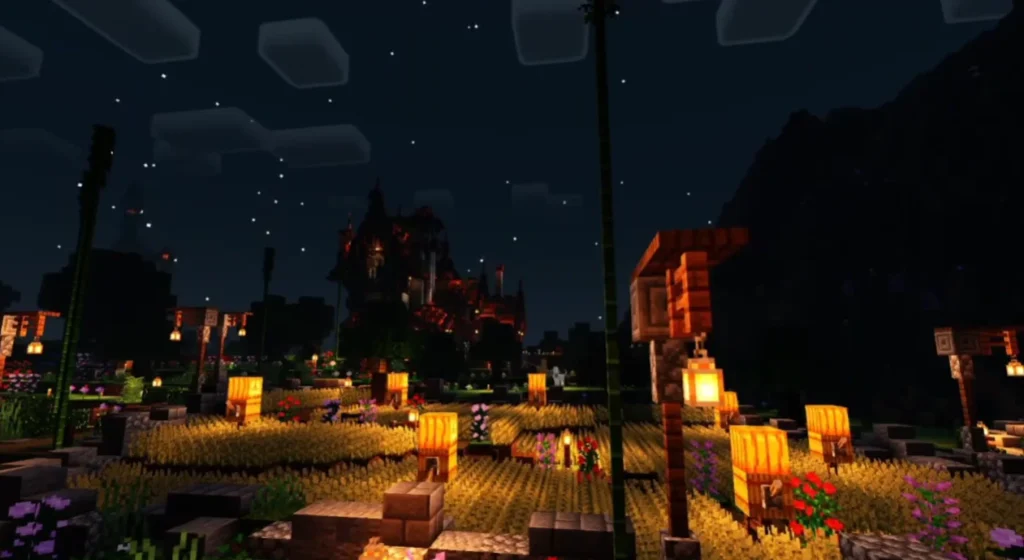
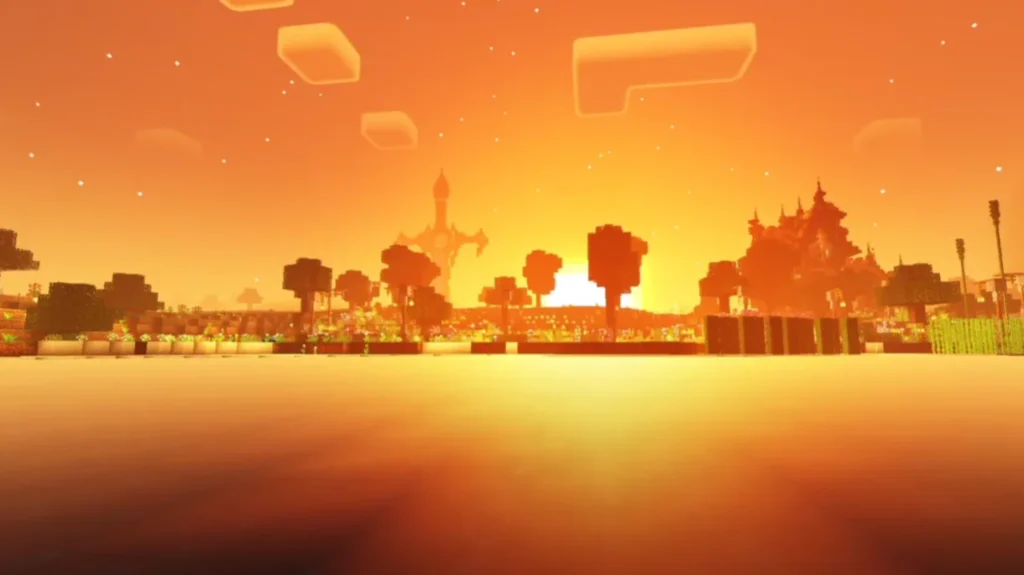
Why Choose NEWB X LINETT Shader?
- Lightweight and lag-free
- No complex settings required
- Works perfectly with most texture packs
- Ideal for survival, creative, and roleplay worlds
- Regularly updated and community-tested
Compatibility & Requirements
- Minecraft Version: Bedrock Edition / MCPE
- Supported Platforms: Android, iOS, Windows
- Render Dragon Support: Limited (depends on version)
- RAM Requirement: Minimum 2GB recommended
How to Install NEWB X LINETT Shader (Step-by-Step)
- Download the NEWB X LINETT Shader file
- Open the file using Minecraft
- Minecraft will automatically import the shader
- Go to Settings > Global Resources
- Activate the shader
- Restart the game and enjoy enhanced graphics
Gameplay Experience
With NEWB X LINETT Shader enabled, Minecraft feels completely refreshed. Mining becomes more atmospheric, landscapes look cinematic, and builds appear more realistic. It is perfect for players who want visual upgrades without heavy lag.
Is NEWB X LINETT Shader Safe to Use?
Yes, the shader is safe when downloaded from trusted sources. It does not modify core game files and works as a resource-based enhancement.