Newb X Shadow Shader
 Go to files
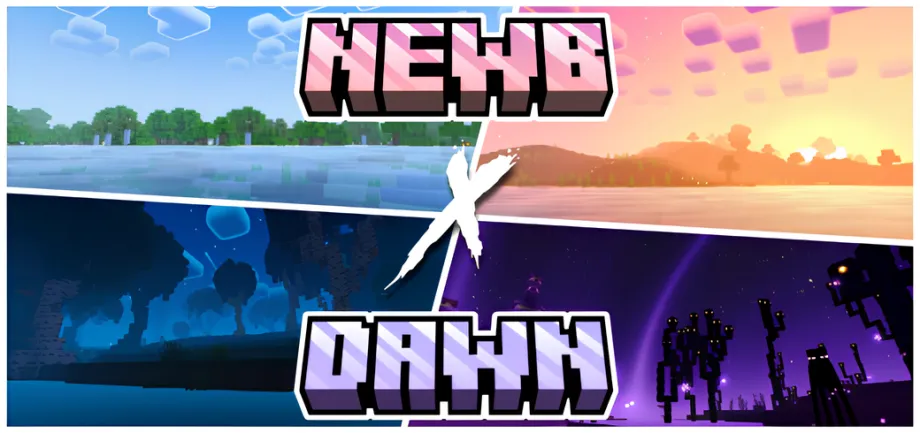
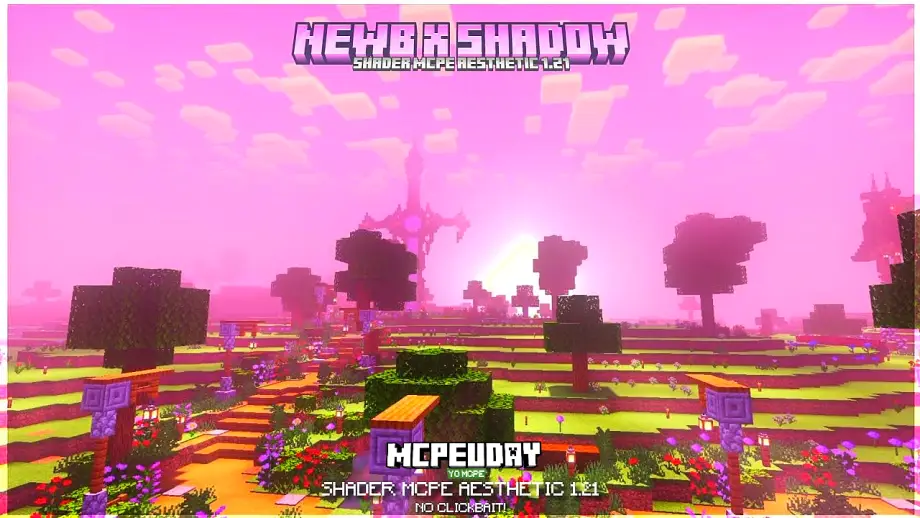
NEWB X Shadow Shader enhances Minecraft PE graphics with realistic lighting, soft shadows, smooth water reflections, and optimized performance, making your world more immersive without heavy lag.
Newb X Shadow Shader for Minecraft PE 1.21+ link:- scroll dawn
Minecraft PE is fun, but without shaders, the game can look plain. NEWB X Shadow Shader is designed to completely transform Minecraft Bedrock Edition visuals while maintaining smooth performance. This shader is perfect for players who want realistic lighting, natural shadows, and enhanced colors without sacrificing FPS.
Unlike heavy shaders that cause lag on low-end devices, NEWB X Shadow Shader focuses on optimization and balance, making it suitable for both budget and high-end smartphones.
What is NEWB X Shadow Shader?
NEWB X Shadow Shader is a Minecraft PE / Bedrock Edition shader pack that improves lighting, shadows, water effects, and sky visuals. It adds a realistic atmosphere to the game while keeping performance stable.
This shader works well with:
- Survival mode
- Creative builds
- PvP maps
- Adventure worlds
Key Features of NEWB X Shadow Shader
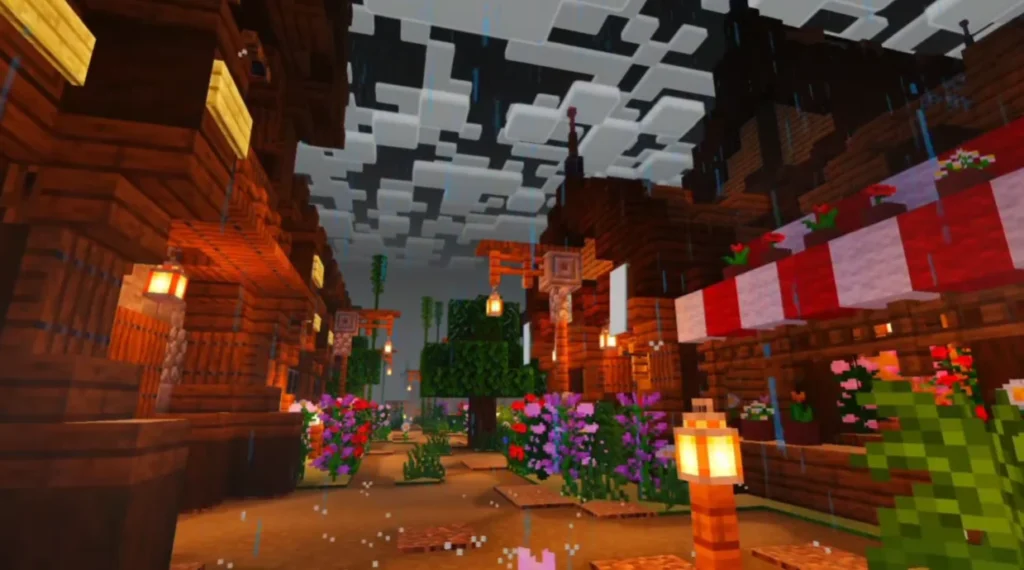
🌤️ Realistic Lighting System
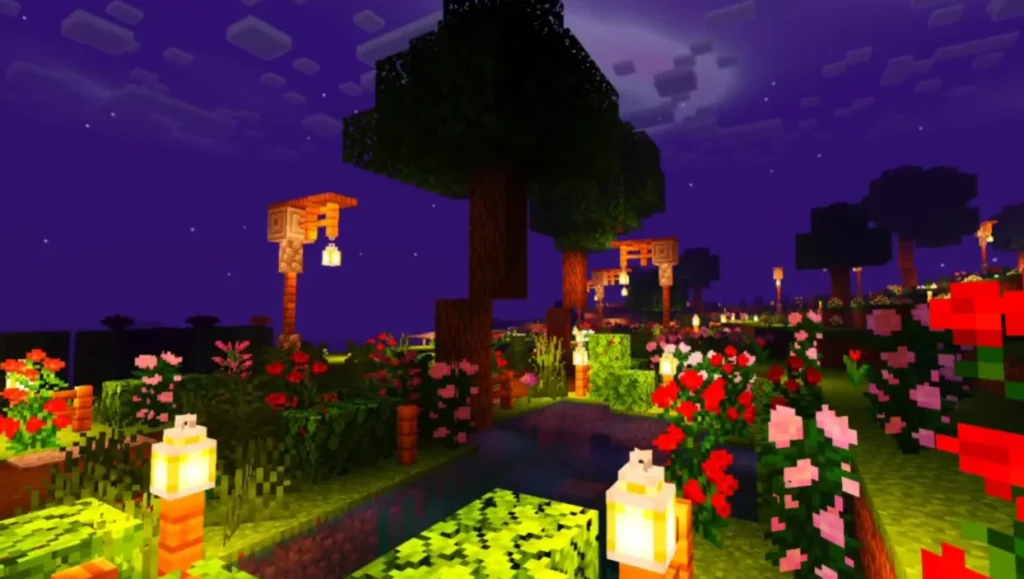
- Natural sunlight and moonlight
- Smooth brightness transitions
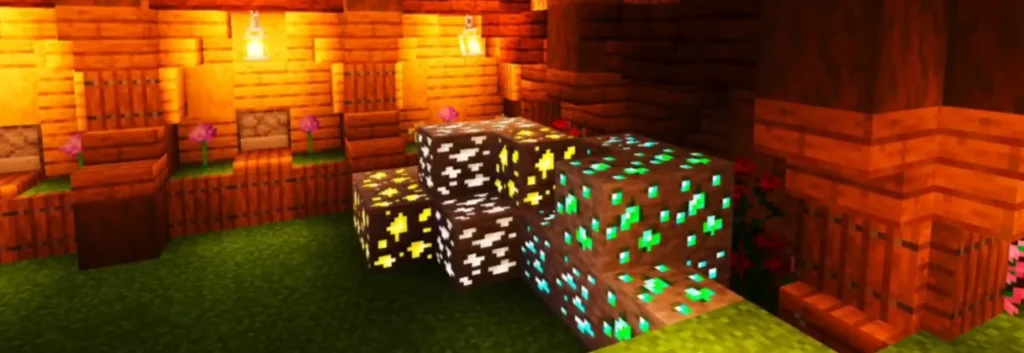
- Enhanced indoor and outdoor lighting
🌑 Soft Dynamic Shadows
- Real-time shadows from blocks and entities
- Smooth shadow edges
- No harsh or broken shadow glitches
🌊 Improved Water Effects
- Clear water reflections
- Better underwater visibility
- Natural water movement
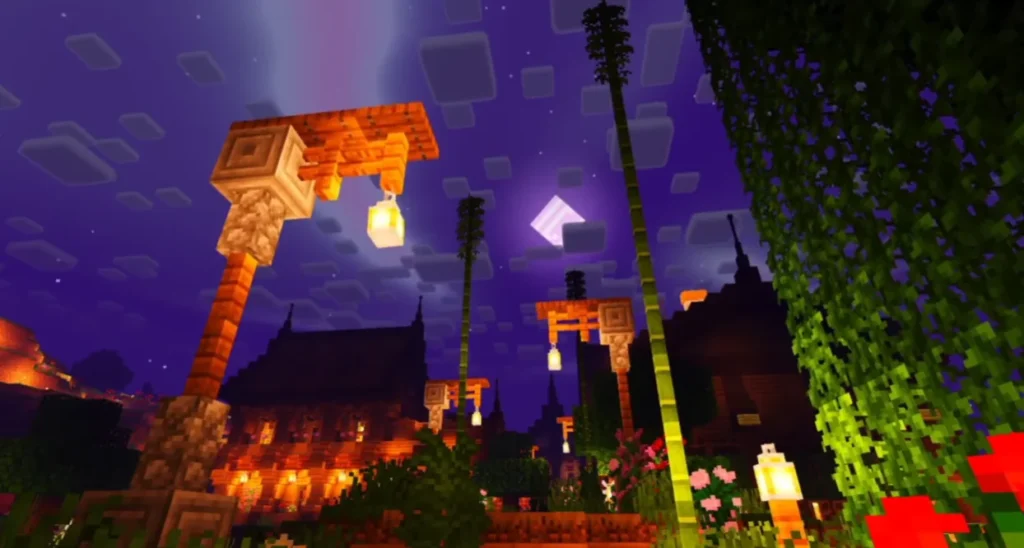
🌌 Enhanced Sky & Clouds
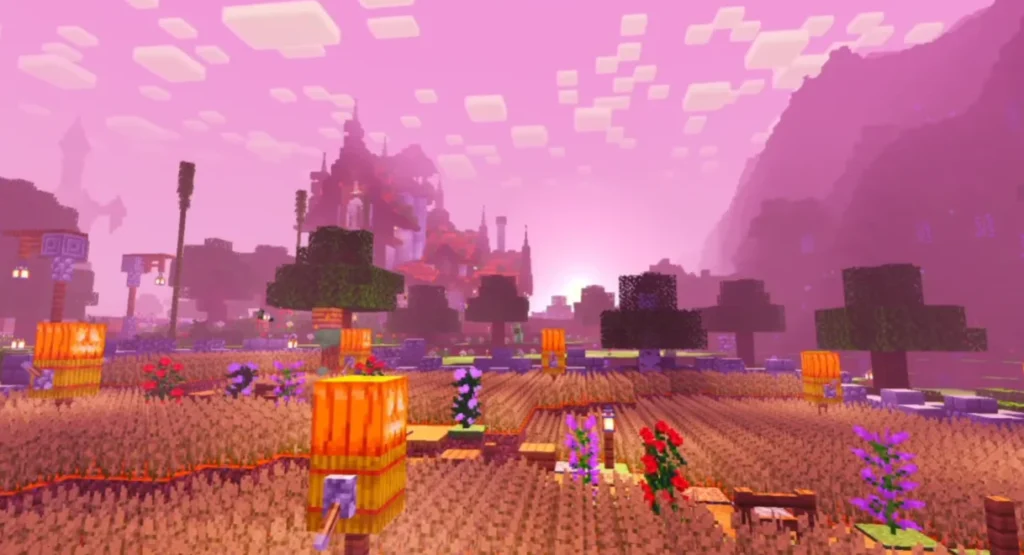
- Beautiful sky colors during sunrise and sunset
- Realistic cloud movement
- Night sky looks deeper and more immersive
📱 Optimized Performance
- Works smoothly on low-end devices
- Minimal FPS drops
- Battery-friendly shader design
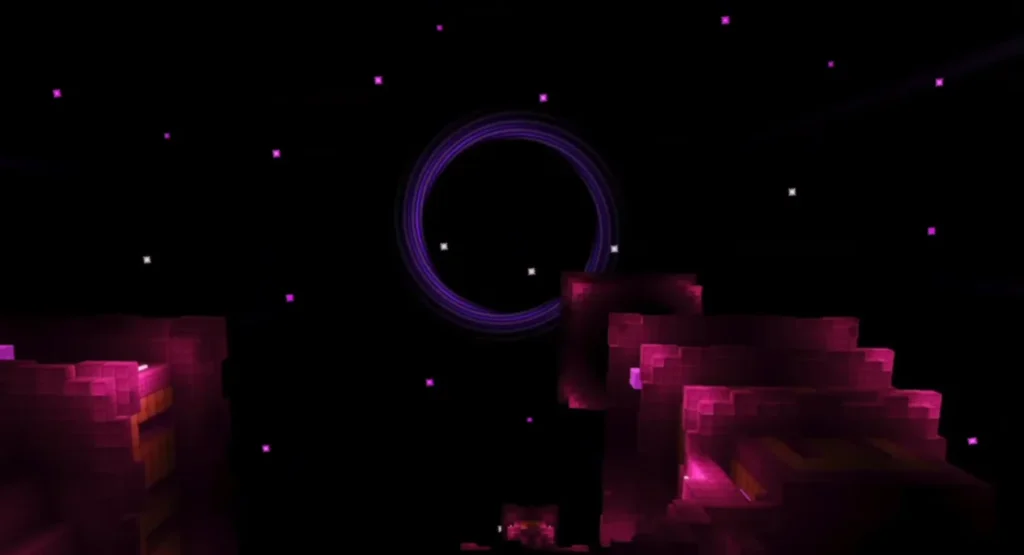
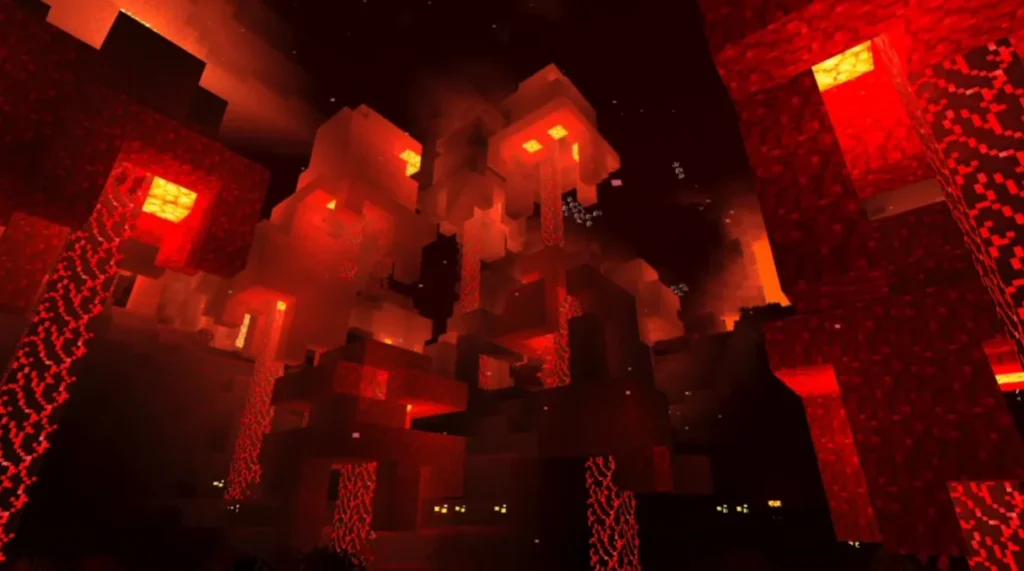
Screenshots:

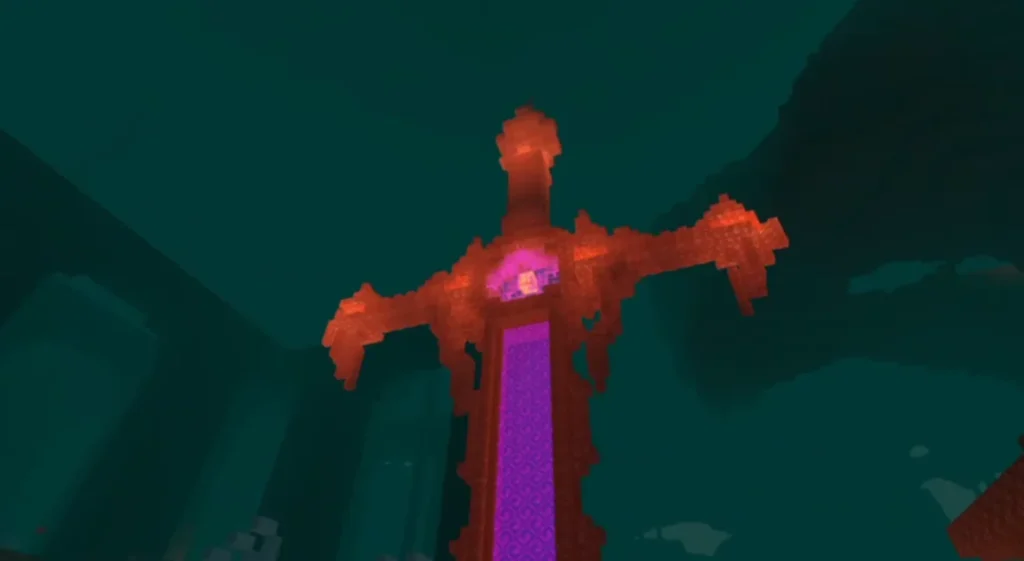
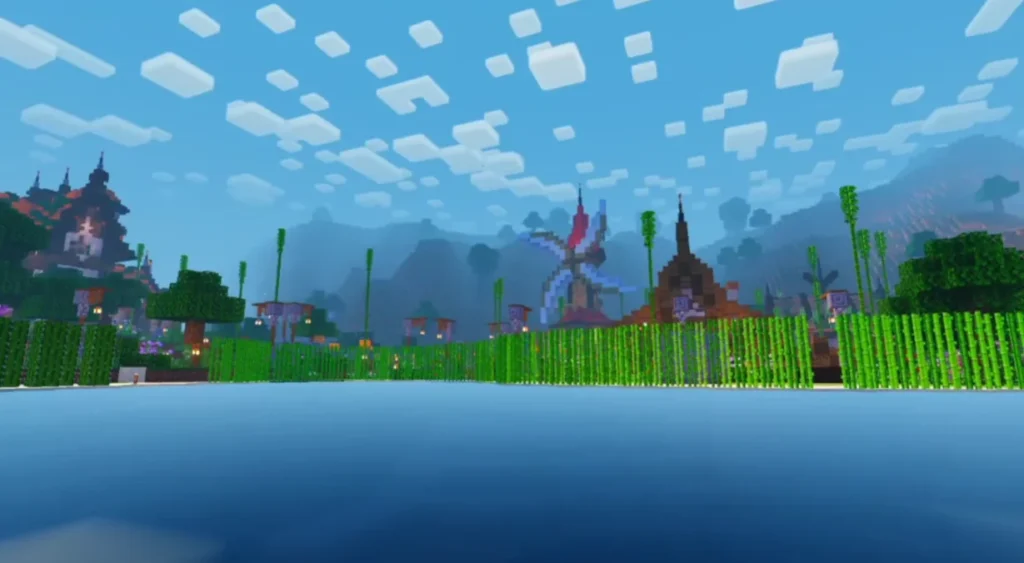
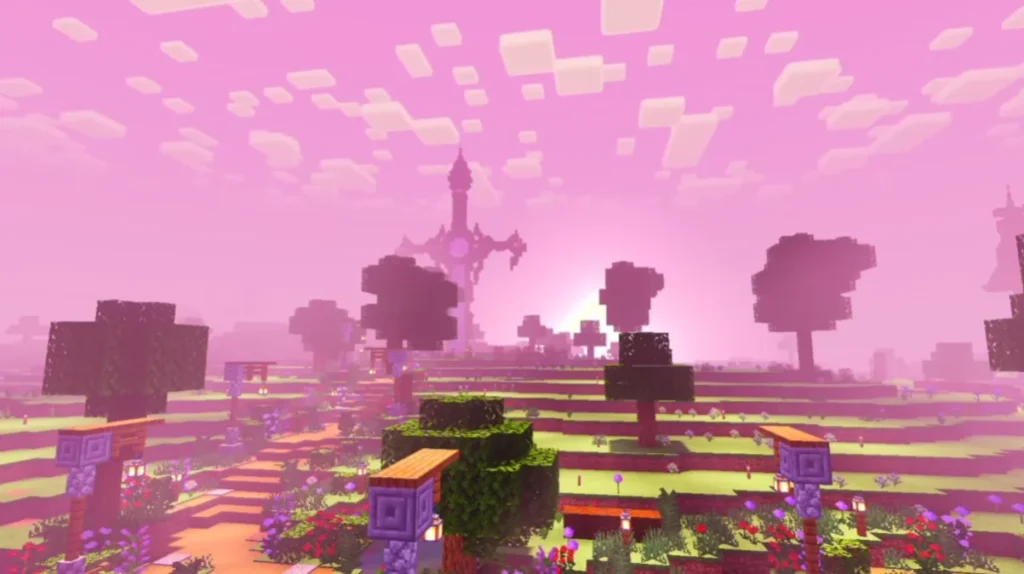
Why Choose NEWB X Shadow Shader?
Many Minecraft PE shaders focus only on visuals and ignore performance. NEWB X Shadow Shader is different because it:
✔ Balances realism and smooth gameplay
✔ Supports most Minecraft Bedrock versions
✔ Does not require high-end devices
✔ Works well with texture packs and add-ons
This makes it one of the best shaders for Minecraft PE right now.
Compatibility & Requirements
Supported Versions:
- Minecraft Bedrock / PE (latest versions)
- Android & iOS
Requirements:
- Minecraft Bedrock Edition
- Shader-supported device
- No external apps required
How to Install NEWB X Shadow Shader (Step-by-Step)
- Download the NEWB X Shadow Shader file
- Open the file using Minecraft
- Minecraft will automatically import the shader
- Go to Settings → Global Resources
- Activate the shader
- Create or load a world and enjoy enhanced graphics
Best Use Cases
- Realistic survival gameplay
- Cinematic Minecraft videos
- Beautiful screenshots
- Modern city or nature builds
Performance Review
NEWB X Shadow Shader performs exceptionally well compared to many other MCPE shaders. It offers:
- Stable FPS
- No overheating issues
- Smooth gameplay even on mid-range phones
This makes it ideal for daily gameplay, not just showcasing visuals.