Newb X Singularity Shader
 Go to files
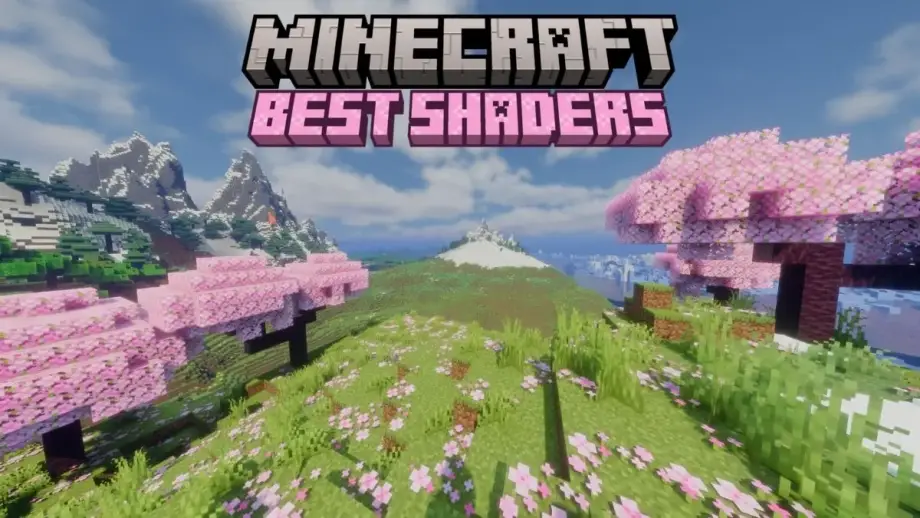
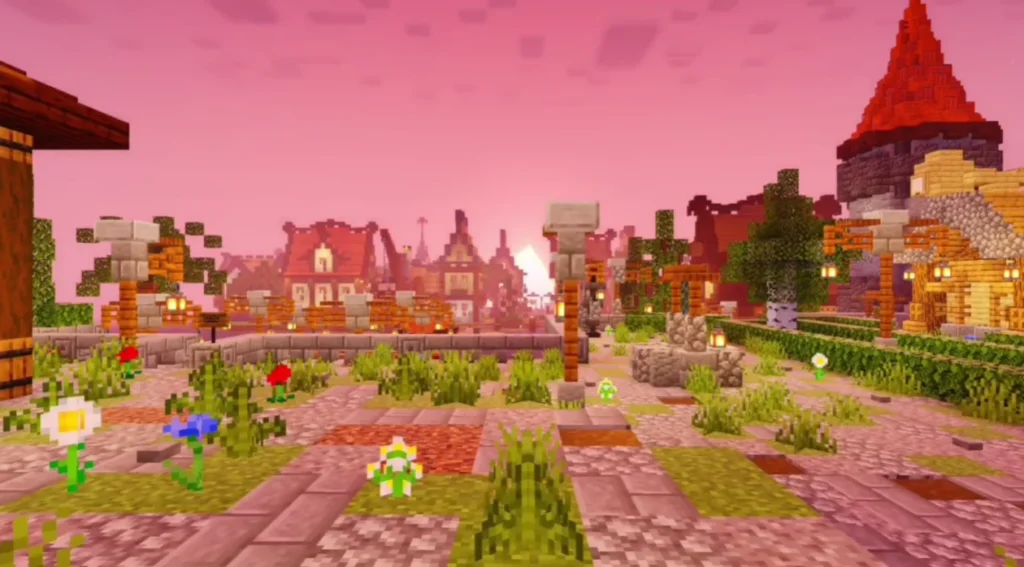
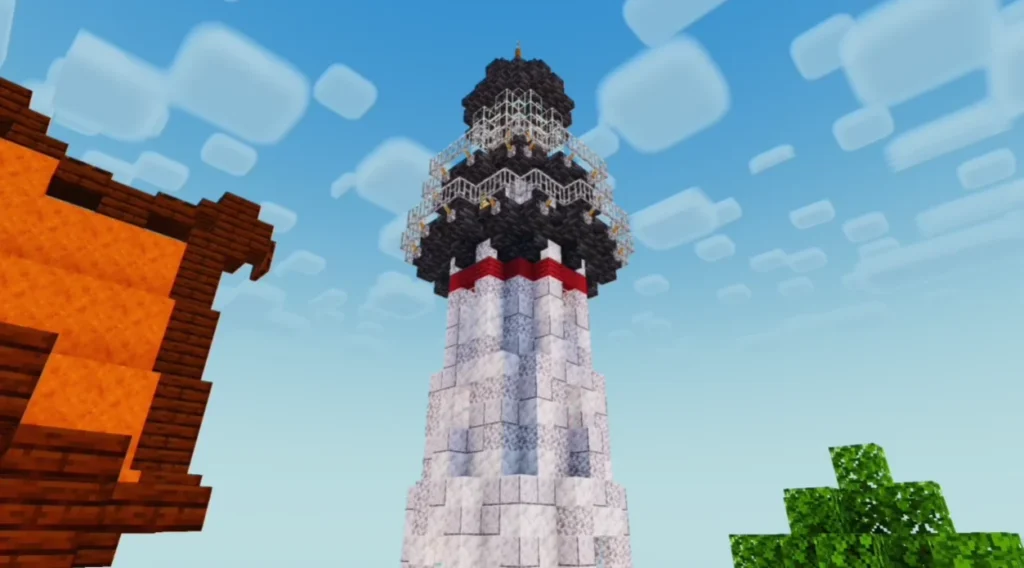
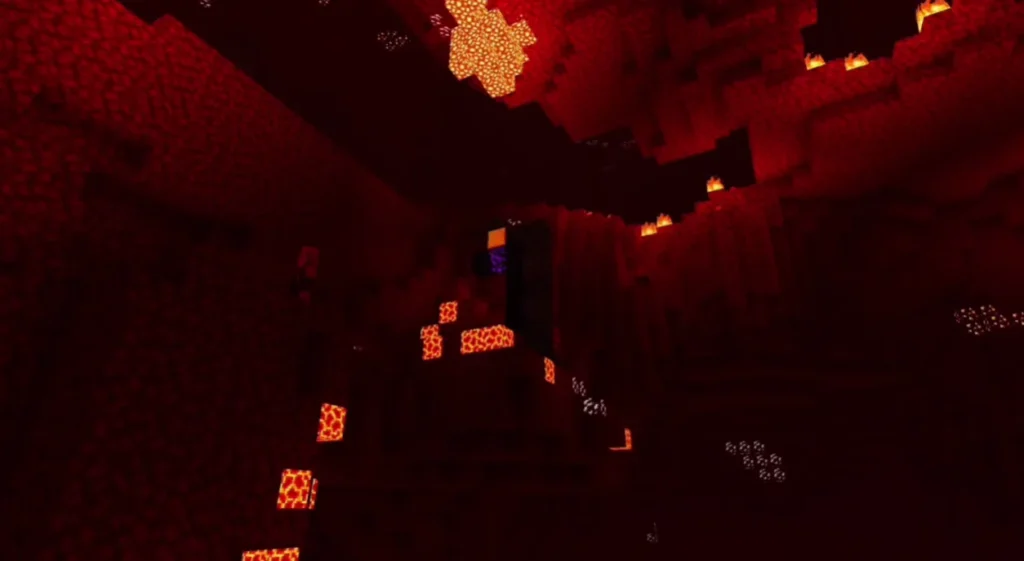
If you are looking to transform your Minecraft world into a visually realistic masterpiece, Newb X Singularity Shaders is one of the best shader packs available for Minecraft Bedrock Edition and Pocket Edition. This shader focuses on smooth lighting, realistic shadows, improved water reflections, enhanced sky effects, and optimized performance, making it suitable for both low-end and high-end devices.

Unlike traditional shaders, Newb X Singularity Shaders balances realism and performance, ensuring a smooth gameplay experience without heavy lag.
Key Features of Newb X Singularity Shaders
Realistic Lighting System
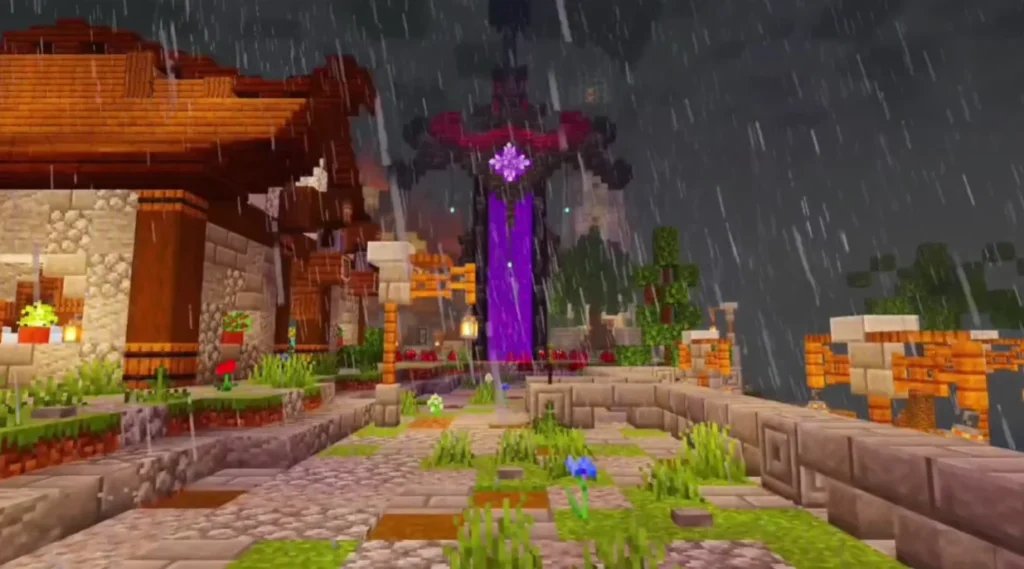
The shader introduces soft and natural lighting that changes dynamically with the time of day, giving your world a more immersive feel.
Enhanced Water Reflections
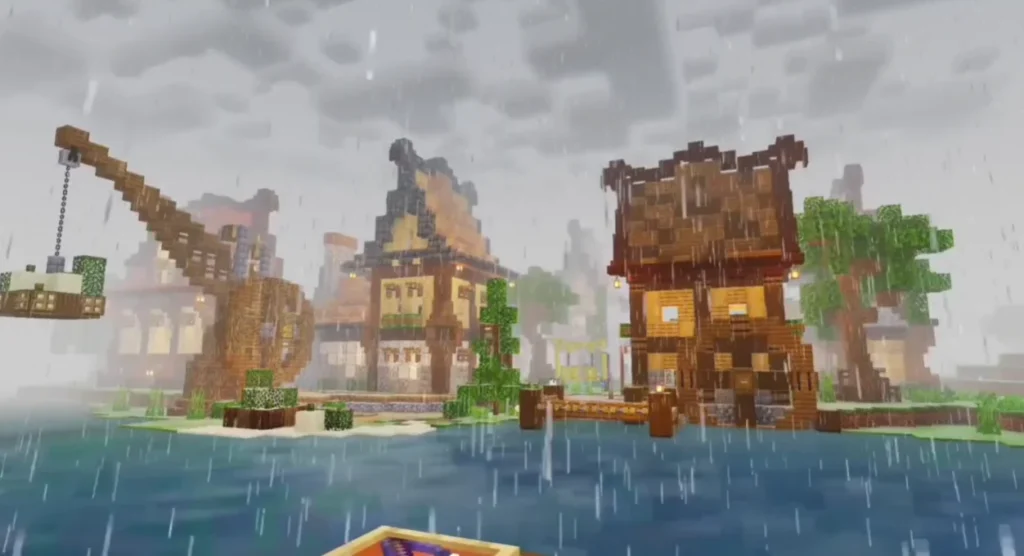
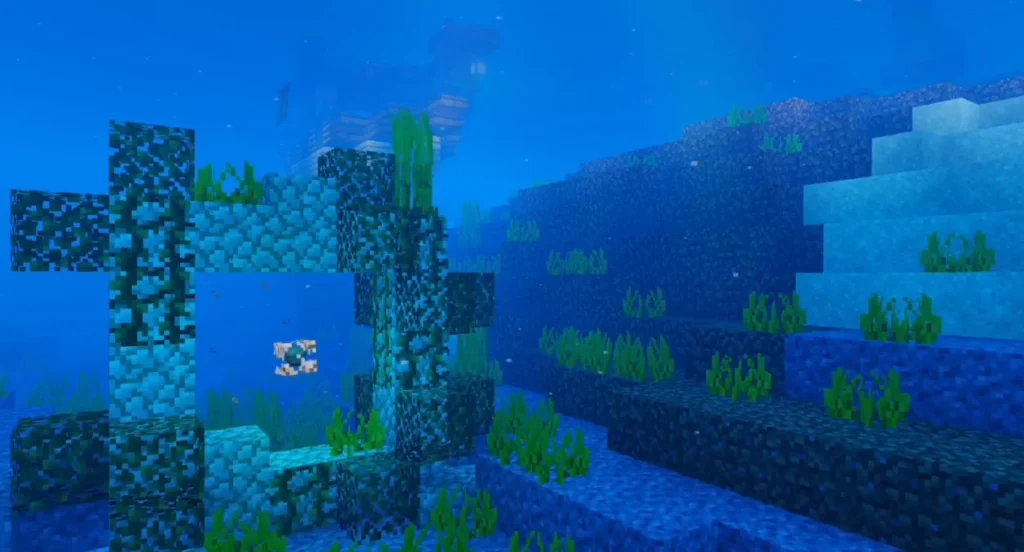
Water surfaces look more realistic with improved reflections, transparency, and wave animations.
Cinematic Sky & Clouds
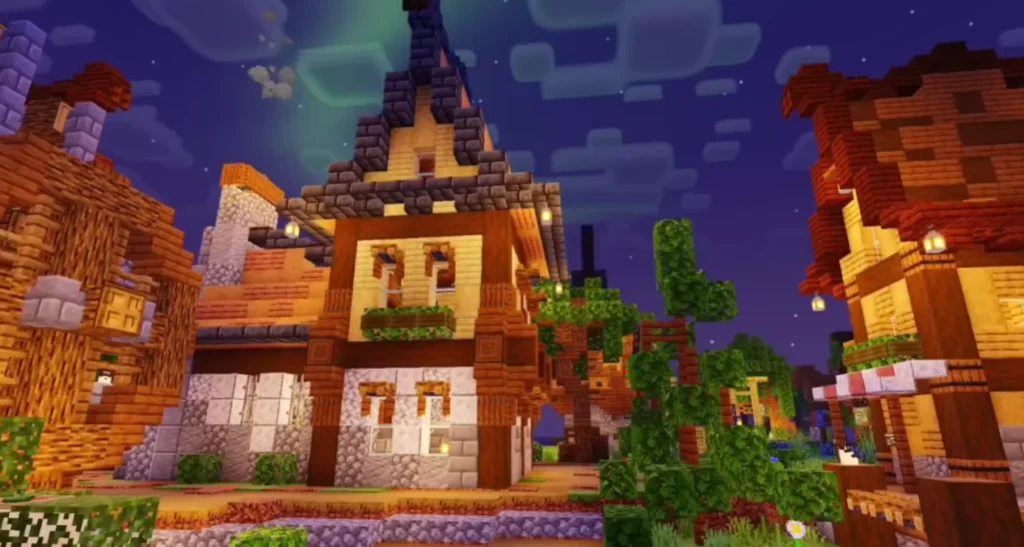
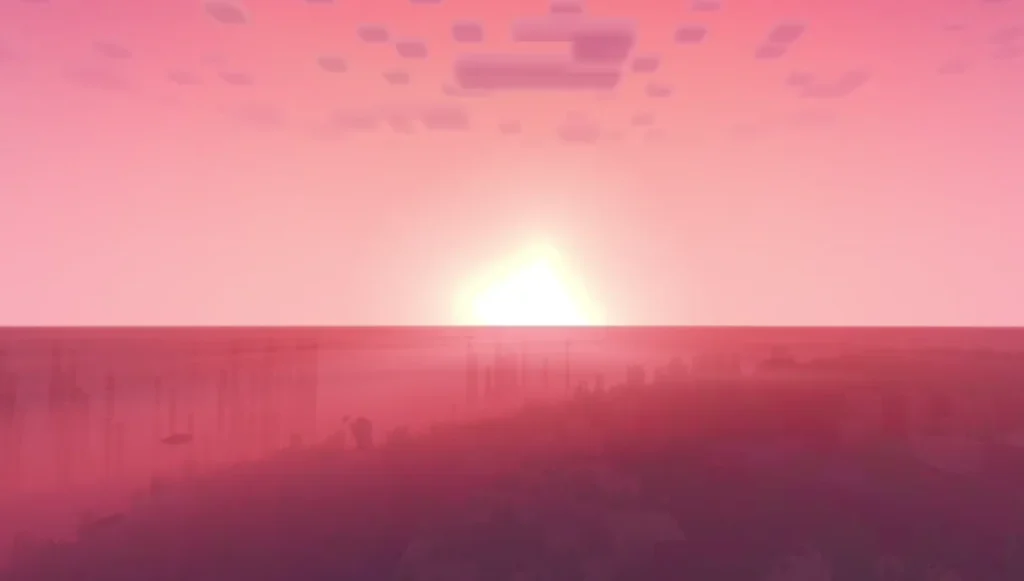
Enjoy detailed skies with smooth clouds, better sunsets, and realistic night lighting.
Improved Shadows
Blocks, trees, and entities cast smoother and more accurate shadows, enhancing depth and realism.
Optimized Performance
Designed to run efficiently on most devices, including mid-range and low-end phones.
Smooth Gameplay
No extreme lag or FPS drops compared to heavy shader packs.
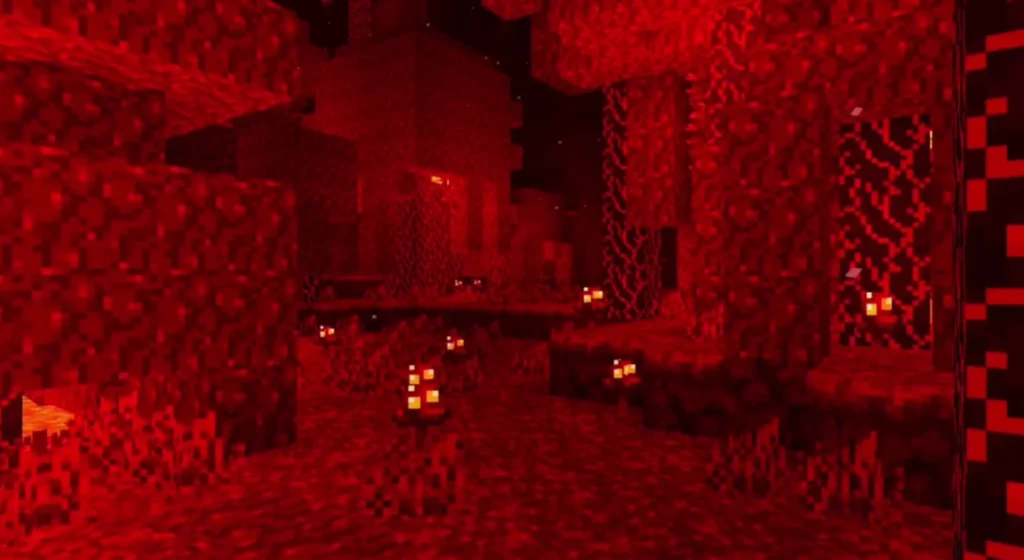
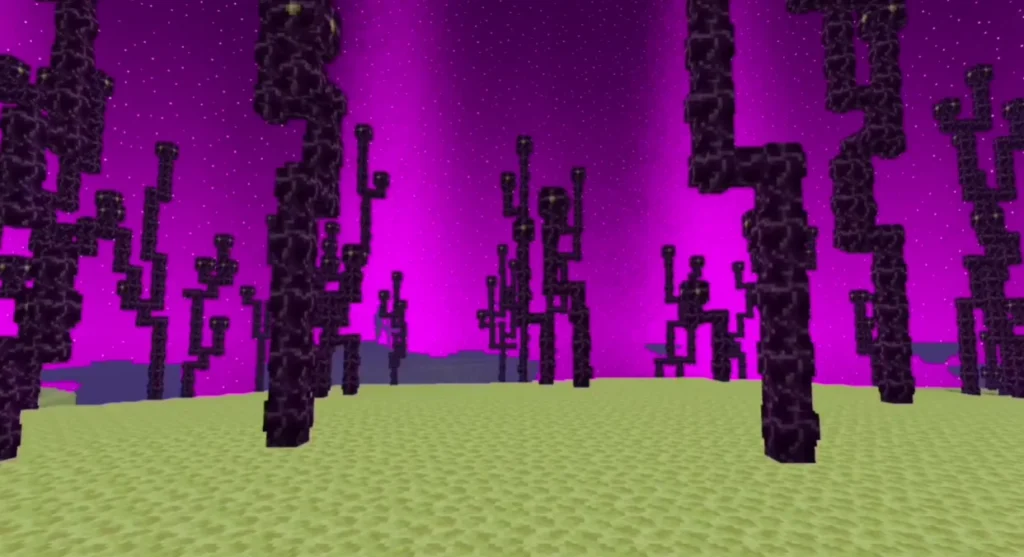
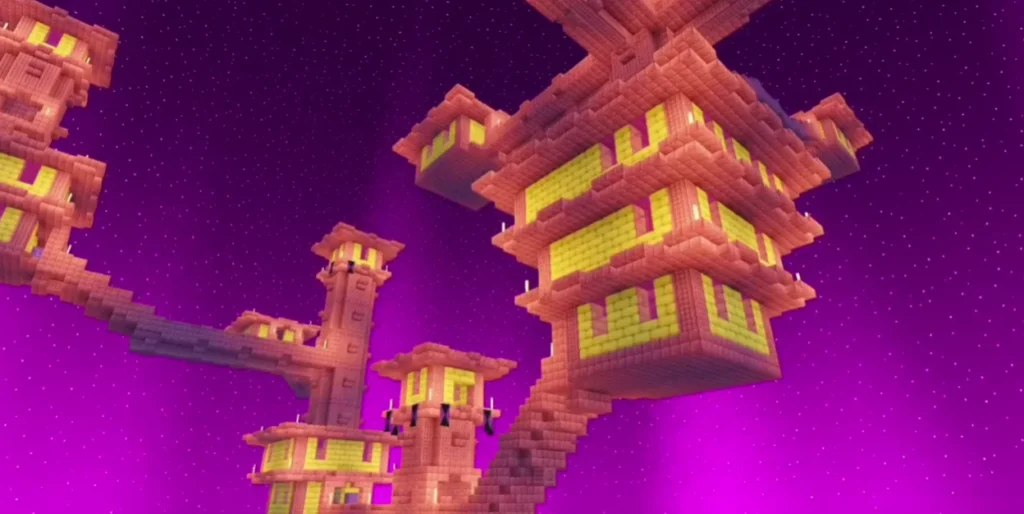
Screenshots:
Why Choose Newb X Singularity Shaders?
- Perfect for Minecraft Bedrock & PE
- Works well with survival and creative worlds
- Balanced realism without overloading your device
- Frequently updated for compatibility
- Easy installation process
This shader is ideal for players who want beautiful visuals without sacrificing performance.
Compatibility & Requirements
- Minecraft Version: Latest Bedrock / PE versions
- Platform: Android, iOS, Windows 10/11 (Bedrock)
- Render Dragon Support: Yes (depending on version)
- Device: Low-end to High-end supported
How to Install Newb X Singularity Shaders (Step-by-Step)
- Download the Newb X Singularity Shaders file.
- Open the file using Minecraft.
- Import the shader into the game.
- Go to Settings → Global Resources.
- Activate the shader pack.
- Restart the world to apply effects.
Tip: Always enable shaders from Global Resources for best results.
Performance Tips
- Lower render distance for smoother FPS
- Disable unnecessary resource packs
- Close background apps on mobile devices
Is Newb X Singularity Shaders Safe?
Yes. When downloaded from a trusted source, this shader pack is completely safe to use and does not modify core game files.