NEWB X FUTURE Shader
 Go to files
NEWB X FUTURE Shader is a custom shader pack developed to enhance Minecraft’s lighting system, shadows, sky, water, and overall atmosphere. It blends realistic lighting with a clean future-style aesthetic, making the game world feel alive and immersive.

This shader is especially popular among players who want realistic visuals without extreme hardware requirements.
Key Features of NEWB X FUTURE Shader
🌤 Advanced Lighting System
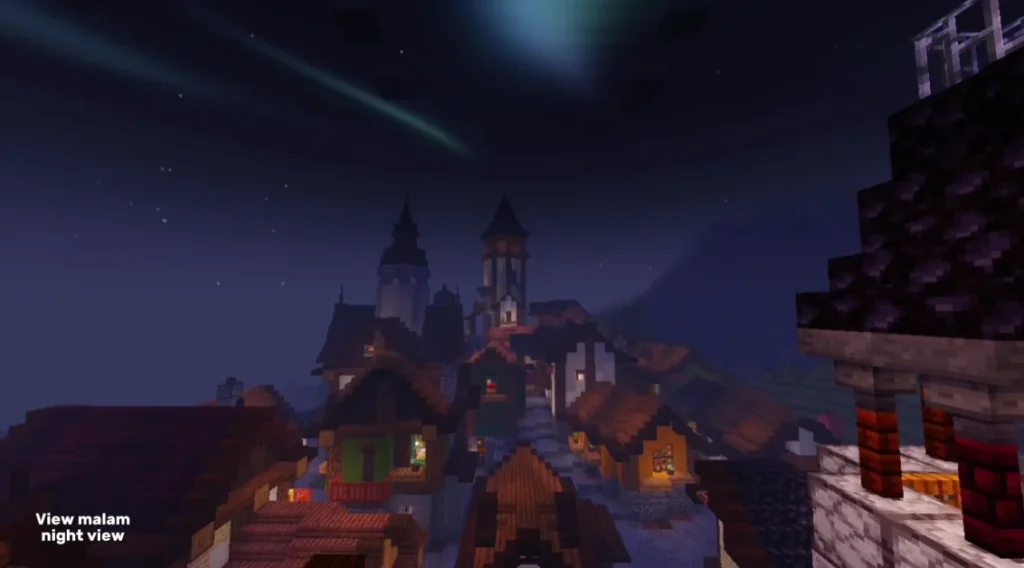
- Smooth sunlight and moonlight
- Natural ambient lighting
- Improved torch and lamp glow
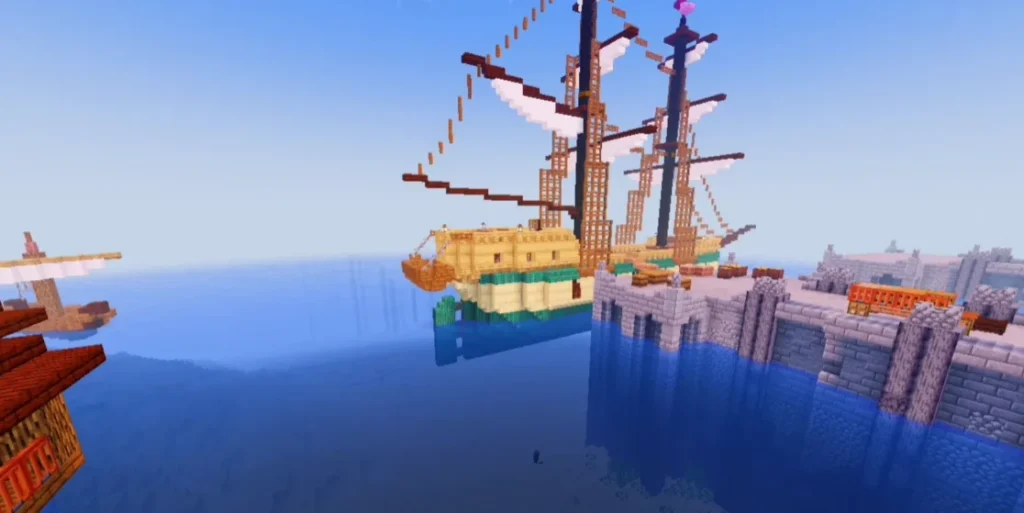
🌊 Realistic Water Effects
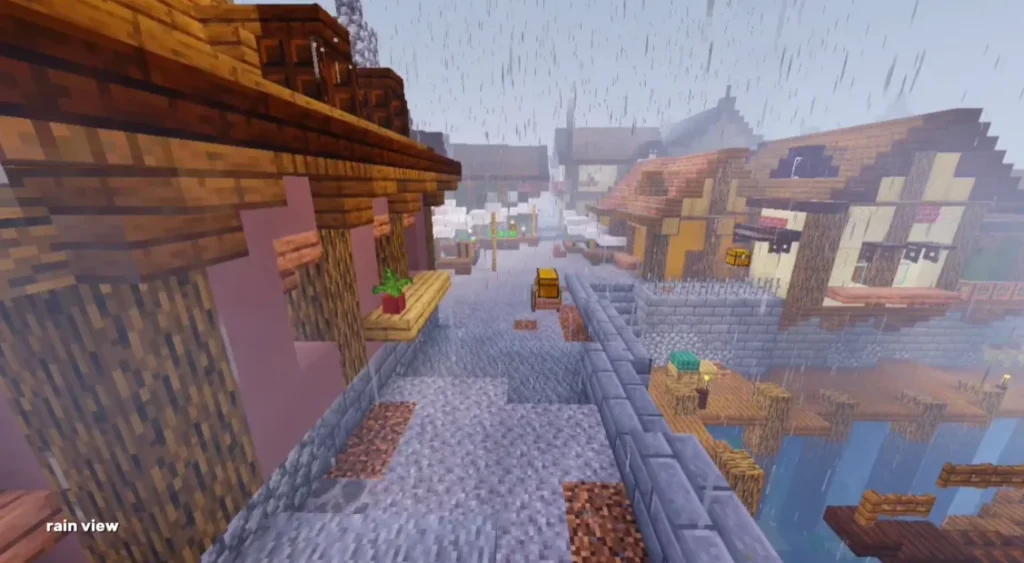
- Clear and reflective water
- Smooth wave animations
- Enhanced underwater visibility
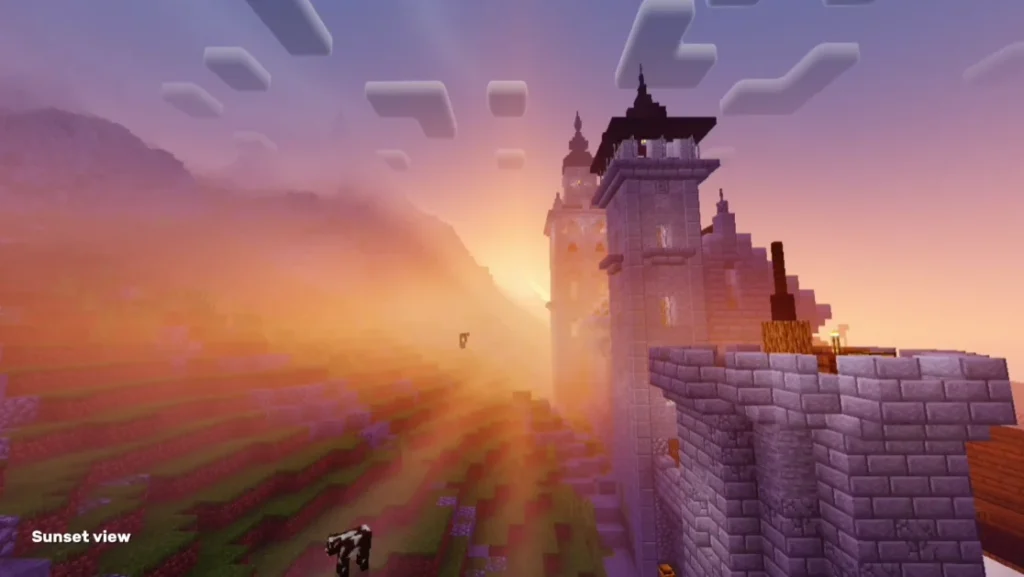
☁ Beautiful Sky & Clouds
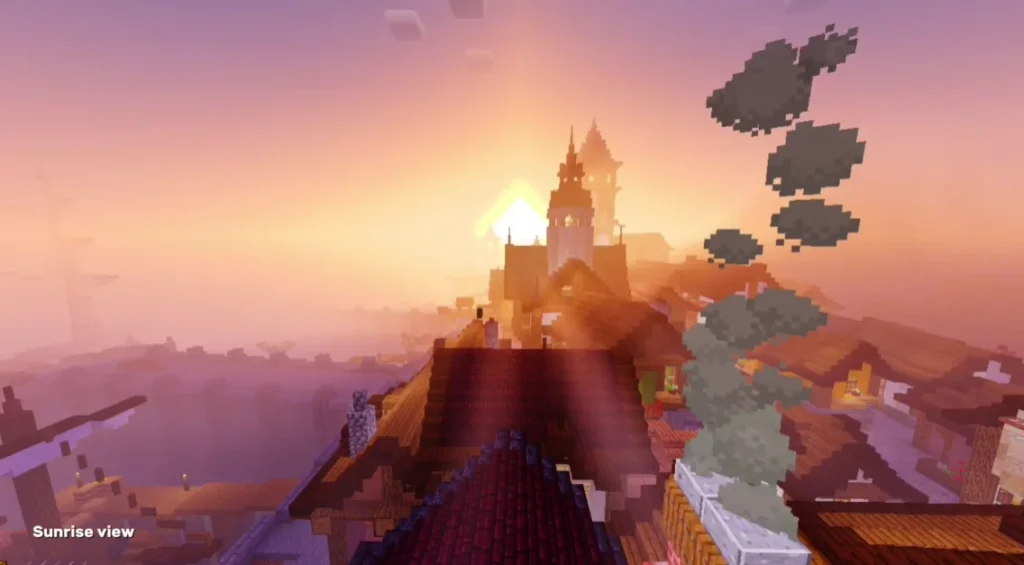
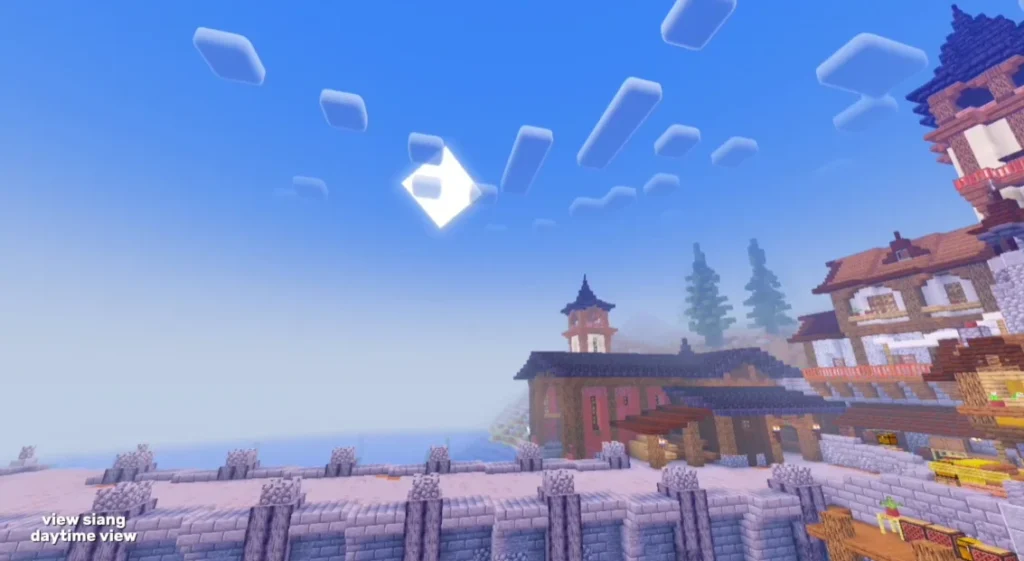
- Dynamic sky colors
- Soft, realistic clouds
- Stunning sunrise and sunset views
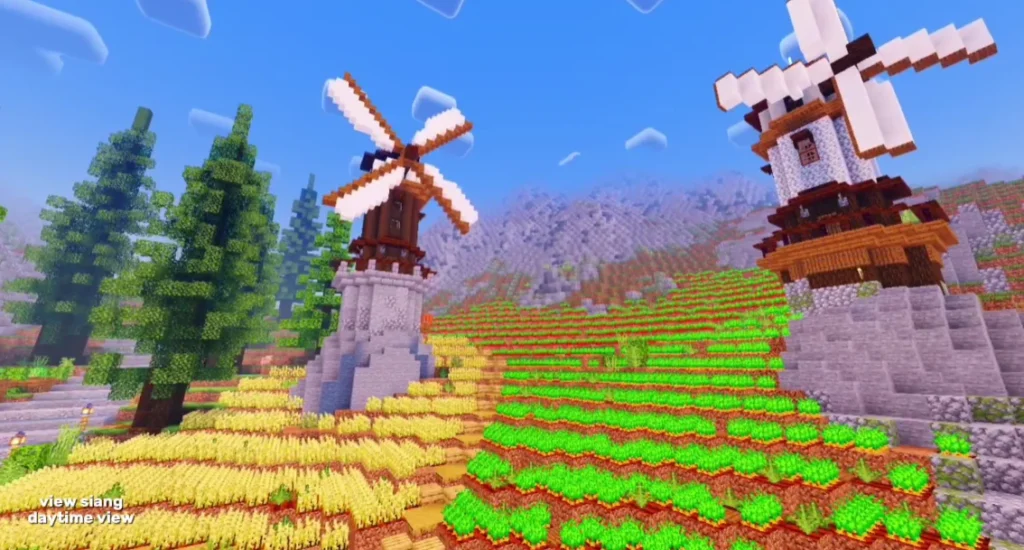
🌿 Enhanced Colors & Textures
- Vibrant yet natural colors
- Improved grass and foliage shading
- No oversaturation
🌑 Soft Shadows
- Smooth and realistic shadows
- No harsh or pixelated edges
- Optimized shadow rendering
⚡ Performance Friendly
- Works on low-end and mid-range devices
- Stable FPS during gameplay
- Optimized for Minecraft Bedrock & PE
Screenshots:
Why Choose NEWB X FUTURE Shader?
Many shaders focus only on realism and ignore performance. NEWB X FUTURE Shader stands out because it maintains the perfect balance between visual quality and smooth gameplay.
It is suitable for:
- Survival players
- Builders and creators
- Minecraft YouTubers
- Roleplay worlds
If you want cinematic visuals without lag, this shader is an excellent choice.
Compatibility & Requirements
✔ Supported Platforms
- Minecraft Bedrock Edition
- Minecraft Pocket Edition (PE)
- Windows 10/11 Edition
✔ Recommended Requirements
- Android: 3GB+ RAM
- GPU with shader support
- Latest Minecraft version recommended
How to Install NEWB X FUTURE Shader (Step-by-Step)
- Download the NEWB X FUTURE Shader file
- Open the file using Minecraft
- Minecraft will automatically import the shader
- Go to Settings → Global Resources
- Activate the shader pack
- Restart Minecraft and enjoy the visuals
💡 Tip: Enable “Fancy Graphics” for best results.
Performance & Optimization
NEWB X FUTURE Shader is optimized to reduce lag and overheating. Players report stable FPS even on mid-range smartphones. You can further optimize performance by lowering render distance or disabling unnecessary background apps.
Gameplay Experience
With this shader enabled, Minecraft feels more immersive. Caves look deeper, oceans feel alive, and builds appear more detailed. Nighttime lighting adds realism without making gameplay difficult.