


NEWB X ALE Shader
 Go to files
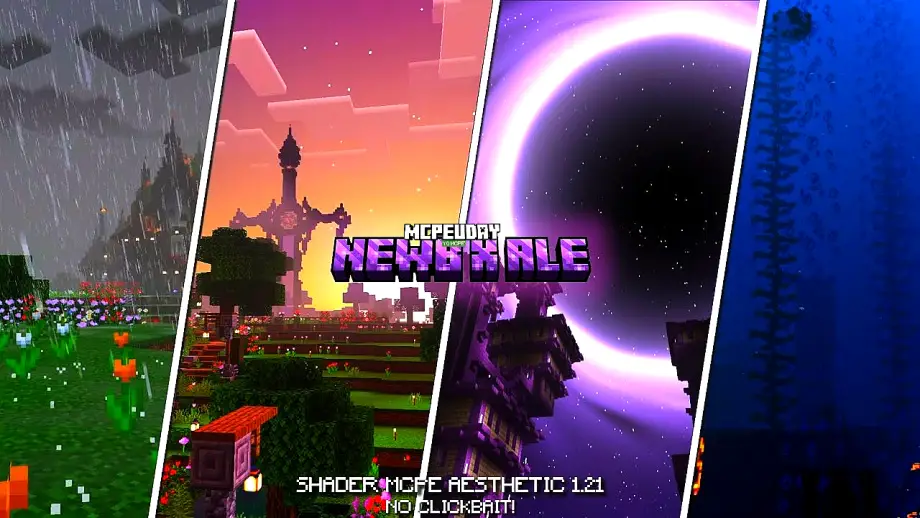
Minecraft graphics are simple by default, but shaders can completely change the visual experience. NEWB X ALE Shader is one of the best shaders for Minecraft PE / Bedrock Edition, designed to deliver realistic visuals with smooth performance. Unlike heavy shaders, this shader focuses on balance—beautiful lighting, enhanced water, realistic shadows, and excellent FPS even on low-end devices.

Whether you play survival, creative, or explore maps, this shader makes your Minecraft world feel alive.
Table Of Contents
- ✨ Features of NEWB X ALE Shader
- Screenshots:
- 📱 Compatibility & Requirements
- 🛠️ How to Install NEWB X ALE Shader (Step-by-Step)
- 🎮 Why Choose NEWB X ALE Shader?
- 🔚 Conclusion
- ❓ Frequently Asked Questions (FAQ)
- – NEWB X ALE DOWNLOAD –Download Shader
✨ Features of NEWB X ALE Shader
🌤️ Realistic Lighting
- Soft sunlight and moonlight
- Natural brightness transitions
- Enhanced ambient lighting
🌊 Improved Water Effects
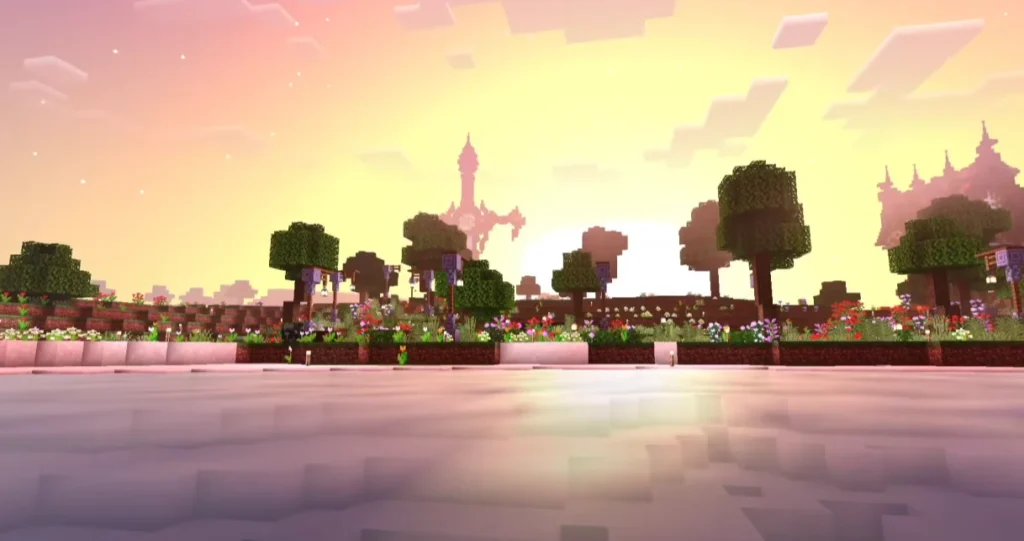
- Realistic water reflections
- Smooth water movement
- Clear underwater visibility
☁️ Enhanced Sky & Clouds
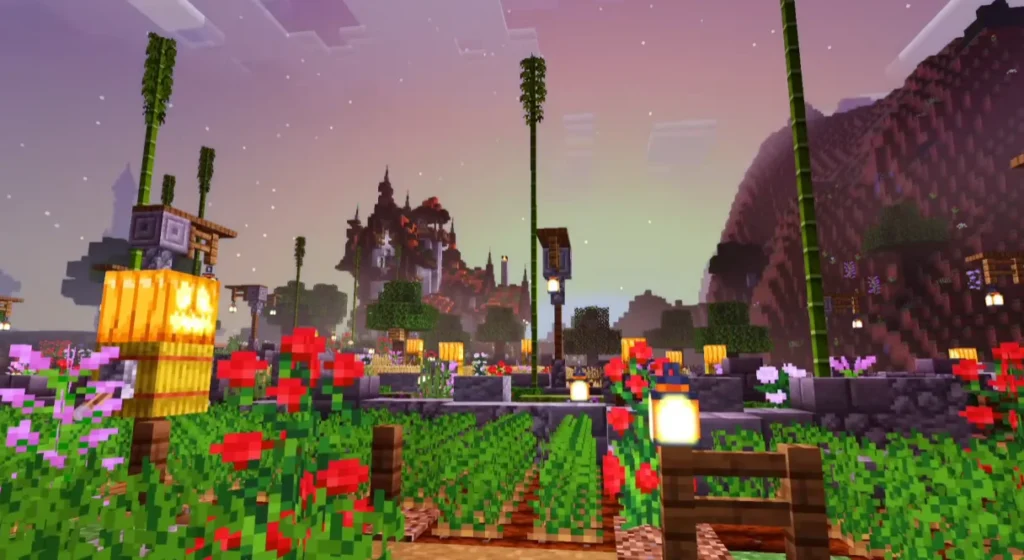
- Dynamic sky colors
- Better sunrise and sunset effects
- Smooth cloud animations
🌳 Natural Environment Look
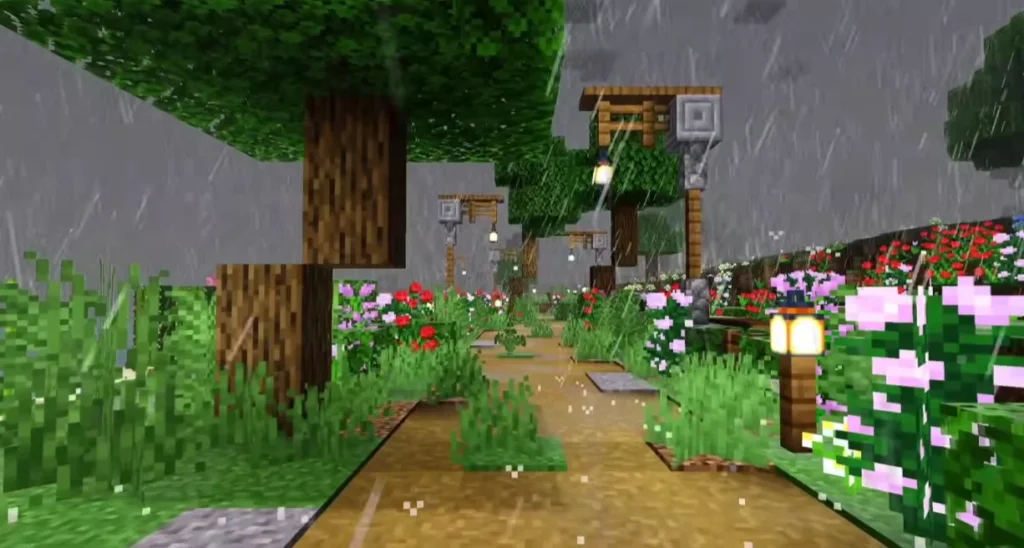
- Improved grass and foliage colors
- Better shadows under trees
- More immersive world atmosphere
⚡ Optimized Performance
- Works smoothly on low-end devices
- No heavy lag or frame drops
- Ideal for daily gameplay
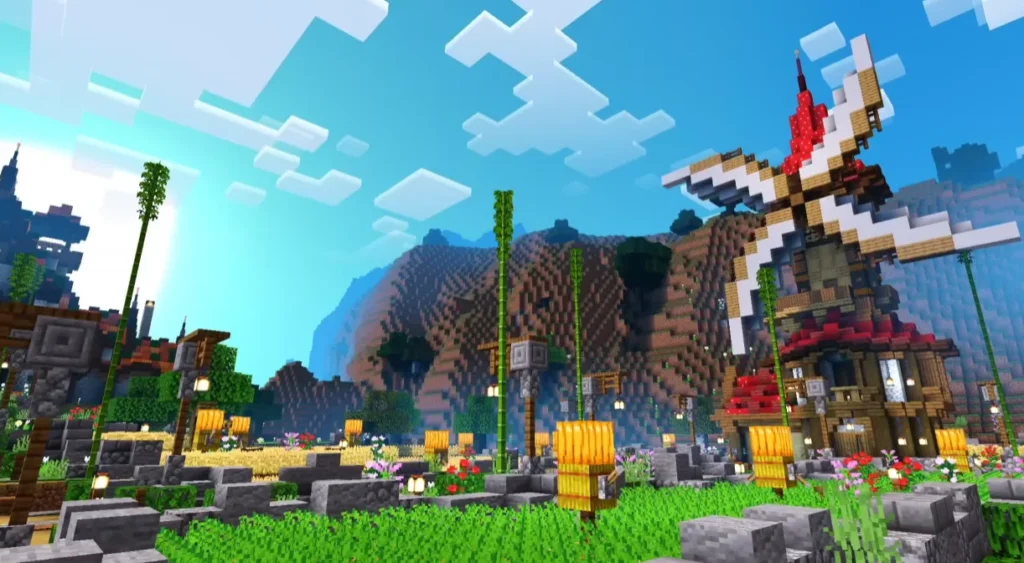
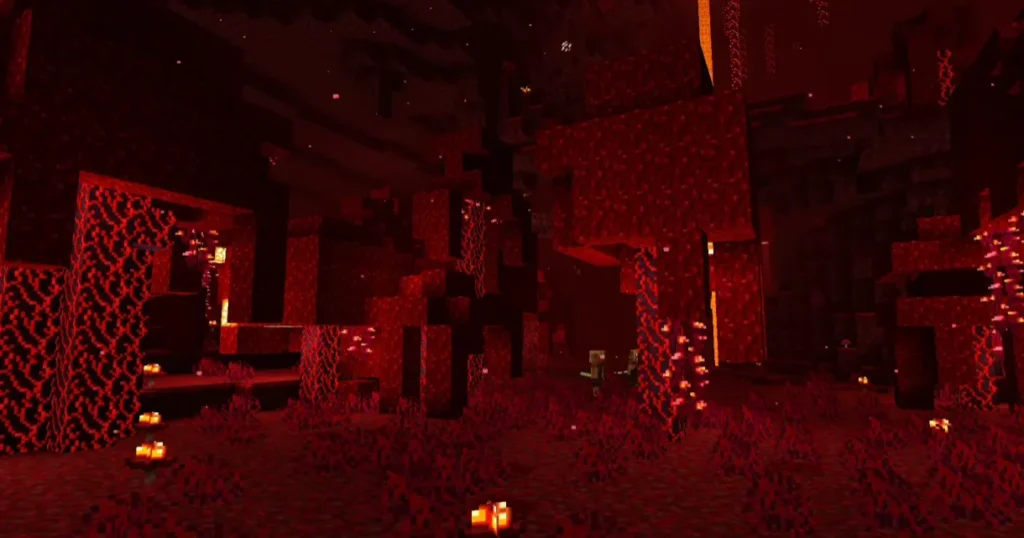
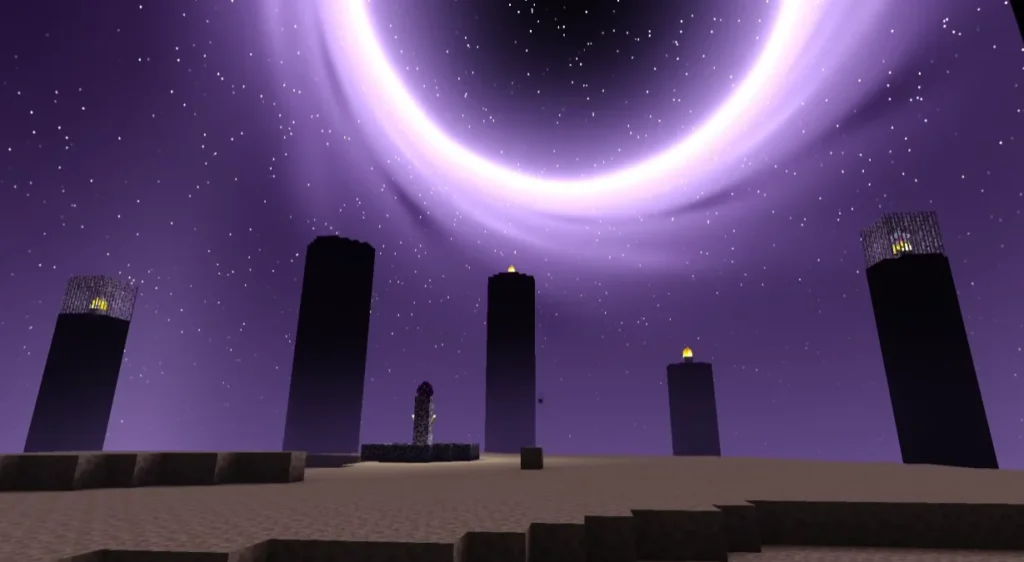
Screenshots:
📱 Compatibility & Requirements
Supported Versions:
- Minecraft Bedrock / PE (Latest versions supported)
Supported Devices:
- Android
- iOS
- Windows 10/11 (Bedrock)
Performance:
- Low-end devices: ✅ Smooth
- Mid-range devices: ✅ Excellent
- High-end devices: ✅ Ultra smooth
🛠️ How to Install NEWB X ALE Shader (Step-by-Step)
- Download the NEWB X ALE Shader file (.mcpack)
- Open the file using Minecraft
- Minecraft will import the shader automatically
- Go to Settings → Global Resources
- Activate the shader
- Restart the game and enjoy enhanced visuals
🎮 Why Choose NEWB X ALE Shader?
- Lightweight and lag-free
- Perfect for survival and multiplayer
- No complicated settings
- Beautiful visuals without heavy load
If you want better graphics without sacrificing FPS, this shader is a perfect choice.
🔚 Conclusion
NEWB X ALE Shader is a powerful yet lightweight shader for Minecraft Bedrock Edition. It enhances lighting, water, sky, and overall visuals while keeping performance stable. Whether you have a low-end phone or a high-end device, this shader delivers a smooth and immersive Minecraft experience.
❓ Frequently Asked Questions (FAQ)
❓ Is NEWB X ALE Shader free to use?
Yes, the shader is completely free and safe to use.
❓ Does this shader work on low-end devices?
Yes, it is specially optimized for low-end and mid-range devices.
❓ Is NEWB X ALE Shader supported on the latest Minecraft version?
Yes, it supports the latest Minecraft Bedrock / PE updates.
