
How to Change Tick Speed in Minecraft Bedrock

Tick speed controls how fast random events happen in your world: crop growth, leaf decay, fire spread, grass spreading to dirt blocks, mushroom growth, and similar things. The default value on Bedrock is 1. Raising it makes everything grow and change faster. Setting it to 0 freezes these processes entirely.
The Command
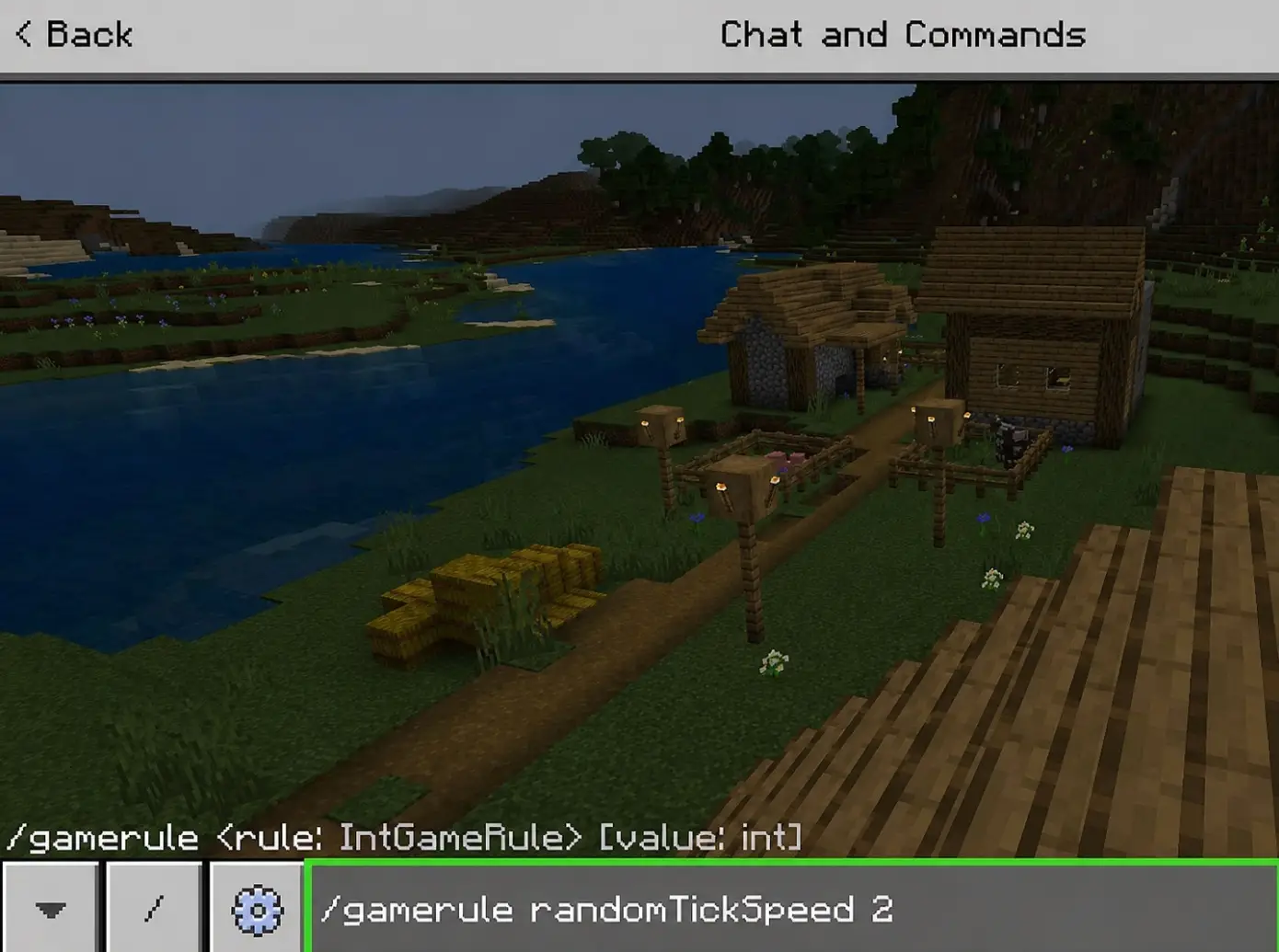
Open the chat window and type:
/gamerule randomtickspeed [number]
Replace [number] with the value you want. A few examples:
/gamerule randomtickspeed 1— default Bedrock speed/gamerule randomtickspeed 10— 10× faster than normal, good for growing crops quickly/gamerule randomtickspeed 100— very fast, useful for testing farm designs/gamerule randomtickspeed 0— nothing grows, nothing spreads, nothing decays
Cheats must be enabled for this command to work. If you're creating a new world, toggle on "Activate Cheats" in the world settings. For an existing world, go to Settings → Game → Activate Cheats. Keep in mind that enabling cheats permanently disables achievements for that world.
Bedrock Default Is 1, Not 3
This trips up a lot of people who read Java-focused guides. On Java Edition, the default randomTickSpeed is 3. On Bedrock, it's 1. So if you set it to 3 on Bedrock thinking you're resetting to default, you're actually tripling it.
To check your current value, just type /gamerule randomtickspeed without a number. The game will display the current setting.
What Tick Speed Actually Affects
Random tick speed only controls random block ticks. These are the passive, background processes that make the world feel alive. Specifically:
- Crop growth (wheat, carrots, potatoes, melons, pumpkins, etc.)
- Saplings growing into trees
- Grass and mycelium spreading to dirt
- Leaf blocks decaying after a tree is cut
- Fire spreading and burning out
- Ice forming and melting
- Mushroom spreading
- Turtle eggs hatching
- Copper oxidation
It does not affect:
- Mob spawning rates
- Redstone tick speed
- Furnace smelting speed
- Day/night cycle speed
- Player movement or hunger
- Mob AI or pathfinding
If you want faster smelting or a longer day, tick speed won't help you. Those are controlled by different mechanics entirely.
Practical Values to Use
0 — freezes random ticks. Useful if you want to prevent fire spread while building with wood, or stop crops from growing during a build project.
1 — the Bedrock default. Normal gameplay.
10–20 — noticeably faster crop growth. Good for quickly growing a starting farm without waiting multiple day/night cycles.
50–100 — crops grow almost instantly. Trees pop up from saplings in seconds. Great for testing farm layouts or generating a lot of wood fast.
500+ — things get chaotic. Leaves decay instantly, fire spreads wildly, grass takes over everything. Can cause lag on lower-end devices. Fun to mess with, but don't leave it on.
4096 — the maximum value on Bedrock. At this point, crops grow the moment you plant them. Will cause significant lag. Use only temporarily.

Don't Forget to Set It Back
The most common mistake is cranking up the tick speed to grow crops, then forgetting to reset it. High tick speeds cause constant block updates across every loaded chunk, which eats performance. If your world suddenly starts lagging and you can't figure out why, check your randomTickSpeed.
/gamerule randomtickspeed 1
That'll put things back to normal.
Using Tick Speed on a Server or Realm
On a Realm you own, the command works the same way. Only the Realm owner or players with operator permissions can change it. The setting persists after you log out, so if you set it to 100 and leave, it stays at 100 until someone changes it back.
On a server, you'll need operator status. Some servers disable the /gamerule command for regular players. Check with the server admin if the command isn't working for you.