How to Find a Bastion in Minecraft Bedrock
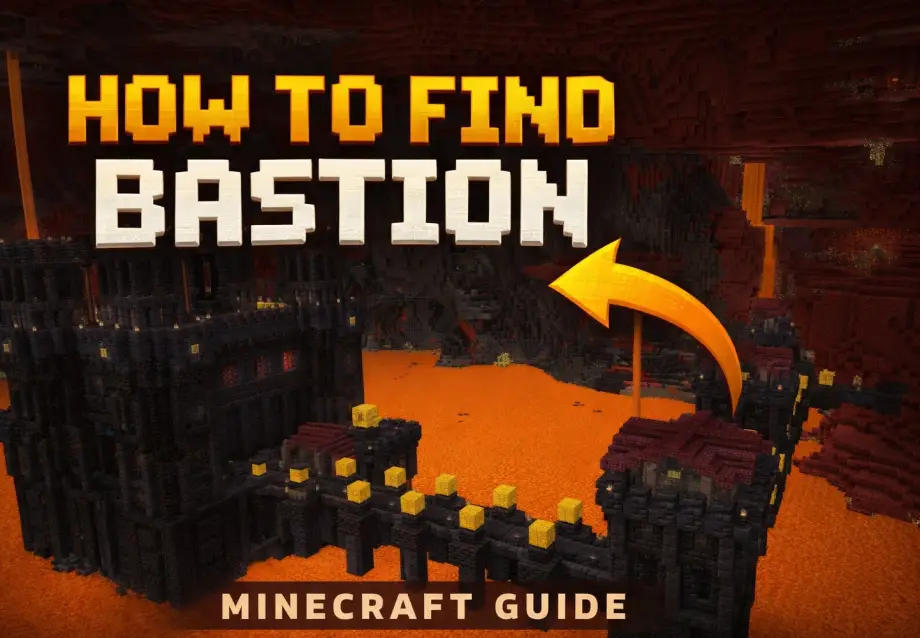
Bastion remnants are one of those structures that feel almost mythical when you're first looking for them. You wander the Nether for what feels like hours, dodging ghast fireballs and trying not to fall into lava, and all you keep finding are nether fortresses. Where are the bastions?
Turns out, they're everywhere. You just need to know where (and where not) to look. This guide covers how bastion generation works specifically on Bedrock Edition, how to actually locate one in survival, what to expect inside, and how not to die horribly in the first thirty seconds.
Where Bastions Spawn (And Where They Don't)
Bastions generate in every Nether biome except basalt deltas. That's the grey, volcanic-looking biome with basalt pillars and magma blocks everywhere. If you're walking through basalt deltas, turn around. You're wasting your time. No bastion will ever generate there.
The biomes you want to search:
- Nether Wastes — the classic red netherrack biome. Wide open and easy to scan, making it the best biome for spotting bastions from a distance.
- Crimson Forest — the red fungus forest. Bastions can generate here, though the dense terrain makes them harder to spot visually.
- Warped Forest — the teal fungus forest. Safer than crimson forests (no hoglins), and bastions show up here just fine.
- Soul Sand Valley — the spooky blue biome with soul sand floors and ghasts. Bastions do generate here, but the ghast spam makes exploration risky.
If you're purely hunting for a bastion, nether wastes is your best bet. Flat terrain, good visibility, fewer distractions.
How Bastion Generation Works on Bedrock
This is the part most guides skip over, but understanding it will save you a ton of time.
The Nether is divided into invisible regions of 480×480 blocks on Bedrock Edition. Within each region, only one major structure can generate: either a nether fortress or a bastion remnant. Never both in the same region.
There's a 4-chunk (64-block) border on the south and east edges of each region where nothing can generate at all. That leaves a 416×416 block area in the center where your structure will be.
Here's the good part: on Bedrock, there's roughly a 66% chance that the structure in any given region will be a bastion rather than a fortress. So bastions are actually more common than fortresses. If you found a fortress, move at least 480 blocks in any direction to enter a new region, and odds are decent the next structure will be a bastion.
Finding a Bastion in Survival Mode
No commands, no cheats, just good old-fashioned exploring. Here's how to be efficient about it:
Build your portal strategically. Don't place your nether portal right next to your base and hope for the best. If your first portal drops you in basalt deltas, consider building a second portal several hundred blocks away in the overworld (each overworld block equals 8 nether blocks, so 60 overworld blocks is nearly 500 nether blocks).
Travel in one direction. Pick a direction and commit to it. Walking in circles won't help because you'll stay within the same generation region. A straight line guarantees you're crossing into new regions.
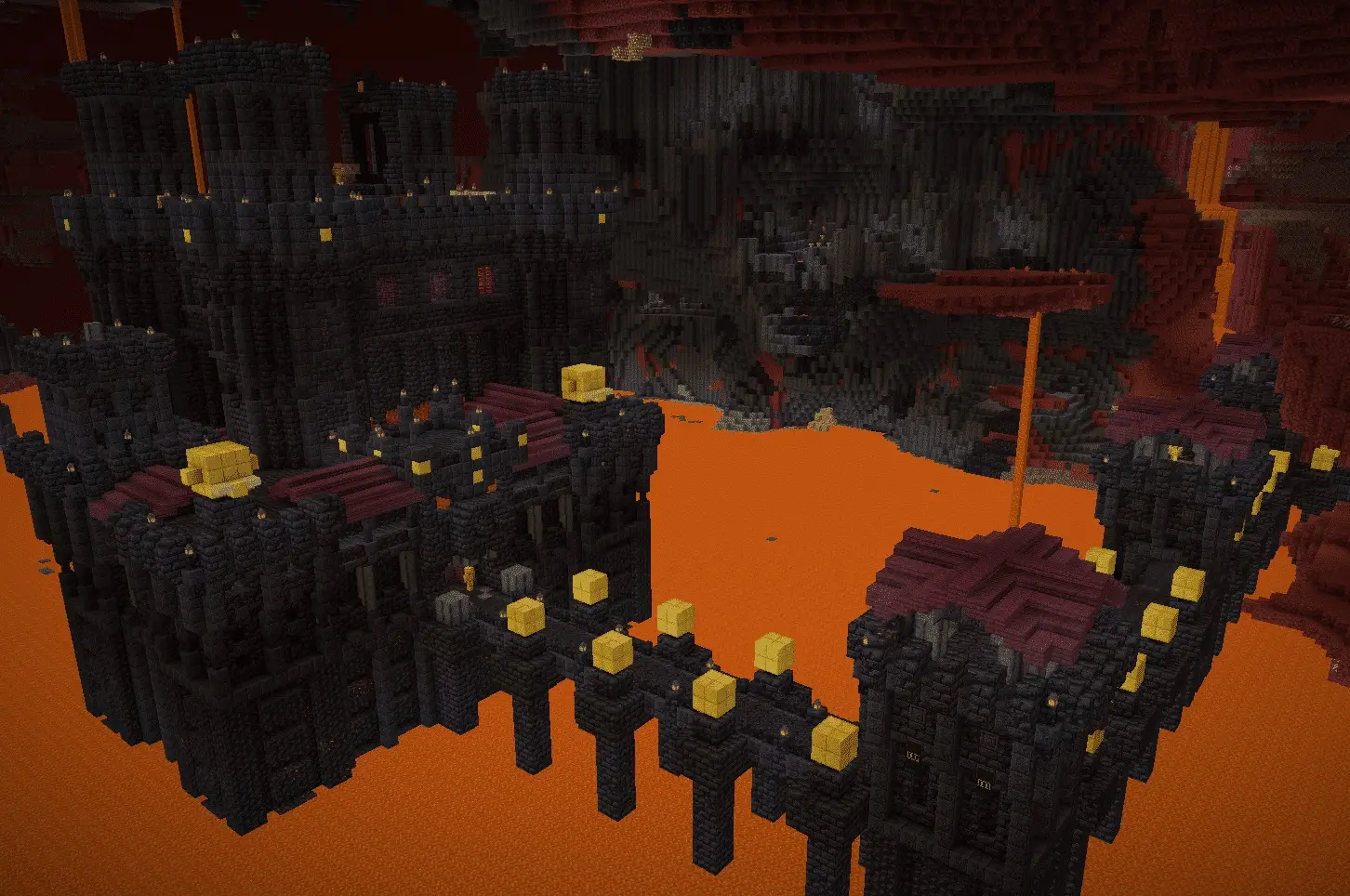
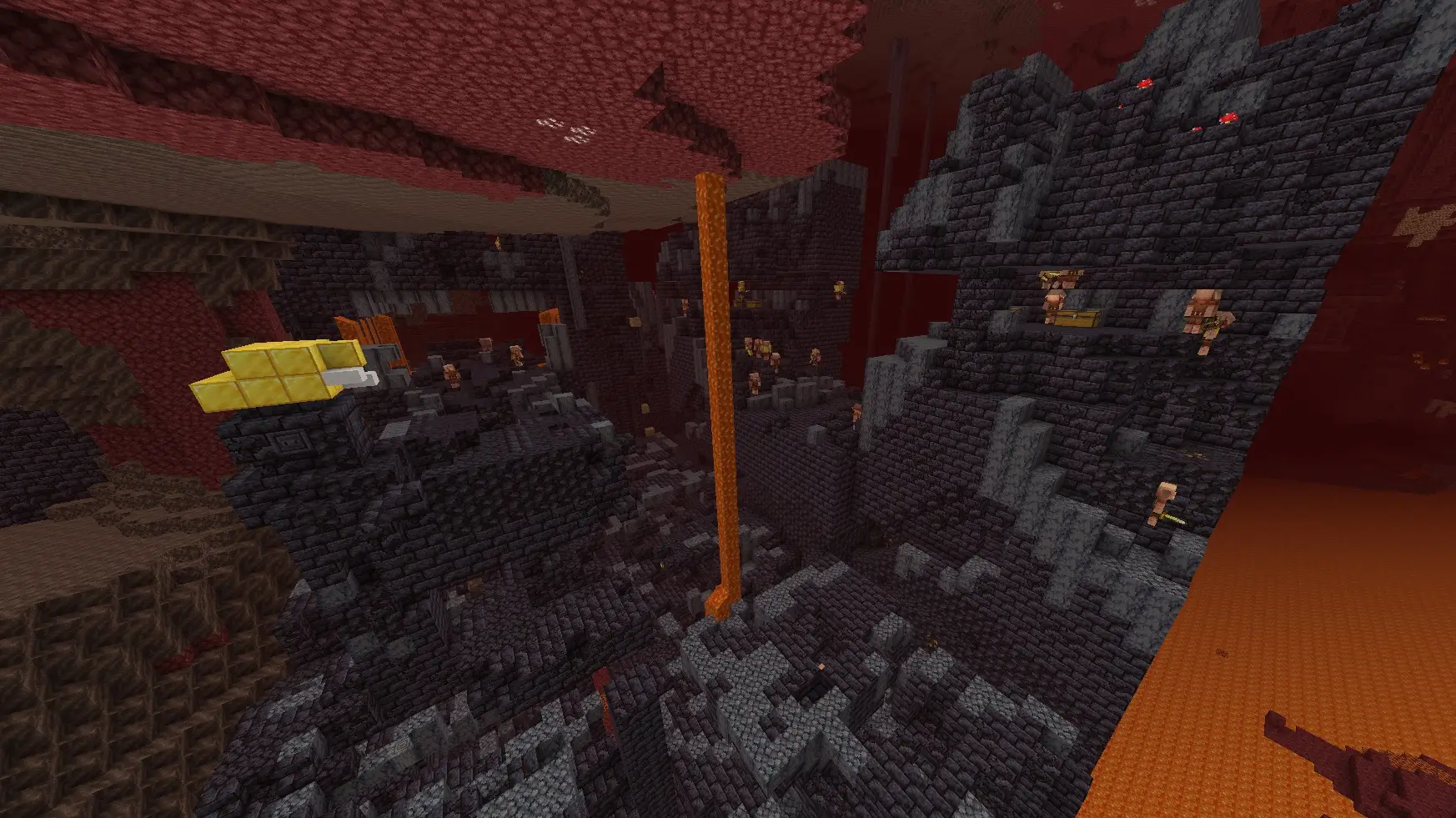
Look for blackstone. Bastions are built primarily out of blackstone and its variants (polished blackstone, blackstone bricks, gilded blackstone). In the red netherrack of nether wastes, a bastion is a massive dark structure that stands out clearly. If you see a big pile of dark blocks that look intentional, congratulations, that's probably your bastion.
Use high ground. Build up with cobblestone or netherrack to get above the terrain. Height gives you much better visibility, and bastions are large structures. You can spot one from 100+ blocks away if you have a clear line of sight.
Bring a lot of blocks. The Nether is full of gaps, lava lakes, and cliffs. Having a stack or two of cobblestone for bridging makes travel much faster and safer. And you'll need blocks inside the bastion too, but we'll get to that.
Finding a Bastion with Commands
If you have cheats enabled (or you're in creative mode), there's a shortcut:
/locate structure bastion_remnant
This will return the coordinates of the nearest bastion. Then you can either walk there or teleport:
/tp @s [x] [y] [z]
Keep in mind that on Bedrock, enabling cheats disables achievements for that world. If achievements matter to you, stick to the survival method.
Using Chunkbase (External Tool)
If you want to know exactly where every bastion is before you go looking, Chunkbase is a free online tool that maps structures based on your world seed.
- Find your world seed (Settings → Game → Seed, or type
/seedin chat) - Go to chunkbase.com and select the Bastion Remnant finder
- Enter your seed and make sure you select Bedrock Edition
- The map will show the location and type of every bastion in your world
This is arguably the most efficient method, and it doesn't require cheats, so your achievements stay intact. Some players feel this is too spoilery, and that's fair. But if you've already spent an hour wandering and just want to find the thing, Chunkbase has your back.
The Four Types of Bastions
Not all bastions are created equal. There are four variants, each with different layouts, mob density, and loot. Knowing which one you've found helps you plan your approach.
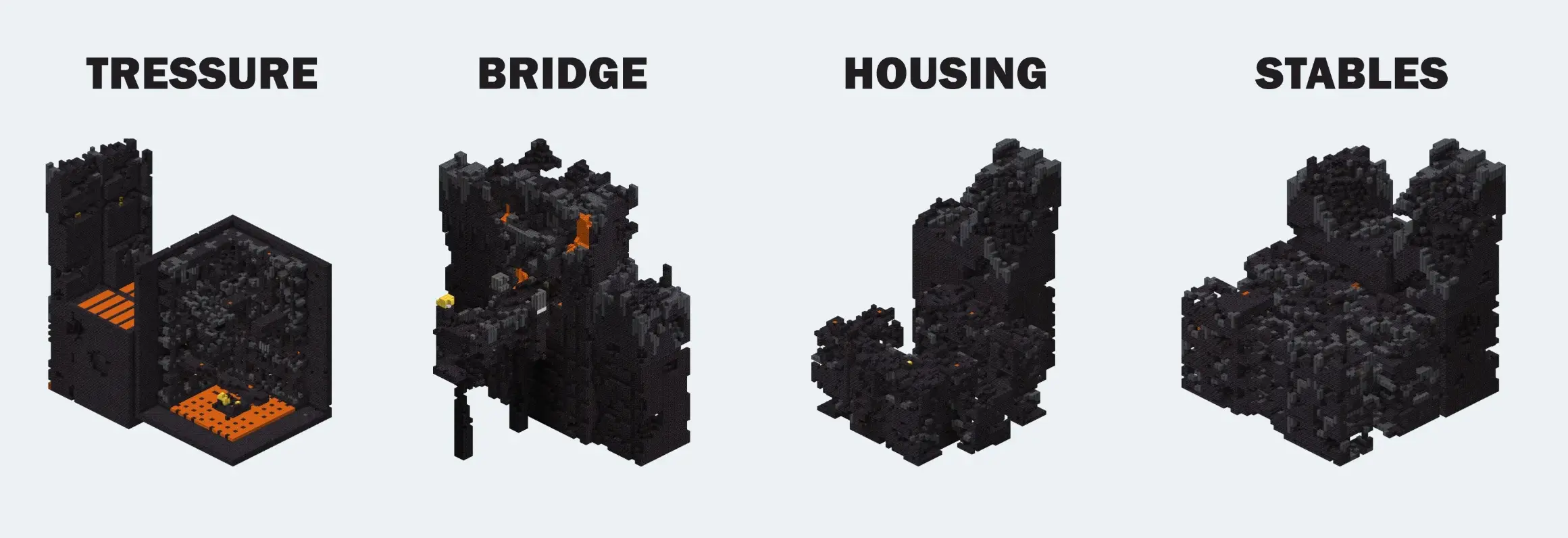
Treasure Room
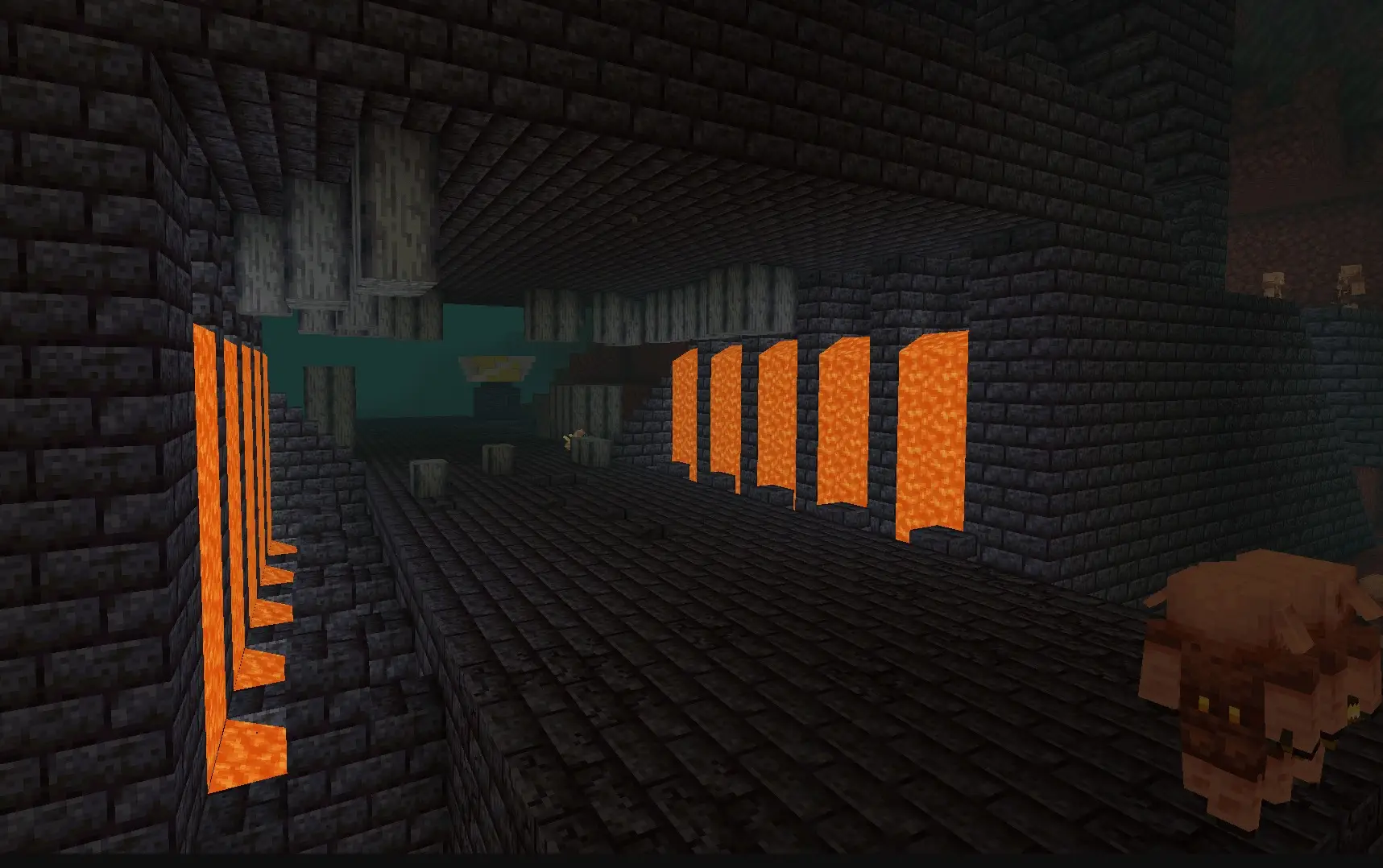
This is the jackpot. The treasure room bastion has a massive lava-filled central chamber with a magma cube spawner at the bottom. The main treasure is on a platform in the center: blocks of gold, and one or two chests that are guaranteed to contain a netherite upgrade smithing template. This is the only bastion type where that template is a 100% drop. The catch? Getting to the treasure without falling into lava or getting swarmed by piglins is genuinely difficult. It's the hardest bastion to raid, but the most rewarding.
Bridge
Recognizable by its large bridge spanning a gap, often over lava. This is the smallest and usually the safest bastion type. It has fewer mobs and a more straightforward layout. The loot isn't as spectacular as the treasure room, but on Bedrock, bridge bastions always contain a lodestone in one of the chests, which is useful for navigation.
Hoglin Stables
You'll know you're in a hoglin stables bastion because of the open pens and, well, the hoglins. This variant has three rampart structures, which is unique to this type. The combination of piglins and hoglins fighting each other (and you) makes this one chaotic. Lots of food loot (cooked porkchops for days), and some decent gear in the chests.
Housing Units
The housing bastion consists of four separate buildings arranged around a central courtyard. You'll often find nether wart growing on soul sand in the middle, which is the quickest way to identify this type. Each building can contain loot chests, but there are also a lot of piglins and piglin brutes spread across the four structures, so clearing the place is a process.
What to Bring Before Raiding a Bastion
Walking into a bastion unprepared is a very efficient way to lose all your stuff. Here's the loadout that makes the difference:
- Full diamond or netherite armor — enchanted if possible. Protection IV is ideal. Fire Protection on at least one piece is smart given all the lava.
- A strong sword — Sharpness IV or V. Piglin brutes hit hard and have 50 health points, so you need damage output.
- A bow with arrows — for sniping piglin brutes from a distance or clearing mobs before you move in.
- One piece of gold armor — wearing a gold helmet prevents regular piglins from being hostile on sight. It does not work on piglin brutes though, they'll attack you regardless.
- Building blocks — cobblestone, netherrack, whatever. You'll need them for bridging over lava, blocking off hallways, and creating safe spots.
- Food — golden carrots or cooked steak. You'll be taking hits, so you need good saturation to regenerate health.
- A shield — piglin brutes deal serious damage. Blocking even one hit can save your life.
- Fire resistance potions — optional but incredibly helpful, especially in treasure room bastions where one wrong step means a lava bath.
Key Survival Tips Inside a Bastion
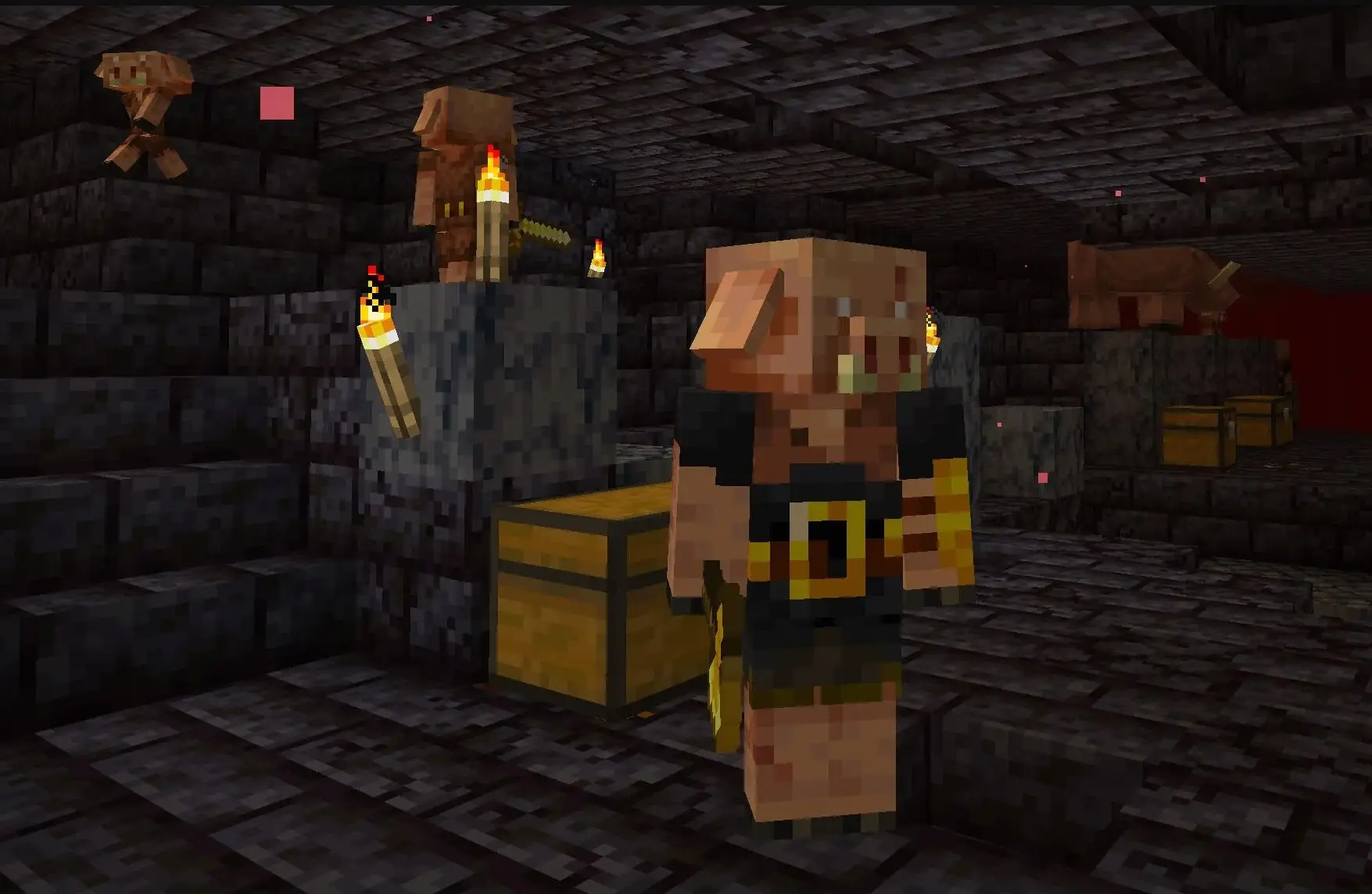
Don't open chests near piglins. This is the one that gets everyone killed on their first visit. Opening or breaking any chest, barrel, or shulker box near piglins makes every piglin in the area hostile, even if you're wearing gold. Clear the area first or block off the piglins before looting.
Don't mine gold blocks near piglins. Same deal. Piglins are extremely protective of gold. Mining gold blocks, gilded blackstone, or any gold-containing block triggers aggression. Wall them off or kill them first.
Piglin brutes never forgive. Unlike regular piglins, piglin brutes are permanently hostile. No gold armor trick, no distraction with gold ingots. The only solution is to kill them. They also don't respawn once killed, so once you've cleared the brutes, they're gone for good.
Block off areas as you go. Bastions are sprawling and confusing. As you clear a section, wall it off with blocks so mobs don't wander back in behind you. This also prevents piglins from spawning in areas you've already cleared (regular piglins can respawn based on the biome, unlike the brutes).
Work from the outside in. Don't rush straight to the treasure. Clear the outer structures first. You'll find loot in generic chests along the way, and you'll be reducing the overall mob count, making the final push to the main loot much safer.
What to remember
Finding a bastion on Bedrock is less about luck and more about understanding how the Nether generates structures. Avoid basalt deltas, travel in straight lines across region boundaries, and keep your eyes peeled for dark blackstone structures. Once you find one, approach it like a heist: gear up, plan your route, clear mobs methodically, and don't touch anything golden until the piglins are dealt with.