How to Find the Seed of a Realm in Minecraft Bedrock
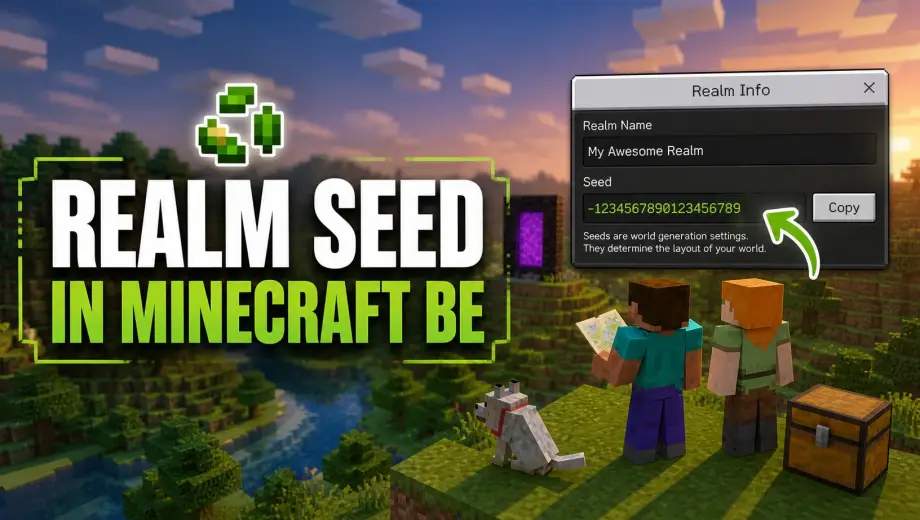
You're playing on a Realm with incredible terrain and you want the seed. Maybe to explore in singleplayer, maybe to use with Chunkbase, maybe just to share it with someone. Problem is, Bedrock doesn't make this as easy as Java. There's no simple /seed command that works for everyone.
How you find the seed depends on one thing: are you the Realm owner, or just a member?
If You're the Realm Owner
You have two options, and both are straightforward.
Option 1: Download the World and Check Settings
This is the most reliable method.
- Open Minecraft and go to the Realms tab
- Click the pencil icon (Edit Realm) next to your Realm
- Select the world slot you want the seed for (Realms have up to 3 world slots)
- Click Download World
- Wait for the download to finish. The world will appear in your regular worlds list.
- Click the pencil icon on the downloaded world
- The Seed is displayed right there in the Game settings
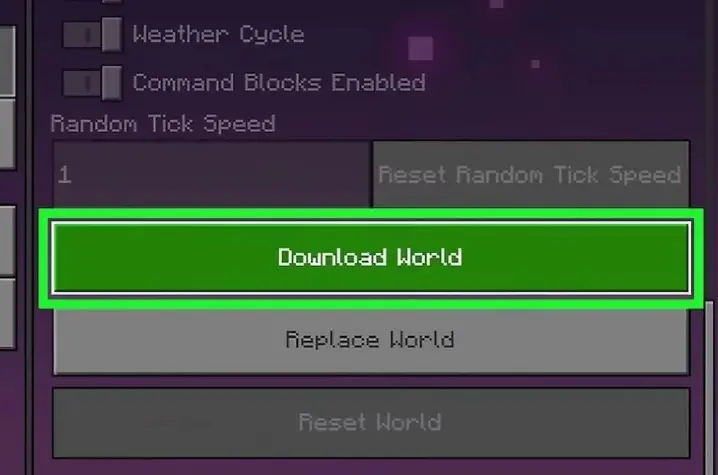
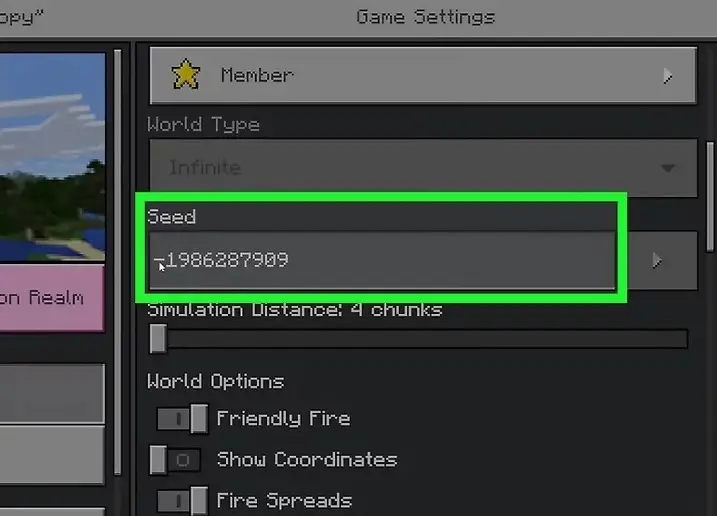
This gives you the exact seed, and you now have a local backup of the Realm world as a bonus. You can load it in singleplayer, use it on Chunkbase, or share it with anyone.
Option 2: Use the /seed Command
If cheats are enabled on the Realm, you can type:
/seed
The seed will display in chat. Simple. But there's a catch: cheats must be turned on, and enabling cheats disables achievements for everyone on the Realm. If you've been avoiding cheats for that reason, downloading the world (Option 1) is the better path.
If You're a Realm Member (Not the Owner)
This is where things get tricky. As a regular member, you can't download the Realm world and you can't run /seed unless the owner has given you operator permissions.
Your options:
Ask the owner. The simplest solution. Ask them to either share the seed directly or give you operator permissions so you can run /seed yourself. Most Realm owners are happy to share if you explain why you want it.
Ask for operator permissions. The Realm owner can promote you to operator through the Realm settings. Once you're an operator, you can run /seed even without cheats being globally enabled. The owner just needs to go to Realm Settings → Members and change your permission level.
Check the Realm invite page. Some owners post the seed in the Realm description or name. It's a long shot, but worth checking.
What About Seed Cracking?
You might have seen tools online that claim to reverse-engineer a world seed from terrain data or structure locations. This does exist, but it's complicated, unreliable on Bedrock, and many Realm owners consider it a violation of trust. Some servers and Realms will ban players for using seed-cracking tools.
Unless you have a very specific technical reason, it's not worth the hassle. Just ask the owner.
Using the Seed Once You Have It
Once you've got the seed number, you can do a few useful things with it:
Create an identical world. When creating a new world, paste the seed into the Seed field. The terrain, biomes, and structure locations will be the same. Keep in mind that player-built structures, chests, and mob spawns won't carry over. It's the same map, not a copy of the world.
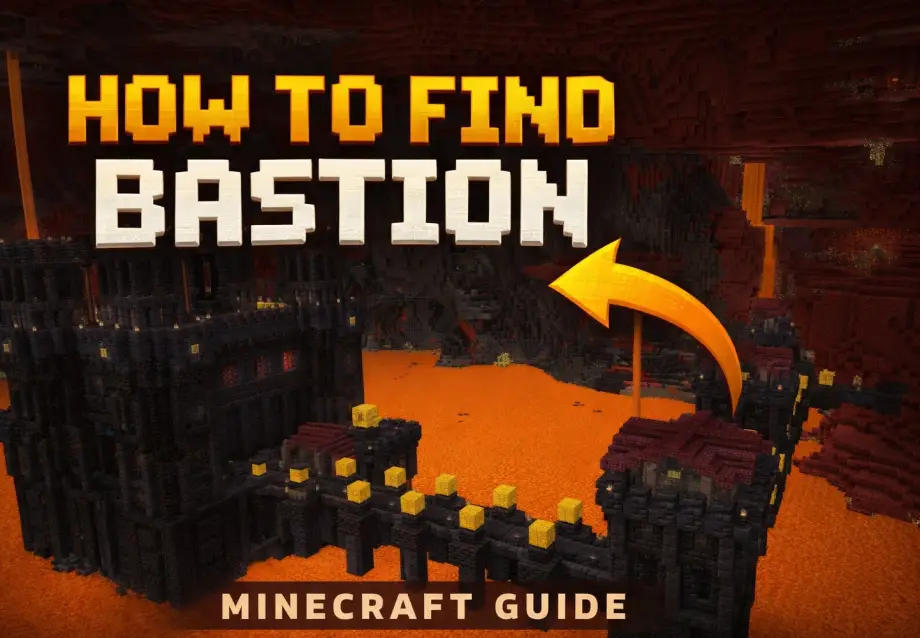
Use Chunkbase. Go to chunkbase.com, enter the seed, select Bedrock Edition, and you can map out every structure, biome, slime chunk, and spawn point in the world. Extremely useful for finding bastions, strongholds, or specific biomes without wandering for hours.
Share it with friends. If someone wants to play the same map on their own device, the seed is all they need.
Quick Troubleshooting
"/seed" returns nothing or gives an error. Cheats aren't enabled, or you don't have operator permissions. Ask the Realm owner to grant you operator status.
The seed shows as 0. This can happen with very old Realms or worlds that were created before seeds were displayed in the UI. Downloading the world (if you're the owner) usually reveals the actual seed in the world files.
The seed doesn't match the terrain on Chunkbase. Make sure you selected Bedrock Edition on Chunkbase, not Java. Also check that you're using the correct game version, since structure generation can change between major updates.
Downloaded world looks different from the Realm. You probably downloaded the wrong world slot. Realms have 3 slots, and only one is active at a time. Make sure you're downloading the slot that's currently in use.