
How to Reset Villager Trades in Minecraft Bedrock
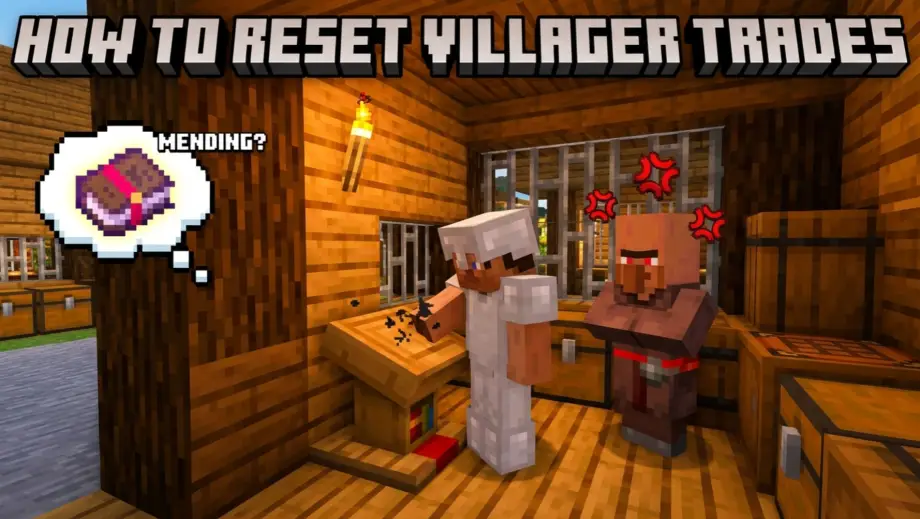
Got a librarian offering Bane of Arthropods V instead of Mending? You don't have to live with that. Villager trades can be reset, but only if you haven't locked them in yet.
The Rule
A villager's trades lock permanently the moment you trade with them even once. After that, the trades are set forever and cannot be changed. No exceptions, no commands, no workarounds.
If you haven't traded with the villager yet, their trades are still open and can be rerolled.
How to Reset Trades
- Find a villager you haven't traded with
- Break their workstation (lectern for librarian, smithing table for toolsmith, etc.)
- The villager loses its profession and becomes unemployed (brown coat)
- Place the workstation again
- The villager reclaims the profession with new random trades
- Check the trades. Not what you want? Break the workstation and repeat.
That's the whole process. Break, place, check. Repeat until you get the trade you're looking for.
Timing and Schedules
On Bedrock, villagers can only claim or reclaim a workstation during their "work hours." If you break and replace a workstation at night or while the villager is sleeping, nothing will happen until they wake up and start their work cycle.
If the villager isn't picking up the profession, wait a few in-game minutes. They sometimes take a moment to notice the workstation. Make sure the villager can pathfind to it — if there's a wall or too much distance between them and the block, they won't link.
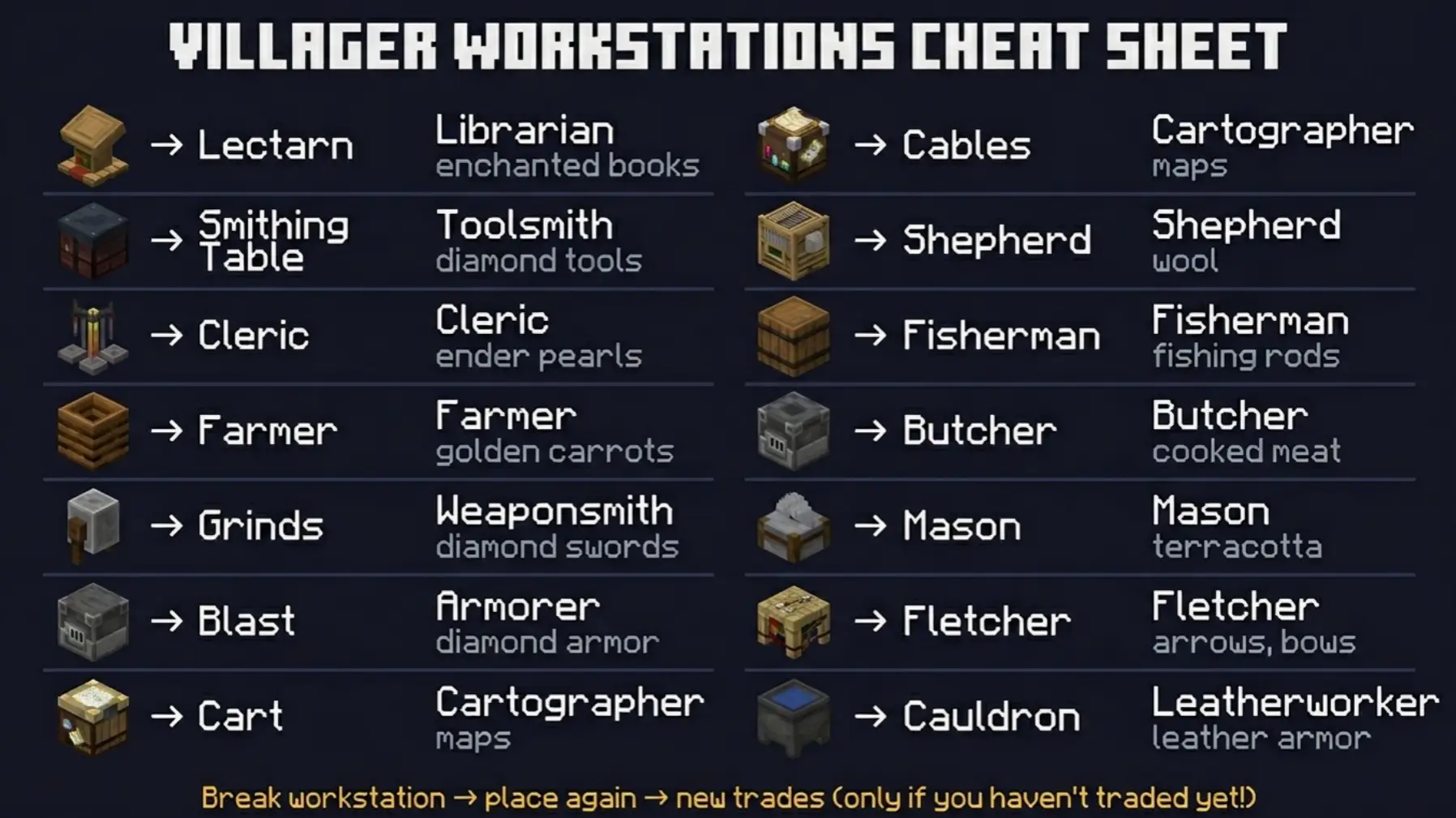
Which Workstation Goes With Which Profession
- Lectern → Librarian (enchanted books, name tags)
- Smithing Table → Toolsmith (diamond tools)
- Brewing Stand → Cleric (ender pearls, redstone)
- Composter → Farmer (food, golden carrots)
- Grindstone → Weaponsmith (diamond swords, axes)
- Blast Furnace → Armorer (diamond armor)
- Cartography Table → Cartographer (maps, banners)
- Loom → Shepherd (wool, banners)
- Barrel → Fisherman (fishing rods, campfires)
- Smoker → Butcher (cooked meat)
- Stonecutter → Mason (quartz, terracotta)
- Fletching Table → Fletcher (arrows, bows, crossbows)
- Cauldron → Leatherworker (leather armor)
Why It's Not Working (Troubleshooting)
"I broke the workstation but they kept their profession." You traded with them at some point. Even one trade locks the profession permanently. The only option now is to breed or find a new villager.
"The villager linked to a different workstation." On Bedrock, villagers can claim workstations from surprisingly far away. If there's another unclaimed workstation nearby, the villager might link to that one instead. Break all extra workstations in the area so there's only one option.
"The villager turned into a nitwit." Nitwits (green coat) can't take any profession. They're permanently unemployed. You need a different villager.
"I want to reset a master-level villager." You can't. Once you've traded with a villager, their trades and profession are permanent at every level. This is why you should always check the first-level trades before buying anything.
Tips for Efficient Rerolling
Reroll librarians for Mending. Place a lectern, check the first trade. Not Mending? Break, place, check. On Bedrock it takes about 1-2 seconds per cycle. Mending has a roughly 1-in-30 chance of appearing, so expect to reroll 20-40 times on average.
Isolate the villager. Put the villager in a small cell with only one workstation. This prevents them from linking to a different workstation somewhere else in your village and speeds up the whole process.
Cure first, reroll second. If you're planning to cure a zombie villager for trade discounts, do the cure before you start rerolling. The discount applies regardless of which trades the villager ends up with. Check our guide on curing zombie villagers for the full process.