How to Get and Use Sulfur Cubes in Minecraft Bedrock
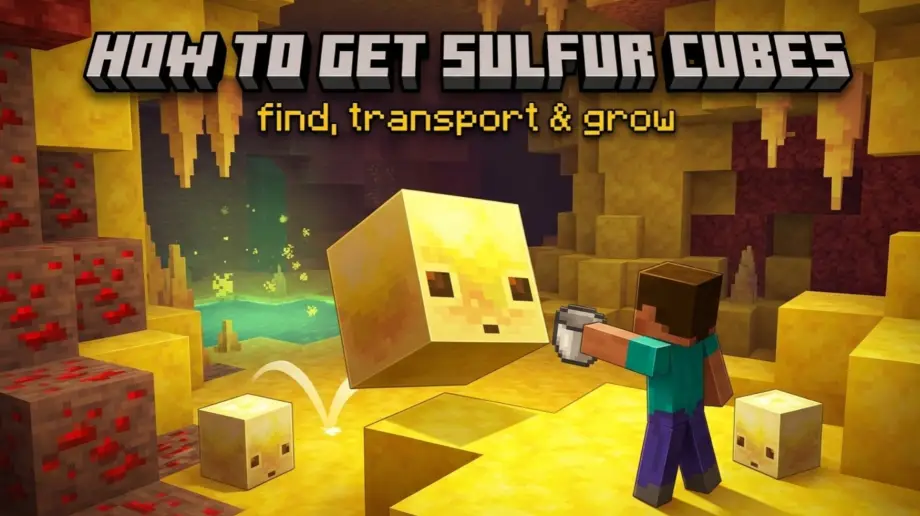
Sulfur cubes are Minecraft's first physics-based mob. They bounce, slide, float, explode, and generally cause chaos depending on what block you feed them. But before any of that fun begins, you need to actually find one, get it home alive, and figure out how to grow your collection without trekking back to the caves every time.
This guide covers the full lifecycle: where to find them, how to pick them up, how to grow more, and the interactions that aren't obvious from just poking at them in-game.
Where to Find Sulfur Cubes
Sulfur cubes spawn exclusively in sulfur caves, a new underground biome added in the Chaos Cubed update. They don't spawn anywhere else. No surface spawns, no other caves, no Nether.
To find sulfur caves, look for sulfur springs on the surface. These are small pools of greenish water surrounded by yellow sulfur blocks, red cinnabar, and tuff, with noxious gas particles rising from the water. Dig straight down beneath a sulfur spring and you'll hit the sulfur cave biome, usually around Y = -32 or lower.
If you have cheats enabled:
/locate biome sulfur_caves
Sulfur caves are dangerous. The water pools emit noxious gas that gives you Nausea for 3 seconds, and cave spiders spawn here instead of regular spiders. Bring armor, food, milk (for Nausea), and plenty of torches.
How to Pick Up a Sulfur Cube
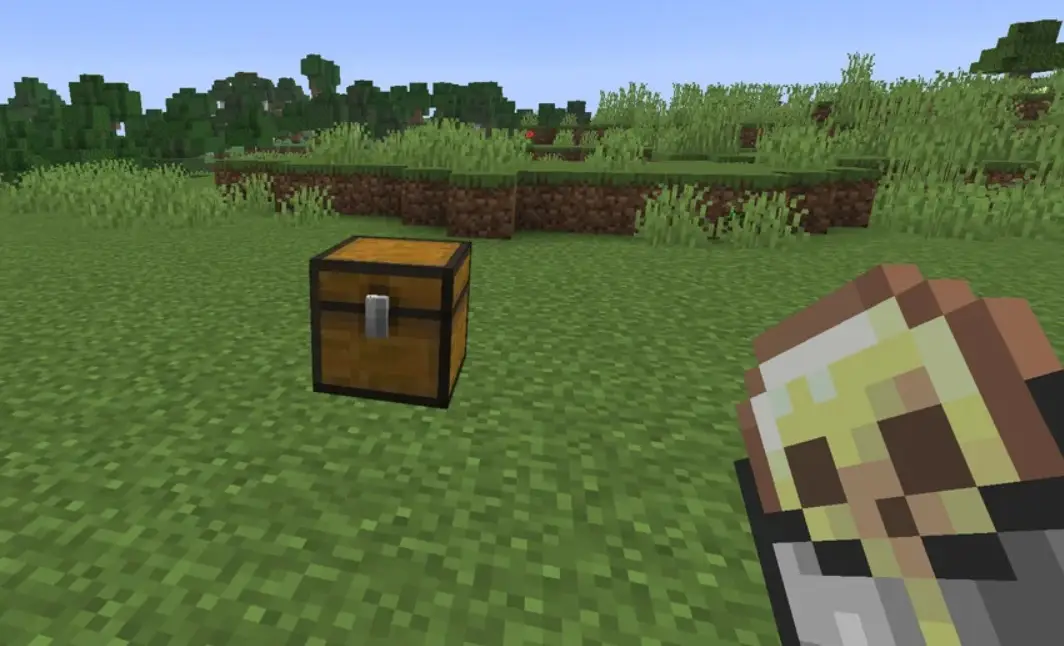
Use an empty bucket on a large sulfur cube. It works exactly like bucketing an axolotl or a fish. The cube disappears, and you get a "Bucket of Sulfur Cube" item in your inventory.
Important details:
- Only large cubes can be bucketed. Small cubes can't. If it's small, you need to wait for it to grow or feed it slimeballs to speed up the process.
- The bucket preserves everything. If the cube has an absorbed block, the bucket keeps it. The item tooltip even shows which block is inside.
- Bucketed cubes don't count toward the mob cap and won't despawn. Safe for long-term storage in chests.
- You can't bucket a cube with ignited TNT. Once the fuse is lit, it's too late for everything.
Other Ways to Transport Them
Leads. You can leash a sulfur cube with a lead, but only if it has an absorbed block. A cube without a block can't be leashed. Attach the lead and walk it home. Slower than a bucket but doesn't cost one.
Dispensers. A dispenser loaded with a Bucket of Sulfur Cube will spawn the cube when activated by redstone. This is useful for automated setups: load cubes into dispensers and deploy them on demand for minigames or traps.
Large vs Small Cubes
Sulfur cubes come in two sizes, and the distinction matters more than you'd think.
Large cubes:
- Can absorb blocks
- Can be bucketed
- Can be leashed (only with an absorbed block)
- Split into 2 small cubes when killed
Small cubes:
- Can't absorb blocks
- Can't be bucketed
- Can't be leashed
- Grow into large cubes after 20 minutes
- Can be fed slimeballs to speed up growth
- Can be fed a Golden Dandelion to stay small forever
Small cubes are essentially baby versions. They'll grow up on their own, or you can feed them slimeballs to make it faster. Each slimeball shaves time off the 20-minute growth timer.
How to Get More Sulfur Cubes
There's no breeding. You can't pair two cubes and get a baby. Instead, sulfur cubes multiply through splitting:
- Kill a large sulfur cube
- It splits into 2 small cubes
- Wait 20 minutes (or feed slimeballs to speed it up)
- Both small cubes grow into large cubes
- You now have 2 large cubes instead of 1
- Repeat
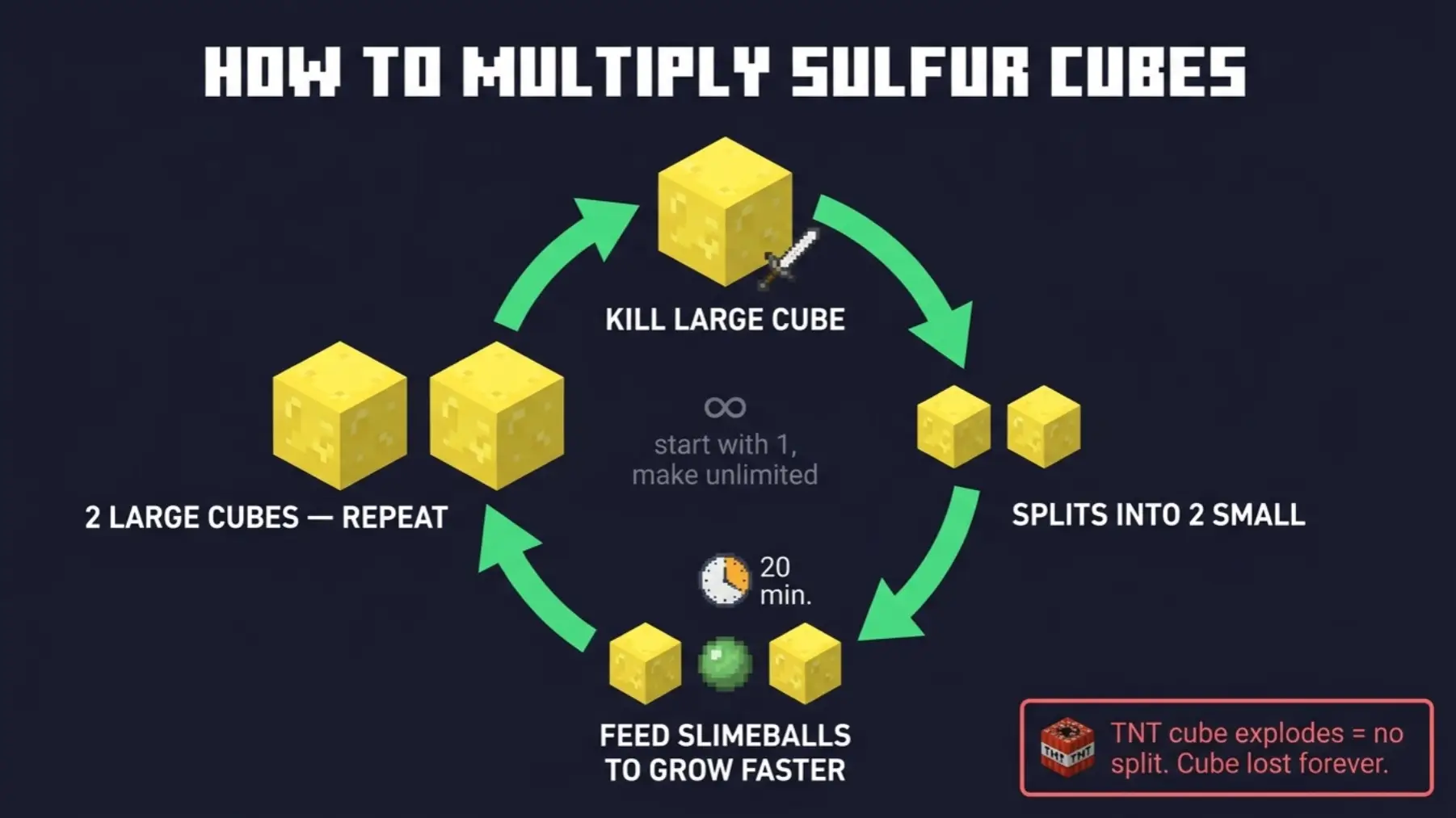
Every cycle doubles your population. Start with one cube from the caves and you can have as many as you need without going back. Just keep a steady supply of slimeballs to speed up the growth.
One warning: if a cube has absorbed TNT and is ignited, it explodes and leaves no small cubes. That cube is gone for good. Don't ignite your only cube.
Feeding and Removing Blocks
To feed a block: hold a full-sized solid block and interact with a large sulfur cube. Or drop the block on the ground near it and the cube will absorb it on its own.
To remove a block: use shears on the cube. The absorbed block pops out as an item and the cube resets to its base state. This is much better than killing the cube, since shearing keeps it alive.
To swap blocks: just feed the cube a different block while it already has one. The old block drops and the new one takes its place. No shearing needed.
Cubes only accept full-sized solid blocks. Slabs, stairs, glass, functional blocks (crafting tables, furnaces, chests), and non-full shapes are rejected. If the cube ignores what you're holding, the block doesn't qualify.
Interactions Most People Miss
Golden Dandelion freezes growth. Feed a Golden Dandelion to a small cube and it stays small permanently, like feeding one to any baby mob from the Tiny Takeover update. If you want a tiny pet cube that hops around your base forever, this is how.
Name tags prevent despawning. Unnamed cubes can despawn like any passive mob. If you're keeping cubes long-term, name them. Name tags are now craftable on Bedrock (paper + metal nugget) thanks to the Tiny Takeover update.
Slimeballs tempt cubes. Hold a slimeball and small cubes follow you. Works like holding wheat near a cow. Useful for luring cubes into pens without leads.
Absorbed cubes are nearly invincible. Once a cube has a block, it becomes immune to most damage. You can't sword it, arrow it, or lava it. The only things that can kill it are the Warden's sonic boom and the void. Use shears to remove the block first if you want to kill it normally.
Cubes climb ladders and vines. Including launched cubes with absorbed blocks. If your pen has vines on the wall, cubes can escape. Keep walls smooth.
Dispenser deployment. Load a Bucket of Sulfur Cube into a dispenser and wire it to redstone. Press a button and the cube spawns. This is the foundation for automated minigame arenas where cubes deploy on demand.
Setting Up a Pen at Home
Sulfur cubes hop randomly and will bounce off ledges, into lava, or through gaps if you let them. A proper pen keeps them alive and contained.
- Build walls at least 3 blocks high with a smooth interior (no vines, ladders, or climbable blocks)
- Use non-flammable materials (stone, cobblestone, deepslate). If you experiment with TNT cubes near wood, you'll regret it.
- Floor should be flat. Gaps, water, and lava will cause problems.
- Light the area well. Cave spiders and other hostile mobs can kill unprotected cubes.
- Make the pen at least 10×10 if you want room for multiple cubes without them bouncing into each other constantly.
Quick Reference
- Spawn location: sulfur caves only
- Pick up: empty bucket (large cubes only)
- Leash: lead (only with absorbed block)
- Feed block: hold block + interact, or drop near cube
- Remove block: shears
- Swap block: feed a different block (old one drops)
- Multiply: kill large → 2 small → grow with slimeballs → 2 large
- Keep small forever: feed Golden Dandelion
- Prevent despawn: name tag or bucket
- Deploy from storage: dispenser + bucket of sulfur cube
Wrapping Up
Sulfur cubes aren't traditional pets. You can't breed them, you can't ride them, and they don't fight for you. But they're the most mechanically interesting mob Minecraft has added in years. Get one home in a bucket, build a pen, feed it blocks, and start experimenting. For a breakdown of all 12 archetypes and what each block does, check out our Sulfur Cube archetype guide.