Uncrafting Table | Reverse Crafting Block
 Go to files
Uncrafting Table
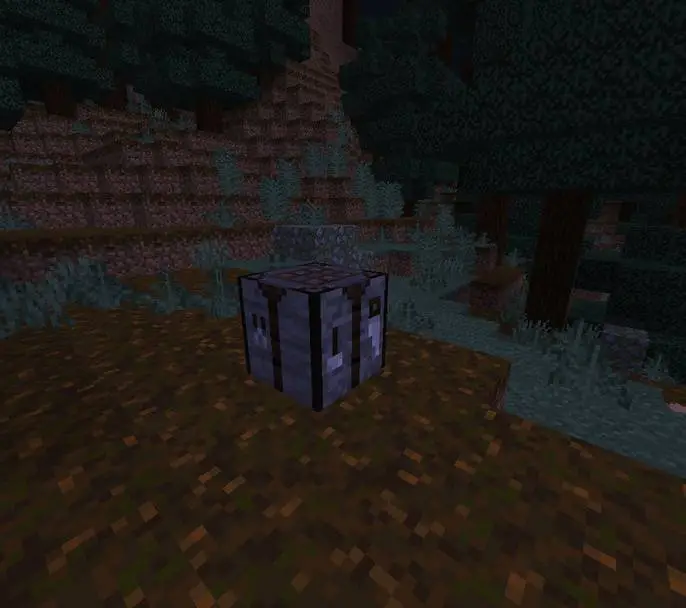
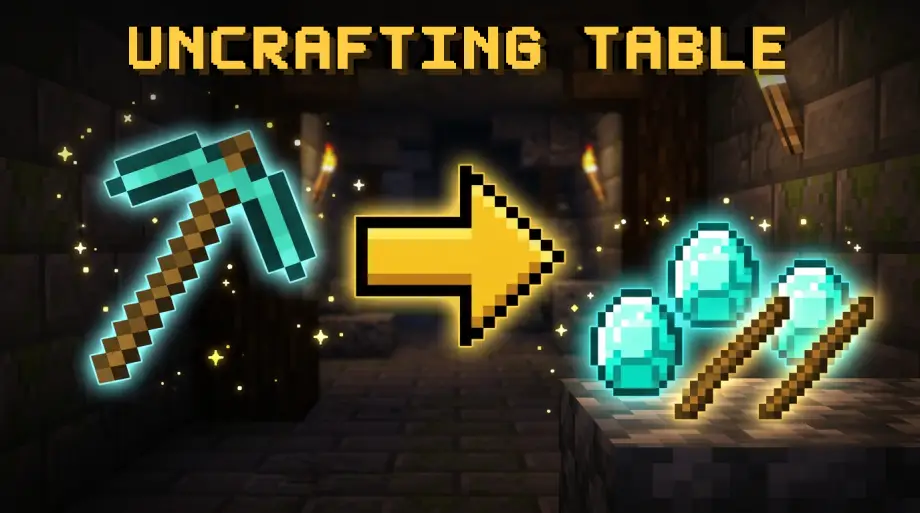
Crafting is a one way street in Minecraft. You turn six planks into a door, and the planks are gone forever. Uncrafting Table adds a single block that runs crafting backwards: put an item in, get its materials back.
Misclicked a recipe? Found a chest full of junk you will never use? Sitting on stacks of items you would rather have as raw resources? Break them down instead of throwing them away.
Features
- 984 craftable items supported. The recipe list is generated straight from the official Minecraft recipe files, so blocks, tools, armor, food, redstone, boats, doors, signs and the newest items are all covered.
- Damage aware. Tools and armor return materials in proportion to the durability they have left. A half broken pickaxe gives back about half its diamonds, and a nearly destroyed one gives nothing.
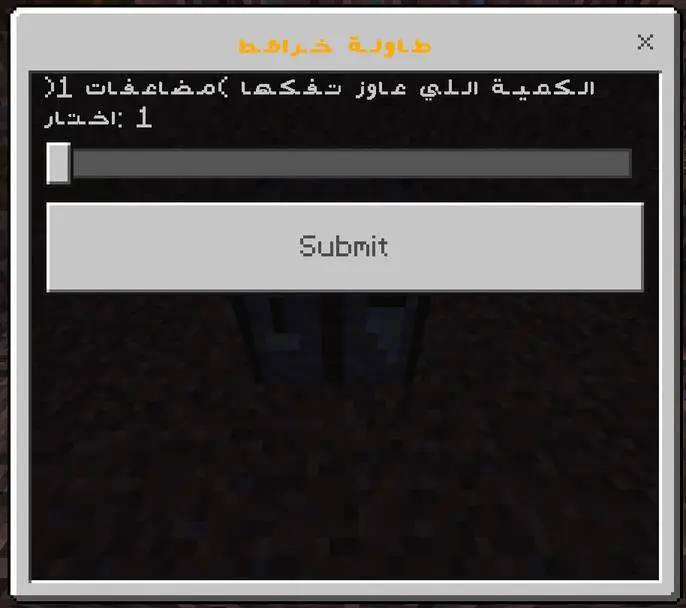
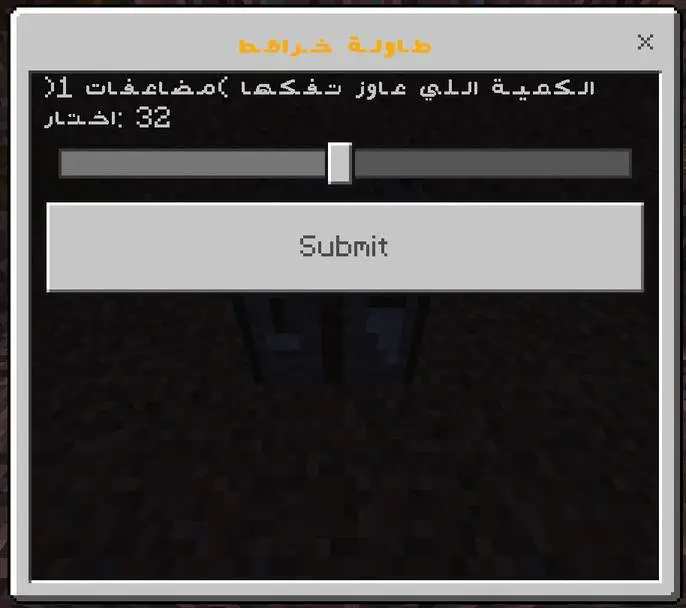
- Uncraft in bulk. When an item can be broken down in batches, a slider lets you pick how many at once instead of tapping over and over.
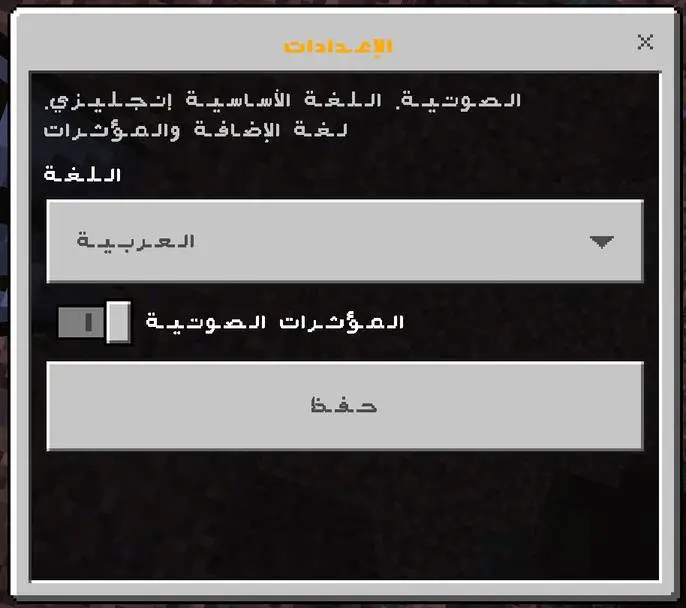
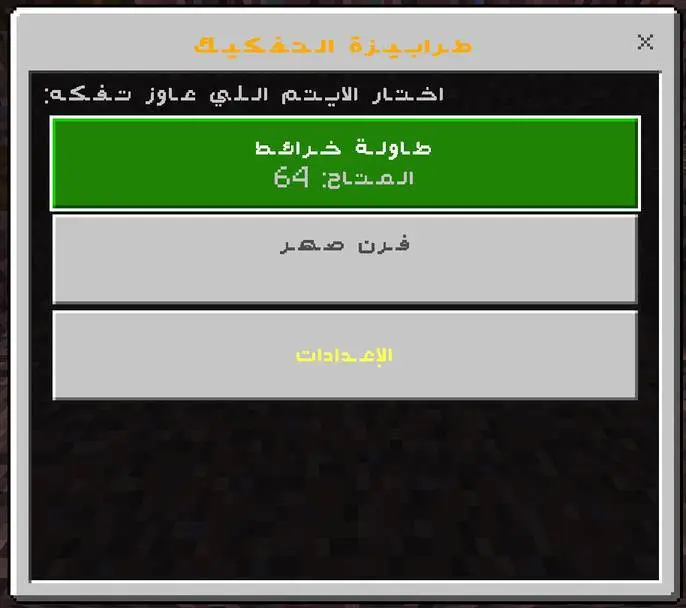
- English and Arabic. The whole interface, including item names, switches language instantly. Your choice is saved per player, so everyone on the server can read the menu in their own language.
- Real sound effects. Custom sounds for opening, confirming, cancelling and errors, with a simple on/off switch if you prefer it quiet.
- No clutter. No settings item taking up an inventory slot. Settings live inside the table itself.
- Version safe. If a material does not exist in your Minecraft version, the addon skips it and tells you instead of deleting your item.
- Multiplayer ready. Works on Realms and servers. Language and sound settings are stored per player.
How to get the table
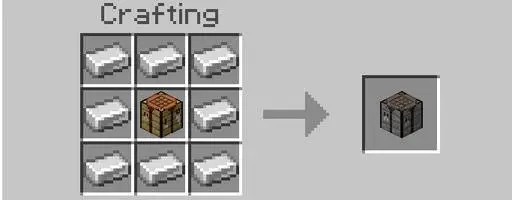
Surround a crafting table with 8 iron ingots in a crafting grid.
How to use it
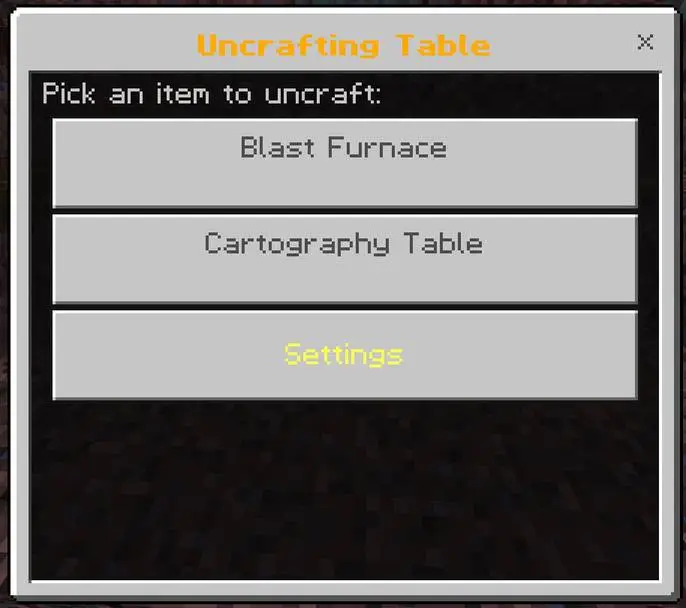
- Place the Uncrafting Table and interact with it.
- The menu lists every item in your inventory that can be broken down, with the amount you are carrying.
- Pick an item, then choose how many to uncraft.
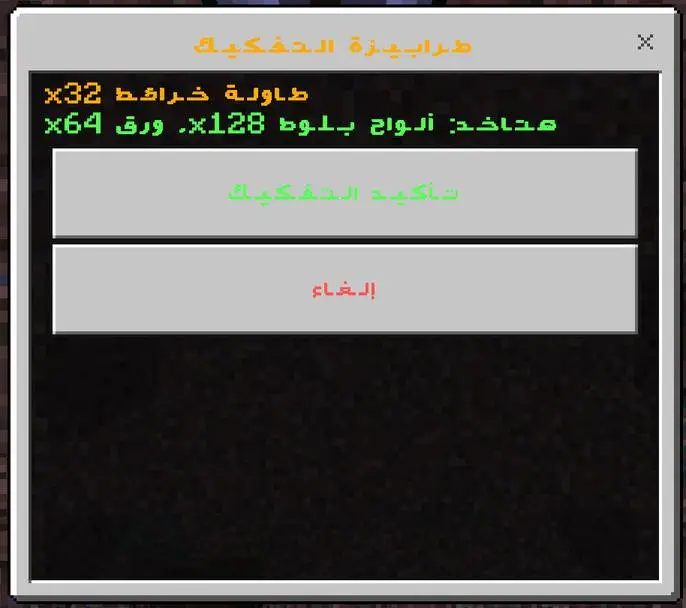
- A confirmation screen tells you exactly what you get back and how many of each.
- Confirm, and the materials go straight into your inventory.
Good to know
- Enchantments are lost when an item is taken apart. The confirmation screen warns you before anything happens.
- Damaged gear returns less. The remaining durability is shown as a percentage.
- Nothing is removed from your inventory until you press Confirm.
Settings
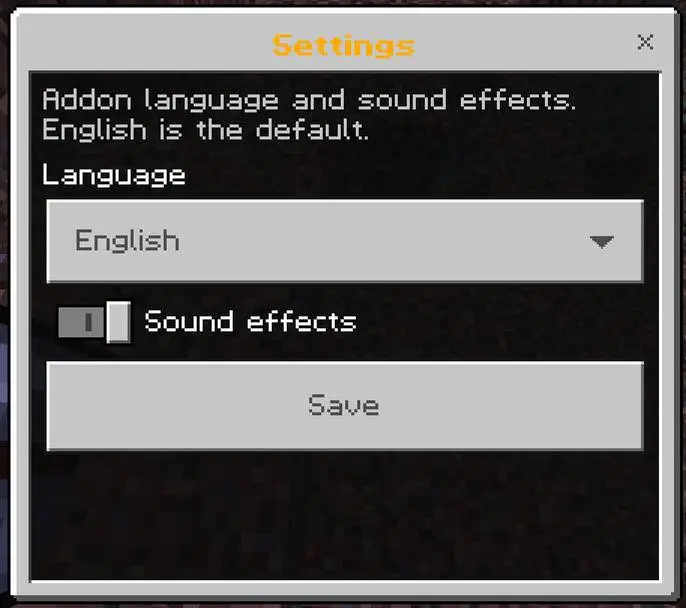
Open the Uncrafting Table and choose Settings. It opens even when you have nothing to uncraft.
- Language – English or العربية. Applies to the whole addon interface.
- Sound effects – on or off.
Press Save and the choice sticks, including after you leave and rejoin the world.
Installation
- Download UnCrafting Table.mcaddon.
- Open the file. Minecraft imports the behavior pack and the resource pack for you.
- In your world settings, activate both packs.
- No experimental toggles needed. The addon runs on the stable Script API.
Requires Minecraft Bedrock 1.26.0 or newer. Windows, Android, iOS, consoles and Realms.
Version 1.0.0
First public release.
- The Uncrafting Table block and its recipe.
- 984 supported items with damage aware returns.
- Bulk uncrafting.
- English and Arabic interface with a saved per player choice.
- Custom sound effects with an on/off switch.
Credits and permissions
Made by Youseef-Tools & IgnisMod.
- Please do not reupload the addon to other download sites.
- Videos and reviews are very welcome. A link back is appreciated.
Found a bug or an item that will not break down? Leave a comment with the item name.