

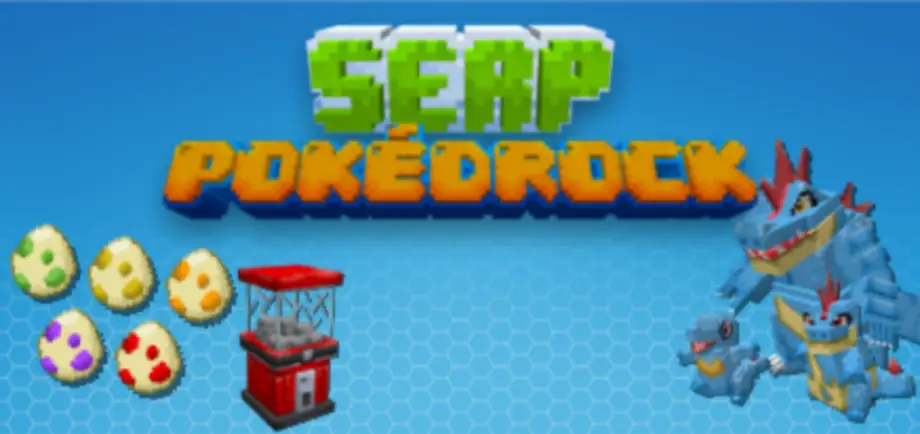
SERP Pokédrock (Pokémon Addon) || 1.32.6 Pasture & Nature Bugfix Update
 Go to files

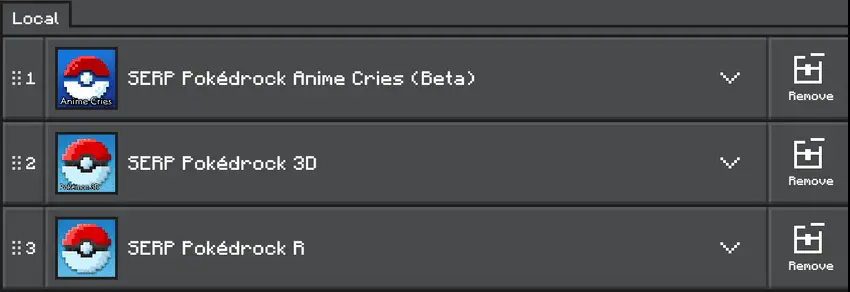
FOLLOW THE CORRECT RESOURCES ACTIVATION ORDER
You can see the changelog and other explainations with officer Jenny
Getting Started
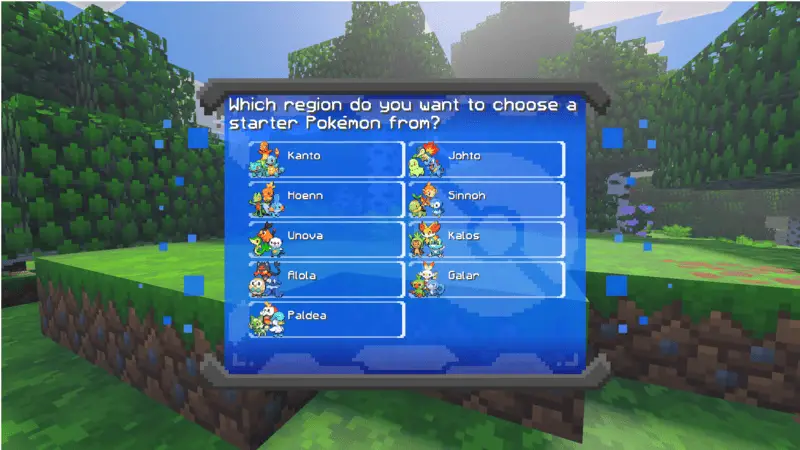
To start a new game, enter in your world, choose your favorite region and your favorite starter Pokémon. Then you will receive your starter a beginner kit and 2 charges for your Pokévial. You can use the command "/pokereset @s" to reset your data if you want to start again or if you want to update or fix important bugs.
Pokémon Center
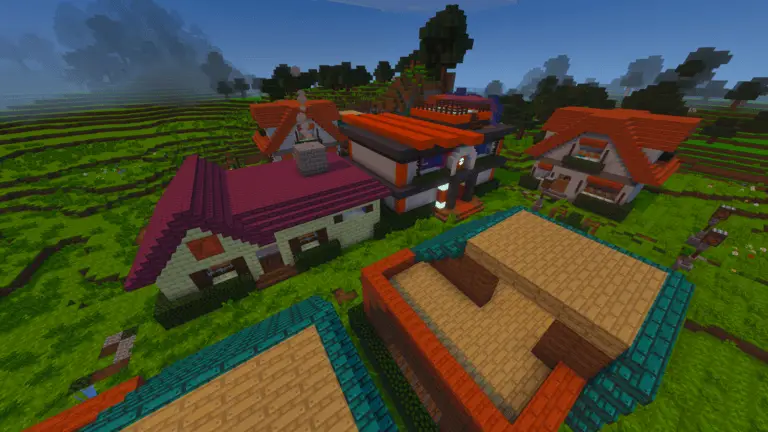
The Pokémon center will be the most important structure of your adventure. It appear in the plains and the desert, there you will find everything you need to improve your gaming experience
Battle System
The battle system has many improvements, it is the same as the original games. It has mega evolutions, Dynamax and its own mechanic called "boost" that consumes experience to raise all stats by 3 turns!
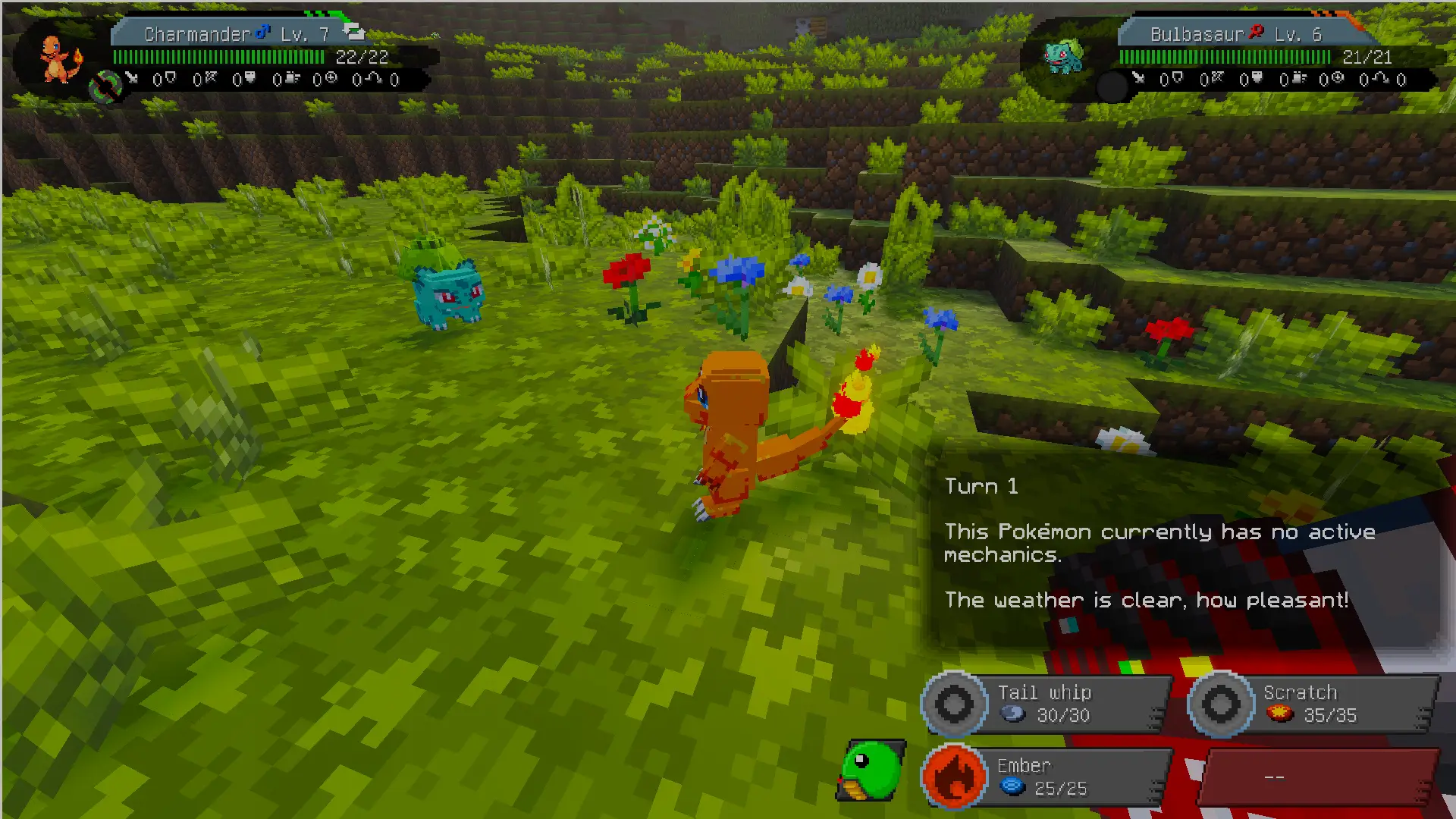
You can start a battle throwing your Pokémon (crouching and opening your menu) to a wild Pokémon or approaching a trainer


Basic interactions with your Pokémon
- You can use your Pokédex to test your Pokémon's mount and evolutions. Some Pokémon evolve by item interaction or trading. ALL evolution methods are in the Pokédex, so check it regularly.
Grazing Functions
The PC now has a new button that lets you send your Pokémon out to roam around. With this function, your Pokémon will heal a little HP, increase their friendship, and attack nearby monsters! Look for the new "pasture" PC box and choose an action between returning it to the party or the PC.

Pokémon Eggs
Each egg offers different odds of obtaining better Pokémon, but the incubation is more likely to fail if the egg is rarer.

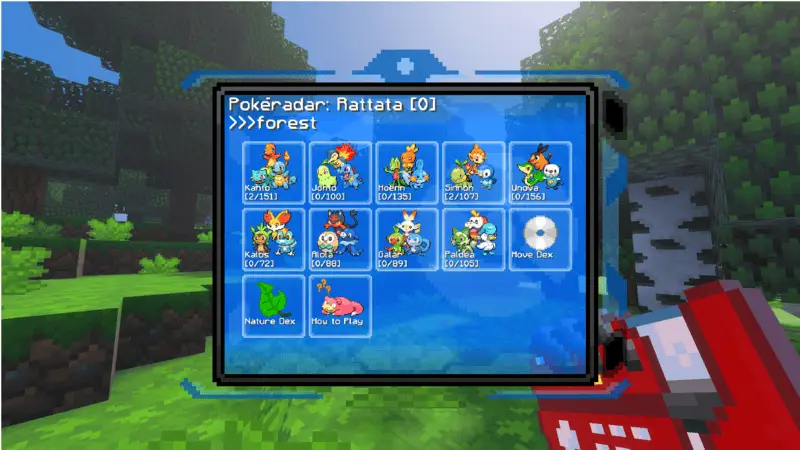
Pokéradar & Biome Detector
The Pokéradar is a new feature that lets you search for Pokémon near you. In addition, the Pokédex now includes a biome detector to help you find specific Pokémon.
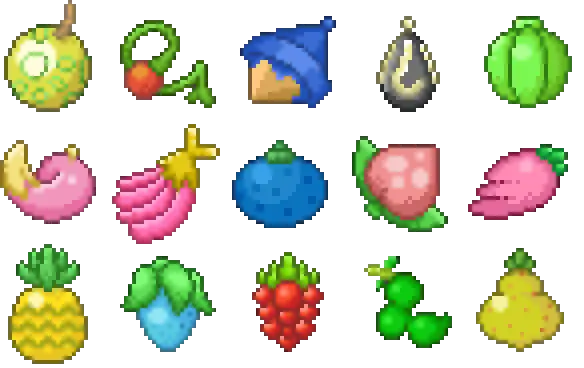
Berry & Apricorn Plants
Berry plants will appear in Pokévillages. You can plant new berries with their seeds, there are some recipes you can make with them!
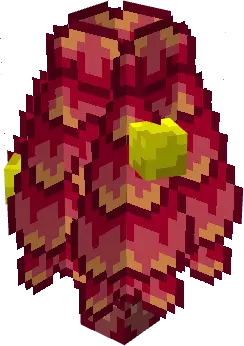
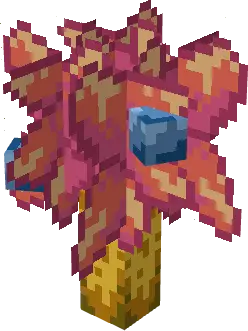
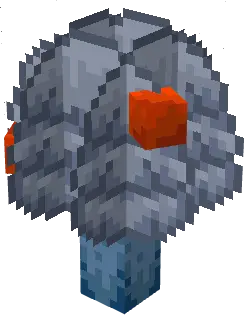
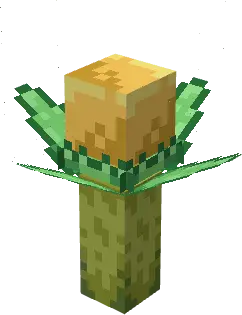
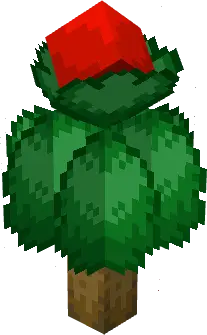
Apricorn plants will appear over the world. With its fruit you can create some Pokéballs!
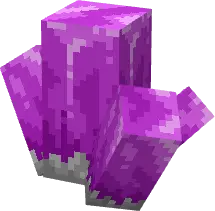
Ores & Mining
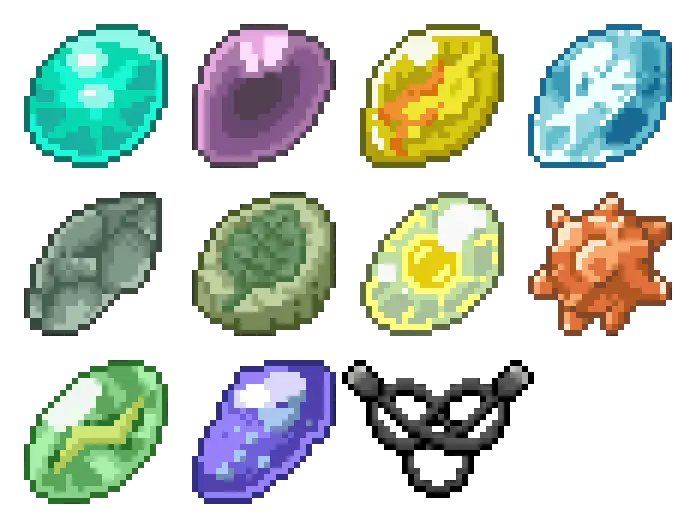
When mining you will find some ores that will contain evo stones, mega stones, key stones or wishing stars. It will help you progress in your adventure and get improvements
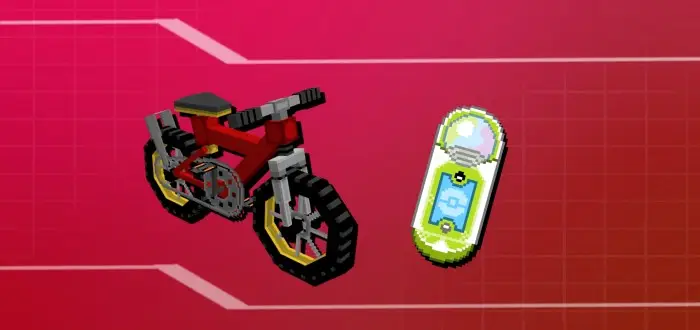
Transportation
Now the Bike and the Ride pager can be obtained in the Game corner. It will serve as transport to reach more difficult or high places, also to explore more easily.
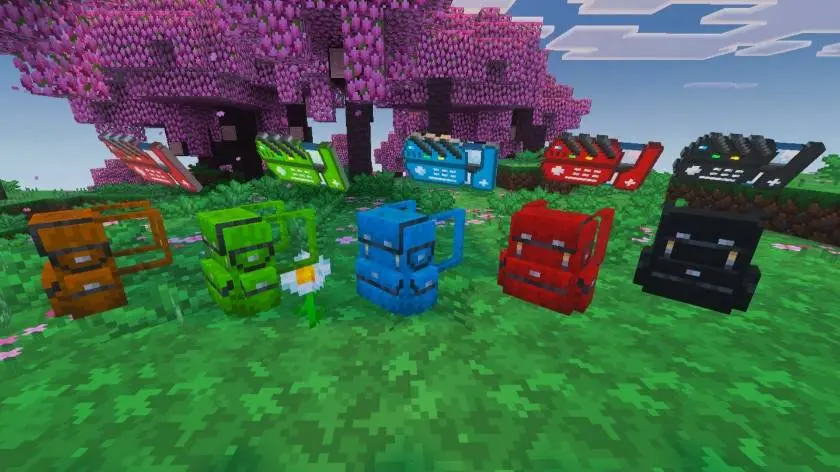
Backpacks & Customization
Now you can use backpacks! They function as a Bundle, but you can wear them in the chestplate slot and it give you armor.
You can also paint your Pokédex and Backpack!
Updated on August 19
- Everstone added
- Casino bug fixed
- Elixir bug fixed
- Pasture function bug fixed
- Level cap improved
- Move interface improved
- Stat change sound restored
- Some visual effects improved
- Some translations fixed
- Minor bug fixes
- Totodile, Croconaw, and Feraligatr have been redesigned
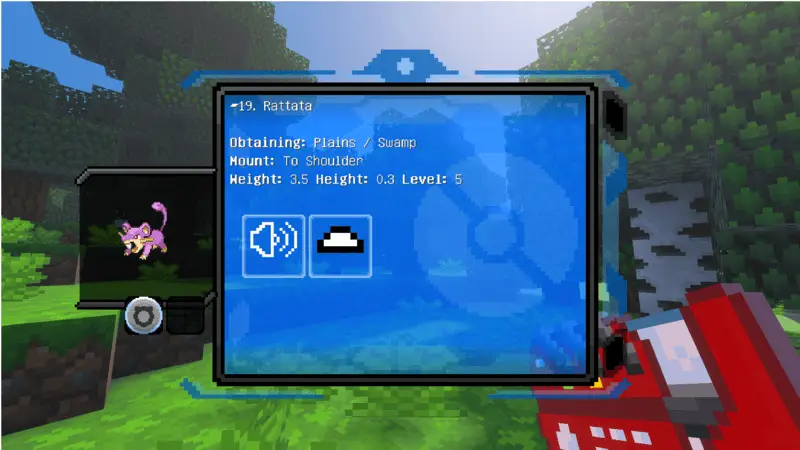
- You can now view wild Pokémon information using your Pokédex
- There is now a greater variety of Pokémon Eggs
- Combat improvements have been added; various abilities are now enabled, and you can now save your Mega Evolution
- A visual bug involving berries has been fixed
- A bug involving held items has been fixed
- The Pokereset command has been fixed
- The Pokestarter command has been fixed
- Trading has been fixed
- More optimization
- Minor bug fixes
- Quests were added
- Mints were added
- Gacha machine was added
- Exp. Candies were added
- Level cap was added
- Now, plants can spawn around the world
- New designs for held items
- Now, your Pokémon can hold almost every item in game
- Better Summary Hud
- Better Battle Hud
- Now, gyms are more common in Pokévillages
- Better Apricorns designs
- Better Poké Ore design



![Thumbnail: More Armor Weapons Tools and Swords Items Mod! – 𝗠𝗶𝗻𝗲𝗰𝗿𝗮𝗳𝘁 𝗙𝗼𝗿𝘁𝗶𝗳𝘆 𝗥𝗲𝘄𝗼𝗿𝗸𝗲𝗱 [v1.0.2] [New Mods New Addons Update!] [Compatible with any Addon!]](/uploads/posts/2025-02/b0534b5772_minecraft-fortify-cover.webp)
