
Copy link
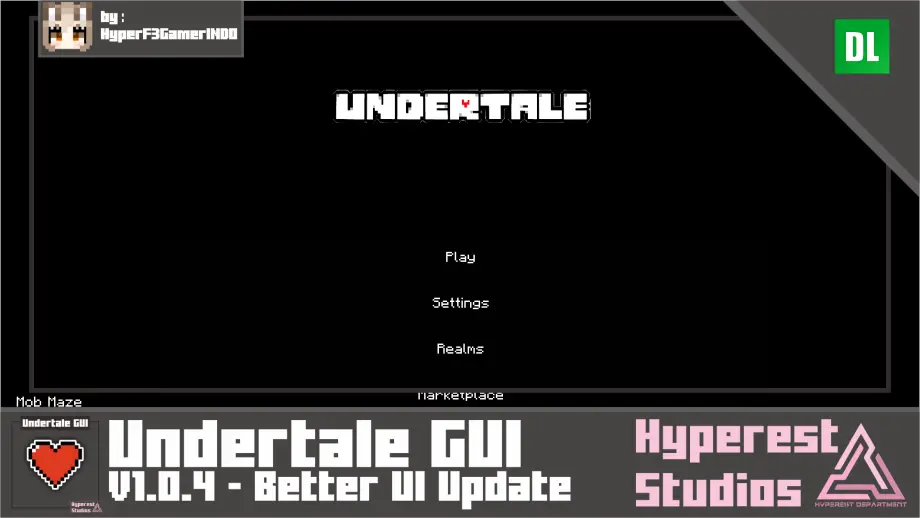
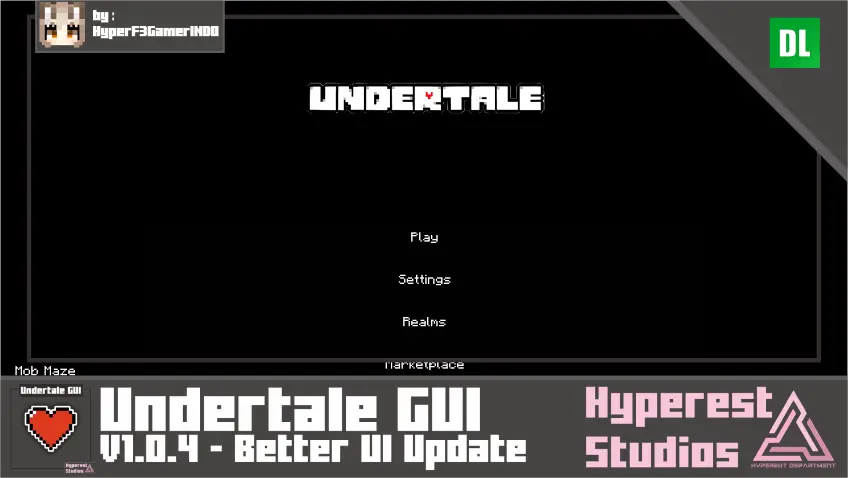
Undertale GUI | v1.0.4 Better UI Update
 Go to files
Hi there Undertale fans! I want to bring you to the old gold days of Undertale, and I made this Undertale themed GUI in Minecraft now! I hope you enjoy it :)

Basic Information
Undertale GUI Specifications
Content that changed:
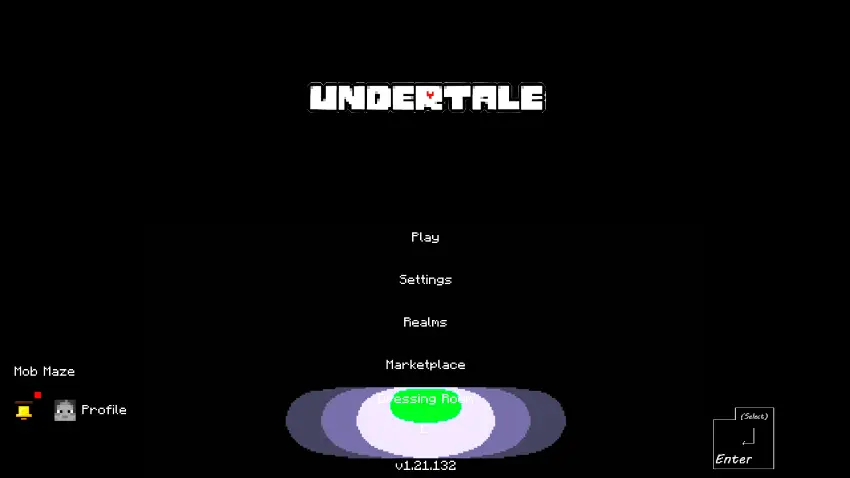
- Start Screen
- Settings
- Play Screen
- Add server
- Loading Screen
- Inventory
- Pause Screen
- Dressing Room
- Hud
Undertale GUI Visual
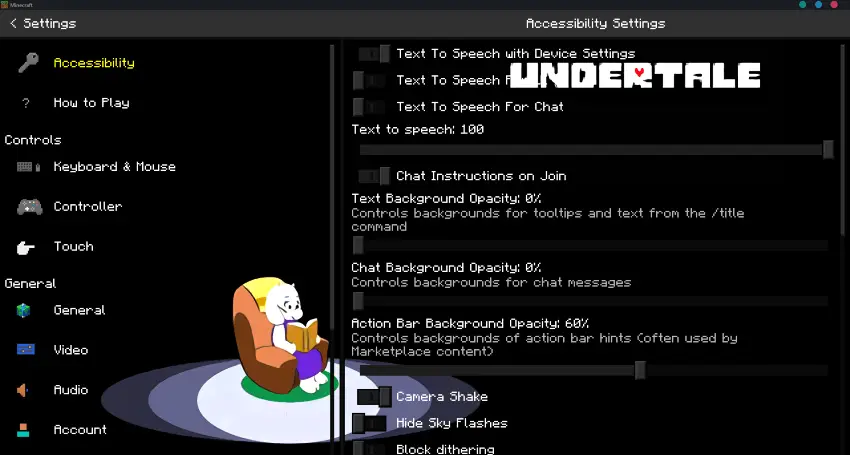
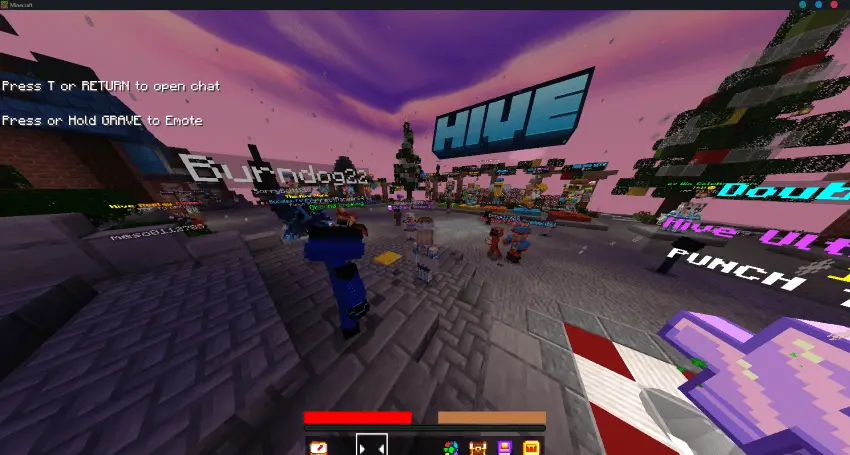
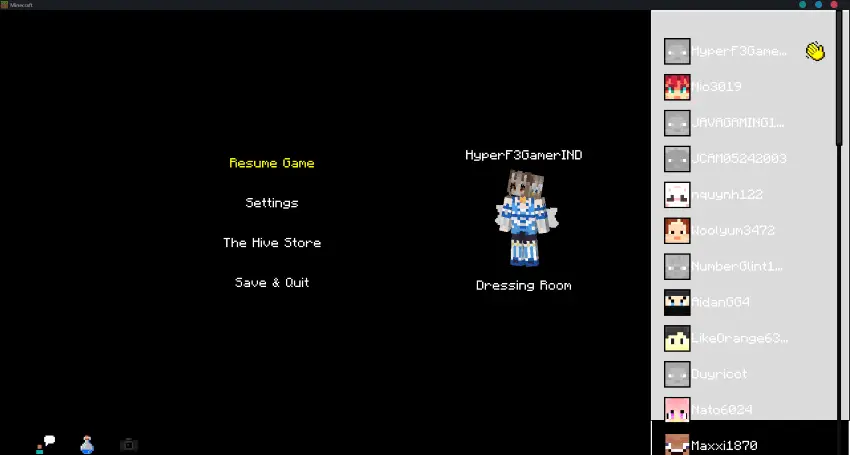
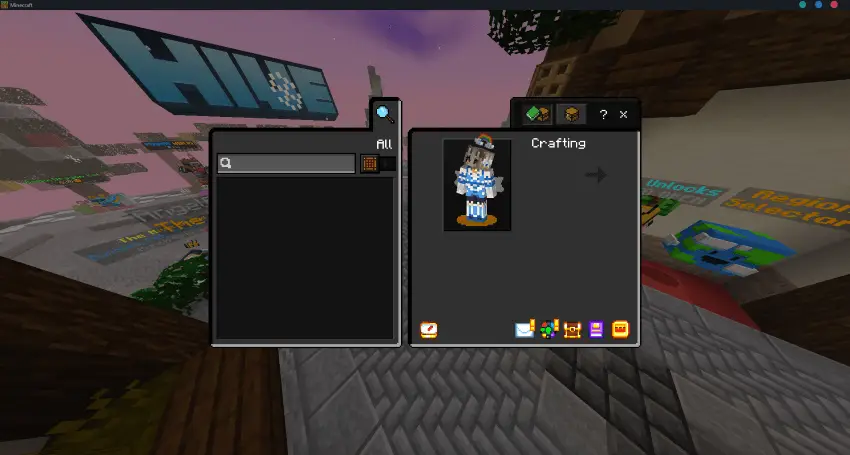
Video
Note
- BUG KNOWN: Marketplace Crashing, there is a Letter E at bottom of Start Screen, E.

Join our Discord and submit your ideas!
Visit website for more info about this addon!
If you are content creator, please use MCPEDL, ModBay or Planet Minecraft link if you want to share it, do not relink or use direct link to Mediafire! Do not upload to another websites or applications without my permission.
You can modify this pack for yourself only.
Updated on January 11, 2026
- 🔼 Updated List 🔼
- Re-adapt to 1.21.100 Minecraft Version.
- Inventory.
- ✅ Added List ✅
- ❌ Removed List ❌
Supported versions
Tags