Copy link
bsl legacy shader
 Go to files
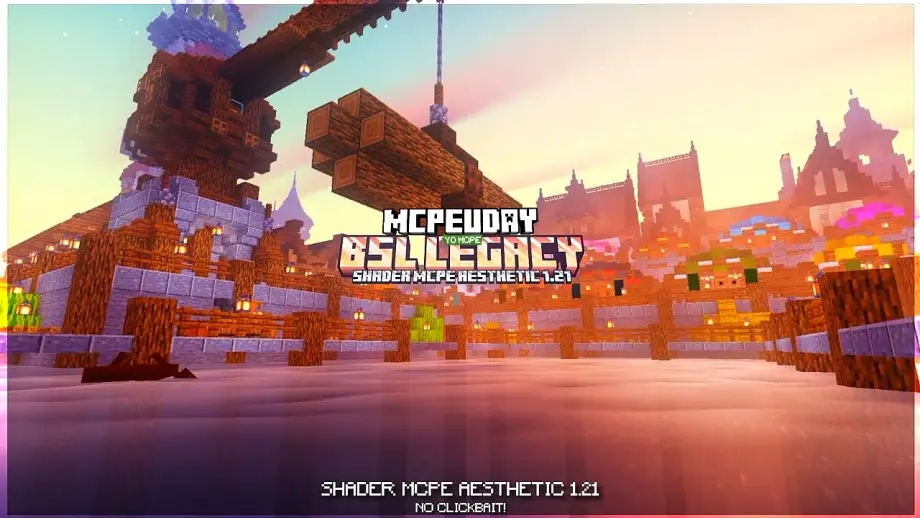
BSL Legacy Shader is a refined shader pack for Minecraft Java Edition that preserves the original BSL visual style while removing unnecessary performance-heavy effects. It is built for stability, compatibility, and long-term usability.
Key Features of BSL Legacy Shader
🌤️ Realistic Lighting System
- Natural sunlight and moonlight
- Smooth ambient lighting
- Balanced brightness for caves and nights
🌊 Enhanced Water Effects
- Clear and reflective water
- Realistic wave motion
- Improved underwater visibility
🌿 Improved Colors & Atmosphere
- Vibrant yet natural color tones
- Better grass, leaves, and foliage shading
- Cinematic sky gradients
🌑 Soft Shadows
- Smooth shadow transitions
- No harsh or pixelated edges
- Performance-friendly shadow rendering
⚙️ High Performance Optimization
- Designed for low and mid-end PCs
- Stable FPS in survival and multiplayer
- Reduced GPU load compared to modern shaders
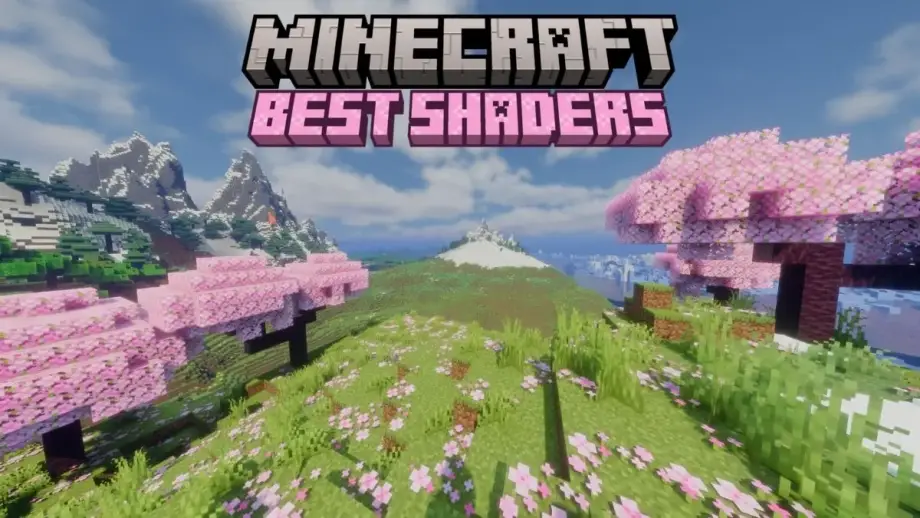
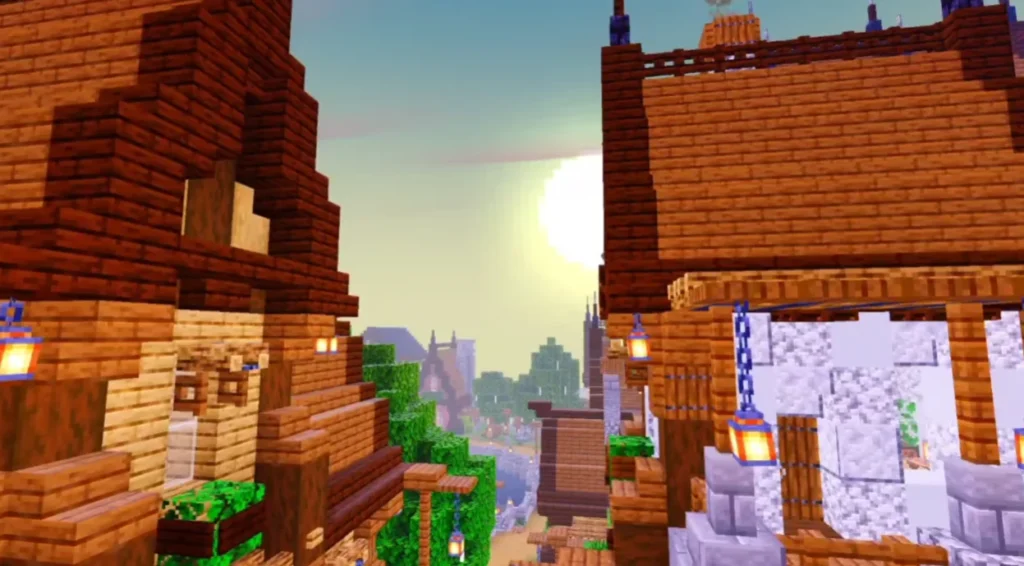
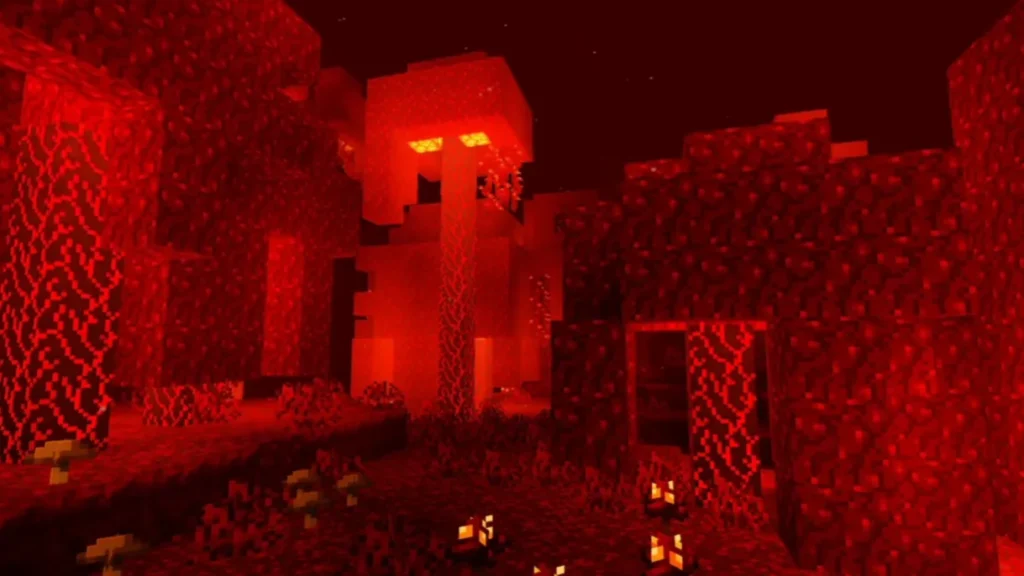
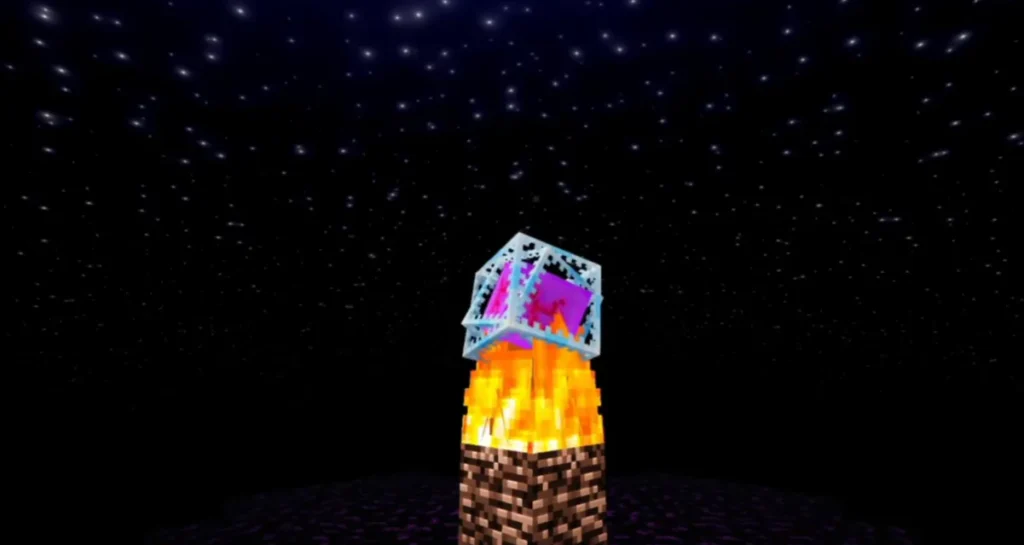
Screenshots:


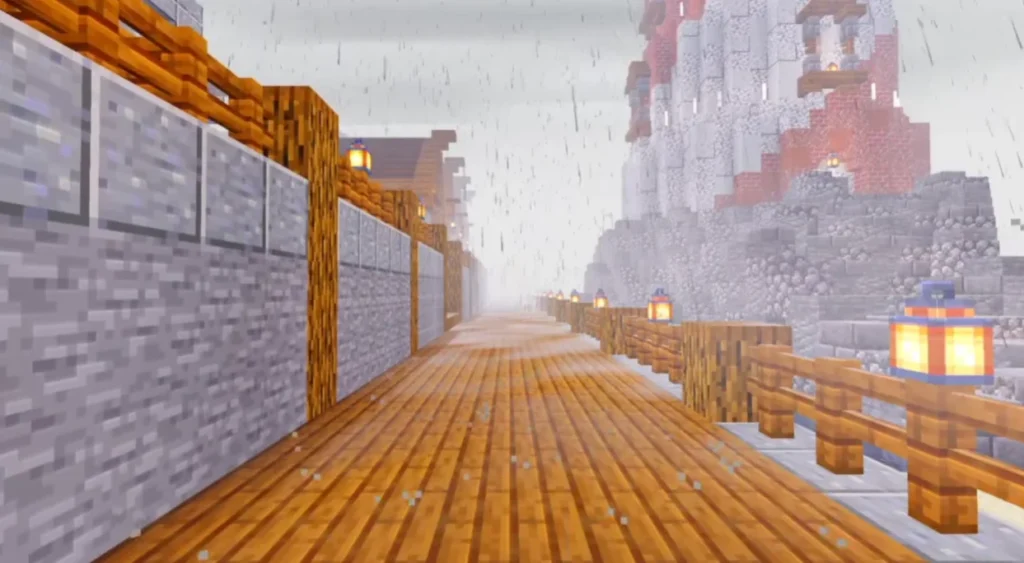
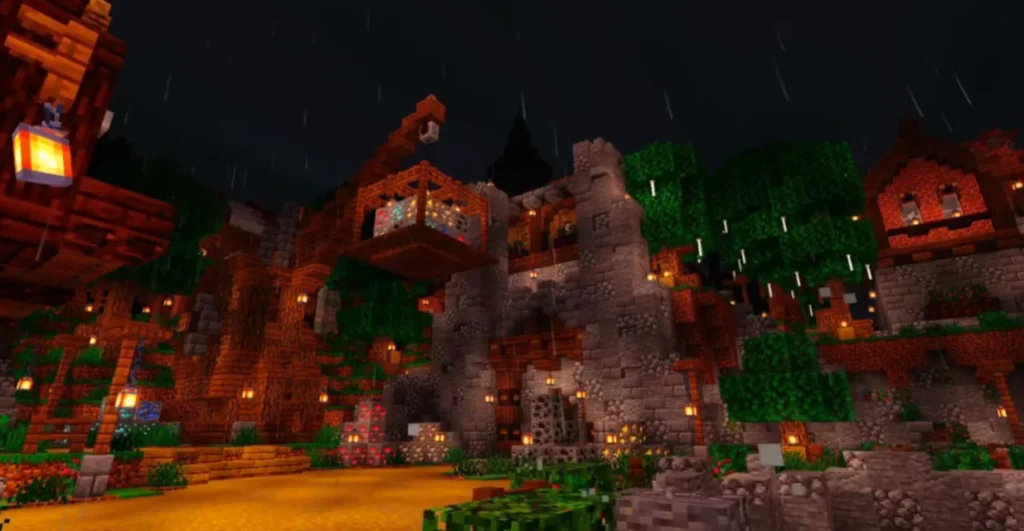
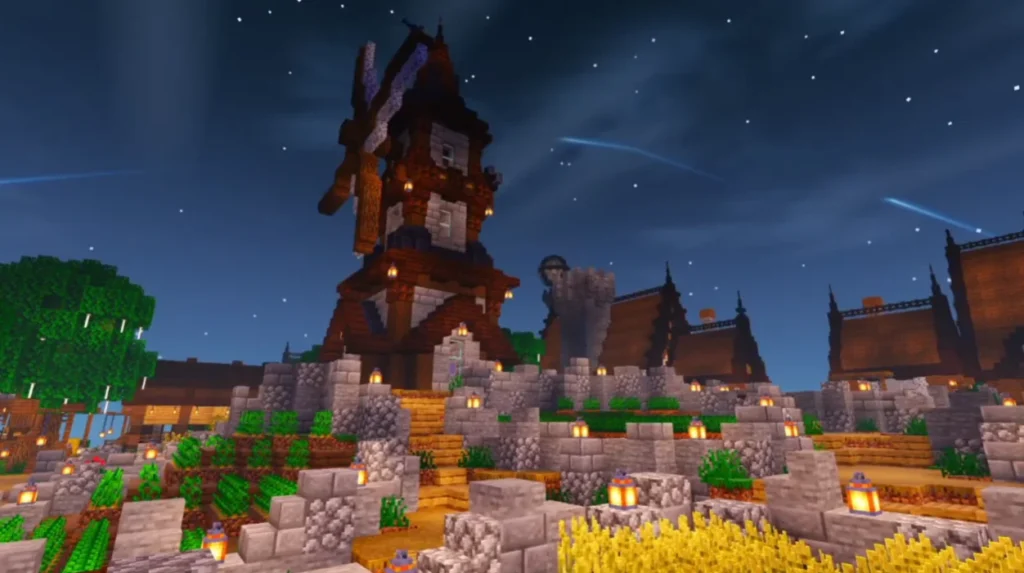
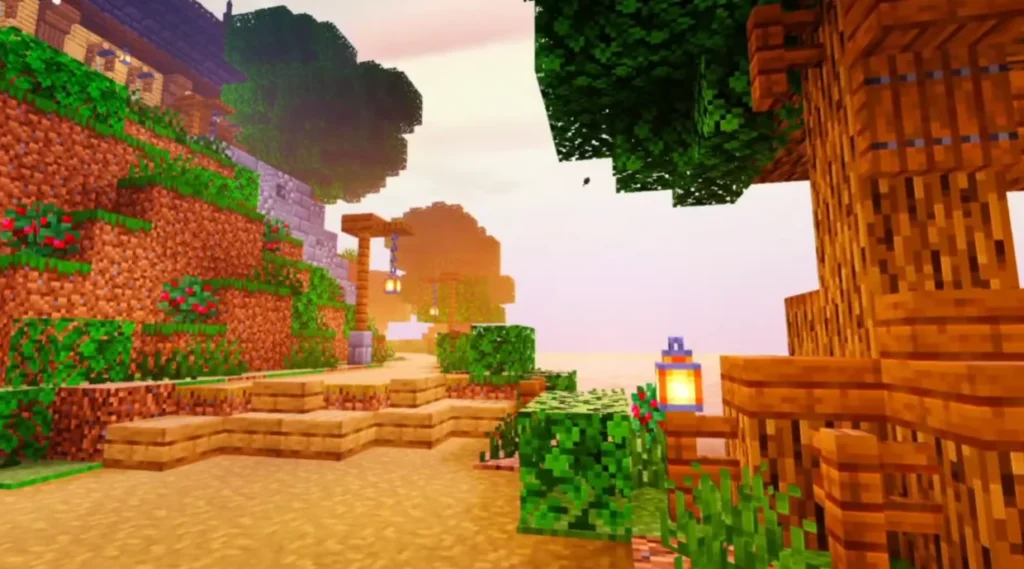
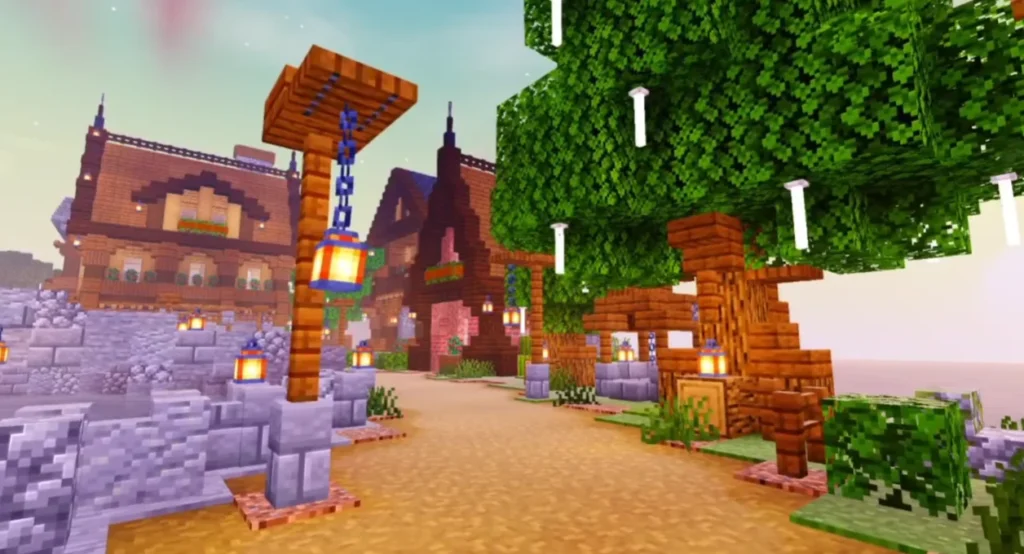
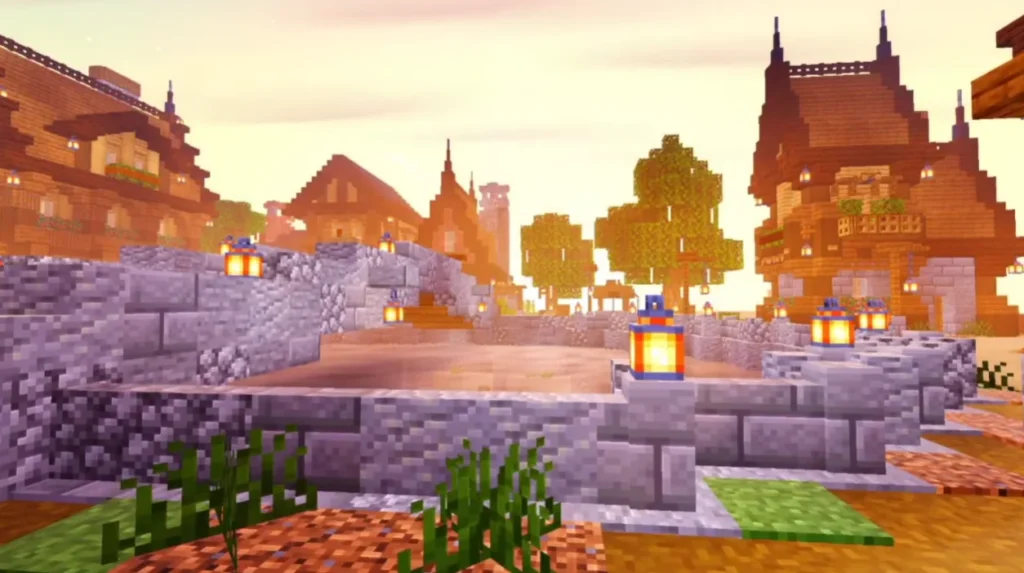
Compatibility & Requirements
✔ Supported Versions
- Minecraft Java Edition
- Works best with Minecraft 1.16 – latest versions
✔ Required Tools
- OptiFine OR Iris Shader Loader
- Java installed on your system
✔ Recommended System Specs
- GPU: Integrated or dedicated (2GB VRAM recommended)
- RAM: 4GB or higher
- CPU: Dual-core or better
How to Install BSL Legacy Shader (Step-by-Step)
- Download and install OptiFine or Iris Shader Loader
- Launch Minecraft once to generate shader folders
- Download the BSL Legacy Shader (.zip file)
- Open Minecraft → Settings → Video Settings → Shaders
- Click Shaders Folder
- Paste the shader file into the folder
- Select BSL Legacy Shader and apply
Your game will now load with enhanced visuals.
Performance Tips for Best FPS
- Reduce shadow resolution in shader settings
- Disable motion blur if enabled
- Use lower render distance
- Turn off unnecessary visual effects
These tweaks ensure smooth gameplay even on weaker systems.
Download links
Supported versions
Tags