Nova Bloom Shader
 Go to files
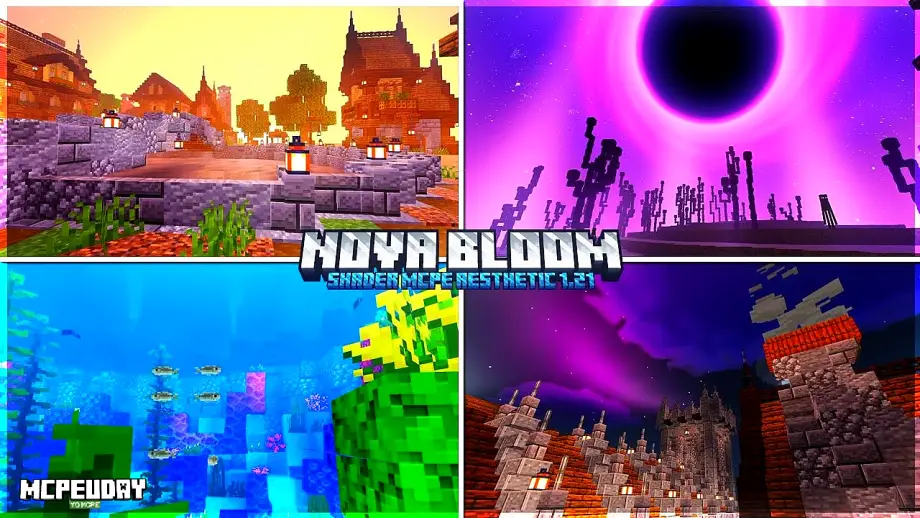
Nova Bloom Shader is a lightweight yet powerful Minecraft shader designed to improve the game’s visuals without sacrificing performance. It focuses on natural lighting, soft bloom, realistic shadows, and color-balanced environments, making Minecraft worlds feel more alive and immersive.

Unlike heavy shaders that require high-end GPUs, Nova Bloom Shader is optimized for both low-end and high-end systems, making it a popular choice among Minecraft players who want beauty and performance together.
✨ Key Features of Nova Bloom Shader
🌤️ Realistic Lighting System
Nova Bloom Shader introduces advanced lighting that reacts naturally to the sun, moon, and torches. Days feel brighter, and nights feel atmospheric but not overly dark.
🌸 Smooth Bloom Effects
The shader adds a subtle bloom effect that enhances light sources like lava, glowstone, and sunlight reflections without overpowering the visuals.
🌊 Enhanced Water Reflections
Water looks cleaner and more realistic with gentle reflections and improved transparency, especially during sunrise and sunset.
🌳 Improved Shadows
Soft, dynamic shadows move naturally with the sun and add depth to terrain, trees, and structures.
🚀 Performance Friendly
One of the biggest advantages of Nova Bloom Shader is its low resource usage, allowing smooth gameplay even on weaker devices.
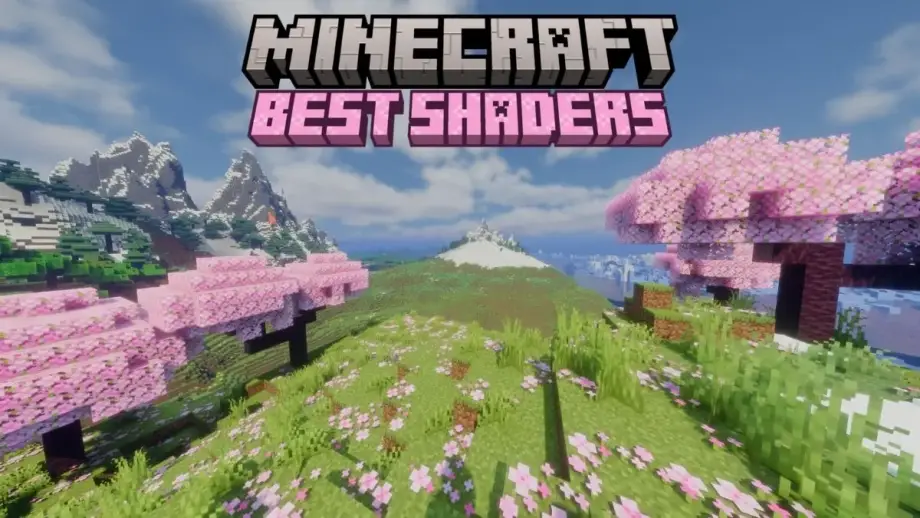
Screenshots:


🖥️ Compatibility & Requirements
- Minecraft Version: Bedrock Edition / Java (OptiFine required for Java)
- Supported Devices: PC, Laptop, Android (Shader-supported launchers)
- GPU Requirement: Low to Medium
- Recommended RAM: 4GB or higher
📥 How to Install Nova Bloom Shader
For Minecraft Java Edition:
- Install OptiFine for your Minecraft version
- Download the Nova Bloom Shader file
- Open Minecraft → Options → Video Settings → Shaders
- Click Shaders Folder
- Paste the shader file
- Select Nova Bloom Shader and apply
For Minecraft Bedrock Edition:
- Download the shader/addon file
- Open it with Minecraft
- Activate it from Global Resources or World Settings
🎮 Why Choose Nova Bloom Shader?
Nova Bloom Shader is perfect for players who want:
- Cinematic visuals
- Smooth gameplay
- No heavy lag
- Clean and modern shader effects
It’s especially ideal for survival players, builders, and content creators who want visually appealing worlds without technical issues.
🆚 Nova Bloom Shader vs Other Shaders
Compared to heavy shaders like SEUS or BSL, Nova Bloom Shader focuses more on balance. It may not be extremely realistic, but it delivers consistent beauty with much better performance.