Newb X Ale Renewed Shader
 Go to files
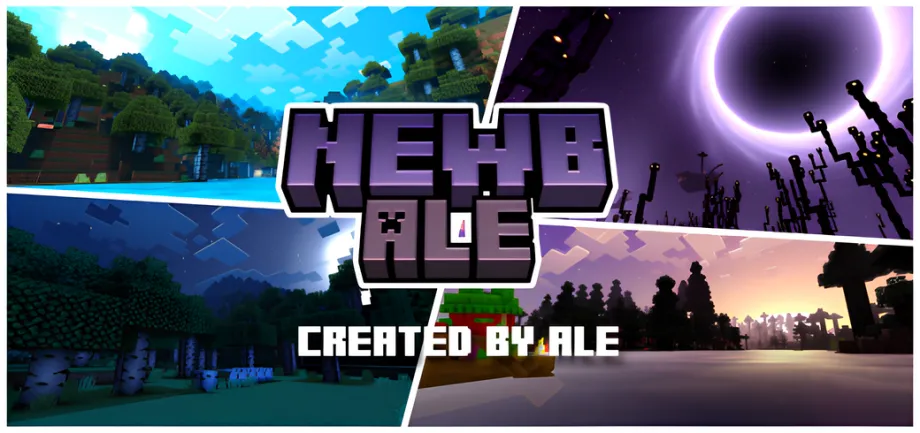
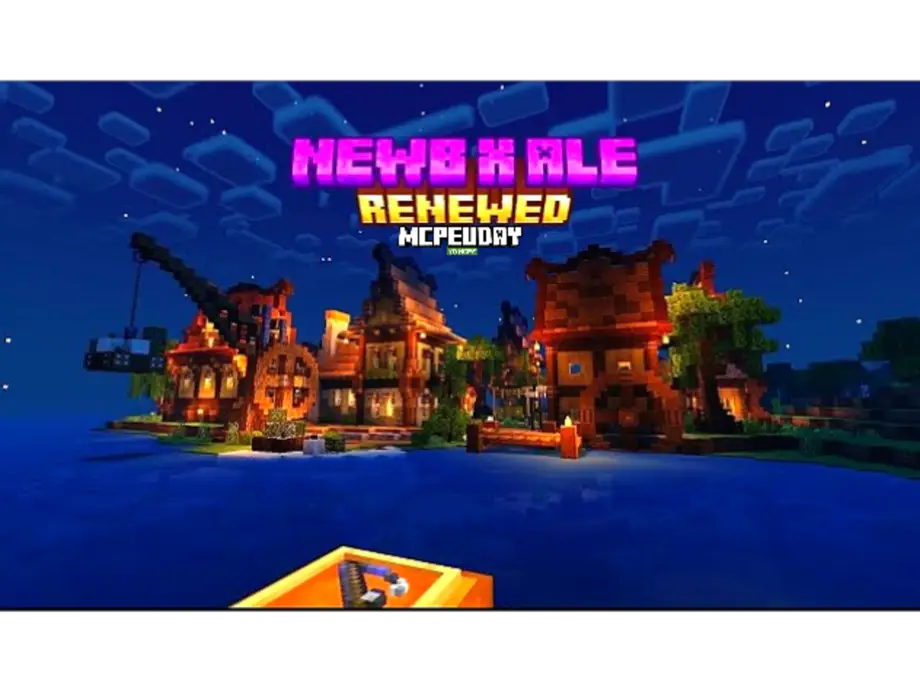
Newb X Ale Renewed Shader is a refined and updated shader pack for Minecraft Bedrock Edition. It is inspired by simplicity and performance, making it ideal for players using low-end or average devices.

The “Renewed” version introduces smoother lighting transitions, better color balance, and optimized effects that work well across multiple Minecraft versions.
Key Features of Newb X Ale Renewed Shader
Enhanced Lighting System
- Soft sunlight with natural brightness
- Improved night lighting for better visibility
- Smooth light transitions during sunrise and sunset
Realistic Water Effects
- Clear and reflective water surfaces
- Improved underwater visuals
- Natural water movement and color blending
Improved Sky & Clouds
- Dynamic sky colors
- Better cloud rendering
- More immersive weather atmosphere
Natural World Colors
- Balanced saturation for grass, trees, and leaves
- Realistic tone mapping
- No over-bright or washed-out textures
High Performance & FPS Friendly
- Optimized for MCPE and Bedrock
- Runs smoothly on low-end devices
- No heavy GPU load
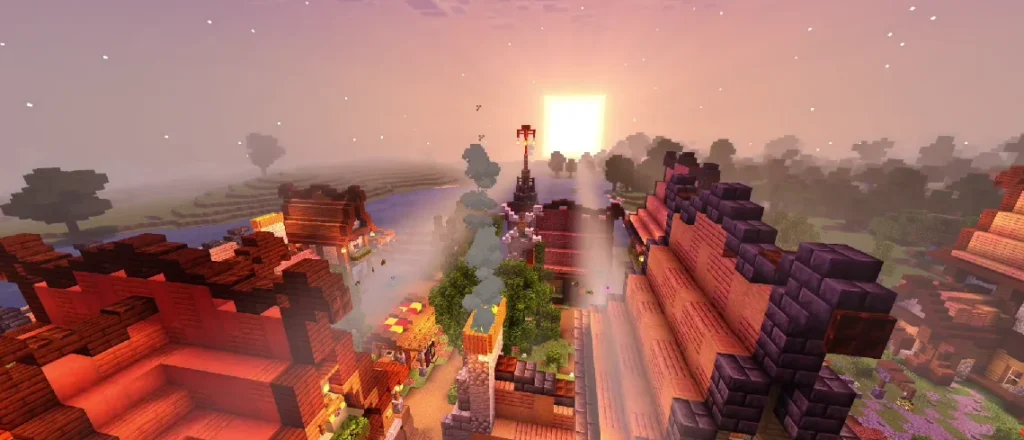
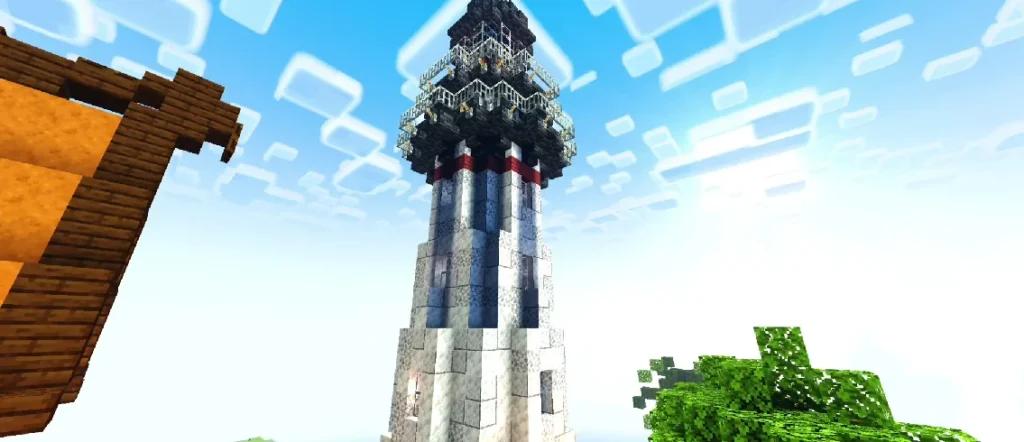
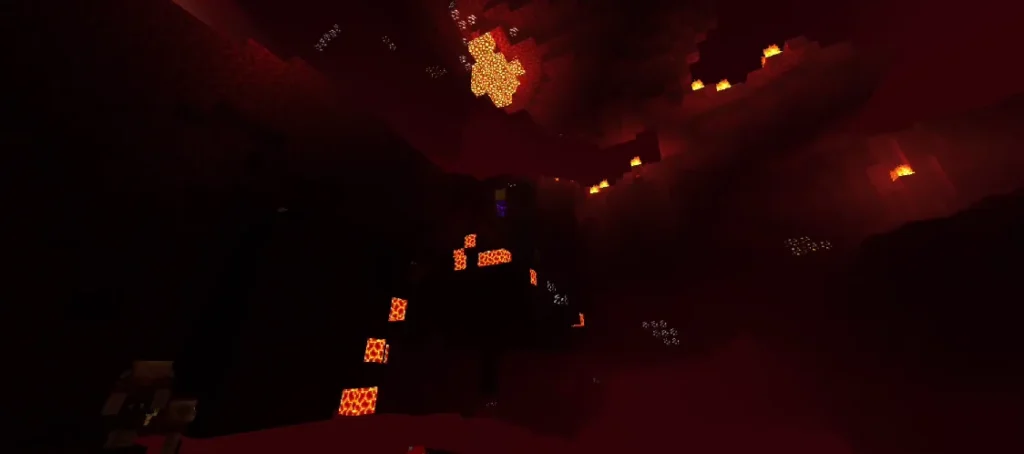
Screenshots:
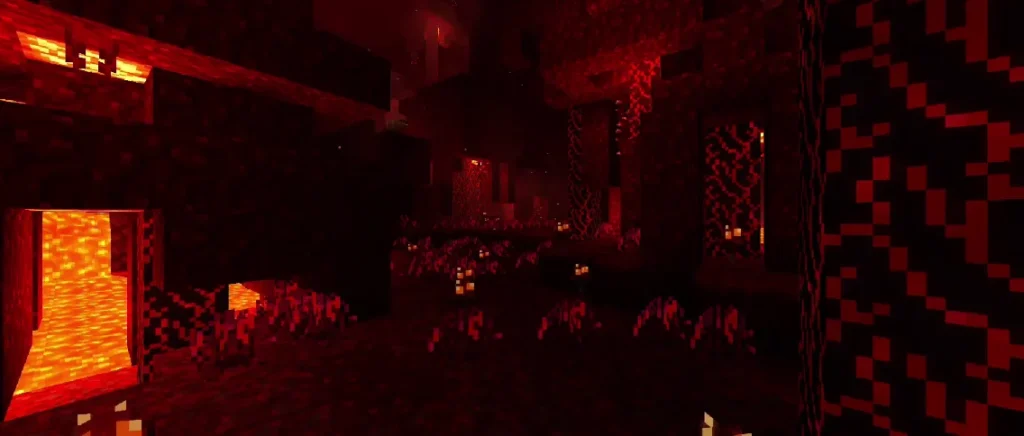
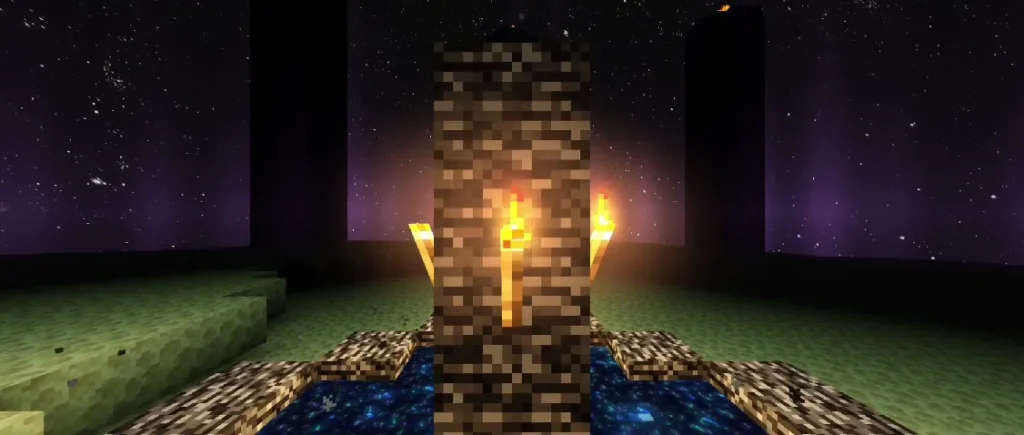
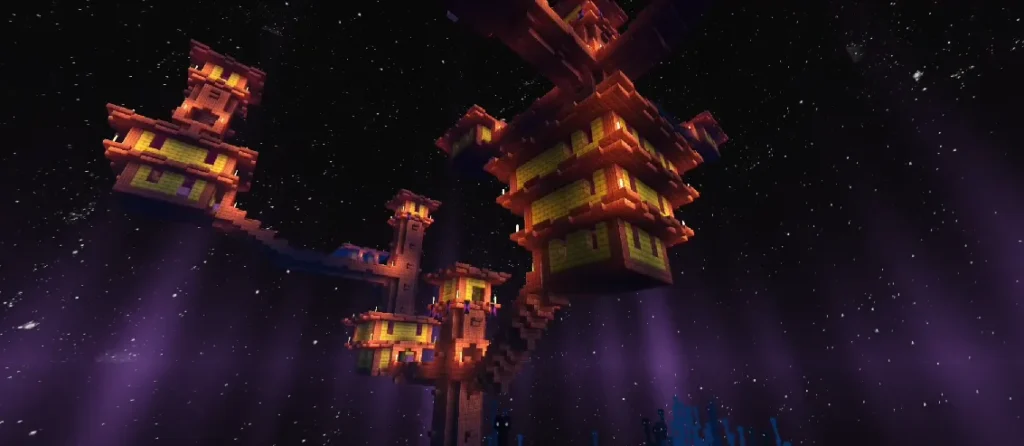
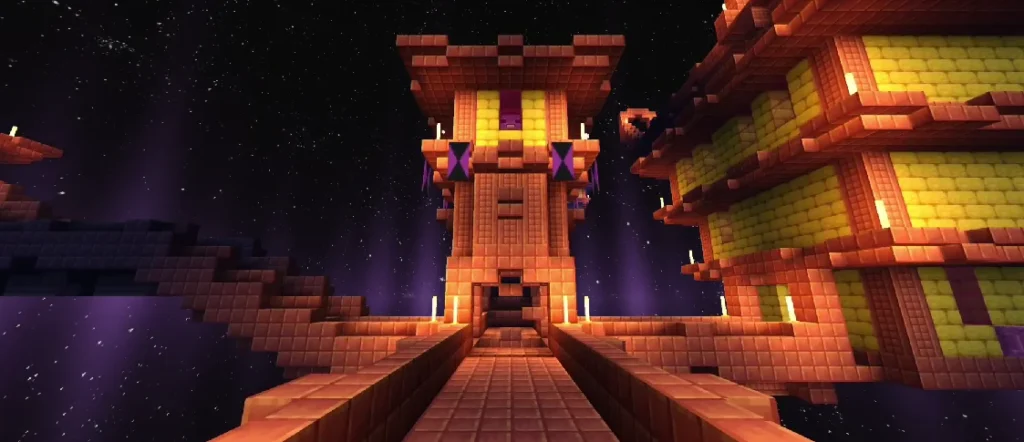
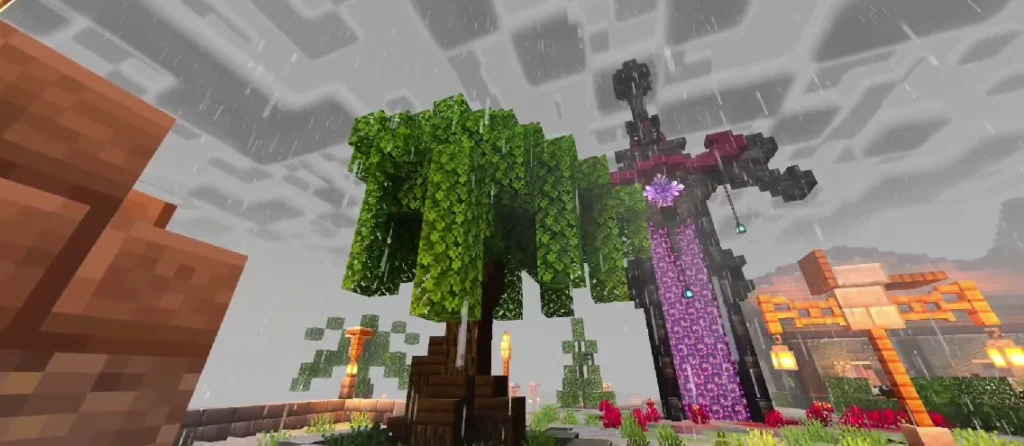
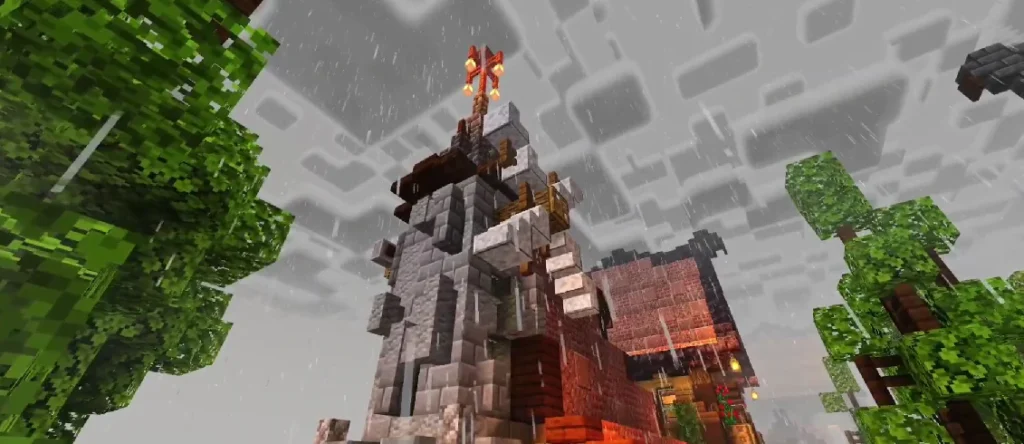
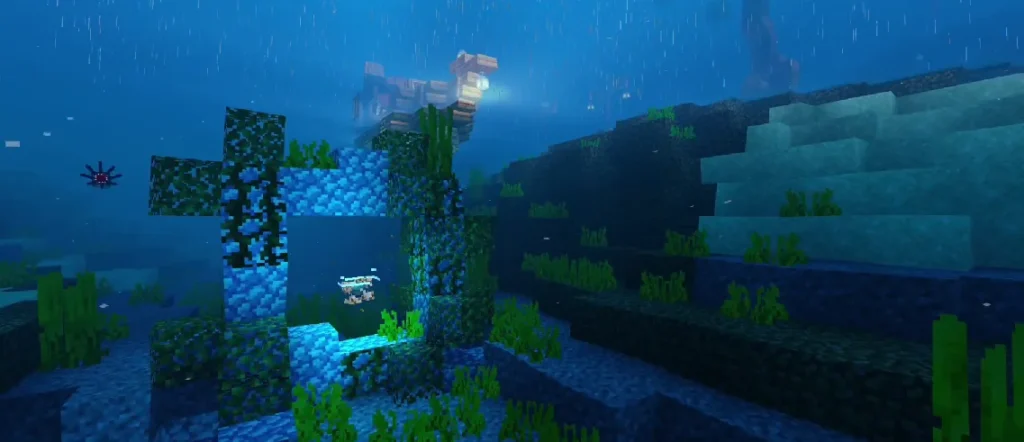
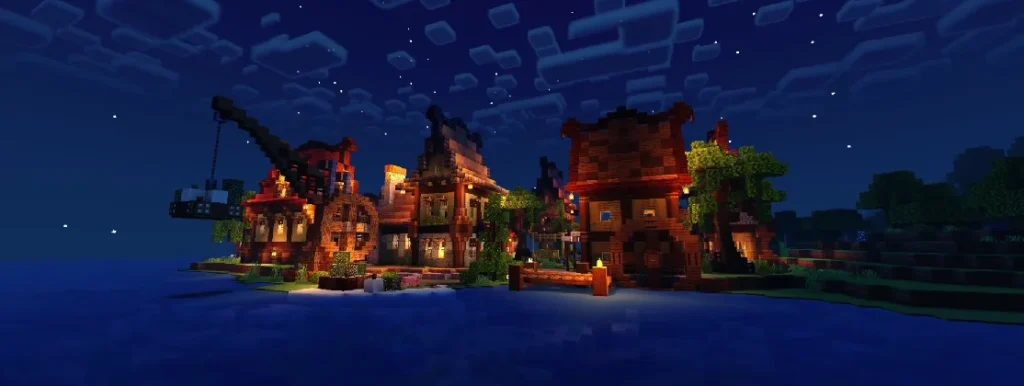
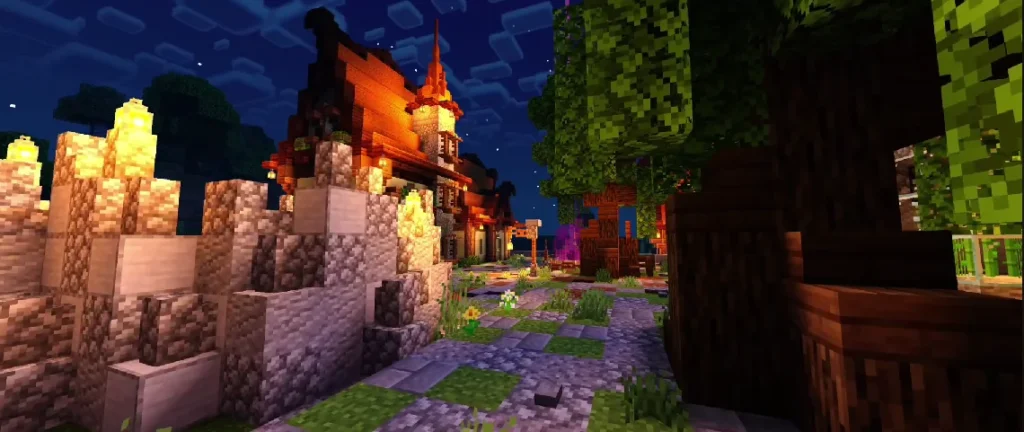
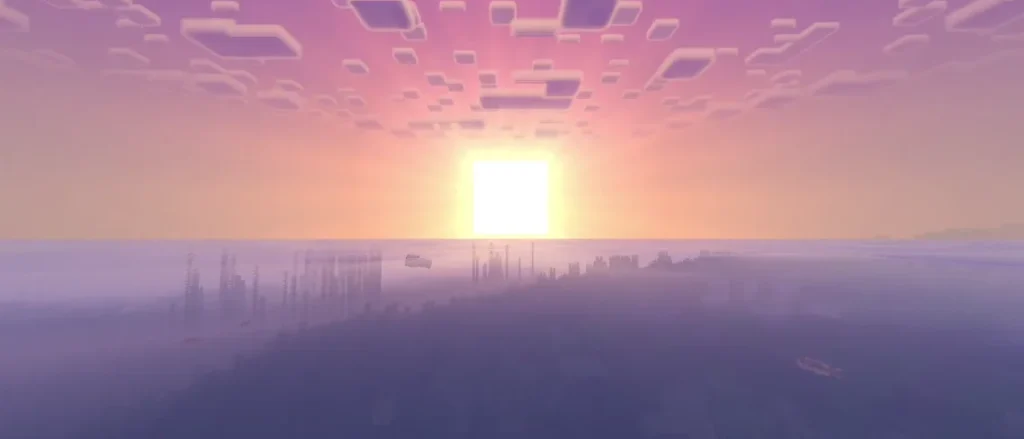
Why Choose Newb X Ale Renewed Shader?
Many Minecraft shaders focus only on graphics, ignoring performance. This shader is different.
Advantages:
- Lightweight and stable
- No major lag or crashes
- Works with most texture packs
- Perfect for survival gameplay
- Compatible with multiplayer worlds
If you want visual improvement without turning Minecraft into a laggy experience, this shader is a perfect choice.
Compatibility & Requirements
Supported Platforms
- Minecraft Bedrock Edition
- Minecraft Pocket Edition (Android / iOS)
- Windows 10/11 Bedrock
Supported Versions
- Works on most recent Minecraft Bedrock versions
- Optimized for Render Dragon limitations
Device Requirements
- Low to mid-range devices supported
- No high-end GPU required
How to Install Newb X Ale Renewed Shader (Step-by-Step)
Method 1: Using .mcpack File
- Download the shader file
- Open the
.mcpackfile - Minecraft will automatically import it
- Go to Settings → Global Resources
- Activate the shader
- Restart Minecraft
Method 2: Manual Installation
- Extract the shader folder
- Move it to the
resource_packsdirectory - Open Minecraft
- Activate it from Global Resources
Best Settings for Optimal Performance
To get the best experience:
- Set Brightness to default
- Use Fancy Graphics OFF on low-end devices
- Disable unnecessary add-ons
- Keep Render Distance moderate
These settings ensure smooth gameplay with enhanced visuals.
Does It Work With Texture Packs?
Yes, Newb X Ale Renewed Shader works well with:
- Default Minecraft textures
- Faithful texture packs
- Low-resolution resource packs
Avoid ultra-HD texture packs on low-end devices for best results.
Performance Test Results (General)
- Survival Mode: Smooth FPS
- Creative Mode: Stable lighting
- Multiplayer: No major issues
- Long Play Sessions: No overheating or crashes
Is Newb X Ale Renewed Shader Safe?
Yes. As long as you download it from a trusted source:
- No malware
- No scripts
- No account risk
Always avoid modified or reuploaded files from unknown sites.
Pros and Cons
Pros
- Lightweight shader
- Beautiful lighting
- Smooth water effects
- Beginner-friendly
- High compatibility
Cons
- Limited advanced effects (due to Render Dragon)
- Not as cinematic as PC shaders
Conclusion
Newb X Ale Renewed Shader is one of the best shaders available for Minecraft Bedrock Edition players who want a visual upgrade without performance loss. Its balanced lighting, realistic water, and smooth shadows make the game more immersive while remaining accessible to all devices.
If you are looking for a reliable, lag-free, and beautiful shader, this is an excellent choice for everyday Minecraft gameplay.
Frequently Asked Questions (FAQ)
Q1: Is Newb X Ale Renewed Shader free?
Yes, it is completely free to use for Minecraft Bedrock Edition.
Q2: Does this shader work on Android?
Yes, it works smoothly on most Android devices.
Q3: Can I use it on multiplayer servers?
Yes, shaders are client-side and safe for multiplayer.