VERT Legacy Shader
 Go to files
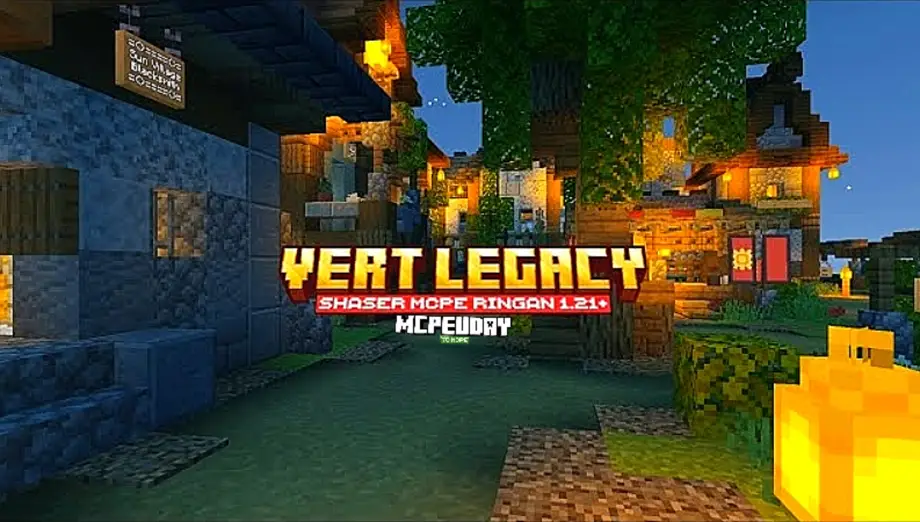
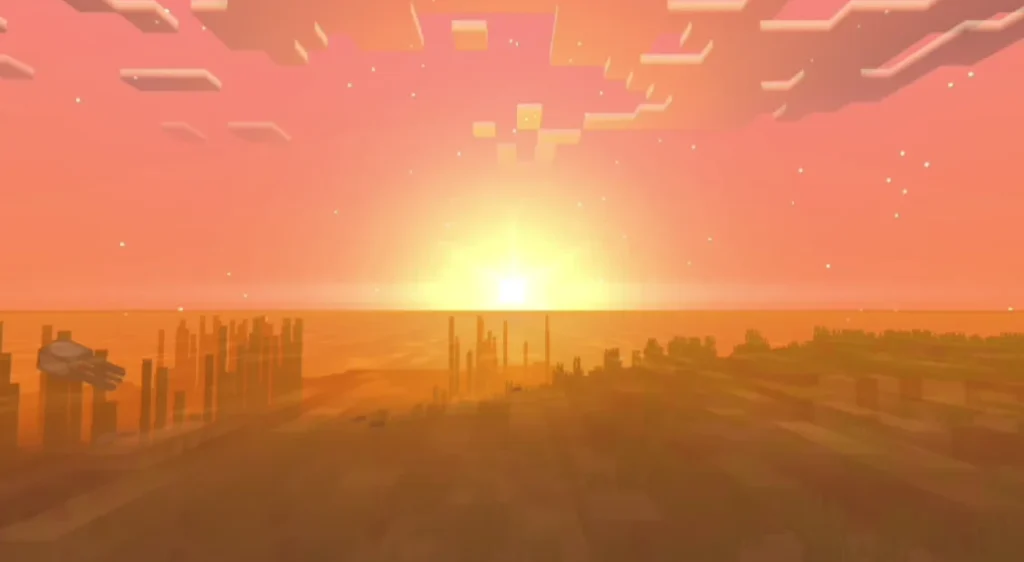
VERT Legacy Shader is one of the most popular and performance-friendly shaders designed for Minecraft Pocket Edition and Bedrock Edition. This shader focuses on enhancing visuals without compromising FPS, making it ideal for both low-end and high-end devices. If you want better lighting, realistic water, improved skies, and smooth shadows while keeping your gameplay lag-free, VERT Legacy Shader is an excellent choice.

Unlike heavy shaders that cause overheating or frame drops, VERT Legacy Shader is optimized to deliver beautiful graphics with minimal performance impact.
Features of VERT Legacy Shader
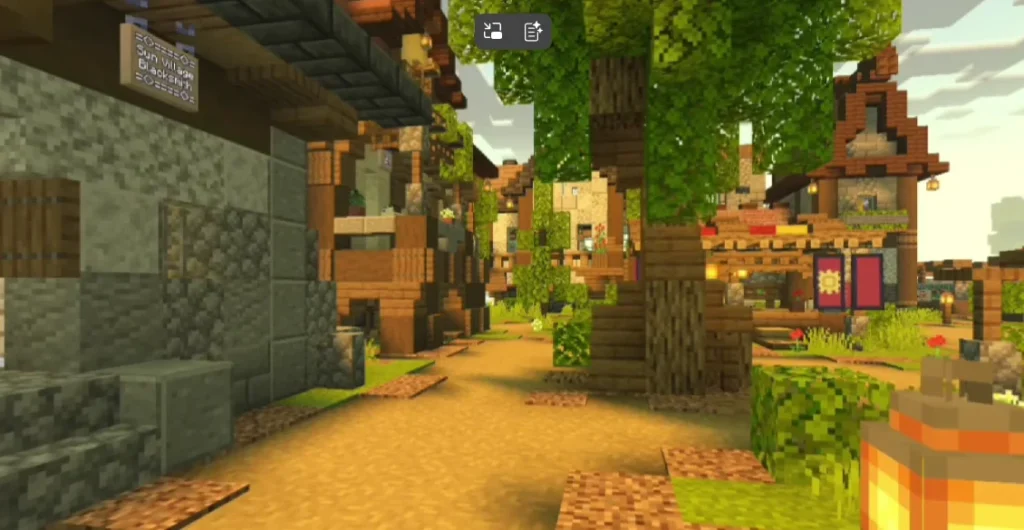
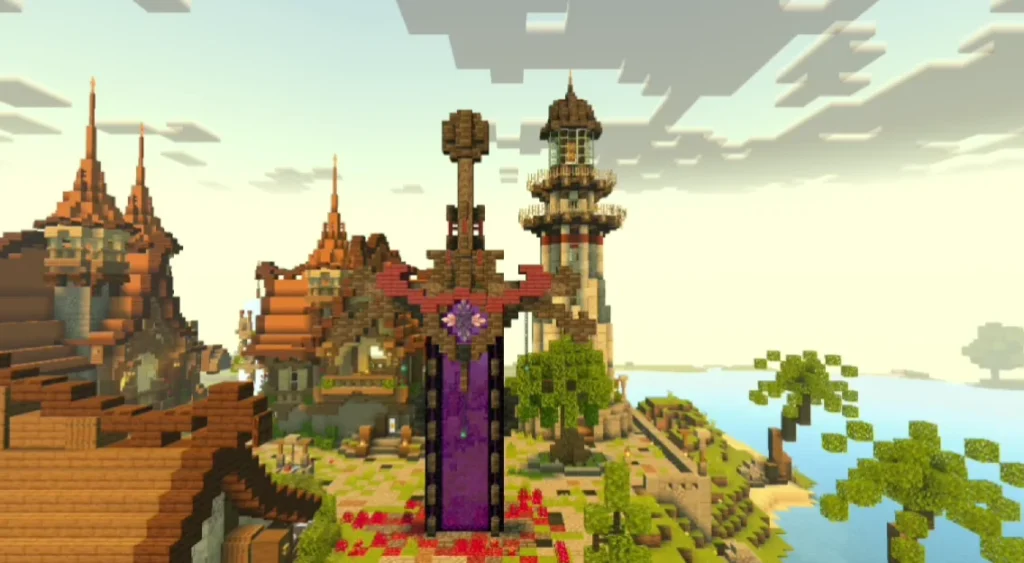
VERT Legacy Shader includes several visual improvements that enhance Minecraft’s default look while staying close to the original vanilla style.
Key Features
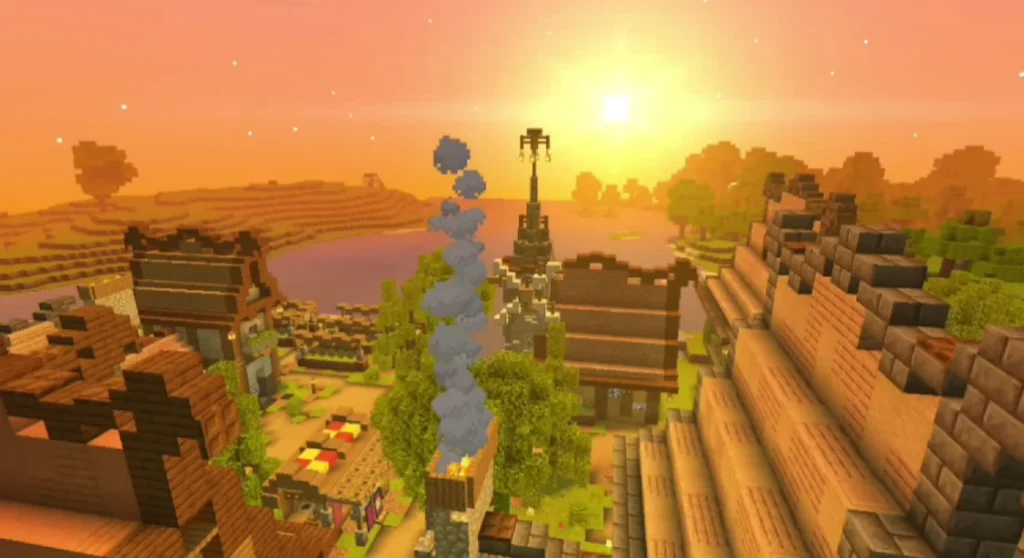
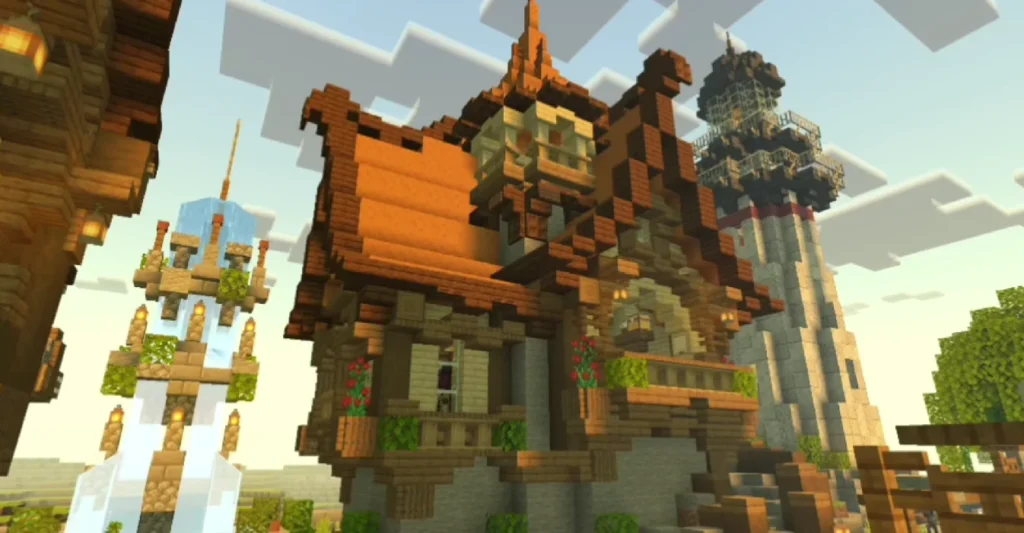
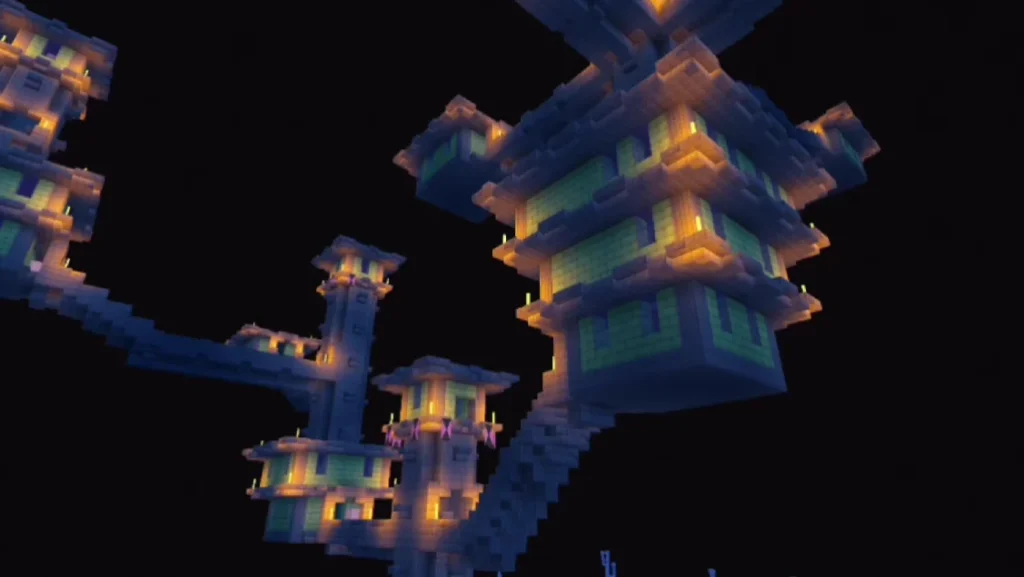
- Realistic dynamic lighting
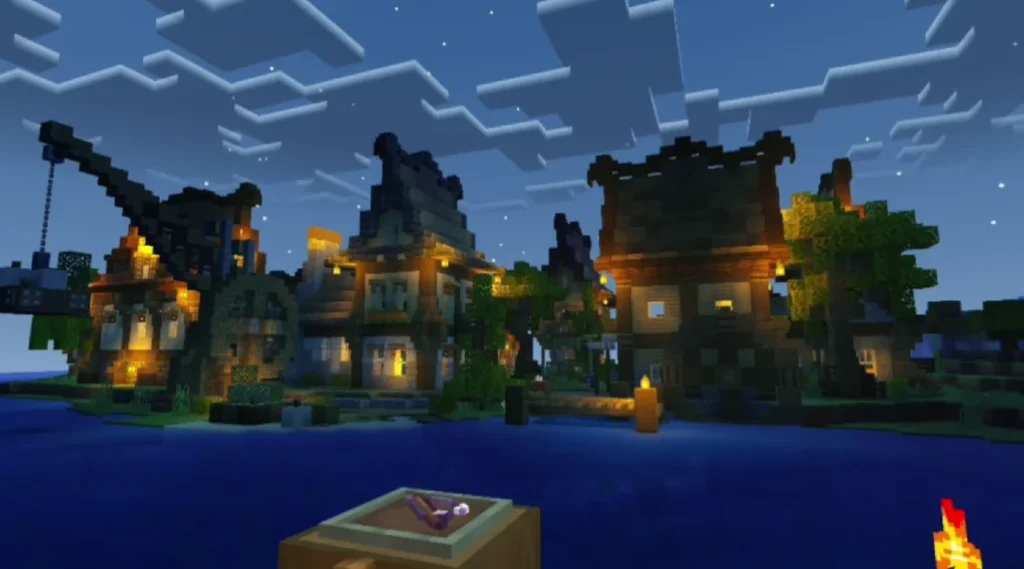
- Soft and smooth shadows
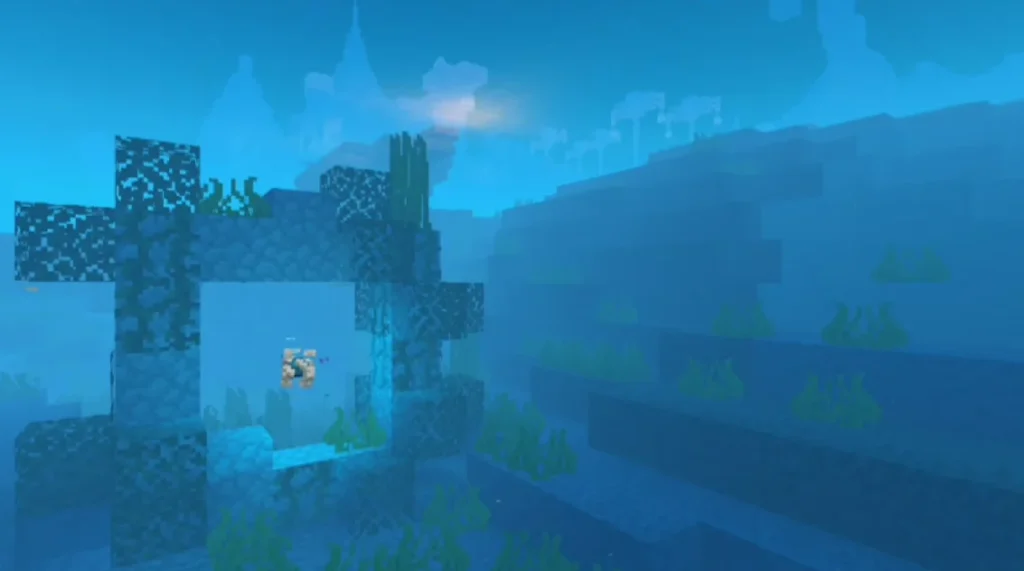
- Improved water reflections and transparency
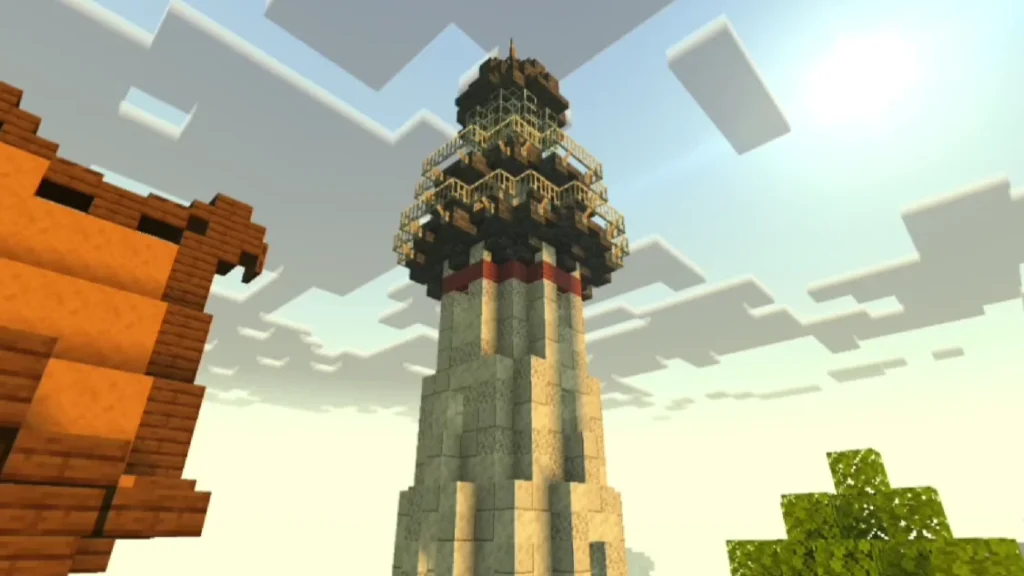
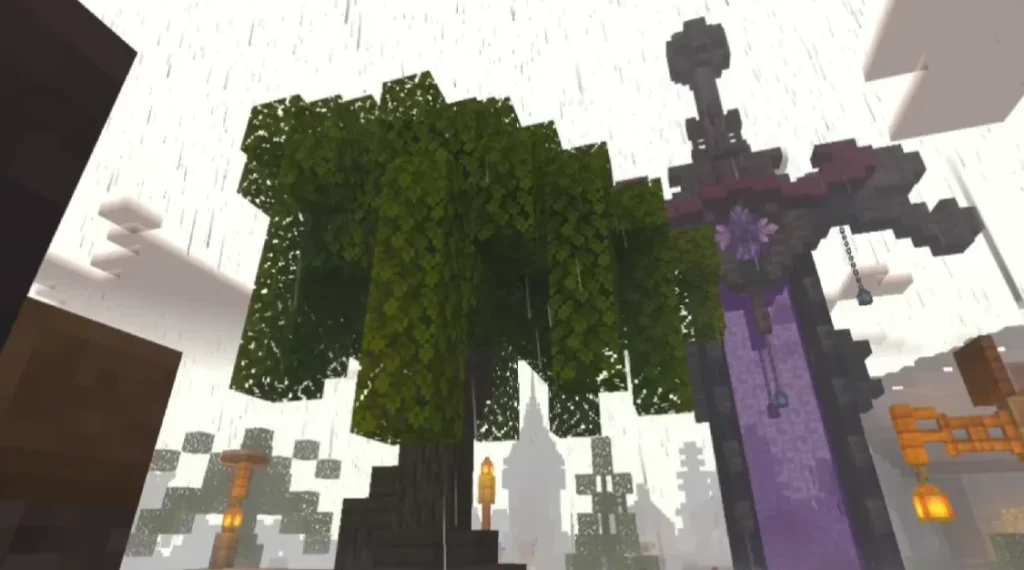
- Enhanced sky with realistic clouds
- Better color saturation and contrast
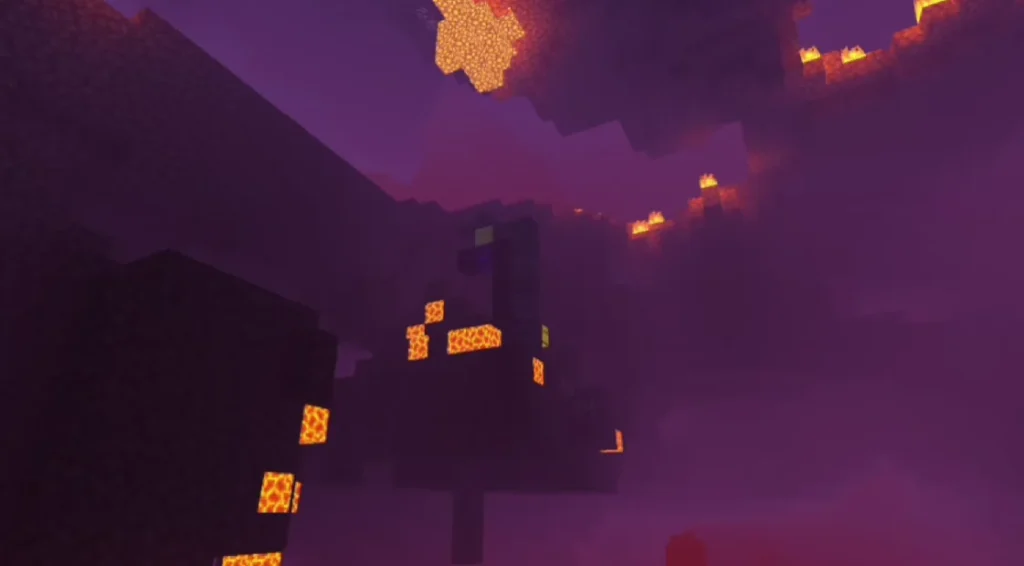
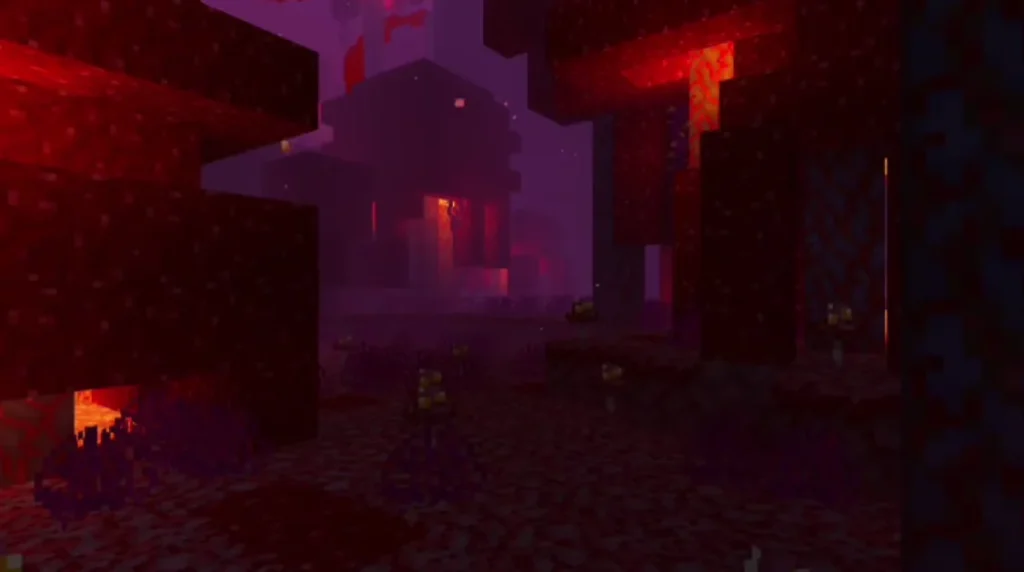
- Night lighting optimized for visibility
- Lightweight and lag-free performance
- Works smoothly on low-end devices
Screenshots:
Why Choose VERT Legacy Shader?
Many Minecraft shaders look great but drastically reduce performance. VERT Legacy Shader solves this problem by balancing visual quality and performance.
Advantages
- Perfect for survival and PvP gameplay
- No extreme brightness or darkness
- Keeps vanilla Minecraft feel
- Battery-friendly shader
- Stable FPS even on older phones
This shader is especially recommended for players who want realism without sacrificing smooth gameplay.
Compatibility & Requirements
Before installing VERT Legacy Shader, make sure your device meets these basic requirements.
Compatible Versions
- Minecraft Pocket Edition (PE)
- Minecraft Bedrock Edition
- Android & Windows 10/11
Recommended Minecraft Versions
- Minecraft 1.21+
How to Install VERT Legacy Shader (Step-by-Step)
Installation on Android (MCPE)
- Download the VERT Legacy Shader file
- Open the file using Minecraft
- Minecraft will automatically import the shader
- Go to Settings → Global Resources
- Activate VERT Legacy Shader
- Restart your world and enjoy
Installation on Windows (Bedrock Edition)
- Download the
.mcpackfile - Double-click to import into Minecraft
- Enable it from Global Resources
- Apply and restart the game
Performance Optimization Tips
To get the best experience with VERT Legacy Shader:
- Turn off unnecessary graphics settings
- Use default render distance
- Close background apps
- Keep Minecraft updated
These steps ensure stable FPS and smooth gameplay.
Is VERT Legacy Shader Safe to Use?
Yes, VERT Legacy Shader is completely safe when downloaded from trusted sources. It does not modify core game files and works as a resource-based shader, making it secure and stable.
Conclusion
VERT Legacy Shader is a perfect shader for Minecraft Bedrock players who want enhanced graphics without lag. With realistic lighting, smooth water effects, and optimized performance, it delivers a premium visual experience while remaining lightweight. Whether you play survival, creative, or PvP, this shader improves your world without harming performance.