NEWB X AMETHYST Shader
 Go to files
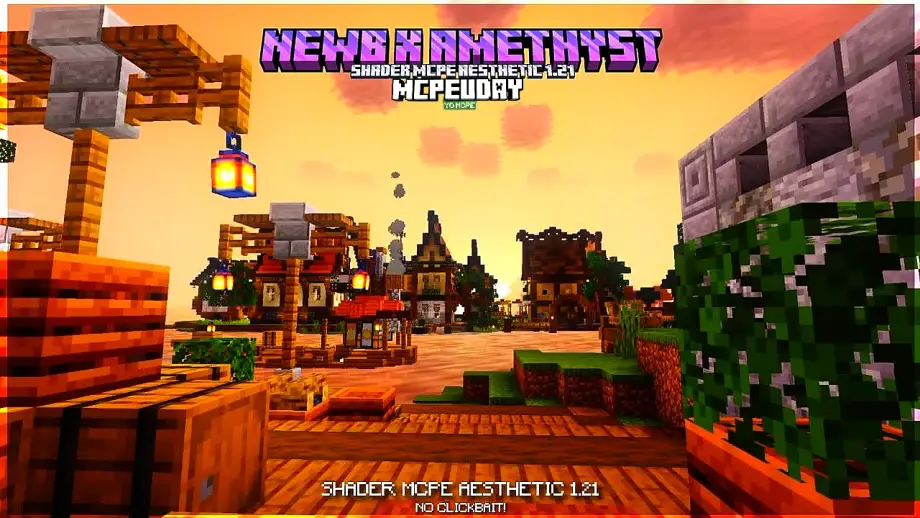
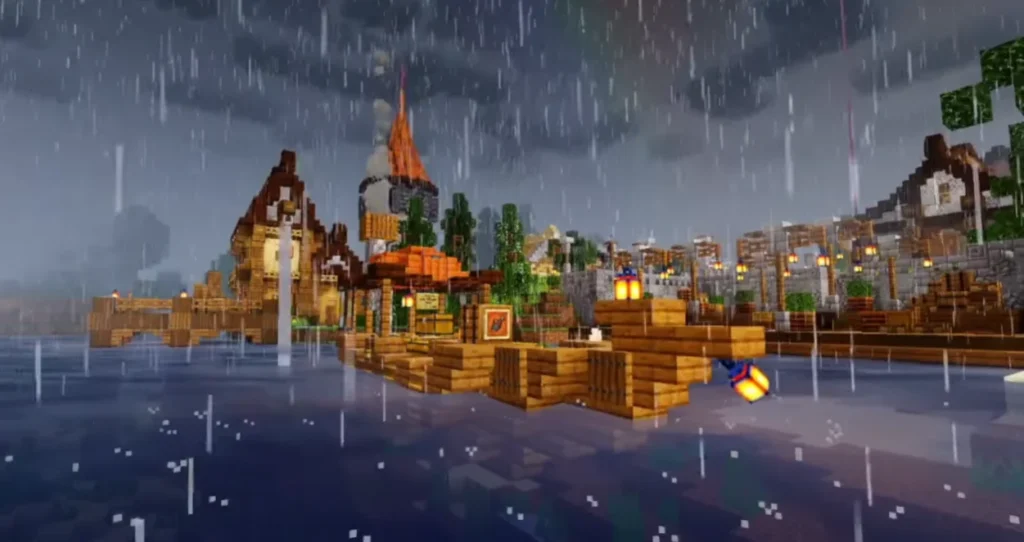
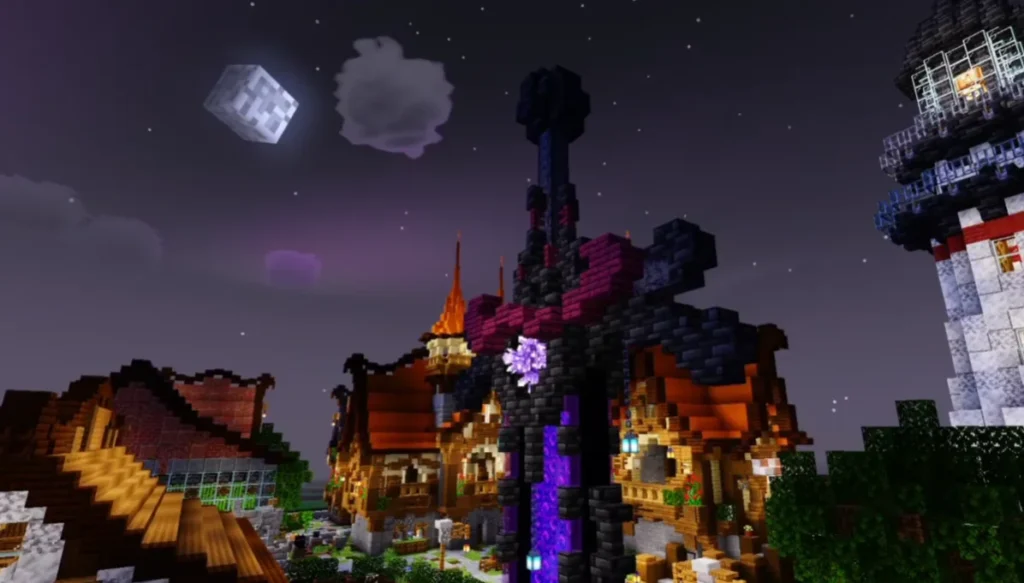
NEWB X AMETHYST Shader is a custom Minecraft PE shader pack that focuses on realistic lighting, soft shadows, and vibrant color grading. It is based on the popular NEWB shader series and enhanced with amethyst-style lighting effects for a unique visual look.

Unlike heavy shaders, this pack is optimized to work smoothly on both low-end and mid-range devices.
Key Features of NEWB X AMETHYST Shader
🌈 Enhanced Lighting System
- Realistic sunlight and moonlight
- Soft ambient lighting
- Smooth day and night transitions
🌊 Improved Water Effects
- Clear and reflective water
- Smooth wave animations
- Natural underwater lighting
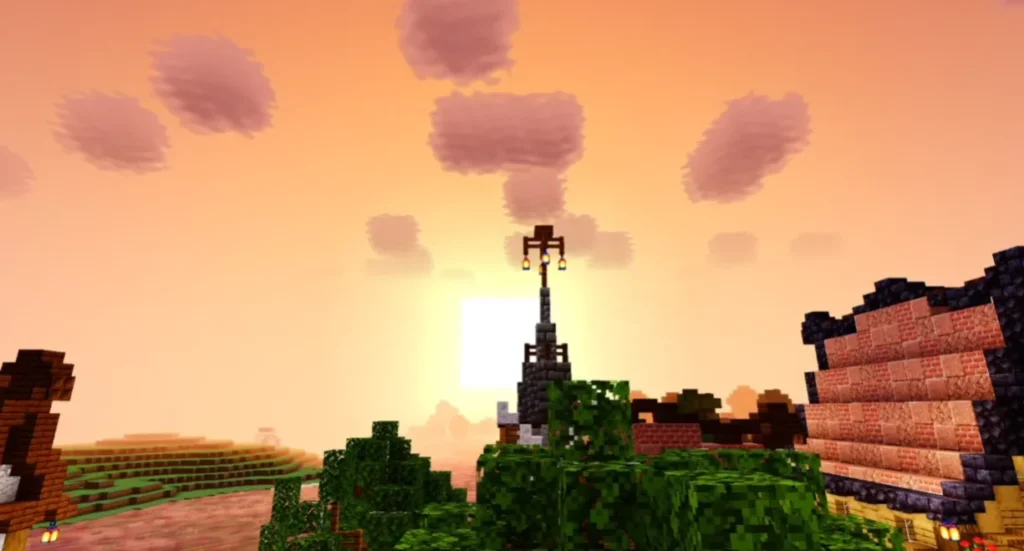
🌤️ Realistic Sky & Clouds
- Dynamic sky colors
- Soft, moving clouds
- Better sunrise and sunset visuals
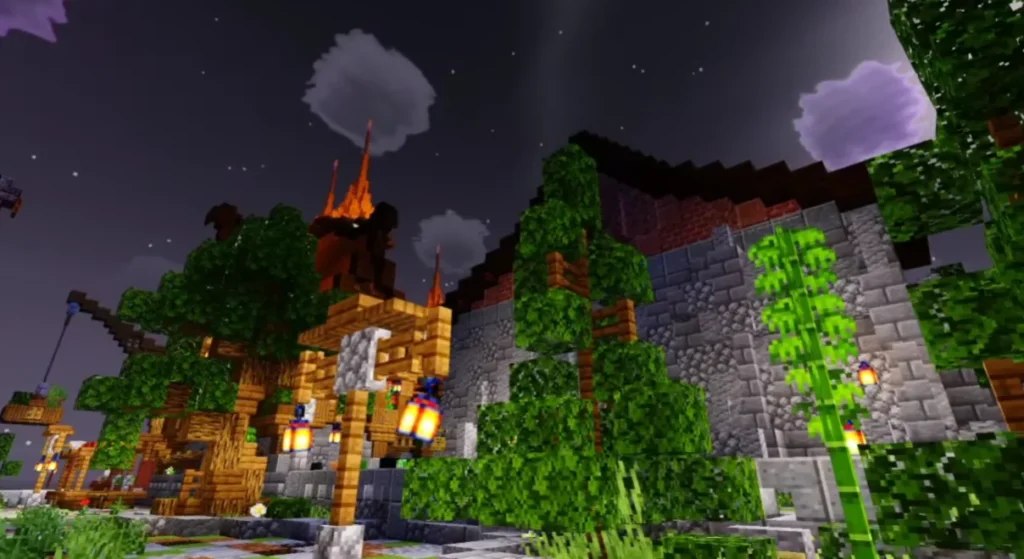
🌿 Vibrant Colors
- Rich green grass and trees
- Amethyst-inspired purple tones
- Balanced saturation (not overdone)
⚡ Performance Friendly
- Optimized for MCPE
- Works well on low-end phones
- Stable FPS during gameplay
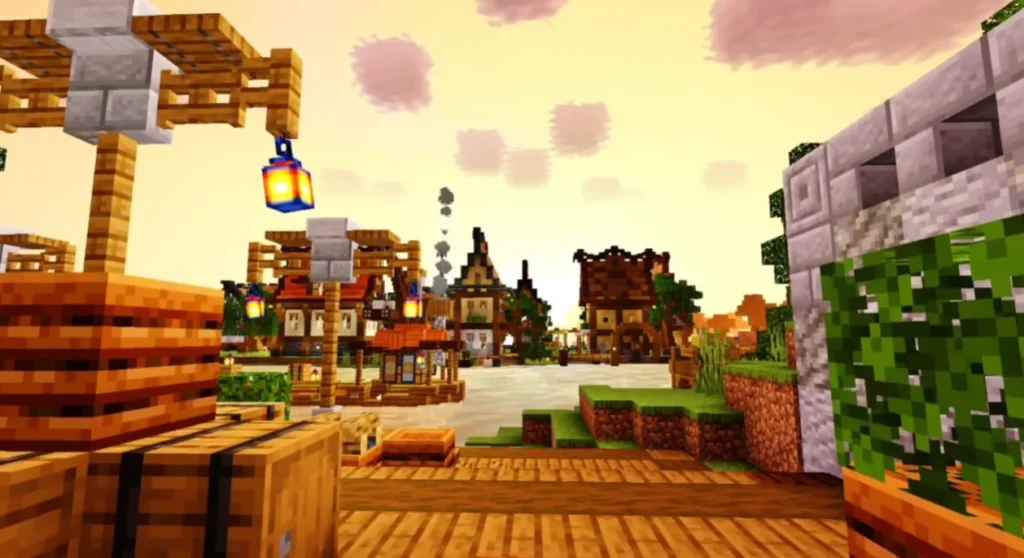
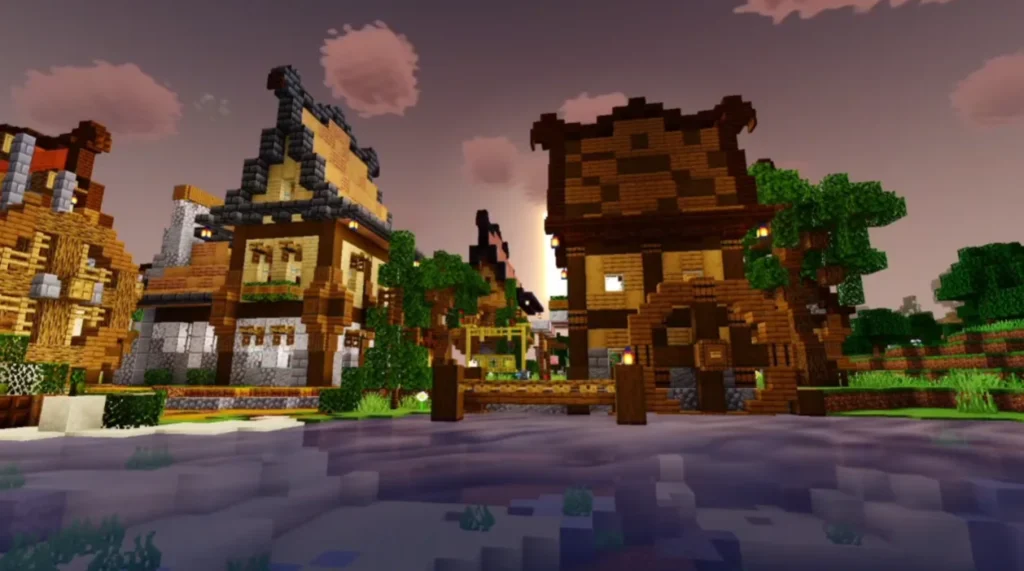
Screenshots:

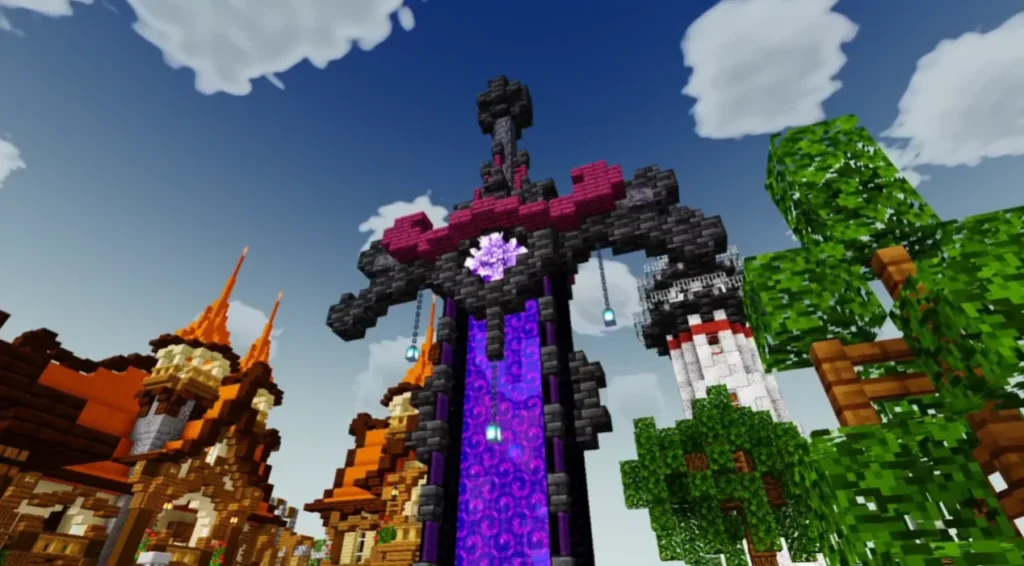
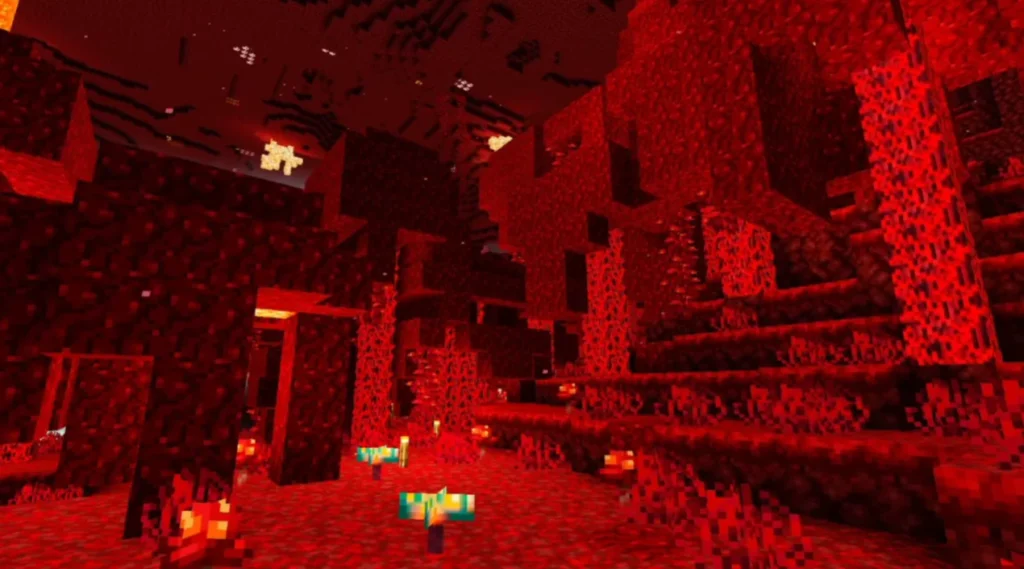
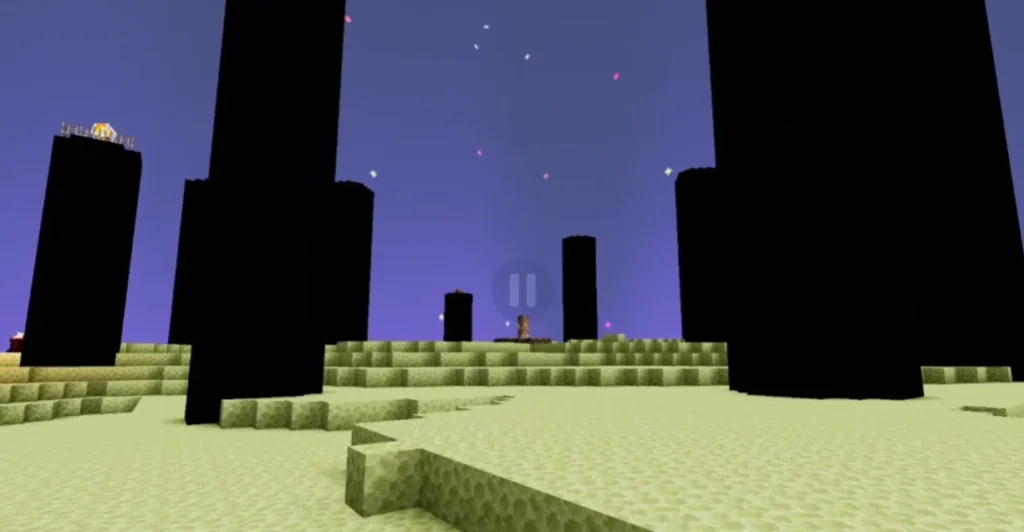
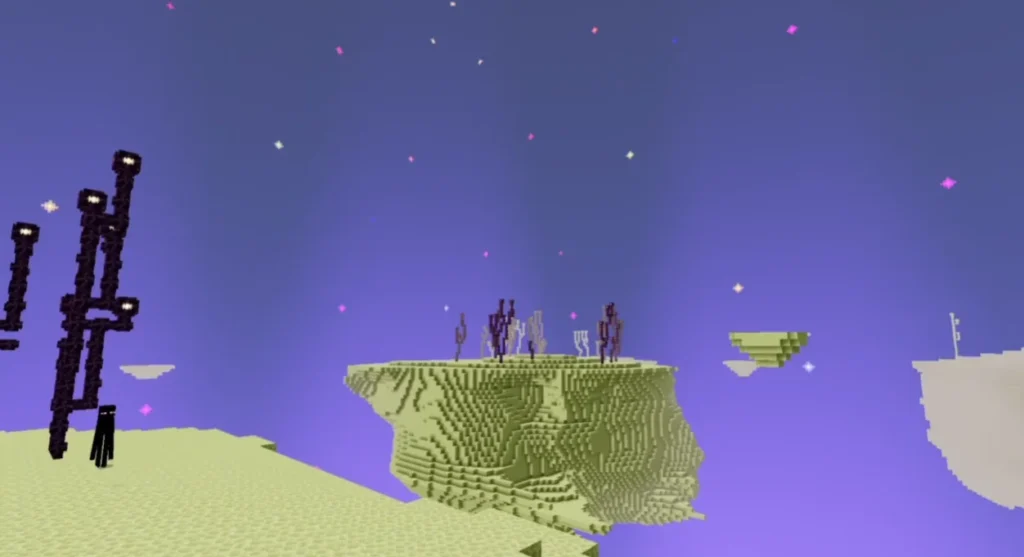
Why Choose NEWB X AMETHYST Shader?
Many shaders look amazing but cause lag. This shader focuses on visual beauty + performance balance. If you enjoy survival gameplay, PvP, or exploration, this shader enhances visuals without distracting effects.
It is especially useful for:
- Survival players
- Builders
- Content creators
- Low-end device users
Compatibility & Requirements
- Minecraft Version: MCPE / Bedrock Edition
- Platform: Android & iOS
- Render Dragon Support: Yes
- Device Requirement: Low to Mid-range devices
How to Install NEWB X AMETHYST Shader (MCPE)
- Download the shader file (.mcpack)
- Open the file using Minecraft
- Import will start automatically
- Go to Settings → Global Resources
- Activate NEWB X AMETHYST Shader
- Restart your world and enjoy
Performance & FPS Experience
NEWB X AMETHYST Shader is known for its smooth FPS. Even on devices with 3–4GB RAM, the shader runs without major frame drops. You can adjust render distance for better performance.
Is NEWB X AMETHYST Shader Safe?
Yes, the shader is safe to use. It does not modify game files illegally and works within Minecraft’s resource pack system. Always download from trusted sources.