NEWB Experimental Edition Shader
 Go to files
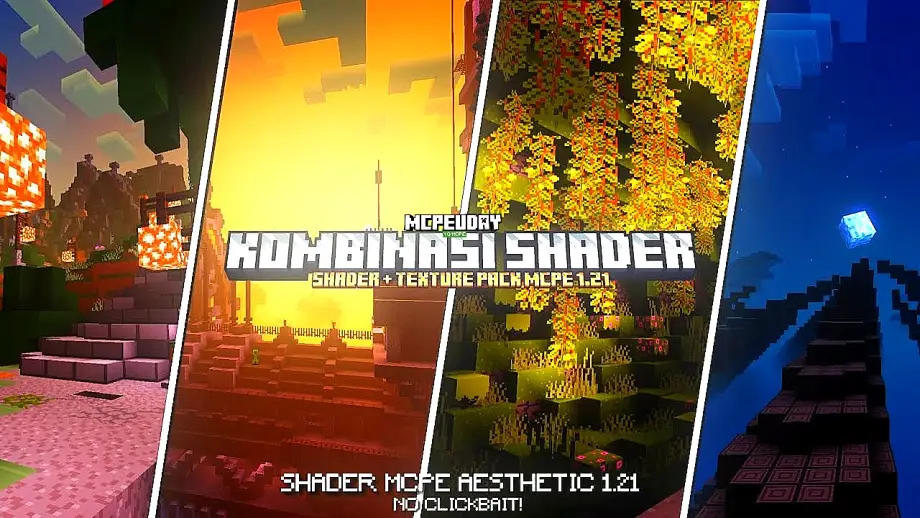
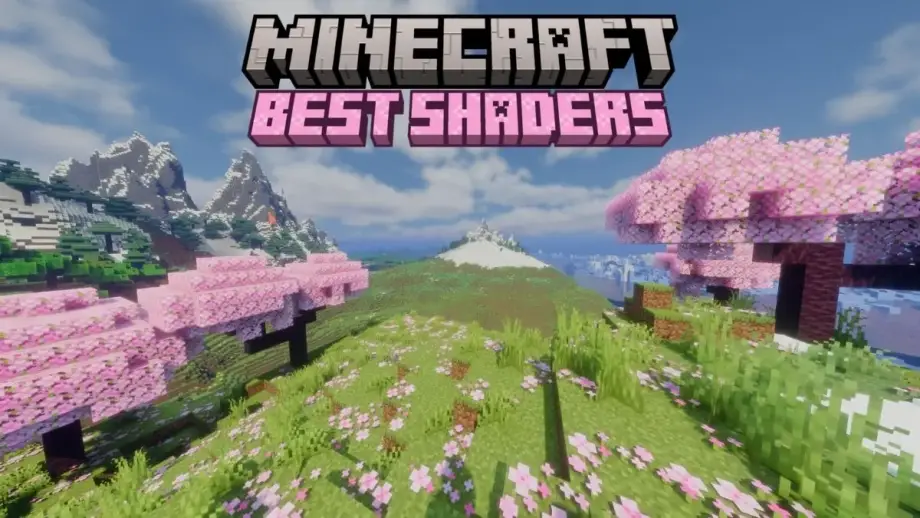
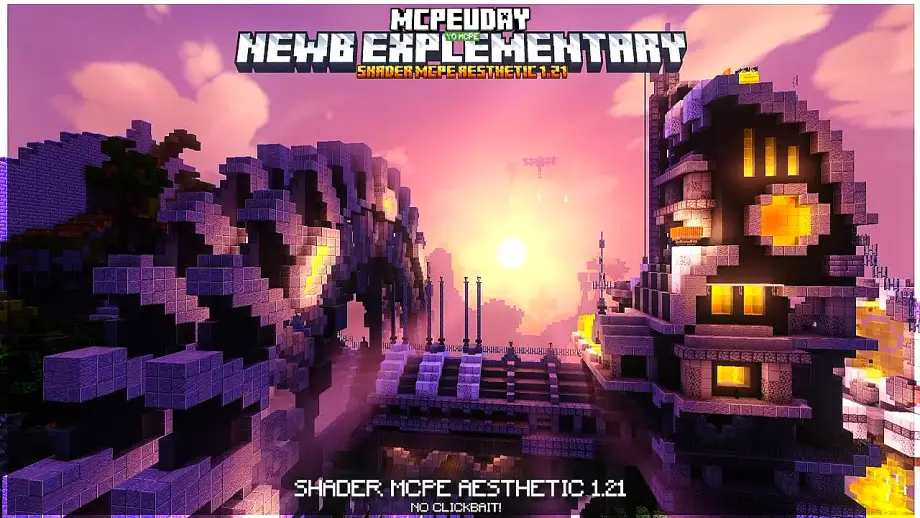
Minecraft’s default graphics are simple, but shaders can completely transform the game. NEWB Experimental Edition Shader is one of the most popular and lightweight shaders designed to improve lighting, shadows, water, and overall atmosphere—without killing FPS. This shader is especially loved by players who want realistic visuals with smooth performance, making it perfect for survival, creative builds, and exploration.

What is NEWB Experimental Edition Shader?
NEWB Experimental Edition Shader is an advanced yet optimized shader pack for Minecraft that focuses on realism while maintaining performance. It improves environmental lighting, sky colors, water reflections, and shadow effects, giving Minecraft a modern and cinematic look.
Table Of Contents
- What is NEWB Experimental Edition Shader?
- Key Features of NEWB Experimental Edition Shader
- Screenshots:
- Why Choose NEWB Experimental Edition Shader?
- Compatibility & Requirements
- Best Use Cases
- Performance Optimization Tips
- Pros and Cons
- Conclusion
- – NEWB Experimental Edition DOWNLOAD –Download Shader
Unlike heavy shaders that require high-end devices, this shader is designed to work smoothly on low to mid-range systems, especially on Minecraft Bedrock Edition.
Key Features of NEWB Experimental Edition Shader
- Realistic sunlight and soft shadow effects
- Enhanced sky, clouds, and atmospheric colors
- Improved water reflections and wave animations
- Natural lighting transitions (day, sunset, night)
- Smooth performance with minimal FPS drop
- Optimized for survival and long gameplay sessions
- Works great with custom texture and resource packs
Screenshots:

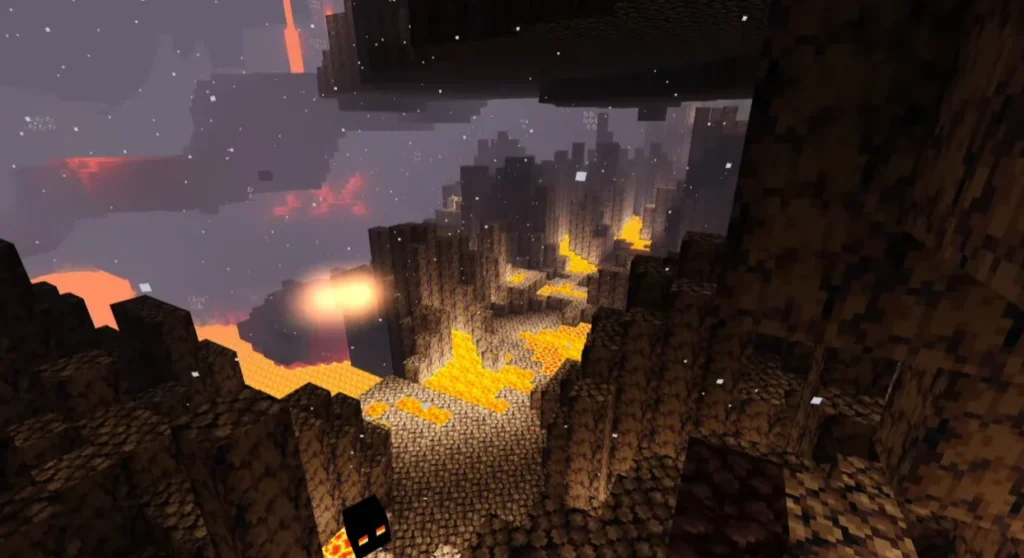
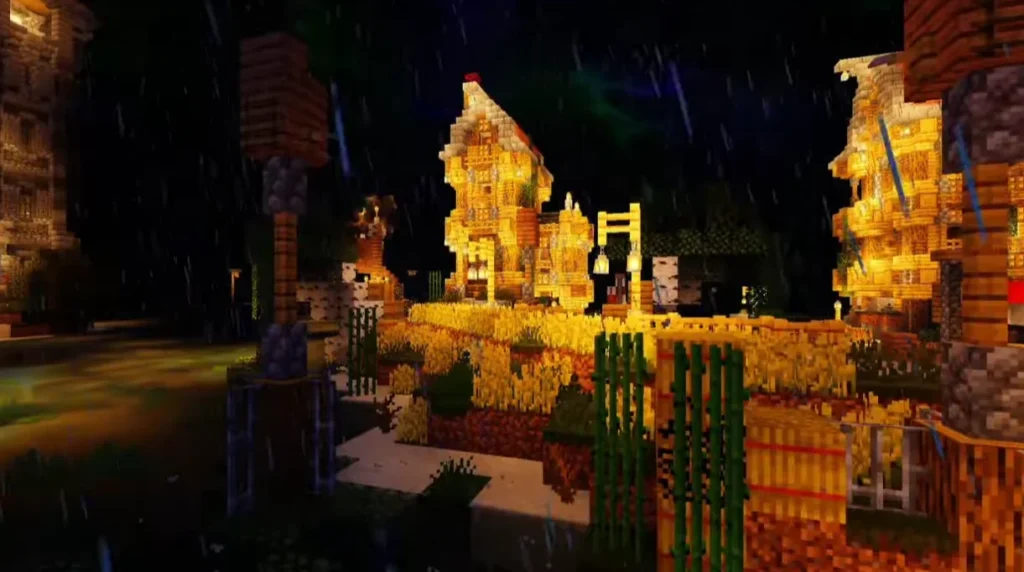
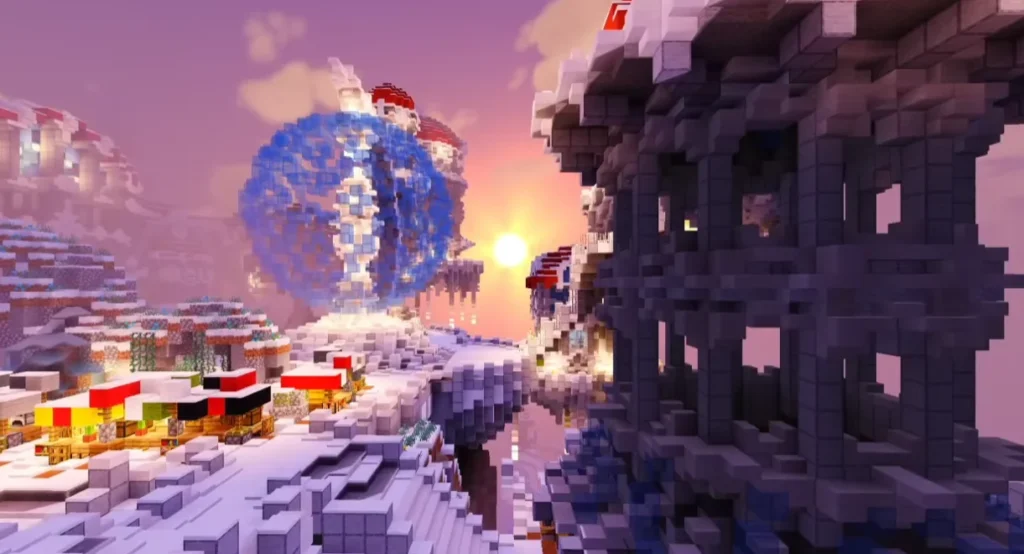
Why Choose NEWB Experimental Edition Shader?
Many shaders look beautiful but cause lag. NEWB Experimental Edition Shader solves this problem by balancing visual quality and performance. It is ideal for players who want a realistic look without upgrading hardware.
This shader is also frequently updated, ensuring better compatibility with new Minecraft versions and experimental features.
Compatibility & Requirements
- Minecraft Version: Bedrock Edition (latest supported versions)
- Platform: Android, Windows 10/11, supported Bedrock devices
- Performance Level: Low to Medium system friendly
- Experimental Features: May require enabling experimental settings
Best Use Cases
- Survival worlds for immersive gameplay
- Creative building with realistic lighting
- Minecraft screenshots and videos
- Roleplay and adventure maps
Performance Optimization Tips
- Lower render distance for smoother gameplay
- Disable unused experimental features
- Use compatible texture packs
- Close background apps on low-end devices
Pros and Cons
Pros
- Lightweight and smooth
- Realistic visuals
- Beginner-friendly installation
- Great FPS balance
Cons
- Experimental features may change visuals
- Not as extreme as ultra-realistic PC shaders
Conclusion
If you are looking for a beautiful, lightweight, and performance-friendly shader, NEWB Experimental Edition Shader is an excellent choice. It upgrades Minecraft’s visuals while keeping gameplay smooth, making it perfect for both casual and advanced players.
Frequently Asked Questions (FAQ)
1. Is NEWB Experimental Edition Shader free?
Yes, it is completely free to use for Minecraft players.
2. Does this shader work on low-end devices?
Yes, it is optimized to run smoothly on low to mid-range devices.
3. Is it available for Java Edition?
This shader is mainly designed for Minecraft Bedrock Edition.