NEWB X SAPPHIRE Shader
 Go to files
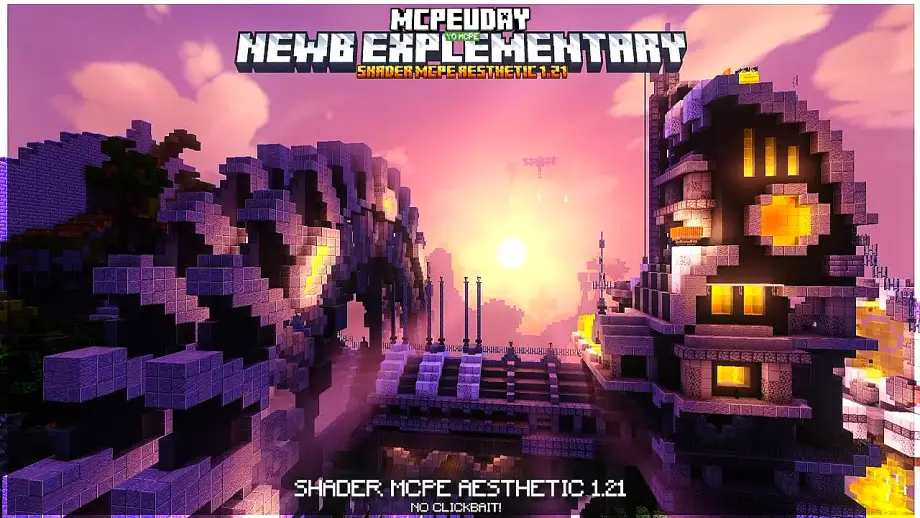
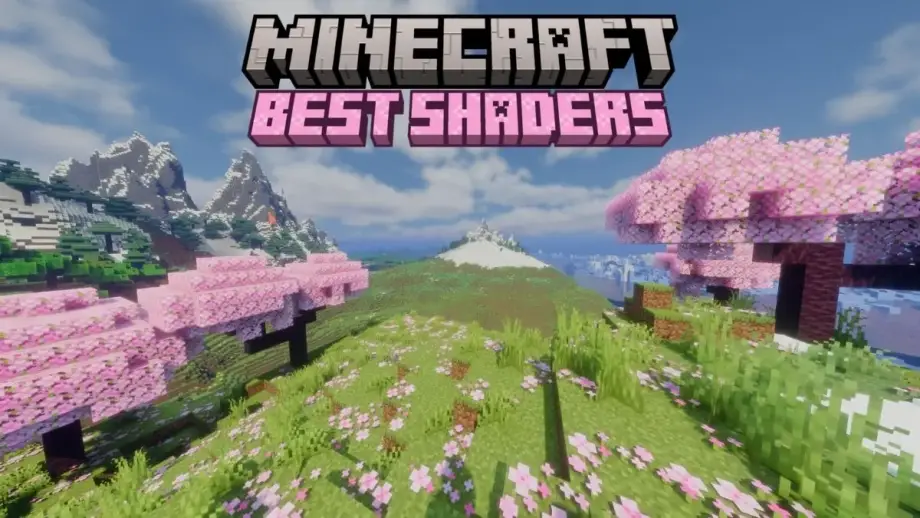
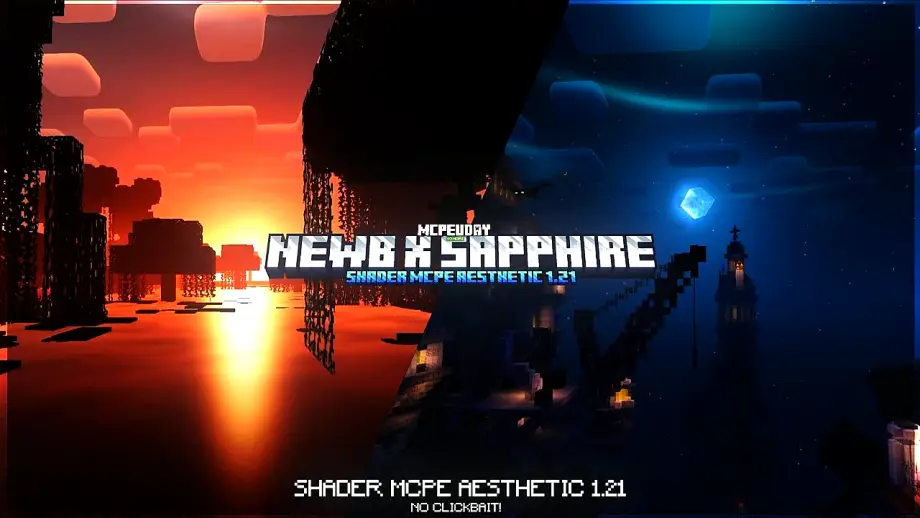
NEWB X SAPPHIRE Shader is a premium-style shader pack designed for Minecraft Pocket Edition (Bedrock Edition). It combines the smooth performance of NEWB shaders with the beautiful sapphire-themed lighting and sky colors, creating a realistic yet lag-free Minecraft experience.

This shader is perfect for players who want high-quality visuals without sacrificing FPS, making it ideal for survival worlds, PvP, building, and exploration.
Table Of Contents
- ✨ Key Features of NEWB X SAPPHIRE Shader
- Screenshots:
- 📱 Supported Minecraft Versions
- ⚙️ Shader Requirements
- 📥 How to Install NEWB X SAPPHIRE Shader (Step-by-Step)
- 🆚 Why Choose NEWB X SAPPHIRE Shader?
- 🏆 Best Use Cases
- ✅ Pros and Cons
- 🔚 Final Verdict
- – NEWB X SAPPHIRE Shader DOWNLOAD –Download Shader
✨ Key Features of NEWB X SAPPHIRE Shader
🌤️ Realistic Sapphire Sky
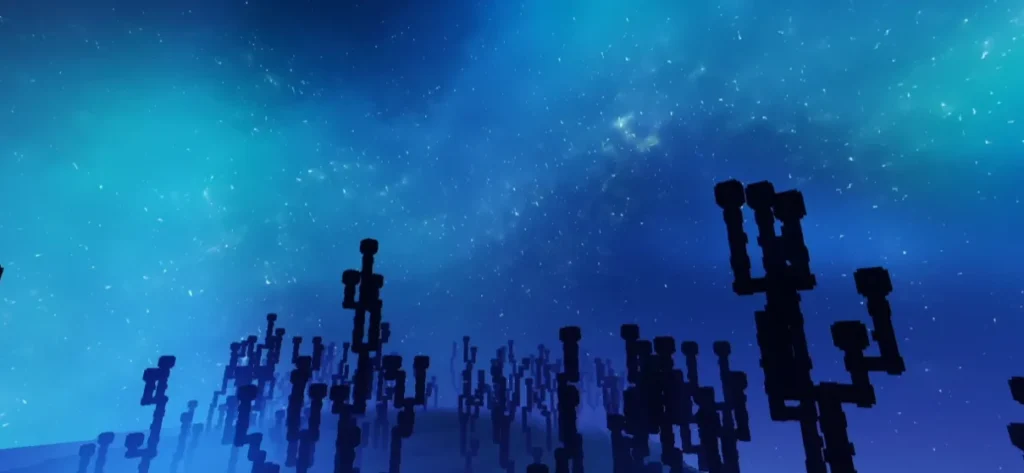
- Deep blue sapphire-colored sky
- Smooth cloud movement
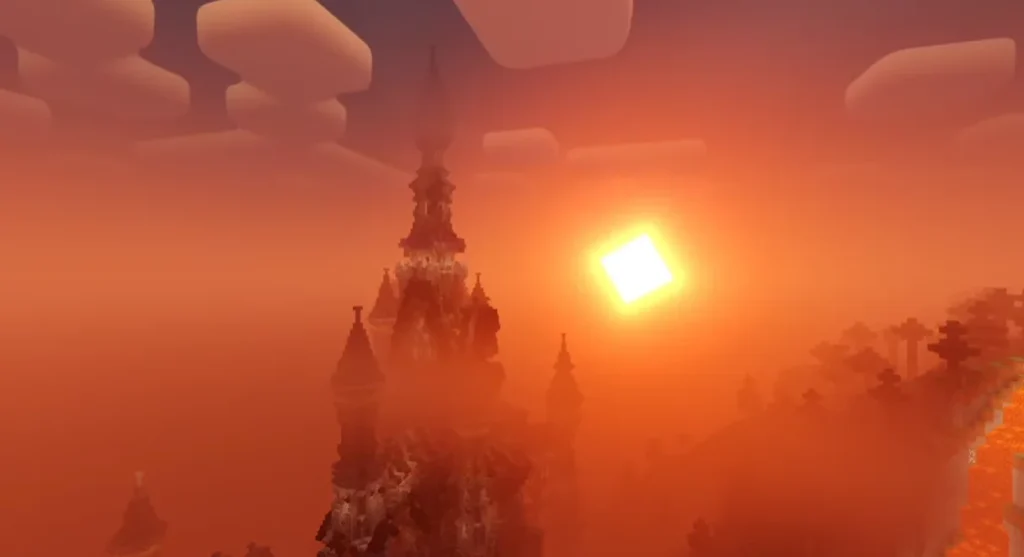
- Natural sunrise and sunset effects
💡 Advanced Lighting System
- Soft global lighting
- Realistic sunlight and moonlight
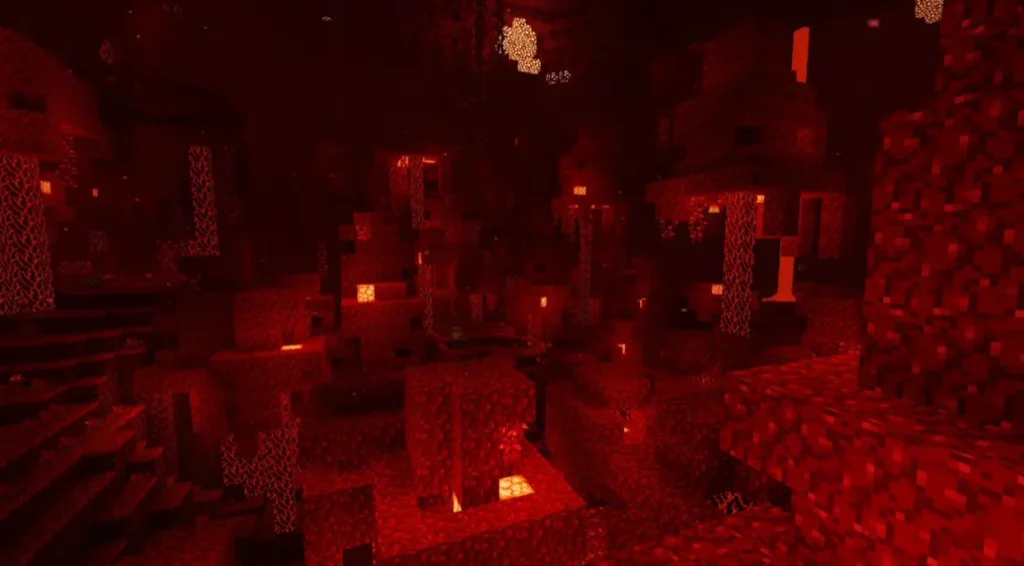
- Improved brightness balance for caves and nights
🌊 Smooth Water Reflections
- Crystal-clear water
- Realistic reflections and refractions
- Animated water waves
🌳 Enhanced Natural Environment
- Better looking grass and leaves
- Smooth shadow transitions
- Natural color grading
🚀 Optimized Performance
- Works smoothly on low-end devices
- No extreme lag or FPS drop
- Battery-friendly shader design
Screenshots:
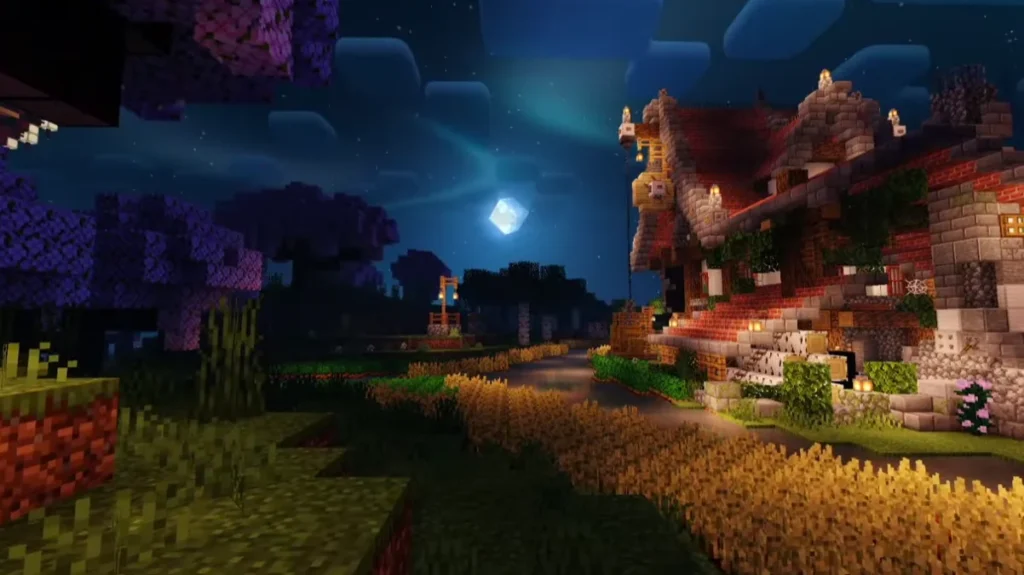
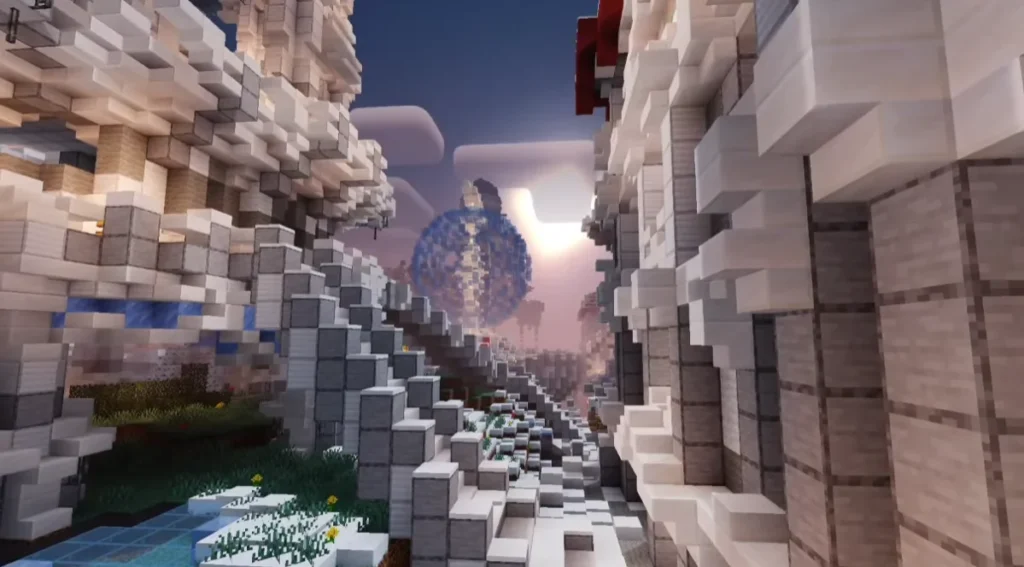
📱 Supported Minecraft Versions
NEWB X SAPPHIRE Shader supports:
- Minecraft PE / Bedrock Edition
- Android & iOS
- Latest MCPE versions (depending on render dragon compatibility)
⚠️ Note: Shader performance may vary based on device and Minecraft version.
⚙️ Shader Requirements
- Minecraft Bedrock Edition
- Minimum 2GB RAM recommended
- Shader support enabled
- No additional mods required
📥 How to Install NEWB X SAPPHIRE Shader (Step-by-Step)
- Download the NEWB X SAPPHIRE Shader file (.mcpack).
- Open the file using Minecraft.
- Minecraft will automatically import the shader.
- Go to Settings → Global Resources.
- Activate NEWB X SAPPHIRE Shader.
- Restart your world and enjoy enhanced graphics.
🆚 Why Choose NEWB X SAPPHIRE Shader?
Compared to other MCPE shaders, NEWB X SAPPHIRE Shader offers:
- Better FPS optimization
- Cleaner lighting effects
- No over-saturation
- Balanced realism
- Perfect for daily gameplay
It is an excellent alternative to heavy shaders that cause lag on mobile devices.
🏆 Best Use Cases
- Survival gameplay
- Creative building
- Cinematic screenshots
- Minecraft YouTube videos
- Smooth PvP visuals
✅ Pros and Cons
✔ Pros
- Beautiful sapphire visuals
- Smooth performance
- Easy installation
- No crashes
❌ Cons
- Limited features on some Bedrock versions
- Shader support depends on Minecraft updates
🔚 Final Verdict
NEWB X SAPPHIRE Shader is one of the best shaders for Minecraft PE if you want realistic graphics, sapphire-style lighting, and smooth FPS. It delivers premium visuals without making your device lag, making it a top choice for both casual and advanced players.
❓ Frequently Asked Questions (FAQ)
Q1. Is NEWB X SAPPHIRE Shader free to use?
Yes, the shader is completely free for personal Minecraft gameplay.
Q2. Does this shader work on low-end devices?
Yes, it is optimized to run smoothly on low-end and mid-range devices.
Q3. Is NEWB X SAPPHIRE Shader safe?
Yes, as long as you download it from a trusted source, it is safe to use.