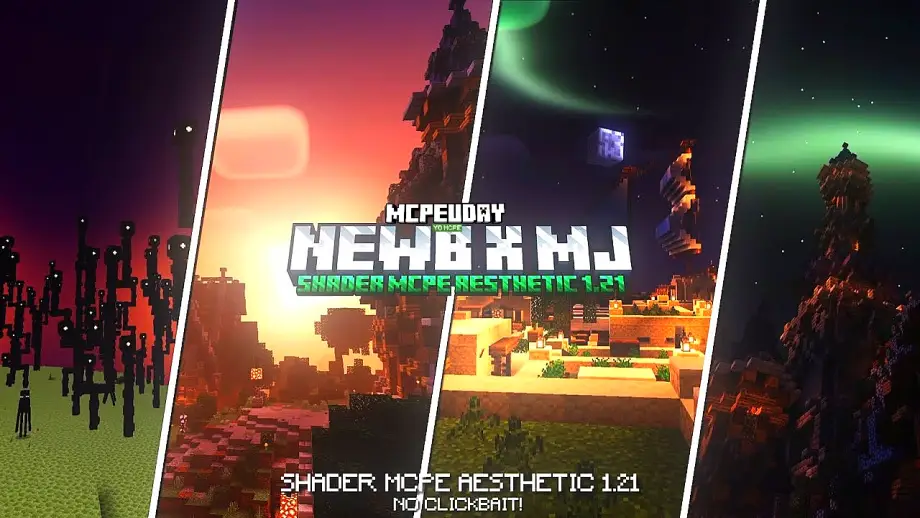
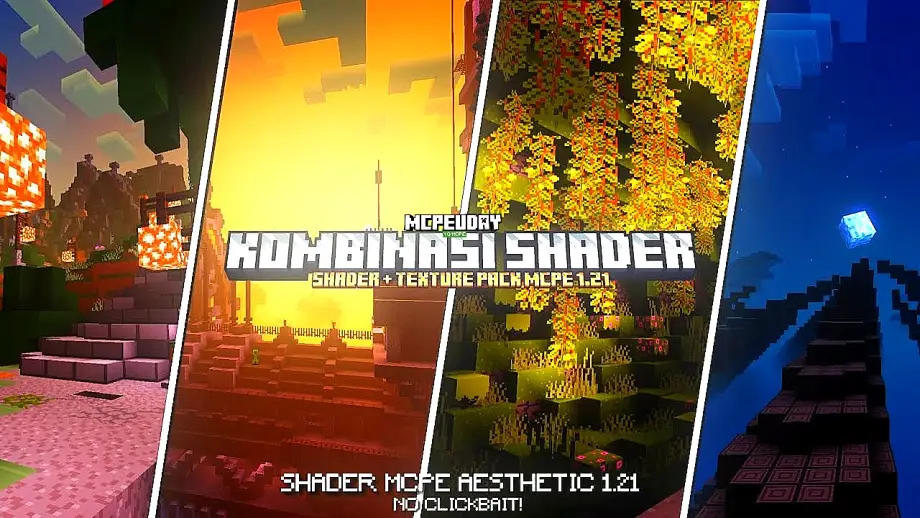
NEWB Pineapple Shader
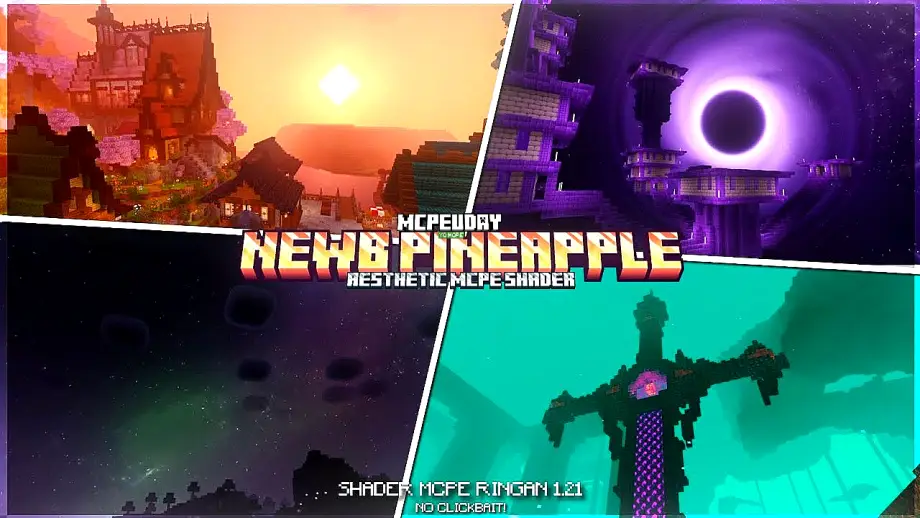 Go to files
Minecraft is fun, but shaders make it beautiful. If you are searching for a shader that improves graphics without killing performance, NEWB Pineapple Shader is a perfect choice. This shader is specially optimized for Minecraft Pocket Edition / Bedrock Edition, giving realistic visuals while keeping gameplay smooth on both low-end and high-end devices.

Unlike heavy shaders that cause lag, NEWB Pineapple Shader focuses on balance — eye-catching visuals with stable FPS.
Table of Contents
- 🌟 Features of NEWB Pineapple Shader
- Screenshots:-
- 📱 Supported Minecraft Versions
- ✅ Why Choose NEWB Pineapple Shader?
- 🛠️ How to Install NEWB Pineapple Shader (MCPE)
- 📌 Best Settings for Smooth Gameplay
- 🔍 Is NEWB Pineapple Shader Safe?
- ❓ Frequently Asked Questions (FAQ)
- 🏁 Final Conclusion
- – NEWB Pineapple Shader DOWNLOAD –Download Shader
🌟 Features of NEWB Pineapple Shader
✨ Realistic Lighting
- Natural sunlight and moonlight
- Smooth light transitions
- Better indoor and outdoor lighting
🌊 Enhanced Water Effects
- Clear and reflective water
- Realistic water movement
- Improved underwater visibility
🌿 Improved Colors & Textures
- Vibrant grass and trees
- Better sky gradients
- Natural-looking environments
🌥️ Dynamic Shadows
- Soft shadows for blocks and mobs
- Real-time shadow movement
- No extreme darkness
⚡ Optimized Performance
- Runs smoothly on low-end devices
- Stable FPS on Android & iOS
- No overheating or heavy load
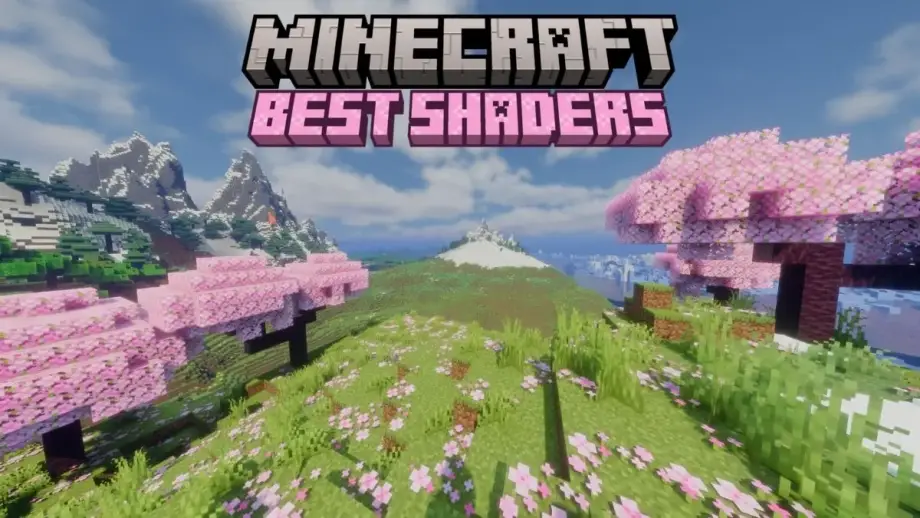
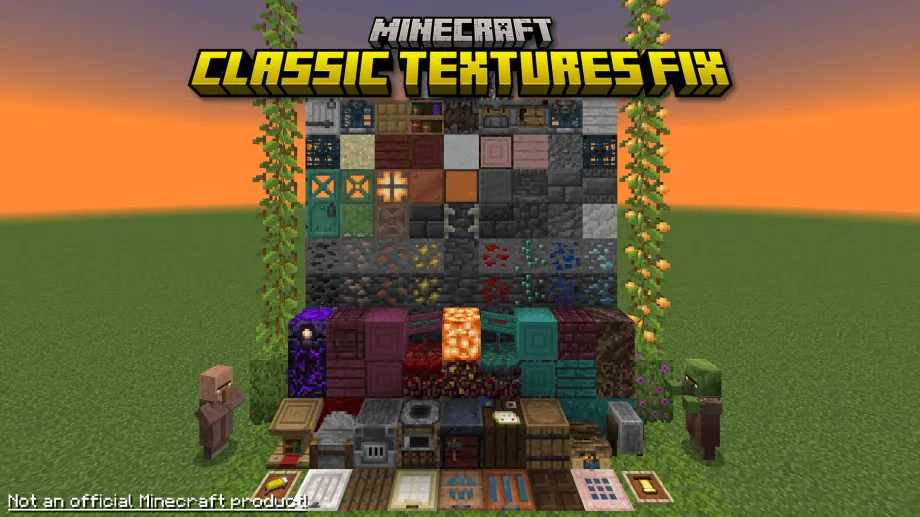
Screenshots:-
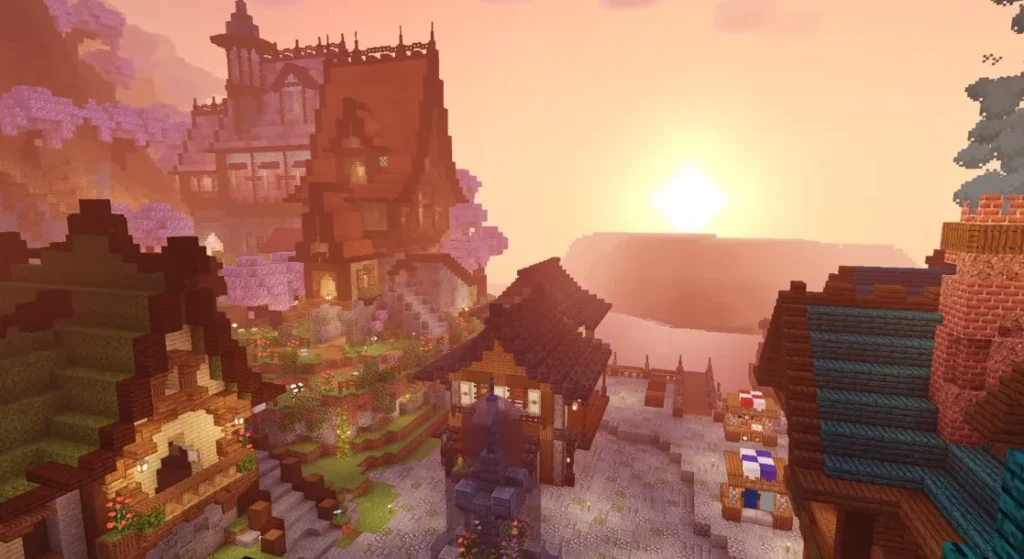
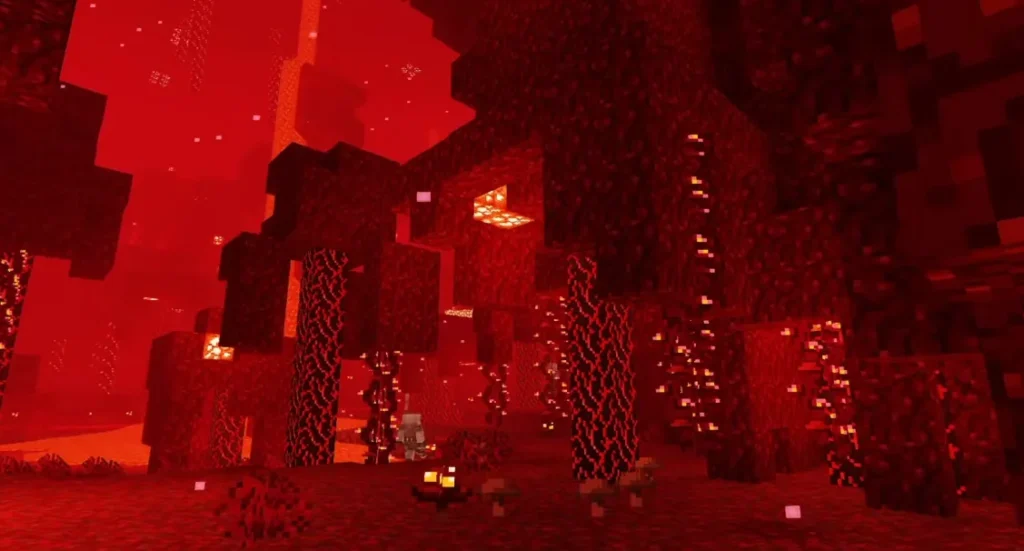
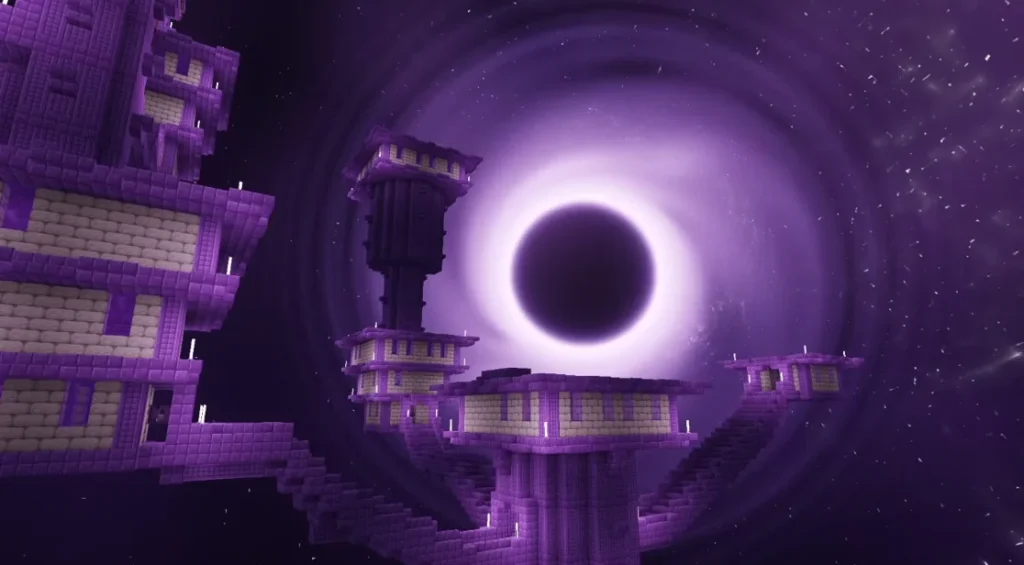
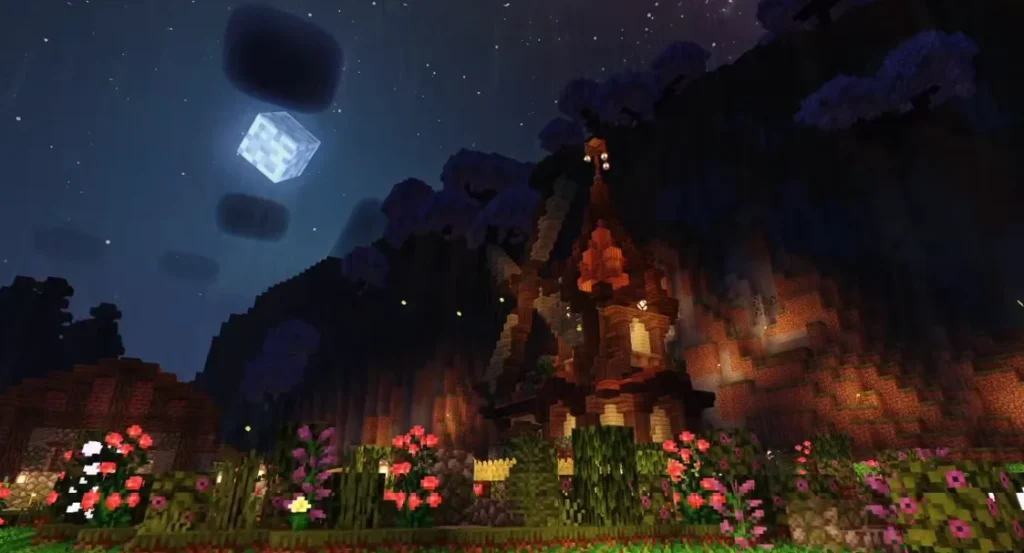
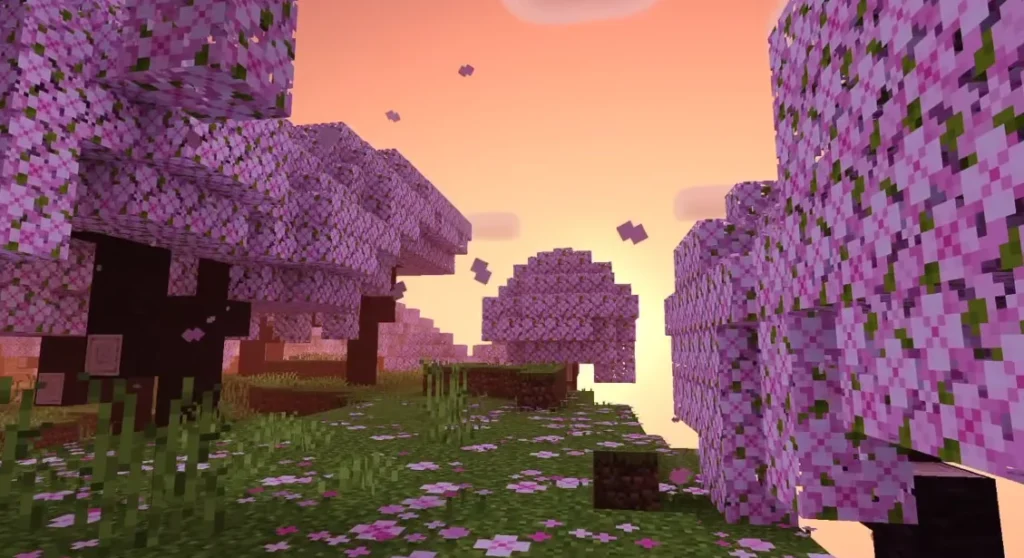
📱 Supported Minecraft Versions
NEWB Pineapple Shader works on:
- Minecraft PE / Bedrock Edition
- Latest MCPE versions (supports Render Dragon compatible features where possible)
⚠️ Note: Shader performance may vary depending on device and MCPE updates.
✅ Why Choose NEWB Pineapple Shader?
There are many shaders available, but NEWB Pineapple Shader stands out because:
✔ Lightweight and lag-free
✔ Perfect for survival & creative mode
✔ Easy to install
✔ Clean and realistic visuals
✔ Ideal for daily gameplay
If you want beauty without compromising performance, this shader is made for you.
🛠️ How to Install NEWB Pineapple Shader (MCPE)
Method 1: Using .mcpack File
- Download the NEWB Pineapple Shader file
- Tap the file to open Minecraft
- Minecraft will automatically import it
- Go to Settings → Global Resources
- Activate the shader
- Enjoy enhanced graphics 🎉
Method 2: Manual Installation
- Extract the shader file
- Move it to
games/com.mojang/resource_packs - Enable it from Global Resources
📌 Best Settings for Smooth Gameplay
To get the best experience:
- Turn off extra experimental options
- Use default render distance
- Avoid combining with heavy texture packs
- Close background apps
🔍 Is NEWB Pineapple Shader Safe?
Yes. NEWB Pineapple Shader is:
- Safe to use
- No viruses or malware
- Does not modify game files
- Compatible with survival worlds
Always download from trusted sources.
❓ Frequently Asked Questions (FAQ)
Q1. Is NEWB Pineapple Shader free?
Yes, NEWB Pineapple Shader is completely free to use for Minecraft PE.
Q2. Does this shader work on low-end devices?
Yes. It is optimized to run smoothly even on low-end Android devices.
🏁 Final Conclusion
NEWB Pineapple Shader is one of the best shaders for Minecraft PE if you want realistic visuals, smooth performance, and easy installation. Whether you play survival daily or love building creative worlds, this shader enhances your Minecraft experience without lag.
If you want a beautiful Minecraft world without performance issues, this shader is highly recommended ⭐⭐⭐⭐⭐