Connected Block Addon
 Go to files
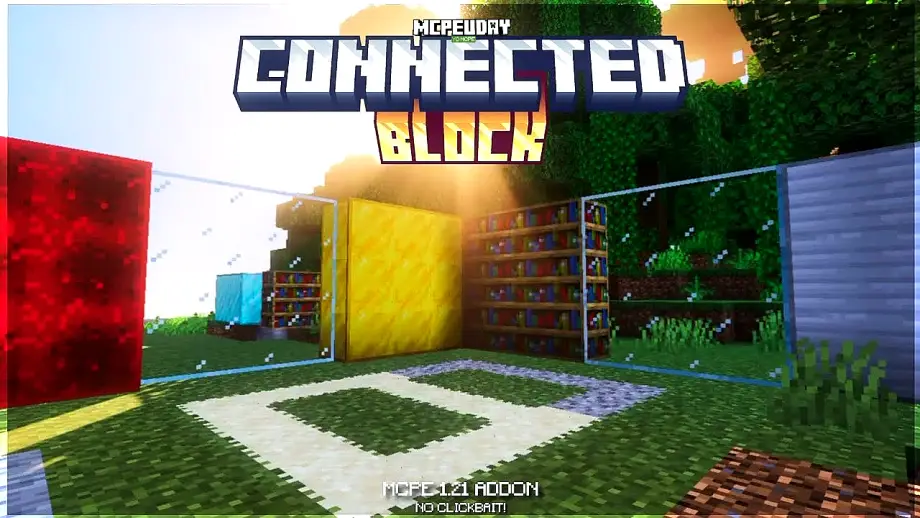
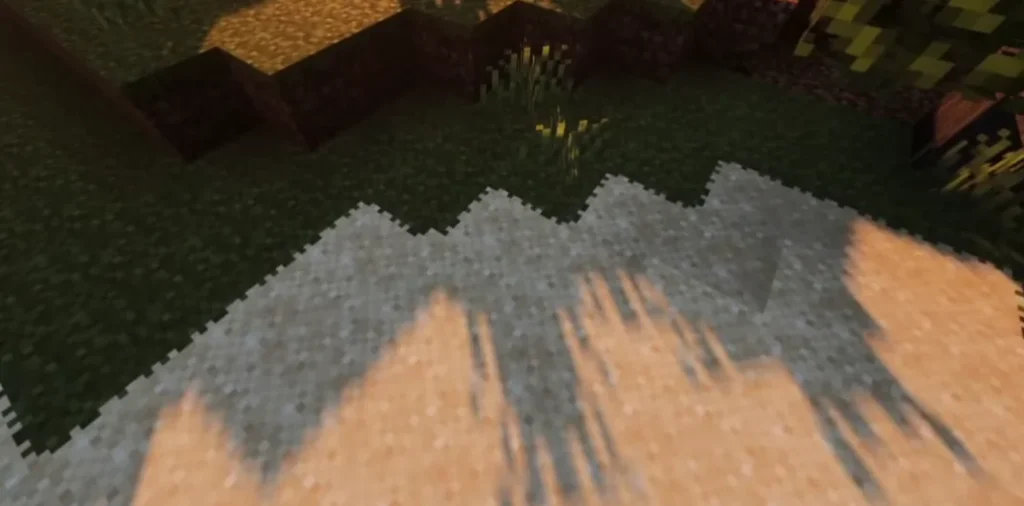
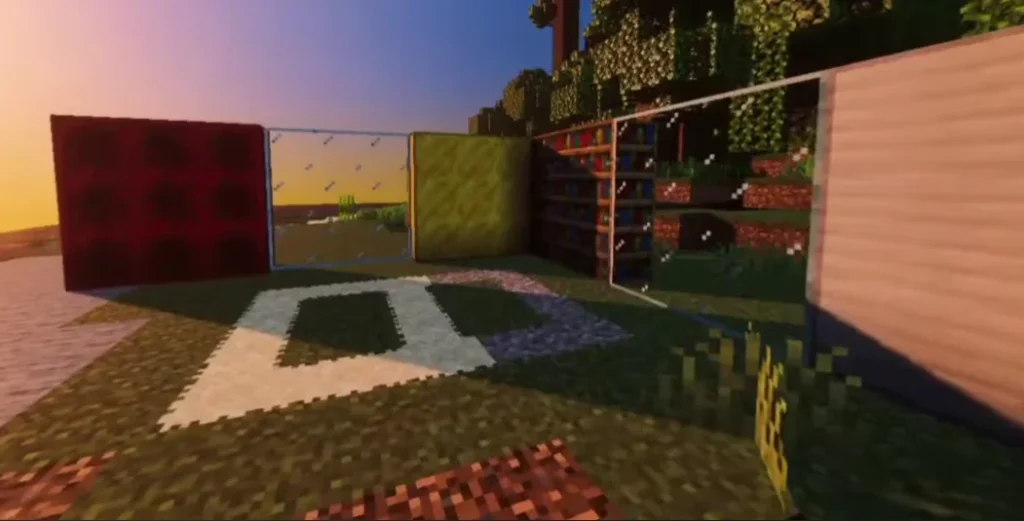
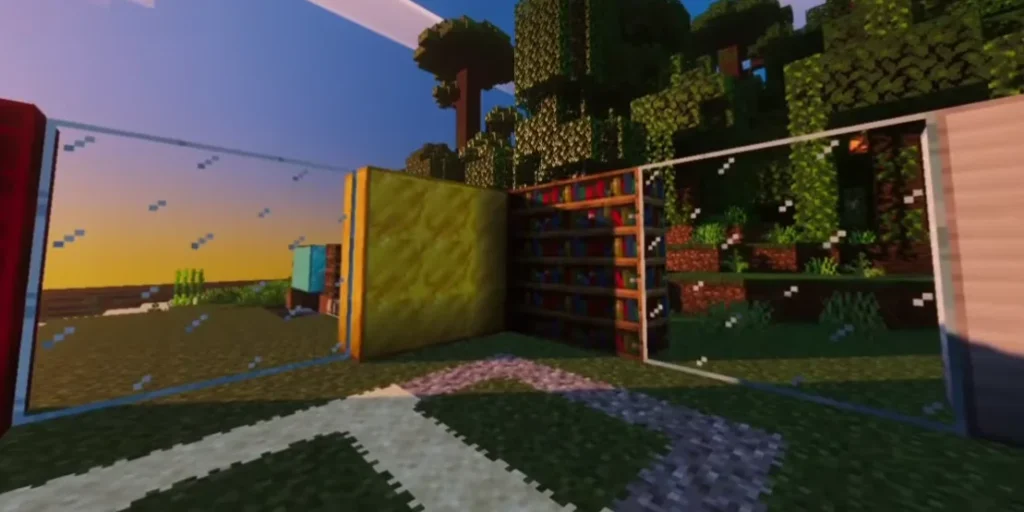
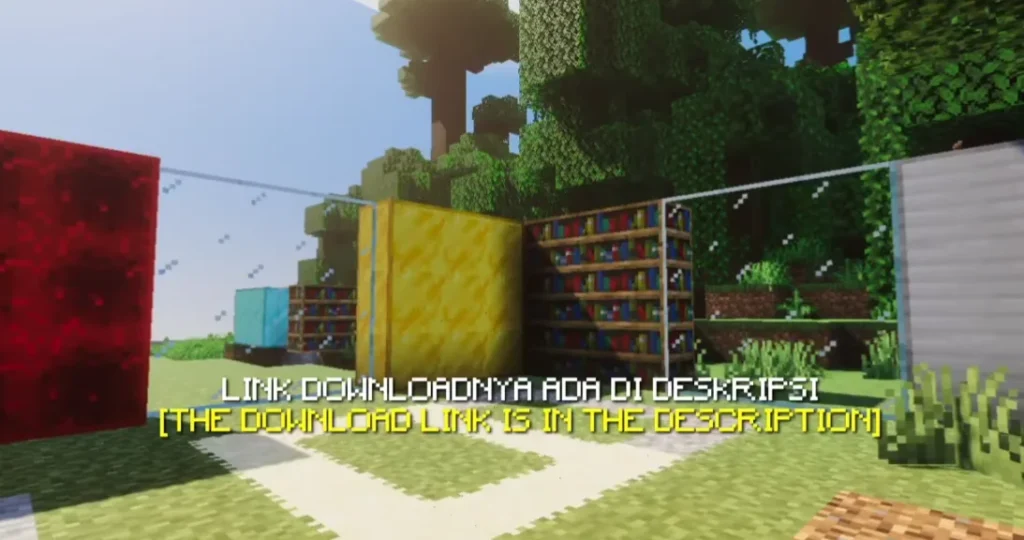
Minecraft is an amazing sandbox game, but default block textures often look repetitive and blocky. Connected Block Addon solves this issue by automatically merging adjacent blocks, creating smooth and realistic textures without visible borders.
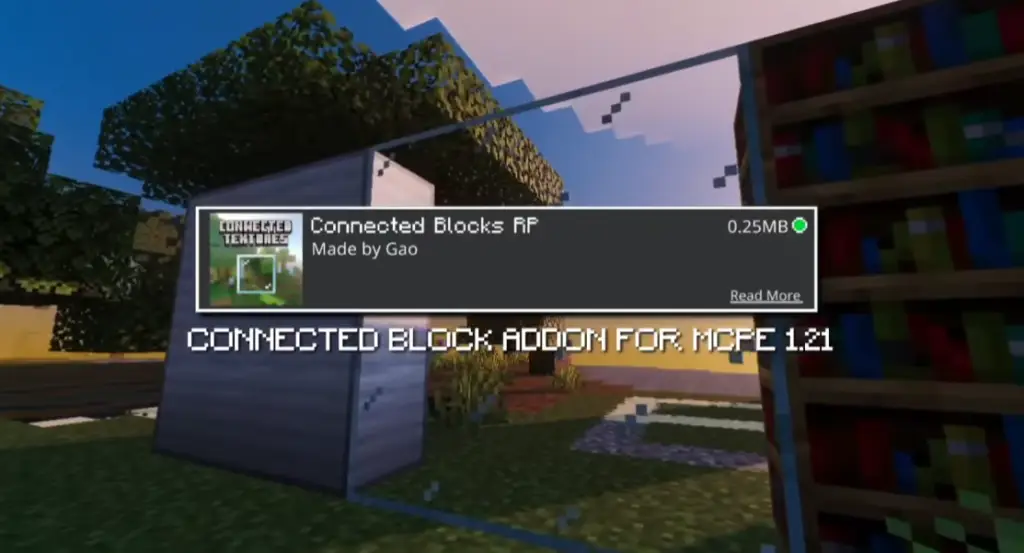
This addon is specially designed for Minecraft Bedrock Edition, enhancing the visual quality of glass, bricks, stones, and other commonly used blocks.
Table Of Contents
- ✨ What is Connected Block Addon?
- ⭐ Key Features of Connected Block Addon
- Screenshots:
- 🧩 Supported Blocks
- 📱 Compatibility & Requirements
- 🛠️ How to Install Connected Block Addon (Step-by-Step)
- 🏗️ Why Use Connected Block Addon?
- 🔒 Is Connected Block Addon Safe?
- 🧠 EEAT & Performance Insight
- 🏁 Final Verdict
- ❓ FREQUENTLY ASKED QUESTIONS (FAQ)
- – Connected Block Addon DOWNLOAD –Download Addon
✨ What is Connected Block Addon?
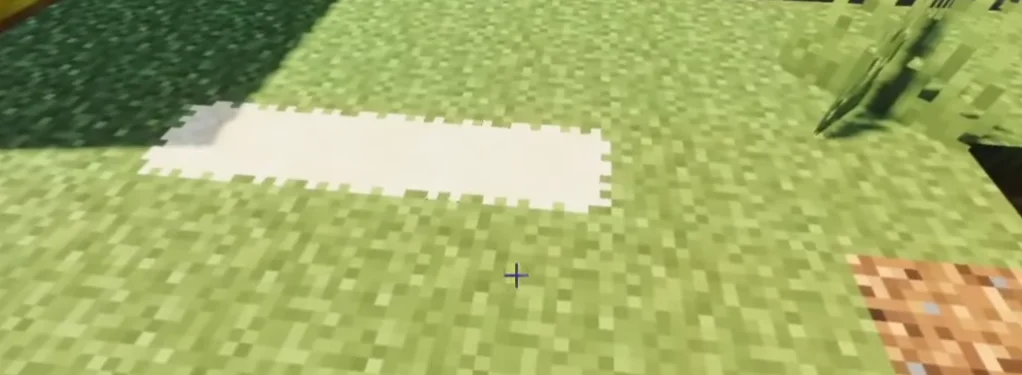
Connected Block Addon is a visual enhancement addon that connects similar blocks placed next to each other. Instead of seeing sharp edges and lines, blocks blend smoothly, making builds look modern and professional.
This addon works without affecting gameplay mechanics, making it safe for survival and creative worlds.
⭐ Key Features of Connected Block Addon
- Seamless connected textures for multiple blocks
- Removes visible borders between identical blocks
- Improves glass, stone, brick, and decorative blocks
- Lightweight and lag-free performance
- Works in Survival & Creative mode
- No commands or complex setup required
- Compatible with most texture packs
Screenshots:
🧩 Supported Blocks
Connected Block Addon usually supports:
- Glass & Stained Glass
- Stone & Smooth Stone
- Bricks & Stone Bricks
- Concrete blocks
- Tiles and decorative blocks
(Exact supported blocks may vary depending on addon version.)
📱 Compatibility & Requirements
- Game Version: Minecraft Bedrock Edition
- Platforms: Android, iOS, Windows 10/11
- Minecraft Version: Latest recommended
- Experimental Features: Usually NOT required
This addon is optimized to work smoothly even on low-end devices.
🛠️ How to Install Connected Block Addon (Step-by-Step)
- Download the Connected Block Addon (.mcaddon file)
- Open the file with Minecraft
- Import the addon successfully
- Go to Settings → Resource Packs
- Activate the addon
- Start or restart your world
✅ That’s it! Your blocks will now connect automatically.
🏗️ Why Use Connected Block Addon?
Using Connected Block Addon gives your world:
- More realistic builds
- Cleaner modern architecture
- Better screenshots & videos
- Professional-looking cities and houses
This addon is perfect for builders, creators, and YouTubers.
🔒 Is Connected Block Addon Safe?
Yes. This addon only changes textures and visuals.
It does not modify game files, add cheats, or affect multiplayer safety when used correctly.
🧠 EEAT & Performance Insight
This addon follows Minecraft Bedrock standards and uses optimized textures, ensuring:
- Stable FPS
- No world corruption
- No gameplay imbalance
It is trusted by builders who focus on aesthetics and performance.
🏁 Final Verdict
Connected Block Addon is one of the best visual addons for Minecraft Bedrock. If you want smooth, modern, and realistic builds without changing gameplay, this addon is a must-have.
❓ FREQUENTLY ASKED QUESTIONS (FAQ)
❓ What does Connected Block Addon do?
It connects similar blocks together visually, removing borders and making textures smooth and seamless.
❓ Is Connected Block Addon available for Java Edition?
No, this addon is mainly designed for Minecraft Bedrock Edition.
❓ Does this addon cause lag?
No. It is lightweight and optimized for performance.