AZIFY Natural Shader for Minecraft PE – Realistic Graphics, Smooth FPS & Stunning Lighting
 Go to files
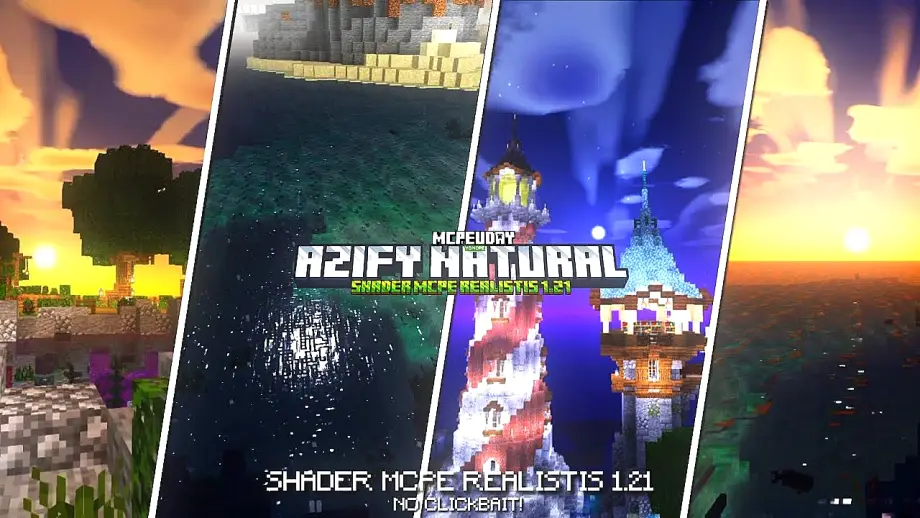
If you’re looking for a realistic shader for Minecraft Bedrock Edition that enhances visuals without reducing performance, AZIFY Natural Shader is one of the best options available right now.

Designed specifically for Minecraft PE players, this shader improves lighting, water reflections, sky colors, shadows, and environmental details while keeping gameplay smooth even on mid-range devices.
Unlike heavy RTX shaders, AZIFY focuses on natural beauty and performance balance, making it ideal for survival and creative mode worlds.
Discover moresurvivalBest video game consolesMinecraftSurvival gameMinecraft PEMinecraft: Bedrock EditionMCPE
🌅 What is AZIFY Natural Shader?
AZIFY Natural Shader is a lightweight visual enhancement pack for Minecraft Pocket Edition (Bedrock). It modifies:
- Sunlight behavior
- Realistic shadows
- Water transparency
- Sky gradients
- Cloud movement
- Ambient color tones
The goal is simple:
👉 Make Minecraft look realistic but still playable on most devices.
✨ Key Features of AZIFY Natural Shader
1️⃣ Realistic Natural Lighting
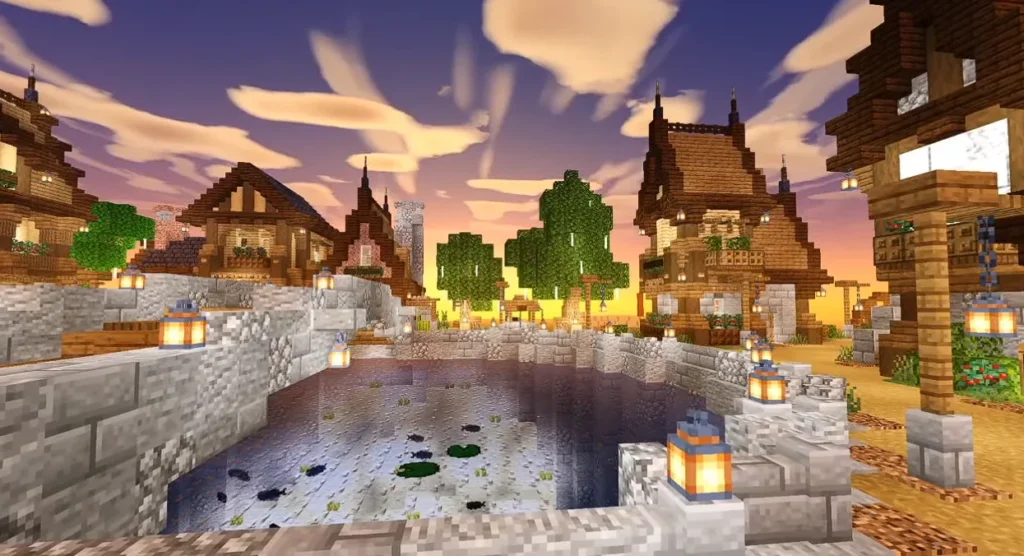
The shader introduces smooth sunlight transitions, warm sunsets, and softer night lighting. It makes the world feel alive and dynamic.
2️⃣ Enhanced Water Effects
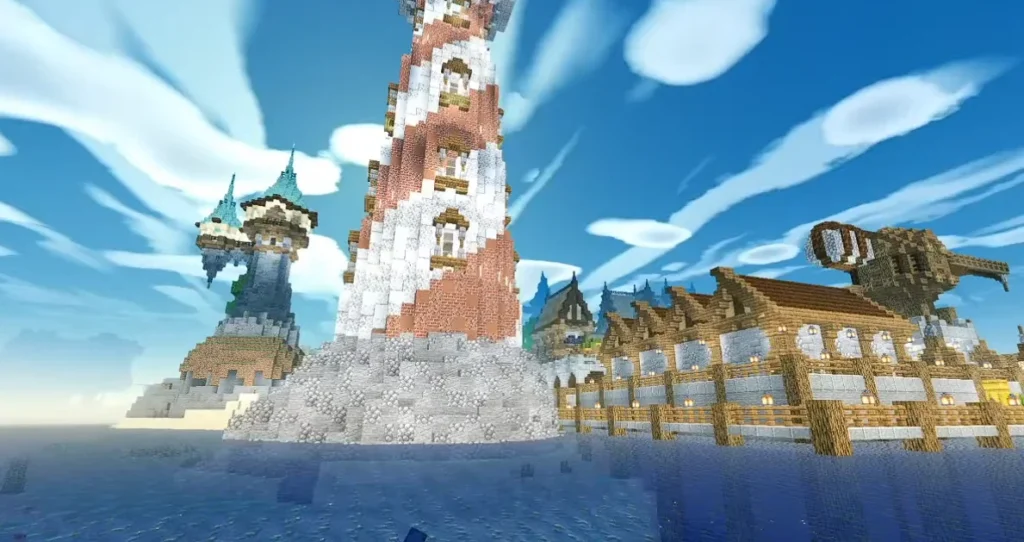
Water becomes clearer with realistic reflections and subtle movement. Rivers, oceans, and lakes look more immersive.
3️⃣ Smooth Dynamic Shadows
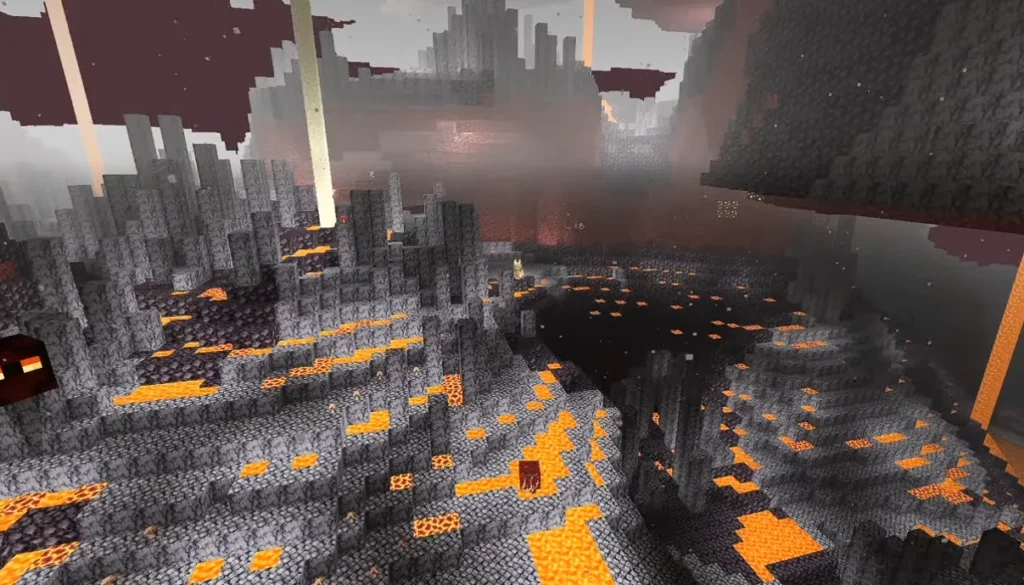
Shadows are more detailed and react naturally to light sources without causing FPS drops.
4️⃣ Improved Sky & Clouds
The sky features better gradients, realistic sunrise colors, and smoother cloud animations.
5️⃣ Optimized Performance
Unlike many heavy shaders, AZIFY Natural Shader is optimized for:
- Low-end Android devices
- Mid-range phones
- Smooth survival gameplay
6️⃣ Natural Color Correction
Grass, leaves, and blocks appear more vibrant yet realistic — not oversaturated.
Screenshots:-
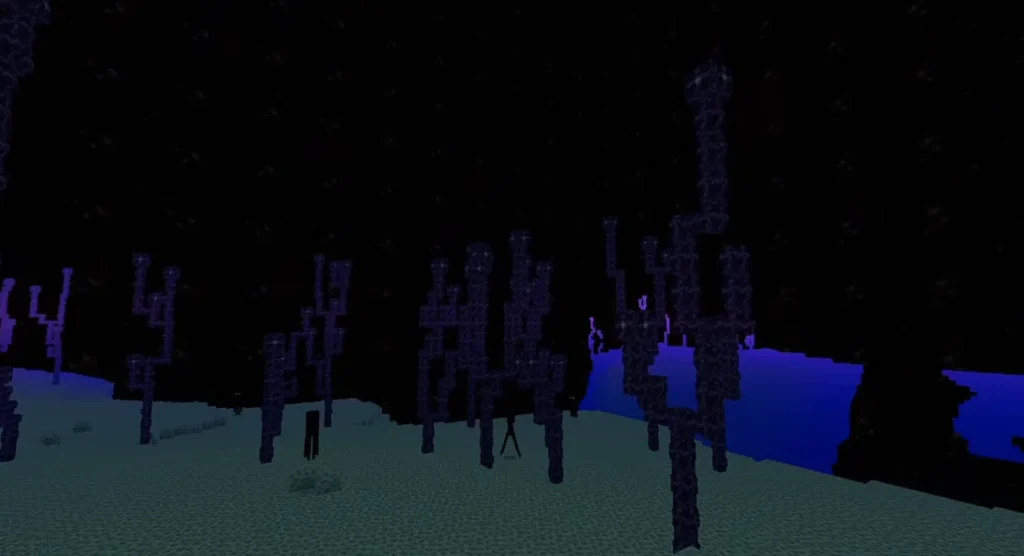
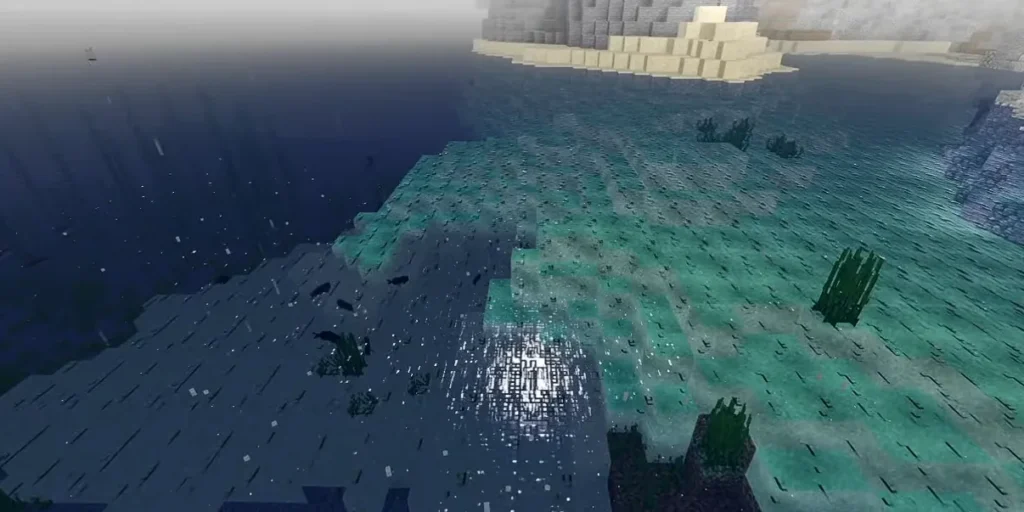
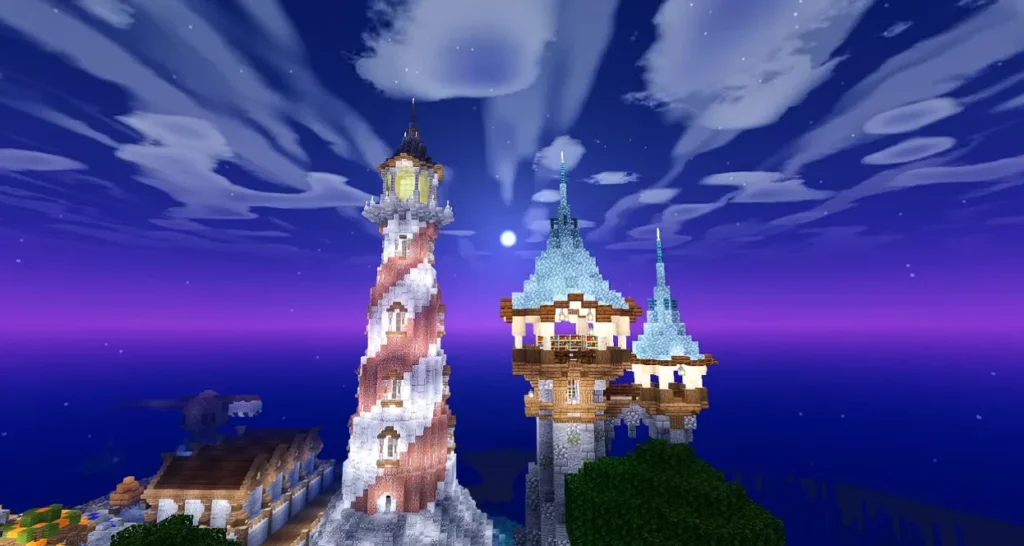
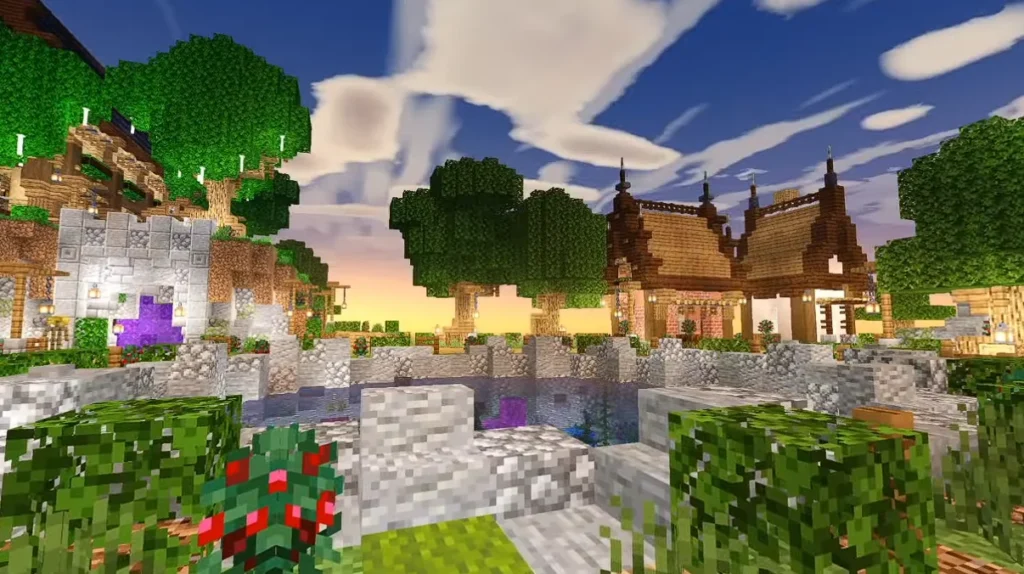
🎮 Why Choose AZIFY Natural Shader?
There are many Minecraft PE natural shaders available, but AZIFY stands out because:
✔ Balanced performance & visuals
✔ Smooth gameplay without lag
✔ Survival-friendly lighting
✔ No overexposed brightness
✔ Compatible with most Minecraft Bedrock versions
Discover moreBest video game consolesSurvival gameMinecraftsurvivalMCPEMinecraft: Bedrock EditionMinecraft PE
It enhances your world without changing the original Minecraft feel.
📱 Compatibility & Requirements
- Minecraft Bedrock Edition
- Minecraft PE latest version
- Android & some iOS devices
- Recommended: 3GB RAM or higher
No RTX support required.
📥 How to Install AZIFY Natural Shader (Step-by-Step)
- Download the AZIFY Shader file (.mcpack).
- Open the file with Minecraft.
- Wait for import confirmation.
- Go to Settings → Global Resources.
- Activate AZIFY Natural Shader.
- Restart your world.
Now enjoy realistic Minecraft graphics!
⚡ Performance Test & Gameplay Experience
During testing in survival mode:
- Daylight looked warm and natural
- Nights were darker but still playable
- Water reflections were realistic
- FPS remained stable
This makes AZIFY Shader Download worth it for players who want beauty without sacrificing performance.
🔍 Is AZIFY Natural Shader Safe?
Yes. If downloaded from a trusted source, it is completely safe and does not modify game files illegally. Always avoid suspicious websites.
🏁 Final Verdict
If you want a Minecraft PE Natural Shader that improves lighting, water, shadows, and sky without causing lag, AZIFY Natural Shader is a top choice in 2026.
It keeps the Minecraft experience authentic while making the world visually stunning.
Highly recommended for survival players.