
Rossweisse Anime Sky
 Go to files
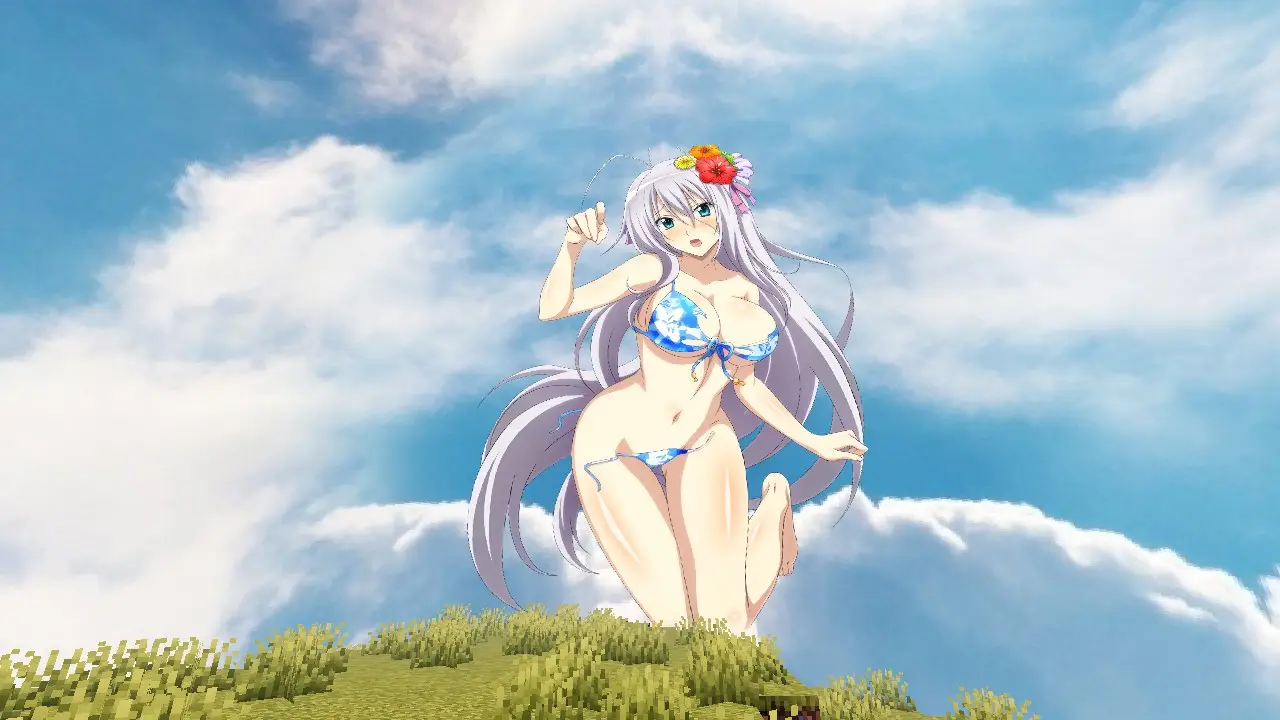
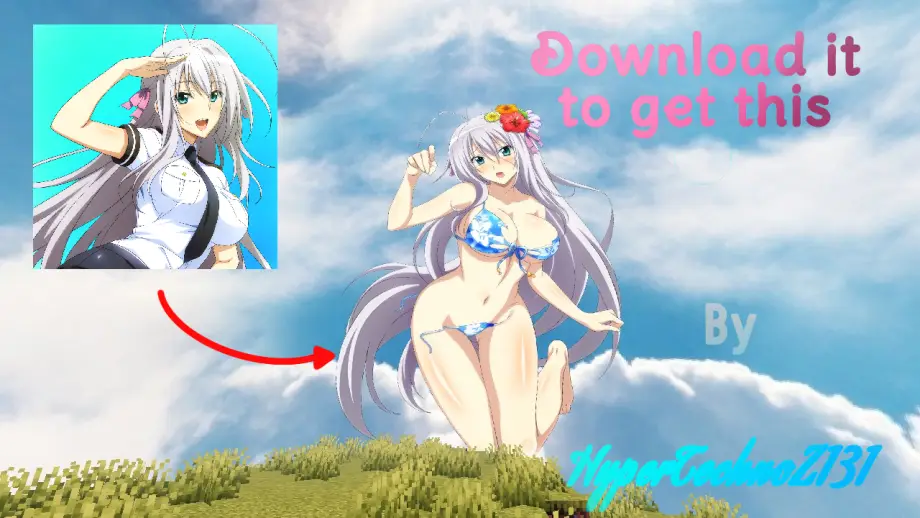
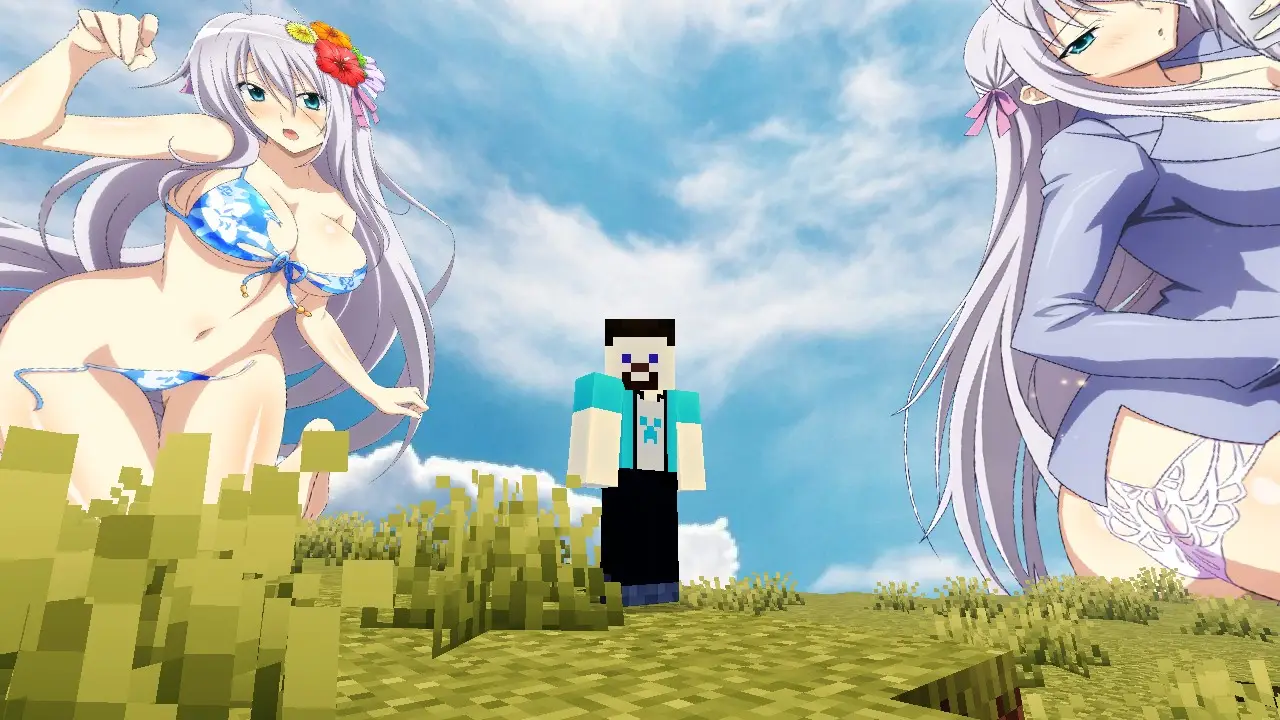
Rossweisse Anime Sky Texture Pack for Minecraft Bedrock. Transform your Minecraft Bedrock world into a breathtaking anime sanctuary. This premium sky overlay replaces the default, blocky clouds with stunning, high-definition custom skyboxes featuring the elegant and powerful Valkyrie, Rossweisse. Whether you are building a massive fantasy kingdom or just surviving the night, this texture pack brings an immersive, cinematic anime aesthetic to every Minecraft day-and-night cycle.
🌟 Key Features
High-Definition Skyboxes
Replaces standard Minecraft skies with ultra-clear custom anime imagery.
Stunning Rossweisse Visuals
Features beautiful, high-quality renders of the beloved Valkyrie integrated seamlessly into the atmosphere.
Dynamic Day & Night Transitions
Watch the sky shift from a brilliant, serene daylight view to a cosmic, magical nighttime aesthetic.
Bedrock Optimized
Crafted specifically for Minecraft Bedrock Edition to ensure smooth performance without FPS drops.
Universal Compatibility
Works flawlessly alongside your favorite block texture packs, shaders, and custom UIs.
🌌 Immersive Atmosphere
☀️ Majestic Daylight
During the day, look up to see a beautifully rendered Rossweisse watching over your world. The daytime sky features soft cosmic clouds, bright anime-style lighting, and a serene atmosphere that makes exploring feel like walking through a high-budget anime movie.
🌙 Enchanting Nightscapes
When the sun sets, the sky transforms into a magical celestial canvas. Deep purples, cosmic blues, and brilliant stars surround Rossweisse in her full Valkyrie grace — the night becomes vibrant, glowing, and completely unique compared to vanilla Minecraft.
🛠️ How to Install (Minecraft Bedrock)
- Download the .mcpack file directly to your device.
- Double-click or tap the downloaded file to automatically launch Minecraft and import the pack.
- Go to Settings > Global Resources.
- Activate the Rossweisse Anime Sky pack.
- Restart your world or join a server to enjoy your brand-new view!
📌 Important Notes
Video Settings
For the absolute best visual experience, make sure to turn ON "Beautiful Skies" in your Minecraft video settings.
Multiplayer Ready
This is a client-side resource pack, meaning you can use it on public servers, Realms, and local worlds without any issues.
Would you like me to adjust this description for a specific platform like Planet Minecraft, MCPEDL, or a YouTube video description?


![Thumbnail: Truly Bedrock+ [v1.2.5]](/uploads/posts/2026-04/f3316c45a5_tb-remixed-texture-pack-cover.webp)