
How to Set World Spawn in Minecraft Bedrock
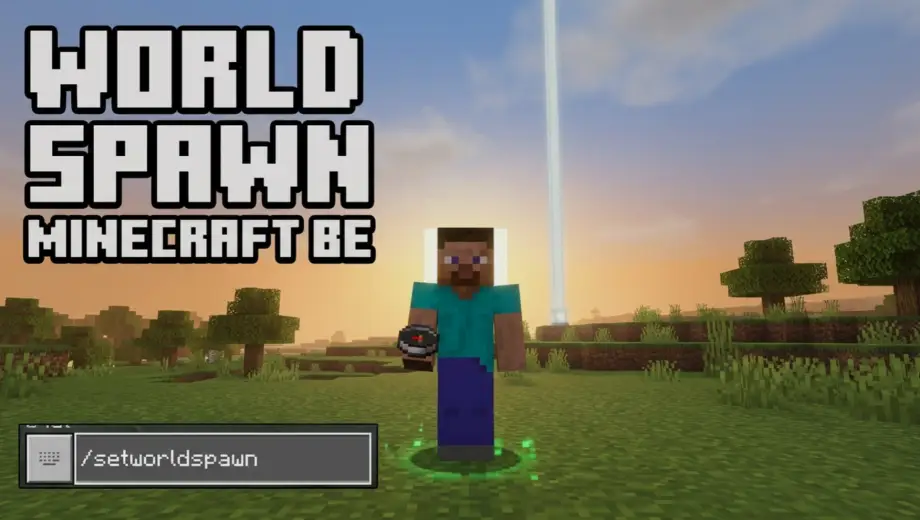
How to Set World Spawn in Minecraft Bedrock
World spawn is where new players appear when they first join your world and where everyone respawns if they die without a bed. By default, Minecraft picks this spot randomly. If it dropped you in the middle of an ocean or a dense jungle three thousand blocks from your base, you can move it.
The Command
Stand at the exact spot where you want the new world spawn and type:
/setworldspawn
Done. The world spawn is now where you're standing. Every player who joins for the first time or dies without a valid bed will appear at this location.
You can also set it to specific coordinates without walking there:
/setworldspawn [x] [y] [z]
For example, /setworldspawn 100 64 -200 puts the world spawn at those exact coordinates.
Cheats Required
This command needs cheats enabled. For a new world, toggle on Activate Cheats before creating it. For an existing world, go to Settings → Game → Activate Cheats. Enabling cheats permanently disables achievements for that world.
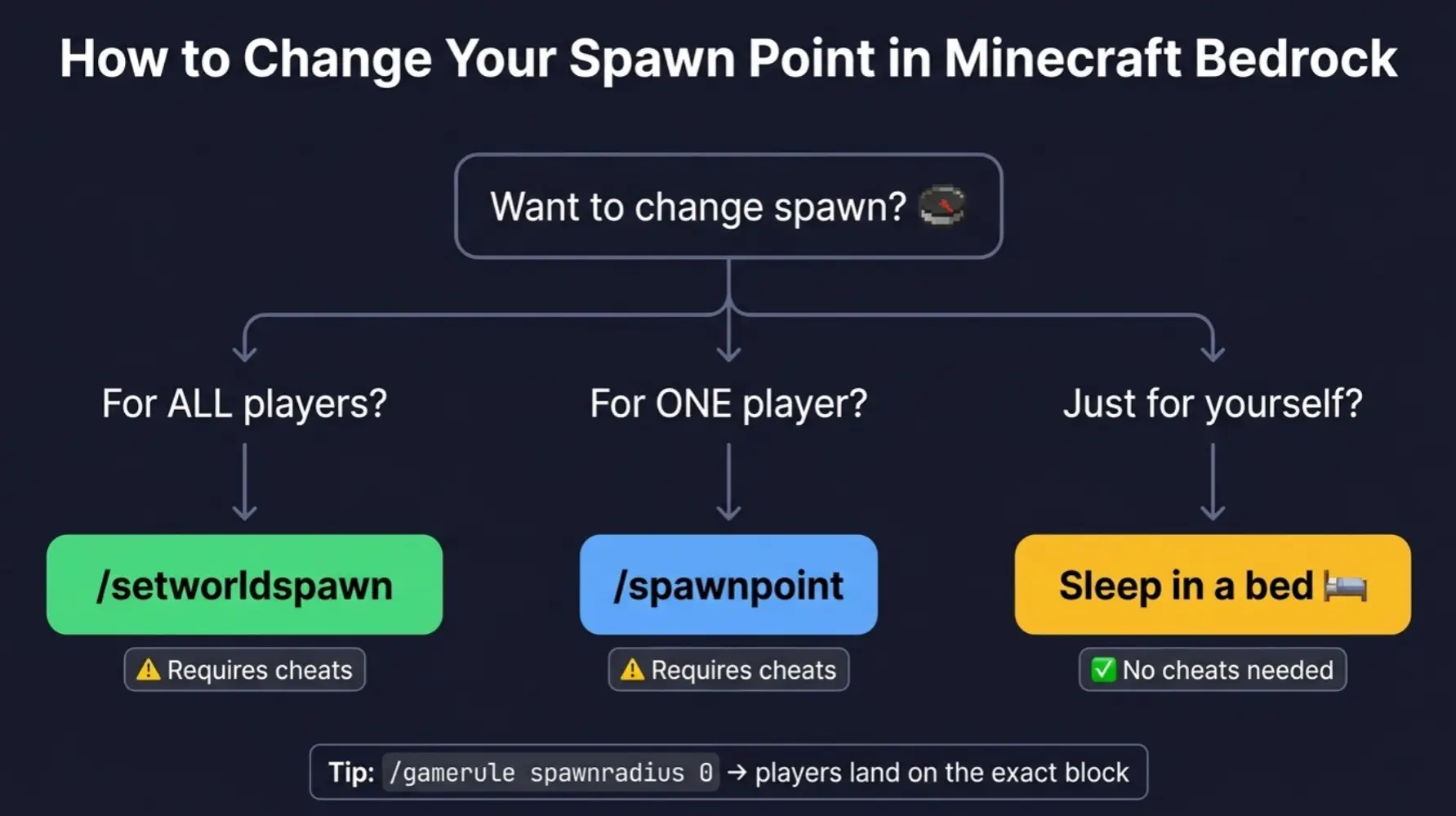
/setworldspawn vs /spawnpoint
These two commands do very different things, and mixing them up is common.
/setworldspawn changes the world's default spawn location. It affects all players who don't have a personal spawn set (no bed, or their bed got destroyed). It also determines the "center" of the world for things like the spawn chunks that stay loaded.
/spawnpoint changes a specific player's respawn location. It overrides the world spawn for that player only. If you type /spawnpoint with no arguments, it sets your personal spawn to where you're standing. To set it for someone else: /spawnpoint [player] [x] [y] [z].
In practice: use /setworldspawn to set where everyone lands by default. Use /spawnpoint to give individual players custom respawn points without affecting anyone else.
What About Beds?
Sleeping in a bed also sets a personal spawn point, and it doesn't require cheats. If a player has slept in a bed, they'll respawn at that bed when they die, regardless of where the world spawn is set.
World spawn only kicks in when a player has no valid bed spawn. This happens when they've never slept in a bed, their bed has been broken or obstructed, or they're joining the world for the first time.
So if you're in a survival world without cheats and just want to control where you respawn, a bed is the answer. /setworldspawn is for controlling the default location for everyone, particularly useful on servers and Realms.
Using This on a Realm or Server
On a Realm, only the owner or operators can run /setworldspawn. Once set, it applies to every player who joins. This is especially useful if you've built a spawn hub, welcome area, or community portal and want new players to land there instead of in a random forest.
The setting persists permanently until someone runs /setworldspawn again. Restarting the Realm or logging out doesn't reset it.
Spawn Radius
Players don't always spawn on the exact block you set. Bedrock has a spawn radius that scatters new spawns randomly within a few blocks of the world spawn point. This can be annoying if you've built a precise spawn platform.
To tighten the radius, use:
/gamerule spawnradius 0
Setting it to 0 means every player lands on the exact block. The default value is 5. You can set it anywhere from 0 to 99 blocks.
Quick Troubleshooting
"Players still spawn at the old location." They probably have a bed spawn set. /setworldspawn only affects players with no personal spawn point. Break their beds or ask them to use /spawnpoint to update.
"I set the spawn but players appear a few blocks away." That's the spawn radius. Set it to 0 with /gamerule spawnradius 0 for exact placement.
"The command doesn't work." Cheats aren't enabled, or you don't have operator permissions on the Realm/server. Ask the owner to grant you operator status.
"I want to set spawn without cheats." You can't move the world spawn without cheats. But you can set your personal respawn by sleeping in a bed, which works in pure survival with no commands and no achievement penalty.