How to Teleport to Coordinates in Minecraft Bedrock
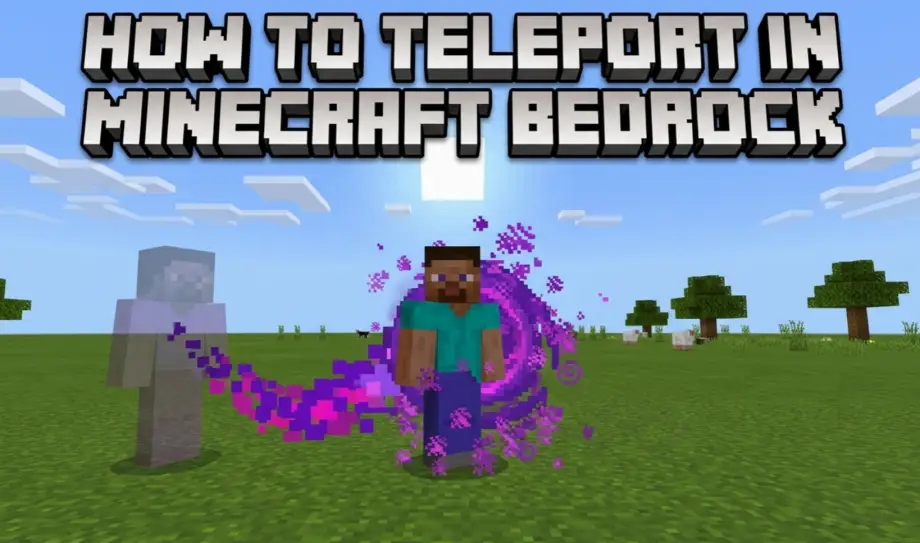
You've written down the coordinates of a woodland mansion 8,000 blocks away. You can spend 40 minutes walking there, or you can type one command and arrive instantly. Here's how.
The Command
/tp @s [x] [y] [z]
Replace [x], [y], and [z] with the coordinates you want to reach. For example:
/tp @s 340 72 -890
This teleports you to X=340, Y=72, Z=-890. You arrive instantly, no loading screen, no transition.
Cheats must be enabled for this to work. If you haven't set that up yet, check our guide on enabling cheats.
What @s, @p, @a, @e Mean
The letter after the @ symbol is the target selector. It determines who gets teleported.
@s— yourself. The safest choice. Teleports only you.@p— the nearest player. Usually you, but on multiplayer it might grab someone else if they're closer to the command block.@a— all players. Teleports every player on the server to those coordinates. Use carefully.@e— all entities. Teleports every mob, item, and player. Don't do this unless you want chaos."PlayerName"— a specific player by name. Example:/tp "Steve" 100 64 200
For everyday use, stick with @s. It does what you expect and doesn't affect anyone else.
Teleporting to Another Player
You don't need coordinates if you just want to reach another player:
/tp @s "PlayerName"
This teleports you directly to that player, wherever they are. Works across dimensions too — if they're in the Nether and you're in the Overworld, you'll end up in the Nether.
To teleport someone else to you:
/tp "PlayerName" @s
The order matters: first argument is who moves, second is the destination.
Relative Coordinates (The Tilde ~)
Tildes let you teleport relative to your current position instead of to absolute coordinates.
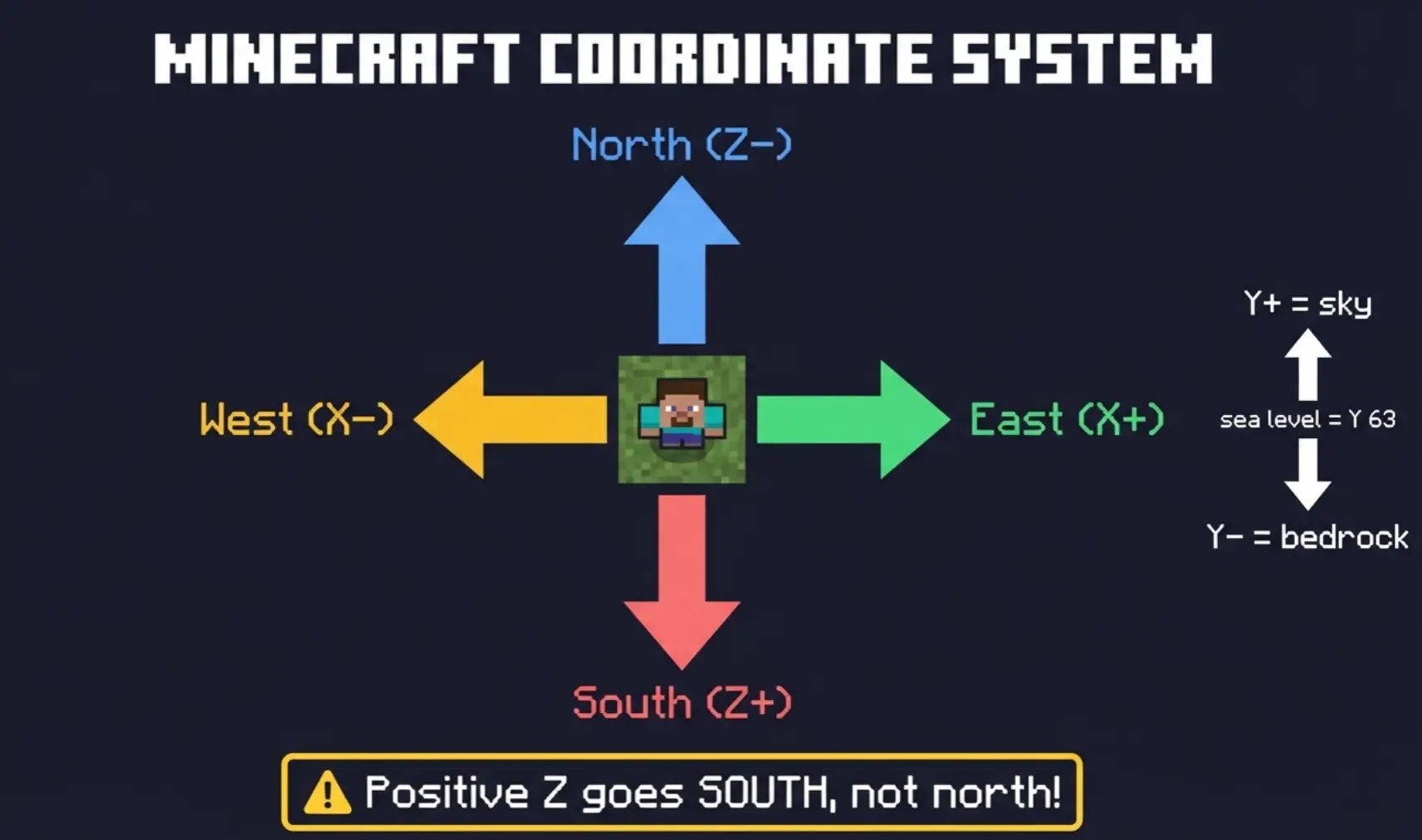
/tp @s ~10 ~ ~— moves you 10 blocks east (positive X) from where you're standing/tp @s ~ ~50 ~— moves you 50 blocks straight up/tp @s ~ ~ ~-30— moves you 30 blocks north (negative Z)/tp @s ~0 ~0 ~0— teleports you to exactly where you already are (useful for canceling fall damage)
A tilde alone (~) means "no change on this axis." So ~ ~ ~ is your current position, and ~5 ~ ~-5 means 5 blocks east and 5 blocks north from where you stand.
This is useful for quick adjustments: stuck in a wall? /tp @s ~1 ~ ~ nudges you one block sideways. Falling into the void? /tp @s ~ 100 ~ puts you at Y=100.
Local Coordinates (The Caret ^)
Carets work like tildes but relative to the direction you're facing, not the world axes.
^— left/right^— up/down^— forward/backward
The order is: ^left ^up ^forward
/tp @s ^ ^ ^10 — teleports you 10 blocks in the direction you're looking. Looking north? You move north. Looking at the ground? You move into the ground. Be careful with this one.
You can't mix carets with tildes or absolute coordinates. It's all carets or none.
Teleporting Between Dimensions
The /tp command can't move you between dimensions directly. You can't teleport from the Overworld to Nether coordinates with /tp alone.
To switch dimensions, either walk through a portal or use:
/execute in overworld run tp @s [x] [y] [z]
Replace "overworld" with "nether" or "the_end" depending on where you want to go. Note: this is an advanced command and may not work on all Bedrock versions. The simplest approach is to step through a portal first, then /tp to your coordinates once you're in the right dimension.
Practical Examples
Teleport to your base: /tp @s 150 68 -420
Teleport to world spawn: /tp @s 0 ~ 0 (uses ~ for Y so you don't end up underground)
Teleport up to escape a cave: /tp @s ~ 100 ~
Teleport a friend to you: /tp "FriendName" @s
Teleport everyone to one spot: /tp @a 0 64 0
Nudge yourself out of a block: /tp @s ~1 ~ ~
Common Problems
"I teleported underground and I'm stuck in blocks." Your Y coordinate was too low. Use /tp @s ~ 100 ~ to get above ground, then try again with a higher Y value. Always use ~ for Y if you're not sure of the terrain height at the destination.
"I teleported into the void and died." The Y value was below the world floor (below -64 in Overworld). If you catch it fast, /tp @s ~ 100 ~ can save you before you die. Typing fast helps.
"The command says syntax error." Check for extra spaces, missing coordinates, or mixing carets with tildes. All three coordinates (X, Y, Z) are required. You can't skip one.
"I teleported but I'm in the wrong place." Bedrock uses the same coordinate system as Java: X is east/west, Y is up/down, Z is north/south. Positive X = east, positive Z = south. If you ended up mirrored from where you expected, you probably swapped X and Z.