How to Get a Command Block in Minecraft Bedrock
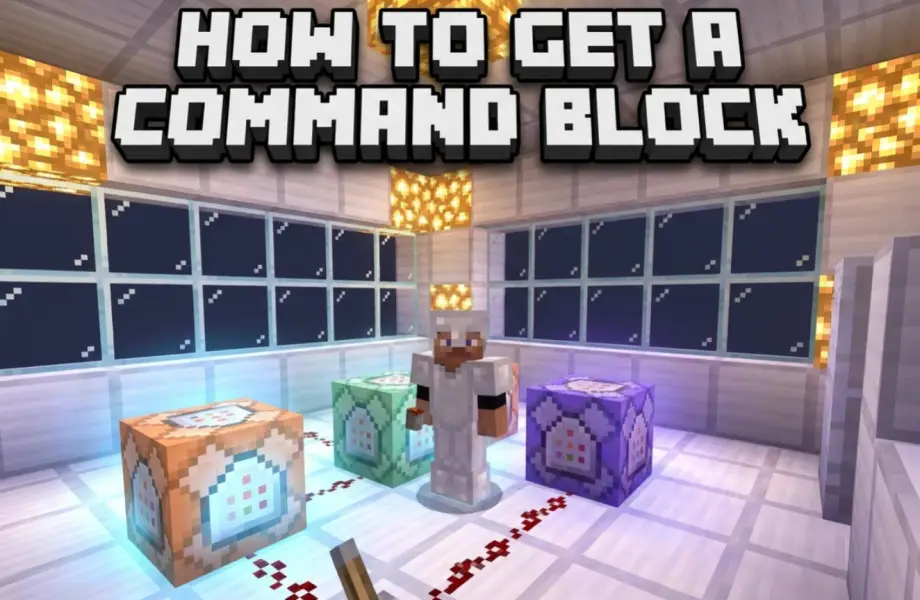
Command blocks don't appear in the creative inventory and can't be crafted. There's exactly one way to get one, and it's a single command.
The Command
Open chat and type:
/give @s command_block
The command block appears in your inventory. To get more than one:
/give @s command_block 10
Requirements
Two things have to be true or the command won't work.
Cheats must be enabled. For a new world, toggle Activate Cheats before creating it. For an existing world, pause → Settings → Game → Activate Cheats. Note that enabling cheats permanently disables achievements for that world. See our guide on enabling cheats for the details.
You need operator permissions on a Realm or server. If you're not the owner, ask them to grant you operator status.
You also can't place or edit a command block in Survival or Adventure mode. Switch to Creative with /gamemode creative to work with it, then switch back if you want.
The Three Types
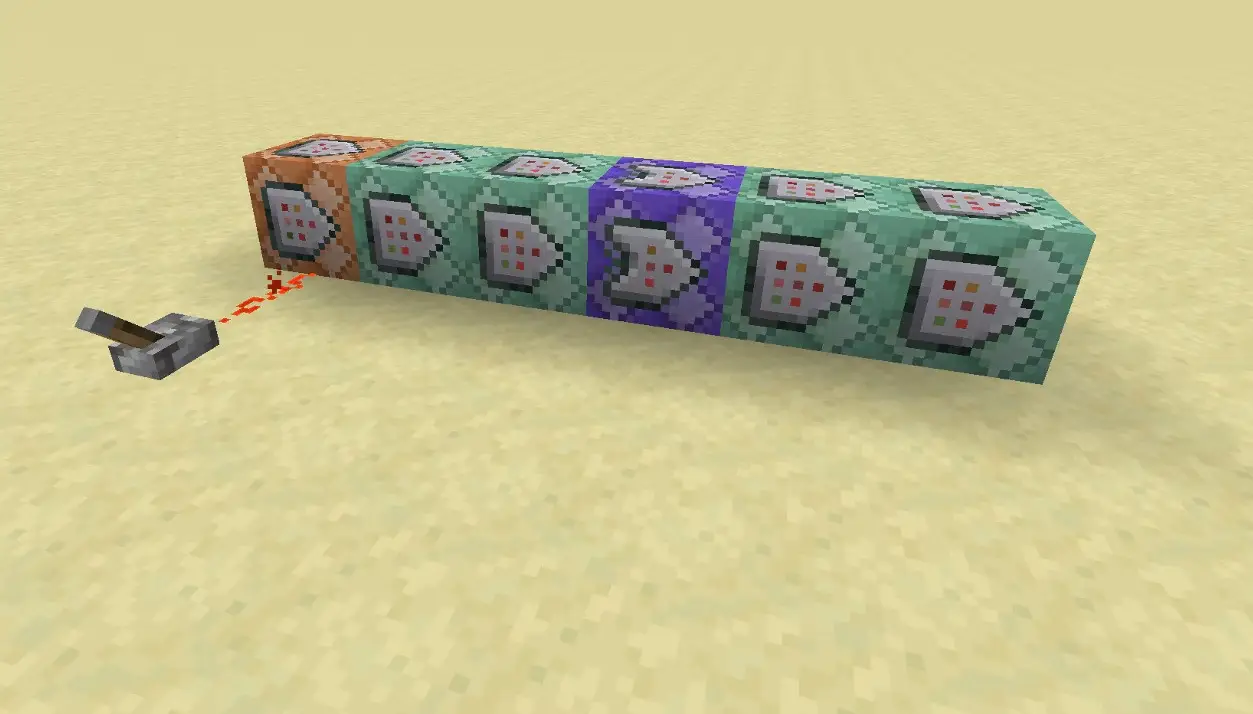
Place the block, then interact with it to open the interface. At the top you'll see a button that cycles between three modes.
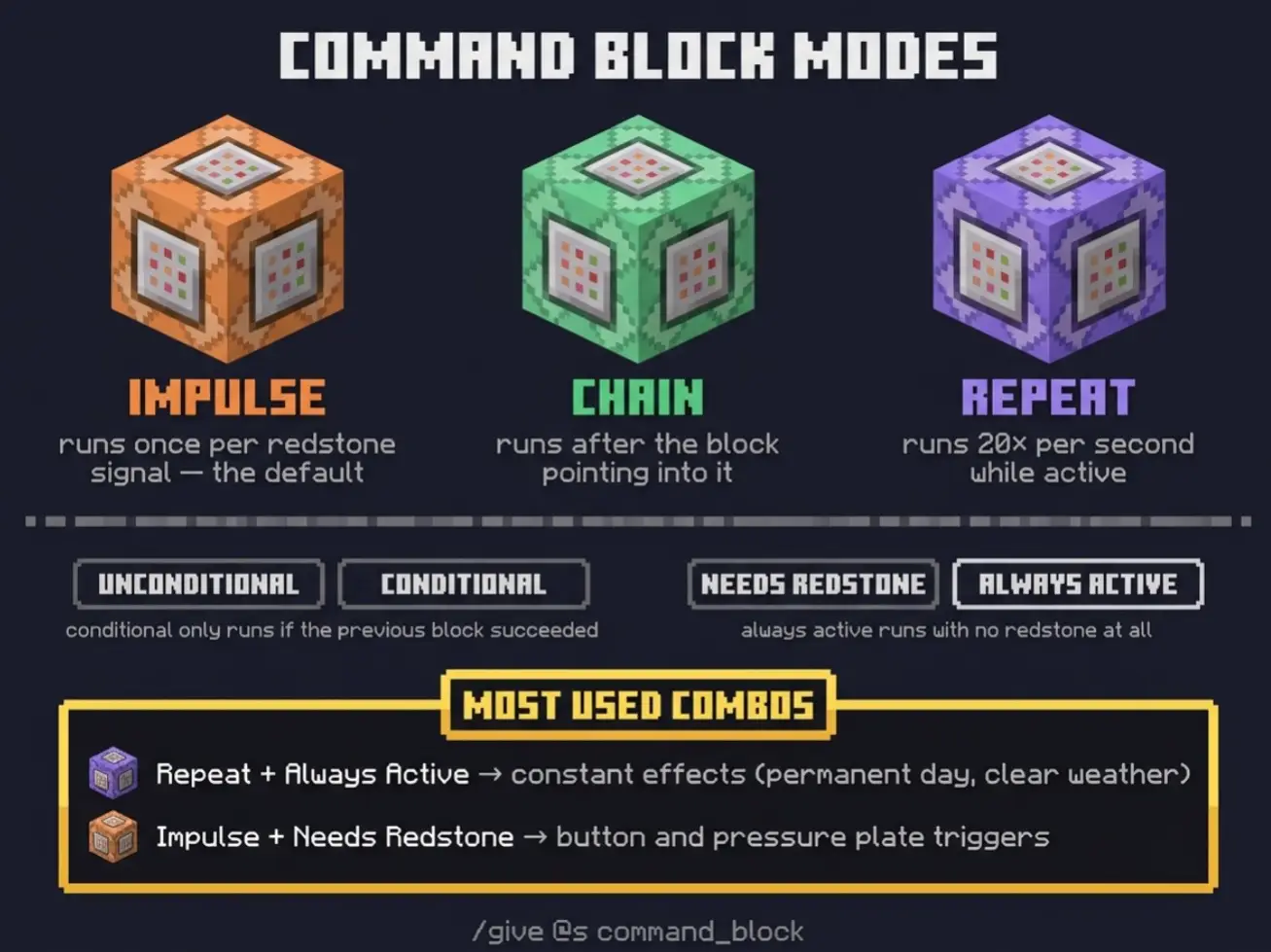
Impulse (orange) runs its command once each time it receives a redstone signal. This is the default and what you want most of the time.
Chain (green) runs only after the command block pointing into it has run. Use these to fire several commands in a guaranteed order.
Repeat (purple) runs its command every game tick, 20 times per second, for as long as it's active.
Conditional and Always Active
Two more toggles in the same interface.
Unconditional / Conditional. A conditional block only runs if the command block behind it succeeded. Handy for chains where later steps shouldn't fire if an earlier one failed.
Needs Redstone / Always Active. "Needs Redstone" means it waits for a signal from a button, lever, or pressure plate. "Always Active" means it runs on its own with no redstone at all. Repeat blocks set to Always Active are the standard setup for anything that needs to run continuously.
Useful Examples
Teleport pad. Impulse, Needs Redstone, on a pressure plate:
/tp @p 100 64 -200
Permanent daylight. Repeat, Always Active:
/time set day
Clear weather. Repeat, Always Active:
/weather clear
Welcome message. Impulse, Needs Redstone, on a pressure plate at your entrance:
/say Welcome to the base
Give a starter kit. Impulse, Needs Redstone:
/give @p iron_sword 1
Related Blocks
Two other command-related blocks work the same way:
/give @s structure_block for saving and loading structures
/give @s command_block_minecart for a command block that runs while moving along rails
Common Problems
"Unknown command" or nothing happens. Cheats aren't on, or you don't have operator permissions.
"I can't open the command block." You're in Survival or Adventure mode. Switch to Creative.
"My repeat block is lagging the world." It's running 20 times per second. Either switch it to Impulse or add a redstone condition so it only fires when needed.
"The chain block isn't firing." Chain blocks must physically point into each other, and the first block in the sequence has to be an Impulse or Repeat block. Check the arrow direction on each block.