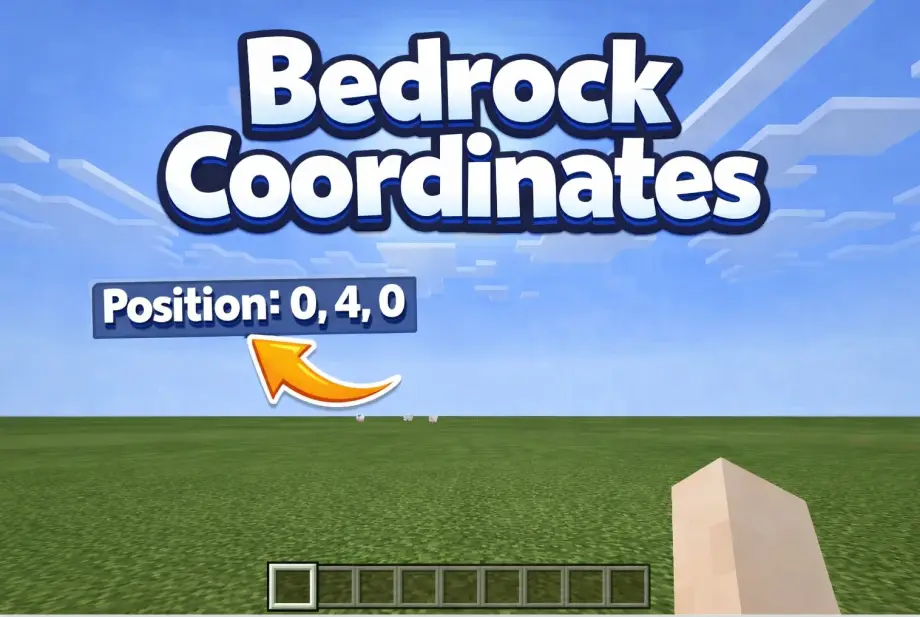
How to Enable Cheats in Minecraft Bedrock
Almost every useful command in Minecraft Bedrock requires cheats to be enabled first. Teleporting, changing game rules, locating structures, giving yourself items — none of it works until you flip this switch. Here's how to do it, and what it costs you.
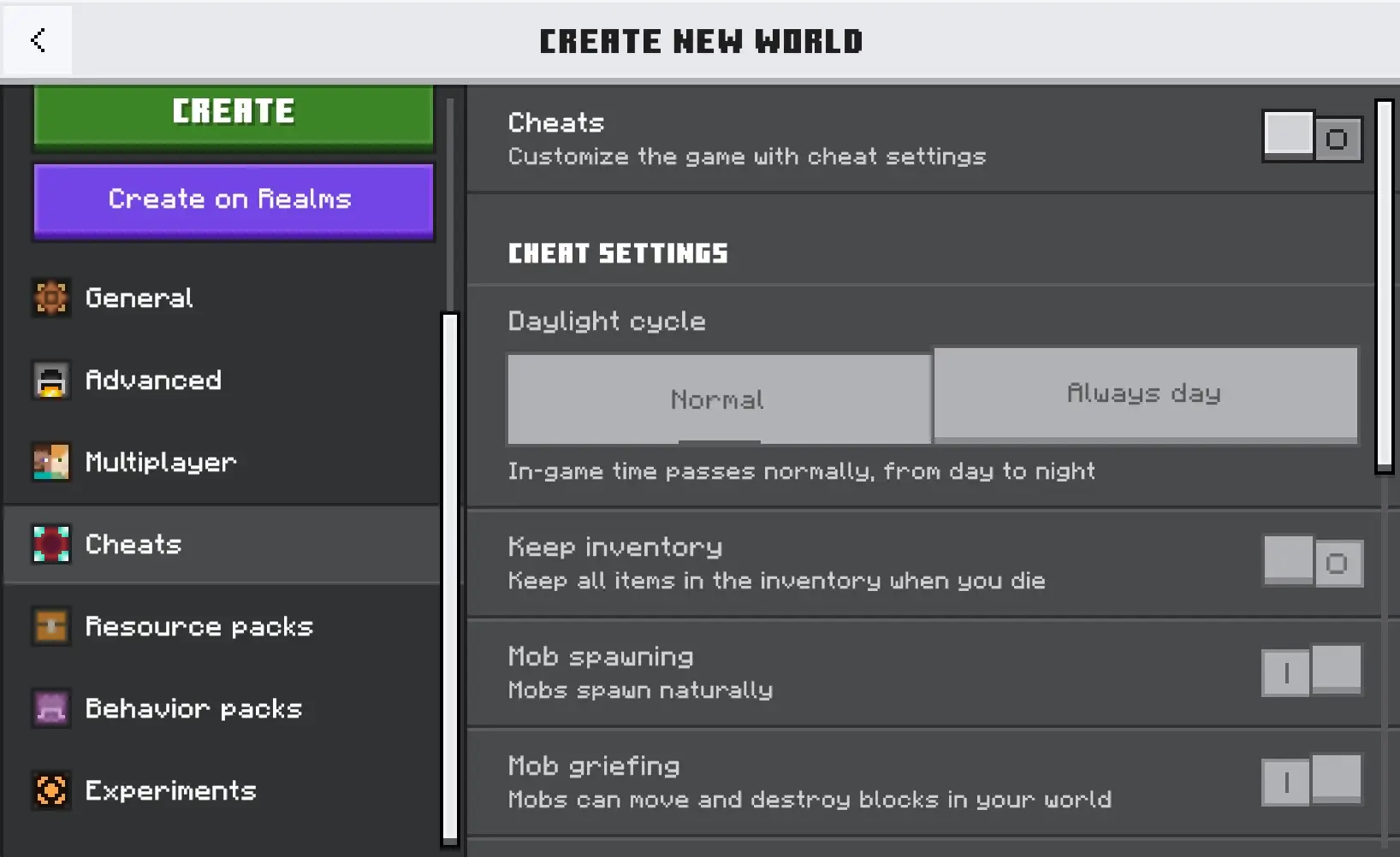
For a New World
- Click Create New → Create New World
- In the Game tab, scroll down to Activate Cheats
- Toggle it on
- Create the world
That's it. All commands are now available from the start.
For an Existing World
- Open the world
- Pause the game
- Go to Settings → Game
- Toggle Activate Cheats on
- Confirm the warning popup
Commands work immediately after toggling. No need to restart the world.
The Trade-Off: Achievements Are Gone
This is the big one. Enabling cheats permanently disables achievements for that world. Not temporarily, not until you turn cheats back off. Permanently. Even if you toggle cheats back off one second later, achievements are gone forever for that world.
There's no workaround, no setting to reverse it, no trick. This is hardcoded into Bedrock. Think carefully before enabling cheats on a world you've invested time in.
If you want to experiment with commands without risking your main world, create a copy first: go to the world list, click the pencil icon on your world, and select Copy World. Enable cheats on the copy and keep your original clean.
On a Realm
Only the Realm owner can enable cheats. The process is the same: pause → Settings → Game → Activate Cheats. The same achievement penalty applies to everyone on the Realm, not just the owner.
If you're a member and need to run a command, ask the owner to either enable cheats or give you operator permissions. Operators can run most commands even without global cheats enabled for things like /tp and /gamemode.
Operator Permissions vs Cheats
These are two different things that people mix up constantly.
Cheats is a world-wide toggle. When on, any player can open chat and run commands. When off, commands are blocked for everyone (except operators).
Operator status is per-player. The Realm or world owner can grant operator permissions to individual players. Operators can run commands regardless of whether the global cheats toggle is on or off.
On a Realm, the cleanest approach is: leave cheats off (to preserve achievements for regular players) and grant operator status only to trusted players who need command access. The Realm owner is always an operator by default.
What Commands Become Available
With cheats enabled, you get access to the full command set. The most commonly used ones:
/gamemode creativeor/gamemode survival— switch game modes/tp @s [x] [y] [z]— teleport to coordinates/give @s [item] [amount]— give yourself items/gamerule keepInventory true— keep items on death/gamerule randomTickSpeed [value]— change crop/growth speed/locate structure [name]— find structures/setworldspawn— change the world spawn point/time set day— skip to daytime/weather clear— clear rain and storms/seed— display the world seed
We have detailed guides on many of these: changing tick speed, enabling keep inventory, setting world spawn, teleporting to coordinates, and more.
Can You Enable Cheats Without Losing Achievements?
No. There is no legitimate way to use commands and keep achievements on the same world in Bedrock Edition. This is the most asked question on this topic and the answer hasn't changed.
Your best options:
Use settings instead of commands. Some things that seem like they need cheats actually don't. Show Coordinates is a toggle in Settings → Game (no cheats needed). Simulation distance and render distance are in Video settings. Difficulty can be changed in Game settings. None of these affect achievements.
Copy your world. Duplicate the world, enable cheats on the copy, do what you need (test builds, find structures with /locate, check your seed), then go back to the original. The original keeps its achievements.
Use Chunkbase externally. If you just need to find a structure or check biome locations, enter your seed on chunkbase.com. It maps everything without touching your world. You can get your seed by downloading the world from a Realm, or by checking the seed field in world settings (visible on some worlds without cheats).