

How to Play Split-Screen in Minecraft Bedrock (Xbox, PlayStation, Switch)
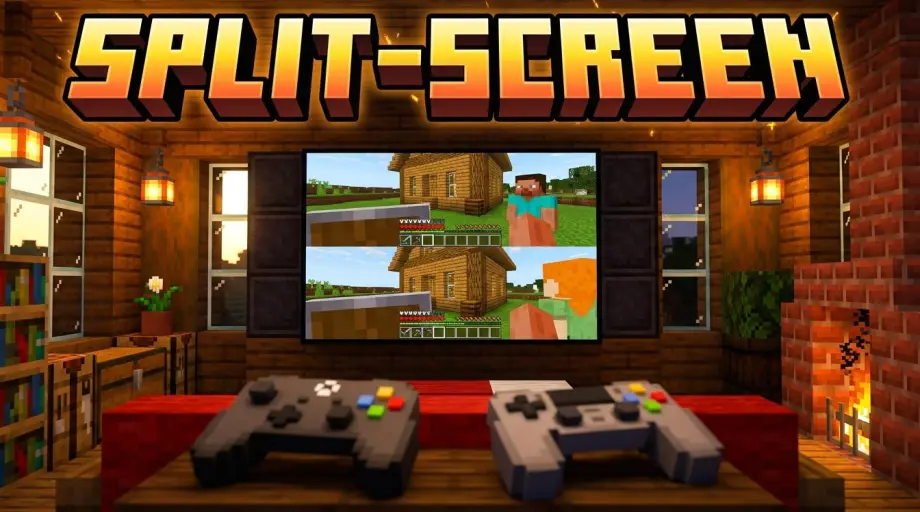
Sometimes you don't want to add a friend online, you want them sitting right next to you on the couch, sharing one screen. Minecraft can absolutely do that, and it's one of the few things Bedrock does that Java simply can't. Java has no split-screen at all, on any platform. Split-screen is a Bedrock console feature, full stop.
Setting it up takes about a minute once you know the steps. The one thing that trips people up isn't the setup at all, it's a display requirement nobody warns you about. Let's cover both.
The Quick Answer
On an Xbox, PlayStation, or Nintendo Switch, load into any Bedrock world, then have the second player turn on their controller and press the button the game prompts (Menu on Xbox, Options on PlayStation). They sign into a profile and drop straight into your world on a split screen. Up to 4 players can share one console, and your TV needs to be at least 720p or it won't work.
What You Need
- A console. Xbox One or Series, PS4 or PS5, or Nintendo Switch. This is console-only, more on which platforms can't do it below.
- One controller per player. Each person needs their own. On Switch, each player needs a full controller (a single Joy-Con half won't cut it for the extra players).
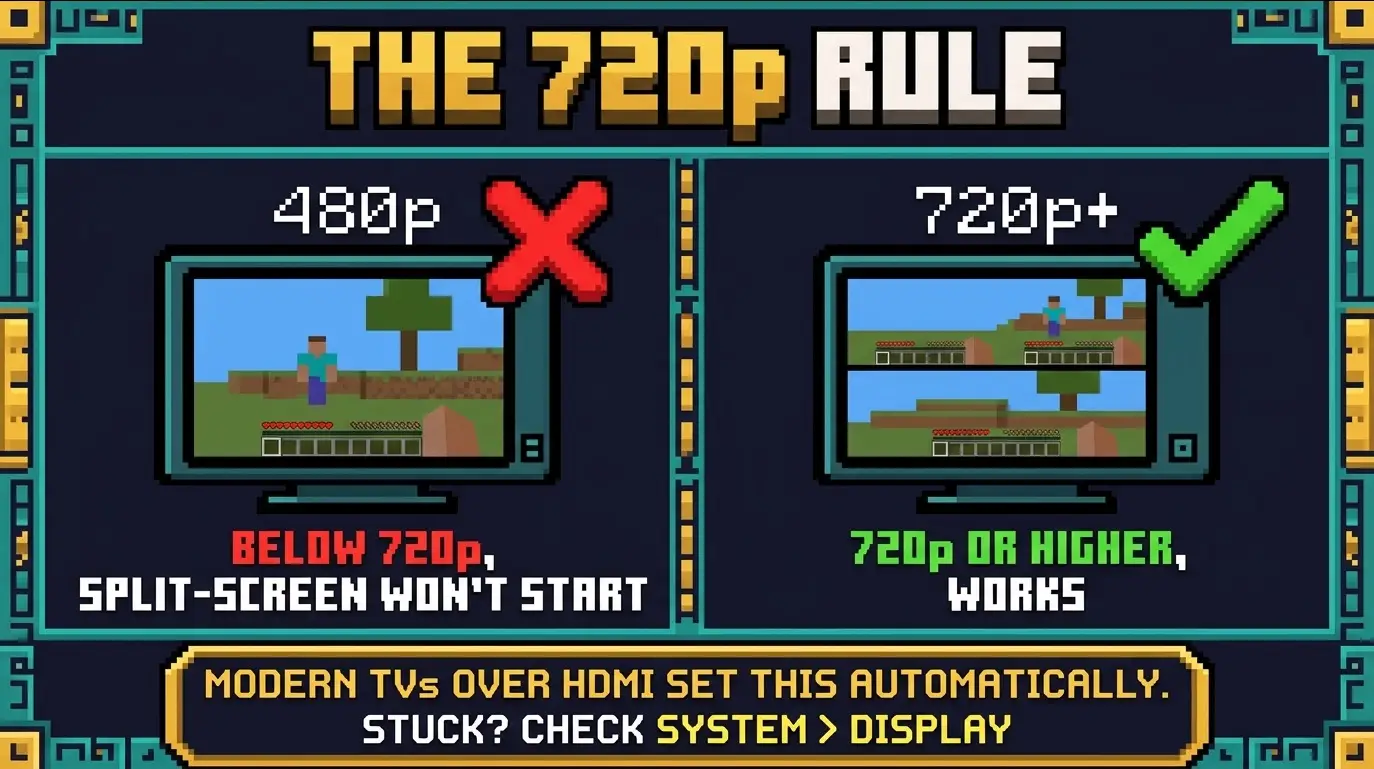
- A 720p or higher display. This is the requirement that catches people out. Below 720p, split-screen refuses to start.
- An account per player. Each extra player signs into their own profile when they join. A Microsoft account lets them keep their own progress and achievements, but a guest profile works for a quick session too.
Which Platforms Support It (And Which Don't)
This is worth being clear about, because plenty of articles muddy it:
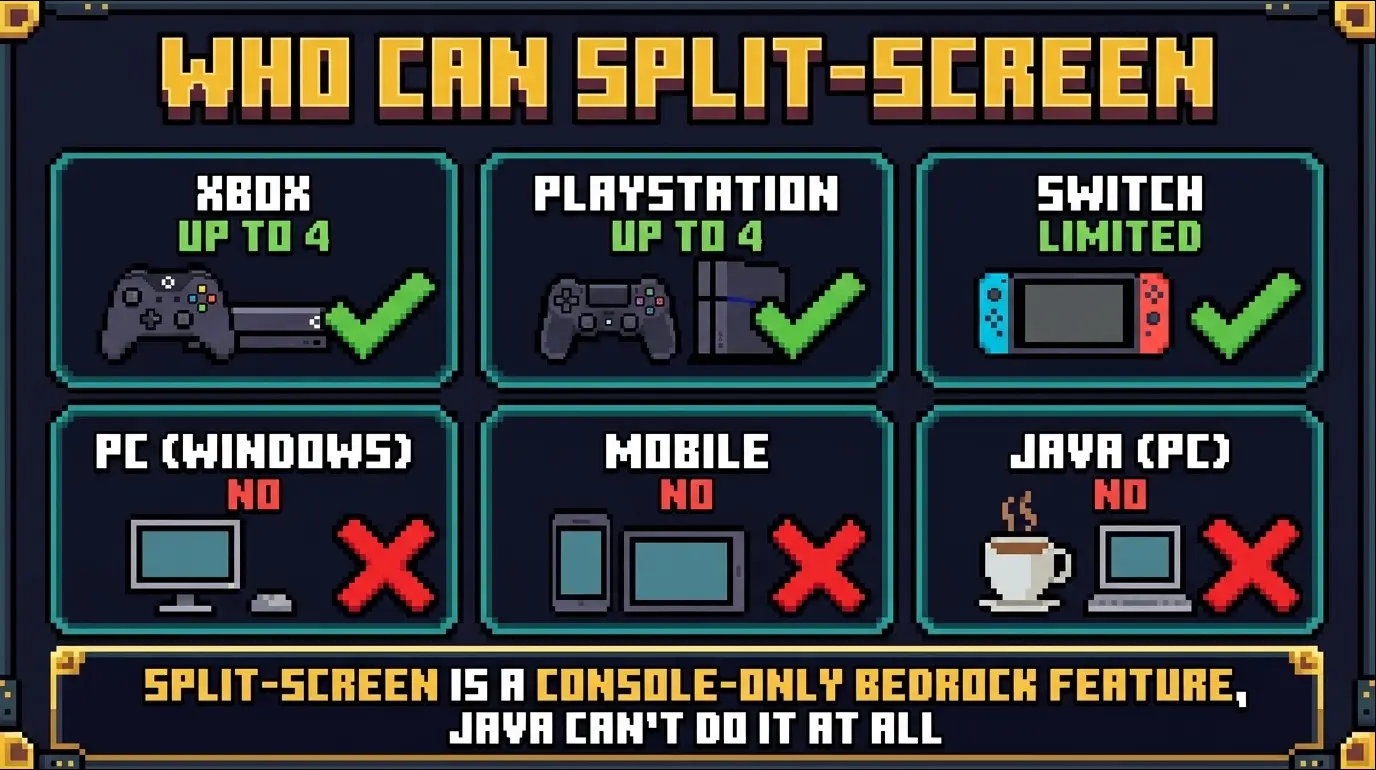
- Xbox (One / Series): up to 4 players.
- PlayStation (PS4 / PS5): up to 4 players.
- Nintendo Switch: supported, and uniquely it can even do split-screen in handheld mode without a TV. The practical player count is lower than on Xbox and PlayStation, and performance takes a real hit, so docked to a TV with fewer players is the smoother experience.
- PC (Windows Bedrock): no split-screen. Despite what some guides imply, the Windows version can't do it. Your workaround is LAN play with two separate devices.
- Mobile (iOS / Android): no split-screen.
- Java Edition: no split-screen anywhere. It's not a feature that exists in Java.
How to Set Up Local Split-Screen
- Launch Minecraft on the console with player one signed in.
- Load a world. Create a new one or open an existing save, and enter it as normal. If you want a fresh world to play together, it's worth grabbing a good Bedrock co-op survival seed on modbay.org first.
- Turn on player two's controller. Once you're in the world, power on the second controller and press the button the game shows you (Menu on Xbox, Options on PlayStation, the prompted button on Switch).
- Sign in. Player two picks their profile or joins as a guest.
- Play. The screen splits automatically. Two players get a half-and-half split, three or four players get a quad split. Repeat with more controllers for players three and four.
Local split-screen is entirely offline, so it does not need any online subscription. You can play couch co-op on one console with no PlayStation Plus, Xbox membership, or Switch Online at all.
Playing Split-Screen Online Together
Here's the genuinely great part: split-screen and online play aren't either-or. Two people on one couch can both join a friend's online world or a Realm together, showing up as two separate players. It's perfect when a pair of you want to join a bigger group session from a single console.
Two things to know for the online version. First, going online does require the console's subscription (PlayStation Plus, Xbox Game Pass Core, or Nintendo Switch Online), unlike the free local version. Second, split-screen only works on Realms and direct friend (peer-to-peer) worlds. Featured and external community servers do not support split-screen, so you can't drop two couch players into one of those from a single console. For the wider picture on connecting across devices, see our guide on Bedrock crossplay.
The 720p Requirement, Explained
Split-screen needs a display outputting at least 720p because the game is essentially rendering multiple views at once. If your setup is below that, the mode just won't activate, often with no clear explanation.
The good news is that any modern TV connected over HDMI handles this automatically, so most people never notice the requirement. It only becomes a problem on older displays, unusual capture setups, or when a console's video output got manually set too low at some point. If split-screen won't start, check your console's display settings (System > Display) and make sure the output resolution is 720p or higher.
A Note on Performance
Every extra player splits the console's rendering budget, so render and simulation distance drop with each person you add. Four-player split-screen on a busy world can get choppy. If it's lagging, lower the render distance in video settings or play with fewer people. Switch feels this the most, so keep expectations modest there.
Troubleshooting
"Nothing happens when I turn on the second controller." Make sure you're already inside a loaded world (not sitting on the main menu), and that the second controller is actually paired to the console. Then press the prompted button, Menu or Options depending on the platform.
"It won't split the screen / says the resolution isn't supported." This is the 720p requirement. Go into your console's display settings and set the output to 720p or higher, and connect over HDMI rather than an older cable.
"Player two can't sign in." They need a profile on the console. Set up a guest or a Microsoft account for them first, then have them join.
"We can join local fine but can't play online together." Going online with split-screen needs the host console's paid subscription, and it only works on Realms or a friend's world, not on featured or external servers.
"I'm on PC and there's no split-screen option." There isn't one, the Windows version doesn't support it. Use LAN with a second device on the same network instead.
Wrapping Up
Split-screen is one of Bedrock's best couch features and a genuine point in its favor over Java, which can't do it at all. Grab a console, a controller for each player, and a TV that's 720p or better, load a world, and have everyone press their prompt button to pile in. Keep it local and it's free, take it online together and you just need the console's subscription. Either way, it's the easiest way to build, mine, and survive side by side with someone in the same room.