

Simple bubble chat
 Go to files
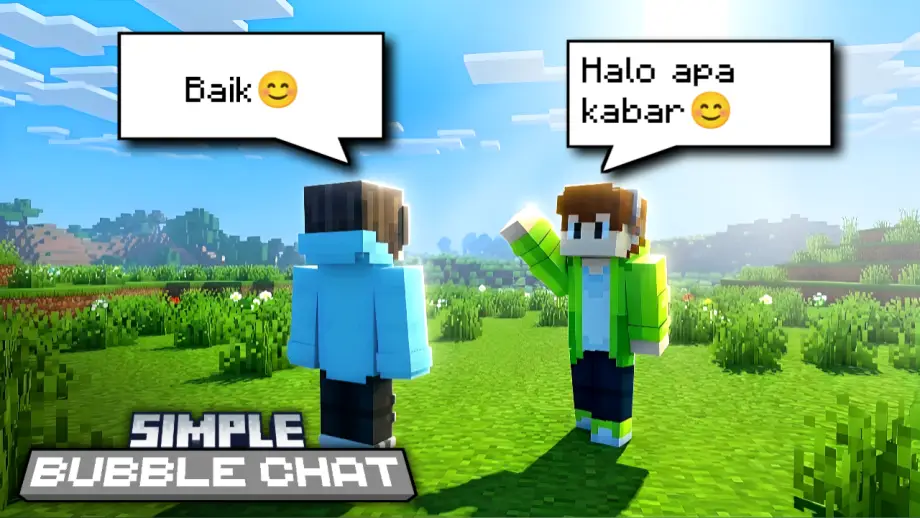
Do you want bubble chat in your Minecraft world or server? This addon is made for that.
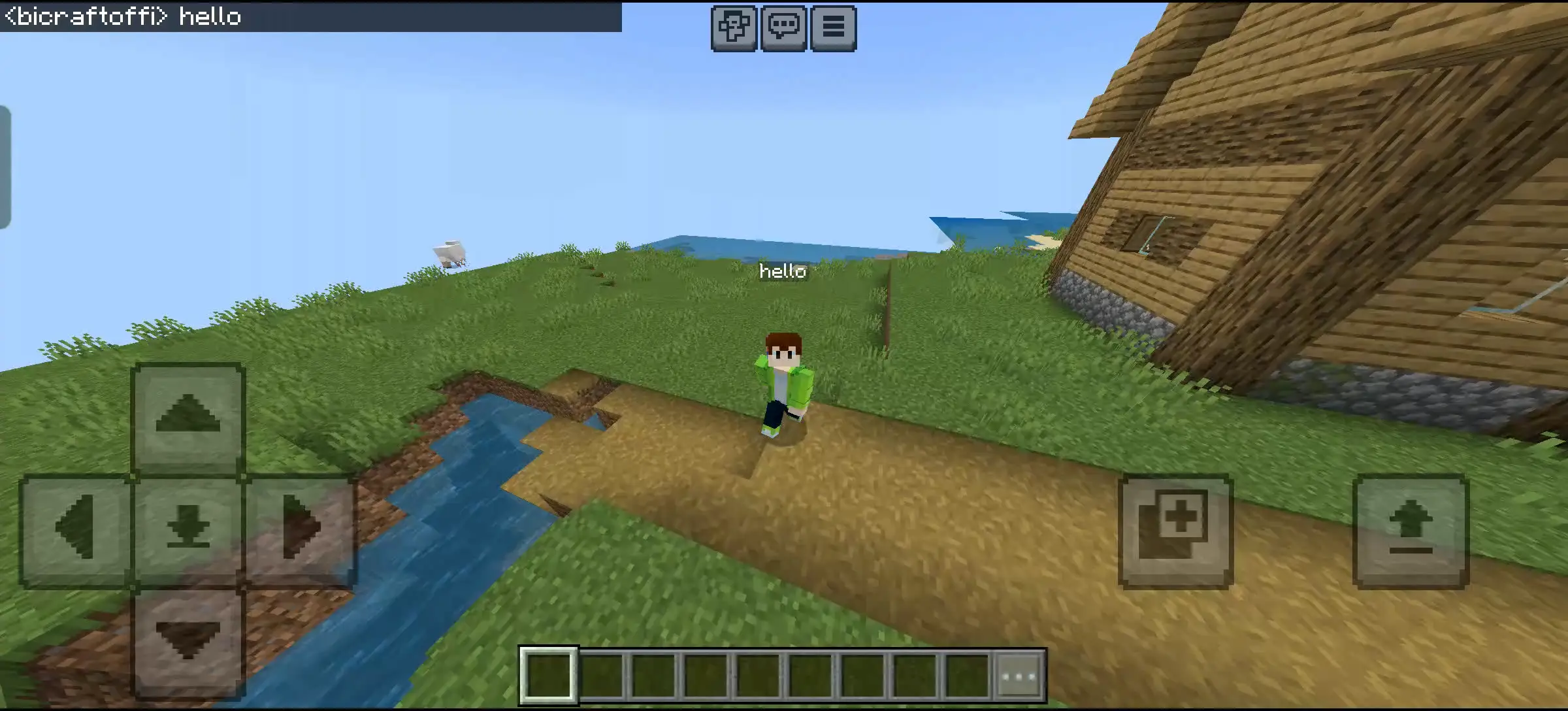
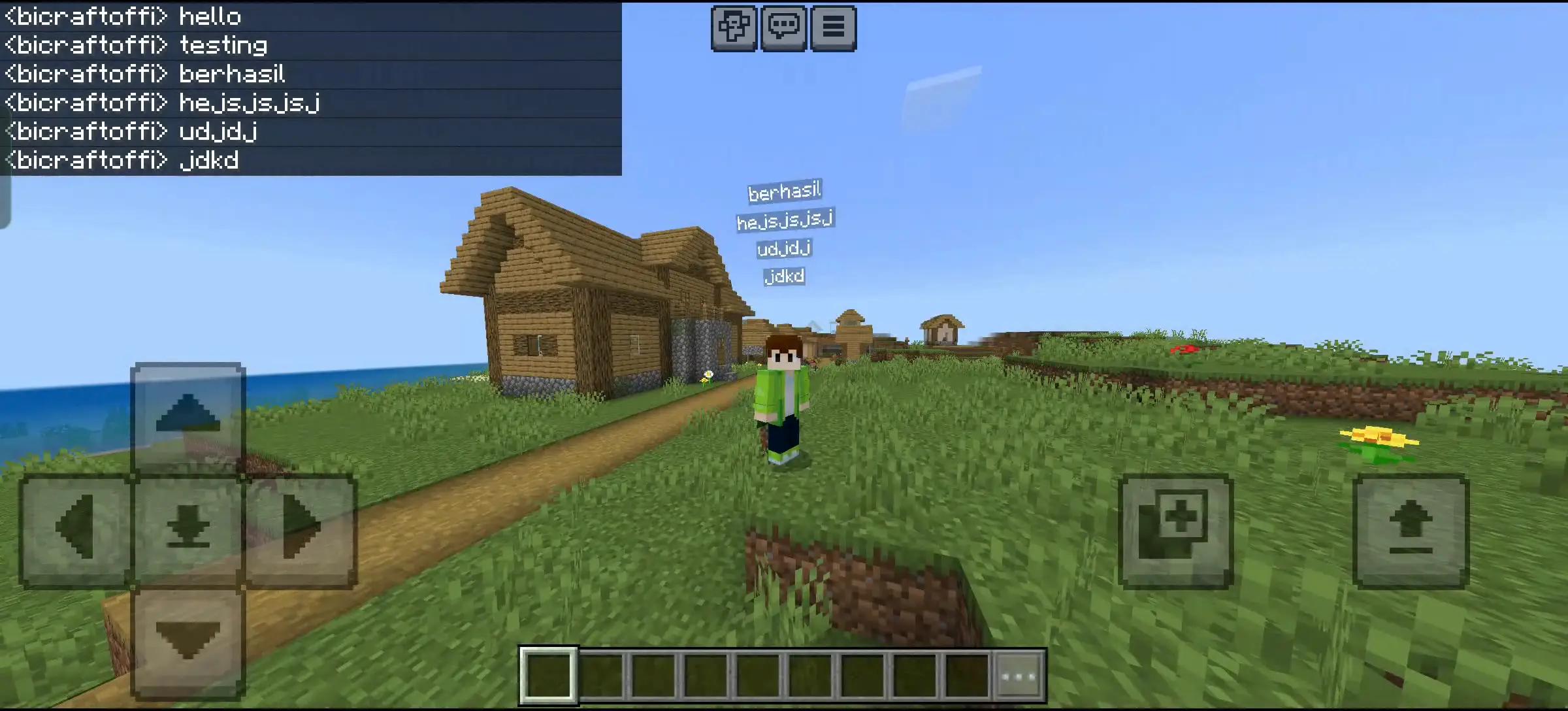
Simple Bubble Chat displays your chat above your head and can stack up to 5 of your previous messages.
How to use
Simply type in the chat UI and press Enter. Commands will not be displayed in bubble chat.
Features
- Chat display above player heads
- Message stacking: shows up to 5 previous messages per player
Chat Tags
Chat tags allow you to customize how your messages appear with animations, colors, and text effects.
How to use
Examples:
- [rainbow] hello everyone
- [animloop2] aaahhhhh
- [happy] I'm so happy
- [angry] are you kidding me
List of Chat Tags
Animation Tags
[animloop1]
Adds floating animation

[animloop2]
Adds shaking animation

[animloop3]
Adds orbit animation


[animloop4]
Adds zigzag animation
Text Formatting
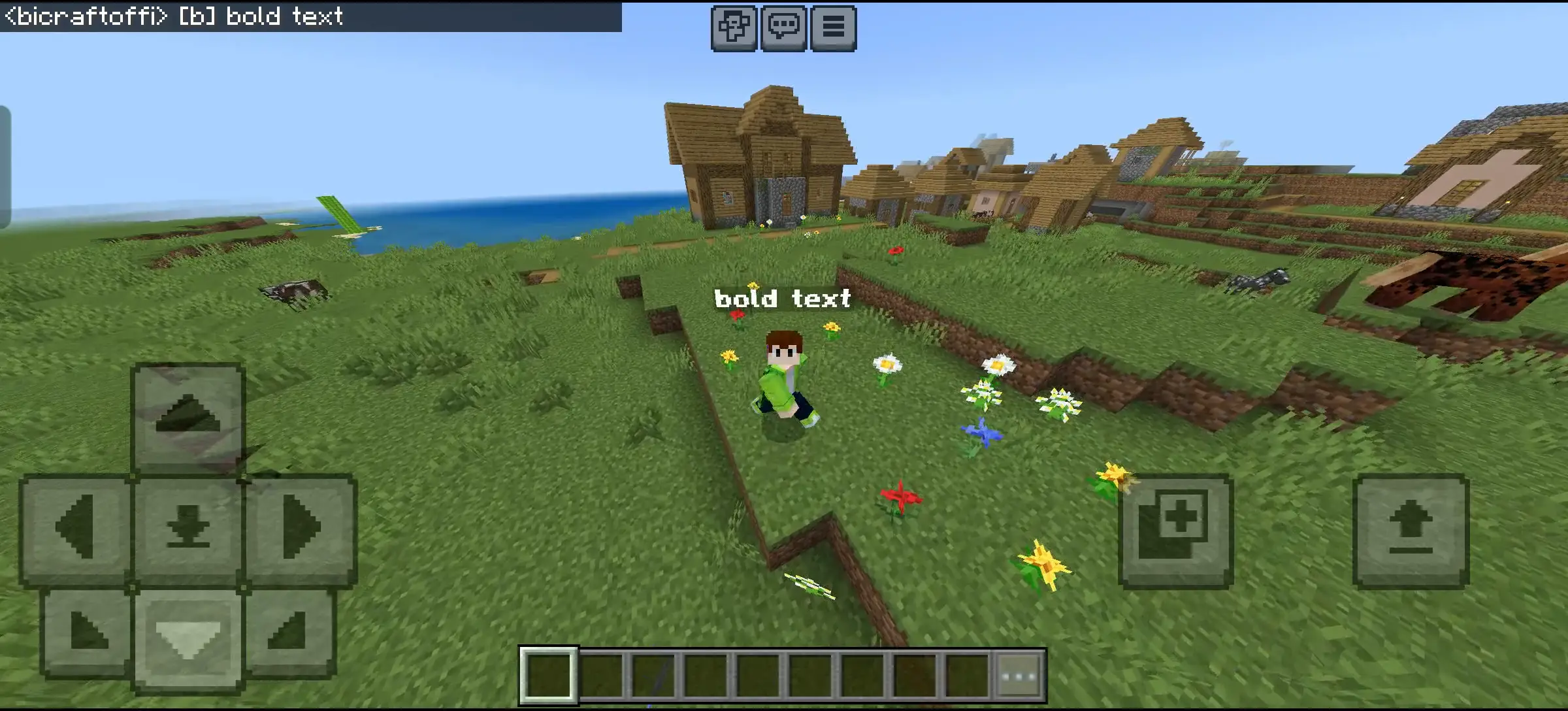
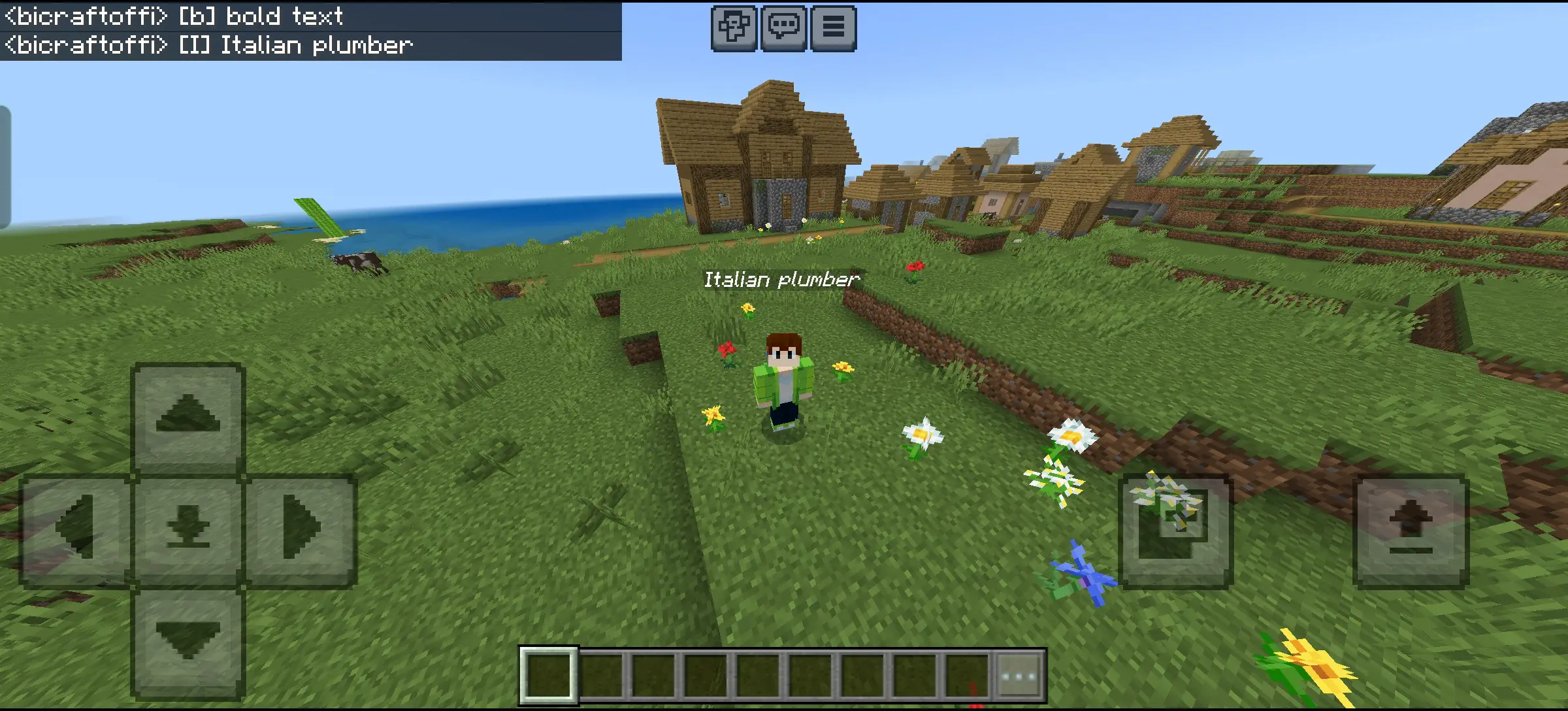
[b]
Makes the text bold
[i]
Makes the text italic
Color Effects
[rainbow]
Applies an animated rainbow gradient

[ggreenblue]
Applies a green-to-blue gradient

[gredyellow]
Applies a red-to-yellow gradient
Emotion Tags

[angry]
Turns text red, uppercase, adds “!!!”, and applies a strong shaking effect
[happy]
Turns text yellow and adds a hopping animation

Example Usage
- [rainbow] Hello World! — rainbow text
- [b] Important Notice! — bold text
- [animloop2] [i] I'm shaky! — shaky italic text
Experimental Gameplay
To use this addon, enable Beta APIs.
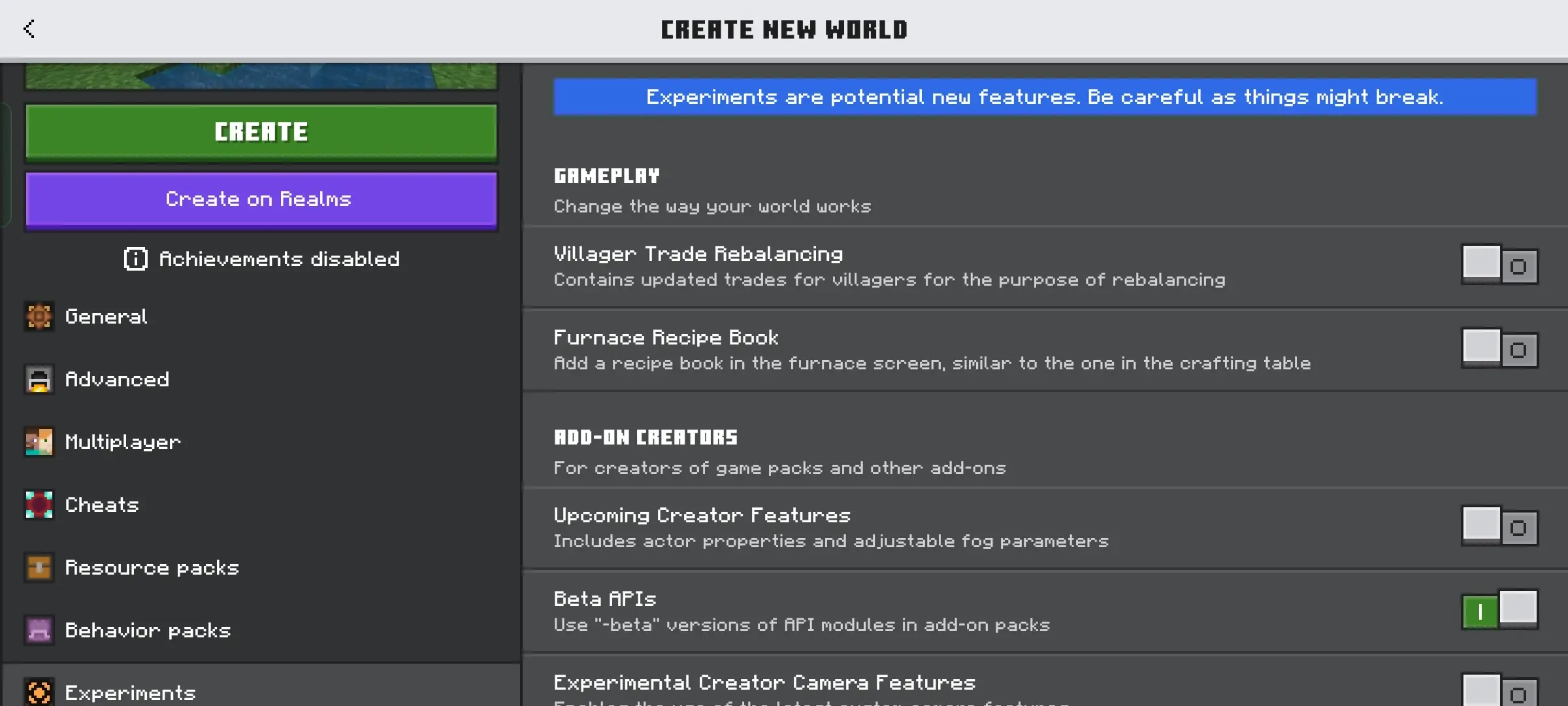
I hope you enjoy this addon.



![Thumbnail: More Armor Weapons Tools and Swords Items Mod! – 𝗠𝗶𝗻𝗲𝗰𝗿𝗮𝗳𝘁 𝗙𝗼𝗿𝘁𝗶𝗳𝘆 𝗥𝗲𝘄𝗼𝗿𝗸𝗲𝗱 [v1.0.2] [New Mods New Addons Update!] [Compatible with any Addon!]](/uploads/posts/2025-02/b0534b5772_minecraft-fortify-cover.webp)