

Adha Craft | Public Beta Program v5 Beta 9
 Go to files
This is a Beta version of the add-on, new updates will be released soon
Don't forget to checkout GU Official Site for more info regarding the add-on
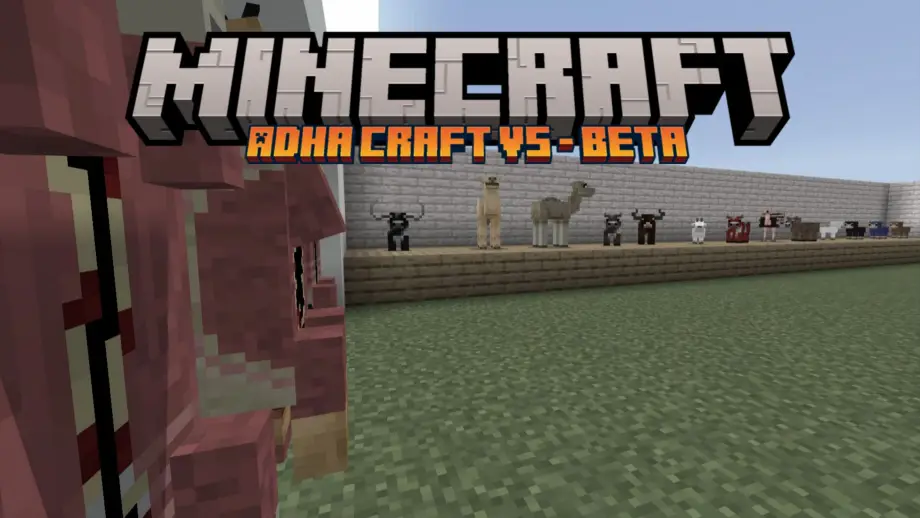
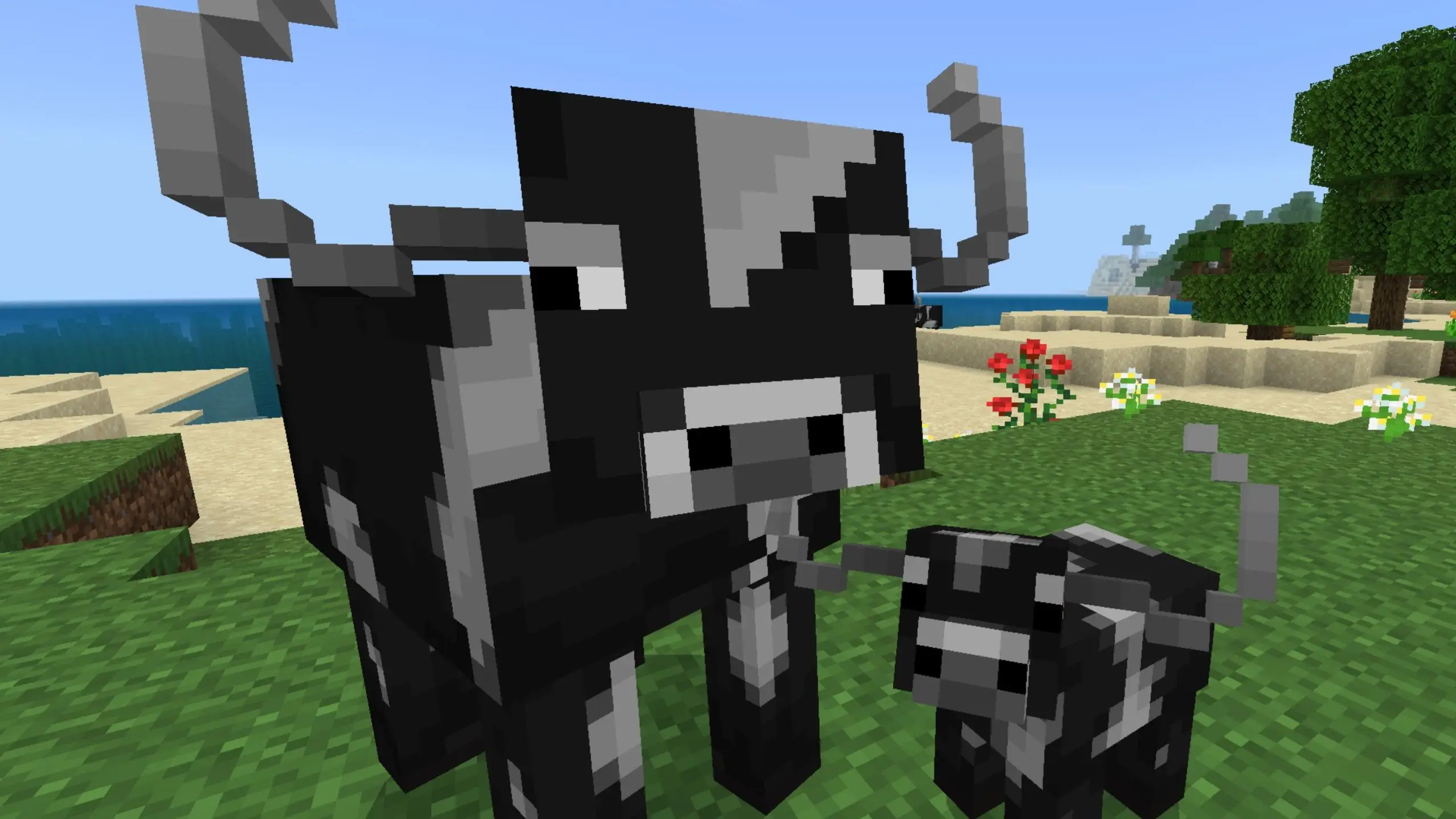
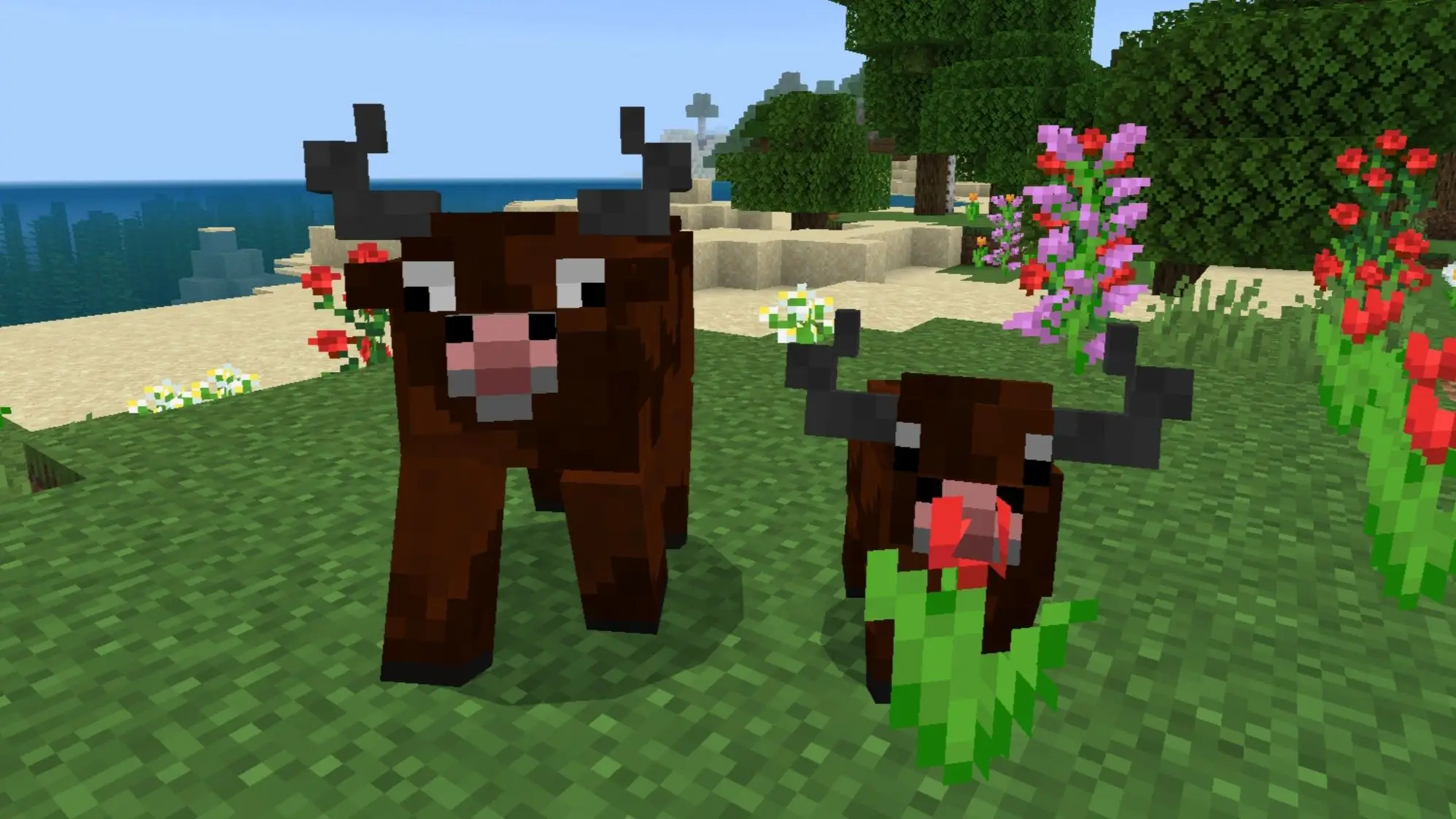
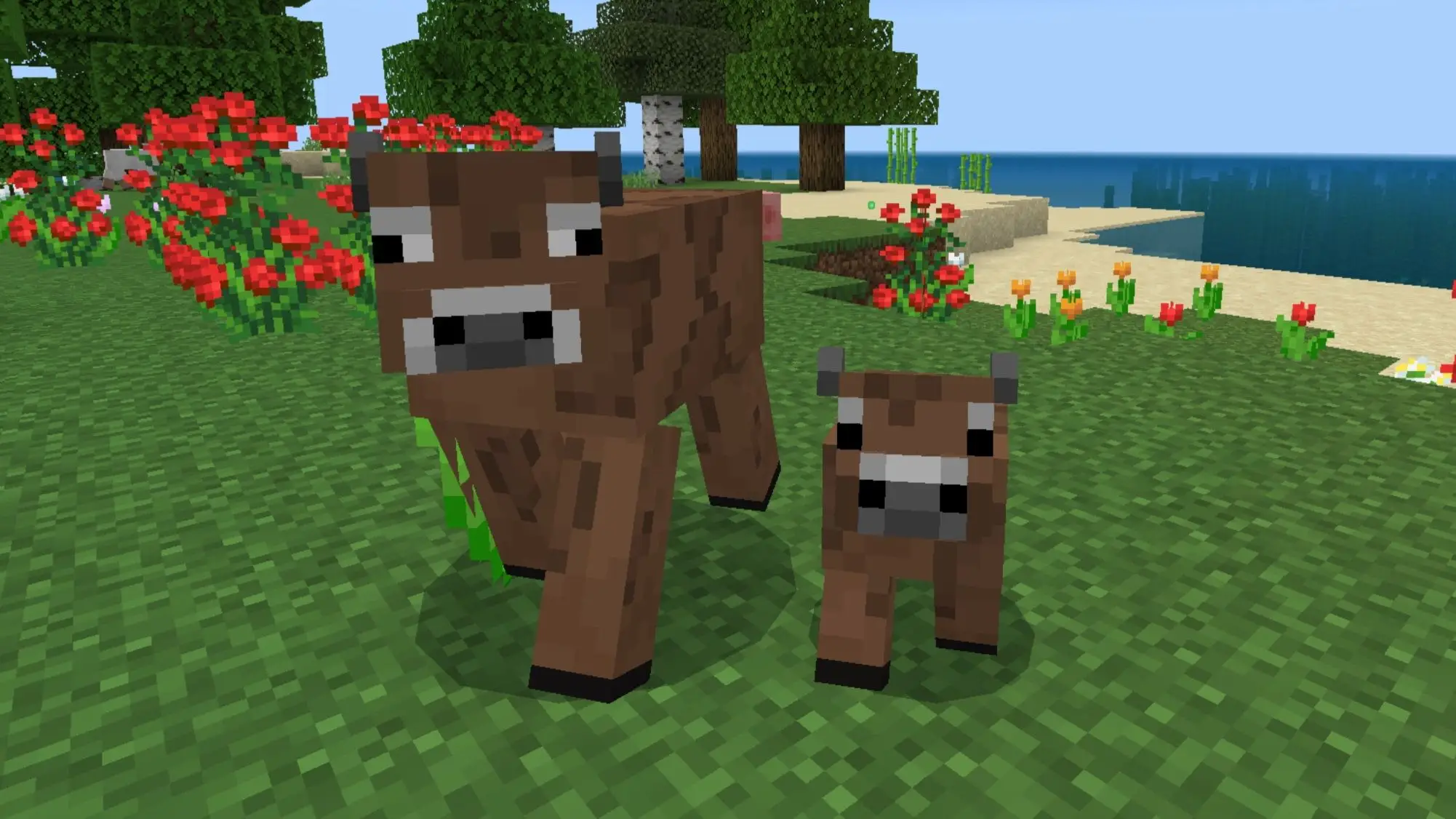
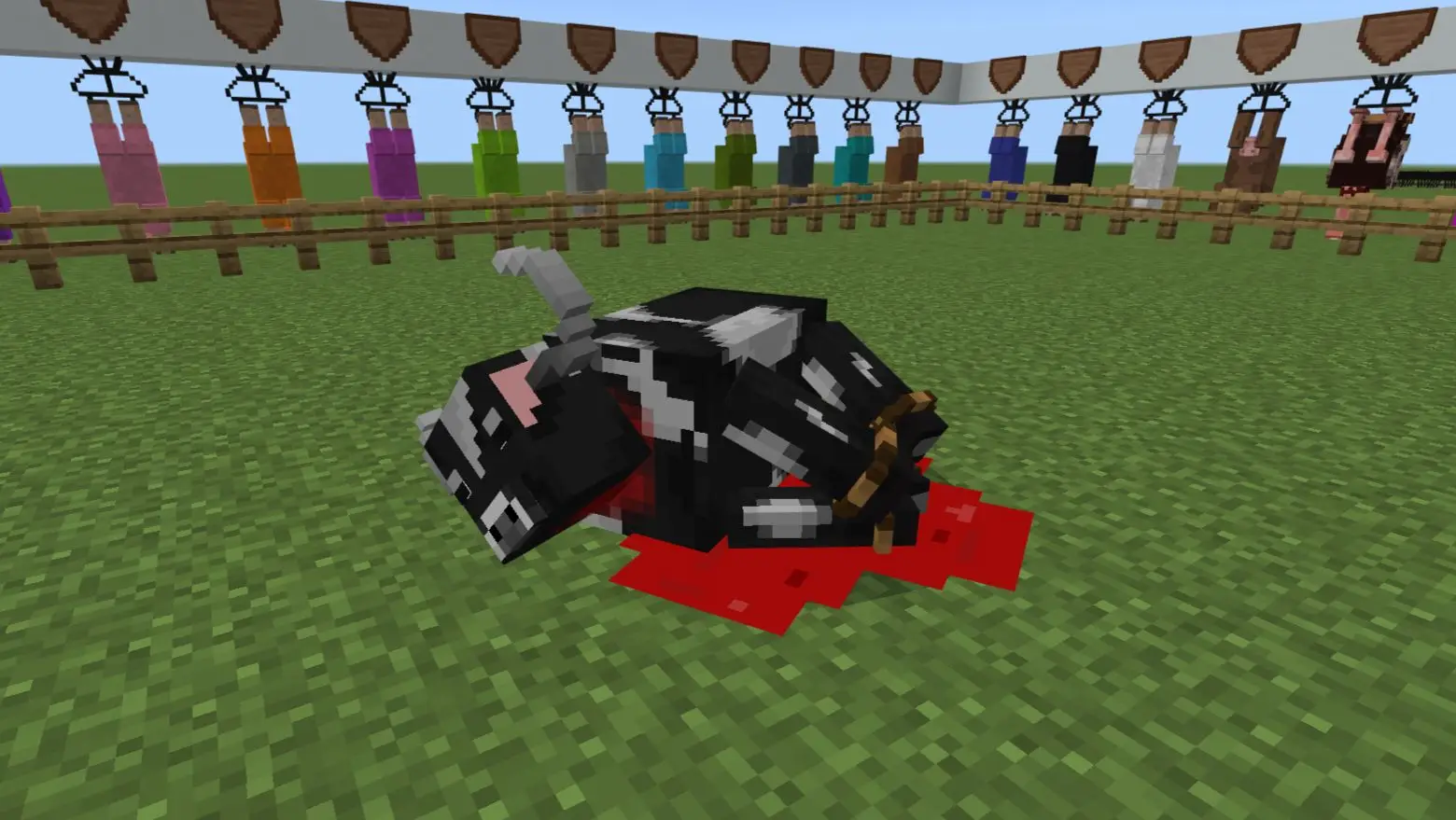
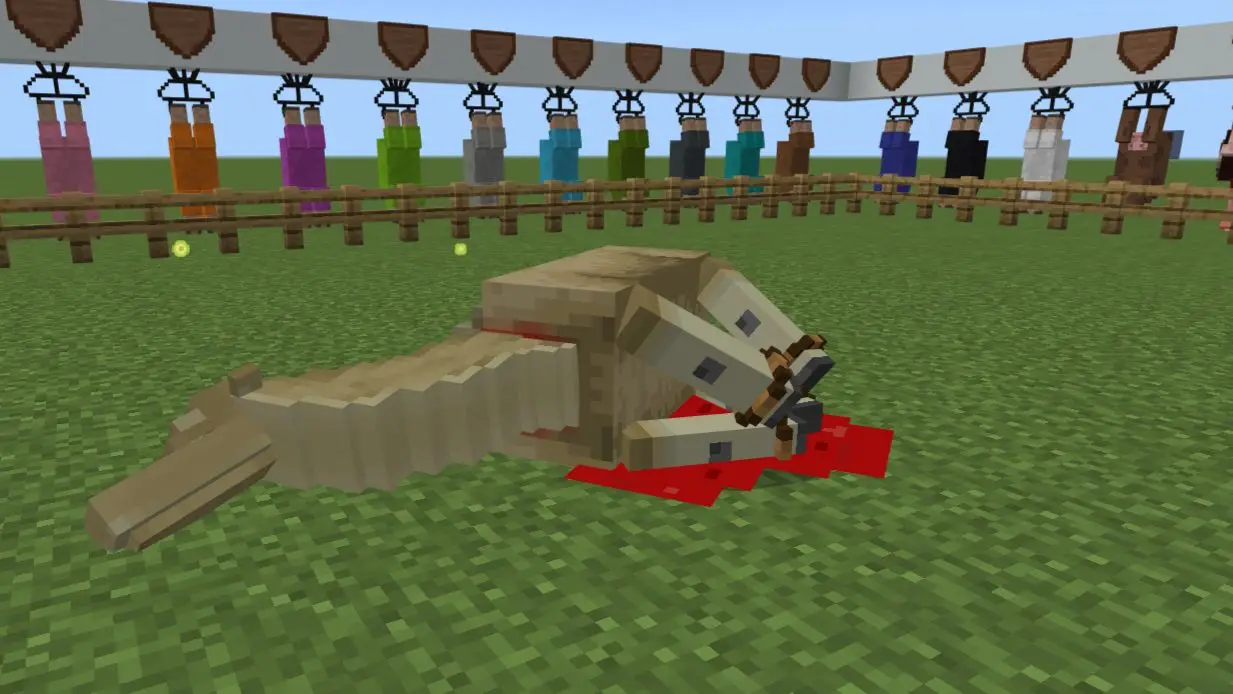
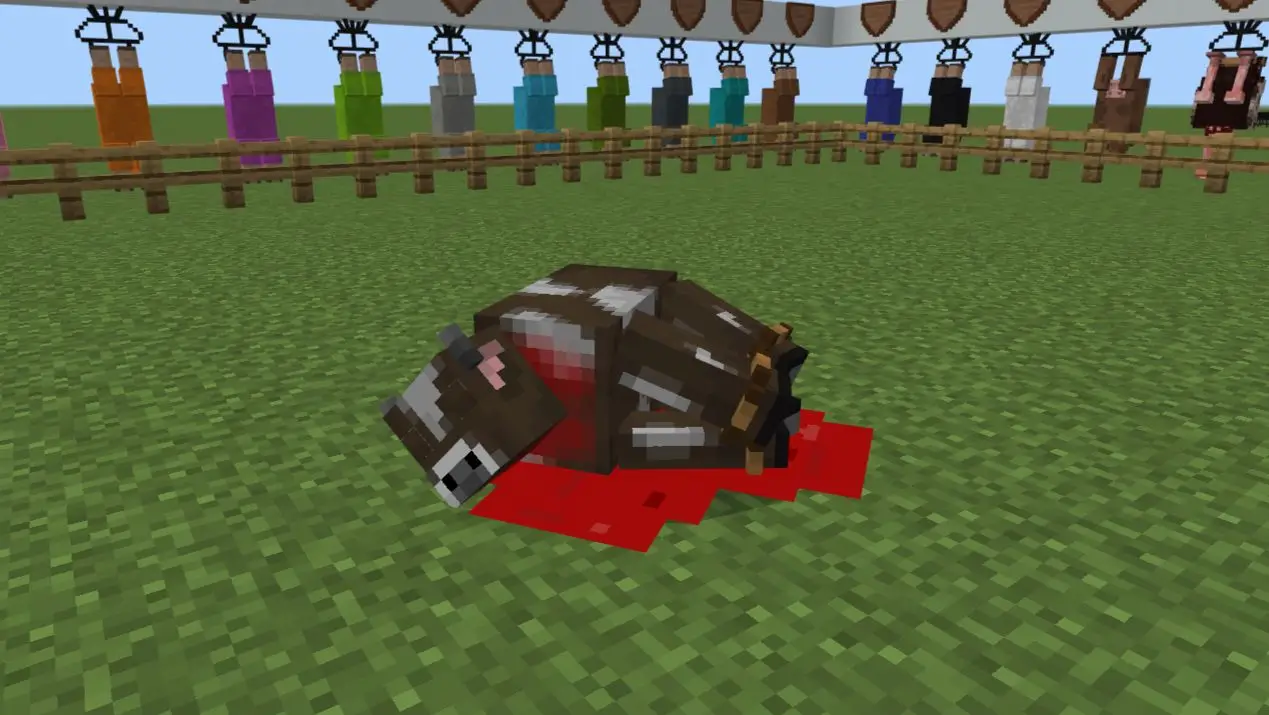
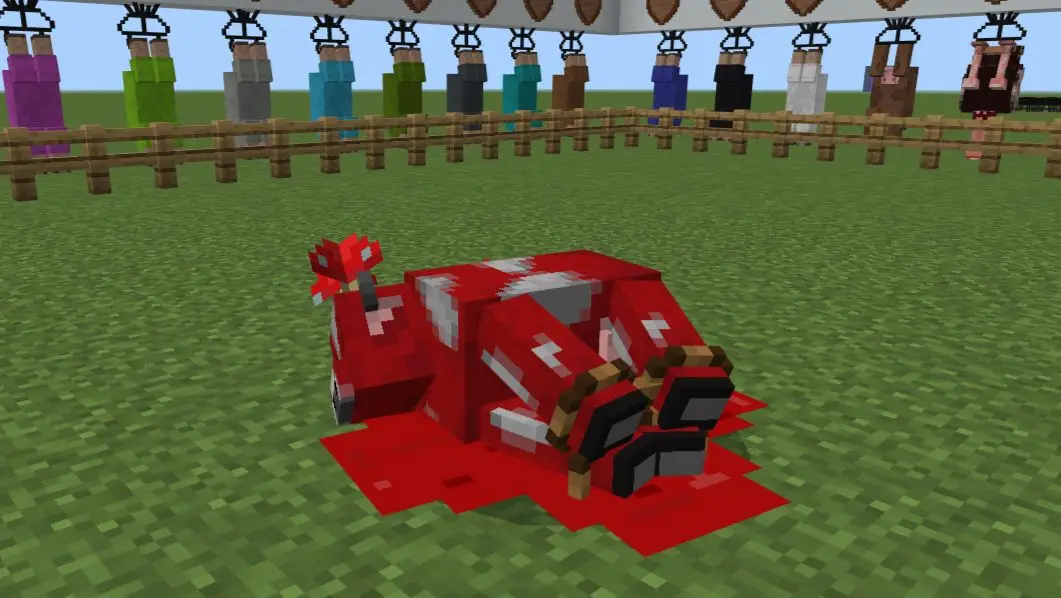
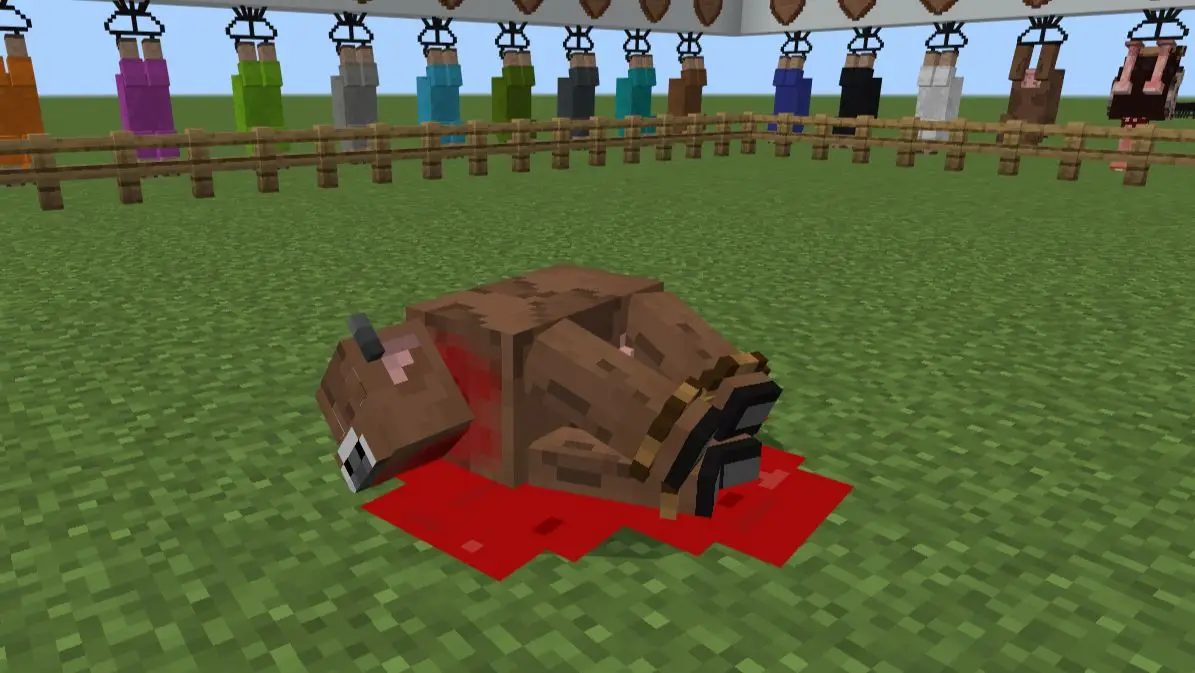
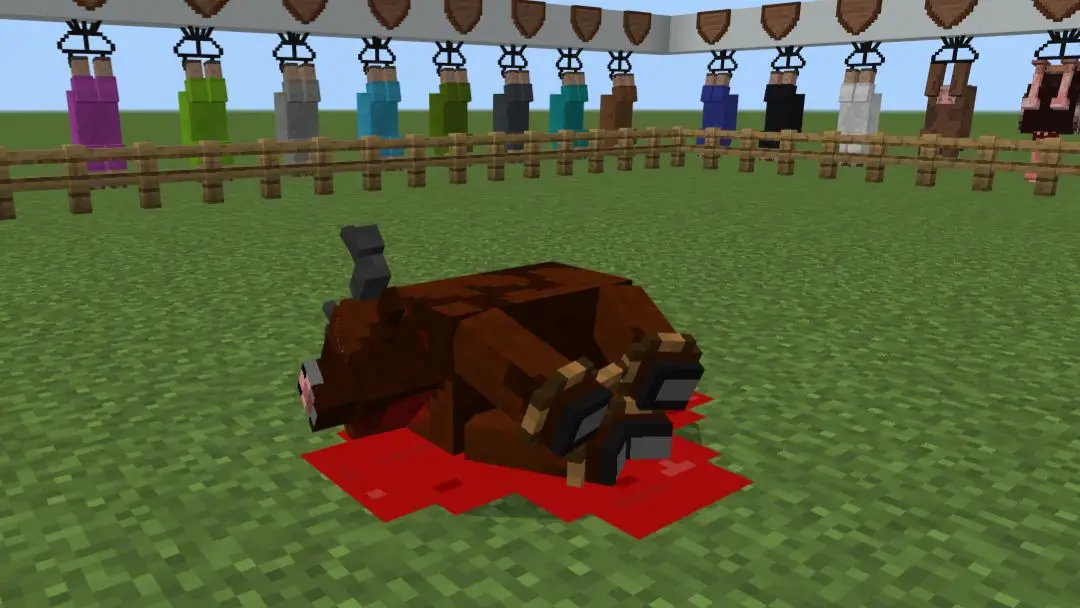
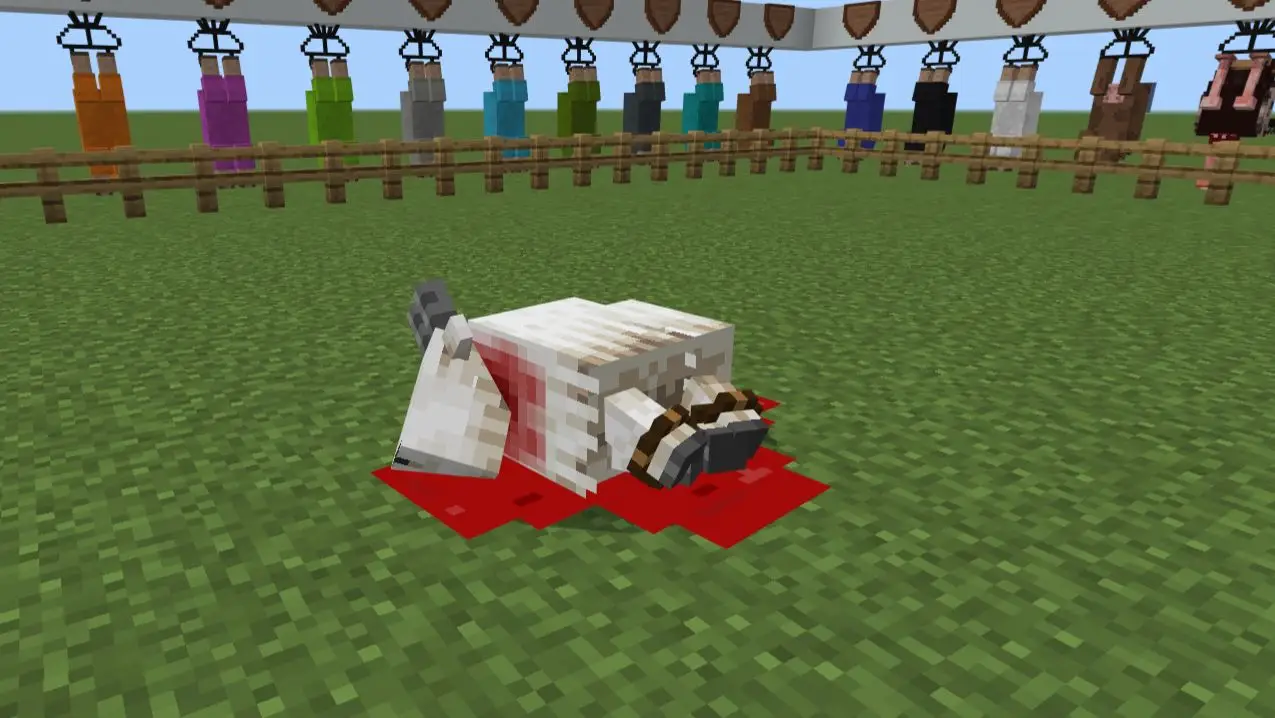
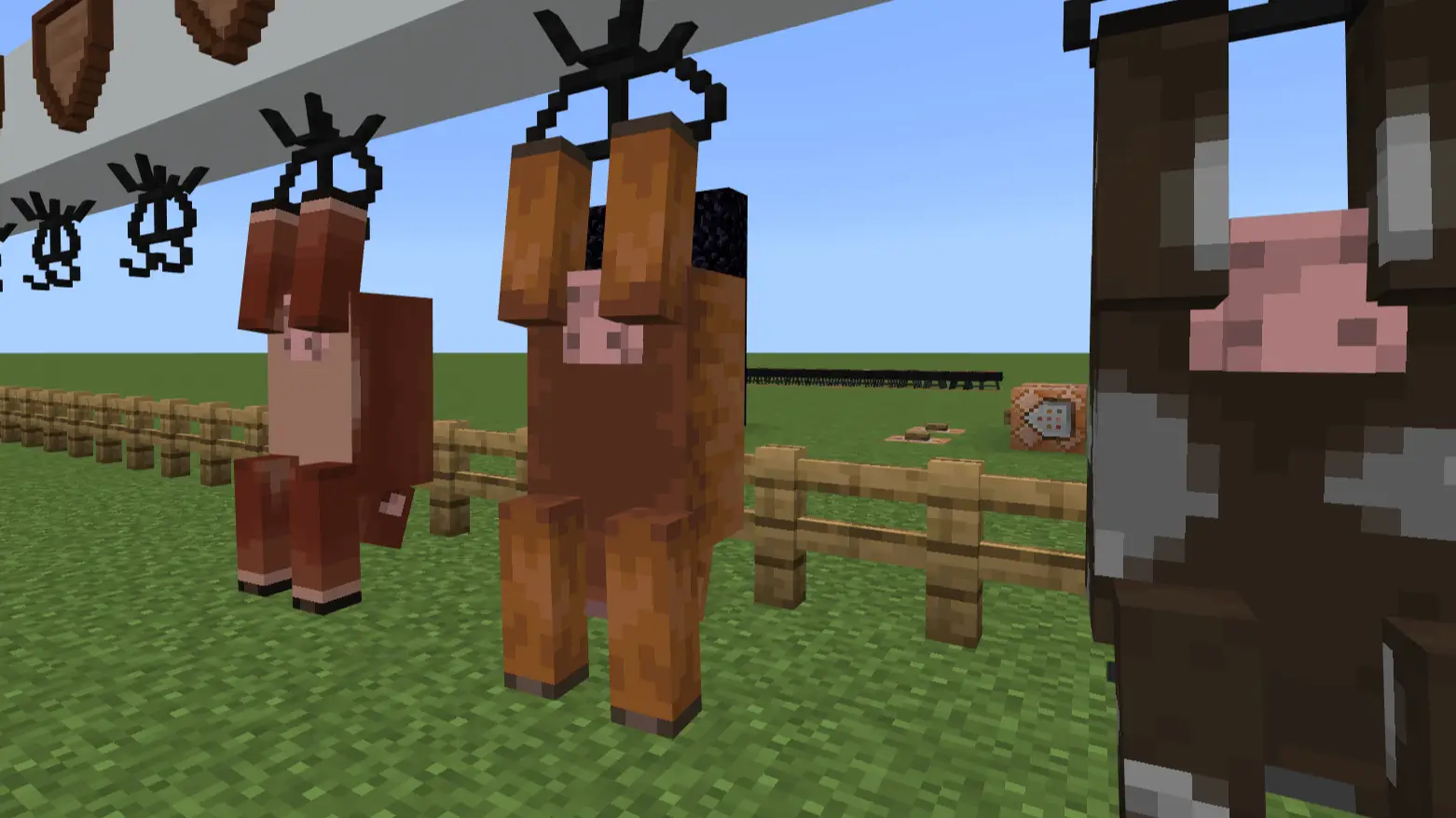
Adha Craft is a Minecraft Bedrock addon designed for players who want a butcher-style gameplay experience. It introduces realistic butchery features that make processing mobs more immersive and engaging. Equip your butcher knife, manage your own farm, and bring a new layer of survival gameplay into your world.
NOTE: If you are doing a review, you are allowed to post only this ModBay addon page link. Don't hurt me with direct links to MediaFire! {Help me create more add-ons by supporting me!}
WARNING: This addon was posted on MCPEDL, ModBay and CurseForge! You are not allowed to publish this on other websites or applications without my permission.
NOTE: YOU'RE NOT ALLOWED TO MODIFY THIS ADDON! {Only modify it for personal use!}
** No longer requires Experimental Toggles — just enable the addon and play **Installation
- This version is SUPPORTED on Minecraft 1.26.10+ only!
- Just activate the add-on and play
Updated on October 15, 2026
- What's new in v5 Beta 9
- Blocks:
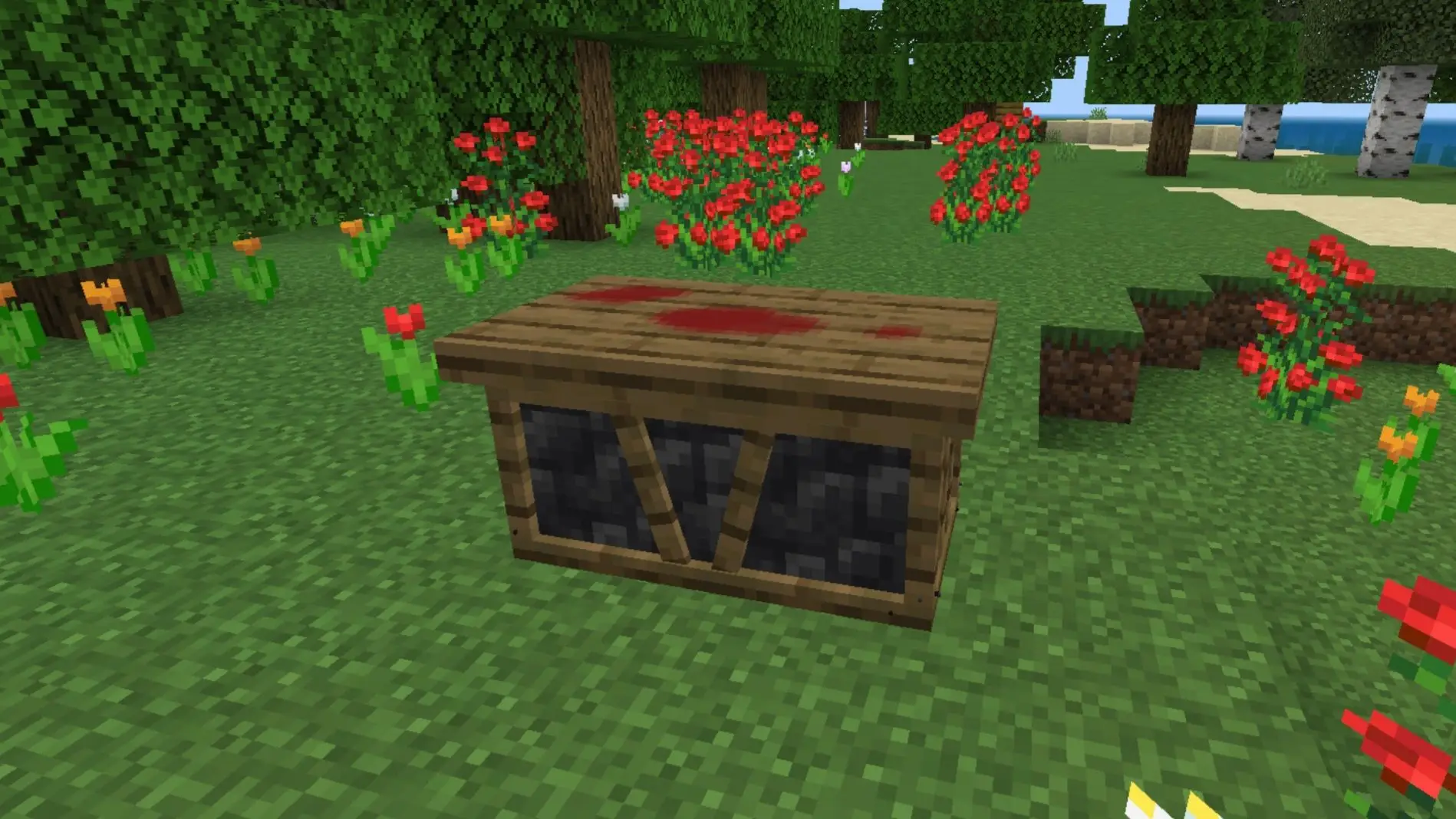
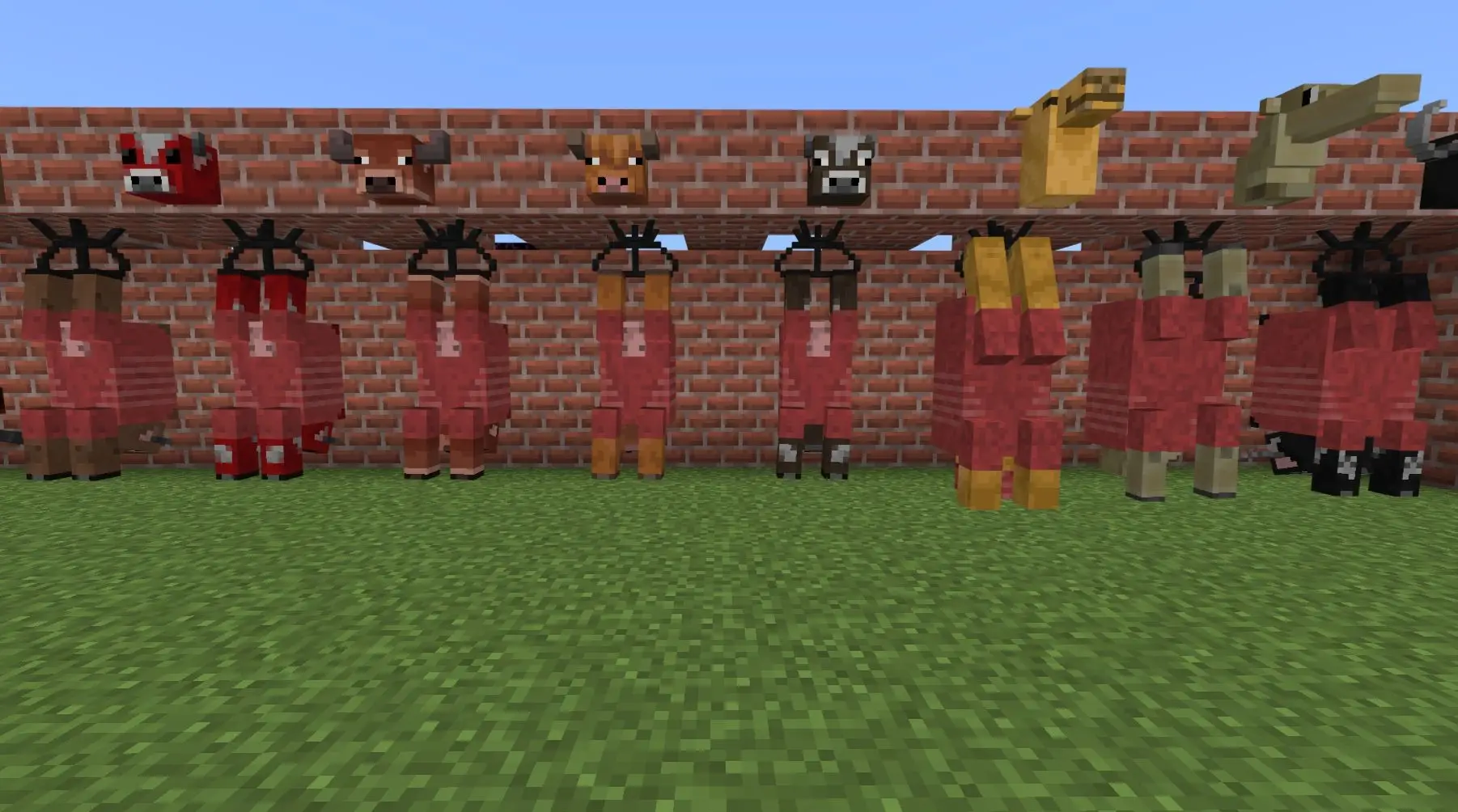
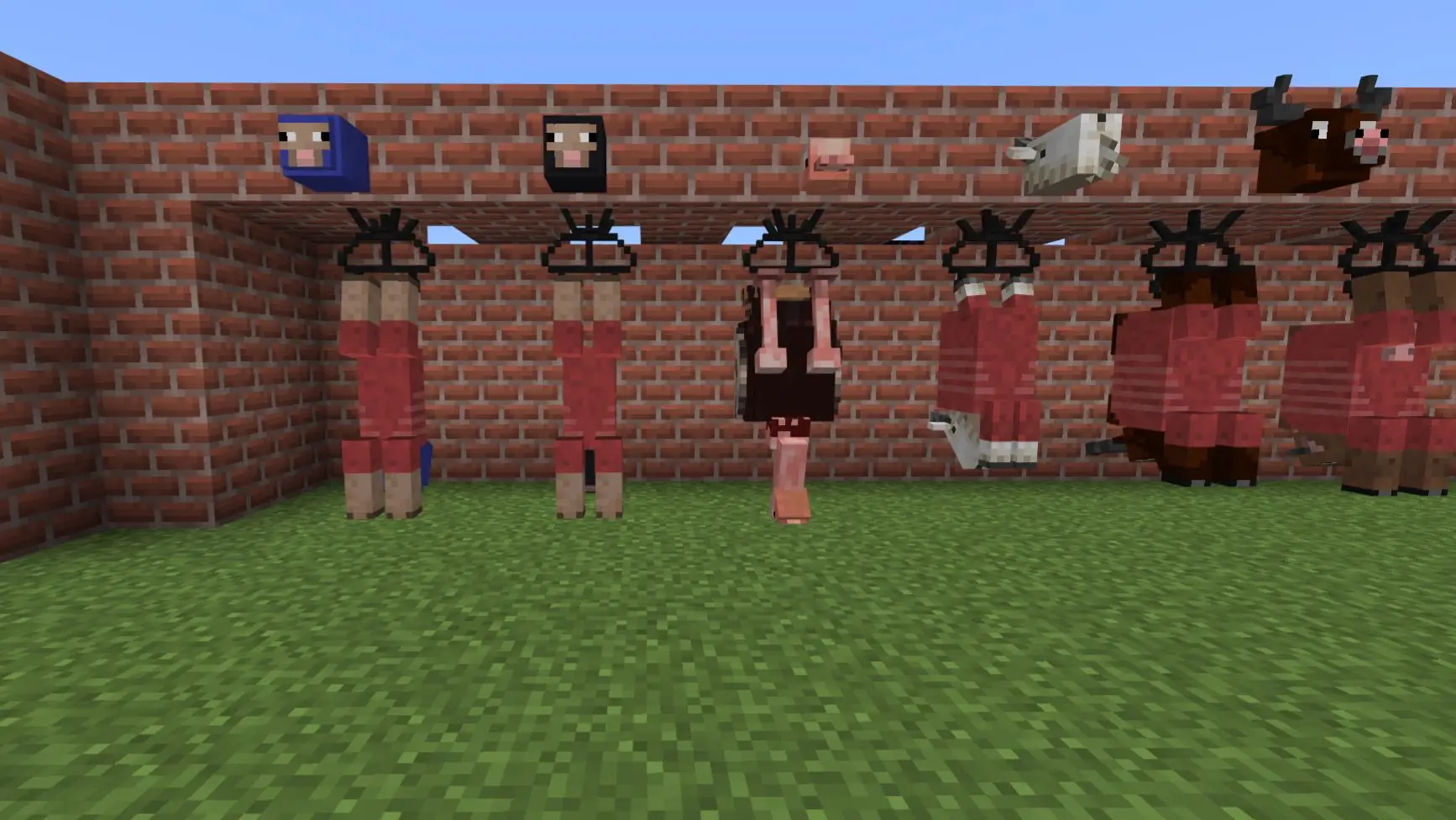
- Removing a carcass from the carcass hanger now plays a sound
- Entities:
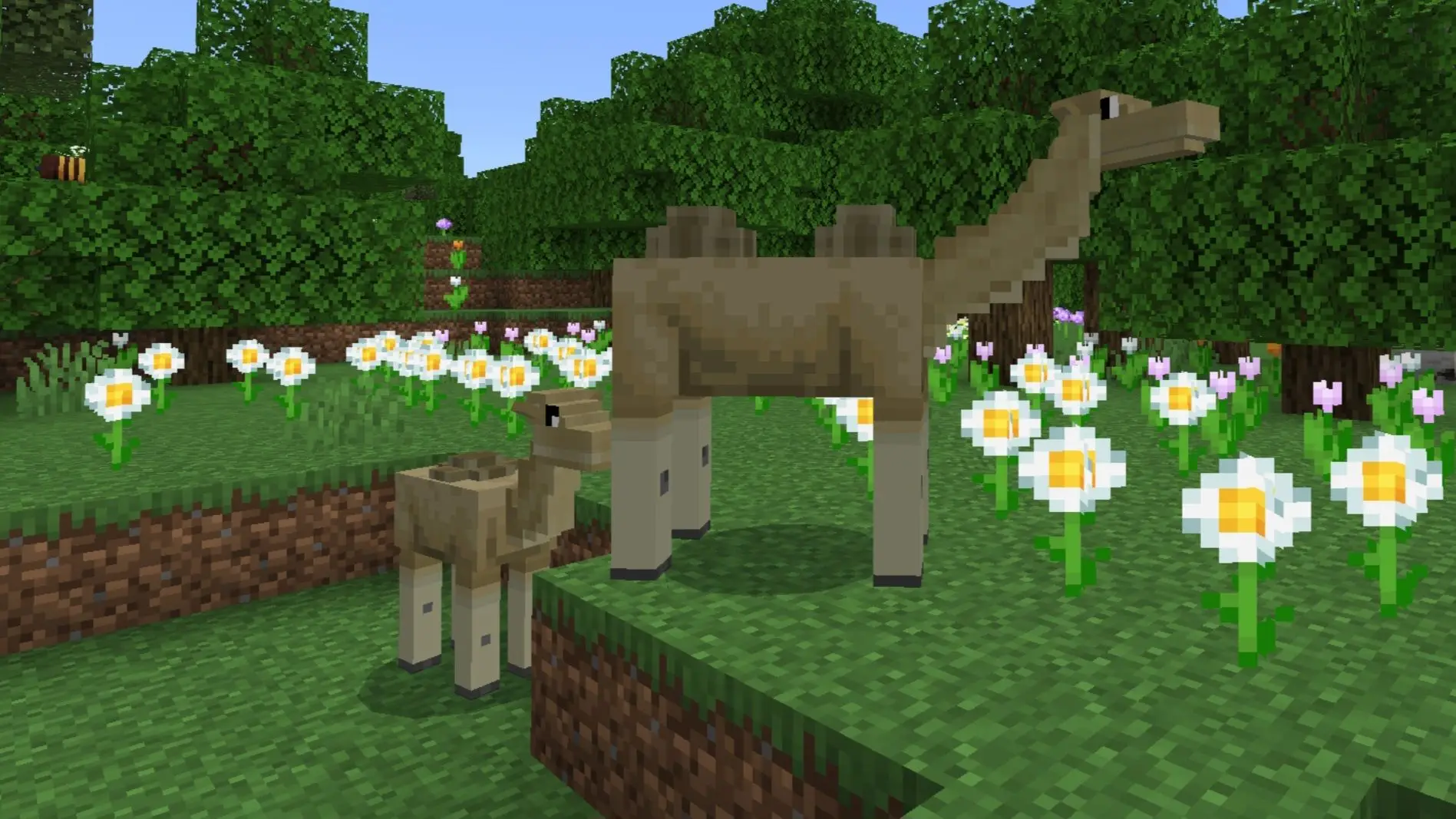
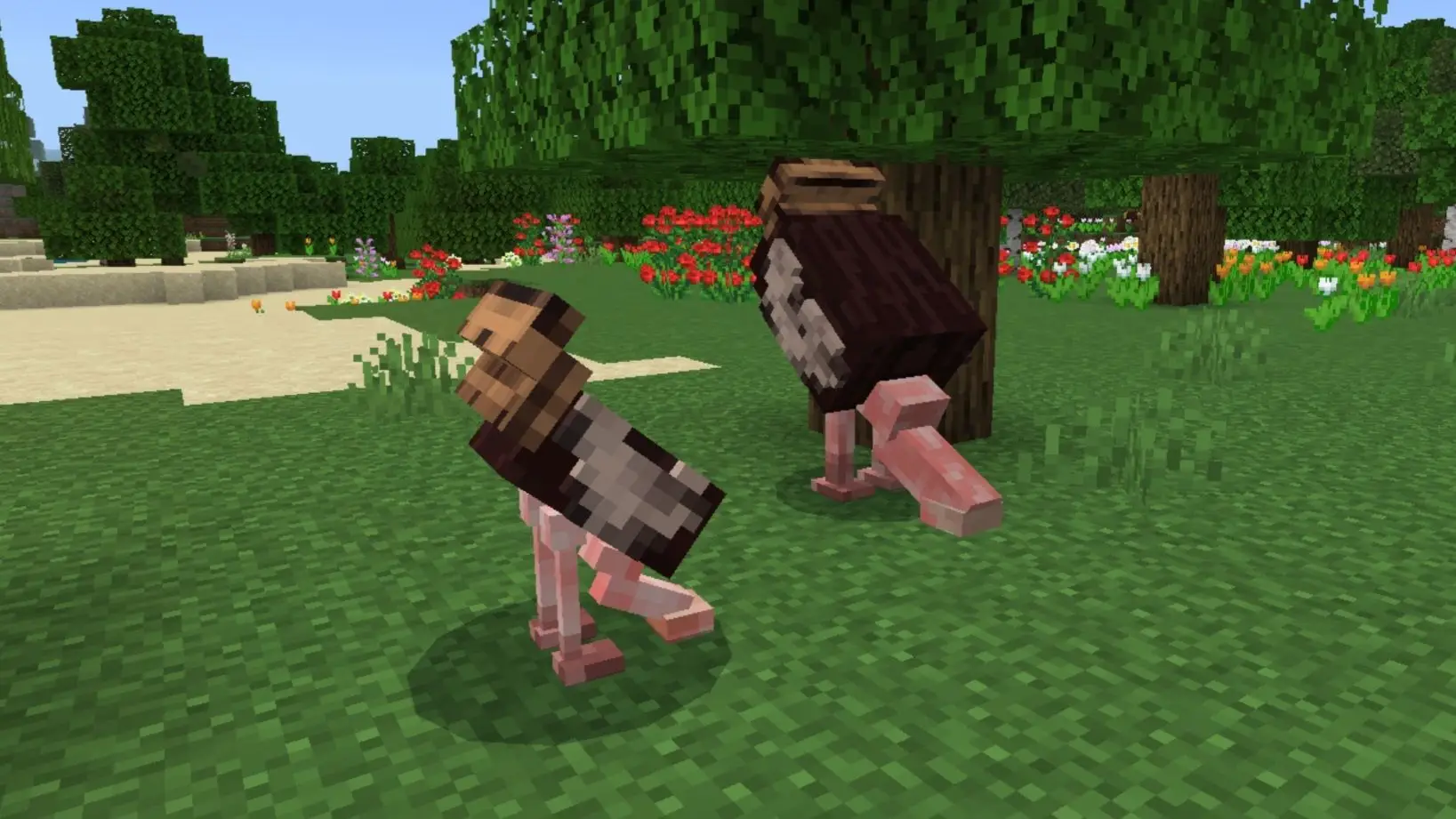
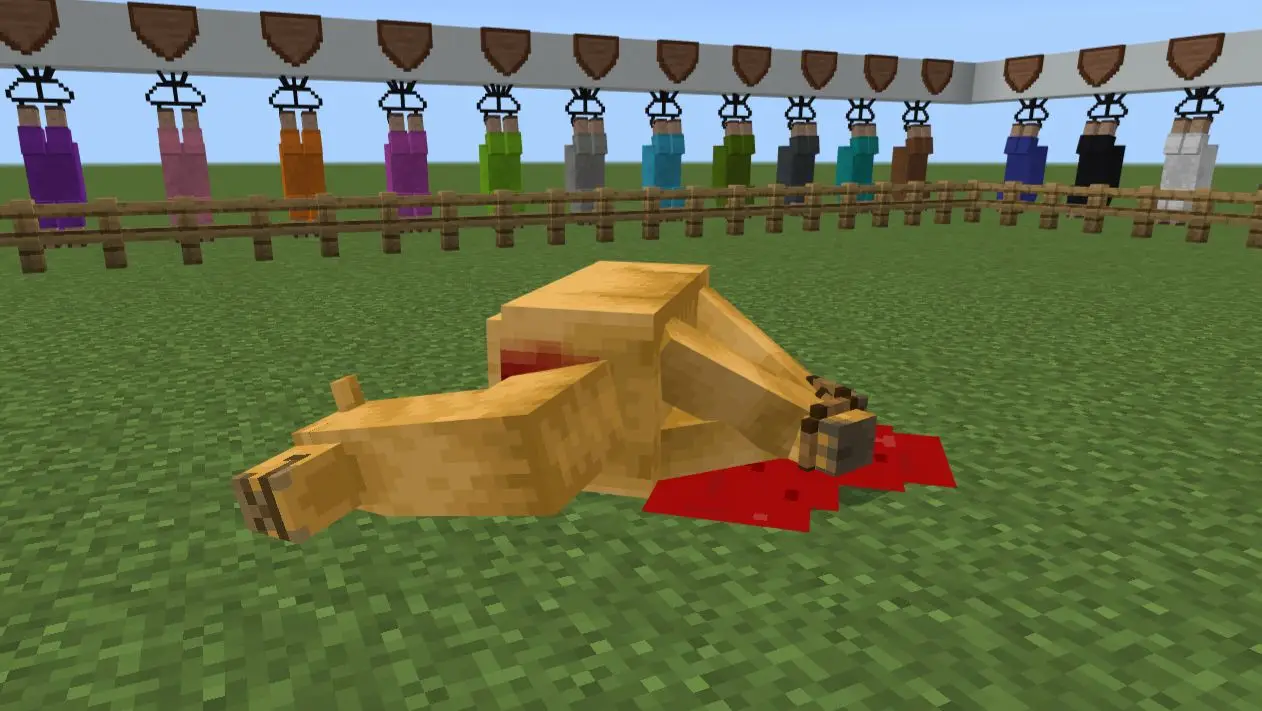
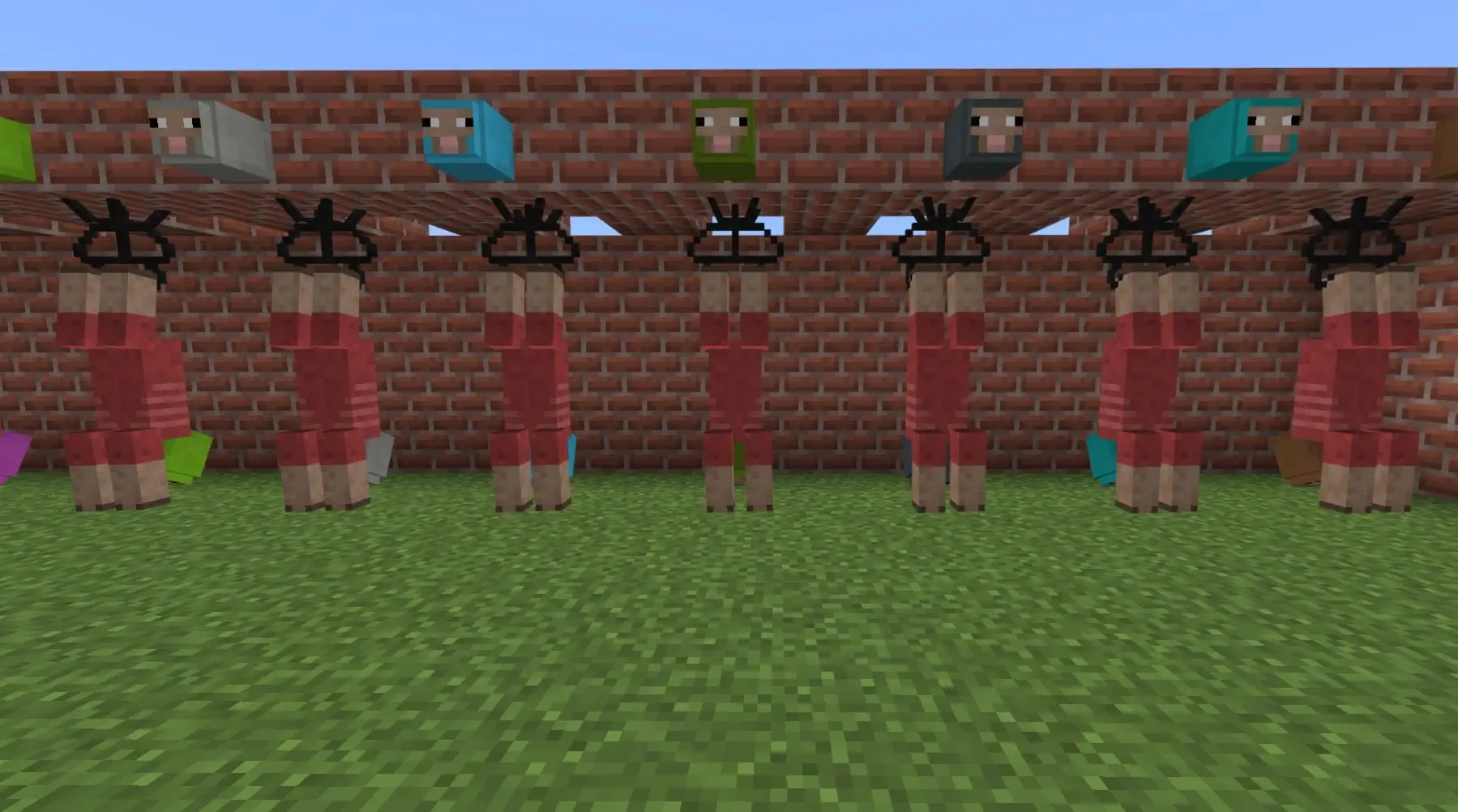
- Adjusted AC Camel carcass
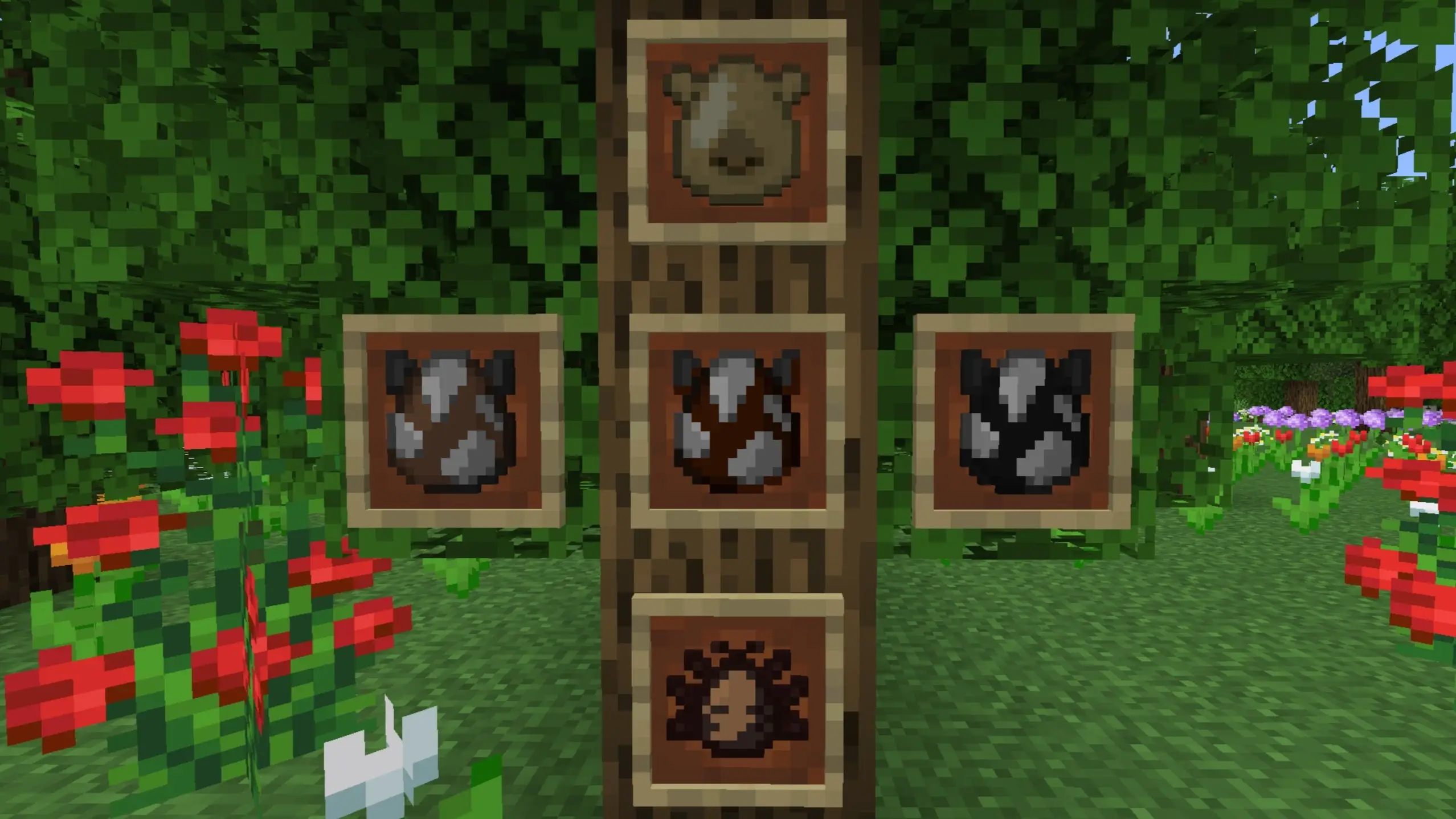
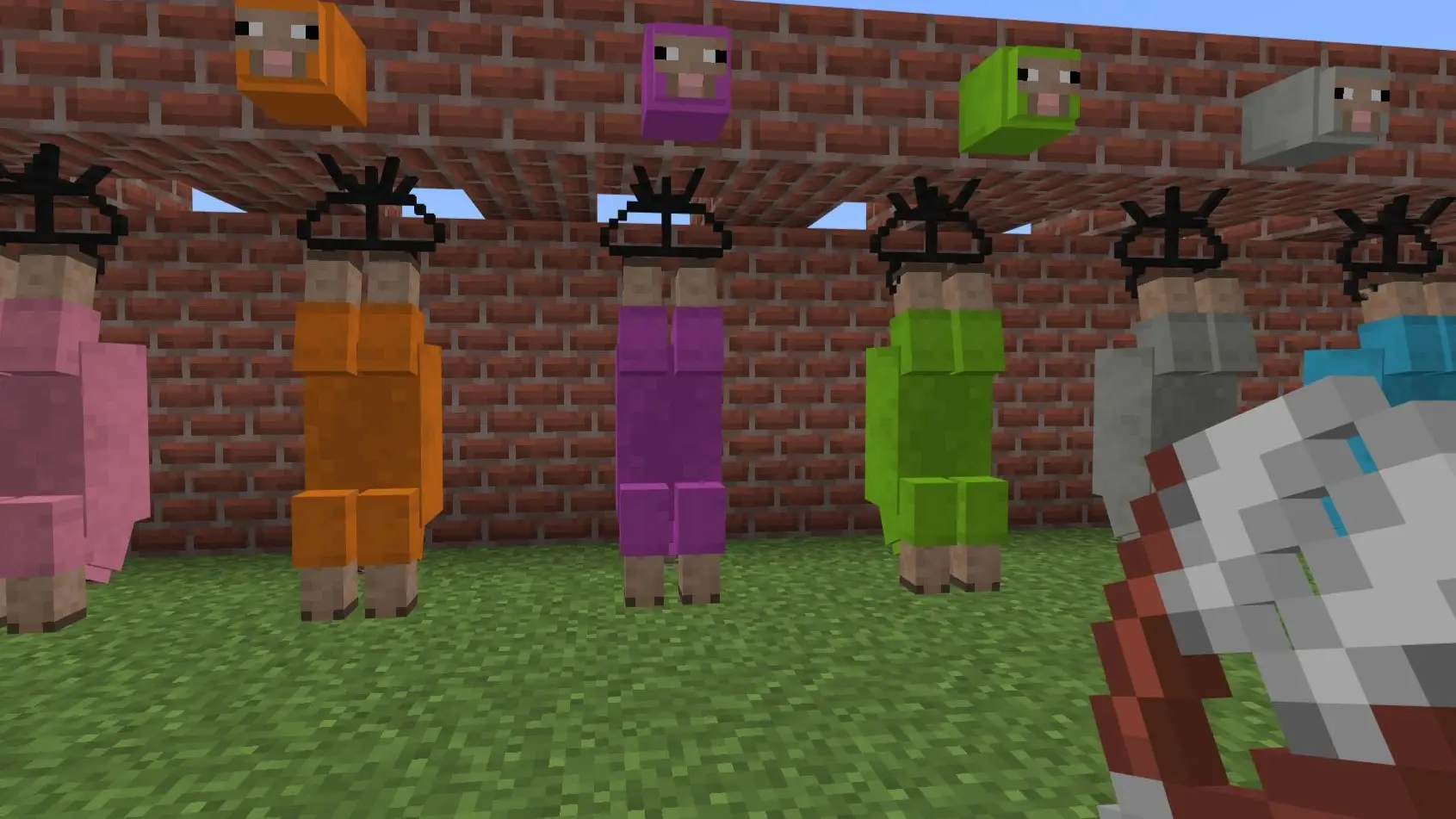
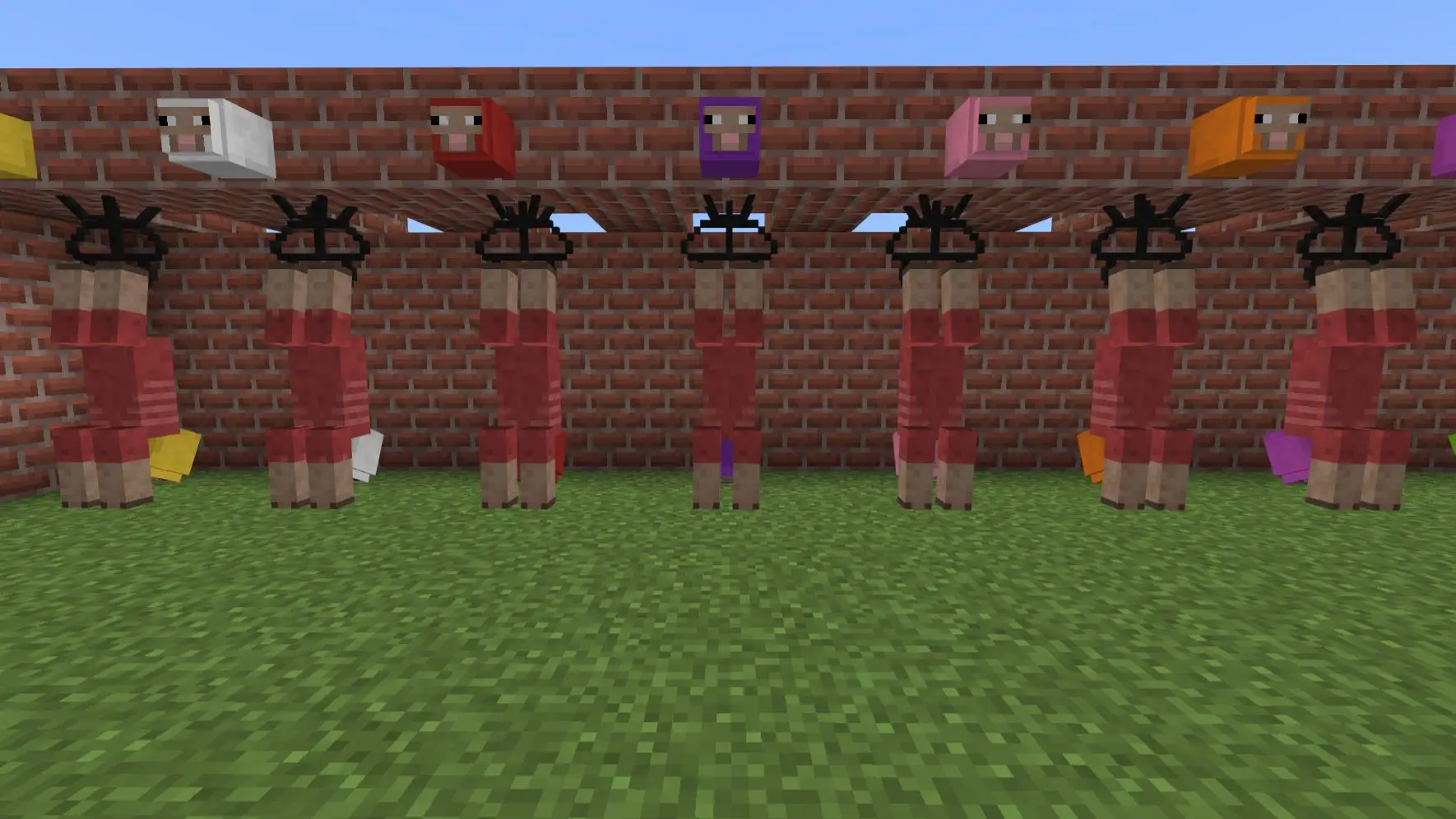
- New skinning textures (as some of you requested) are currently experimental
- Note: By default, legacy textures will display. Players need to manually enable the new textures in texture pack settings until they switch places in a future update.
- UI:
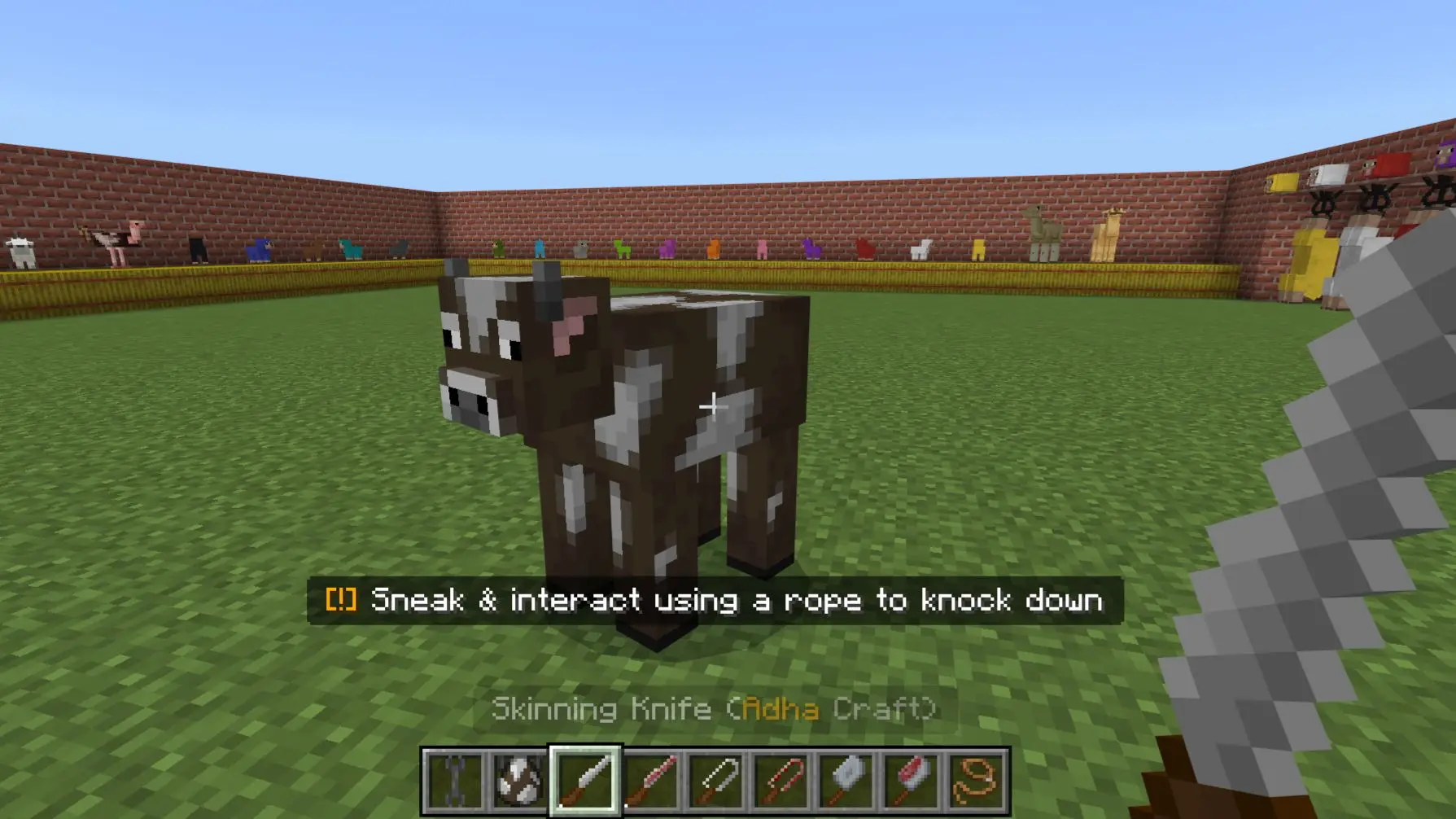
- Added an on-screen tutorial for hanging a carcass on the hanger
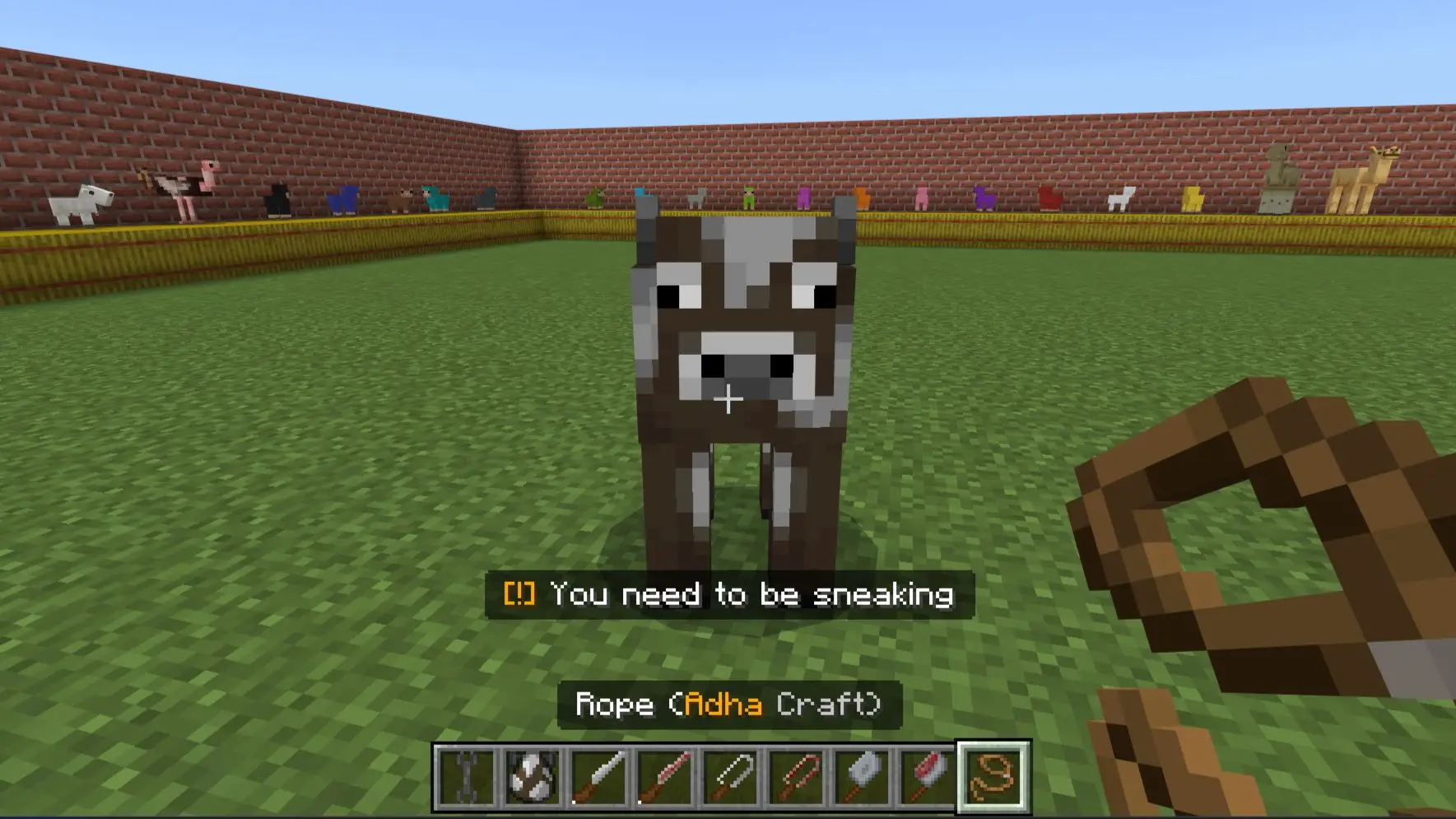
- Added an on-screen tutorial for skinning and shearing carcasses when the wrong tools are detected
- Added an on-screen tutorial for removing carcasses from the hanger
- Added an on-screen tutorial for removing organs from the carcass when the wrong tools are detected
- Added an on-screen tutorial for removing bones from the carcass when the wrong tools are detected
- Added an on-screen tutorial for chopping from the carcass when the wrong tools are detected
- Added an on-screen tutorial for the grill
- Bug Fixes:
- Fixed MC Camel boneless hanger positioning in certain directions
- Fixed missing sound when placing the carcass hanger
- Fixed alert bars showing to all players instead of only the player interacting
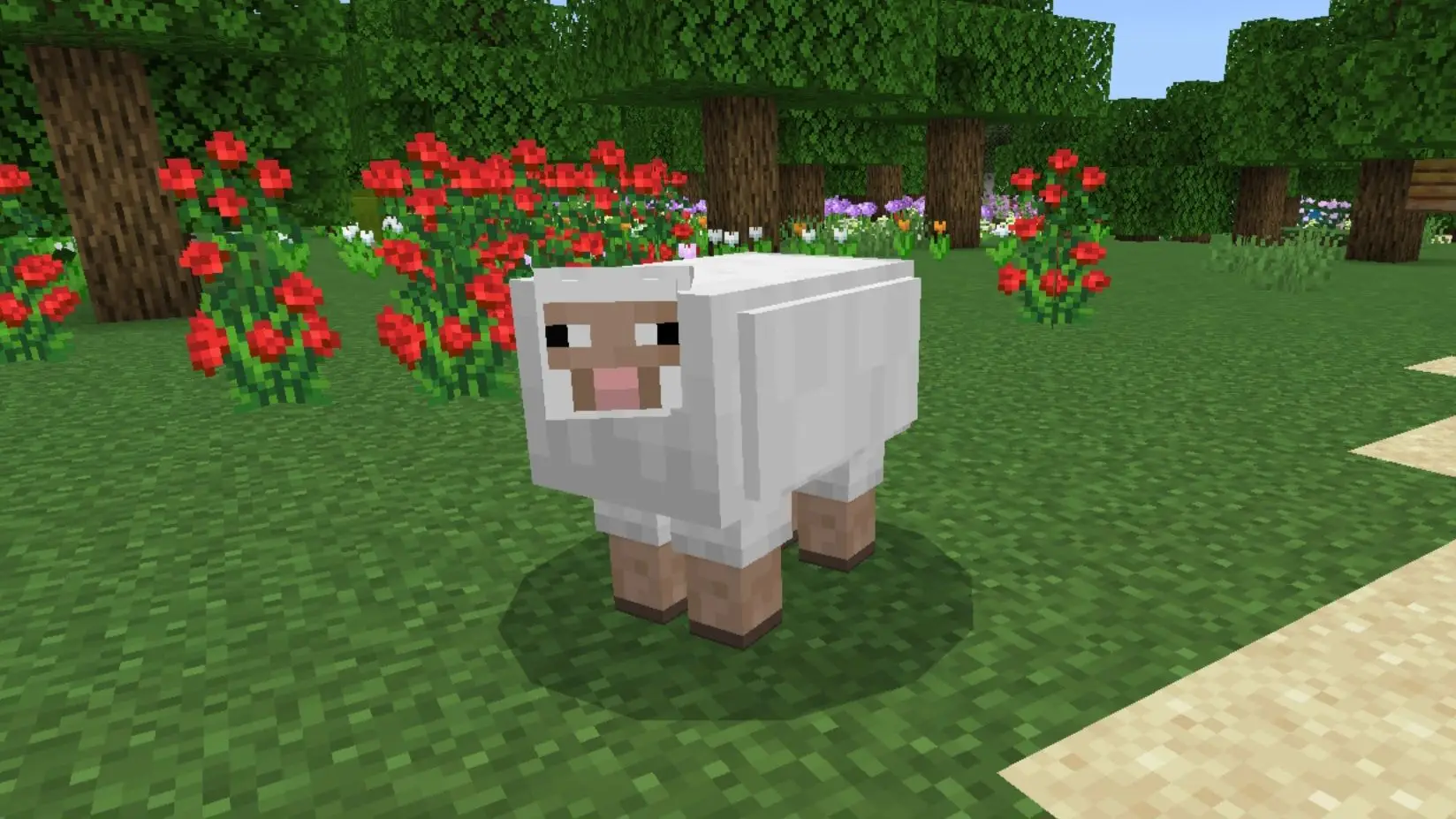
- Fixed the sheep carcass collision box expanding after shearing
- Fixed sheep carcasses dropping blood when sheared
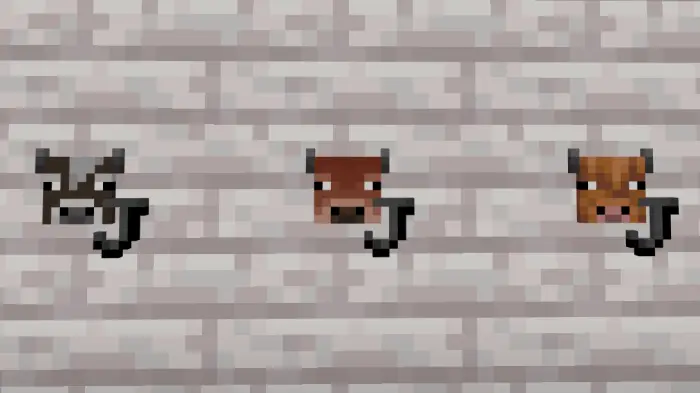
- Fixed cold and warm cows dropping the regular cow head when removing the bones
- Fixed MC Camel eye textures appearing too tight
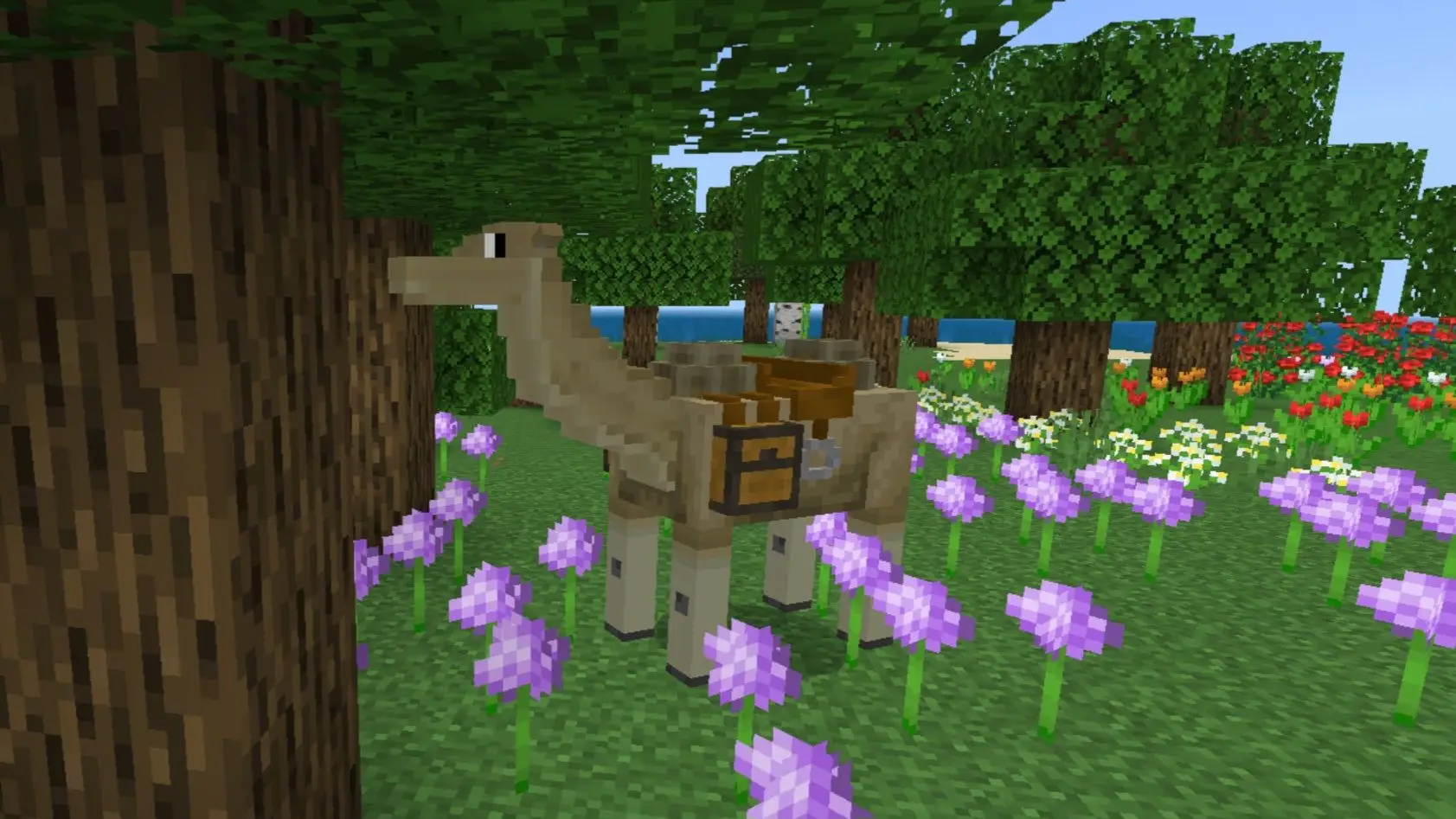
- Fixed AC Camel's head rotating strangely
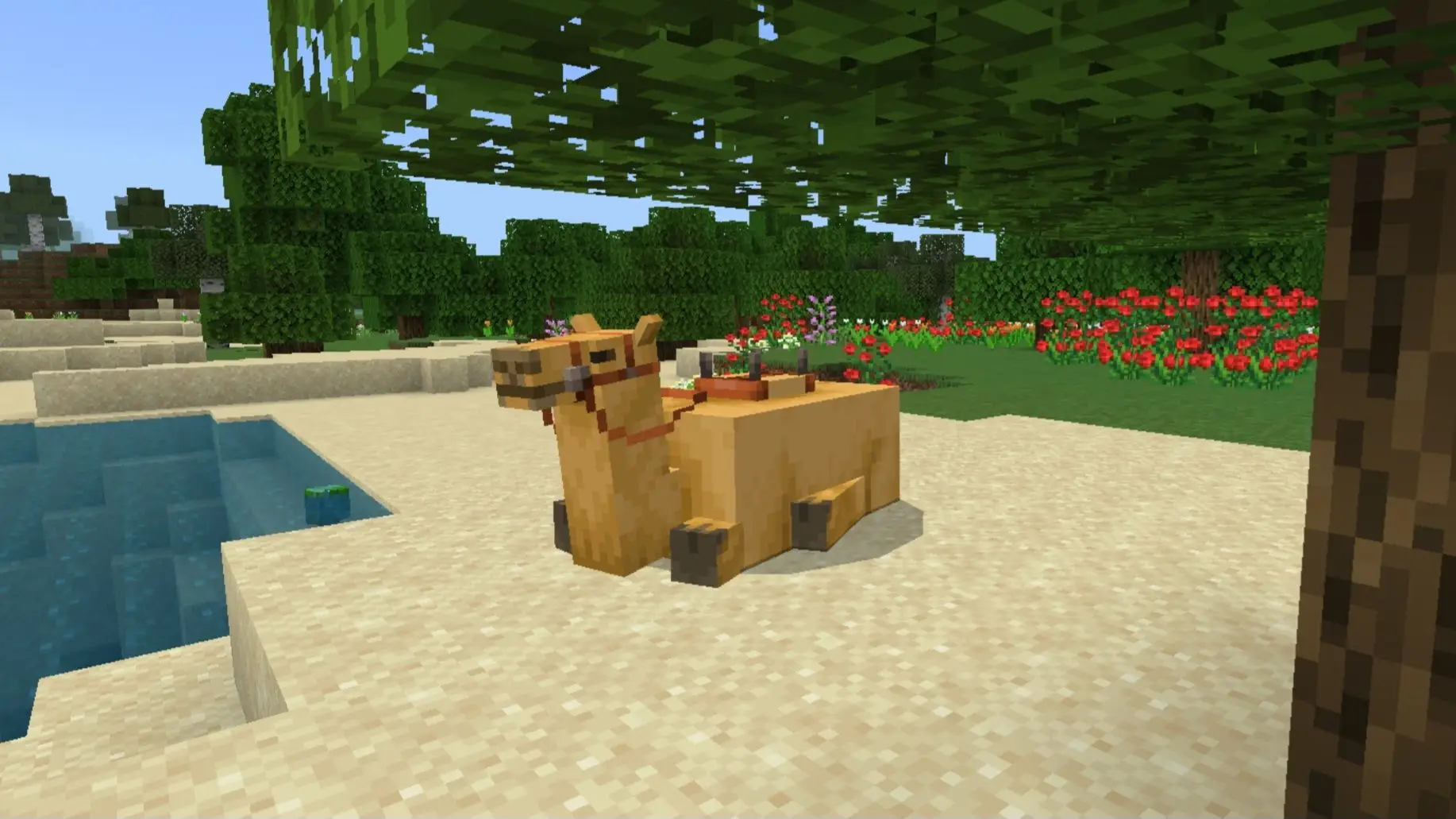
- Fixed saddled AC Camels getting stuck at a certain height and unable to climb blocks
- Fixed AC Camel taking damage from accidental hits by its rider
- Fixed buffalo carcass missing mouth cube textures
- Blocks:
- Removed AI text




![Thumbnail: More Armor Weapons Tools and Swords Items Mod! – 𝗠𝗶𝗻𝗲𝗰𝗿𝗮𝗳𝘁 𝗙𝗼𝗿𝘁𝗶𝗳𝘆 𝗥𝗲𝘄𝗼𝗿𝗸𝗲𝗱 [v1.0.2] [New Mods New Addons Update!] [Compatible with any Addon!]](/uploads/posts/2025-02/b0534b5772_minecraft-fortify-cover.webp)