

Effect++
 Go to files
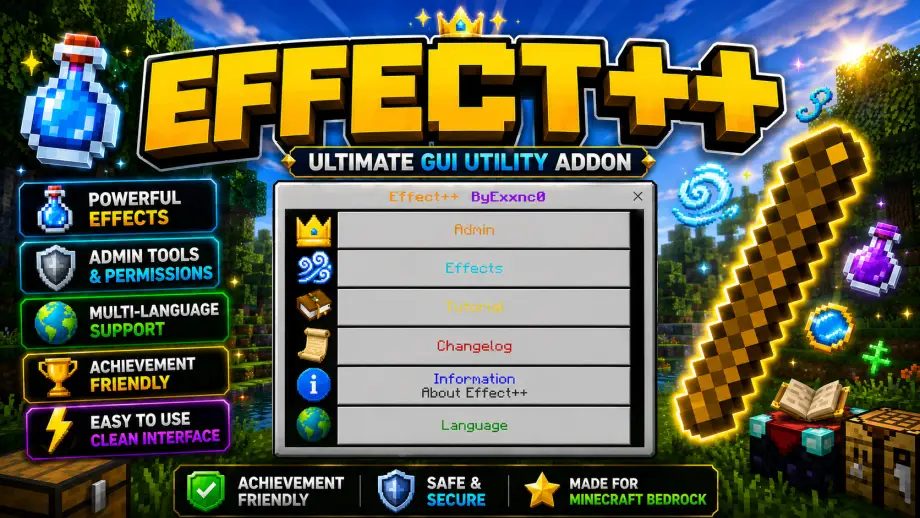
Powerful GUI-based utility addon for Minecraft Bedrock Edition. Easily manage potion effects with a simple and user-friendly interface. Includes useful admin tools and more features coming in future updates.
Overview
Effect++ is a powerful GUI-based utility addon for Minecraft Bedrock Edition, designed to make managing potion effects faster and easier through a simple and user-friendly interface.
Features
- Easy-to-use GUI
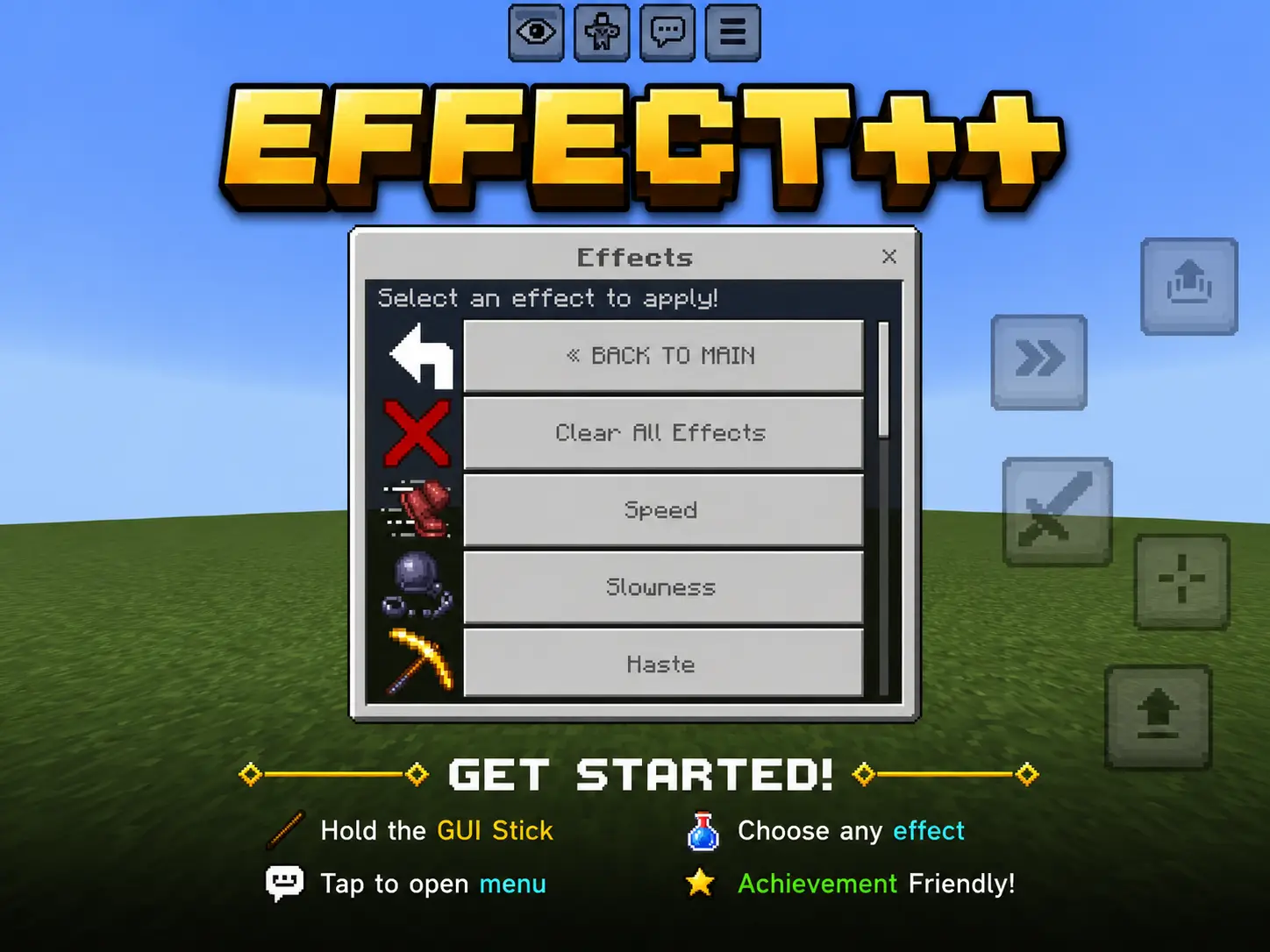
- Apply potion effects instantly
- Clear all active effects
- Useful admin utilities
- Fast and lightweight
- More features coming soon
Compatibility
- Minecraft Bedrock Edition
- Supports the latest game versions
Installation
- Download the ".mcpack" or ".mcaddon" file.
- Open the file to import it into Minecraft.
- Activate the Behavior Pack and Resource Pack in your world.
- Create or join a world and enjoy!
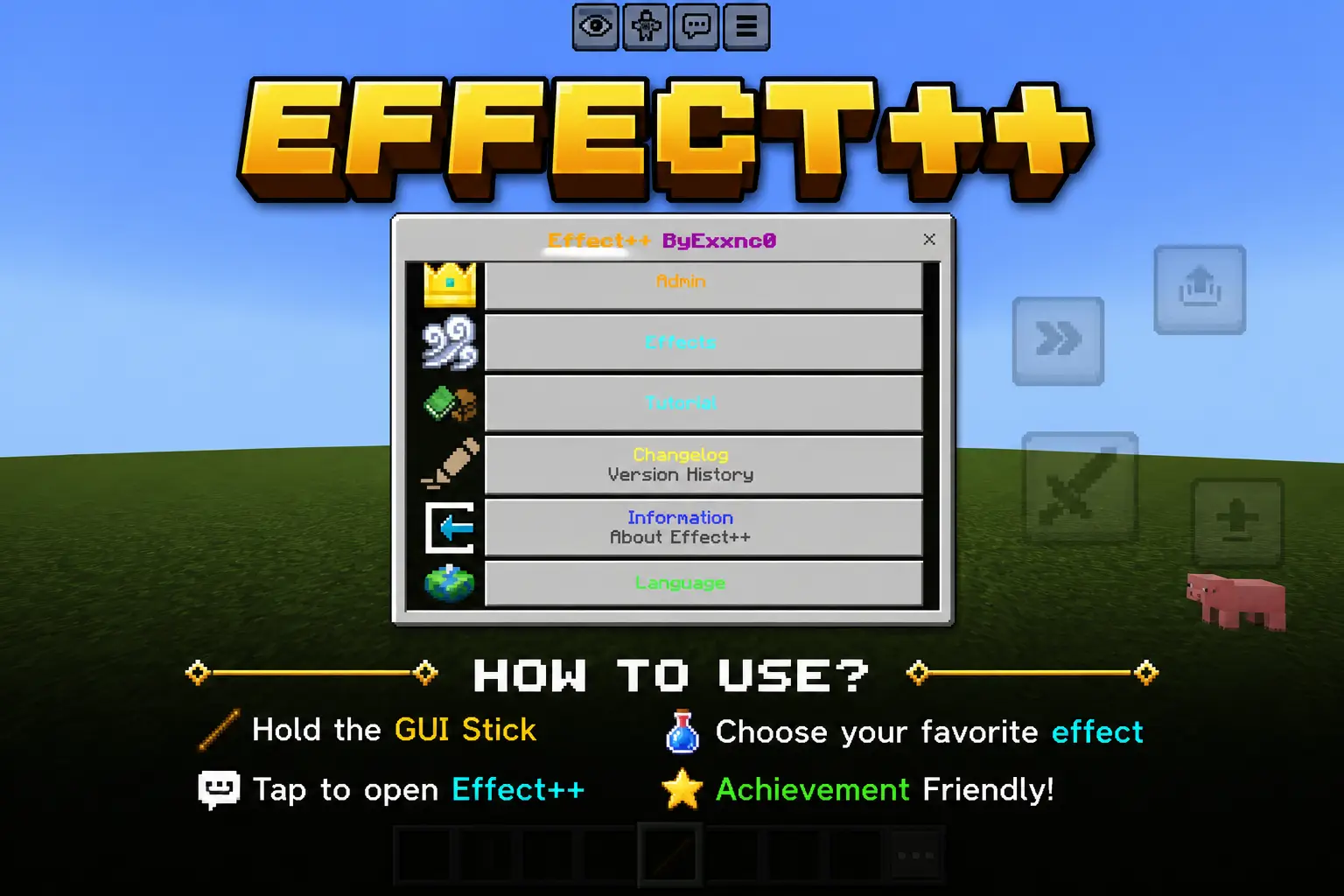
How to Use
- Join your world.
- Hold the stick in your hand.
- Right-click or tap and hold the stick to open the Effect++ menu.
- Select the effect or utility you want to use.
Future Updates
- More potion effects
- Additional admin utilities
- Better GUI improvements
- Performance optimizations
- New features and tools
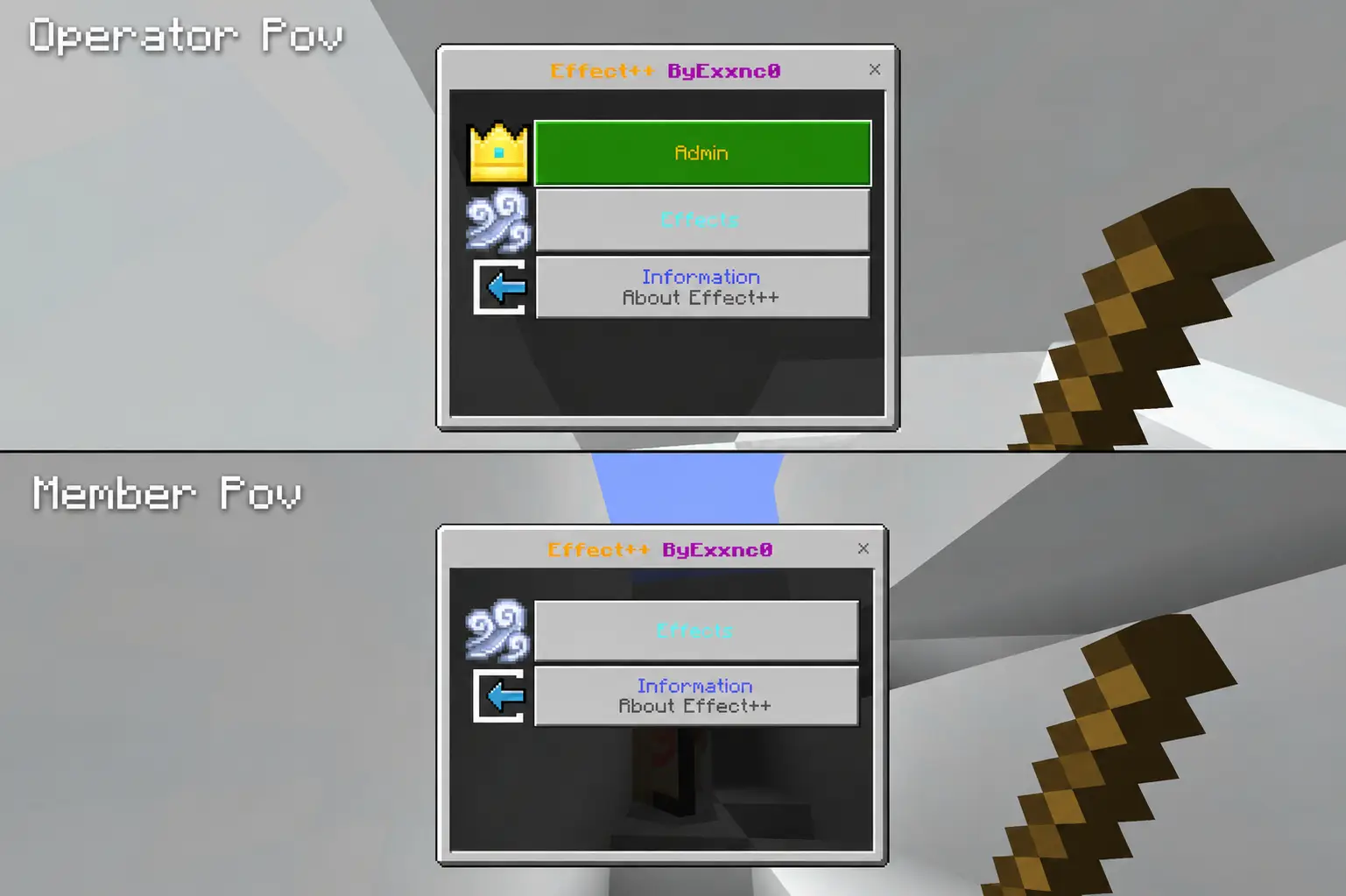
Permissions
Effect++ automatically detects your permission level.
👑 Operator
- Access to the Admin menu.
- Access to all Effects.
- Full utility features.
👤 Member
- Access to the Effects menu.
- No access to admin-only features.
- Safe for multiplayer worlds.
This permission system helps server owners prevent regular players from using administrator tools while still allowing everyone to enjoy the addon's effect feature.
✨ Effect++ Preview
Take a look at the updated interface of Effect++.
From the Main Menu to the Effects and Admin Settings, everything is designed to be simple, easy to use, and achievement friendly.
🆕 What's New in v1.0.1
This update introduces several quality-of-life improvements and new interface features for a smoother experience.
🏠 Main Menu
The main menu has been redesigned with a cleaner layout. You can now quickly access Effects, Admin Settings, Tutorial, Changelog, Information, and Language from one place.
⚡ Effects Menu
Choose and apply effects with a simple and organized interface. Fast, easy to navigate, and fully achievement friendly.
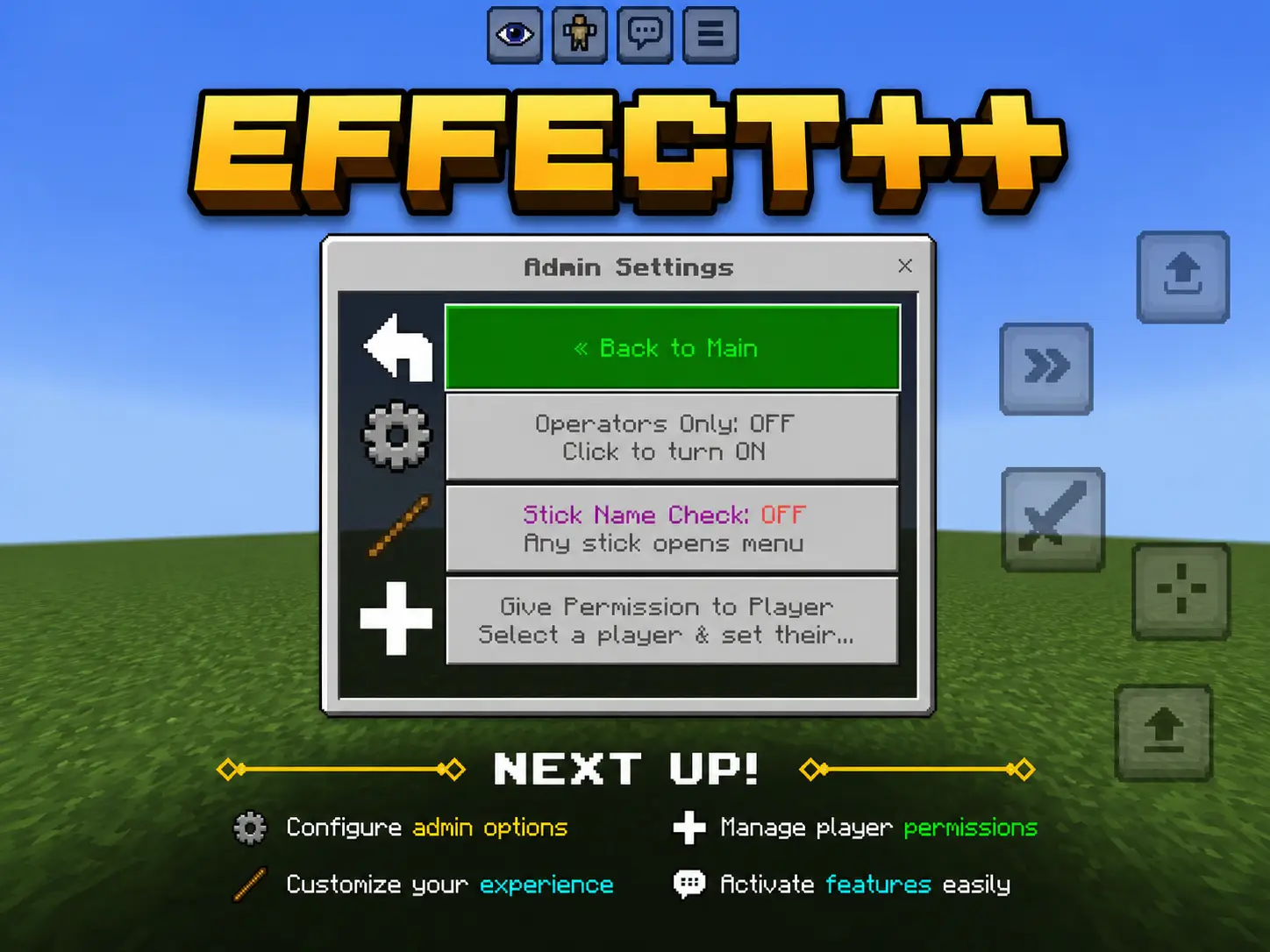
⚙️ Admin Settings
Configure admin options, manage player permissions, and customize settings directly from the in-game menu.
❤️ Thank You
Thank you for downloading Effect++!
I hope this addon makes your Minecraft Bedrock experience more fun and enjoyable.
If you enjoy using Effect++, please consider leaving a rating or comment. Your feedback helps improve future updates.
More features and improvements are coming soon!
Created by Exxmc0
Updated on July 5
- Updated thumbnail
- Improved project presentation
- 🆕 New
- Added Tutorial Menu
- Added Tutorial Button to Main Menu
- Added Recipe Book Icon
- Added Changelog Menu
- Added Information Menu
- Added Version History
- Added Build Information
- Added Release Date Information
- Added Language Menu
- Added Multi-Language Support
- Added English Language
- Added Indonesian Language
- 🔧 Improvements
- Improved Main Menu Layout
- Improved GUI Navigation
- Improved Menu Organization
- Improved User Experience
- Improved Information System
- Improved Language Management
- 🛠️ Fixes
- Fixed Minor Script Issues
- Improved Performance
- Improved Stability
- Fixed Menu Navigation
- Fixed Language Switching





![Thumbnail: More Armor Weapons Tools and Swords Items Mod! – 𝗠𝗶𝗻𝗲𝗰𝗿𝗮𝗳𝘁 𝗙𝗼𝗿𝘁𝗶𝗳𝘆 𝗥𝗲𝘄𝗼𝗿𝗸𝗲𝗱 [v1.0.2] [New Mods New Addons Update!] [Compatible with any Addon!]](/uploads/posts/2025-02/b0534b5772_minecraft-fortify-cover.webp)
