
OfflineProgress
 Go to files
A Minecraft Bedrock add-on that simulates the progress of supported crops, trees, furnaces, animals, and villagers during inactive periods. Designed for single-player, multiplayer, and Realms worlds.
OfflineProgress
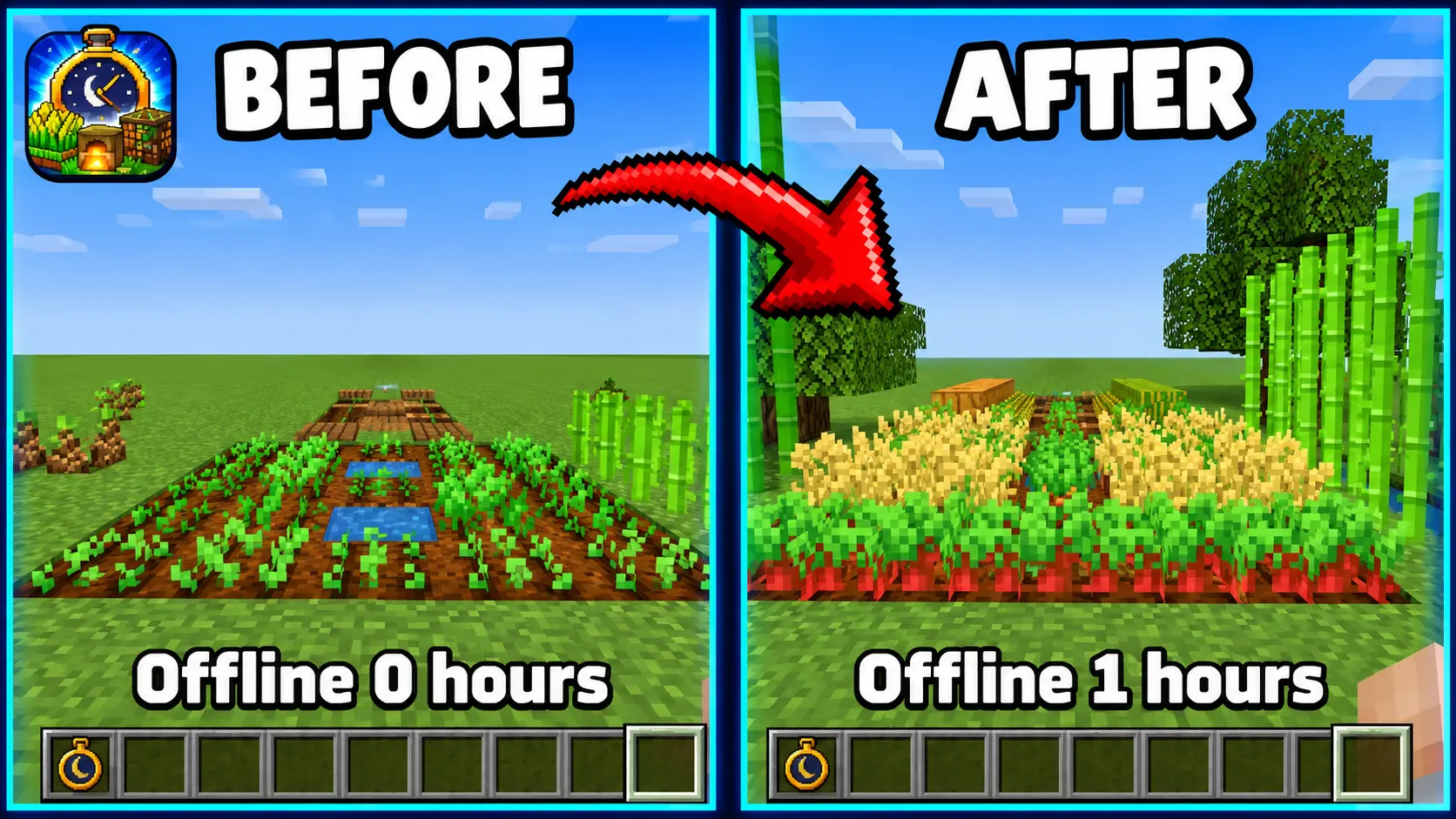
Your world never stops growing.
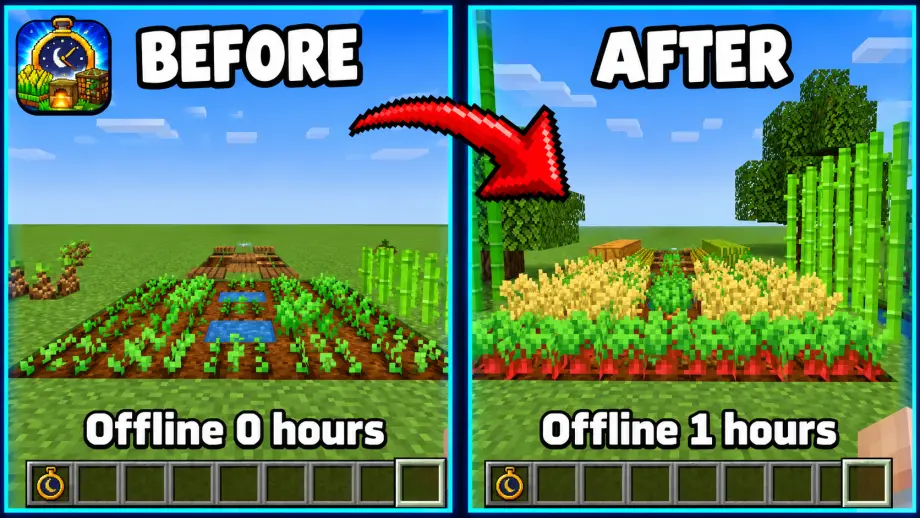
OfflineProgress is a Minecraft Bedrock add-on that simulates the progress of supported world activities after chunks or entities have been inactive. When the relevant areas become available again, the add-on calculates and applies the progress accumulated during the inactive period.
Plant your farms, load your furnaces, log off, and come back to a world that kept moving without you.
Preview
OfflineProgress in Action
See how OfflineProgress tracks and applies progress to supported activities.
Offline Watch Settings Menu
Hold the Offline Watch to open the settings menu. Browse six categories: Machines, Crops, Trees, Animals & Villagers, Options, and Status.
Full Control Over Every Feature
Each supported feature can be enabled or disabled individually, and settings take effect right away. You can also use Enable All or Disable All for quick configuration.
Features
Crop & Plant Growth
- Wheat, carrots, potatoes, and beetroot growth.
- Nether wart, cocoa, and sweet berry bush growth.
- Melon and pumpkin stem growth and fruit generation.
- Sugar cane, cactus, and bamboo growth.
Tree Growth
- Simulated growth for supported overworld saplings.
- Includes oak, spruce, birch, jungle, acacia, dark oak, cherry, mangrove, pale oak, and poplar.
- Supports crimson and warped fungus growth.
Furnace Simulation
- Supports regular furnaces, blast furnaces, and smokers.
- Simulates smelting using available ingredients and fuel.
- Handles supported recipes and output inventory.
Animal & Villager Simulation
- Baby animals can grow into adults.
- Chickens can produce eggs (disabled by default; can be enabled in settings).
- Sheared sheep can regrow their wool.
- Villagers can breed when the required food and bed conditions are met.
Welcome-Back Summary
- Receive a welcome-back message when you return.
- View a summary of supported activities that progressed during your absence.
Realms & Multiplayer Support
Designed for shared Minecraft Bedrock worlds, OfflineProgress uses world-level data storage to manage tracked progress and settings. It is built to support multiplayer environments and Minecraft Realms, with shared configuration and progress data.
Offline Watch
Use the Offline Watch item to access the configuration menu.
Crafting Recipe: Place Gold Ingots in the top, bottom, left, and right slots, with a Clock in the center.
The menu is divided into six categories:
- Machines: Toggle Furnace, Blast Furnace, and Smoker individually.
- Crops: Choose which crops keep growing.
- Trees: Choose which tree types keep growing.
- Animals & Villagers: Toggle baby growth, wool regrowth, eggs, and villager breeding.
- Options: Configure the master switch, welcome-back message, auto-detect, and maximum offline time (1–168 hours; default 72 hours).
- Status: View tracked chunks, objects, recent progress, and run a manual nearby scan.
Every category has Enable All and Disable All buttons for quick setup. A green check indicates ON, while a red X indicates OFF.
Only operators or players with the ws_admin tag can change settings. The first player to join a world automatically becomes the admin.
How to Install
- Download the
.mcaddonfile and open it with Minecraft. - Create a new world or edit an existing one.
- Activate both OfflineProgress BP (Behavior Pack) and OfflineProgress RP (Resource Pack).
- Join the world and craft the Offline Watch.
Good to Know
- Progress is applied when a chunk with tracked farms or machines loads again.
- A gap of about 2 minutes or more is needed to count as offline.
- Existing farms and machines nearby are detected automatically while you play.
- Progress is an estimate based on average growth times, so results may differ from vanilla randomness.
Compatibility
- Minecraft Bedrock Edition: 1.21.60 or newer
- Singleplayer: Supported
- Multiplayer: Designed to be supported
- Realms: Designed to be supported
Languages
English, Indonesian, Spanish, Portuguese (Brazil), Russian, and Chinese (Simplified).
Feedback & Support
Found a bug or have a suggestion? Feel free to share your feedback and help improve OfflineProgress.
Created by wiraSAKA
Every Offline Watch submenu and what you can toggle in it. Images are UI previews rebuilt from the add-on's own icons and text.
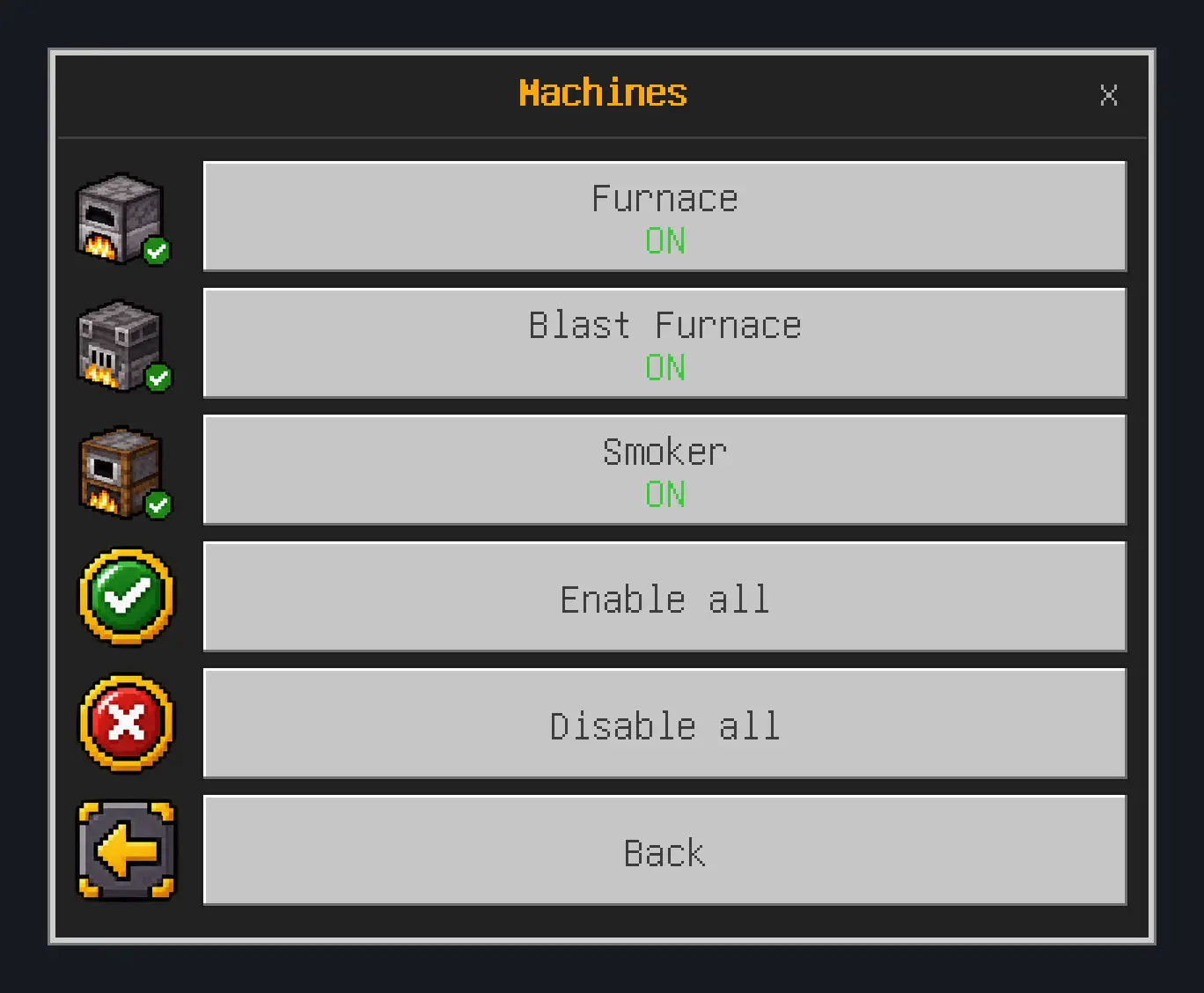
- Furnace
- Blast Furnace
- Smoker
- Enable all / Disable all
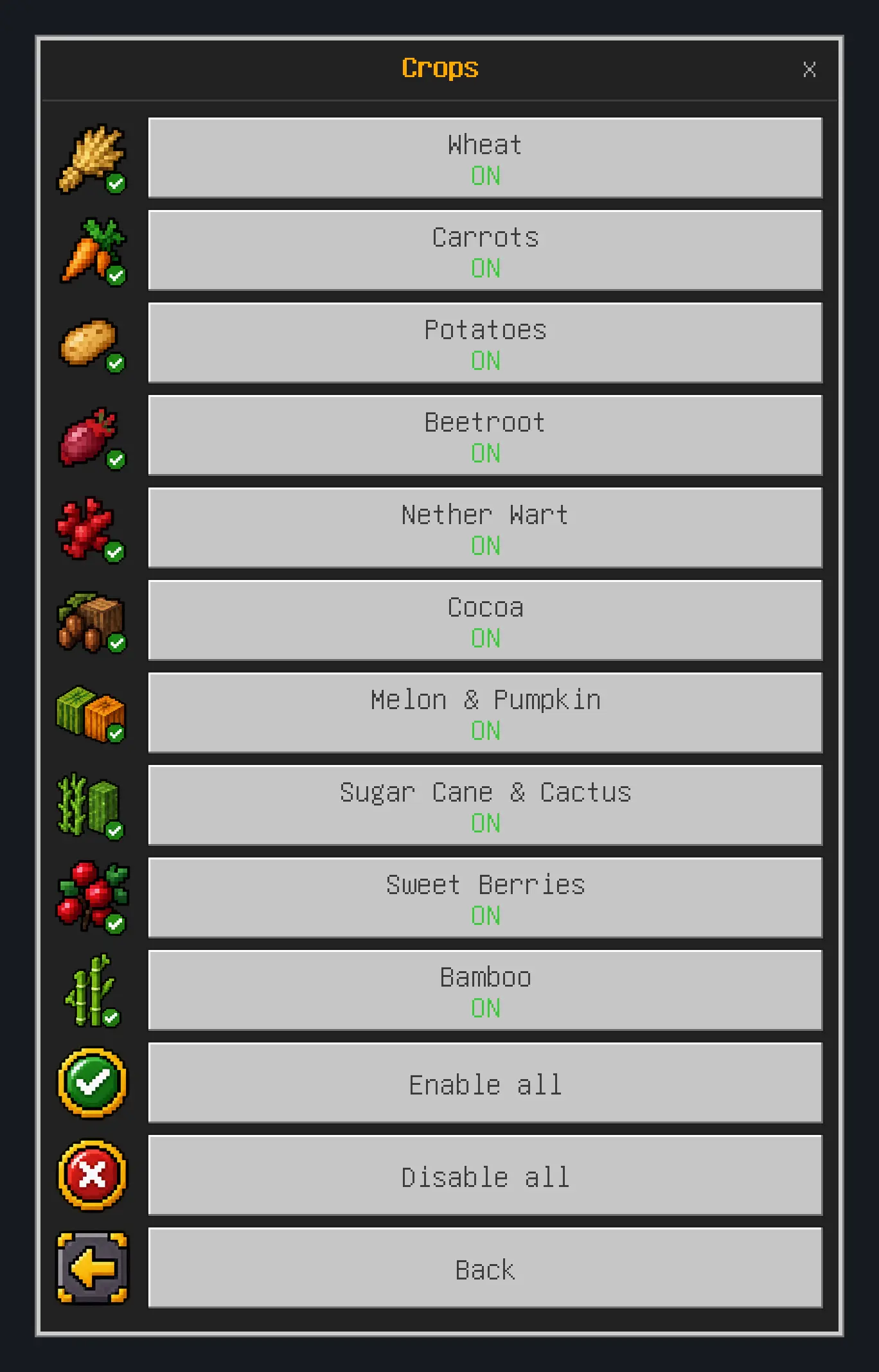
- Wheat
- Carrots
- Potatoes
- Beetroot
- Nether Wart
- Cocoa
- Melon & Pumpkin
- Sugar Cane & Cactus
- Sweet Berries
- Bamboo
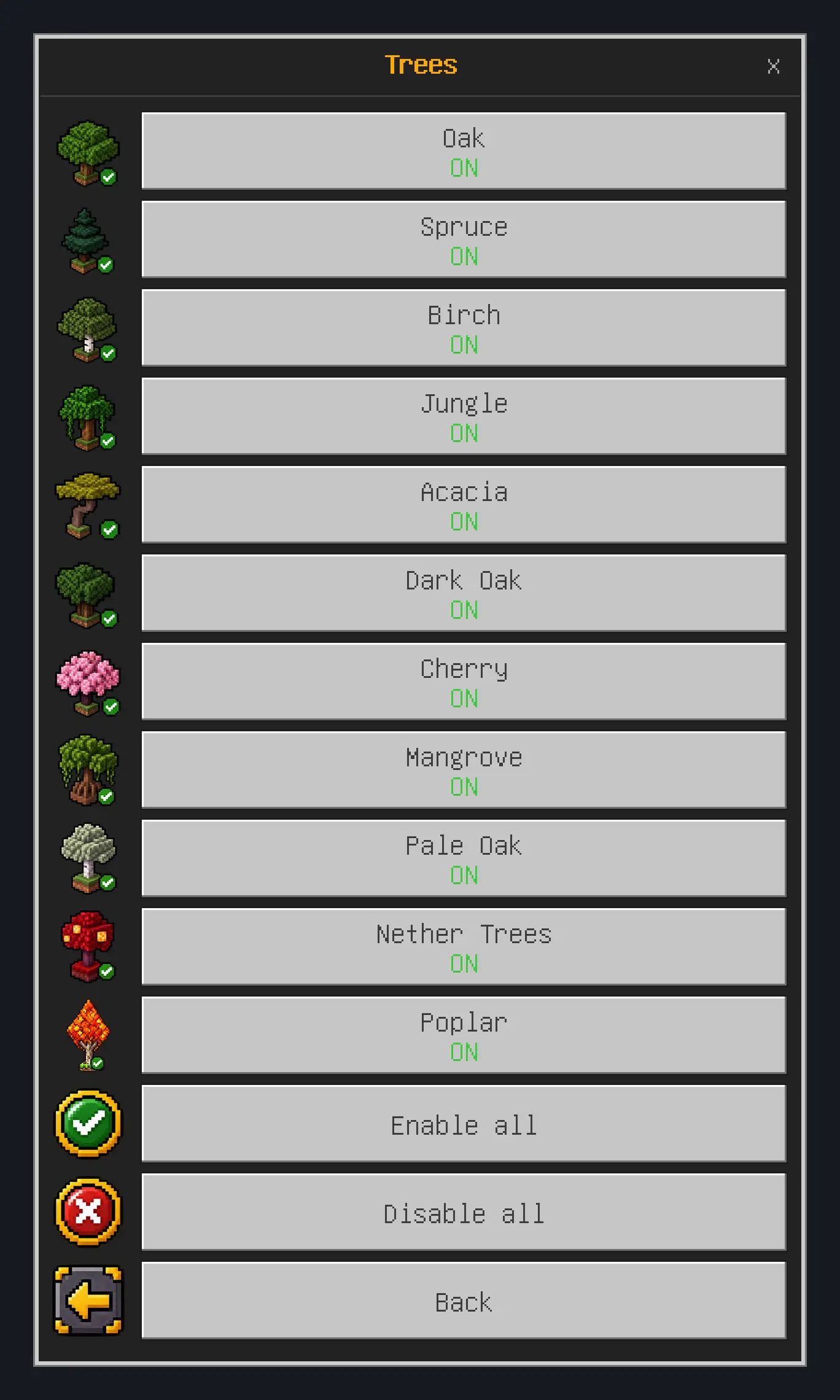
- Oak
- Spruce
- Birch
- Jungle
- Acacia
- Dark Oak
- Cherry
- Mangrove
- Pale Oak
- Nether Trees (crimson and warped fungus)
- Poplar
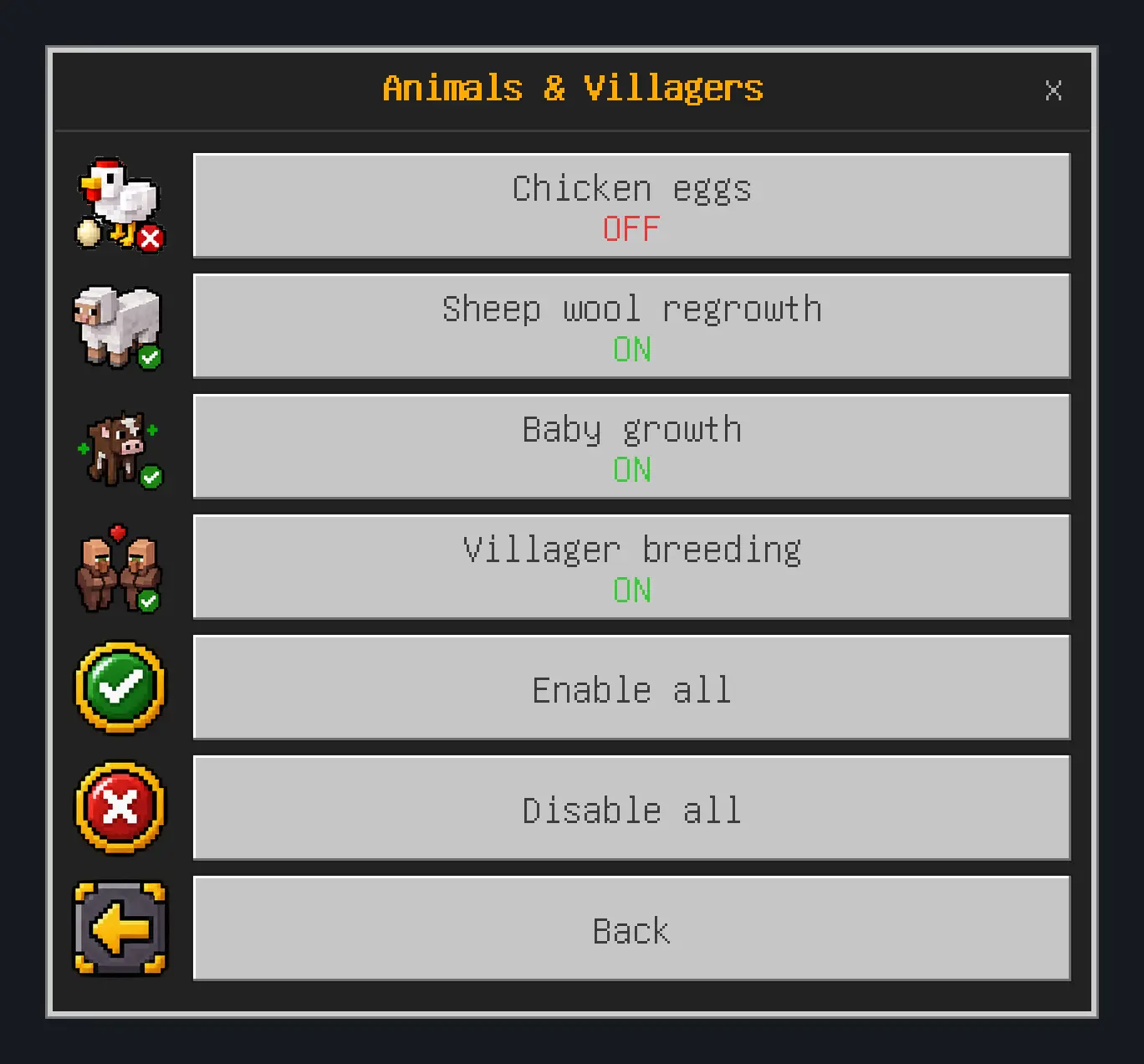
- Chicken eggs (OFF by default)
- Sheep wool regrowth
- Baby growth
- Villager breeding
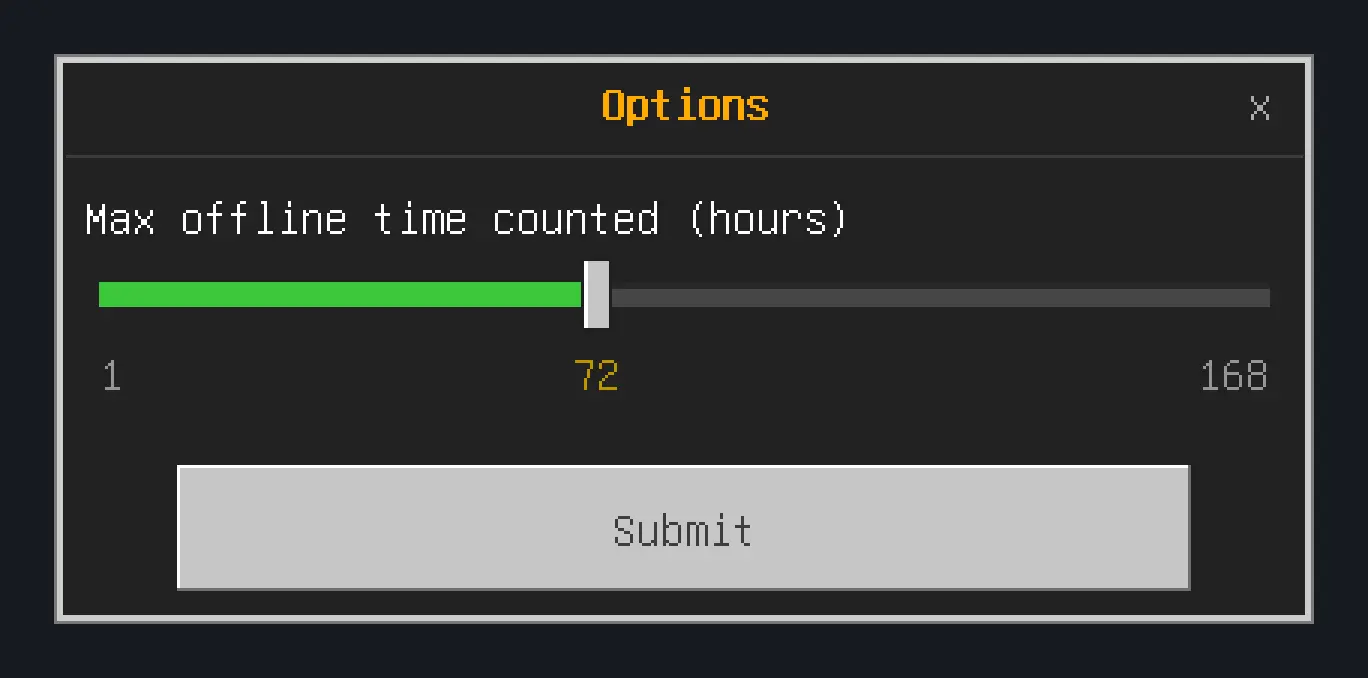
- Enable OfflineProgress (master switch)
- Welcome-back message & flash
- Auto-detect existing farms & machines
- Max offline time counted: 1 to 168 hours (default 72)
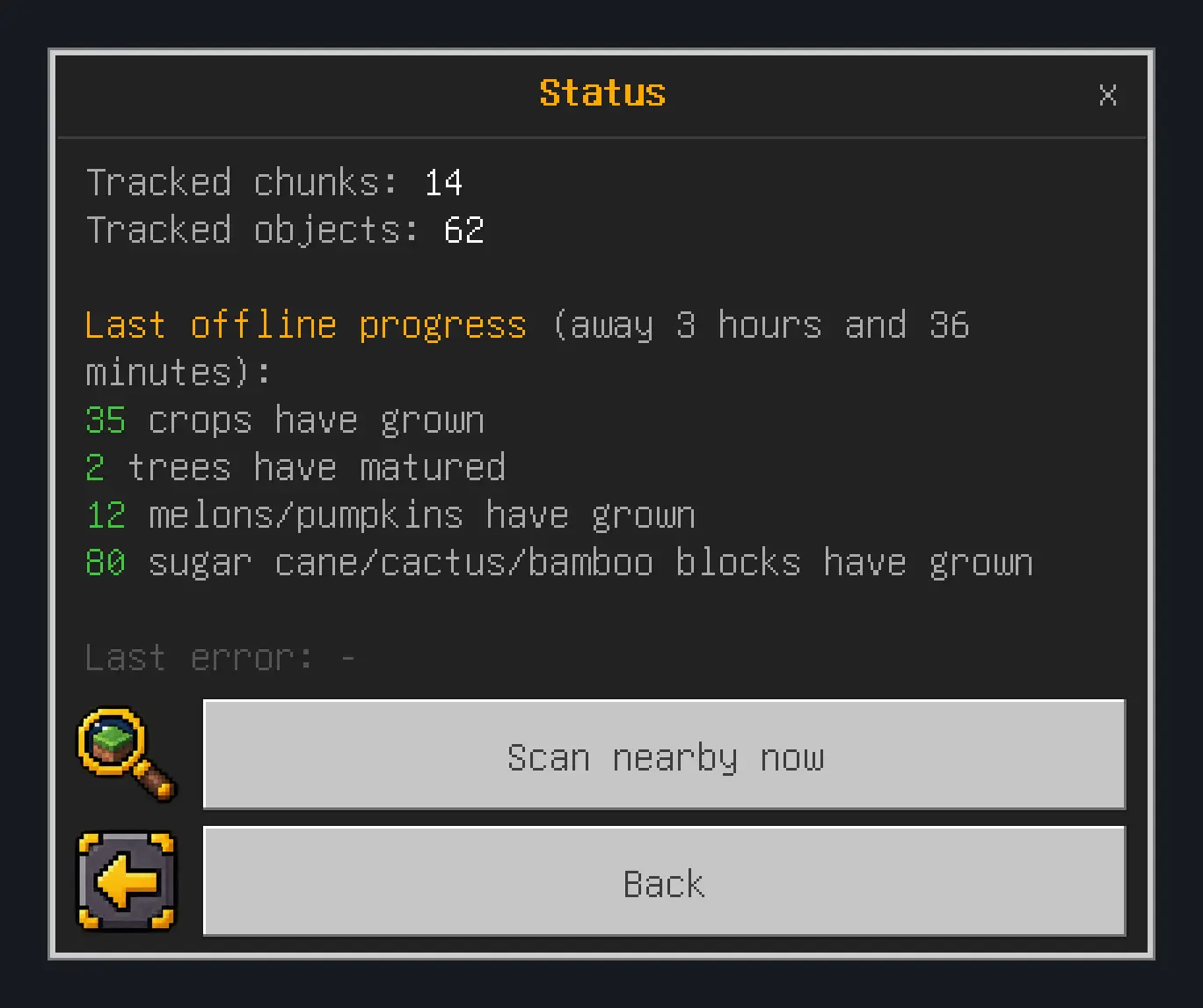
- Tracked chunks and tracked objects
- Summary of the last offline progress
- Last error (for troubleshooting)
- Scan nearby now (manual scan)