
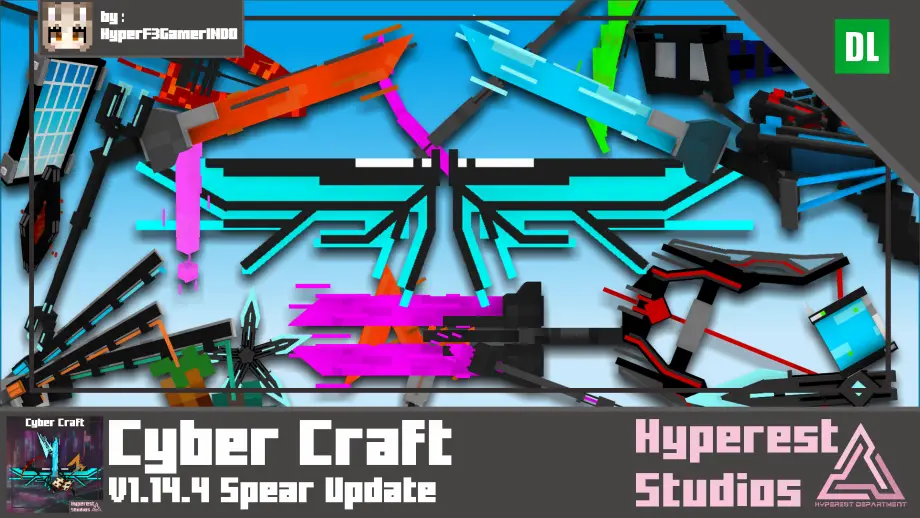
Cyber Craft | v1.14.4 Spear Update
This Resources pack is from Black Plasma Studios, World Apart Series, yeah you might know that, are you fan of it? are you want to that sword added to your game? then this pack is perfect for you!
32x texture packs for Minecraft 1.19.60. A higher resolution compared to the standard, adding more detail and clarity to the game world. These textures are ideal for players who want to make the game more visually pleasing while keeping it running smoothly in Minecraft 1.19.60.
This Resources pack is from Black Plasma Studios, World Apart Series, yeah you might know that, are you fan of it? are you want to that sword added to your game? then this pack is perfect for you!
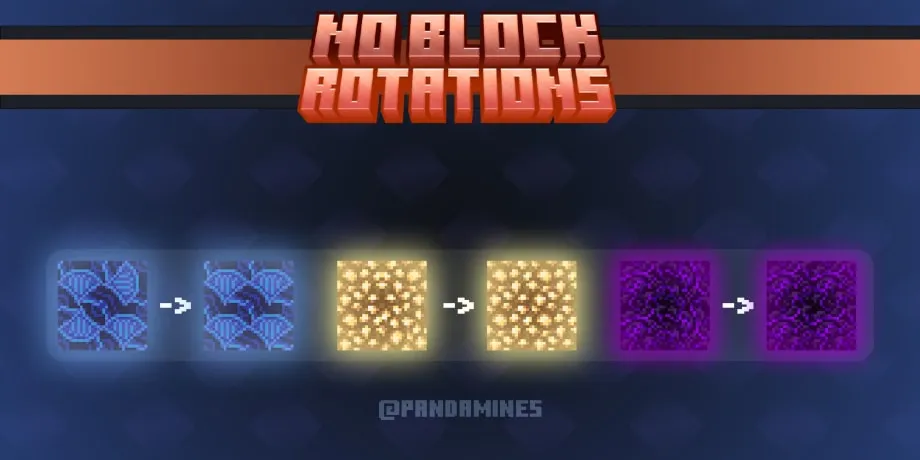
Removes any rotations from blocks, useful to make speedrun seed undetectable.
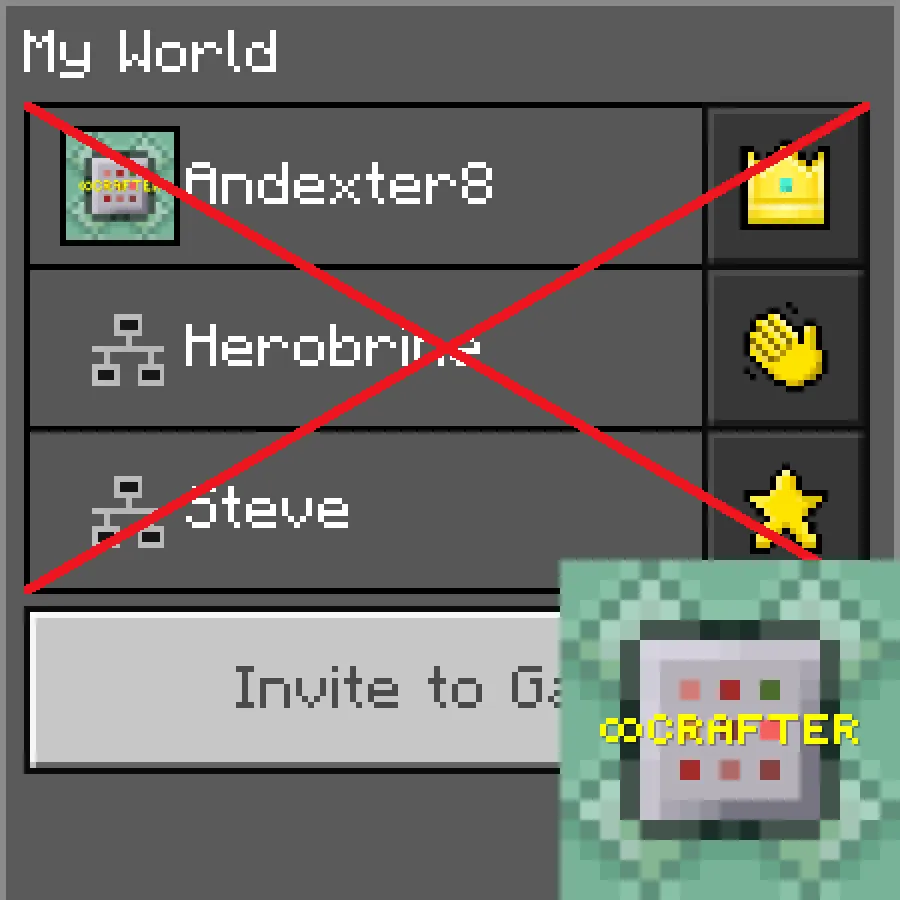
Have you ever wanted to trick your friends into thinking that you left using /tellraw, but they just look at the online player list and see that you are online? Well, this texture pack fixes that.
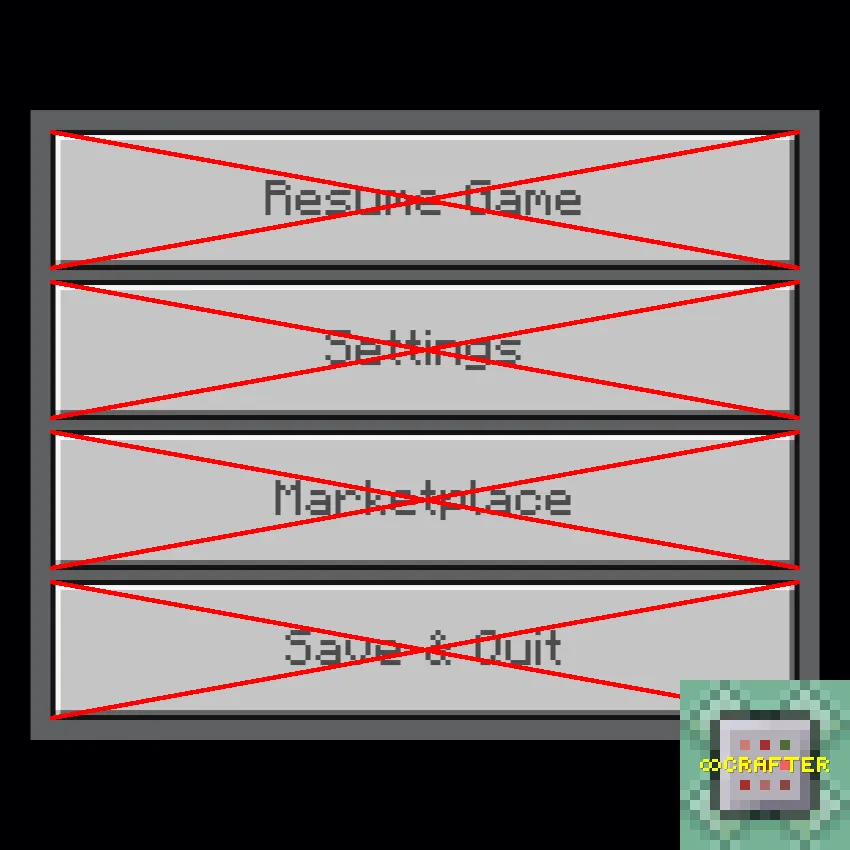
Have you ever wanted to remove the leave game button from the pause menu or even remove the settings, marketplace, and resume game buttons as well? Well, with this resource pack, you can do that!
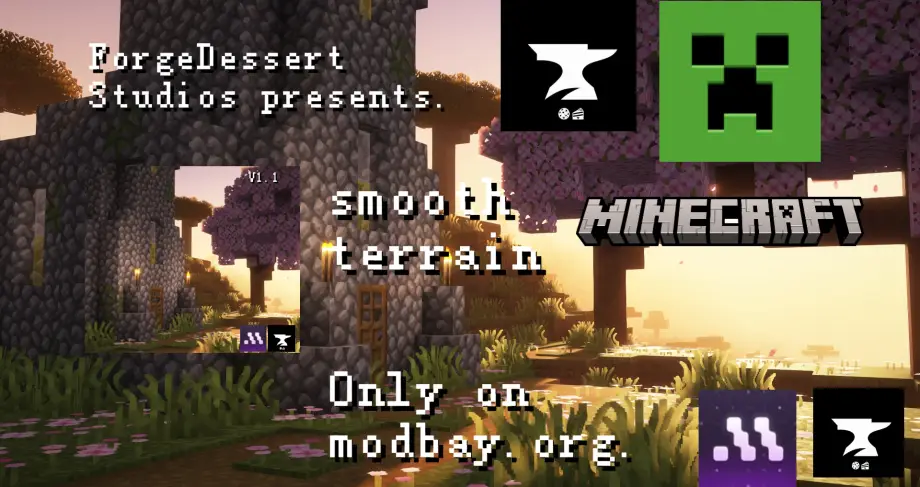
Smooth Terrain is a 32x texture pack that smooths block textures for cleaner visuals and improved performance, compatible with other resource packs.
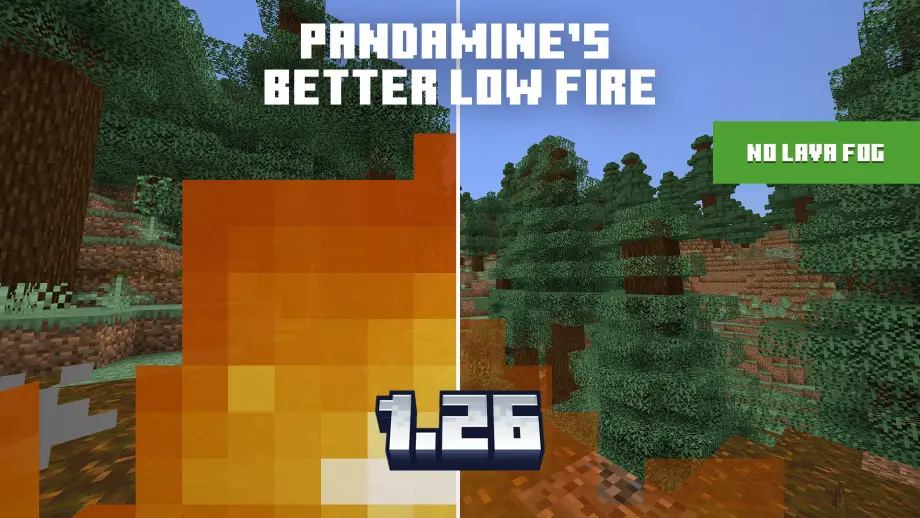
PandaMine's Better Low Fire - lowers fire overlay on your screen, reduces fire transparency and removes all lava fog. Compatible with Vibrant Visuals, HIVE and RTX.
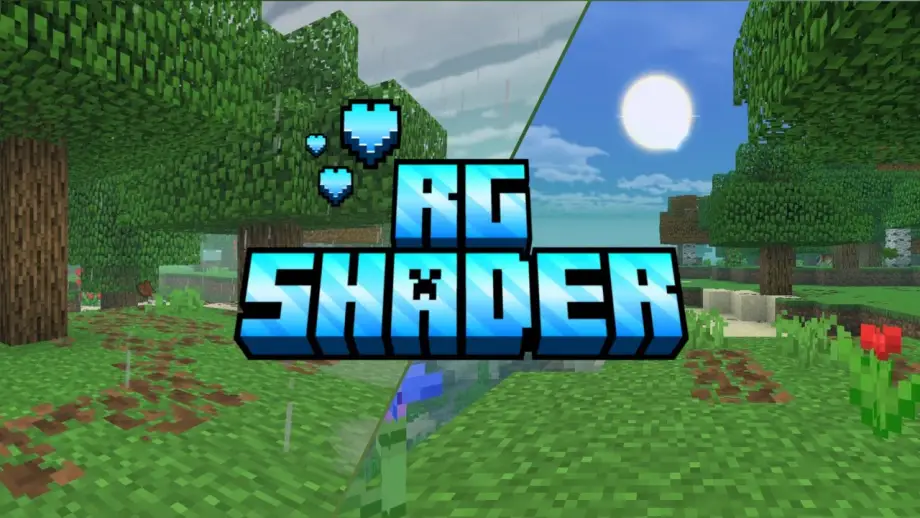
Bring your Minecraft Pocket Edition to life with RG Shader — a stunning visual enhancement designed especially for non-patched APKs!
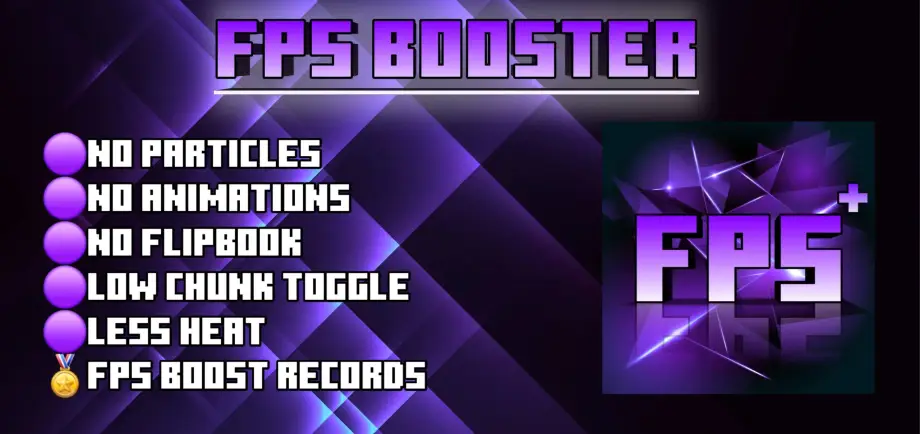
It is one of the best lag reducer packs in MCPE. It gives you maximum performance in MCPE. Others can't beat this, as this optifine brings the maximum performance.
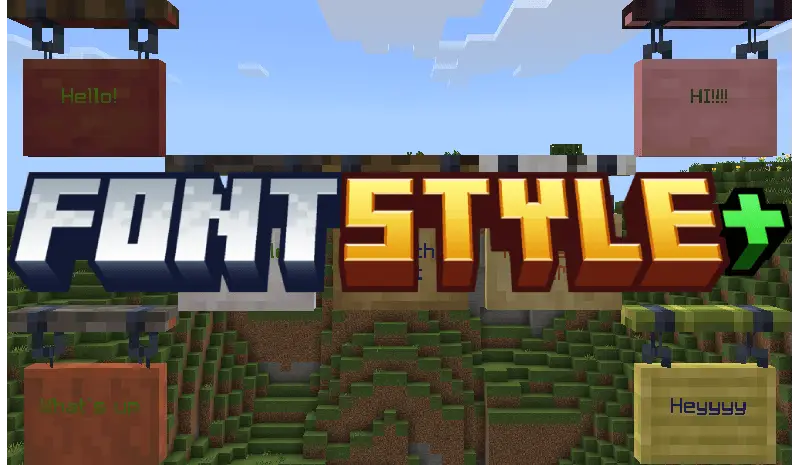
Switch between two custom Minecraft fonts easily using the built-in subpacks in the resource pack settings for a personalized experience.
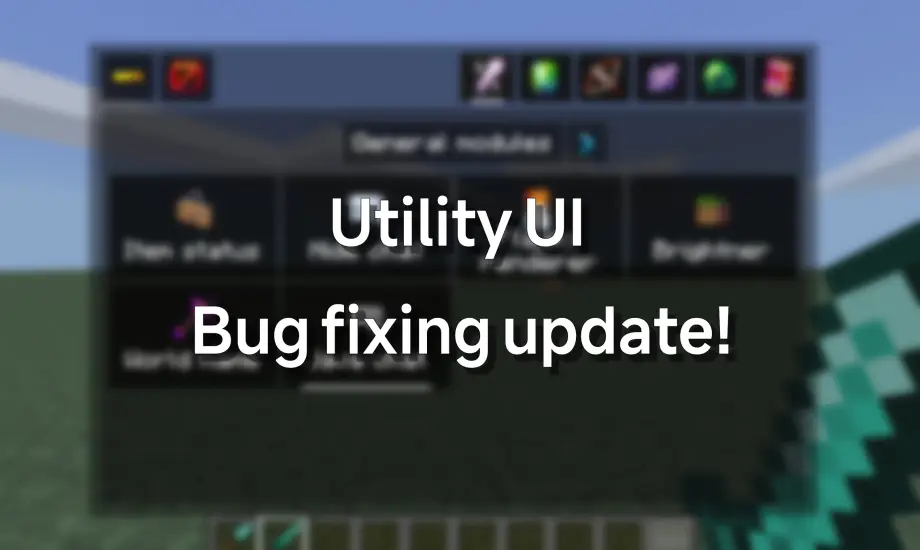
This texture pack allows you to unlock the true possibilities of the HUD, Controlling everything, Turning it on and off,So many useful modules that awaits you!