NEWB X PINEAPPLE Shader
 Go to files
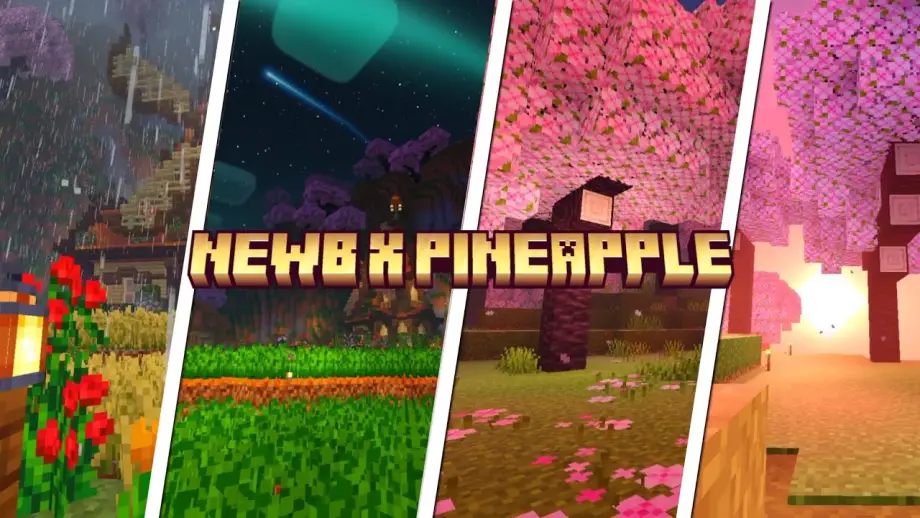
NEWB X PINEAPPLE Shader is a performance-friendly shader pack created for Minecraft Bedrock Edition. It is a combination of smooth visual effects inspired by popular shader styles while keeping resource usage low.
This shader enhances:
- Natural lighting
- Soft shadows
- Clear water
- Improved sky colors
- Better ambient atmosphere
All improvements are carefully optimized so that even budget phones and tablets can run it comfortably.
Screenshots
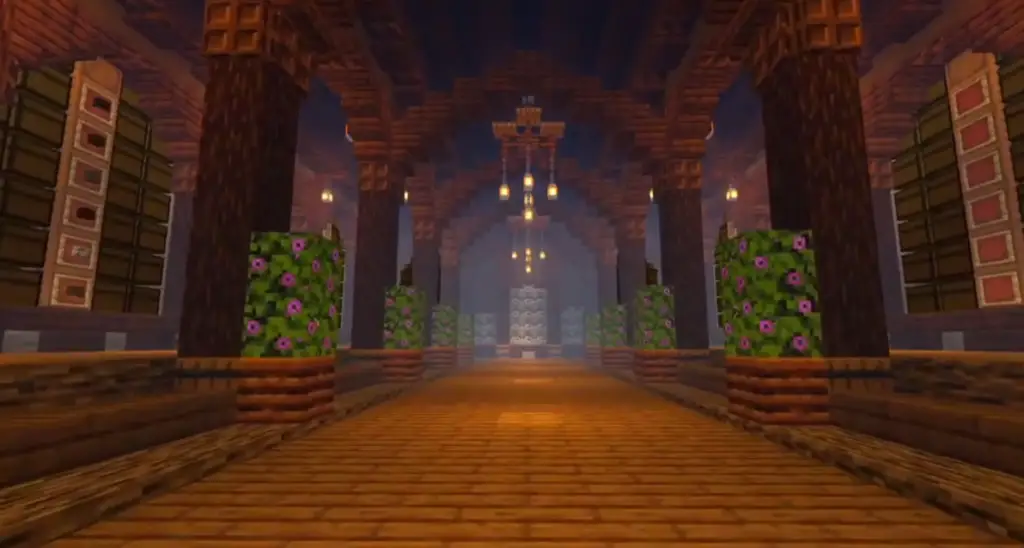

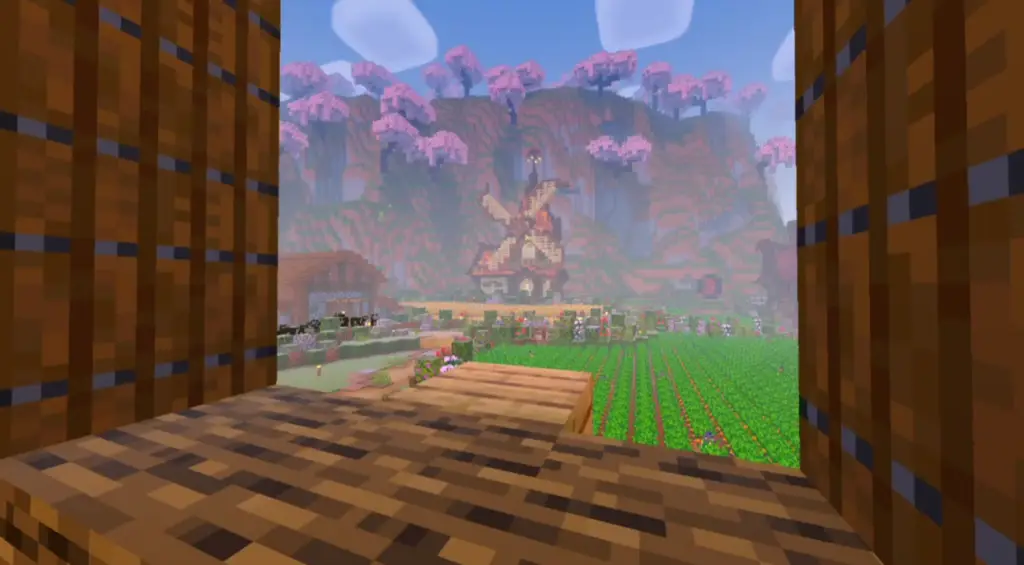
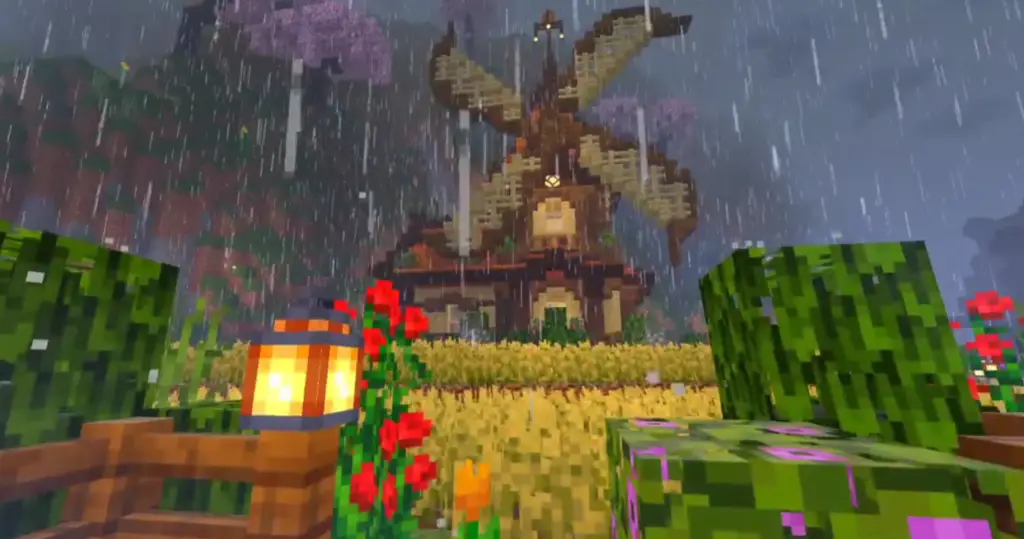
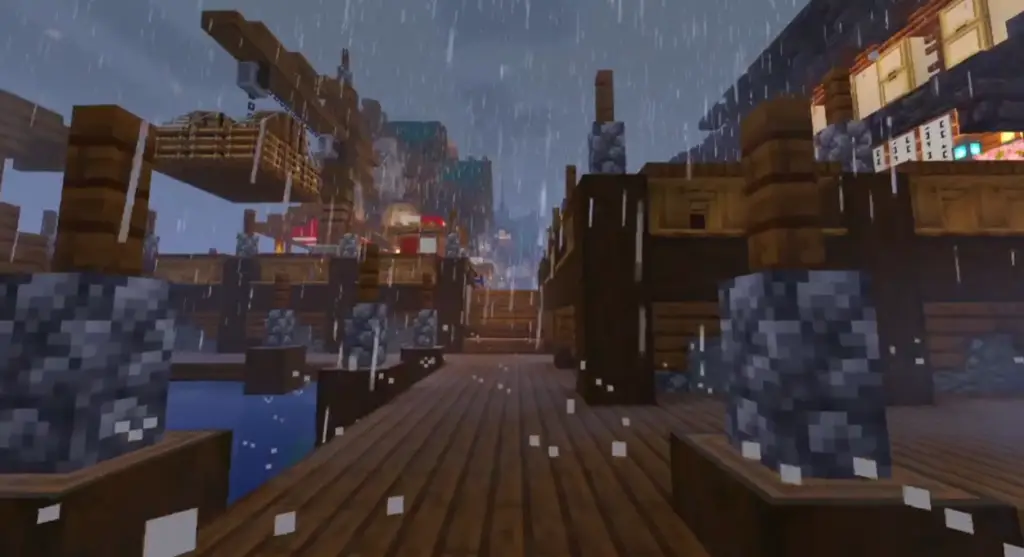
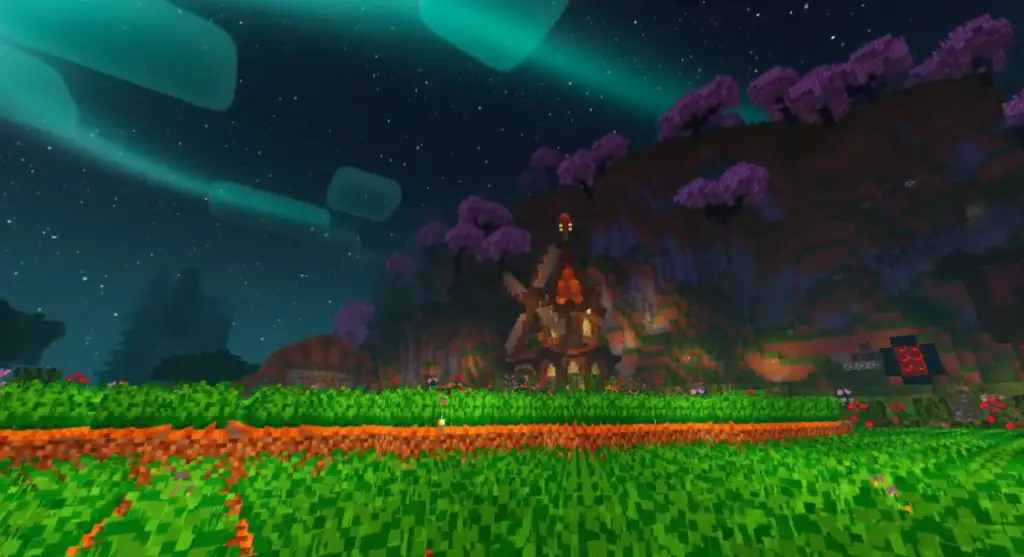
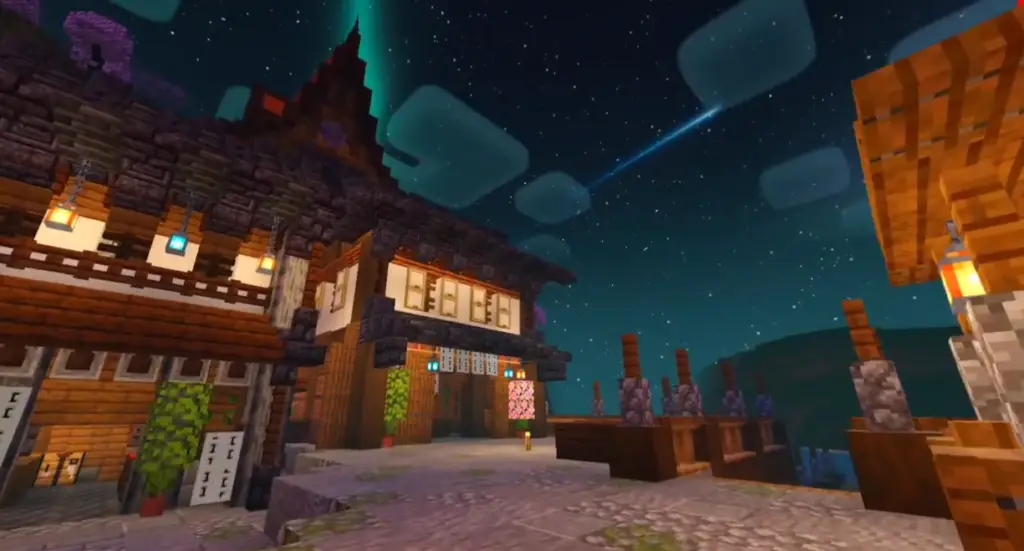

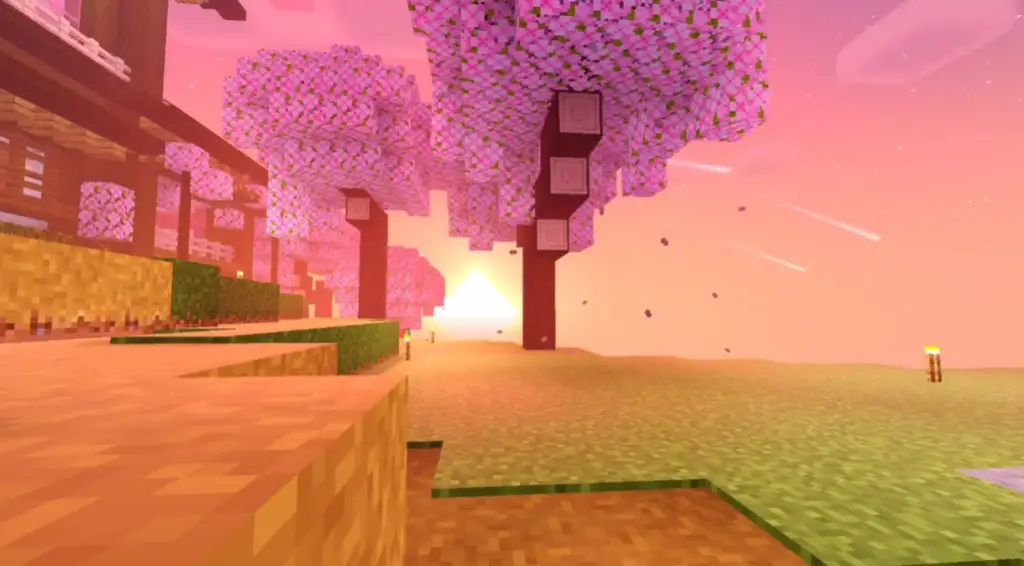
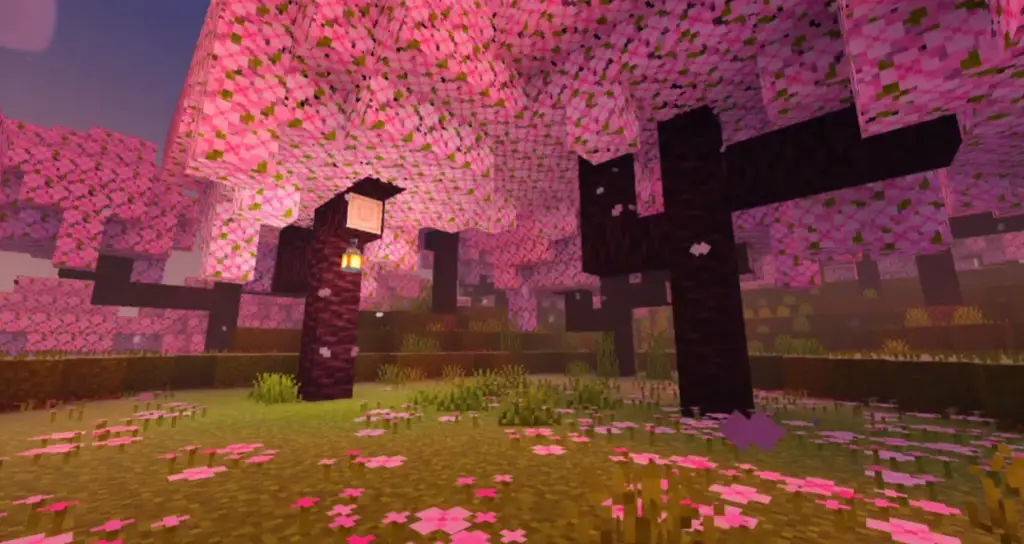
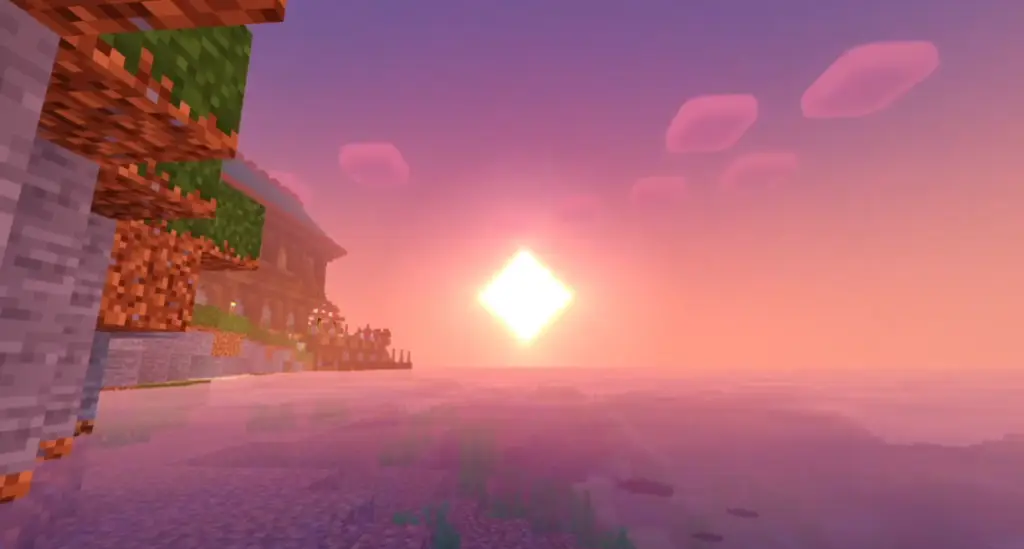
Key Features of NEWB X PINEAPPLE Shader 1.21+
🌞 Improved Lighting System
The shader introduces realistic sunlight and moonlight, making mornings brighter and nights darker without being too harsh. Light transitions feel smooth and natural.
🌊 Enhanced Water Effects
Water looks cleaner and more realistic with:
- Soft reflections
- Improved transparency
- Subtle wave animations
Oceans, rivers, and lakes feel more alive without heavy performance cost.
☁️ Beautiful Sky & Clouds
The sky colors change dynamically based on time of day. Sunsets and sunrises look warmer and more immersive, while clouds feel softer and smoother.
🌿 Natural Color Balance
Instead of oversaturated visuals, this shader keeps colors balanced. Grass, trees, and blocks look more realistic and easy on the eyes.
📱 Low-End Device Friendly
One of the biggest advantages of NEWB X PINEAPPLE Shader is its low resource usage. It runs smoothly on:
- Android phones
- iOS devices
- Low-RAM systems
- Older Bedrock devices
⚙️ Compatible with Minecraft 1.21+
The shader is updated to support the latest Bedrock rendering engine, ensuring fewer bugs and better stability.
Why Choose NEWB X PINEAPPLE Shader?
Many shaders look amazing but are not practical for daily gameplay. This shader is different.
✔ No heavy lag
✔ No extreme heating
✔ Stable FPS
✔ Smooth animations
✔ Perfect for survival and creative
If you want good visuals + smooth performance, this shader is an excellent choice.
Compatibility & Requirements
Supported Versions:
- Minecraft Bedrock Edition 1.21+
- MCPE (Android & iOS)
- Windows 10 / 11 Edition
Recommended Device Specs:
- Minimum 3GB RAM
- Android 8+ / iOS 13+
- Any Bedrock-compatible GPU
How to Install NEWB X PINEAPPLE Shader (MCPE / Bedrock)
📥 Installation Steps (Mobile & PC)
- Download the shader file (.mcpack format).
- Tap or open the file — Minecraft will launch automatically.
- Go to Settings > Global Resources.
- Activate the NEWB X PINEAPPLE Shader.
- Restart your world (if needed).
That’s it! The shader will now be applied.
Performance & Optimization
This shader is optimized to work well with:
- Survival worlds
- Multiplayer servers
- Long play sessions
It avoids unnecessary effects like extreme reflections or heavy motion blur, ensuring consistent FPS even during exploration or combat.
Is NEWB X PINEAPPLE Shader Safe?
Yes. As long as you download it from a trusted source, it is:
- Virus-free
- Safe for multiplayer
- Allowed on most Bedrock servers
Shaders only change visuals and do not modify gameplay mechanics.